Tabs for FlexiFunnels

Use tabs to organize content into clear sections, improve navigation, and help visitors switch between topics quickly for a smoother user experience.

Create Tab Widget

loved by 500K+ businesses

FlexiFunnels
plugineditor

Why Should You Use the Tabs Widget+?

Efficient Navigation through Content with Tabs widget

The FlexiFunnels Tabs widget enhances the user experience by presenting information in a clean and organized manner. It empowers visitors to conveniently and speedily browse through diverse content segments, diminishing bewilderment and assuring they pinpoint what they're after.

Streamline Your Page Layout with Tabs widget

Implementing Tabs widget on your FlexiFunnels website can help minimize page clutter and make it visually appealing. By uniting diverse content sections into separate tabs, users can access applicable information without being overloaded by excessive text or images on one page.

Enhance Your Content Organization with Tabs widget

Managing content becomes easier with a Tabs widget for FlexiFunnels, as it allows for better organization and presentation. By dividing content into unique sections, webmasters can alter or update singular parts without impacting the whole structure, keeping the FlexiFunnels website current and pertinent.

Numerous Pre-Designed Tabs Skins for FlexiFunnels

With an array of pre-made skins at your disposal, the Tabs widget for FlexiFunnels can be personalized to reflect your widget's brand identity and color scheme. This feature allows for consistency in design, creating a cohesive visual appearance that resonates with visitors.
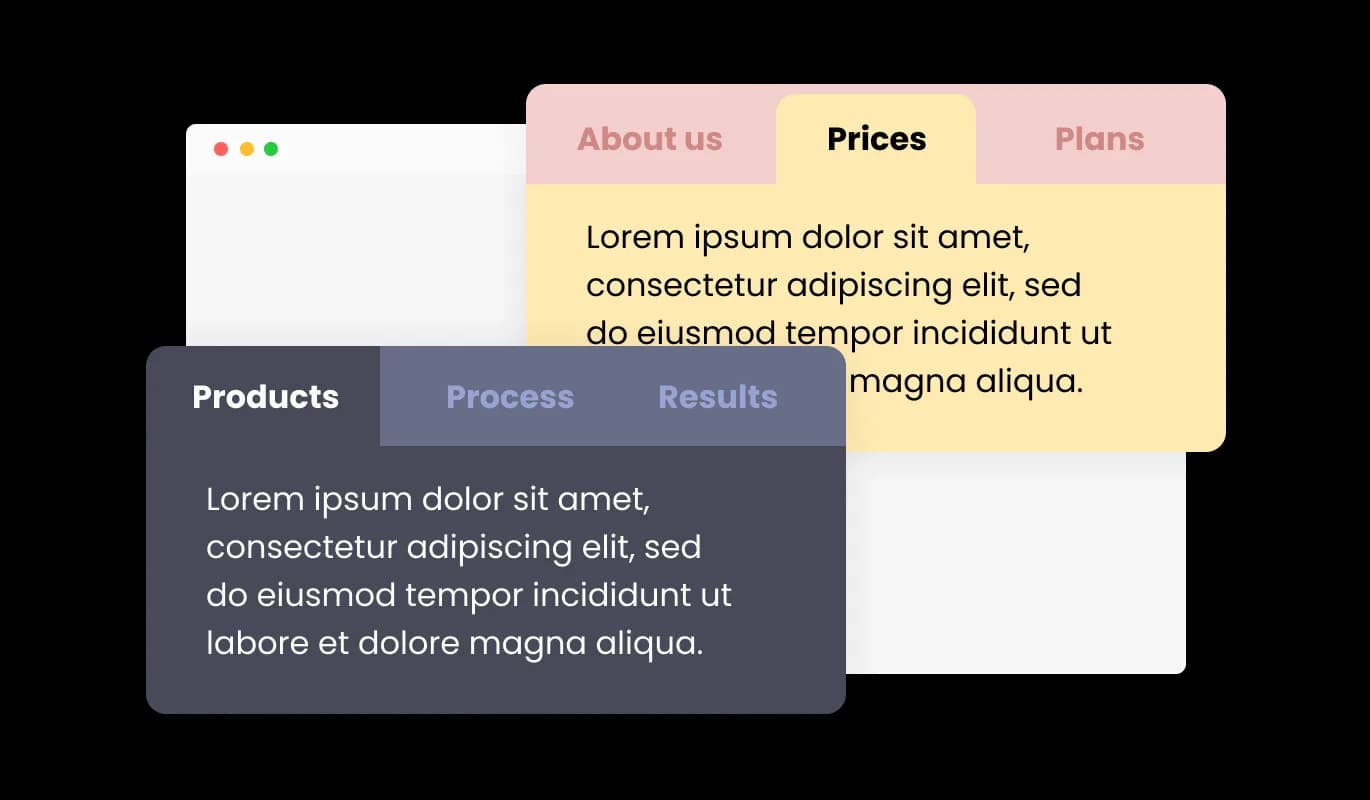
Tabs - Numerous Pre-Designed Tabs Skins for FlexiFunnels

Choose Your Layout: Horizontal or Vertical Tabs

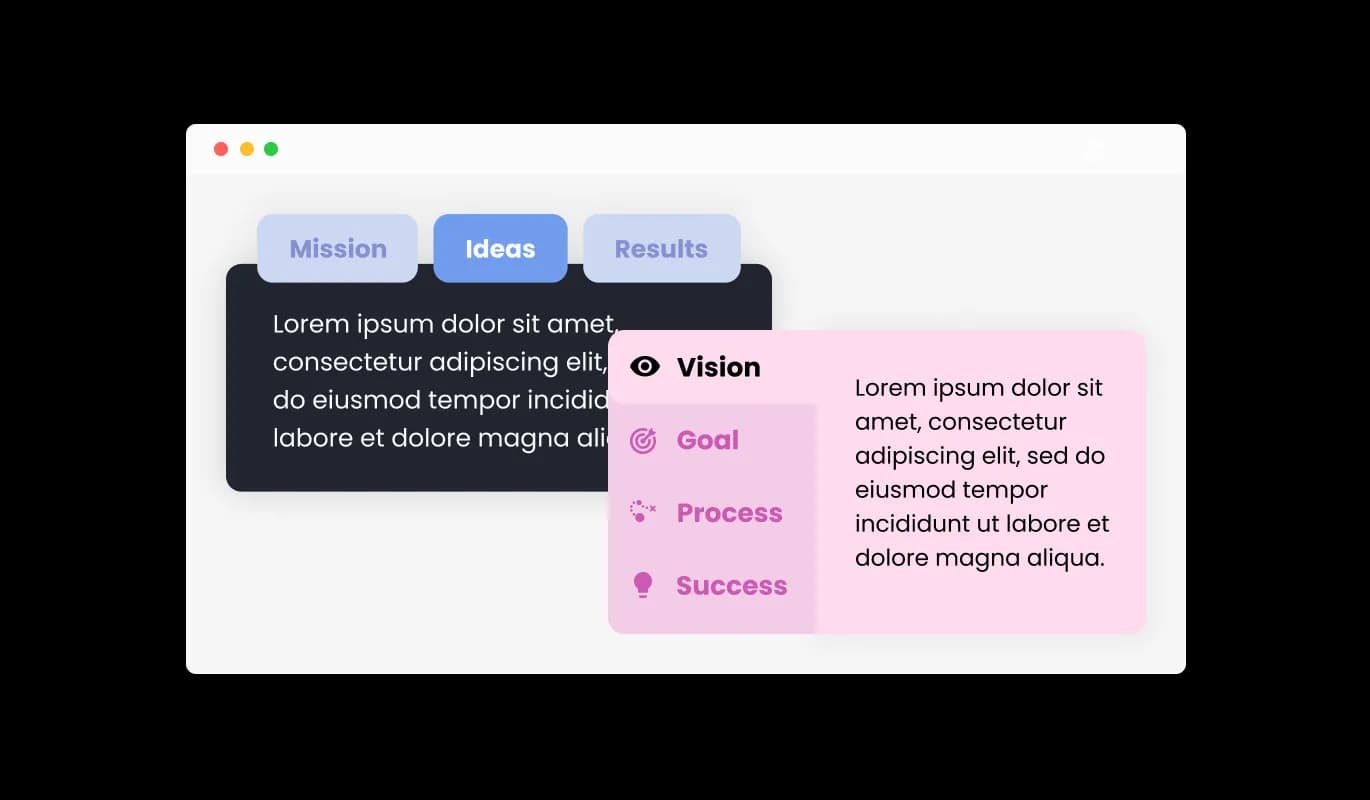
The FlexiFunnels Tabs widget caters to horizontal as well as vertical orientations, enabling you to opt for the most fitting layout in line with your content arrangement. Such versatility facilitates the ideal content presentation, ensuring user-friendly navigation and engagement with the website.

Tabs - Choose Your Layout: Horizontal or Vertical Tabs

Enhance Your Site with Fully Customizable Tabs

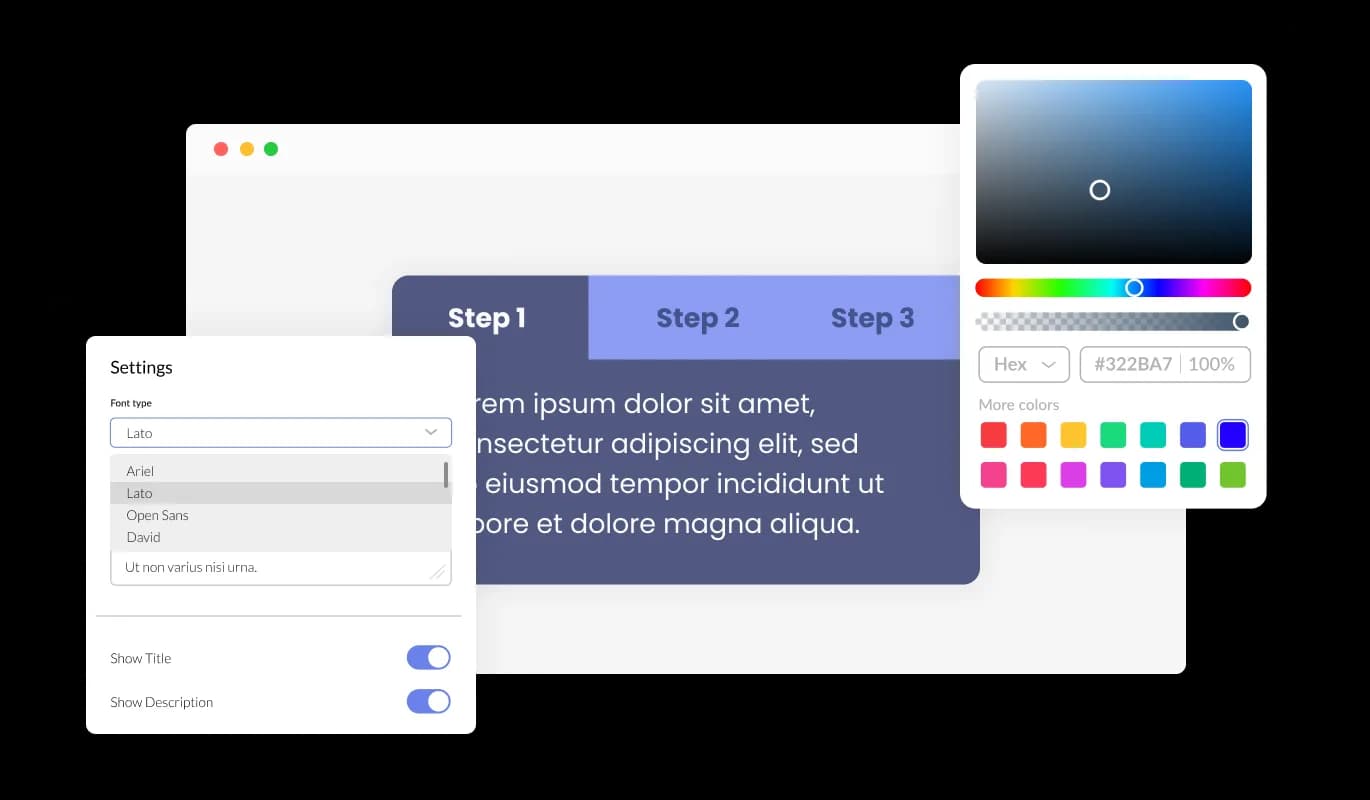
The Tabs widget for FlexiFunnels provides comprehensive customization options, enabling you to tailor the design to meet your specific requirements. Ranging from color and font changes to layout alterations, you retain full control over the tabs' look and operation. Whether it's changing colors and fonts or tweaking layouts, you hold full control over the aesthetics and functionality of the tabs.

Tabs - Enhance Your Site with Fully Customizable Tabs
Tabs - Adding Finesse with Subtle Tab Transitions

Adding Finesse with Subtle Tab Transitions

Implementing muted transition effects among tabs contributes a dash of class and professionalism to your FlexiFunnels website. These silky animations elevate the user experience by ensuring smooth navigation and boosting the overall ambiance of the content.

Tabs - Optimize User Experience with Multiple Tabs Layouts

Optimize User Experience with Multiple Tabs Layouts

The FlexiFunnels Tabs widget presents numerous layout options, letting you choose the design that best fits your content. This pliability ensures that the widget perfectly complements various website aesthetics, enriching the overall user journey.

Tabs - Intuitive Interface with Easy-To-Use Tabs widget for FlexiFunnels

Intuitive Interface with Easy-To-Use Tabs widget for FlexiFunnels

The Tabs widget for FlexiFunnels is straightforward to use and doesn't necessitate any coding expertise. With a few simple clicks and our intuitive interface, you can easily modify the tabs to your liking, offering a smooth experience.

Optimize Your Mobile Viewing with FlexiFunnels Tabs widget

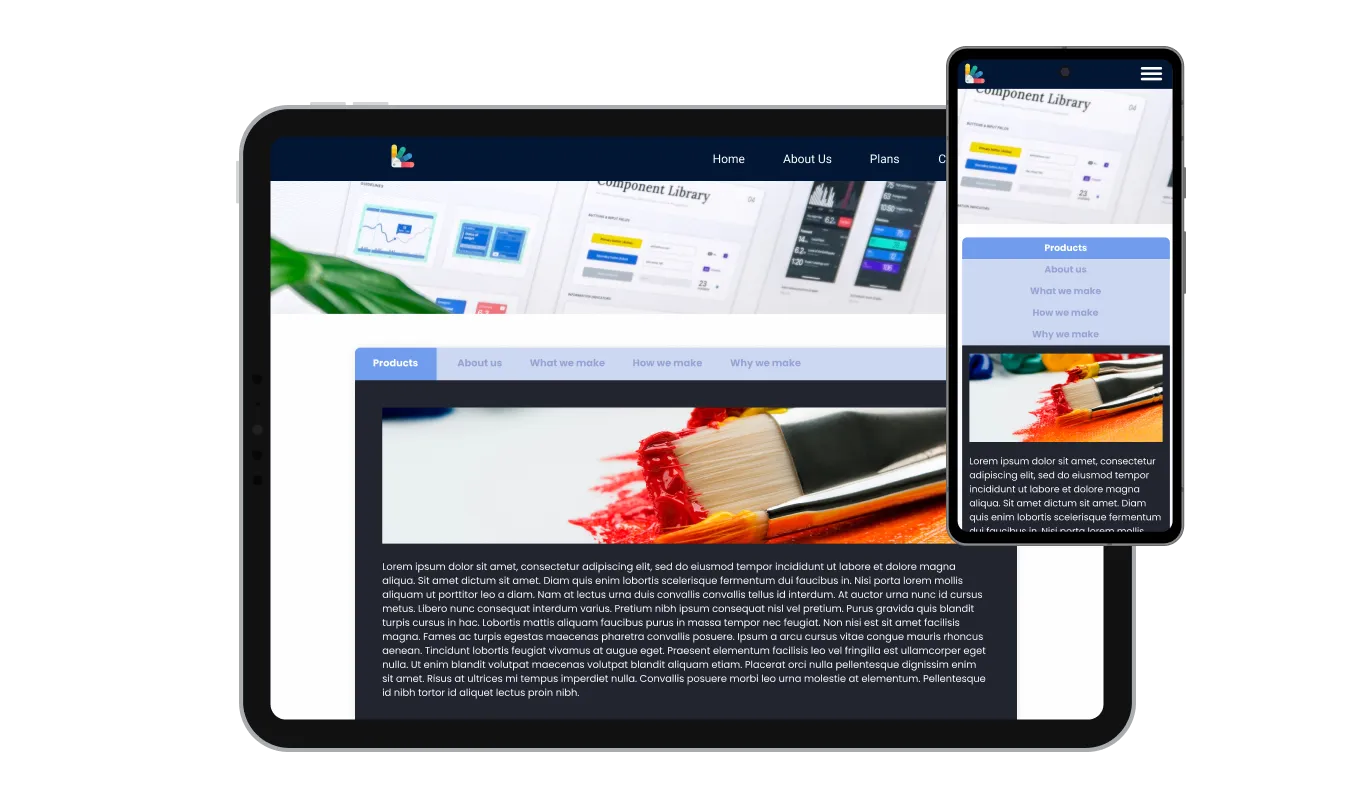
The FlexiFunnels Tabs widget is fully responsive and will look great on any device. In a world increasingly reliant on mobile internet access, having tabs optimized for mobile viewing is crucial. Using the tabs widget for FlexiFunnels, you can design tabs that are highly responsive, providing a frictionless navigation experience across all devices.

Tabs - Optimize Your Mobile Viewing with FlexiFunnels Tabs widget

Full Control with Custom Tabs widget CSS

Our premium editor is a comprehensive tool that assigns you full authority over the Tabs' visuals. This feature enables you to seamlessly modify every facet of the FlexiFunnels tabs, encompassing design, colors, fonts, layout, and positioning. For those eager to express more of their creativity, direct CSS editing provides a wider array of customization opportunities.

Tabs - Full Control with Custom Tabs widget CSS

Simplify Your Workflow with Easy-to-Embed Tabs widget

To insert the Tabs widget into your FlexiFunnels website, it's as easy as copying and pasting the shared code snippet into your page's HTML code. The Tabs widget for FlexiFunnels has been designed with an auto-update feature, meaning any changes made in the Product Order Form editor will be automatically applied to your website.

Tabs - Simplify Your Workflow with Easy-to-Embed Tabs widget

Compatible With All Site Builders, E-Commerce Platforms and Websites

webflow logoshopify logowix logowordpress logobigcommerce logosqurespace logoweebly logojoomla logoduda logojimdo logomagento logoshift4hsop logounbounce logocarrd logo
View all supported platforms

FAQ

To select the most suitable layout for your content, review the different tabs layouts available and consider how each one would integrate with your website's aesthetics. You can experiment with various layouts and choose the one that best enhances user experience and aligns with your design preferences.

Yes, the Tabs widget offers a variety of pre-designed skins that can be customized to match your website's branding and color scheme. This feature ensures consistency in design and creates a cohesive visual appearance for your website.

The Tabs widget allows you to incorporate subtle transition effects between tabs, enhancing the overall look and feel of your content. You can choose from a range of available animations or customize your own to create seamless navigation for users.

Yes, the Tabs widget supports both horizontal and vertical orientations, allowing you to select the most suitable layout for your content structure. This adaptability ensures optimal content presentation and ease of navigation for users.

Yes, the Tabs widget is designed to be perfectly responsive, ensuring a seamless navigation experience on any device. It automatically adjusts to the user's screen size, providing a consistent experience across desktops, tablets, and mobile phones.

No, the Tabs widget is easy to use and does not require any coding expertise. You can customize the tabs using the intuitive interface provided, making the process effortless and user-friendly.

sign through direct CSS editing. This feature allows for even more extensive customization options, granting you full control over the appearance and functionality of your tabs.

To integrate the Tabs widget into your website, simply copy and paste the provided code snippet into your page's HTML code. The widget is designed to auto-update, so any changes you make in the editor will be automatically reflected on your website.

Yes, the Tabs widget is GDPR compliant, ensuring that it adheres to the data protection and privacy regulations established by the European Union. This ensures that your website maintains the highest standards of user data protection and privacy.