Try for free!

Donation Button

Add a donation button that lets users contribute easily using PayPal or Stripe, supporting causes directly from your site.

Create a Donation Button

loved by 500K+ businesses

plugineditoreditor

Why Should You Use the Donation Button Widget+?

Increased User Engagement

A donation button on your website can foster community and encourage engagement by providing visitors with an easy way to actively contribute to your cause. This can deepen their connection with your organization, leading to increased support and growth over time.

Encourages Recurring Donations

A donation button can encourage recurring donations by making it easy and convenient for visitors to sign up for ongoing support. Emphasizing the benefits of regular giving can help build a loyal and committed base of donors, providing your organization with a solid foundation for growth and success.

Increased Donations

A donation button can increase donations by making it easy and convenient for visitors to give. Prominently featuring the button and emphasizing impact, as well as offering different levels or incentives, can encourage more generous giving and help your organization achieve its goals.

Multiple Payment Gateway Integrations

The Donation Button widget currently works with the Stripe and PayPal payment gateways, from which you can choose the one that fits your needs. This flexibility ensures seamless integration with your existing donation processing systems.
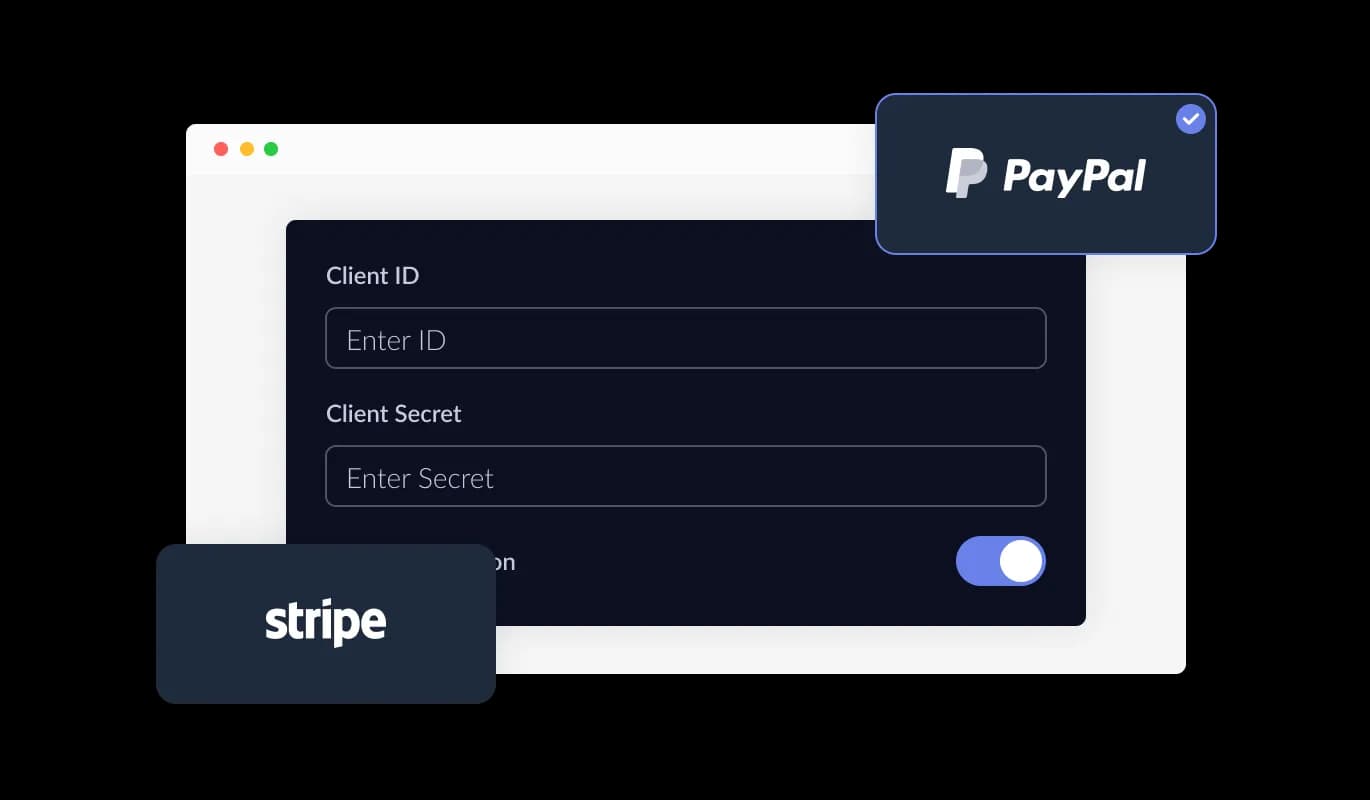
Donation Button - Multiple Payment Gateway Integrations

Option To Add Post-Payment Messages

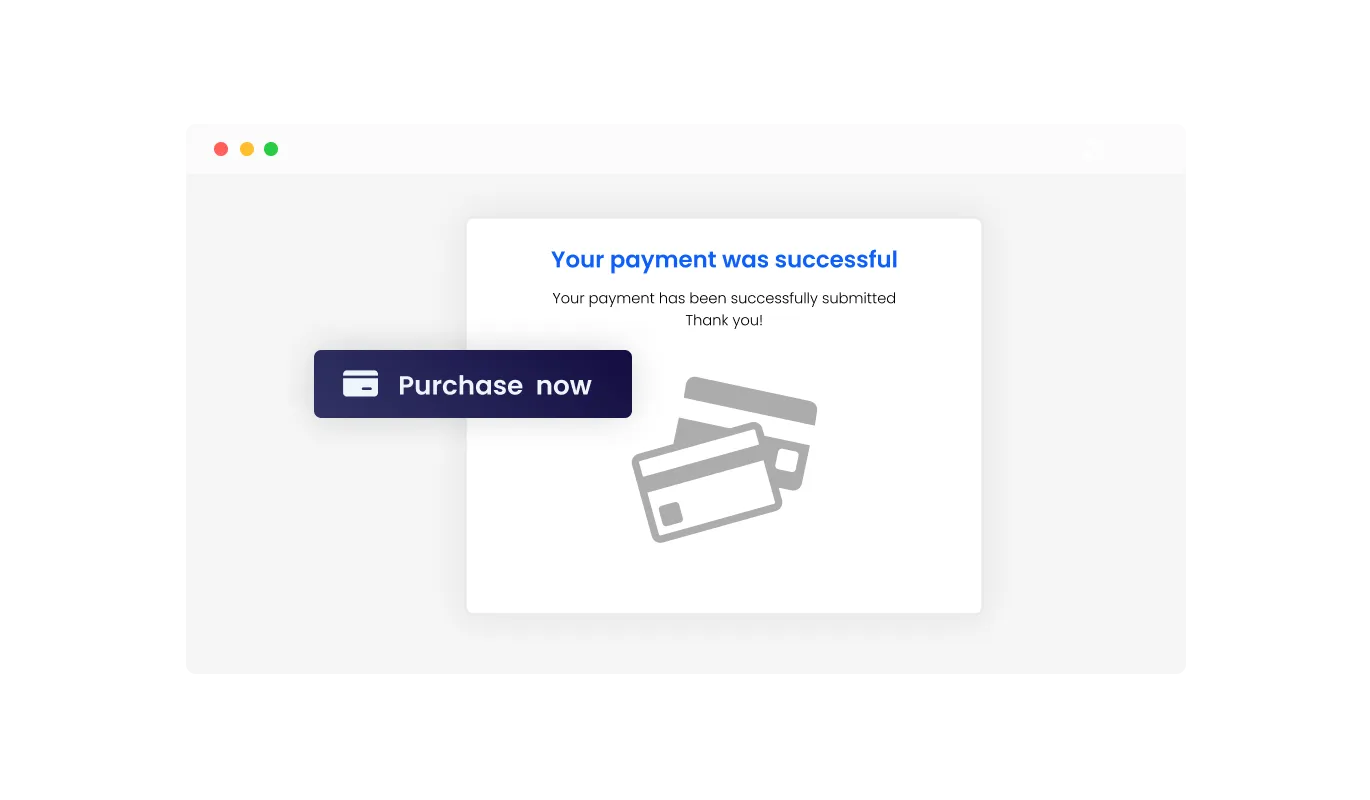
The Donation Button widget comes with the option to add post-payment messages, that can be used to assure users that their payment has been processed or to thank them for their payment. Providing transparency in the donation process fosters trust and confidence in your organization. These messages help build stronger connections with your supporters.

Donation Button - Option To Add Post-Payment Messages

Choose from Multiple Skins for Your Donation Button

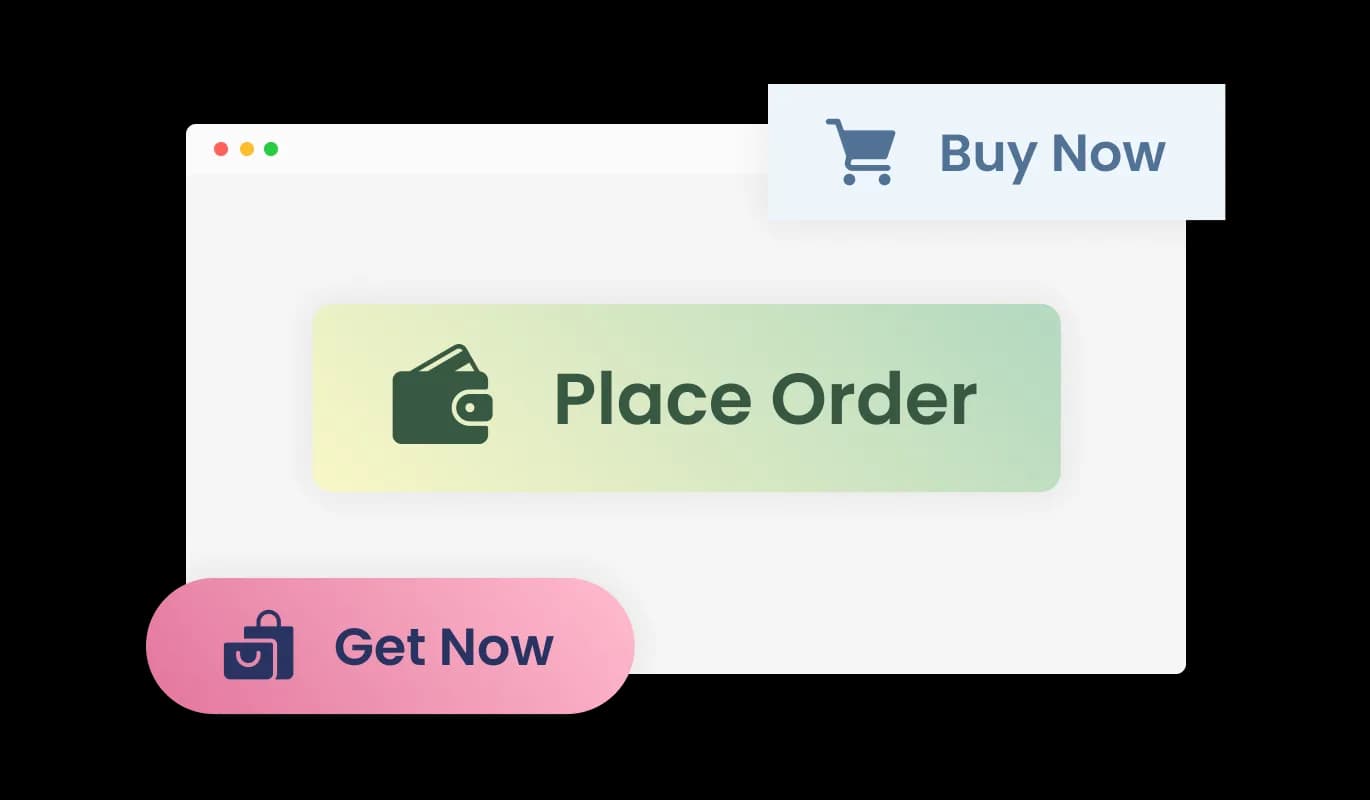
The Donation Button widget comes with a variety of beautiful skins that you can choose from so you don’t have to spend much time on extensive customization. An attractive donation button will encourage more donors to support your cause.

Donation Button - Choose from Multiple Skins for Your Donation Button

Comprehensive Customization Options for the Donation Button

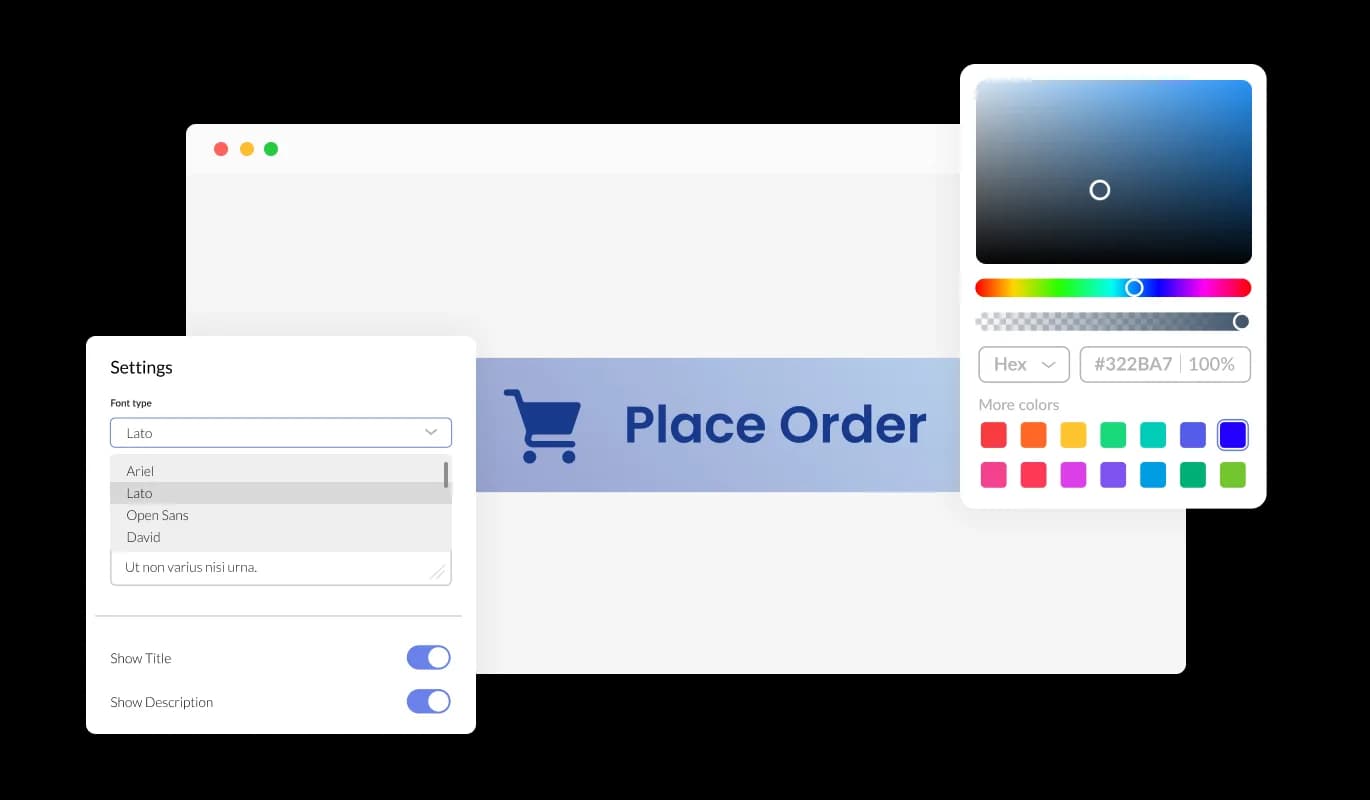
The Donation Button widget features full customization options so you can edit the design to fit your needs. Change the colors, the fonts, the spacing, and anything else! By personalizing the donation button, you not only enhance its visual appeal but also make it easier for donors to recognize and trust your organization, leading to increased support for your cause.

Donation Button - Comprehensive Customization Options for the Donation Button
Donation Button - Donation Button Email Notifications

Donation Button Email Notifications

The Donation Button widget features the option to toggle email notifications and webhooks. The email notifications can be toggled both for the website owner and the customers. Stay connected and informed about your donation transactions with ease.

Donation Button - Displaying and Exporting Transactions to a CSV File

Displaying and Exporting Transactions to a CSV File

The Donation Button widget enables viewing all the transactions that were made through the button, with the additional option that enables to export these transactions into a CSV file. This functionality enables efficient tracking and analysis of your donation data.

Donation Button - Option To Add Taxes & Shipping Prices

Option To Add Taxes & Shipping Prices

The Donation Button widget allows adding taxes and shipping prices manually, enabling a more accurate pricing listing.

Donation Button - User-Friendly Donation Button Widget

User-Friendly Donation Button Widget

The Donation Button widget is easy to use and requires no coding knowledge. Our intuitive dashboard with the drag-and-drop feature will enable you to customize the widget any way you’d like to with just a few simple clicks.

Optimized Responsiveness for the Donation Button

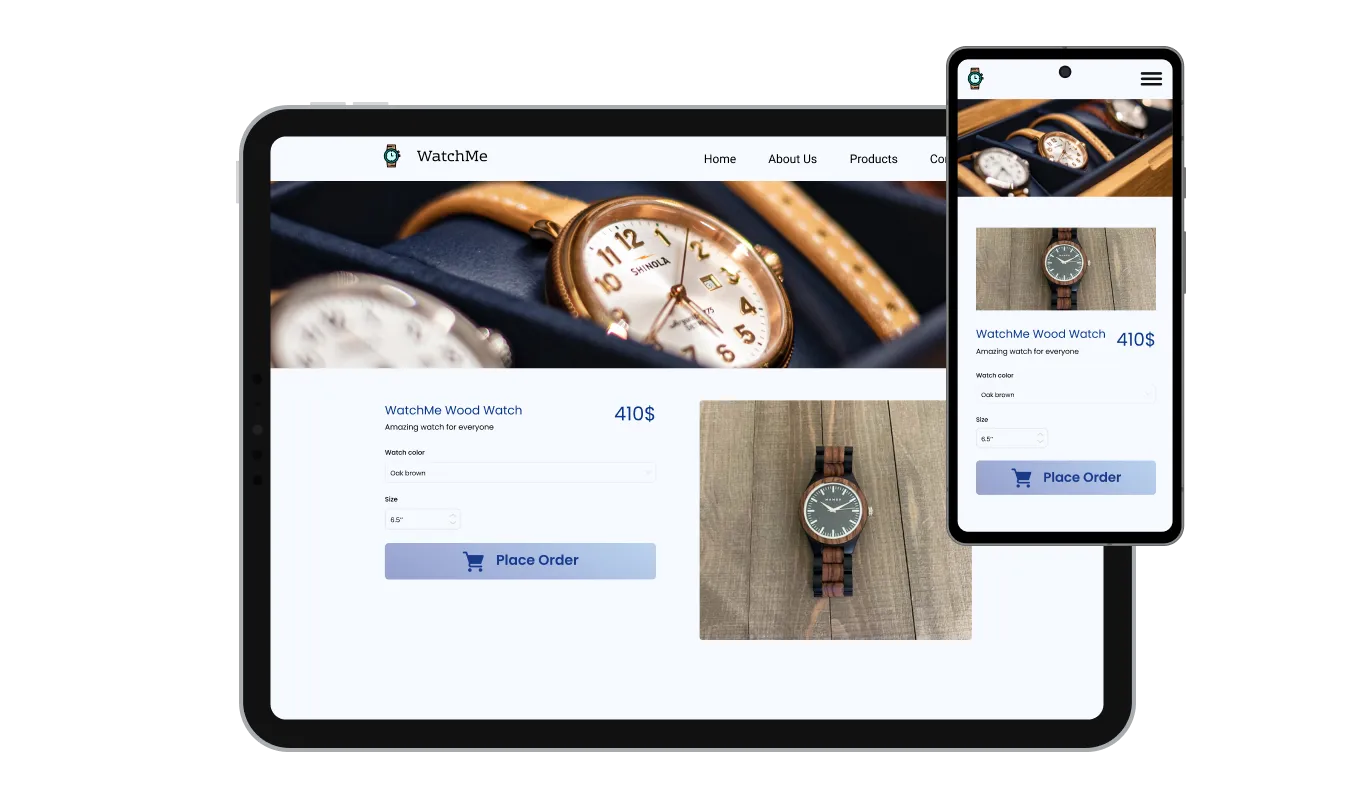
The Donation Button widget is fully responsive and will look great on any device. In today's mobile-first world, this feature provides an optimized donation experience for users across different devices, increasing the likelihood of receiving support.

Donation Button - Optimized Responsiveness for the Donation Button

Custom CSS for the Donation Button

Like all of Common Ninja's widgets, you can add custom CSS to further personalize the Donation Button widget, unleashing your creativity and ensuring a perfect fit with your website's design.

Donation Button - Custom CSS for the Donation Button

Easy To Embed Donation Button

You can embed the Donation Button on your website easily by copying a single line of code. The Donation Button widget will also be updated automatically with every change you make. Moreover, the Donation Button widget updates automatically with every change you make, keeping your website current and functional without manual intervention.

Donation Button - Easy To Embed Donation Button

Compatible With All Site Builders, E-Commerce Platforms and Websites

webflow logoshopify logowix logowordpress logobigcommerce logosqurespace logoweebly logojoomla logoduda logojimdo logomagento logoshift4hsop logounbounce logocarrd logo
View all supported platforms

FAQ

Yes, there are lots of beautiful skins that you can choose from to save time and start using the widget as quickly as possible.

It’s simple. All you need to do is to sign up and start using the free version.

Common Ninja’s Donation Button widget is free to use. It is limited to a certain amount of views, however.

Common Ninja’s Donation Button widget is compatible with ALL current and future website builders.

Yes, the Donation Button widget is GDPR-compliant.

No. Using our Donation Button widget is very simple. The widget comes with an intuitive drag-and-drop interface and fully customizable options. Once you’ve finished editing the widget to your liking, all you need to do is copy the provided code and add it to your website.

Yes. We are eager to hear your request. Please visit our Feature Request page.

The Donation Button widget currently supports both Stripe and PayPal payment gateways, giving you the flexibility to choose the one that best suits your organization's needs.

Our Donation Button widget offers extensive customization options, including colors, fonts, spacing, and more. You can also add custom CSS for even greater control over the widget's appearance to match your organization's branding.

Yes, the Donation Button widget allows you to manually input taxes and shipping prices, ensuring accurate pricing information for your donors and promoting transparency in the donation process.

Yes, the Donation Button widget is fully responsive and optimized for various devices and screen sizes, providing a seamless donation experience for users on the go.

Embedding the Donation Button is easy – simply copy and paste a single line of code provided in the customization settings. The widget will also update automatically with every change you make.

Yes, the Donation Button widget offers the option to include personalized post-donation messages, which can be used to confirm the processing of a donation or express gratitude to donors for their contributions.

The Donation Button widget comes with the option to enable or disable email notifications and webhooks for both the website owner and donors. You can toggle these settings within the customization options.

Yes, the Donation Button widget provides a comprehensive view of all transactions made through the button, with an additional feature enabling the export of these transactions into a CSV file for further analysis and record-keeping.

No, the Donation Button widget is designed for ease of use and requires no coding knowledge. The intuitive dashboard and drag-and-drop feature allow you to customize the widget with just a few simple clicks.