
Image Accordion for JouwWeb

Use an image accordion to show pictures in collapsible panels that save space, highlight key visuals, and keep visitors engaged.

Create Image Accordion

loved by 500K+ businesses

JouwWeb
plugineditor

Why Should You Use the Image Accordion Widget+?

Streamline your JouwWeb and save space website Speed

With the JouwWeb Picture Accordion plugin, you can display numerous images in a condensed area without overwhelming your audience. This frees up room for other visual components and accelerates the loading time of your website.

Use Image accordion to Improve User Experience

By streamlining the arrangement of your material and enabling visitors to rapidly browse through a collection of photographs and get the information they require, the Image Accordion for JouwWeb enables you to deliver a better user experience.

Image Accordion plugin Can Improve Aesthetics

The Image Accordion for JouwWeb comes with full customization options, and as such, it can greatly improve the aesthetics of your website by adding visual interest and interactivity to your pages.

Set the Accordion Direction

The Image Accordion for JouwWeb comes with the option to choose the accordion’s direction — vertical or horizontal, enabling you to customize it to fit your design needs. The Image accordion plugin also gives you the option to add several images and captions, providing you the freedom to present your content in a captivating manner.
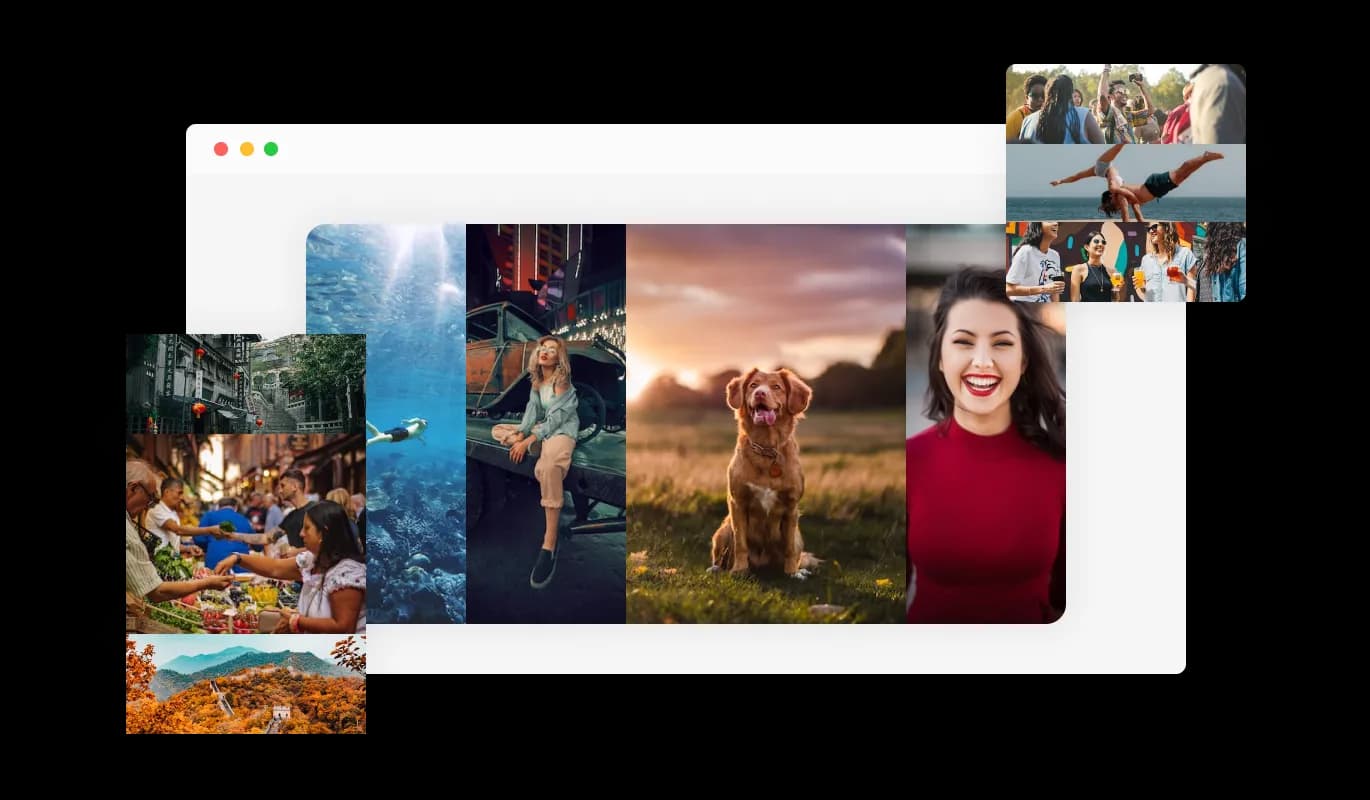
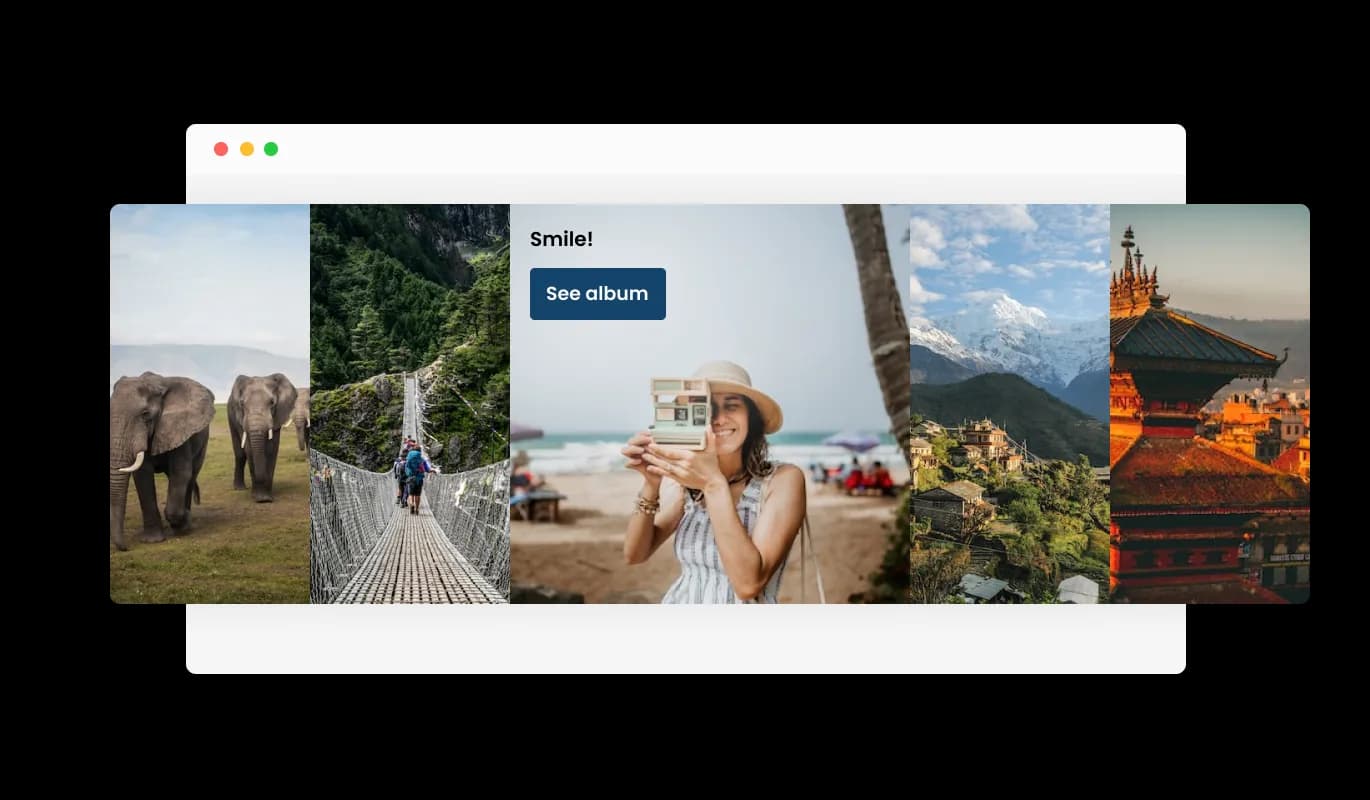
Image Accordion - Set the Accordion Direction

Set Call For Action

Users can click on a button to be routed to another website or resource when links are added to the photos in an image accordion plugin. By offering more information or relevant content in a visually beautiful and engaging manner, can enhance user experience.

Image Accordion - Set Call For Action

Using Extra Information

An JouwWeb Image Accordion plugin may benefit from having titles and descriptions added to each image to provide consumers more context and information. By making it simpler for users to comprehend both the overall goal of the plugin and the content of the photos, this feature can improve their overall user experience.

Image Accordion - Using Extra Information

Total Customizability Image accordion for JouwWeb

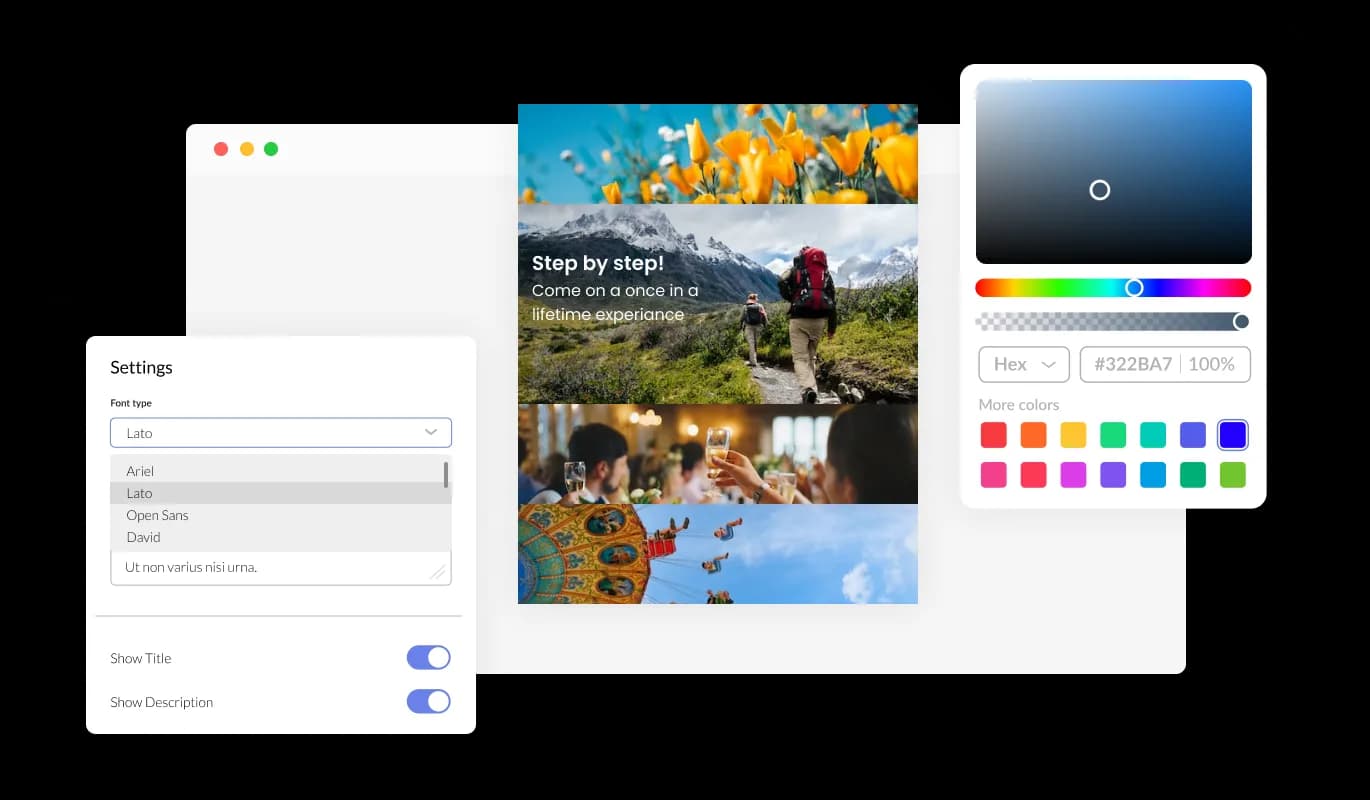
Make your Image accordion for JouwWeb your own by customizing its design features to your liking. With this plugin, you can change the colors, fonts, spacing, and a wide range of other design elements to create a custom look and feel tailored to your specific requirements. You can change the background color, text color, and even the color of the hover effects to create a cohesive and visually appealing design that matches the look and feel of your website. A consistent brand identity across all online platforms can be beneficial for businesses.

Image Accordion - Total Customizability Image accordion for JouwWeb
Image Accordion - JouwWeb Image Accordion Focus Item

JouwWeb Image Accordion Focus Item

You can select the image that will be presented as the focal point of your visual presentation using the Image Accordion. Using JouwWeb's Image Accordion, which also gives you the option to add numerous photos and subtitles, will allow you to present your content in an appealing manner.

Image Accordion - A User-friendly interface Image accordion

A User-friendly interface Image accordion

The Image accordion plugin for JouwWeb is simple to use and doesn't require any programming experience. You may easily personalize the plugin whatever you like with a few mouse clicks using our user-friendly dashboard. As a result, even people without any coding knowledge may easily and rapidly develop a Image accordion that has a polished appearance and integrates with their website to improve their online visibility and audience engagement.

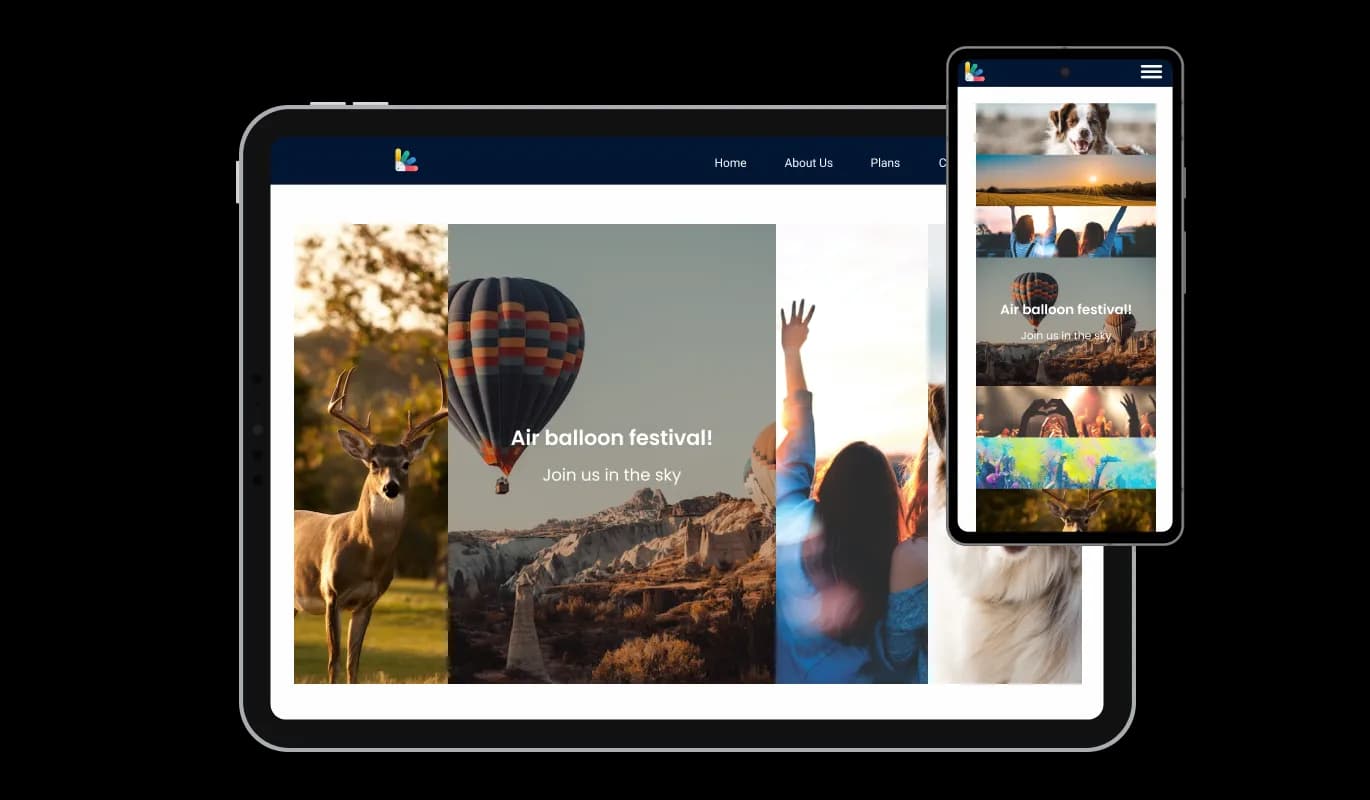
Fully Responsive Design for your JouwWeb website

This feature can give you a significant advantage over your competitors in today's mobile-first world, as the JouwWeb Image accordion plugin is fully responsive and will look great on any device. Mobile device optimization is increasingly important because more and more people access the internet through their smartphones and tablets. Through its responsive design, the Image accordion plugin automatically adjusts to the device's dimensions and resolution and provides a seamless and consistent user experience. Your users can view and interact with your Image accordion for JouwWeb whether they are using a desktop computer, a tablet, or a smartphone.

Image Accordion - Fully Responsive Design for your JouwWeb website

Customizing the Image accordion for JouwWeb CSS

Similarly to all of Common Ninja's plugins, the Image accordion for JouwWeb allows for the addition of custom CSS, allowing for further customization. Custom CSS allows you to create styles and design elements not available through built-in customizations. You can create visually stunning designs tailored to your specific needs with custom CSS. The use of custom CSS can also be used to create unique and engaging interactions and animations.

Image Accordion - Customizing the Image accordion for JouwWeb CSS

An Easy Way To Embed On Your JouwWeb website

Copy and paste just one line of code into your website's HTML to embed the Image accordion for JouwWeb. If the plugin is embedded, the Image accordion and plugin will automatically update when you make changes, so there is no need to update either manually. Using this feature, you'll always have the most recent and accurate version of your JouwWeb Image accordion.

Image Accordion - An Easy Way To Embed On Your JouwWeb website

Compatible With All Site Builders, E-Commerce Platforms and Websites

webflow logoshopify logowix logowordpress logobigcommerce logosqurespace logoweebly logojoomla logoduda logojimdo logomagento logoshift4hsop logounbounce logocarrd logo
View all supported platforms

FAQ

A graphical user interface (GUI) widget called an image accordion is used in web design and development to enable the presentation of several images or visual elements in one space, generally in a stacked or layered fashion. The accordion creates a sliding impression when it is engaged by expanding or collapsing the images and showing them one at a time. The Picture Accordion widget may be tailored to meet a broad range of design requirements and is frequently used for visually appealingly showing various items, services, or features. The Picture Accordion has been a popular option for websites wishing to add a dynamic visual element to their content because of its interactive and captivating display.

Including an Image Accordion on your website has a number of advantages:


  • Improve aesthetic appeal: Picture Accordion offers a visually appealing and engaging feature to your website that attracts visitors' attention and motivates them to interact with your information.
  • Space-saving: Picture accordions let you display several photos or other visual components in a single space, saving you precious screen space and improving the accessibility of your material.
  • User Experience: The accordion structure makes it simple for consumers to navigate between the photographs and show only the information they are interested in, which enhances the user experience.
  • Versatility: Picture Accordions are a flexible tool for web designers and developers because they are very configurable and can be modified to meet a wide range of design needs.
  • Emphasize key information: The Picture Accordion gives you the option to select emphasis items, allowing you to draw attention to and make important information stand out for your visitors.
  • Overall, including an Image Accordion on your website is a good method to increase its visual appeal, and user experience, and highlight critical information in a distinctive and interesting way.

Yes, you can either upload an image, or select an icon from a large selection of available icons to add to your Image Accordion, or, alternatively, you can leave it all blank.


It’s simple. All you need to do is to sign up and start using the free version.

Common Ninja’s Image Accordion widget is free to use. It is limited to a certain amount of views, however.

Common Ninja’s Image Accordion widget is compatible with ALL current and future website builders

Yes, the Image Accordion widget is GDPR-compliant.

No. Using our Image Accordion widget is very simple. The widget comes with an intuitive drag-and-drop interface and fully customizable options. Once you’ve finished editing the widget to your liking, all you need to do is copy the provided code and add it to your website.

Yes. We are eager to hear your request. Please visit our Feature Request page.