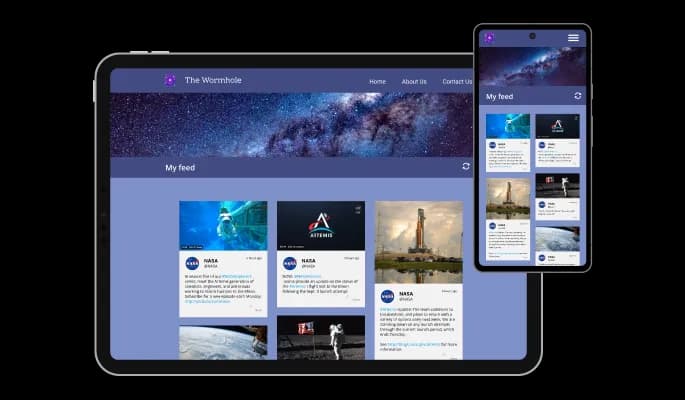
Instagram Feed for Divhunt

Show Instagram posts in a live feed that keeps content fresh, builds social proof, and helps visitors engage with your brand.

Create Instagram Feed

loved by 500K+ businesses

Divhunt
plugineditor

Why Should You Use the Instagram Feed Widget+?

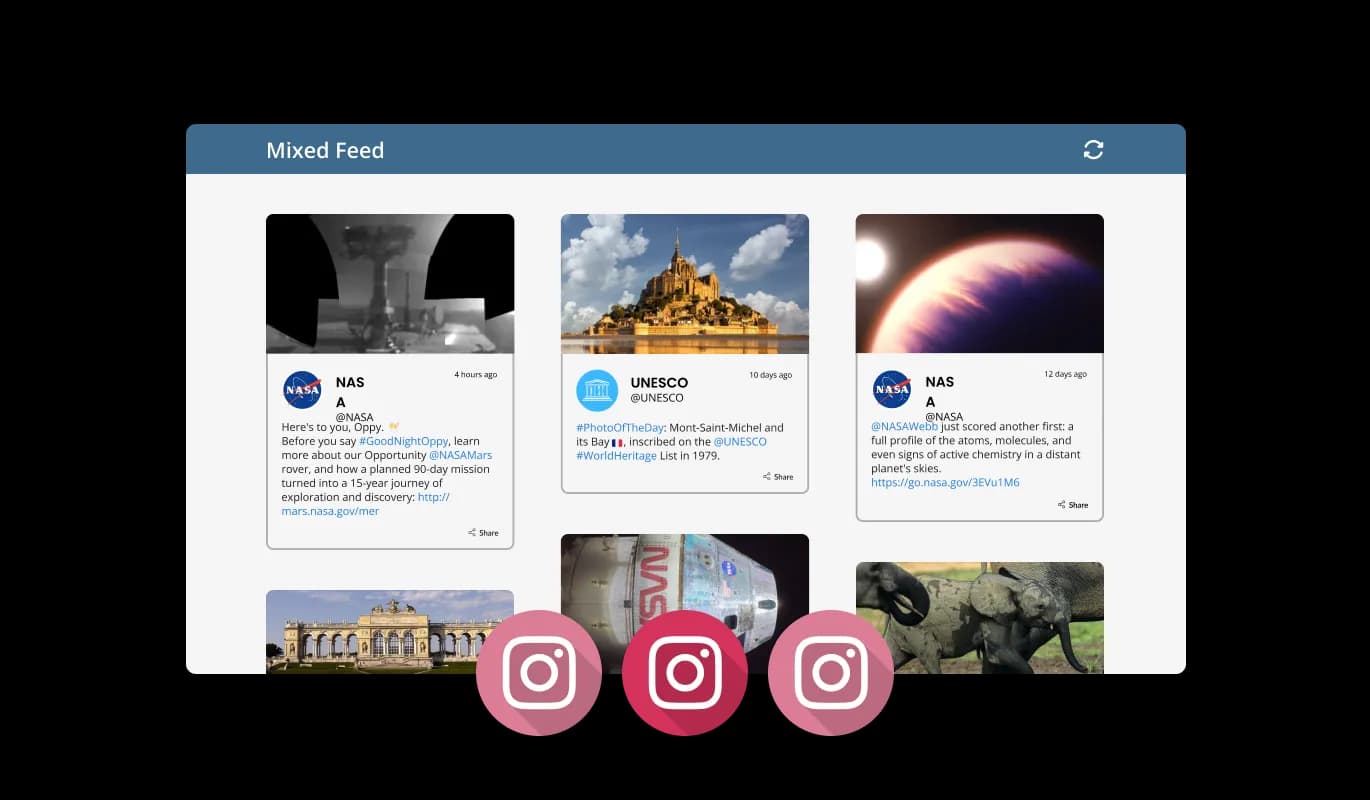
Combine Instagram feeds on your Divhunt website

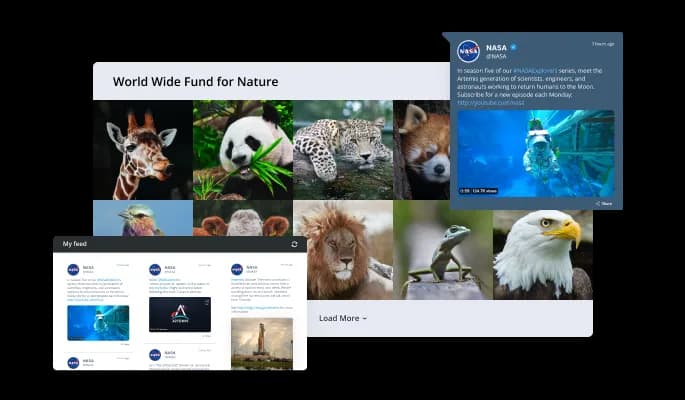
The Divhunt Instagram Feed plugin lets you collect and organize multiple Instagram feeds, making them more accessible and easier to manage. Organizing all Instagram feeds into one page simplifies the process for your readers, improving their experience.

Enhance Design using Instagram Feed

The Instagram feed plugin for Divhunt is fully customizable, and you can use it to enhance your Divhunt website page’s design. Furthermore, you can make your page more appealing by using the gentle "ticker" animation.

Engage your audience by using Instagram Feed plugin

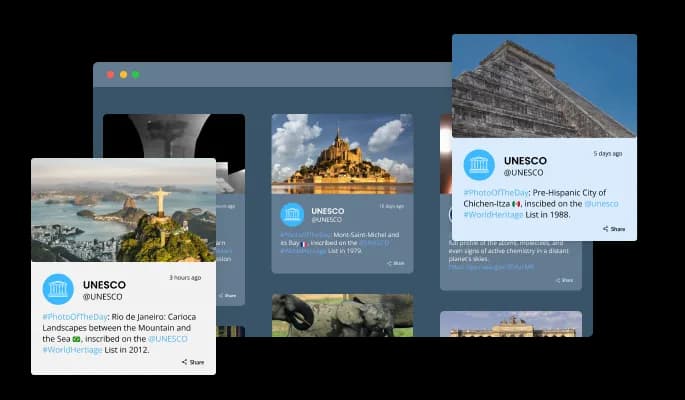
By enabling users to share posts, the Instagram Feed for Divhunt adds more engagement to your Divhunt website.

Add Ticker to your Divhunt website

Instagram Feed plugin's "ticker" animation mimics an old news ticker and adds motion and action to your Divhunt website. As this animation creates a dynamic and visually engaging experience, it can be an effective tool for grabbing users' attention immediately. A ticker animation displays the latest Instagram posts and updates as soon as a user lands on your Divhunt website. This method can draw users' attention to the Instagram section of your website and encourage them to explore it further.
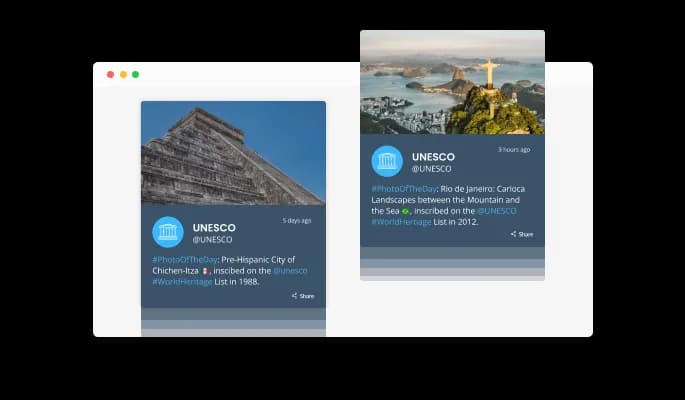

Instagram Feed - Add Ticker to your Divhunt website

Automated Instagram Feed refresh

The Instagram Feed for Divhunt comes equipped with an "auto-refresh" option, which when toggled, keeps updating the feed with new posts automatically. For websites that rely on fresh, up-to-date content, this feature ensures that users always have access to the latest content. The plugin will continuously check for new posts and automatically refresh the Instagram feed when new content is added. Businesses that want to use Instagram to promote their products or services can also benefit from this feature. Auto-refreshing the Instagram feed on Divhunt with new posts can help to keep users engaged, increasing brand awareness, leading to increased sales and conversions.

Instagram Feed - Automated Instagram Feed refresh

Select from two types of the Instagram feed

You can choose between Tabs and Mixed feeds when using the Instagram Feed widget. You can customize these feed types to meet your specific needs and preferences. Tabs allow you to organize all your tabs according to the order of your Instagram feeds, so you can easily access what you're looking for. By creating multiple tabs for different Instagram accounts or hashtags, users can switch between different feeds simply by switching tabs. This can be particularly useful for businesses that want to separate their different product lines, or for users that want to keep their personal and professional feeds separate. On the other hand, the Mixed type, mixes the various Instagram feeds to create a diverse feed. This feed type combines posts from multiple accounts or hashtags into a single feed, providing users with a more dynamic and varied experience. You can use this feature to display different kinds of content, and to show users a comprehensive view of your Instagram feed.

Instagram Feed - Select from two types of the Instagram feed

Divhunt Instagram feed Beautiful Layouts

Several layouts are available for Divhunt Instagram Feed plugin to ensure that it fits seamlessly with your overall website design. These layouts are designed to provide flexibility and versatility, allowing you to create a custom look and feel tailored to your specific needs. Your Divhunt Instagram feeds can be displayed differently in each layout type, so you can choose the best fit for your website. The size, spacing, and other settings of your layout can also be customized to meet your design needs. Thus, you can create a layout that is tailored to your website and seamlessly integrates with your existing design.

Instagram Feed - Divhunt Instagram feed Beautiful Layouts

A variety of skins for your Divhunt website

The Instagram Feed for Divhunt comes equipped with a variety of beautiful skins that you can choose from, making it easy to create a polished and professional-looking Instagram feed for your Divhunt website without spending a lot of time on extensive customization. With these skins, you can choose from a wide variety of styles, ranging from modern and minimalist to classic and traditional. Your website can benefit from various skin types, as each offers a different look and feel.

Instagram Feed - A variety of skins for your Divhunt website
Instagram Feed - Settings for Instagram feed displaying date & time

Settings for Instagram feed displaying date & time

There are various options for displaying the date and time of the feeds — an option that will enable you to further customize the Instagram Feed for Divhunt according to your needs and the preferences of your website visitors.

Instagram Feed - Customize Character Display Length

Customize Character Display Length

You can reduce the length of plugin Instagram feed to make it more compact.

Instagram Feed - RTL Content Support

RTL Content Support

Divhunt Instagram Feed plugin is fully RTL-compliant, making it accessible to users around the world. Using this feature is especially helpful for websites that cater to Arabic, Hebrew, or Urdu users.

Instagram Feed - An Easy To Use plugin

An Easy To Use plugin

It is not necessary to have coding experience to work on Instagram feed for Divhunt. Using the drag-and-drop feature on our intuitive dashboard, you can customize the plugin in any way you see fit.

Fully Customizable Instagram Feed

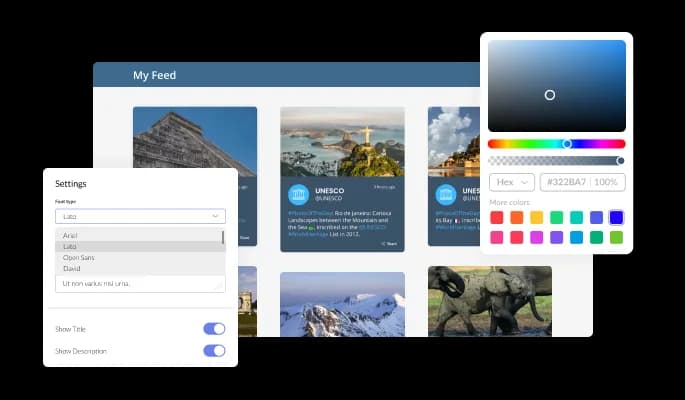
The Instagram Feed for Divhunt is designed to provide complete customization options, allowing you to edit the design to fit your needs perfectly. With this plugin, you can change the colors, fonts, spacing, and a wide range of other design elements to create a custom look and feel tailored to your specific requirements. Instagram Feed plugin offers the ability to customize the colors of different feed elements as one of its key customization options. In order to create a visually appealing and cohesive design that matches the look and feel of your website, you can modify the background color, the text color, and even the hover effects color. Changes to fonts are another customization option. Various fonts can be selected to create a unique and visually appealing design. A consistent brand identity across all online platforms can be beneficial for businesses.

Instagram Feed - Fully Customizable Instagram Feed

Perfectly Responsive Design for your Divhunt website

This feature can give you a significant advantage over your competitors in today's mobile-first world, as the Divhunt Instagram Feed plugin is fully responsive and will look great on any device. As more and more people access the internet through their smartphones and tablets, your website must be optimized for mobile devices. Instagram Feed plugin's responsive design ensures that it will automatically adjust to the device size and resolution it is being viewed on, providing a seamless and consistent user experience. If your users access your Divhunt website on a desktop computer, a tablet, or a smartphone, they will be able to view and interact with your Instagram Feed for Divhunt.

Instagram Feed - Perfectly Responsive Design for your Divhunt website

Creating custom CSS for Instagram feed for Divhunt

As with all of Common Ninja's plugins, the Instagram feed for Divhunt also provides the option to add custom CSS, which allows you to take your customization to the next level and be even more creative. Custom CSS allows you to create styles and design elements not available through built-in customizations. Create visually striking and unique designs with custom CSS. It is also possible to create unique and engaging animations and interactions using custom CSS.

Instagram Feed - Creating custom CSS for Instagram feed for Divhunt

Simple To Embed On Your Divhunt website

Copy and paste a single line of code into your HTML to embed the Instagram feed for Divhunt on your website. This allows you to quickly and easily add the Instagram feed plugin to your Divhunt website without any complicated setup or installation process. Embedding the plugin will automatically update with every change you make, so you don't have to worry about manually updating the Instagram feed plugin every time. It can save you a lot of time and effort and ensure that your Divhunt Instagram feed is always up-to-date.

Instagram Feed - Simple To Embed On Your Divhunt website

Compatible With All Site Builders, E-Commerce Platforms and Websites

webflow logoshopify logowix logowordpress logobigcommerce logosqurespace logoweebly logojoomla logoduda logojimdo logomagento logoshift4hsop logounbounce logocarrd logo
View all supported platforms

FAQ

In the Instagram widget, you have the option to limit the number of posts that are shown per page. This allows you to control the amount of content that is displayed on your website and ensures that your visitors are not overwhelmed with too many posts at once. This feature can be handy if you have a lot of Instagram followers and want to ensure that only the most relevant content is displayed to your audience. By limiting the number of posts per page, you can ensure that your website remains organized and easy to navigate for your visitors.

Yes, the Instagram widget allows you to choose where to position the tabs from the settings menu.


Yes, the Instagram Feed allows you to add a background image and to customize its behavior further.

Yes, an auto-refresh option can be easily toggled on or off.

Yes, you can customize the Instagram Feed widget’s height.

Yes, currently there’s a “ticker” animation that you can trigger.

Yes, you can easily do so from the “Templates” tab.

Yes, there are lots of beautiful skins that you can choose from to save time and start using the widget as quickly as possible.

Yes, you can either upload an image, or select an icon from a large selection of available icons to add to your Notification Bar, or, alternatively, you can leave it all blank.

It’s simple. All you need to do is to sign up and start using the free version.

Common Ninja’s Instagram Feed widget is free to use. It is limited to a certain amount of views, however.

Common Ninja’s Instagram Feed widget is compatible with ALL current and future website builders.

Yes, the Instagram Feed widget is GDPR-compliant.

No. Using our Instagram Feed widget is very simple. The widget comes with an intuitive drag-and-drop interface and fully customizable options. Once you’ve finished editing the widget to your liking, all you need to do is copy the provided code and add it to your website.

Yes. We are eager to hear your request. Please visit our Feature Request page.

There are several advantages to displaying an Instagram feed on a website, including:

  1. Increased engagement: By displaying an Instagram feed on your website, you can increase engagement with your audience by allowing them to view and interact with your Instagram content easily.
  2. Increased social proof: By displaying your Instagram feed on your website, you can showcase the popularity and engagement of your content on Instagram to potential customers.
  3. Increased brand awareness: By displaying an Instagram feed on your website, you can increase brand awareness by allowing visitors to view and interact with your Instagram content easily.
  4. Increased website traffic: By displaying an Instagram feed on your website, you can increase website traffic by allowing visitors to view and interact with your Instagram content easily.
  5. Increased conversions: By displaying an Instagram feed on your website, you can increase conversions by providing visitors with a way to easily view and interact with your Instagram content.
  6. Increased customer loyalty: By displaying an Instagram feed on your website, you can increase customer loyalty by providing visitors with a way to easily view and interact with your Instagram content.

An Instagram Feed widget is a tool that allows you to display your Instagram content on your website or blog. It is a pre-designed and programmed code that you can add to your website or blog, and it can be customized to match the design and layout of your website or blog. The Instagram Feed widget is a great way to increase engagement with your audience and showcase your Instagram content on your website or blog. It can also help increase brand awareness, website traffic, conversions, and customer loyalty. The Instagram Feed widget is easy to install and can be used to display your Instagram posts, photos, videos, and stories. It also allows you to choose the number of posts that are displayed, set the tabs' position, and add a background image.