
Order Form for ChurchDev

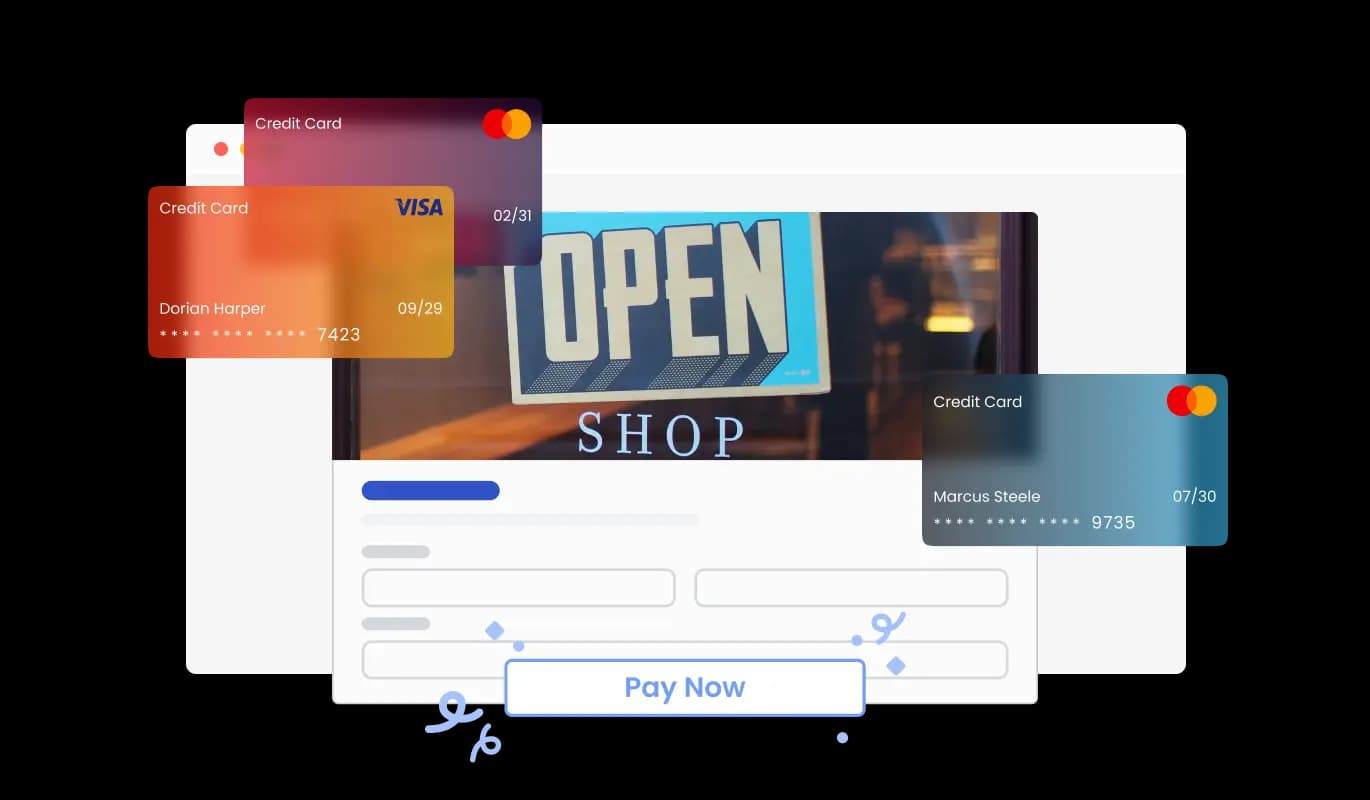
Use an order form to let customers submit product orders, save entries, receive notifications, and collect payments through PayPal or Stripe for a smoother buying experience.

Create an Order Form

loved by 500K+ businesses

ChurchDev
plugineditor

Why Should You Use the Order Form Widget+?

Boost Your Online Sales with Custom Order Forms for ChurchDev church website

An Order Form for ChurchDev allows customers to quickly and easily place an order for your products or services on your ChurchDev church website, reducing friction and increasing the likelihood of conversion. Such a vital instrument is crucial for businesses aiming to optimize the ordering process and deliver a top-notch experience for their customers.

Improve Your Business Workflow on ChurchDev church website through Order Forms

Utilizing a ChurchDev Order Form allows for the automation of the ordering process, eliminating time-consuming manual tracking and follow-up efforts, and contributing to a more efficient and productive business environment. In turn, this enables businesses to not only increase their efficiency and productivity but also to enhance customer satisfaction and cultivate enduring loyalty.

Boost Customer Satisfaction with Automated Order Communications on ChurchDev

Incorporating automated responses into your ChurchDev Order Form ensures customers are quickly informed about the status of their order, while also sharing important details like anticipated delivery dates. This functionality not only creates a positive customer experience but also minimizes the volume of inquiries businesses need to address regarding order statuses.

Customizable Fields for Product Order Form

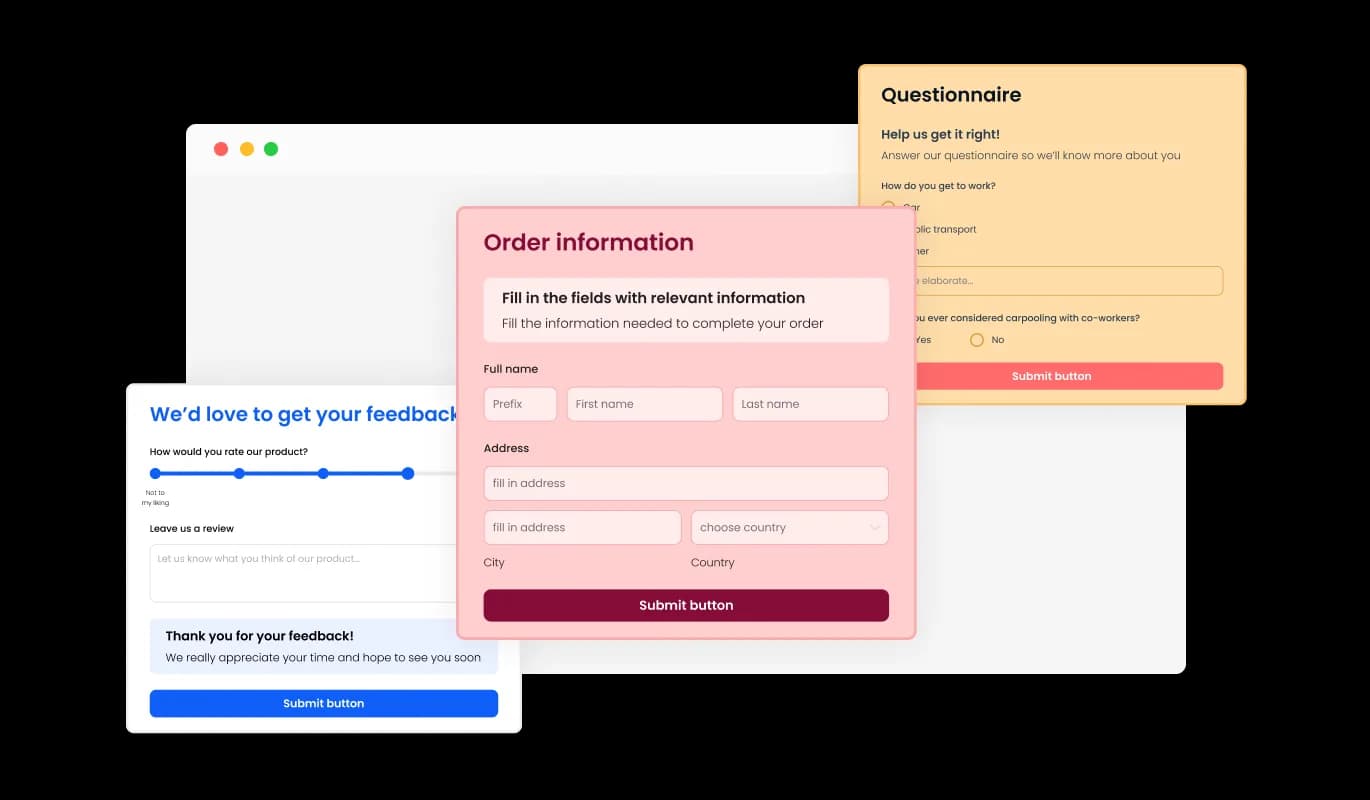
Offering a variety of modifiable fields, the ChurchDev Order Form makes it easy to construct an order form that precisely meets your product requirements and objectives. Easily modify the form by selecting from an array of field types and utilizing the "Add Field" option to add your desired fields. To add a field, simply click on the "Add Field" option and choose from the available options. This feature not only provides customers with a positive ordering experience but also reduces the number of inquiries received by businesses regarding the status of their orders.
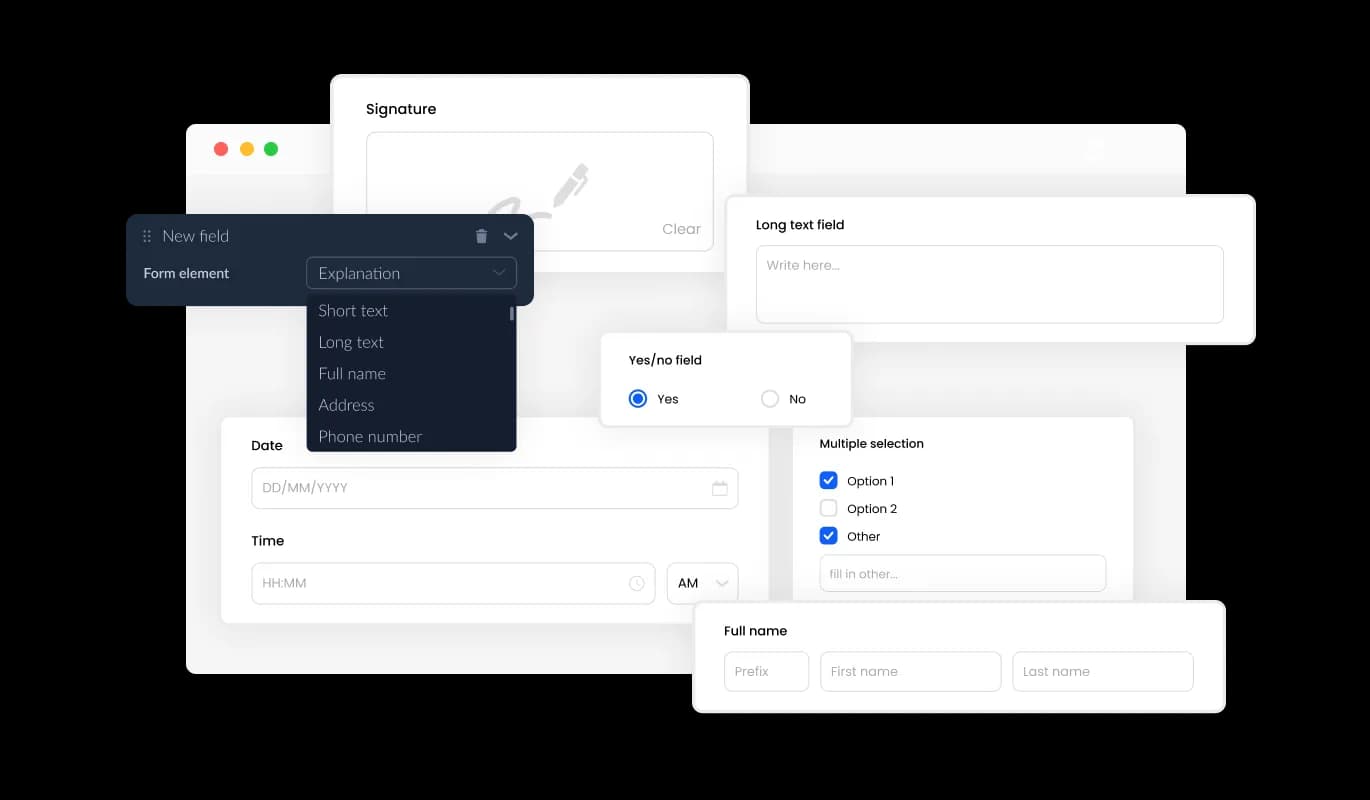
Order Form - Customizable Fields for Product Order Form

Organize Product Order Data with Ease on Your ChurchDev church website

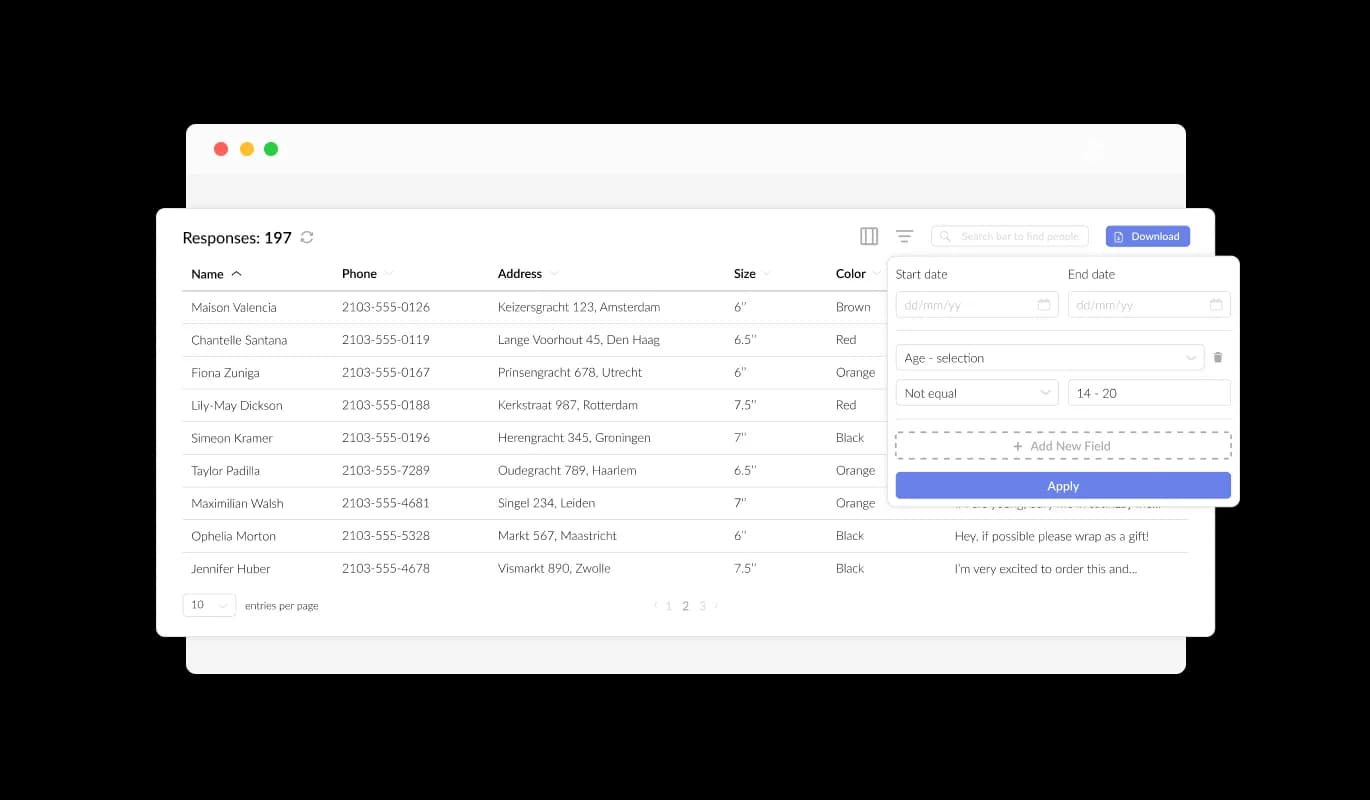
With the ChurchDev Product Order Form, the collection and organization of product order data is streamlined and presented in an easily understandable format. This feature greatly improves order tracking, allowing for quicker and more effective review and fulfillment of orders. Our forms enable you to conveniently manage and access all the information provided, ensuring that tracking your product orders is always a smooth experience.

Order Form - Organize Product Order Data with Ease on Your ChurchDev church website

Export Product Order Data to CSV

Exporting order data to a CSV file using the ChurchDev Product Order Form delivers significant benefits for order organization and seamless integration with various tools. This functionality allows for the smooth transfer of order data to other applications or tools, simplifying in-depth analysis and integration. Organizations aiming to preserve an extensive record of order data for analytical, reporting, and management purposes will find this feature to be essential.

Order Form - Export Product Order Data to CSV

Elevate Your ChurchDev Order Form with Captivating Text and Graphics

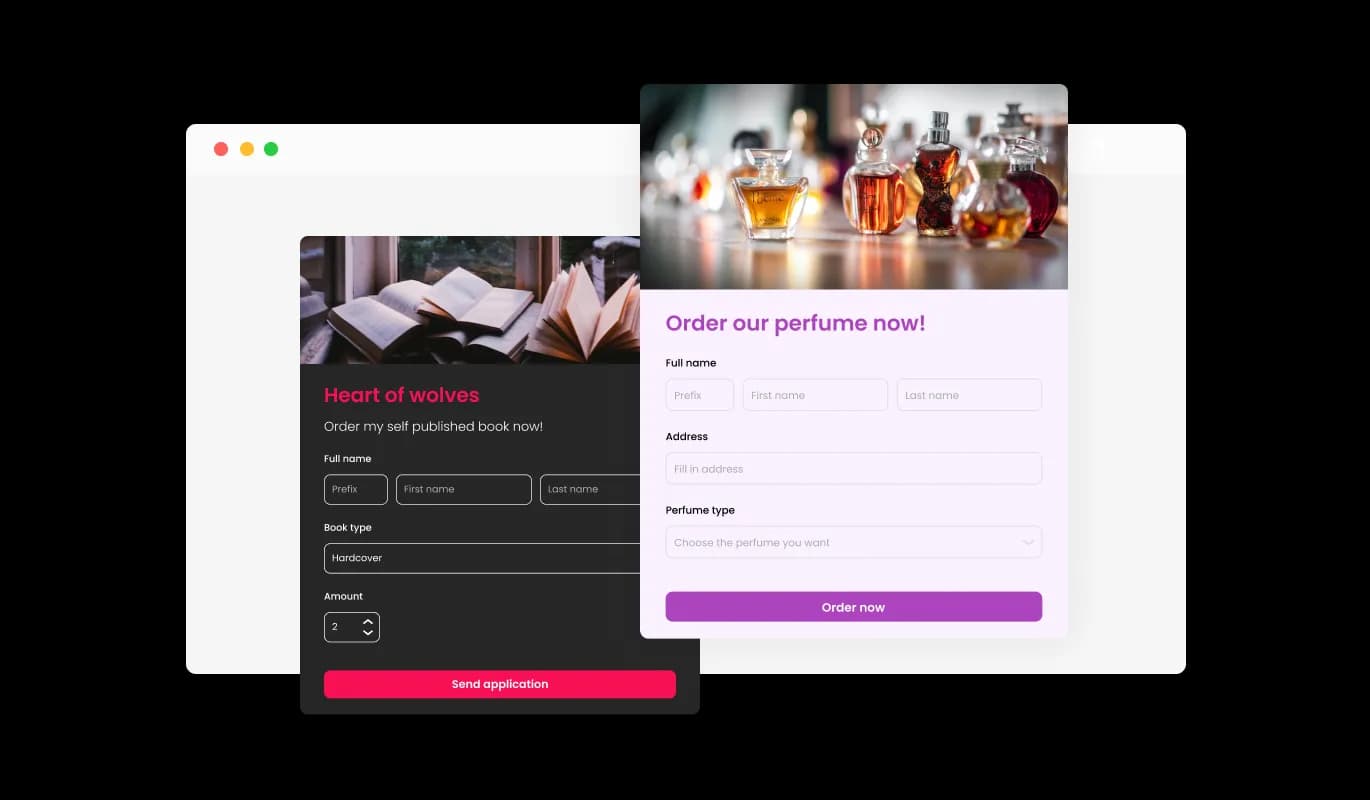
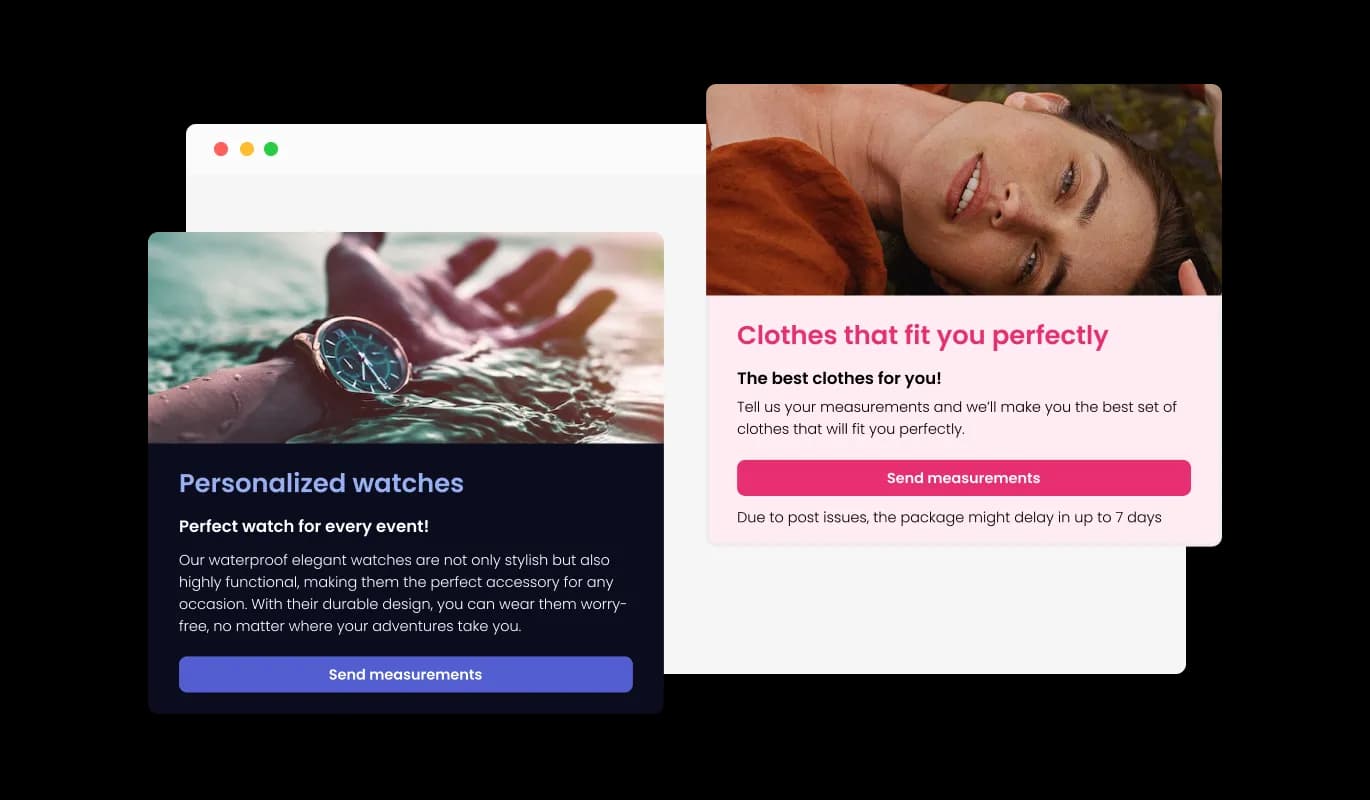
By adding headings, descriptive text, and visuals to your product order form, you can create a more engaging and user-friendly ordering experience for your customers. Supplying useful form elements navigates customers through the process, facilitating a seamless experience and improving the probability of successful orders. By customizing the form with text, images, and additional visuals, you can craft an order form that balances functionality, visual appeal, and straightforward navigation.

Order Form - Elevate Your ChurchDev Order Form with Captivating Text and Graphics

Tailor Headers & Footers to Align with Your Branding

With the ChurchDev Product Order Form, you have the option to personalize your order form's header and footer, including the ability to add images. This feature creates an excellent chance to amplify your brand image and produce a polished, visually captivating form that harmonizes with your ChurchDev church website's overarching design.

Order Form - Tailor Headers & Footers to Align with Your Branding

Automate Order Notifications with ChurchDev Order Form

The Order Form on ChurchDev allows you to turn on notifications for both the person managing the form and the customer. Configure automated email notifications for individual order submissions, distribute to multiple recipients, and transmit a confirmation email to the customer once the order is successfully placed.

Order Form - Automate Order Notifications with ChurchDev Order Form
Order Form - Optimize Your ChurchDev Order Form with Crucial Fields

Optimize Your ChurchDev Order Form with Crucial Fields

Incorporating specific fields for product orders, such as product details like quantity and color options, along with customer information fields like Name, Email, Phone, and Shipping Address, enables you to collect vital information for more efficient order management. Including fields that address product customizations, special requests, and diverse payment choices ensures a more individualized and smooth ordering experience for your clientele.

Order Form - Secure Your ChurchDev Order Form Against Spam

Secure Your ChurchDev Order Form Against Spam

The ChurchDev Product Order Form provides the ability to implement the CAPTCHA anti-spam feature, requiring customers to complete it prior to submitting their order. This functionality aids in preventing bots and automated scripts from submitting spam through your order form, guaranteeing you get authentic orders from genuine customers on your ChurchDev church website.

Order Form - Quick and Easy Product Order Form Embed for ChurchDev

Quick and Easy Product Order Form Embed for ChurchDev

To connect the Product Order Form with your ChurchDev church website, all you need to do is copy the generated code snippet and place it in your page's HTML code. The form is designed to auto-update, which means any modifications you make in the Product Order Form editor will be automatically reflected on your ChurchDev church website.

Explore a Variety of ChurchDev Order Form Themes

The ChurchDev Product Order Form comes with a range of attractive skins to choose from, enabling you to jump-start the design process and save time on in-depth customization. These pre-designed skins cater to different aesthetics, allowing you to easily match your form with your ChurchDev church website's look and feel.

Order Form - Explore a Variety of ChurchDev Order Form Themes

Complete Customization for Your ChurchDev Product Order Form

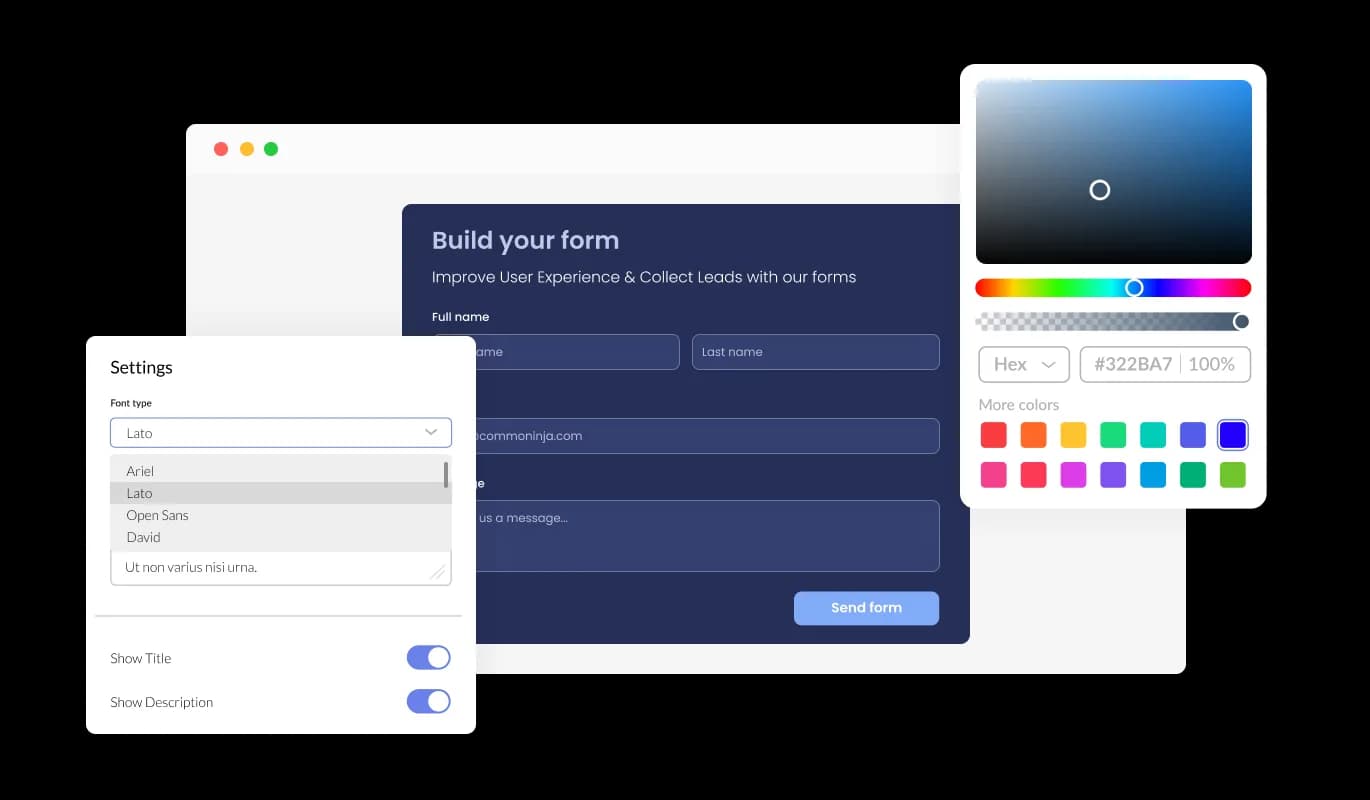
The Order Form for ChurchDev presents a wide range of customization choices, enabling you to adjust the design to accommodate your particular requirements. From adjusting colors and fonts to modifying field layouts, you have complete control over the form's appearance and functionality. Our form's user-friendly interface enables you to effortlessly customize the form to match your website's design and provide a seamless ordering experience for your customers.

Order Form - Complete Customization for Your ChurchDev Product Order Form

Perfectly Responsive Order Form for ChurchDev

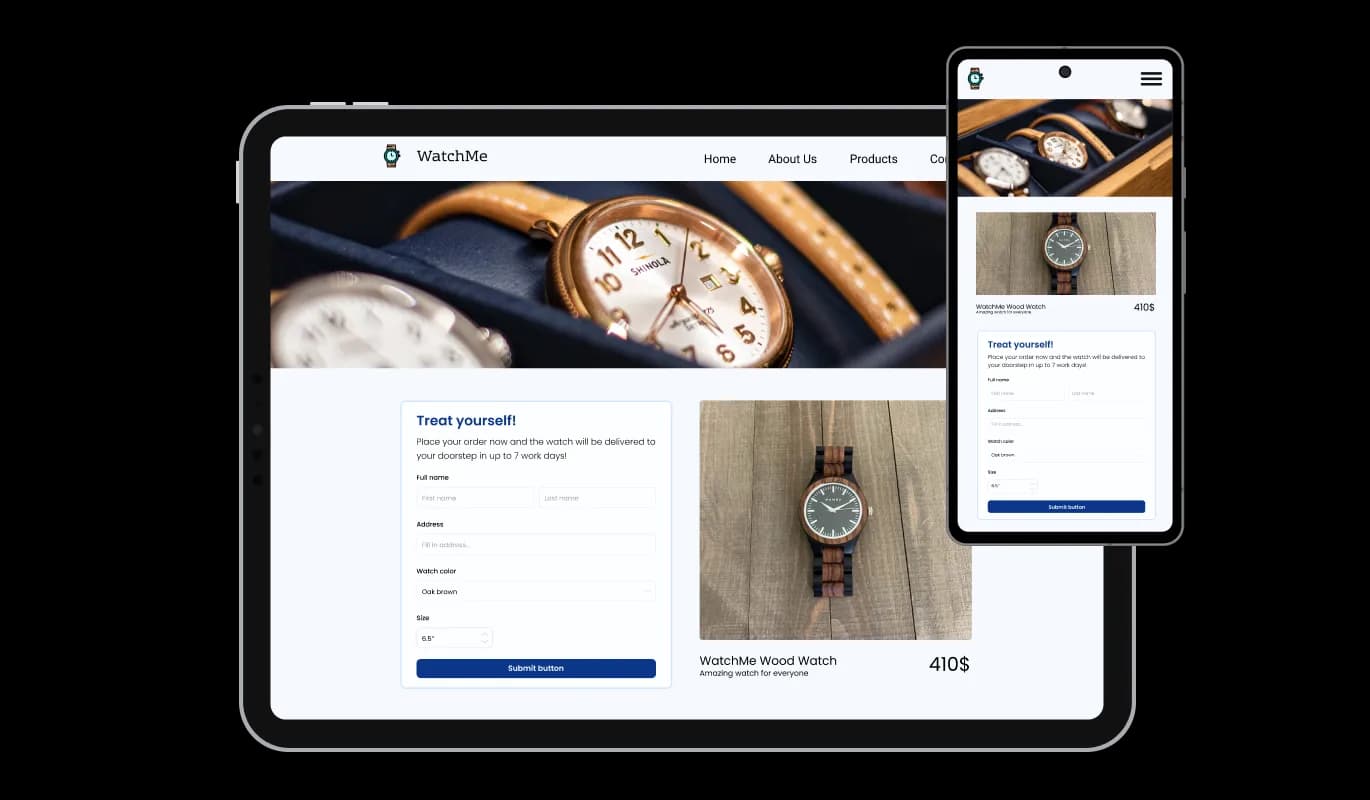
The ChurchDev Order Form is completely responsive, ensuring a great appearance on any device. In an age where the majority of people are accessing the internet on their phones and tablets, having a mobile-optimized form is indispensable. By utilizing the Order Form for ChurchDev, you can produce an order form that's fully responsive, resulting in an uninterrupted ordering experience on all devices.

Order Form - Perfectly Responsive Order Form for ChurchDev

Intuitive and Simple ChurchDev Order Form for All Users

The Order Form for ChurchDev is designed to be user-friendly and doesn't necessitate any coding knowledge. Within a few clicks, you can customize the form to your liking using our intuitive interface, making it an effortless experience.

Order Form - Intuitive and Simple ChurchDev Order Form for All Users

Custom CSS: Personalize Your ChurchDev Order Form to Perfection

The advanced editor is a dynamic instrument that provides complete control over the look and feel of your Product Order Form. This option lets you seamlessly tailor all aspects of the ChurchDev form's aesthetics, encompassing colors, fonts, layout, and arrangement. For individuals aiming to maximize their creative expression, direct CSS editing provides a wider range of customization choices.

Order Form - Custom CSS: Personalize Your ChurchDev Order Form to Perfection

Compatible With All Site Builders, E-Commerce Platforms and Websites

webflow logoshopify logowix logowordpress logobigcommerce logosqurespace logoweebly logojoomla logoduda logojimdo logomagento logoshift4hsop logounbounce logocarrd logo
View all supported platforms

FAQ

The Product Order Form is a tool that allows you to easily create customized order forms for your website. It offers a range of features, including customizable fields, skins, and design options, as well as anti-spam measures and notification settings.

Yes, the Product Order Form is designed to be user-friendly and intuitive, with a simple drag-and-drop interface and customizable options.

Yes, you can fully customize the appearance of the order form using the widget's design options, skins, and direct CSS editing.

Yes, the Product Order Form Widget is fully responsive and optimized for mobile viewing.

Yes, you can easily integrate the order form into your website by copying and pasting the provided code snippet.

Yes, the Product Order Form offers the CAPTCHA anti-spam feature to prevent bots and automated scripts from submitting spam entries through the order form.

Yes, you can activate automated email notifications for each form submission, send them to multiple recipients, and also dispatch a confirmation email to the customer upon successful order placement.

Yes, you can easily do so from the “Templates” tab.

Yes, there are lots of beautiful skins that you can choose from to save time and start using the widget as quickly as possible.

Common Ninja’s Order Form is free to use. It is limited to a certain amount of views, however.

Common Ninja’s Order Form is compatible with ALL current and future website builders.

Yes, the Order Form is GDPR-compliant.

No. Using our Order Form is very simple. The form comes with an intuitive drag-and-drop interface and fully customizable options. Once you’ve finished editing the to your liking, all you need to do is copy the provided code and add it to your website.

Yes. We are eager to hear your request. Please visit our Feature Request page.