
Try for free!

Virtual Tour for Shopify

Create immersive 360 virtual tours with interactive hotspots that let visitors explore spaces, view details clearly, and experience panoramic environments seamlessly.

Create a Virtual Tour

loved by 500K+ businesses

Shopify
plugineditoreditor

Why Should You Use the Virtual Tour Widget+?

Enhanced Engagement with Shopify Virtual Tour app

The Shopify Virtual Tour app creates a dynamic environment on your website by enabling the display of 360 panoramic images. Visitors can interact with the 360 panoramas, thus inviting them to spend more time exploring your content. The interactive nature of the Virtual Tour app fosters a deeper connection between your Shopify store and its visitors, enhancing their overall engagement.

Streamlined Content Management in Shopify Virtual Tour

Managing your 360 panoramic images is a breeze with the Virtual Tour app for Shopify. The intuitive interface allows for the hassle-free addition and modification of hotspots and settings to meet your preferences. The streamlined content management ensures that keeping your virtual tours updated and engaging remains a straightforward task.

Increased Accessibility with Virtual Tour app

By offering a virtual tour app, your Shopify store becomes more accessible to those who may not be able to visit in person. The Shopify Virtual Tour app ensures that the experience of browsing 360 panoramic images is smooth and enjoyable. This increased accessibility broadens your website’s appeal and inclusivity, allowing more people to explore what you have to offer virtually.

Add Hotspots with the Shopify Virtual Tour app

The Shopify Virtual Tour app enables the seamless addition of hotspots over your 360 panoramic images. Hotspots are interactive icons that, when clicked, can reveal more information about a particular area or feature captured in the image. This feature not only enhances the informative value of the 360 panorama but also enriches the interactive experience for your Shopify store visitors.
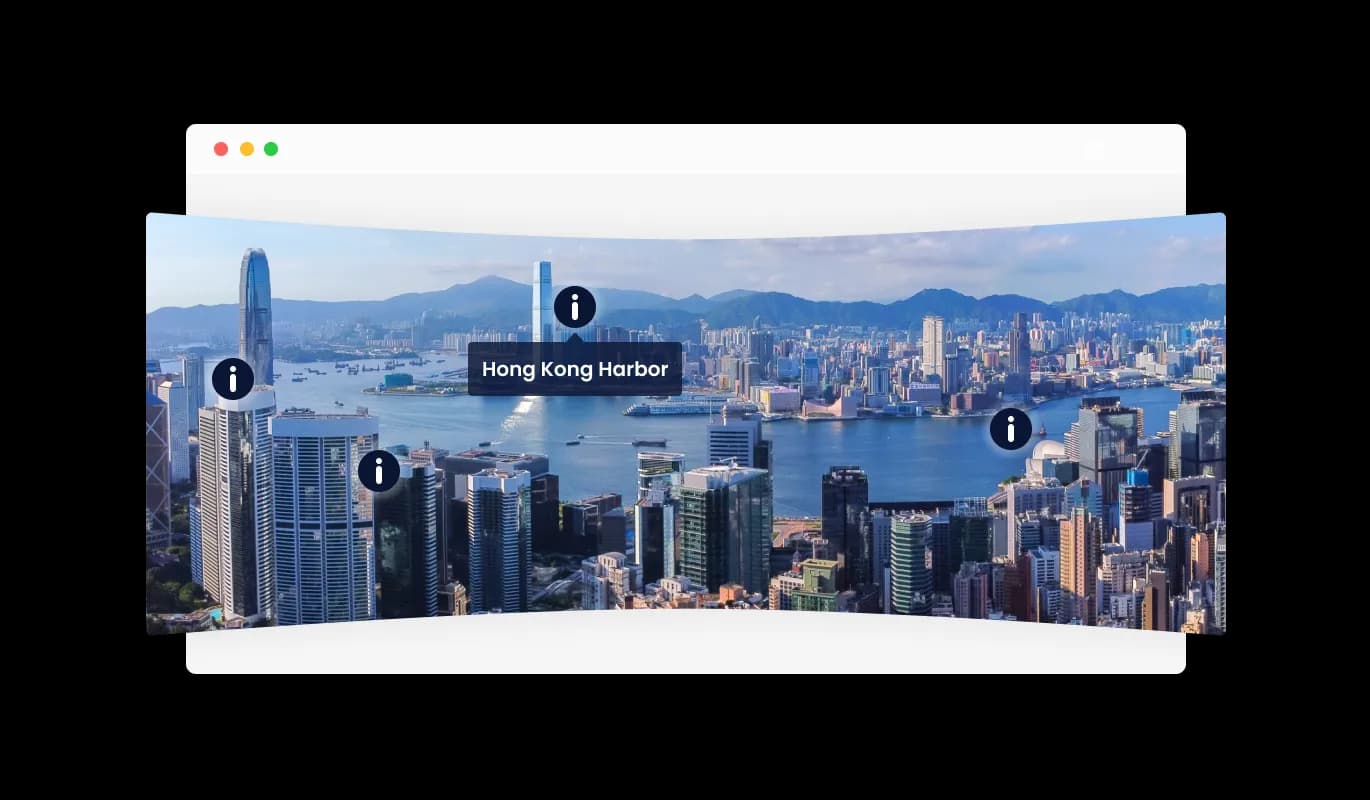
Virtual Tour - Add Hotspots with the Shopify Virtual Tour app

Display More Information through Virtual Tour app for Shopify

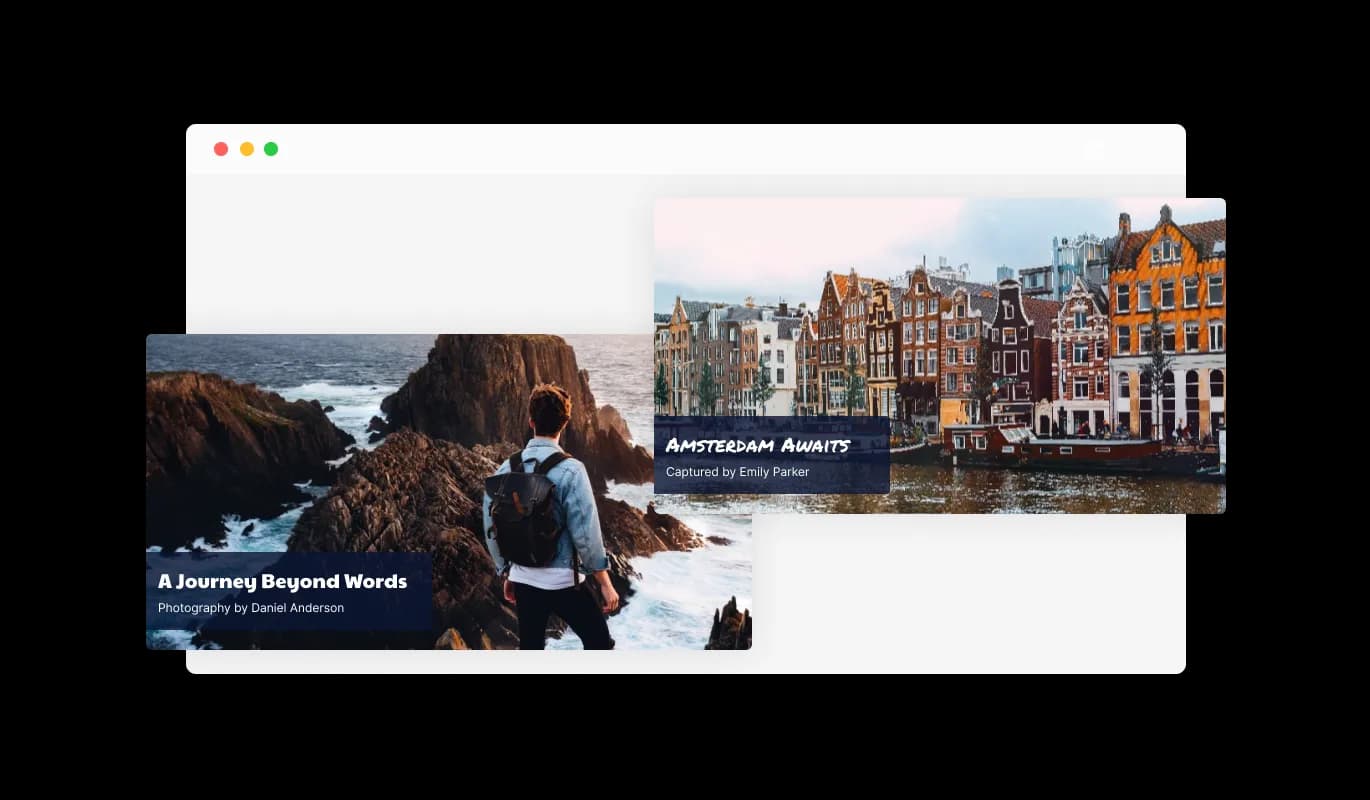
Providing detailed information is made easy with the Virtual Tour app for Shopify. You can add a title, description, and the image author’s name to each 360 panoramic image displayed This feature allows for a structured display of information, making it straightforward for visitors to learn more about each panorama, thus adding a layer of professionalism and context to your visual content.

Virtual Tour - Display More Information through Virtual Tour app for Shopify

Interactive Navigation

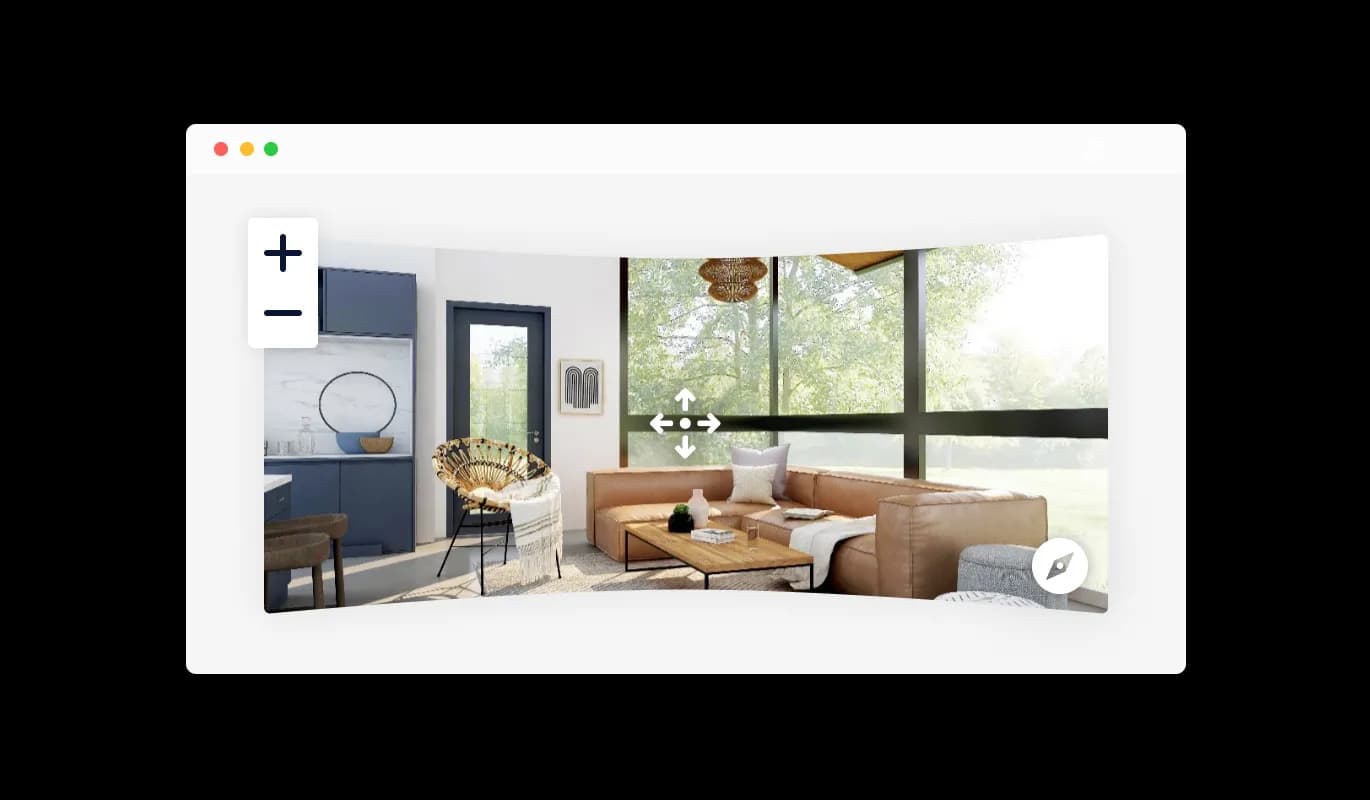
Dive deeper into the visual experience with the [paltform] Virtual Tour app’s drag and zoom functionality. Visitors can effortlessly drag the image in any direction—left, right, up, or down—to explore the panorama at their own pace. Additionally, the zoom feature allows for a closer examination of details, creating a more interactive and engaging viewing experience on your Shopify store.

Virtual Tour - Interactive Navigation

Fully Customizable 360 Panoramic images for Shopify

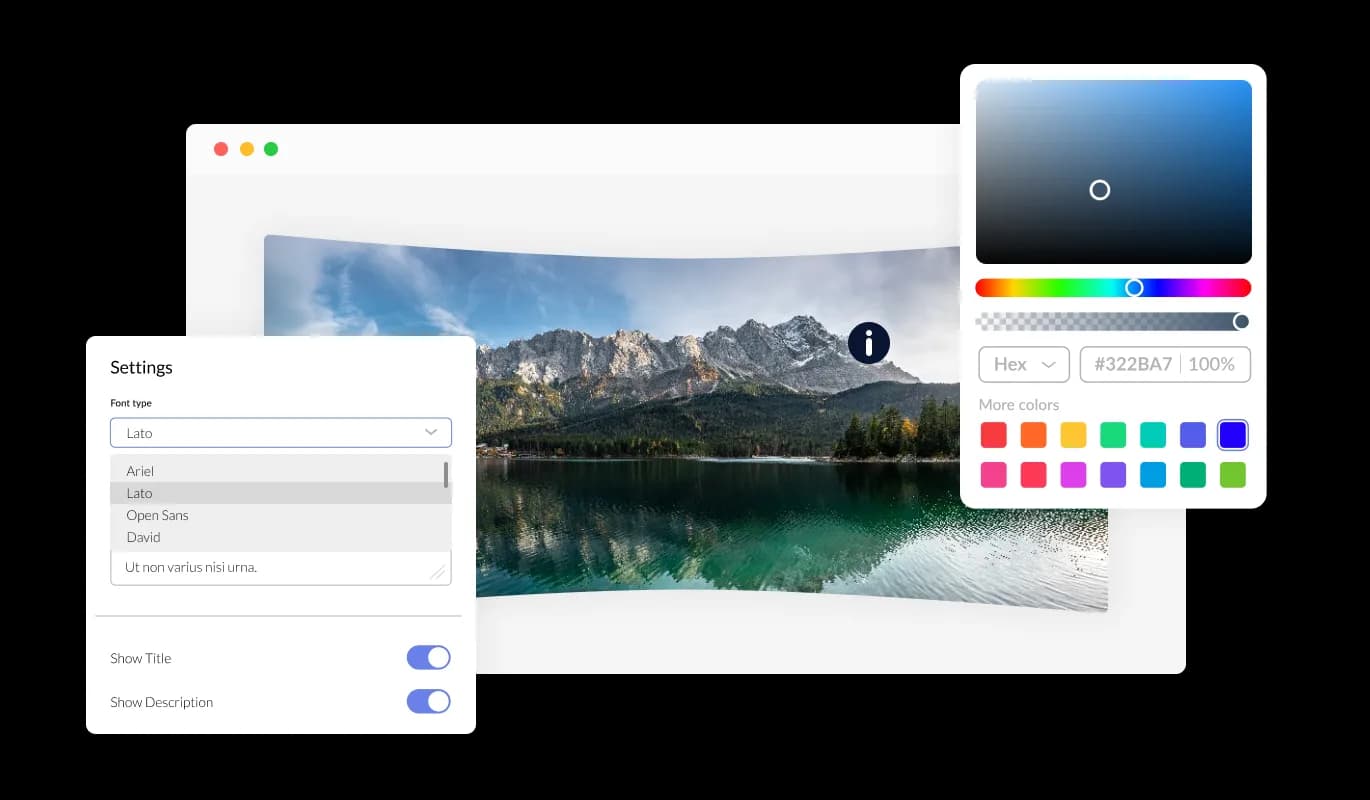
The Virtual Tour app for [paltform] is your gateway to endless customization. It provides you with the flexibility to adjust colors, fonts, and spacing, enabling a total personalization of your virtual tour. Each detail can be meticulously adjusted to resonate with your Shopify store’s distinctive design and branding.

Virtual Tour - Fully Customizable 360 Panoramic images for Shopify
Virtual Tour - Customized Animation Controls

Customized Animation Controls

The Shopify Virtual Tour offers the ability to control the direction of rotation for your 360 panoramas, providing a more tailored viewing experience. The animation settings are easily adjustable, allowing for a smooth and aesthetically pleasing exploration of your virtual space. This feature ensures that the display of your 360 panoramic images aligns with your desired presentation and user interaction objectives.

Virtual Tour - Web-Linked Hotspots with Virtual Tour for Shopify

Web-Linked Hotspots with Virtual Tour for Shopify

The Virtual Tour app enriches your 360 panoramic images by allowing the addition of web-linked hotspots. Each hotspot can be configured to redirect visitors to a specified webpage, offering a straightforward pathway to more information or related content. This functionality enhances the user's navigational experience, creating a more interconnected and informative virtual tour.

Virtual Tour - Easy to use Shopify Virtual Tour app

Easy to use Shopify Virtual Tour app

Designing your perfect virtual tour becomes a simple task with the Shopify Virtual Tour app. You won't need any coding knowledge; thanks to its user-friendly drag-and-drop interface, customization is smooth and quick, allowing you to bring your envisioned tour to life effortlessly.

Perfectly responsive display on Any Device

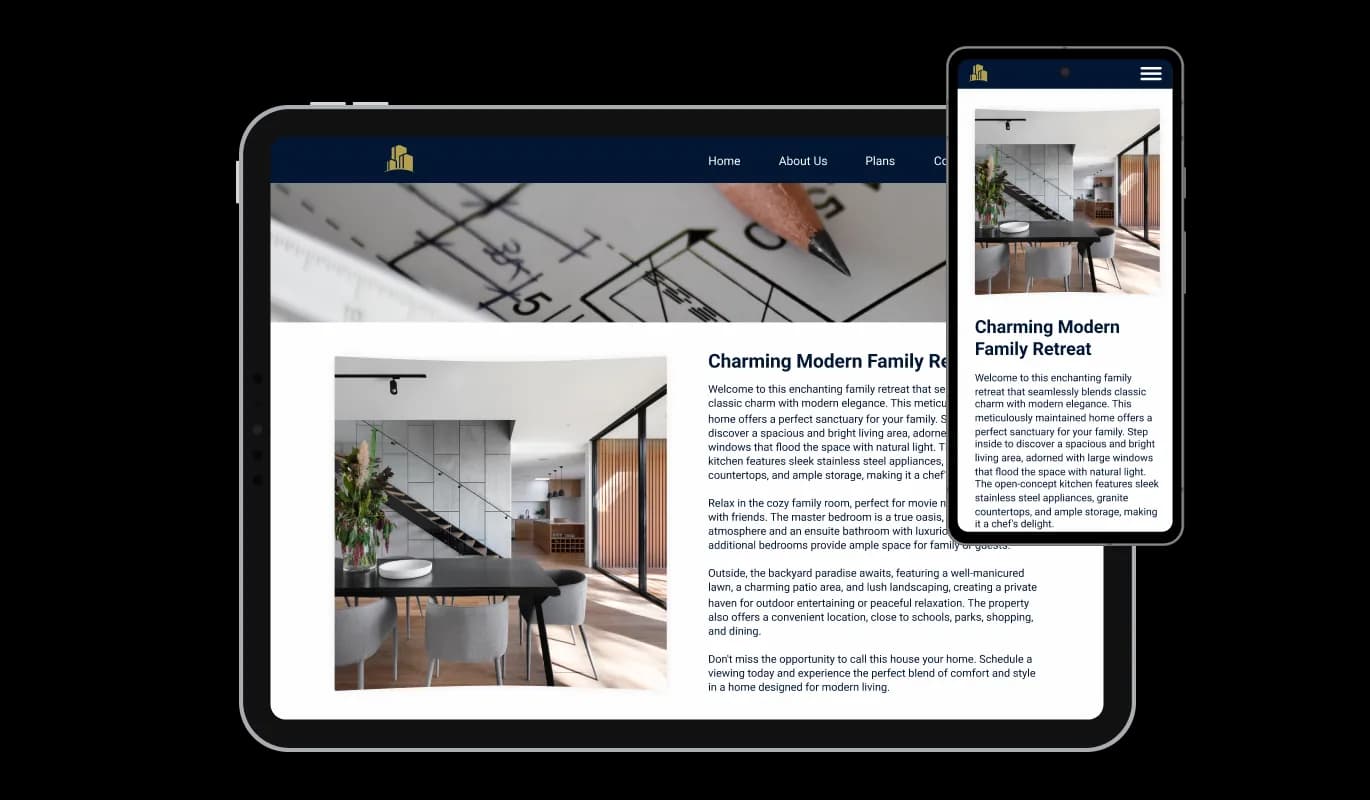
Engineered for optimal responsiveness, the Shopify Virtual Tour app ensures your virtual tours maintain their visual appeal on any device. In a time where mobile optimization is crucial, this feature is key to delivering a consistent user experience regardless of the device being used.

Virtual Tour - Perfectly responsive display on Any Device

Custom CSS Capabilities for Virtual tour app

Consistent with the spirit of customization, the Shopify Virtual Tour app offers custom CSS capabilities. This feature unlocks the freedom to add a personal touch, paving the way for more creative virtual tour designs that stand out.

Virtual Tour - Custom CSS Capabilities for Virtual tour app

Simple Virtual Tour Integration on Shopify stores

Embedding the virtual tour you've designed into your Shopify store is straightforward. It's as simple as copying and pasting a single line of code. Additionally, any adjustments made within the widget are instantly reflected on your Shopify store, keeping your virtual tours up-to-date without any extra hassle.

Virtual Tour - Simple Virtual Tour Integration on Shopify stores

Compatible With All Site Builders, E-Commerce Platforms and Websites

webflow logoshopify logowix logowordpress logobigcommerce logosqurespace logoweebly logojoomla logoduda logojimdo logomagento logoshift4hsop logounbounce logocarrd logo
View all supported platforms

FAQ

The Virtual Tour widget is a tool that enables the display of 360 panoramic images on a website, allowing users to interactively explore these images through dragging, zooming, and clicking on hotspots for more information.

Uploading a 360 panoramic image is easy. Within the Virtual Tour widget interface, you'll find an option to upload your image. Simply click on it, and select the image file from your device.

Hotspots are interactive points you can place on your 360 panoramic images to provide more information or link to other pages. In the widget, you'll find an option to add hotspots. Click on it, then click on the point in the image where you want to place the hotspot, and fill in the information or link you want to provide.

Yes, the Virtual Tour widget offers customization options for the appearance of hotspots, allowing you to align them with your brand's aesthetics.

When adding or editing a hotspot, you'll find an option to insert a URL. Simply paste the link of the webpage you want to redirect users to when they click on the hotspot.

Within the Virtual Tour widget, you'll find settings for animation. Here, you can set the direction of rotation for your 360 panorama to ensure it aligns with your desired viewing experience.

Yes, the Virtual Tour widget is designed to be responsive across various devices including mobile phones, tablets, and desktop computers.

Yes, you can embed the Virtual Tour widget on multiple pages of your website. Each embed will require its own line of code generated by the widget.

Updating your virtual tour is straightforward. Simply access the Virtual Tour widget, make the necessary changes, and they will be automatically reflected on your website.

The Virtual Tour widget typically supports common image file types like JPEG and PNG. Ensure your 360 panoramic images are in a supported format before uploading.

The Virtual Tour widget is designed to handle a robust number of hotspots, however, excessive hotspots might affect the user experience due to clutter.

No, the Virtual Tour widget is designed to be user-friendly with a drag-and-drop interface, eliminating the need for coding knowledge.

Users can interact with the Virtual Tour widget by dragging, zooming, and clicking on hotspots to explore the 360 panoramic images and access more information or linked pages.