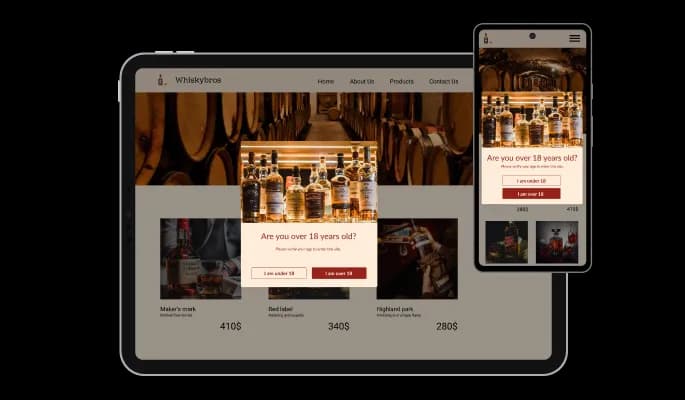
Age Verification for Teachable

Verify visitor age with an age verification popup that helps you meet legal requirements, protect your business, and ensure responsible access.

Create Age Verification

loved by 500K+ businesses

Teachable
plugineditor

Why Should You Use the Age Verification Widget+?

Age Checker for Teachable: Protect Your Business

You can restrict the age for your Teachable online course's content, including your products and services, protecting your business by complying with local age requirements for alcohol, tobacco, and other similar products - with the Age verification popup for Teachable.

Age verification for Teachable Design Enhancement

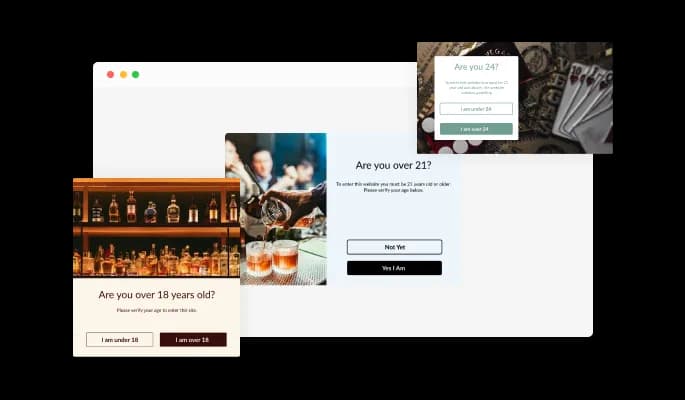
Your Teachable online course can be enhanced with beautiful popups created with Age Gate widget.

Redirection & Advanced Display Rules

In addition to advanced display rules, Age Gate widget for Teachable can redirect users. You can set triggers for when to show the popup with advanced display rules and redirect users under the legal age to another page with redirections.

Teachable Age verification Beautiful Layouts

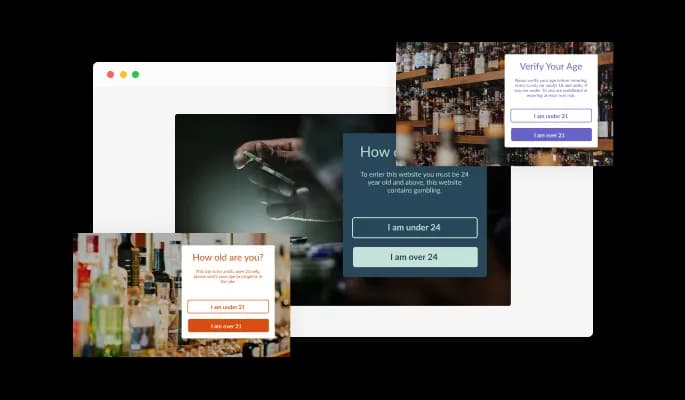
Several layouts are available for customizing the Age verification for Teachable to make sure it meets the vision and design of your Teachable online course. Using the right layout will help you convey the right message and complement your design.

Age Verification - Teachable Age verification Beautiful Layouts

Different Age Checker Validation Types

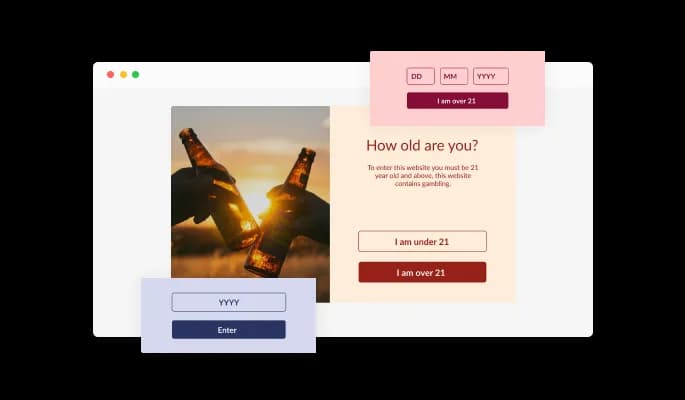
Three validation types are available for Teachable Age verification widget, enabling you to customize the widget to your Teachable online course specific needs.

Age Verification - Different Age Checker Validation Types

A variety of skins for your Teachable online course

You can choose from various beautiful skins in the Teachable Age verification widget, so you won't have to spend much time customizing for your Teachable online course.

Age Verification - A variety of skins for your Teachable online course

It is fully customizable widget

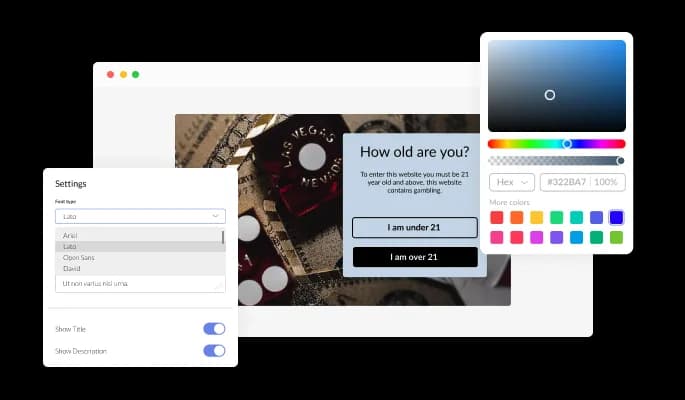
The Age Checker widget for Teachable features full customization options so you can edit the design to fit your Teachable online course needs. Changing colors, fonts, spacing, and everything else is possible!

Age Verification - It is fully customizable widget
Age Verification - Use Beautiful Icons

Use Beautiful Icons

The age checker widget comes with a selection of beautiful icons that you can use to add to the Age verification popup and enrich its visual appearance on your Teachable online course.

Age Verification - You can customize display rules

You can customize display rules

In addition to setting and customizing the Age verification widget, the Age verification widget for Teachable features advanced display rules. The rules include action triggers like “on exit”, “time delay”, “page scroll” and more.

Age Verification - Redirect the user When Validation Fails

Redirect the user When Validation Fails

The Age verification widget offers the option of adding a redirect URL when the age isn't met. By using this feature, you can redirect users to any other page rather than simply displaying their entrance, thus completing their journey.

Age Verification - It's easy to use

It's easy to use

No coding is required with the Age verification popup for Teachable. You can customize widget by dragging-and-dropping on our intuitive dashboard.

Totally Responsive for your Teachable online course

Our Age verification widget for Teachable is designed to be fully responsive and will look fantastic on any device. With this feature, you will be able to stay ahead of your competitors in a mobile-first world.

Age Verification - Totally Responsive for your Teachable online course

Adding custom CSS to the Age verification for Teachable

Common Ninja's widgets allow you to add custom CSS to make the Age verification for Teachable your own.

Age Verification - Adding custom CSS to the Age verification for Teachable

Embedding Made Easy On Your Teachable online course

You can embed the Age verification widget on your Teachable online course by simply copying and pasting one line of code. Whenever you update your widget, your Teachable Age verification on your Teachable online course will be updated automatically.

Age Verification - Embedding Made Easy On Your Teachable online course

Compatible With All Site Builders, E-Commerce Platforms and Websites

webflow logoshopify logowix logowordpress logobigcommerce logosqurespace logoweebly logojoomla logoduda logojimdo logomagento logoshift4hsop logounbounce logocarrd logo
View all supported platforms

FAQ

Yes, the Age Verification comes available with seven different layouts for you to choose from.

Yes, there are three validation types available on the Age Gate Widget — buttons, a year input, and a birthday, that you can choose from. 

Yes, you can add a redirect URL.

There are advanced display rules available, enabling you to select specific triggers for when to show the widget.

Using the Age Verification widget is very easy. Simply sign up and start using the free version. There's no need to worry about complicated setup or installation processes, as the Age Verification widget is designed to be user-friendly and straightforward. Once you've signed up, you'll have access to all of the basic features and functions of the widget, which you can use to enhance your website and improve your online presence. From there, you can choose to upgrade to the paid version if you want to access more advanced features and capabilities. Regardless of which version you choose, you'll find that the widget is a powerful and easy-to-use tool that can help you take your online presence to the next level.

The Common Ninja Age Verification widget is a free tool reach with features and options. While this widget is free to use, it does have a limit on the number of views it can handle. This means that after a certain number of views, the chat button may no longer be visible or functional on your website. It is important to note that this view limit may vary depending on your plan. Despite this limitation, Common Ninja's Age Verification is still a valuable tool for businesses looking to increase customer engagement and improve the overall user experience of their website.

The Common Ninja's Age Verification widget is a versatile tool for any website builder. This means that you can easily add this widget to your website or store no matter what platform you use to build your website. The Age Verification widget will work seamlessly with your platform whether you are using a popular website builder or something more specialized. This means you can enjoy all the benefits of this powerful tool without having to worry about compatibility issues.

The Age Verification widget is designed to comply with the General Data Protection Regulation (GDPR), a set of EU regulations protecting personal data and privacy. When using the Age Verification widget, you can be confident that it will not collect or store personal data that could violate GDPR regulations. This ensures that your business is in compliance with these regulations and can protect your customers' data privacy. Overall, the Age Verification widget is a secure and reliable tool that can be used to enhance your website without any concerns about GDPR compliance.

No need for coding skills. Our Age Verification widget is designed to be easy to use, even for those with limited technical experience. The widget features a user-friendly interface that allows you to easily customize the widget without coding knowledge. You can fully customize the Age Verification to match your branding. When you're done, simply copy the provided code and paste it into your website. It's that simple!

Yes. We are eager to hear your request. Please visit our Feature Request page.

Online age verification is the process of verifying a user's age when they access age-restricted content on a website or application. This is typically done by requiring the user to enter their date of birth or provide some other form of identification, such as a driver's license or passport number. The user's age is then verified against the information provided, and if they are of the required age, they are allowed to access the content. Online age verification is commonly used for websites or apps that provide access to age-restricted content such as alcohol, tobacco, gambling, or adult material. It is intended to prevent minors from accessing content that may be inappropriate or harmful to them.

An age gate, which is a type of online age verification system, can potentially improve the user experience on a website. By requiring users to verify their age before accessing age-restricted content, an age gate can help ensure that the content is only viewed by users of the appropriate age. This can prevent minors from accessing content that may be inappropriate or harmful to them. It can also help prevent adults from inadvertently stumbling upon content that they may not want to see. Additionally, an age gate can help to ensure that users are not shown content that is not relevant to them, which can improve the overall user experience on the website. However, it is important to design and implement the age gate in a way that is user-friendly and does not hinder the user experience. For example, the age gate should not be overly intrusive or require users to provide more information than is necessary.

It is important to use age verification on a website when it contains age-restricted content and is only intended for users of a certain age. This may include content such as alcohol, tobacco, gambling, or adult material. By requiring users to verify their age before accessing the content, age verification can help to prevent minors from viewing content that may be inappropriate or harmful to them. Additionally, age verification can help prevent adults from inadvertently stumbling upon content they may not want to see. It is also important to use age verification on a website if the website is required by law to restrict access to age-restricted content. In some countries, it is illegal to provide access to certain types of content to users who are below a certain age, and website owners may be liable for any violations of these laws. Age verification can help to ensure that a website complies with these laws and regulations.

Embedding the Age Verification widget on your website is a straightforward process. Simply copy the provided code and paste it into the desired location on your website. The widget will seamlessly integrate into your site, allowing you to take advantage of its features and functions. No technical expertise or programming knowledge is required - just copy and paste the code to get started. This simple process allows you to easily add the widget to your website and enhance its functionality without any hassle.