
Events Calendar for Ucraft

Add an events calendar to your site so visitors can view upcoming activities, improving engagement and event visibility.

Create Calendar

loved by 500K+ businesses

Ucraft
plugineditor

Why Should You Use the Events Calendar Widget+?

Effective Event Showcasing through a Ucraft Calendar

A calendar widget on your Ucraft website allows you to manage and showcase important events, meetings, or deadlines, making it easier for your visitors to stay informed and organized. Additionally, giving a clear insight into future happenings encourages your visitors to plan in advance, which could boost their interaction and commitment to your content or services.

Enhance User Engagement with Calendar widget

An interactive calendar widget can foster user engagement by incentivizing them to explore forthcoming events, opt for event bulletins, or even reserve appointments directly from your Ucraft website. Truly, lively calendars can foster user involvement by prompting them to discover events, opt for notifications, or directly schedule appointments on your Ucraft website.

Exude Professionalism with a Well-Managed Calendar

Exude Professionalism with a Well-Managed Calendar A well-maintained calendar not only exudes professionalism and a sense of order but also enhances your brand perception and instills trust among your Ucraft website audience.

Ucraft widget Personalized Color Customization

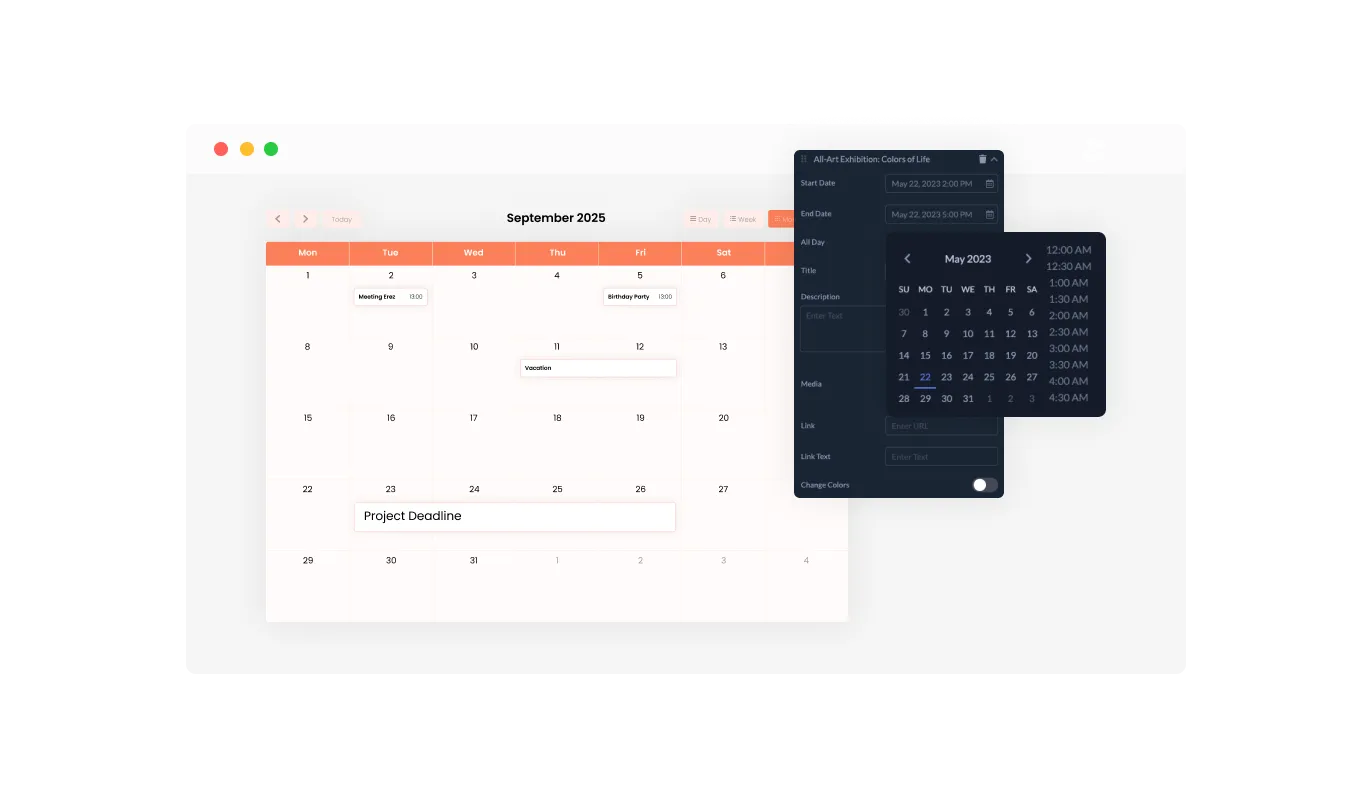
With color customization options, the Calendar widget for Ucraft lets you design attractive calendars that sync with your Ucraft website's branding or personal taste. This adaptability not only enriches the visual charm of your Ucraft website but also contributes to creating a cohesive and captivating user experience that aligns with your brand.
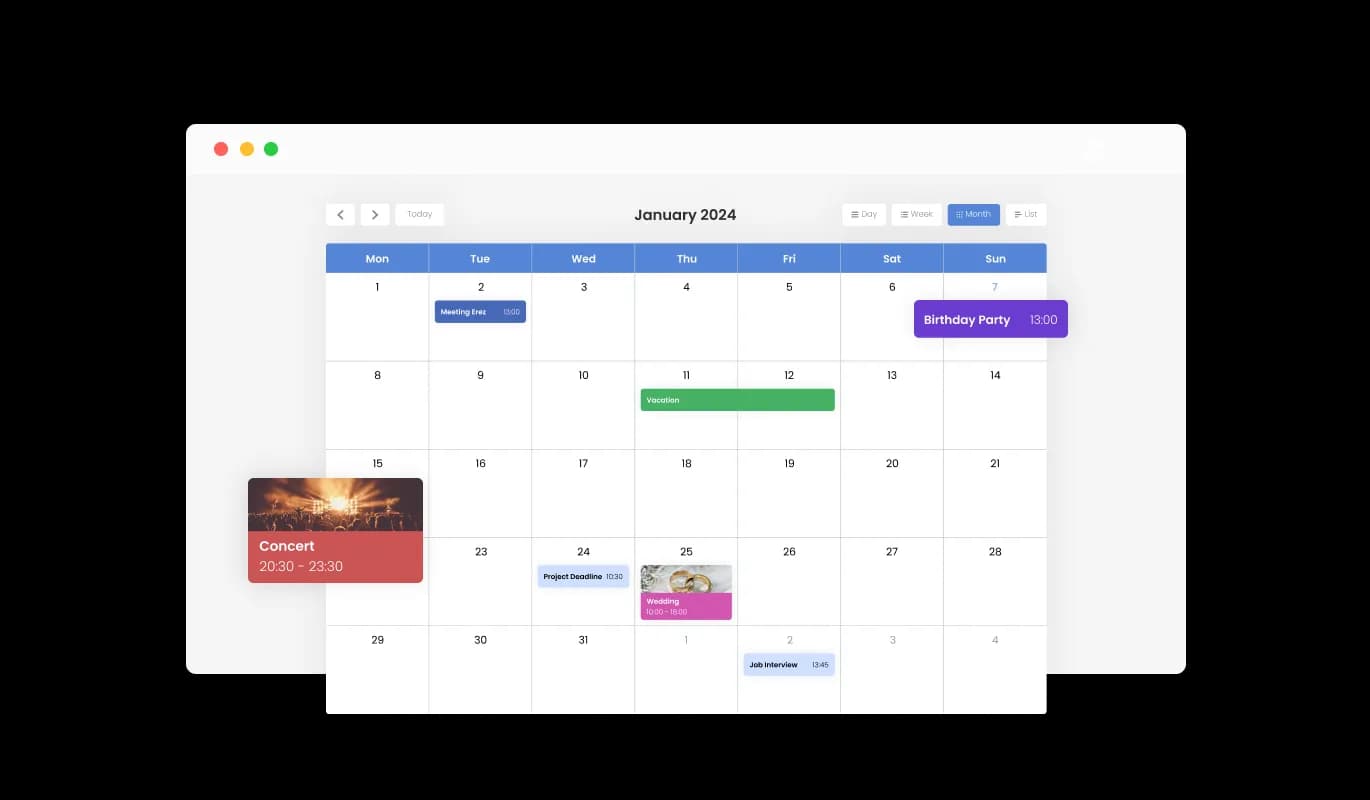
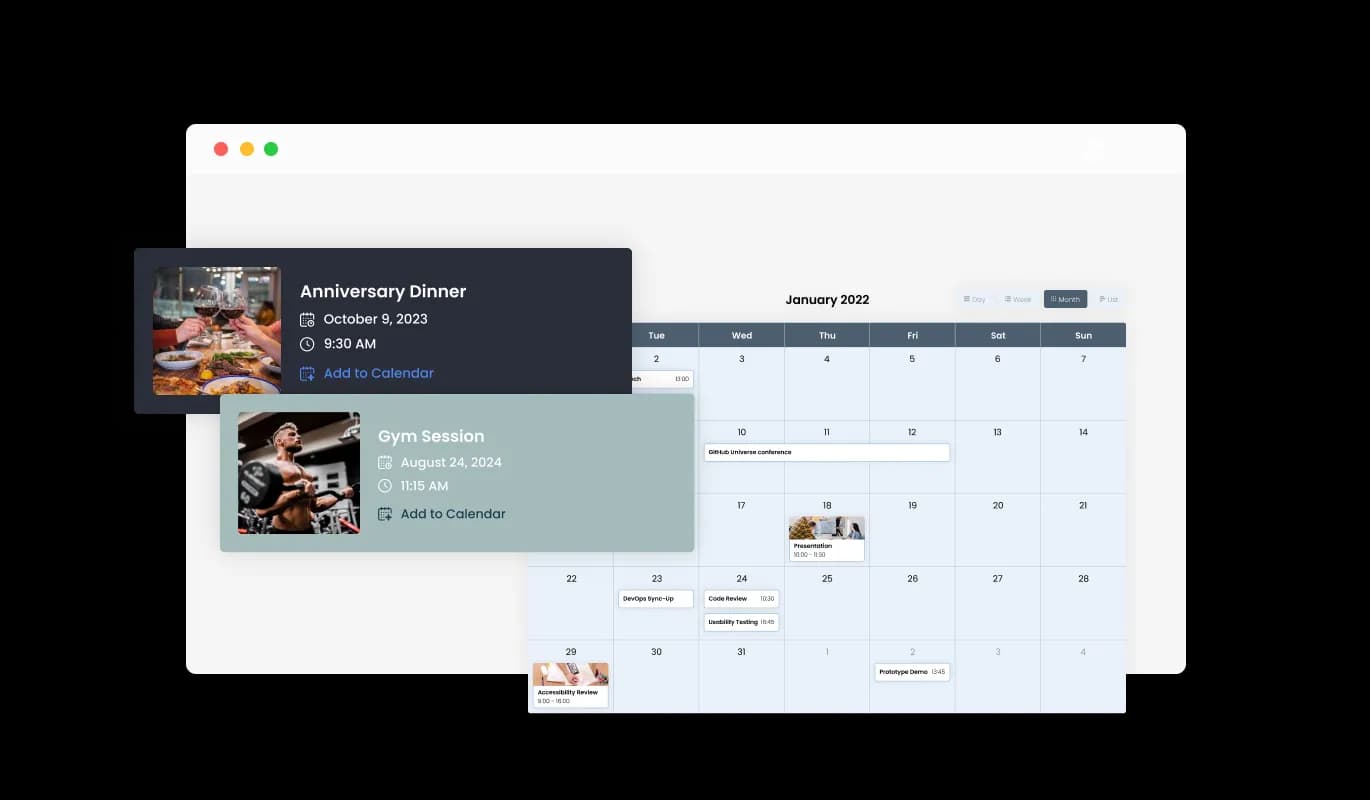
Events Calendar - Ucraft widget Personalized Color Customization

Create a Visually Engaging Calendar with Media Integration on Ucraft

With the media integration support in the Calendar widget for Ucraft, you can add depth to your calendar by including images in events, offering a more visually captivating experience. This media-centric approach not only brings your Ucraft calendar to life but also gives your events a more richly detailed context, thus elevating the overall user experience.

Events Calendar - Create a Visually Engaging Calendar with Media Integration on Ucraft

Tailor Your Calendar's Start Date with Ucraft widget

The Calendar widget provides a modifiable default view, granting you the choice of the initial display mode—whether a month, week, or day—that best fits your Ucraft website's needs, resulting in a more tailored user experience. This capability makes certain that your users are immediately offered the most appropriate view, boosting usability and ensuring that your Ucraft website serves a variety of user preferences.

Events Calendar - Tailor Your Calendar's Start Date with Ucraft widget

Multiple Skins for a Personalized Ucraft Calendar Look

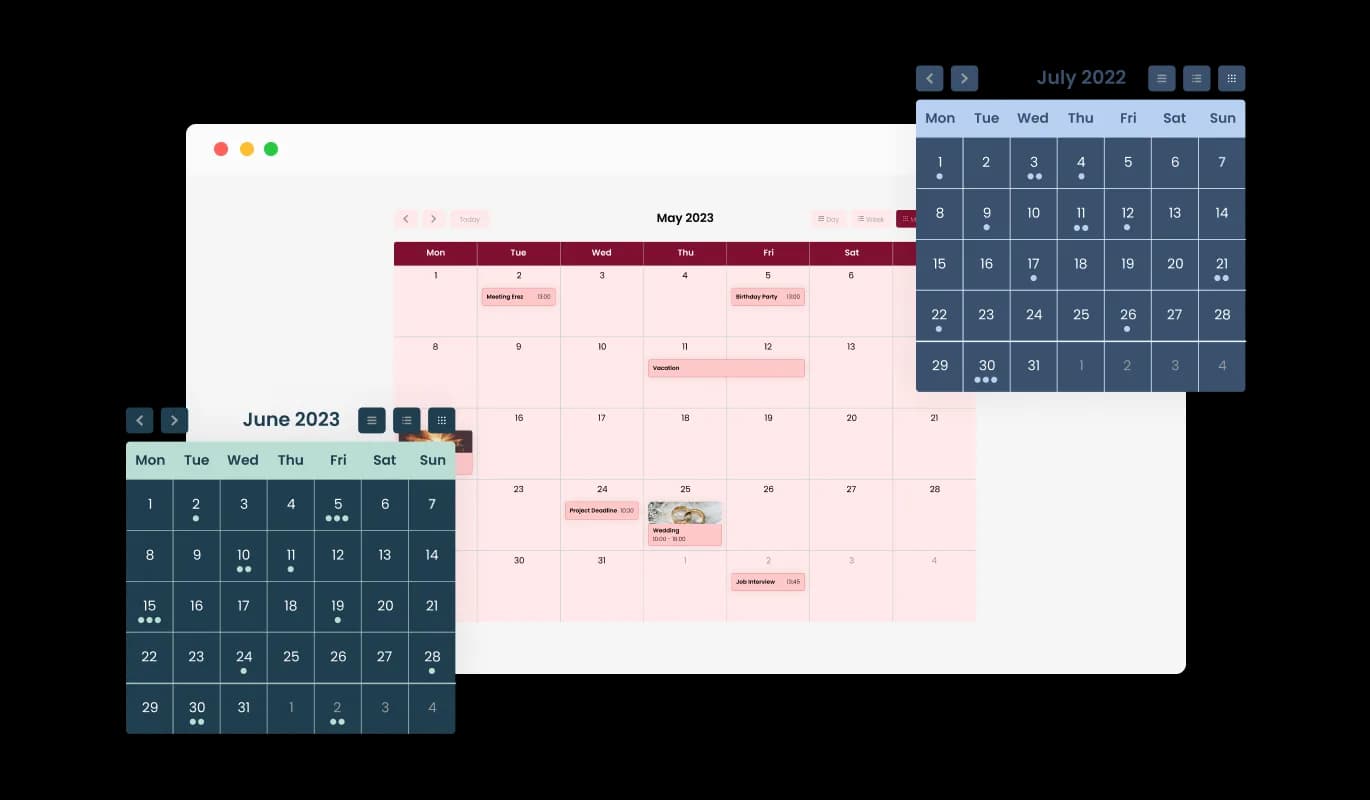
With a selection of beautiful skins, the Ucraft Calendar allows you to effortlessly pick your preferred aesthetic without the need for time-consuming customization. These pre-built skins not only save you time but also assure a professional and visually engaging look, enhancing your Ucraft website's appeal without demanding extensive design input.

Events Calendar - Multiple Skins for a Personalized Ucraft Calendar Look
Events Calendar - Manage All-Day Events Smoothly with Ucraft Calendar widget

Manage All-Day Events Smoothly with Ucraft Calendar widget

The Ucraft Calendar widget facilitates the straightforward classification of events as "All Day," which aids in the simple management and portrayal of all-day events without assigning a specific time. This feature eases the task of accentuating key activities, making it more manageable for your visitors to spot and prepare for full-day events.

Events Calendar - Improve User Engagement with Link Integration in Ucraft Calendar

Improve User Engagement with Link Integration in Ucraft Calendar

With the Ucraft Calendar's link integration feature, you can enhance user interaction by attaching URLs to particular dates or events, offering more insights, or steering users to appropriate pages. This feature not only deepens your event descriptions but also serves as a guiding tool, directing your users towards extra resources or actions, thus increasing user involvement and contentment.

Events Calendar - Calendar with Full RTL Support

Calendar with Full RTL Support

With full RTL support, the Calendar widget for Ucraft caters to those who write in right-to-left languages. Enhance your reach by making your content accessible to a larger global audience. By embracing inclusivity, this feature expands your Ucraft website's reach, making it more accessible and user-friendly to a worldwide audience, thereby endorsing diversity.

Events Calendar - Make Calendar Management a Breeze with Ucraft Calendar widget

Make Calendar Management a Breeze with Ucraft Calendar widget

The Ucraft Calendar widget is user-friendly and does away with the necessity for any coding knowledge. With our user-friendly dashboard and the drag-and-drop functionality, customizing the Calendar widget to your liking is as easy as a few clicks. This user-friendly layout enables even those lacking technical expertise to customize the widget to their preference, making it a valuable tool for boosting your Ucraft website's functionality and appeal.

Create Your Unique Look with Ucraft Calendar widget

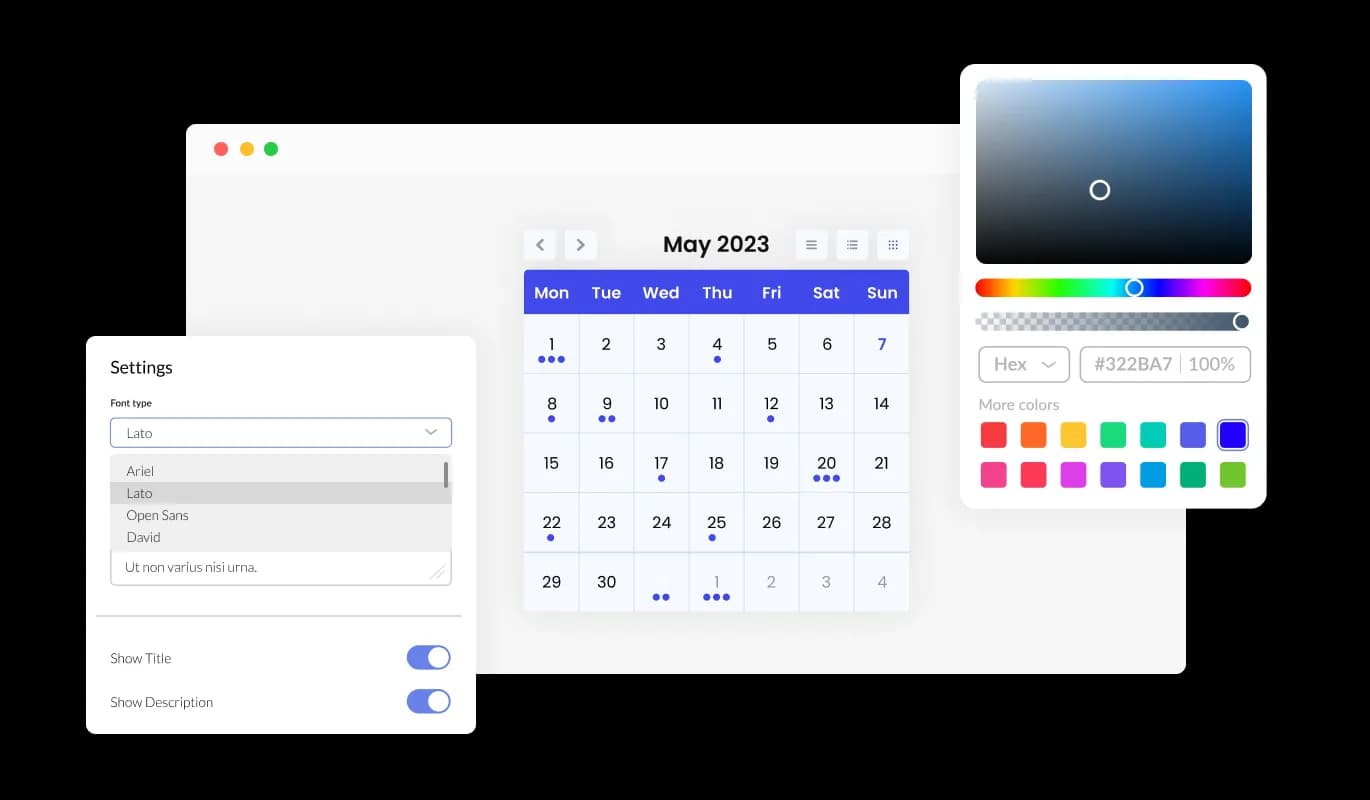
The Ucraft Calendar widget features full customization options so you can edit the design to fit your needs. You can alter everything from colors and fonts to spacing and beyond! This high level of customization enables you to design a unique and personalized calendar that aligns seamlessly with your brand identity, boosting the overall appearance and user experience of your Ucraft website.

Events Calendar - Create Your Unique Look with Ucraft Calendar widget

Go Mobile with Ucraft's Fully Responsive Calendar widget

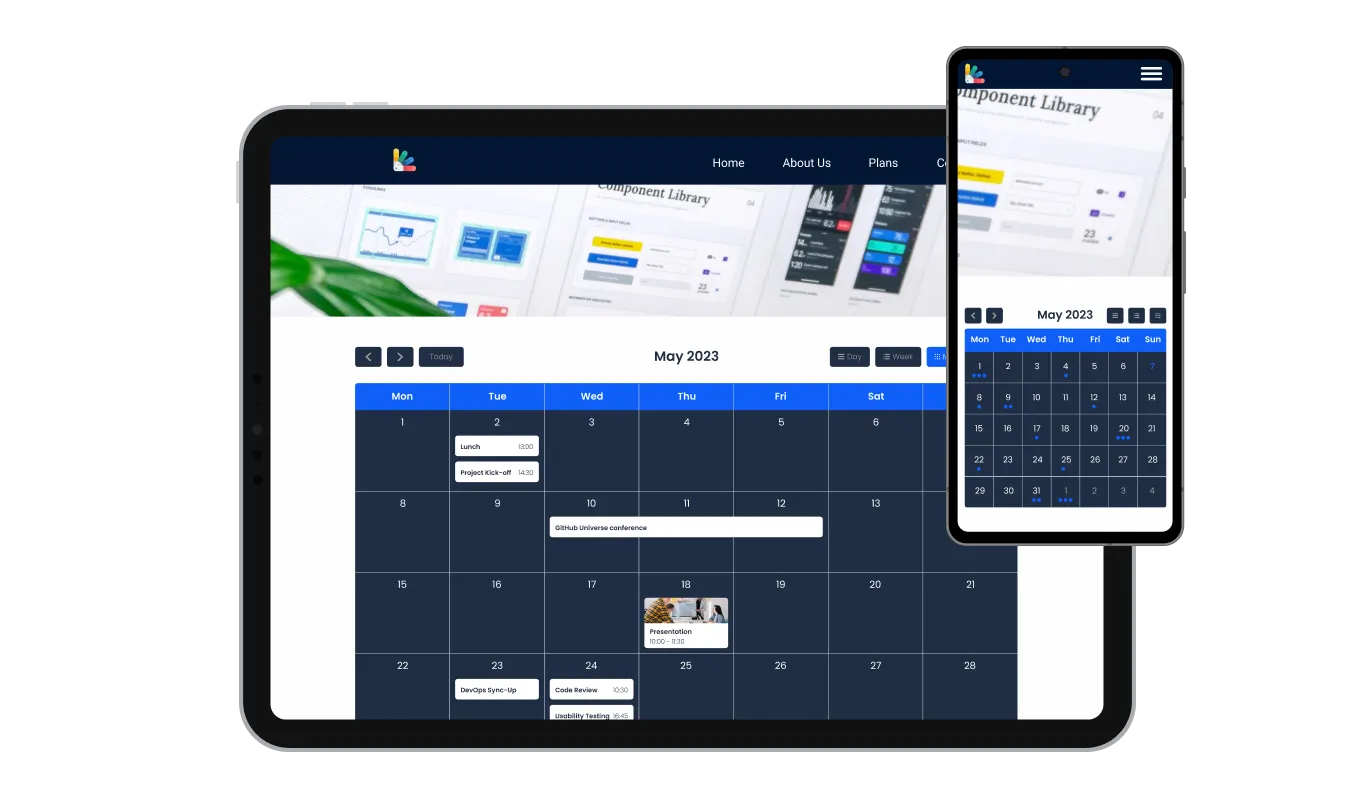
The Ucraft Calendar offers complete responsiveness, ensuring an impressive look on every device. Given the importance of mobile, this feature provides a significant advantage over your competitors. This consistent responsiveness provides a seamless user experience across all devices, offering a distinct advantage in our mobile-heavy digital world.

Events Calendar - Go Mobile with Ucraft's Fully Responsive Calendar widget

Ucraft Calendar Custom CSS

The Ucraft Calendar widget features custom CSS, offering you complete control over the design and feel of your calendar. This advanced customization option allows you to alter design components like colors, fonts, and layout of the Ucraft widget to blend seamlessly with your Ucraft website's aesthetics, providing a truly bespoke and cohesive user experience.

Events Calendar - Ucraft Calendar Custom CSS

Embed Ucraft Calendar widget with a Single Line of Code

The Calendar widget can be easily embedded on your Ucraft website by simply copying and pasting a single line of code. Each alteration you make will prompt an automatic update of the Calendar widget. This hassle-free integration and automatic updating make the process more straightforward and ensure that your Ucraft website always features the most recent and relevant content.

Events Calendar - Embed Ucraft Calendar widget with a Single Line of Code

Compatible With All Site Builders, E-Commerce Platforms and Websites

webflow logoshopify logowix logowordpress logobigcommerce logosqurespace logoweebly logojoomla logoduda logojimdo logomagento logoshift4hsop logounbounce logocarrd logo
View all supported platforms

FAQ

Yes, there are lots of beautiful skins that you can choose from to save time and start using the widget as quickly as possible.

It’s simple. All you need to do is to sign up and start using the free version.

Common Ninja’s Calendar widget is free to use. It is limited to a certain amount of views, however.

Common Ninja’s Calendar widget is compatible with ALL current and future website builders.

Yes, the Calendar widget is GDPR-compliant.

No. Using our Calendar widget is very simple. The widget comes with an intuitive drag-and-drop interface and fully customizable options. Once you’ve finished editing the widget to your liking, all you need to do is copy the provided code and add it to your website.

Yes. We are eager to hear your request. Please visit our Feature Request page.