


Verified review
Common Ninja has amazing no-code widgets that would beautify a website built on any builder. It is very easy to use and customise. It has as many widgets for almost everyone willing to make their website impressive.
Try the editor, no signup
Pick a template, customize it, and watch it update live, no signup.
No credit card · Free forever plan
No credit card · Free forever plan
The Common Ninja Card Carousel is a free, no-code widget that turns a set of image-and-text cards into a scrolling carousel on any website. Fill in the cards, pick a layout, and paste one line of embed code.
Each card pairs a picture with a heading and text, so it suits content a visitor needs to read rather than just look at: services, team members, features, plans, or case studies.
Arrows and pagination, card size, slide speed, time per slide, skins, and custom CSS are all adjustable. Works on 200+ platforms including WordPress, Wix, Elementor, Carrd, and Google Sites.
Services, features, and team members all want a block each, and a page cannot give them one. A carousel puts the whole set in a single band of the page and lets the visitor move through it, instead of forcing you to cut the list.
An image carousel shows pictures. This one carries a heading and a paragraph with each picture, which is what you need when the point is explaining a service or a plan rather than displaying a photo.
Hand-built card sections drift: mismatched image crops, headings of different lengths, uneven spacing. Every card here takes the same fields and renders to the same shape, so the section looks deliberate by default.
Proof works best as a set: three or four short stories a visitor can skim in the time they would have given one long one. A carousel makes that browsable and keeps it to one section of the page.
Add each card with its image, heading, and text. Because every card takes the same fields, a set of six comes out looking like a designed component rather than six things assembled separately.
Choose a layout and skin, set the card size and how many show at once, then set the slide speed and time per slide. Turn arrows and pagination on if visitors should browse at their own pace rather than wait for the rotation.
Copy the snippet from the Add to Website tab and paste it where the carousel belongs. Editing a card later updates every page carrying the embed, without re-pasting the code.
Set the card dimensions and let the carousel show one, two, or several at a time. That single choice is the difference between a feature strip and a full-width spotlight.
Give visitors arrows and dots so they can browse at their own pace, and set the slide speed and time per slide for the automatic rotation. Both together suits most pages.
Ready-made skins so a carousel looks finished before you style anything, then control over colours, spacing, and typography when you want it to match the site exactly.
Cards reflow to the screen width so a three-across carousel becomes a readable single card on a phone, and a custom CSS field handles the rest. One embed snippet, 200+ platforms, nothing to install.
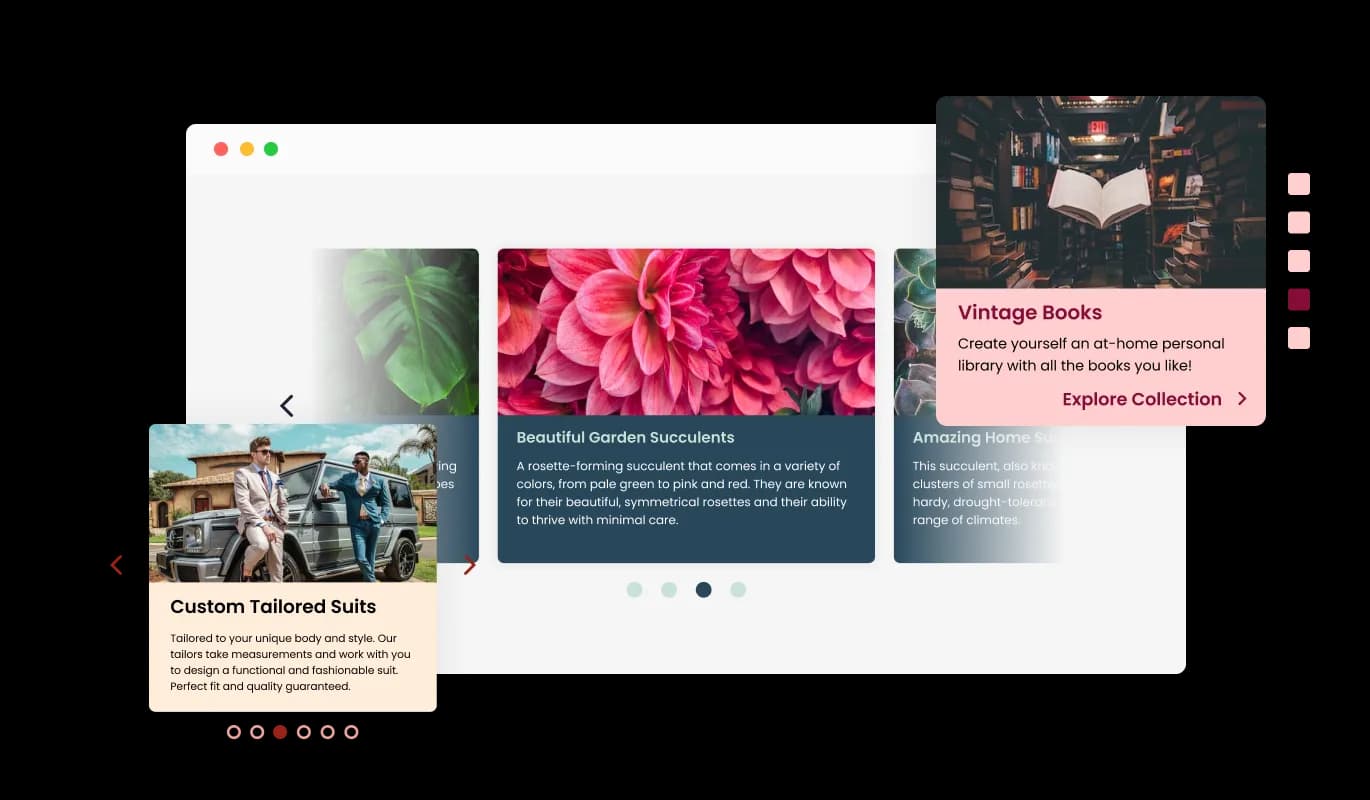
The Card Carousel widget comes available with multiple layouts that you can choose from to make sure it fits your overall website design and style. In addition to its visually appealing design, the Card Carousel widget offers versatility in its layout options. You can select from multiple layouts to ensure that it complements your website's overall look and feel. The ability to customize the layout makes it easy to create a seamless and cohesive experience for your visitors.
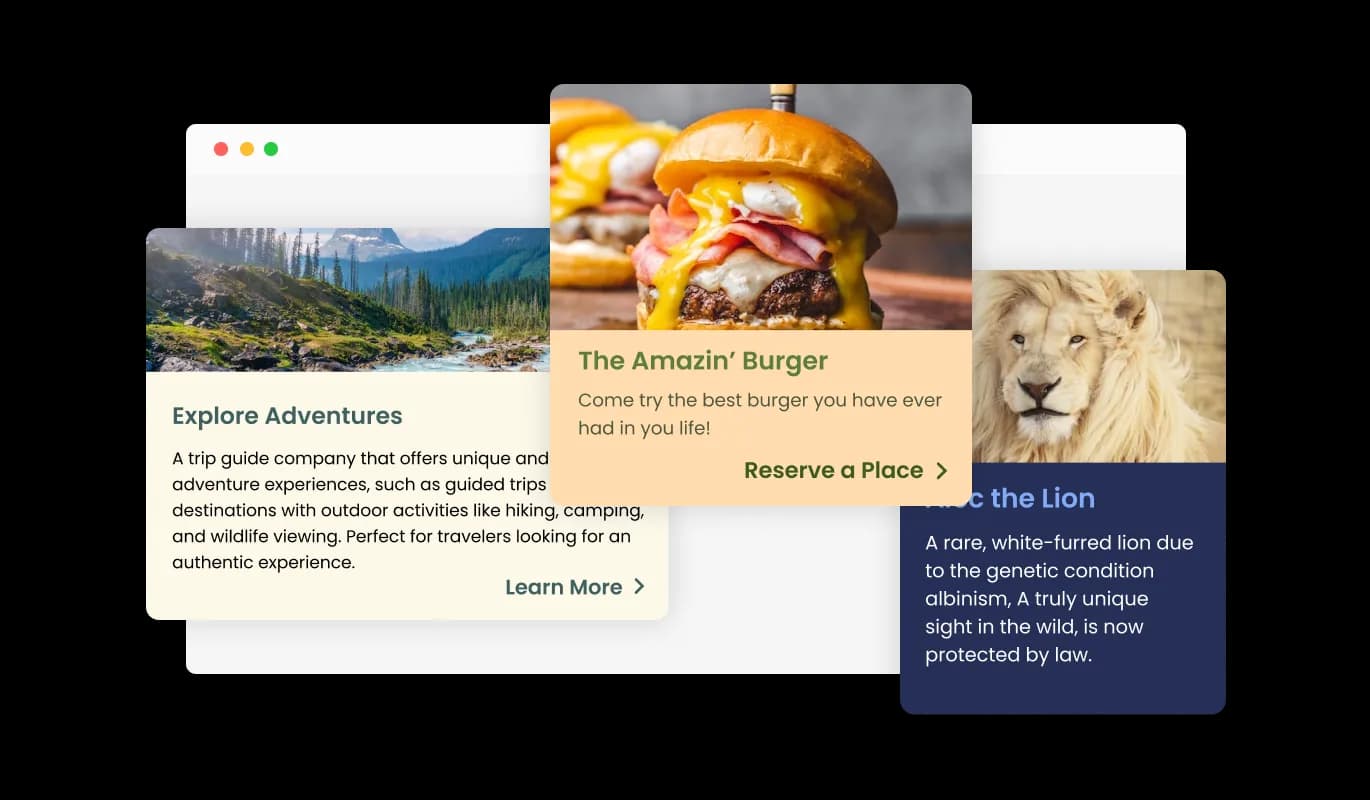
The Card Carousel widget comes with various pre-made skins you can choose from to speed up your work. To save you time and effort, the Card Carousel widget also comes with various pre-made skins for you to choose from. These skins are designed to provide a quick and easy way to customize the look and feel of the Card Carousel widget to match your brand and style. The pre-made skins make it simple to achieve the desired aesthetic without starting from scratch.
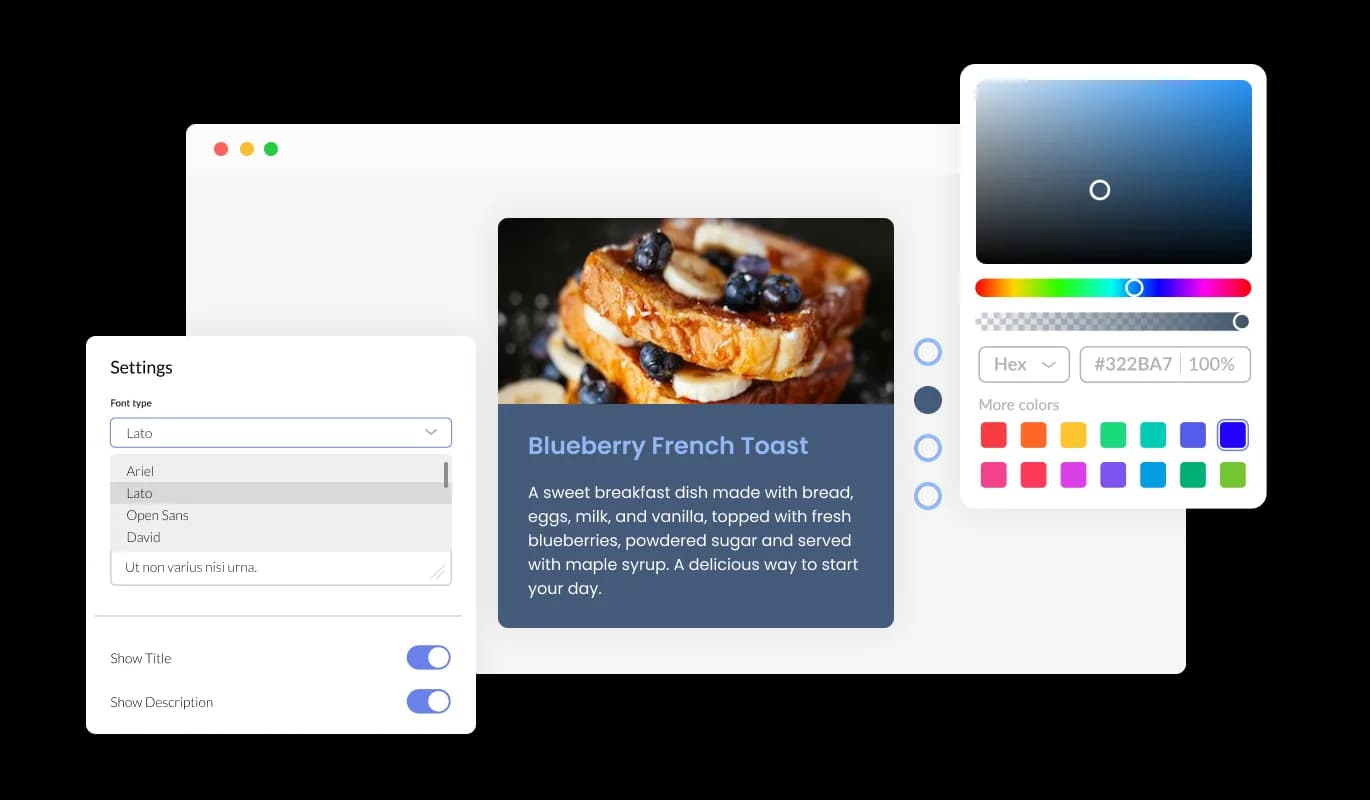
Change colors, fonts, and spacing, or start from one of the premade skins and adjust from there. The skins are built for different site styles, so picking the closest match and making small changes is usually faster than designing from scratch.
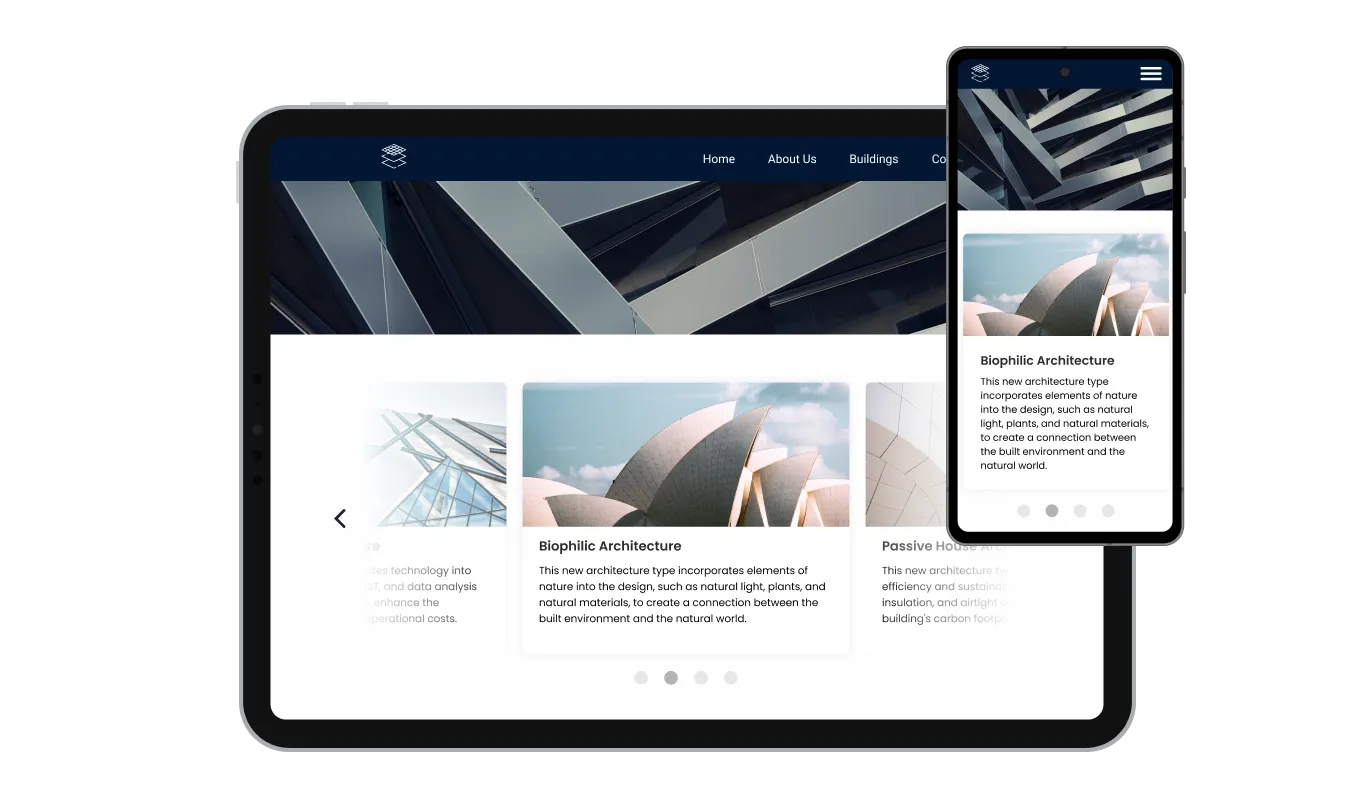
The Card Carousel widget is fully responsive and will look great on any device. This feature will put you ahead of your competitors in a mobile-first world. With more and more people accessing the internet through their smartphones and tablets, your website must be optimized for mobile devices.

As with all of Common Ninja's widgets, the Card Carousel widget also provides the option to add custom CSS, which allows you to take your customization to the next level and be even more creative. Custom CSS will enable you to create custom styles and design elements that are unavailable through built-in customization options.

Embedding the Card Carousel widget on your website is easy, simply copy a single line of code, and paste it into the HTML of your webpage. This allows you to quickly and easily add the widget to your website without any complicated setup or installation process. Once the widget is embedded, it will automatically update with every change you make, so you don't have to worry about manually updating the Quotes widget every time you change. This feature can save you a lot of time and effort and ensure that your Card Carousel is always up-to-date and accurate.
The Card Carousel widget comes with the option to change the carousel’s card sizes — from small, to large, vertical, or horizontal, you make the widget fit your specific needs.
With the option to change the arrow types of the Card Carousel slider, and the pagination icons below, you can further customize the widget and make it fit your design requirements.
The Card Carousel widget comes with the options to control the speed at which the cards slide, and how much time should be spent on the cards. You can use these options to tailor your user’s experience.
The Card Carousel widget is easy to use and requires no coding knowledge. Our intuitive dashboard with the drag-and-drop feature will enable you to customize the widget any way you’d like to with just a few simple clicks.
Build your card carousel in the editor
Open the editorFree to use · No credit card · No signup to try it
Common Ninja has amazing no-code widgets that would beautify a website built on any builder. It is very easy to use and customise. It has as many widgets for almost everyone willing to make their website impressive.
Outstanding service. I use their widgets to help me with my web design business and whenever I need help they are very quick to help.
Excellent company with excellent service!!! We used it to build a survey, it was very user friendly. The service was perfect. Amit helped us with every problem and question we had, thank you very much!!!
Common Ninja saved the day when building our website and the customer service Daniel, the co-founder and CEO, provided was amazing.
No. This is a hosted widget: you build the carousel in an editor and paste one embed line into your page, so there is no HTML, CSS, or JavaScript for you to maintain. If you are looking for card carousel markup to own and modify, a component library is the right tool rather than a widget.
An image carousel shows pictures, and the picture is the whole message. A card carousel gives each slide a heading and a paragraph as well, so it suits content that needs explaining: a service, a plan, a team member, a case study. If your slides only need a caption, an image carousel is simpler.
Enough to be worth browsing and few enough that a visitor reaches the end, which in practice is usually between three and eight. Beyond that most people stop before they see the last card, so anything important should not be sitting at position nine.
Both. Turn on arrows and pagination dots so visitors can move through at their own pace, and set the slide speed and time per slide for the automatic rotation. Giving people manual control matters when the cards carry text, because reading speeds differ.
Cards are built to carry an image, a heading, and text as one unit, which is what makes the set look consistent. Design the carousel as the summary and put the detail on the page it introduces, with the card text doing the persuading.
Cards reflow to the screen width, so a carousel showing three across on a desktop becomes one readable card at a time on a phone. Check your card size setting at phone width, because a card sized for a desktop column can leave text cramped on mobile.
It is a single embed snippet rather than a plugin, so nothing enters your site's own code and there is nothing to keep updated. It loads after the page itself, so your content becomes readable without waiting on the carousel.
Yes. Each carousel is its own widget with its own cards and settings, so a services carousel and a team carousel can look completely different. On the free plan each widget counts separately against your plan's widget allowance.
Pick your platform. Each takes under 4 minutes.

Showcases images in a rotating or sliding manner

Displays a series of images in a slideshow format

Displays images and captions in diverse layouts and grids, presenting visually appealing arrangements for showcasing multiple images
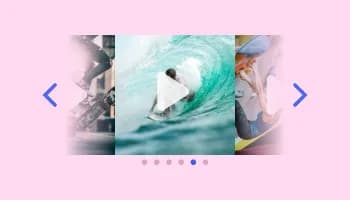
Showcases videos in a rotating or sliding manner

Displays multiple logos in a scrolling or rotating manner

Showcases quotes in a rotating or sliding manner
Yes, you can easily do so from the “Templates” tab.
It’s simple. All you need to do is to sign up and start using the free version.
Common Ninja’s Card Carousel widget is free to use. It is limited to a certain amount of views, however.
Common Ninja’s Card Carousel widget is compatible with ALL current and future website builders.
Yes, the Card Carousel widget is GDPR-compliant.
No. Using our Card Carousel widget is very simple. The widget comes with an intuitive drag-and-drop interface and fully customizable options. Once you’ve finished editing the widget to your liking, all you need to do is copy the provided code and add it to your website.
Yes. We are eager to hear your request. Please visit our Feature Request page.
A Card Carousel is a type of user interface element that allows displaying multiple items in a compact, rotating format on a website. The items are usually presented as cards containing text, images, and other media. Card carousels are often used for showcasing products, services, or other information in a visually appealing and interactive way, allowing users to navigate and engage with the content easily.
There are several benefits of using a Card Carousel on a website, including:
Image-and-text cards in a scrolling carousel, with adjustable card size, arrows and pagination, slide speed and timing, ready-made skins, full responsiveness, and custom CSS. Embed on 200+ platforms including WordPress, Wix, Elementor, Carrd, and Google Sites.
Create your card carouselFree to use · No credit card · No coding