


Verified review
Common Ninja has amazing no-code widgets that would beautify a website built on any builder. It is very easy to use and customise. It has as many widgets for almost everyone willing to make their website impressive.
The Common Ninja Catalog widget is a free, no-code embed that displays a structured product or item catalog on your website — organized by category, with images, descriptions, and details per item.
Add items with title, image, description, price (optional), category tag, and custom fields for product-specific details, organize them into categories visitors can filter by, pick a layout (grid, list, masonry), add a CTA button per item (contact, inquire, buy, view), customize the design with skins or Custom CSS, and paste a one-line embed snippet on Wix, Squarespace, Elementor, WordPress, Shopify, Carrd, Sitejet, and 200+ other platforms.
Use it for service catalogs (consulting offerings, freelance services), product showcases (lookbooks, equipment lists, menu items), portfolio galleries (design samples, photo collections), product directories, or any context where you want visitors to browse structured items without a full e-commerce checkout.
Full e-commerce platforms handle checkout, inventory, shipping, and tax — powerful but heavy for services, B2B inquiries, or browse-only catalogs. This widget gives you the structured browsing surface (category-organized items with images and details) without the platform overhead. Pair with a contact form or inquiry CTA for the lead-capture step.
A flat list of 50 items overwhelms visitors. Categorized browsing — "Services", "Products", "Lookbook", "Equipment" — lets visitors pick a section and scan only the items that match their interest. Built-in filter controls handle the categorization without manual nav setup.
Pre-set fields cover the basics (title, image, description, price). Custom fields handle the specifics — SKU, dimensions, material, model number, availability, ingredient list. Different items can use different field combinations without breaking the layout. Useful for catalogs spanning multiple product types in one widget.
Real Estate Listings is pre-tuned for property data (price, beds, baths, square footage, address). Catalog is generic — products, services, lookbook items, equipment, menu items, portfolio samples. Use the Common Ninja Real Estate Listings widget for property catalogs; use this Catalog widget for everything else.
Enter each item with title, image, description, optional price, and category tag (for grouping and filtering). Add custom fields for item-specific details — SKU, dimensions, material, availability, notes. Upload multiple images per item if needed; the catalog handles thumbnails and full-detail views.
Choose a layout — grid (uniform tiles, best for visual scanning), list (vertical reading column with full detail per item), or masonry (Pinterest-style staggered grid for variable image heights). Enable category filters for visitors to narrow by group, add a CTA button per item (inquire, buy, view, contact), and pick a skin or layer Custom CSS for pixel-level brand match.
Copy the one-line embed snippet and paste it on Wix, Squarespace, Elementor, WordPress, Shopify, Carrd, Sitejet, or any of the 200+ supported platforms. Visitors browse, filter by category, and click items to see full details inline. Edits in the Common Ninja editor push to every embed without re-paste.
Organize items into category groups (Products, Services, Lookbook, Menu, Portfolio). Visitors filter by category to narrow the visible catalog without scrolling through every item. Categories are configured per widget; show or hide the filter controls as needed.
Each item supports title, image gallery, description, optional price, category tag, custom fields, and a CTA button. Visitors get the full picture on each item without leaving the catalog — no detail-page round trips required.
Each item's CTA button routes wherever you want — contact form, inquiry email, external buy page, calendar booking, payment link. Mix routing per item; the widget handles the link, your fulfillment flow handles the rest.
Pick from a library of pre-designed skins (minimal-grid, magazine-lookbook, dark-luxe, restaurant-menu, portfolio-clean) for a fast visual fit. Layer Custom CSS for pixel-level control over card sizing, image framing, filter-control styling, and per-breakpoint sizing.
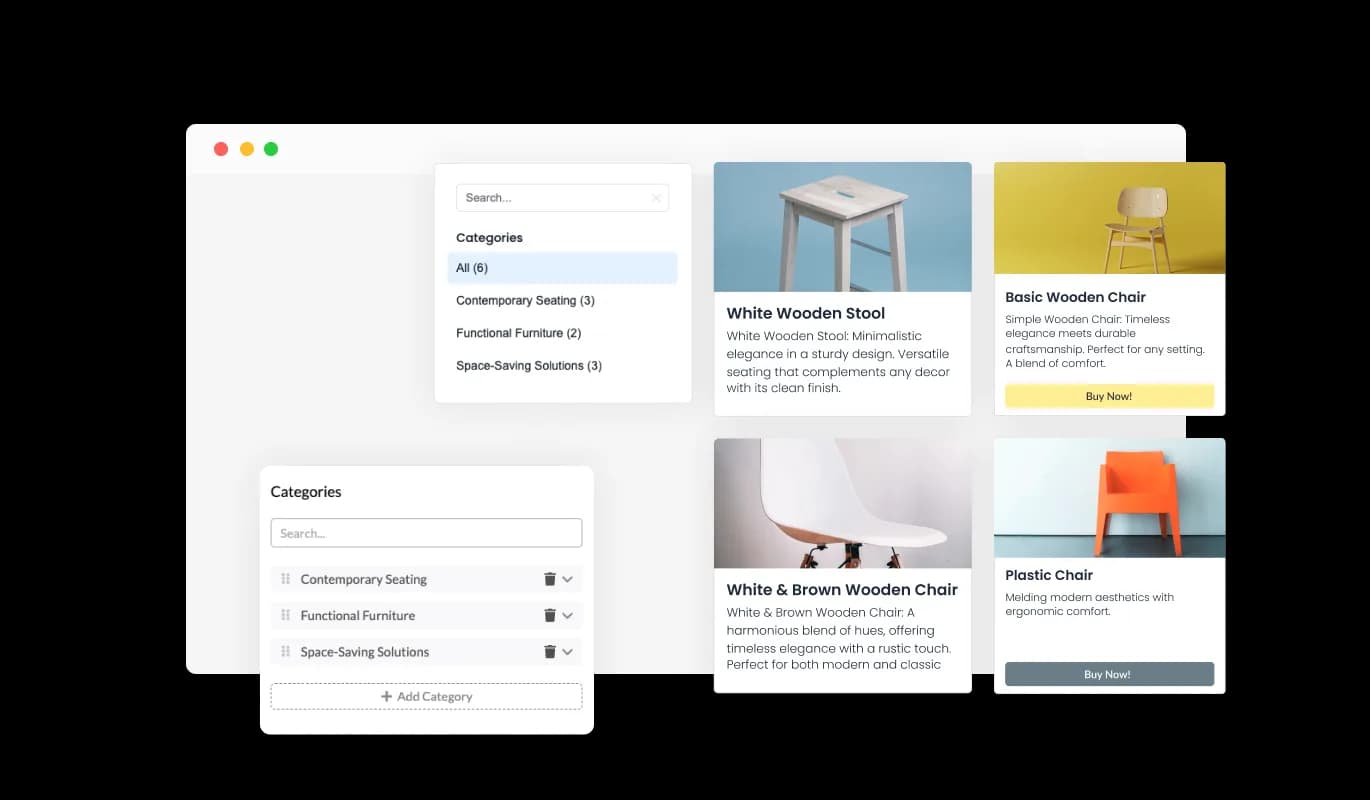
Utilize the Catalog widget to sort products into organized categories. An intuitive navigation panel lets visitors swiftly filter by these categories. This enhances the browsing experience, guiding users directly to their desired products.
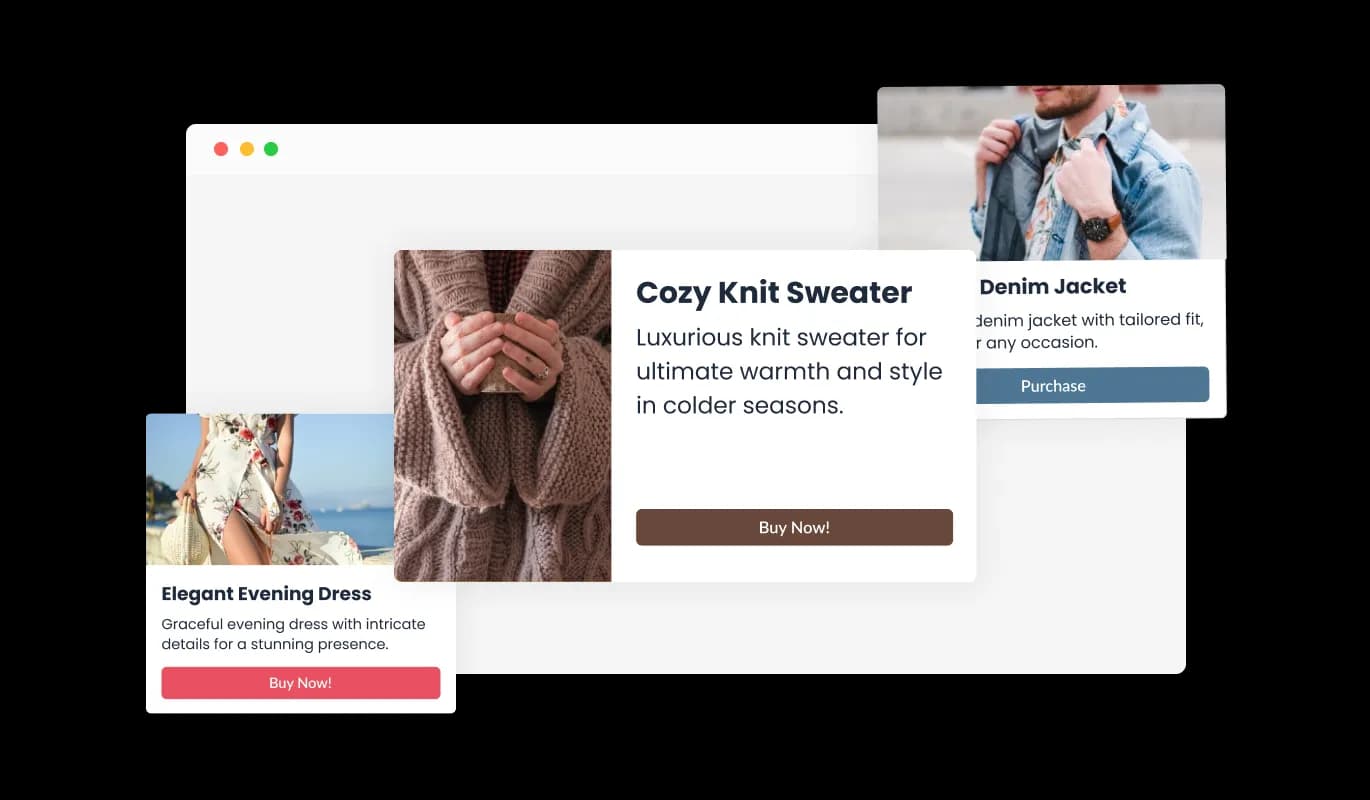
Using the Catalog widget, showcase a complete profile for each item with a title, description, and image. This holistic presentation ensures visitors receive a clear and concise overview of every offering, enhancing their browsing experience.
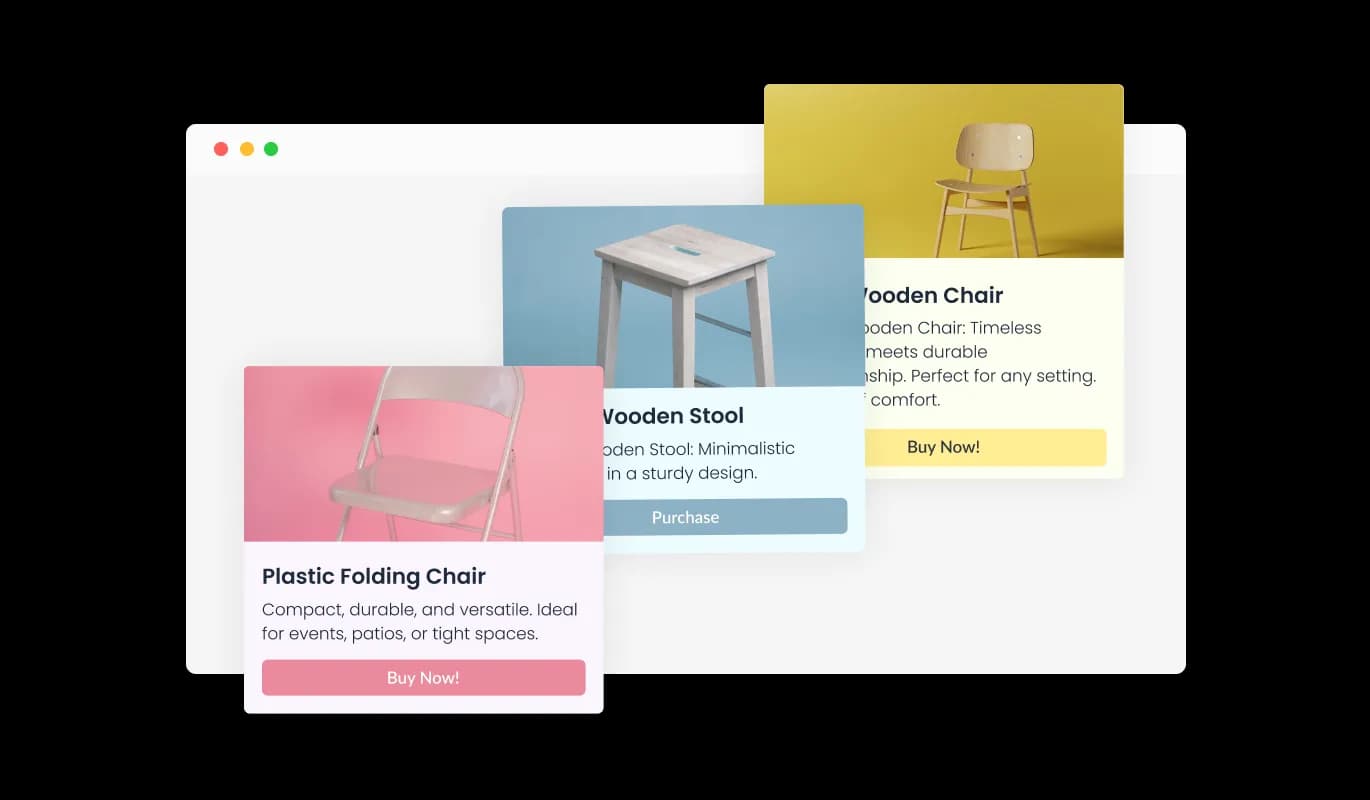
The Catalog widget offers a range of beautiful skins to choose from. Customize the appearance to match your website's style and vibe, ensuring not only functionality but also a visually appealing and cohesive user experience.
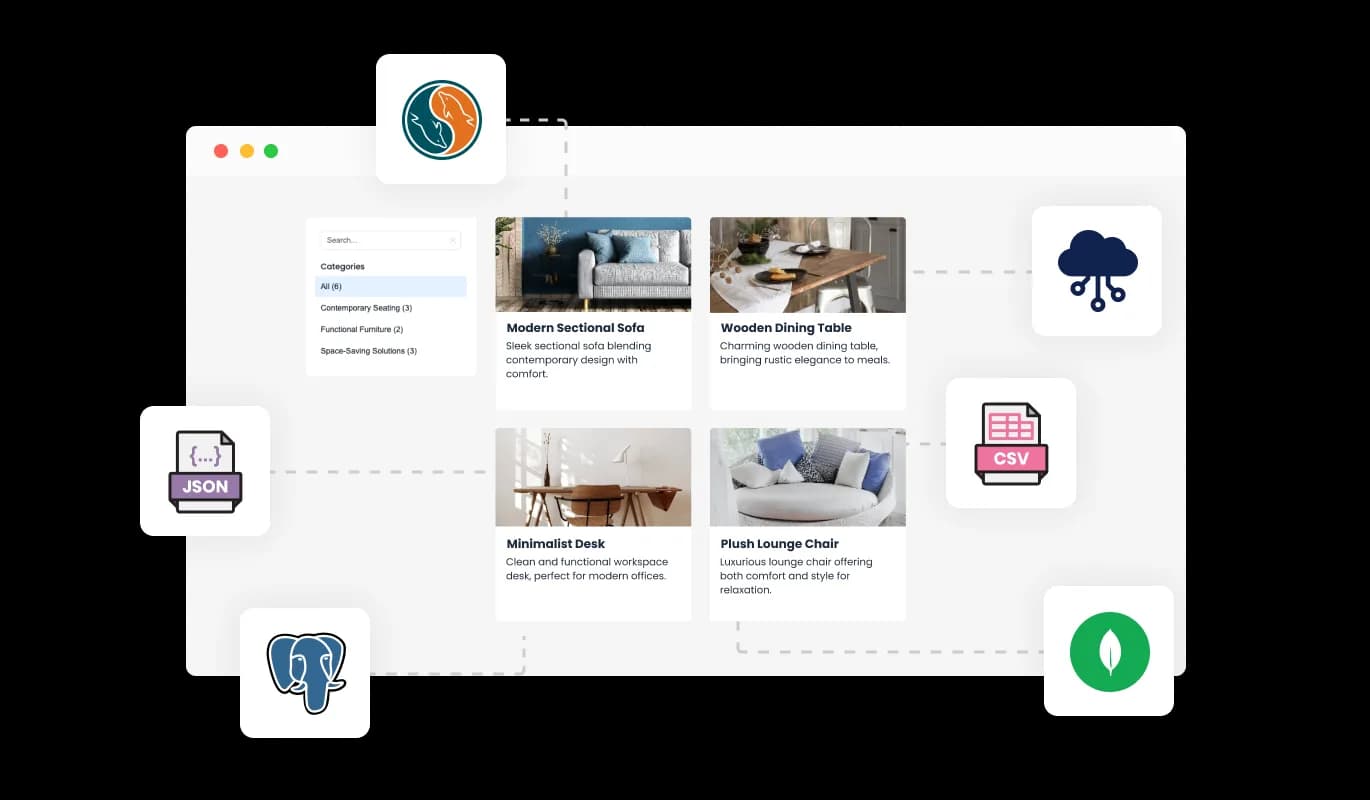
With the Catalog widget, easily integrate via CSV or API to auto-populate your catalog. This ensures your products and items are showcased effortlessly and accurately, minimizing manual input and enhancing the efficiency of your site's content management.
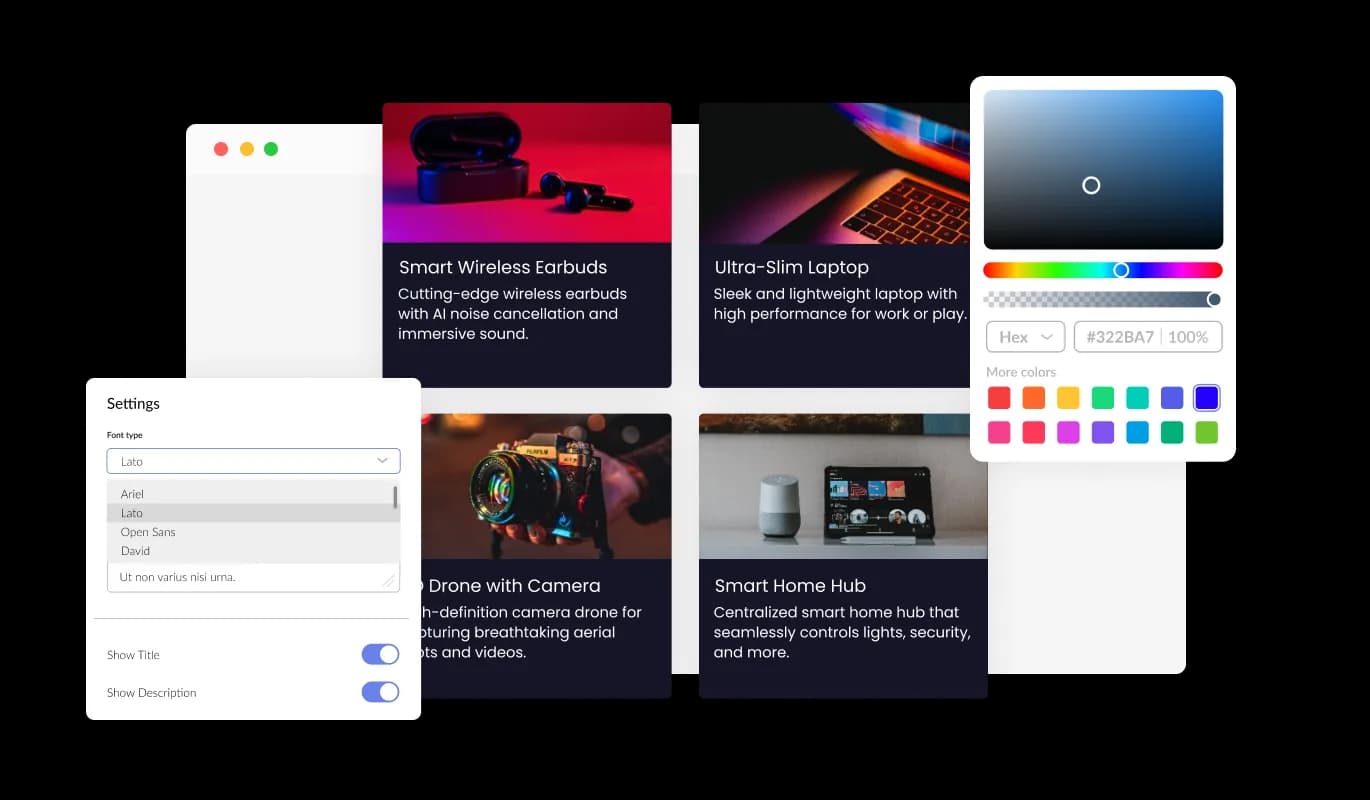
With the Catalog widget, you're in the driver's seat when it comes to design. Adjust various elements, from colors and fonts to spacings, ensuring it complements your brand or personal aesthetic. Whether you're aiming for a contemporary feel or a classic touch, the Catalog widget offers a plethora of customization choices, allowing you to achieve the ideal design for your endeavor.
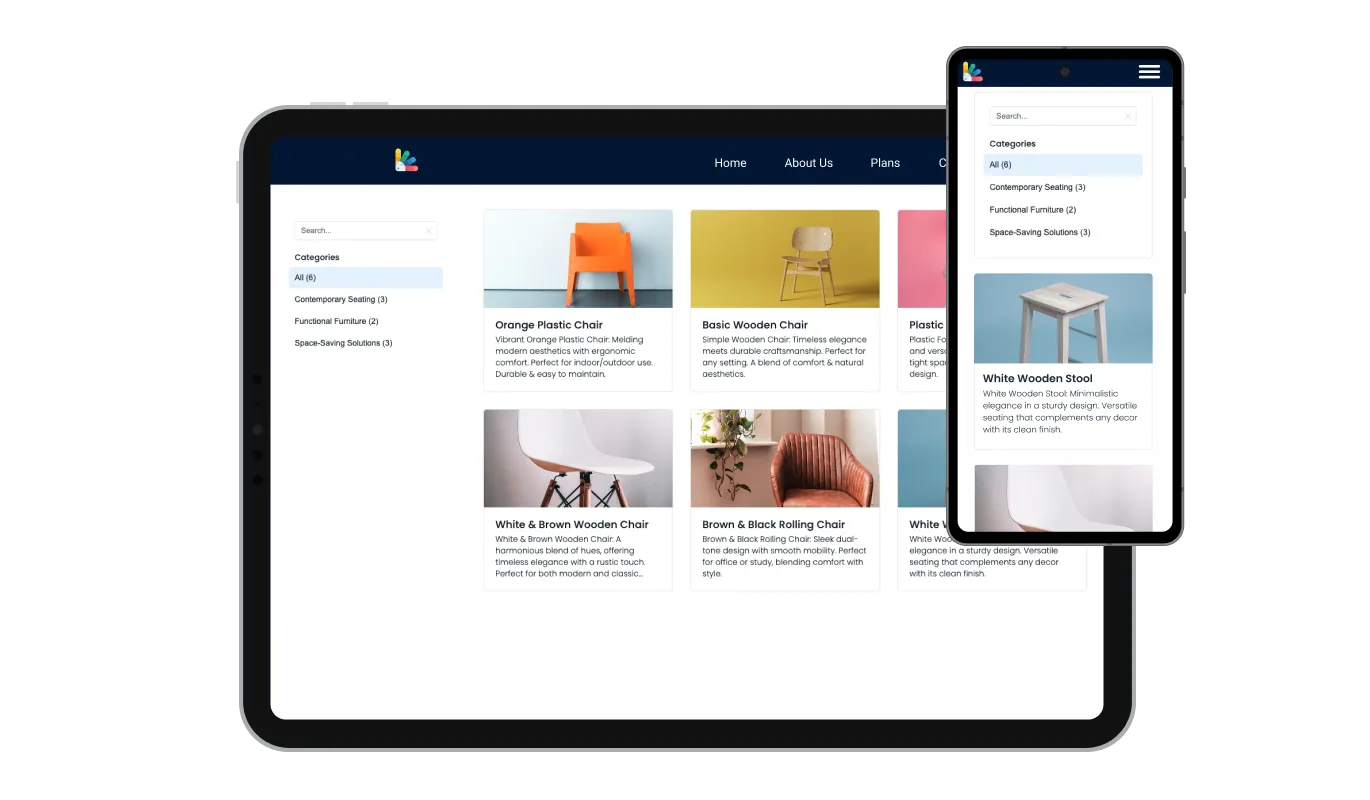
The Catalog widget is more than just a visual asset; it's an essential tool for modern websites. It boasts a fully responsive design, ensuring it adapts gracefully to any device's screen size. In today's mobile-driven world, a site optimized for mobile viewing isn't just a luxury—it's a necessity. And with the Catalog widget, your website will shine on any platform, providing you with a competitive advantage.

Dive deep into the design with the Catalog widget's advanced editor, granting you unparalleled control over its aesthetics. Tailor everything, from colors and fonts to layout nuances, suiting your unique taste. For those seeking a more intricate touch, direct CSS editing is at your disposal. Whether aiming for modest tweaks or extensive customizations, our advanced editor ensures your vision comes to life.

Embedding the Catalog widget is as simple as copying and pasting a given code snippet into your webpage's HTML. What's more, the widget's design prioritizes ease-of-use and adaptability. Any modifications made in the Catalog Editor automatically reflect on your site, eliminating the hassle of manual updates and ensuring real-time synchronization.
Incorporate a "Call to Action" (CTA) button with the Catalog widget, directly linking to each item. This clickable element streamlines user navigation, leading them effortlessly to more detailed information or purchase pages. Enhance user engagement and potentially increase conversions with this intuitive feature.
Integrate a search bar with the Catalog widget to empower your visitors. This feature allows for immediate and accurate product searches, streamlining user navigation and helping them effortlessly find what they're looking for.
With the Catalog widget, choose between two distinct item layouts. This flexibility allows you to select the visual representation that best suits your content and aligns with your website's design, ensuring a cohesive and appealing user experience.
The Catalog widget is designed with ease of use in mind and doesn't require any coding expertise. Its intuitive dashboard, paired with a drag-and-drop interface, empowers you to tailor the widget to your preferences effortlessly. Customize and curate your catalog with just a few simple clicks.
Put your products or services in a structured browser
Open the editorNo credit card · Setup in under 5 minutes
Common Ninja has amazing no-code widgets that would beautify a website built on any builder. It is very easy to use and customise. It has as many widgets for almost everyone willing to make their website impressive.
Outstanding service. I use their widgets to help me with my web design business and whenever I need help they are very quick to help.
Excellent company with excellent service!!! We used it to build a survey, it was very user friendly. The service was perfect. Amit helped us with every problem and question we had, thank you very much!!!
Common Ninja saved the day when building our website and the customer service Daniel, the co-founder and CEO, provided was amazing.
Yes. The free plan covers one Catalog widget with no time limit and no credit card. Upgrade only when you need additional catalogs, more items per catalog, advanced filter logic, premium skins, or features like per-item analytics and inventory tracking.
Real Estate Listings is pre-tuned for property data — price, bedrooms, bathrooms, square footage, address, latitude/longitude for map view. This Catalog is generic — services, products, lookbook items, menu items, portfolio samples, equipment lists. Use the Common Ninja Real Estate Listings widget for property catalogs; use this Catalog for any other type of item showcase.
Full e-commerce platforms (Shopify, BigCommerce, WooCommerce) handle inventory, checkout, shipping, taxes, and dozens of other features. This widget is the BROWSE-AND-INQUIRE surface — structured item display with categories, filters, and per-item CTAs. Best for services (where there's no checkout), browse-only catalogs (lookbooks, equipment lists), and pre-purchase showcases that route to a contact form or external buy page.
Yes. Tag each item with one or more category labels ("Services", "Products", "Lookbook"). Visitors use the filter controls to narrow the catalog to a specific category. Configure which categories appear as filters in the editor; the filter UI updates automatically.
Each item's CTA routes to a destination you configure — a contact form (Common Ninja form widget on the same page), an email link (with subject pre-filled like "Inquiry: Item Name"), an external buy page (Shopify, Gumroad, Etsy), a calendar booking link, or any URL. Mix routing per item — some items contact-form, some external buy, some calendar booking.
Yes — optional per item. Show price for products with set pricing, leave price blank for services that quote per project, or use the price field for a "starting at" indicator. The widget renders only the fields you've filled in.
Build the widget in the Common Ninja editor (add items, set categories, customize design), copy the embed snippet, and paste it into your site: Wix via the HTML embed widget (Add → Embed → HTML iFrame/Embed a Widget); Squarespace via a Code Block in your section; Elementor via the HTML widget on any page. Edits in the editor push to every embed without re-paste.
Yes. All layouts (grid, list, masonry) adapt across mobile, tablet, and desktop breakpoints — item cards reflow to single-column on narrow screens, image galleries stay swipe-friendly on touch devices, filter controls stack vertically on mobile, and CTA buttons stay finger-sized.
Pick your platform. Each takes under 4 minutes.
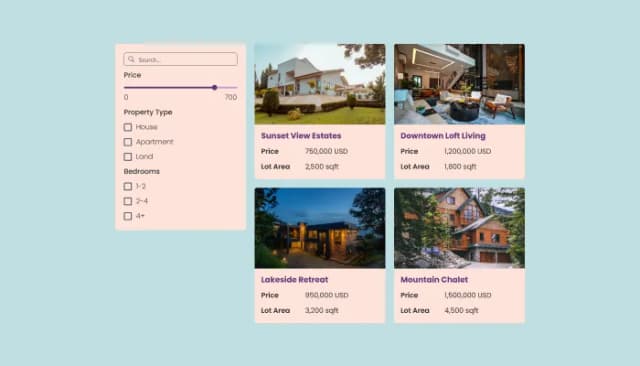
Free, customizable Real Estate Listings widget for all websites, mobile-optimized.

Displays images and captions in diverse layouts and grids, presenting visually appealing arrangements for showcasing multiple images

Displays pricing options for products or services in a clear and organized format

Allow users to send messages or inquiries, save submissions, enable notifications, and more

Easily craft engaging, personalized popups to boost conversions.

Allow users to fill in orders, save submissions, enable notifications, and more
The Catalog Widget allows you to create and display a catalog of items on your website seamlessly. It offers organized presentations, customizable designs, and responsive layouts suitable for various devices.
No, you don't. The Catalog Widget is designed to be user-friendly with drag-and-drop features. There's no need for any prior coding knowledge to use and customize it.
Absolutely! The Catalog Widget is fully customizable, allowing you to adjust colors, fonts, and spacings, and even go into advanced customizations with direct CSS editing.
It's easy. Simply copy and paste the provided code snippet into the HTML of your webpage, and the widget will appear seamlessly.
Yes, the Catalog Widget is designed to be fully responsive, ensuring that it looks and functions optimally on any device, from desktops to smartphones.
Indeed, you can. The widget allows for product arrangement into distinct categories, making navigation and filtering easier for your visitors.
Any changes you make within the Catalog Editor will be automatically updated and reflected in the widget on your website, making management effortless.
Yes, the Catalog Widget supports integration via CSV or API, allowing for automatic product and item displays.
The Catalog Widget is designed with security in mind, ensuring that your data and user interactions are protected.
The advanced editor within the Catalog Widget provides an option for direct CSS editing, allowing for intricate design customizations.
Yes, for each item in your catalog, you can display a title, description, and image.
The Catalog Widget is optimized for performance, ensuring minimal impact on website load times.
Yes, we consistently work on improving the widget and regularly roll out updates to enhance functionality and user experience
Certainly! Our support team is always ready to assist with any challenges or questions you might have regarding the widget.
Display structured product or service catalogs — items organized by category, image galleries per item, custom fields, per-item CTA buttons, grid / list / masonry layouts, stylish skins, and Custom CSS. Embed on 200+ platforms including Wix, Squarespace, Elementor, WordPress, Shopify, and Carrd.
Create your CatalogNo credit card · Setup in under 5 minutes