Charts & Graphs for JouwWeb

Add charts and graphs to your site to present data clearly, help visitors understand insights faster, and support more confident decision making.

Create a Chart

loved by 500K+ businesses

JouwWeb
plugineditor

Why Should You Use the Charts & Graphs Widget+?

Improve & Expedite the Decision-Making Process with Graphs and Charts for JouwWeb

With the Charts & Graphs plugin, you can improve and expedite the decision-making process by providing easy-to-follow information to your JouwWeb website visitors. Visually illustrate the benefits of your product or service, show how you deliver value, warn of the dangers of inactivity, and more!

Use Charts & graphs to Compile and summarize a large amount of data

The Charts & Graphs for JouwWeb allows you to summarize large amounts of information for better accessibility and easier understanding of different subjects. You can provide yearly output comparisons, quarterly yields, fun facts, projected future results, and other relevant information! Your readers won't be bored by endless text - show them charts!

Enhance User Experience and Design

In Charts & Graphs, information is presented visually in a way that complements the design of your JouwWeb website and enhances users' experiences on your website. Choose any color scheme and add breakpoints between text. Create stunning 3D charts.

A Large Selection of Chart Types

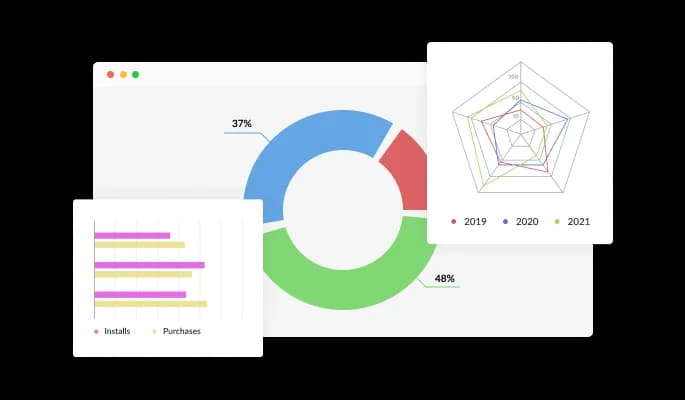
Charts & Graphs for JouwWeb includes 20 types of charts that allow you to present information on your JouwWeb website just the way you want it. You can choose from bar charts, pie charts, radial charts, and 3D charts. Start using the chart you want or customize it endlessly - it's a fun game in itself!

Charts & Graphs - A Large Selection of Chart Types

Multi-Source Data Import to your charts and graphs

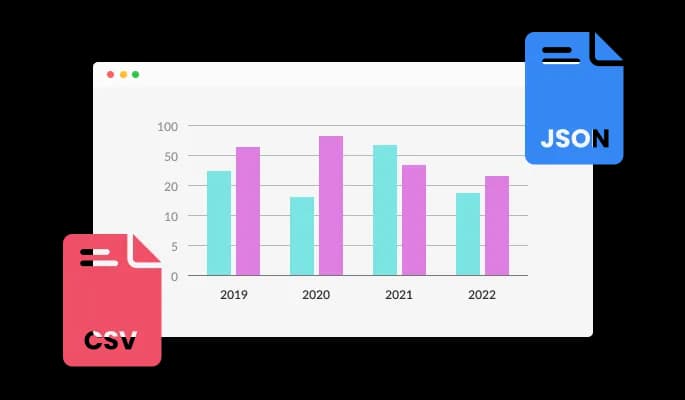
Chart & Graphs plugin allows you to convert any CSV file into an interactive chart or to connect it to your Google Drive or other, remote URLs. Prepare the data wherever you are most comfortable doing it, and then upload it. Live data and dynamic content can be displayed on your JouwWeb website with the Charts & graphs plugin.

Charts & Graphs - Multi-Source Data Import to your charts and graphs

Charts for JouwWeb with complete customization

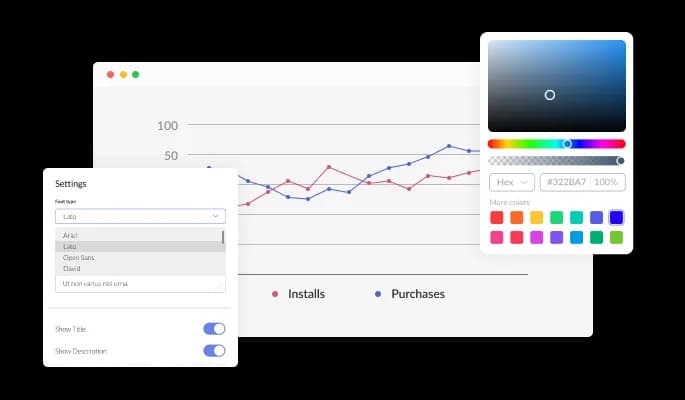
You can quickly change the design of the JouwWeb Charts & Graphs plugin to match the style of your JouwWeb website thanks to the complete customization options it offers. The buttons, labels, and colors can be modified to fit your branding. To create a unified and polished appearance, you can select from a variety of font alternatives and modify the font's size, style, and color. In addition to these design choices, you may alter the spacing to make sure that the Charts & graphs for JouwWeb fits perfectly into your website layout.

Charts & Graphs - Charts for JouwWeb with complete customization
Charts & Graphs - It's easy to use

It's easy to use

No coding is required with the Charts & graphs for JouwWeb]. By simply dragging and dropping the elements in the Charts & graphs plugin, you can customize it any way you want.

Charts & Graphs - Add Tooltips

Add Tooltips

Add tooltips that offer more details about your website to your JouwWeb graphs and charts to improve them. These tooltips can assist your users in better grasping and analyzing the information you are displaying by elaborating on certain data points or giving context for your chart or graph.

Charts & Graphs - Color Scheme for Diagrams & Charts

Color Scheme for Diagrams & Charts

You have the choice to provide a color scheme that will be applied by default to your JouwWeb charts and graphs plugin when they have been generated automatically from an external source of data. By defining a color scheme, you can ensure that your charts and graphs have a cohesive and visually appealing appearance, even when they are being generated automatically.

Totally Responsive Charts for your JouwWeb website

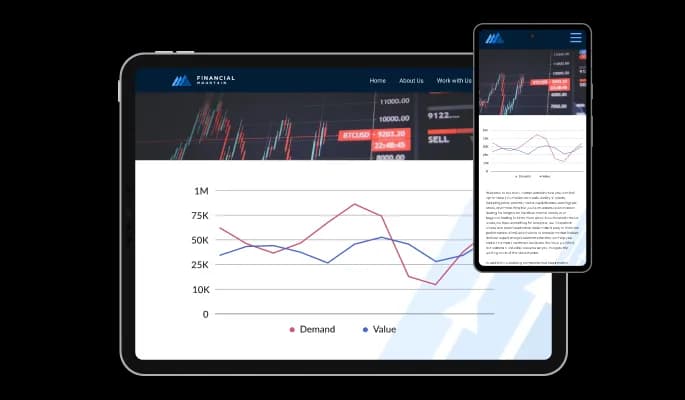
Any website can benefit from the Charts & Graphs plugin for JouwWeb. In addition to being totally responsive, or effortlessly adjusting to match the screen size of any device, it also offers a sleek and contemporary style that will improve the overall appearance of your JouwWeb website. It is essential to have a website that is optimized for mobile viewing in a world where more and more people are using their phones and tablets to access the internet. The Charts & Graphs plugin will allow you to do just that, giving you an edge over competitors.

Charts & Graphs - Totally Responsive Charts for your JouwWeb website

Customizing the Charts & graphs for JouwWeb CSS

The JouwWeb Charts & Graphs plugin's advanced editor is a potent tool that offers you total control over the plugin's look. With this tool, you can quickly alter any element of the plugin's appearance from the colors and fonts to the layout and positioning. Yet, if you're feeling extremely inventive, you can enhance your customization by making changes straight to the CSS. This enables you to customize the Charts & graphs plugin by making even more sophisticated adjustments. Whether you want to make a few simple tweaks or go all out with advanced customizations, our advanced editor has you covered.

Charts & Graphs - Customizing the Charts & graphs for JouwWeb CSS

Simple To Embed On Your JouwWeb website

You can embed the Charts & graphs plugin on your JouwWeb website by simply copying and pasting one line of code. Whenever you update your plugin, your JouwWeb Charts & graphs on your JouwWeb website will be updated automatically.

Charts & Graphs - Simple To Embed On Your JouwWeb website

Compatible With All Site Builders, E-Commerce Platforms and Websites

webflow logoshopify logowix logowordpress logobigcommerce logosqurespace logoweebly logojoomla logoduda logojimdo logomagento logoshift4hsop logounbounce logocarrd logo
View all supported platforms

FAQ

Yes, the Charts & Graphs widget features a selection of 3d charts. 

Yes, the Charts widget features an auto-refresh option. 

Using the Charts & Graphs widget is very easy. Simply sign up and start using the free version. There's no need to worry about complicated setup or installation processes, as the Charts & Graphs widget is designed to be user-friendly and straightforward. Once you've signed up, you'll have access to all of the basic features and functions of the widget, which you can use to enhance your website and improve your online presence. From there, you can choose to upgrade to the paid version if you want to access more advanced features and capabilities. Regardless of which version you choose, you'll find that the widget is a powerful and easy-to-use tool that can help you take your online presence to the next level.

The Common Ninja Charts & Graphs widget is a free tool reach with features and options. While this widget is free to use, it does have a limit on the number of views it can handle. This means that after a certain number of views, the chat button may no longer be visible or functional on your website. It is important to note that this view limit may vary depending on the plan you are using. Despite this limitation, Common Ninja's Charts & Graphs is still a valuable tool for businesses looking to increase customer engagement and improve the overall user experience of their website.

The Common Ninja's Charts & Graphs widget is a versatile tool for any website builder. This means that you can easily add this widget to your website or store no matter what platform you use to build your website. The Charts & Graphs widget will work seamlessly with your platform whether you are using a popular website builder or something more specialized. This means you can enjoy all the benefits of this powerful tool without having to worry about compatibility issues.

It’s very easy to embed Common Ninja’s Charts & Graphs widget on your website and the process consists of two steps:


  1. Once you’ve finished working with the Charts & Graphs widget, copy the HTML text that can be found under the 'Add to Website' tab on the widget’s dashboard.
  2. On your website builder, find the 'embed' widget option, place it where you want the Charts & Graphs widget to appear, and then paste the HTML code you’ve copied before into the widget.

The Charts & Graphs widget is designed to comply with the General Data Protection Regulation (GDPR), a set of EU regulations protecting personal data and privacy. When using the Charts & Graphs widget, you can be confident that it will not collect or store personal data that could violate GDPR regulations. This ensures that your business is in compliance with these regulations and can protect your customers' data privacy. Overall, the Charts & Graphs widget is a secure and reliable tool that can be used to enhance your website without any concerns about GDPR compliance.

No need for coding skills. Our Charts & Graphs widget is designed to be easy to use, even for those with limited technical experience. The widget features a user-friendly interface that allows you to easily customize the widget without coding knowledge. You can fully customize the Charts & Graphs to match your branding. When you're done, simply copy the provided code and paste it into your website. It's that simple!

Embedding the Charts & Graphs widget on your website is a straightforward process. Simply copy the provided code and paste it into the desired location on your website. The widget will seamlessly integrate into your site, allowing you to take advantage of its features and functions. No technical expertise or programming knowledge is required - just copy and paste the code to get started. This simple process allows you to easily add the widget to your website and enhance its functionality without any hassle.

Yes. We are eager to hear your request. Please refer to this page.

Displaying charts and graphs on a website can have several benefits, including:

  1. Improved data visualization: Charts and graphs can make it easier for users to understand and interpret data by visually representing the information. This can be especially helpful when dealing with large amounts of data or complex concepts.
  2. Enhanced credibility: By presenting data in a clear and visually appealing way, you can increase the credibility of your website and the information you are presenting.
  3. Greater engagement: Charts and graphs can make your website more engaging by providing an interactive element for users to explore and interact with.
  4. Improved user experience: By providing users with an easy-to-understand visual representation of data, you can improve their overall experience on your website and make it more enjoyable for them to use.
  5. Increased traffic: By providing valuable and exciting information, you can attract more visitors to your website, which can lead to increased traffic and potentially even higher conversion rates.


A charts and graphs widget is a pre-designed, interactive element that can be added to a website or application to display data in a visual format, such as a bar chart, line graph, pie chart, or scatter plot. Widgets are often created using JavaScript libraries or other web development tools, and they can be easily customized to display different types of data or to meet specific design requirements.

Charts and graphs widgets are often used to display data clearly and concisely, making it easier for users to understand and interpret the information. They can also be interactive, allowing users to hover over or click on different elements to display additional information or explore the data more deeply.

Using charts and graphs widgets can help improve the user experience on a website or application by making the data more accessible and engaging for users. They can also be helpful tool for presenting data professionally and visually appealingly, which can increase the credibility of the information being presented.