
Contact Form for ASP

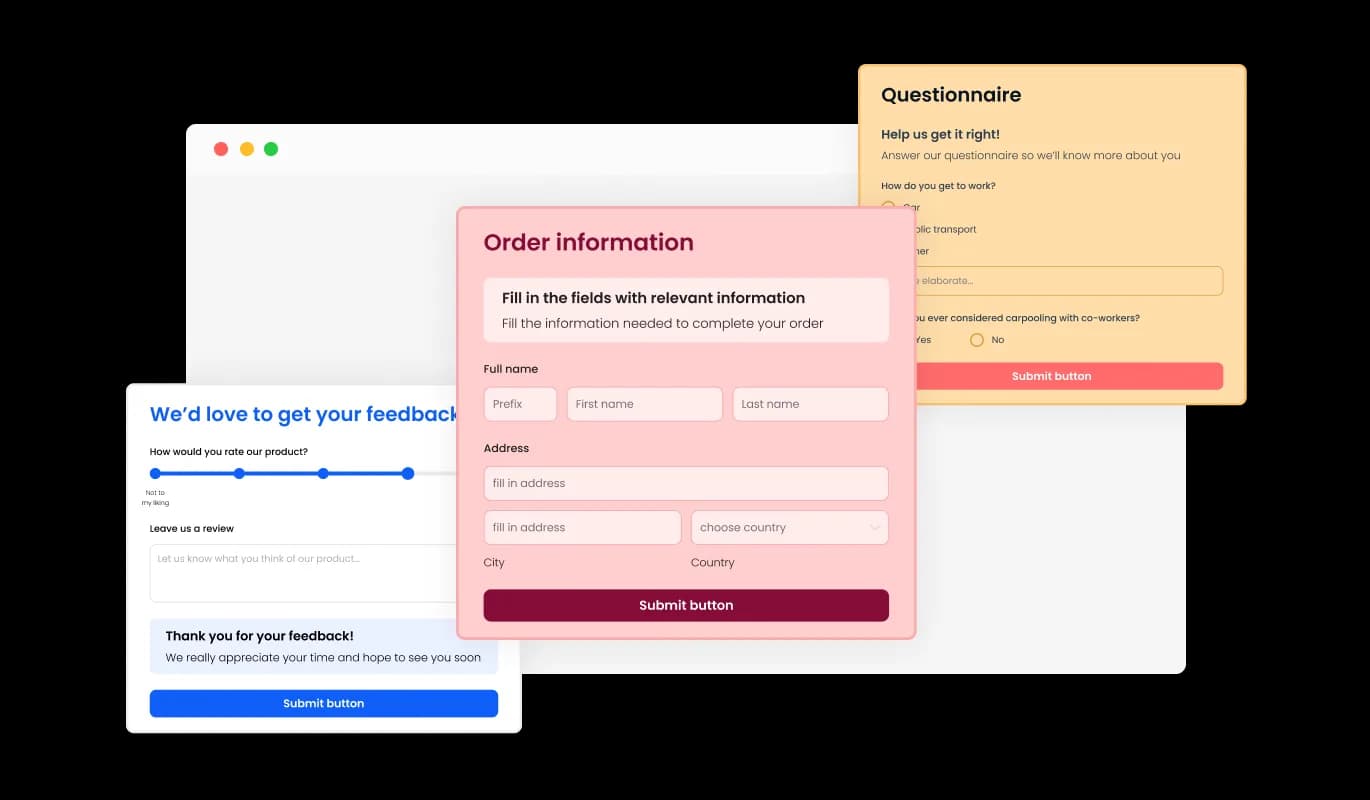
Use a contact form so visitors can send messages, submit inquiries, and help you collect leads and improve user experience.

Create a Contact Form

loved by 500K+ businesses

ASP
plugineditor

Why Should You Use the Contact Form Widget+?

Lead Generator

With the simple and easy-to-use contact form for ASP, you can enable potential clients to reach you more efficiently and effortlessly, thereby increasing the likelihood of you receiving valuable inquiries and collecting good leads. The Contact Form widget is a crucial tool for expanding your company and boosting profits.

Prevent spam emails

The Contact Form for ASP will help you protect your email address from unwanted and unwelcome communications from spammers and other dangerous and undesirable parties since you won't have to show your email address in a visible area and because of the widget CAPTCHA feature. The ASP Contact Form provides you with an additional layer of security and privacy that enables you to protect your business from potential threats.

Easily Monitor and Manage Your Messages

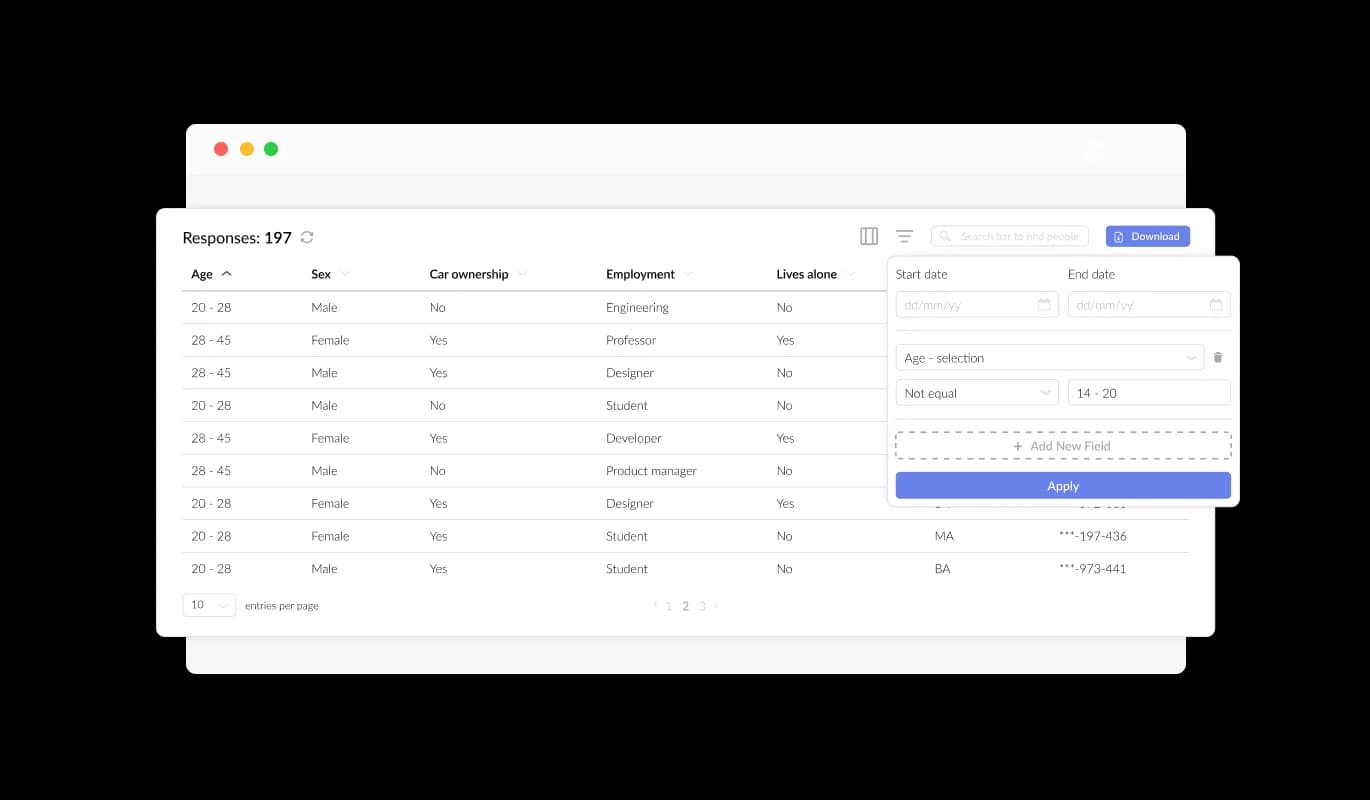
Tracking and managing submissions and messages is made possible by the ASP Contact Form widget's functionality. You will get a timely message after the user completes and submits the contact form, enabling you to answer questions right away. With additional options to handle and export the gathered data, all form submissions are also neatly collated and arranged within a table, guaranteeing that no data is lost.

Variety of Form Fields To Choose From

The [paltform] Contact Form has a wide variety of fields that you can choose from and add to it, ranging from basic fields to more distinctive and customized formats, allowing you to design forms for your particular needs and any purpose. Add a new field effortlessly by clicking on the "Add Field" option, where you can choose from a diverse collection of field formats. Want to rearrange your fields? No problem - simply drag and drop them to the desired position.
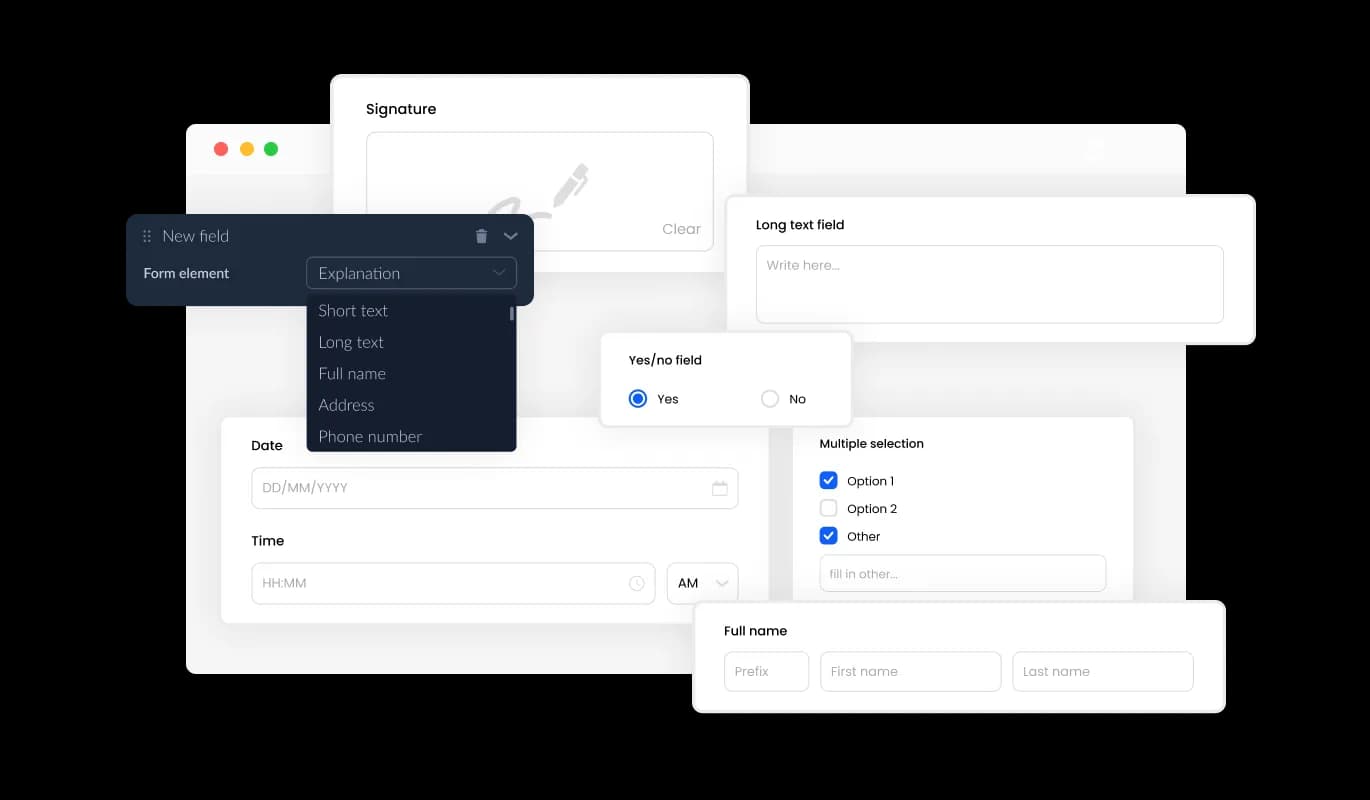
Contact Form - Variety of Form Fields To Choose From

Easy Data Entry

Simplify the management of form submissions with the ASP Contact Form's easy-to-use entry management window. This enables you to keep track of all communications and inquiries coming from your ASP event website that are received from users — making it easier to respond quicker and more efficiently to their inquiries.

Contact Form - Easy Data Entry

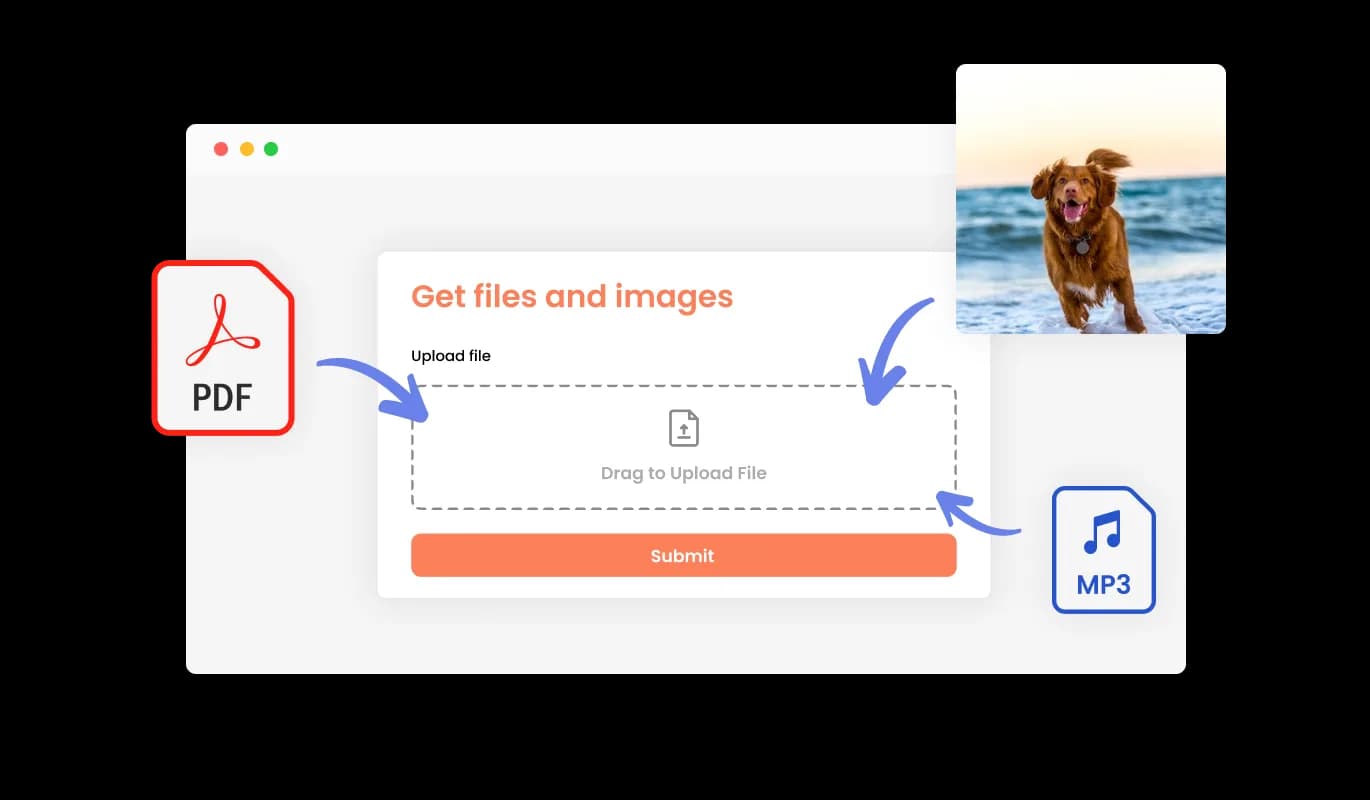
Simplify Your File and Image Collection with Our Form

With your Contact Form widget for ASP, collecting files and images from your users has never been simpler. This feature is especially useful for businesses and professionals who need to gather information or documentation from their clients or customers.

Contact Form - Simplify Your File and Image Collection with Our Form

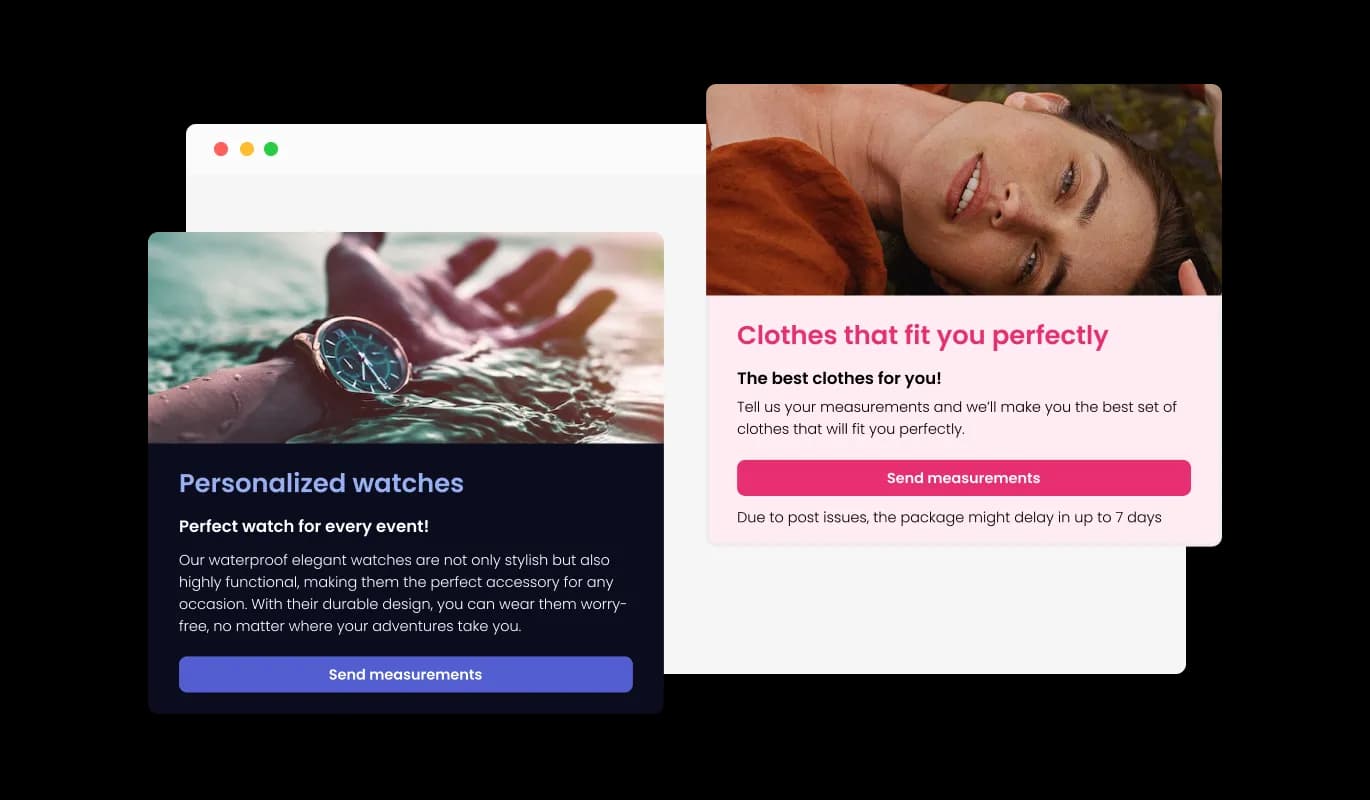
Enhance Your Form with Images and Content

Give Your Form More Depth by Incorporating Titles, Descriptive Text, and Images. Improve the User Journey and Boost Conversion Rates by Adding Explanatory Form Elements.

Contact Form - Enhance Your Form with Images and Content

Contact Form Header & Footer Customization

Make your Contact Form for ASP stand out by adding images and customizing the header and footer. Use this feature to improve your brand's image and create a visually appealing Contact Form that complements your ASP event website's design.

Contact Form - Contact Form Header & Footer Customization

Never miss a new Contact Form submission again with our notification feature

Stay up-to-date with toggleable notifications on the ASP Contact Form widget for improved communication. Receive automated email notifications for every form submission with the ASP Contact Form widget, including customizable confirmation emails for users and designated email addresses.

Contact Form - Never miss a new Contact Form submission again with our notification feature
Contact Form - Streamline your data analysis process by exporting your Contact Form Submissions to a CSV file

Streamline your data analysis process by exporting your Contact Form Submissions to a CSV file

Export your entry collection from the ASP Contact Form to a CSV file with ease, allowing you to analyze and integrate it with other tools or software. Keep track of all client interactions with ease using this feature, which is especially useful for data analysis and reporting purposes.

Contact Form - Anti-Spam Solution for Your ASP Contact Form

Anti-Spam Solution for Your ASP Contact Form

To protect against spam, the Contact Form widget for ASP includes a CAPTCHA feature that can be enabled to require user verification. The CAPTCHA anti-spam feature in the Contact Form widget for ASP helps keep bots and automated scripts from flooding your inbox with spam messages.

Contact Form - Contact form Skin Options

Contact form Skin Options

Save time and effort with the Contact form for ASP, which offers a range of pre-made skins to apply to your design. To save you time and effort, the Contact form widget also comes with various pre-made skins for you to choose from. The ASP Contact form may be quickly and easily tailored to match your brand and aesthetic with the help of these skins. The pre-made skins make it simple to achieve the desired aesthetic without starting from scratch.

Contact Form - Embeds Easily On Your ASP event website

Embeds Easily On Your ASP event website

Embedding the Contact form for ASP on your event website is easy, simply copy a single line of code, and paste it into the HTML of your webpage. If the widget is embedded, the Contact form and widget will automatically update when you make changes, so there is no need to manually update either. Using this feature, you'll always have the most recent and accurate version of your ASP Contact form.

Multiple Submissions

The ASP Contact Form provides the option for multiple submissions from a single user. With the option to enable multiple submissions, users can easily update their information or add more details to their submissions as necessary.

Contact Form - Multiple Submissions

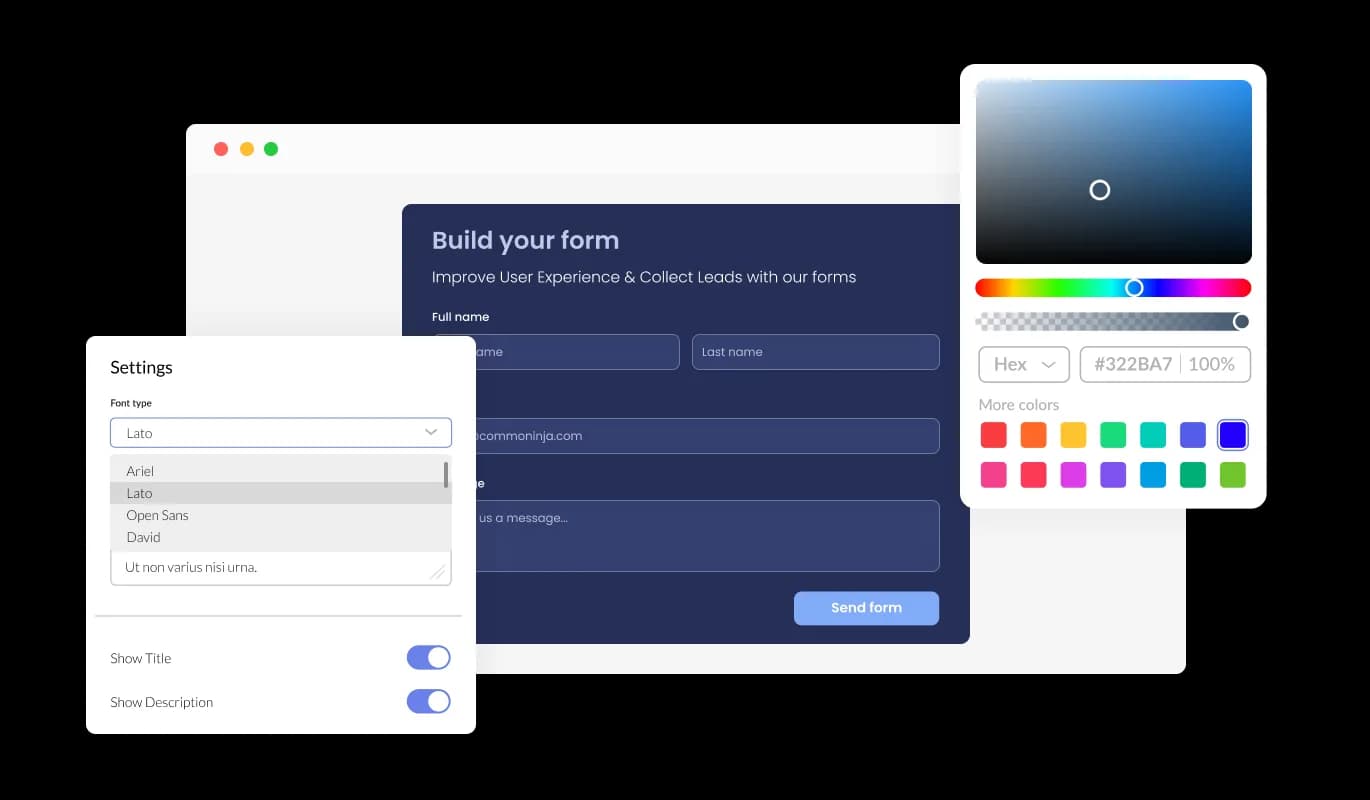
Unlock Your Contact form on ASP's Full Potential with Complete Customization

The ASP Contact form can be fully customized to suit your unique needs and requirements. Colors, fonts, spacing, and various other design elements can be customized with this widget. The background color and text color can be changed, along with the color of the hover effects, so that your event website will look and feel better. Fonts can also be customized. Create a unique and visually striking design by choosing from various fonts. This can be particularly useful for businesses that want to create a consistent brand identity across all their online platforms.

Contact Form - Unlock Your Contact form on ASP's Full Potential with Complete Customization

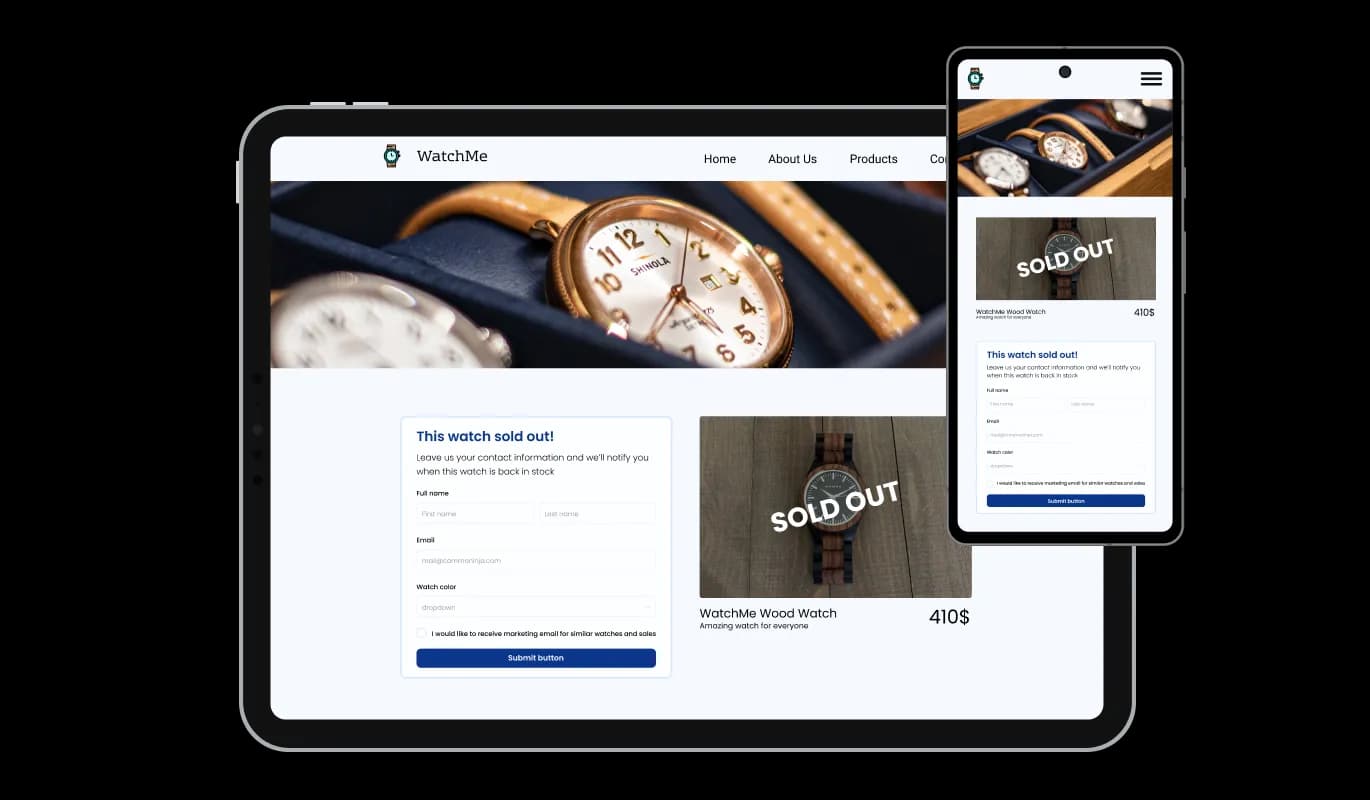
It's all about responsive design for your ASP event website

In today's mobile-first world, the ASP Contact form widget is fully responsive and will look great on any device. As more and more people access the internet through their smartphones and tablets, your event website must be optimized for mobile devices. To ensure a seamless and consistent user experience across all devices, the Contact form widget is designed to adjust automatically to the screen size and resolution of the device being viewed. This means that whether your users are accessing your ASP event website on a desktop computer, a tablet, or a smartphone, they will be able to view and interact with your Contact form for ASP in the same way.

Contact Form - It's all about responsive design for your ASP event website

A User-friendly interface widget

A User-friendly interface widget Our intuitive dashboard with the drag-and-drop feature will enable you to customize the widget any way you’d like to with just a few simple clicks.

Contact Form - A User-friendly interface widget

Customizing the Contact form for ASP CSS

Similarly to all of Common Ninja's widgets, the Contact form for ASP allows for the addition of custom CSS, allowing for further customization. Using custom CSS, you can create custom styles and design elements that are unavailable through the built-in customization options. Custom CSS allows you to create visually stunning designs tailored to your specific needs. It is also possible to create unique and engaging animations and interactions using custom CSS.

Contact Form - Customizing the Contact form for ASP CSS

Compatible With All Site Builders, E-Commerce Platforms and Websites

webflow logoshopify logowix logowordpress logobigcommerce logosqurespace logoweebly logojoomla logoduda logojimdo logomagento logoshift4hsop logounbounce logocarrd logo
View all supported platforms

FAQ

A contact form widget is a web-based form that is typically embedded on a website or application to allow users to easily send a message or inquiry to the website owner, support team, or other designated recipient. The widget typically includes a series of input fields where the user can enter their name, email address, and message, and a submit button that sends the information to the recipient via email or other communication channels. The contact form widget is a convenient and user-friendly alternative to traditional methods of communication such as email or phone calls.

There are several benefits to adding a contact form to your website:

  1. Convenience: A contact form provides a quick and easy way for users to get in touch with you without having to open their email client or pick up the phone.
  2. Organization: A contact form helps keep your messages and inquiries organized and easy to manage in one central location.
  3. Professionalism: A well-designed contact form can enhance the overall professionalism and credibility of your website.
  4. Customization: Contact forms can be customized to match the branding and design of your website, providing a consistent look and feel for your users.
  5. Anti-spam measures: Contact forms can be configured with anti-spam measures such as CAPTCHA to prevent spam messages and unwanted solicitations.
  6. Data collection: Contact forms can be configured to collect specific data from users, such as their name, email, phone number, or other information that may be useful for your business or organization.
  7. User engagement: Contact forms provide an opportunity for user engagement and can be used to gather feedback or suggestions from your audience.
  1. Keep it simple: A contact form should be straightforward and easy to use. Avoid asking for too much information or cluttering the form with unnecessary fields.
  2. Provide clear instructions: Provide clear instructions and labels for each field to guide users through the form and make it easier for them to fill it out.
  3. Make it accessible: Ensure that your contact form is accessible to all users, including those with disabilities. This means providing proper labels for form elements, using appropriate color contrasts, and providing alternative text for images.
  4. Use anti-spam measures: Use anti-spam measures such as CAPTCHA or honeypot fields to prevent unwanted spam messages.
  5. Test your form: Test your contact form regularly to ensure that it is working properly and that submissions are being received.
  6. Provide confirmation: Provide users with a confirmation message or email to let them know that their message has been received and will be addressed.
  7. Make it mobile-friendly: Ensure that your contact form is optimized for mobile devices, including responsive design and appropriate touch targets.
  8. Be responsive: Respond to inquiries and messages promptly, ideally within 24-48 hours.

By following these best practices, you can ensure that your contact form provides a positive user experience and helps you effectively engage with your audience.

Yes, there are lots of beautiful skins that you can choose from to save time and start using the widget as quickly as possible.

Yes, you can either upload an image, or select an icon from a large selection of available icons to add to your Notification Bar, or you can leave it all blank.

It’s simple. All you need to do is to sign up and start using the free version.

Common Ninja’s Contact Form widget is free to use. It is limited to a certain amount of views, however.

Common Ninja’s Contact Form widget is compatible with ALL current and future website builders.

Yes, the Contact Form widget is GDPR-compliant.

No. Using our Contact Form widget is very simple. The widget comes with an intuitive drag-and-drop interface and fully customizable options. Once you’ve finished editing the widget to your liking, all you need to do is copy the provided code and add it to your website.

Yes. We are eager to hear your request. Please visit our Feature Request page.