Cookies Consent Bar for Kopage

Display a cookies consent bar that explains usage and supports GDPR compliance, enhancing user trust and legal clarity.

Create a Cookies Consent Bar

loved by 500K+ businesses

Kopage
plugineditor

Why Should You Use the Cookies Consent Bar Widget+?

Abiding by the Data Protection Acts

With the Cookies Consent Bar for Kopage, your website shows its respect for user privacy and commitment to proper data management, demonstrating compliance with global data privacy laws, including the GDPR and CCPA. By having this Kopage widget, your Kopage website illustrates its commitment to respecting user privacy and employing responsible data management.

Encouraging User Trust through Transparency

Clearly stating that your Kopage website employs cookies encourages openness with your visitors, which helps to foster trust. The more transparent you are about your data usage, the more likely visitors are to view your website as reliable and trustworthy.

Preventing Legal Complications

This widget can aid in averting any legal consequences associated with failure to comply with data protection and privacy regulations. Displaying a clear cookie consent notice on your Kopage website can be a preventative measure against any costly legal disputes.

User-friendly Cookies Consent Bar for Kopage

The Kopage Cookies Consent Bar widget brings a plain, easy-to-grasp cookie consent notice. All users will quickly realize that cookies are being used, thanks to the easy-to-understand language in the message.
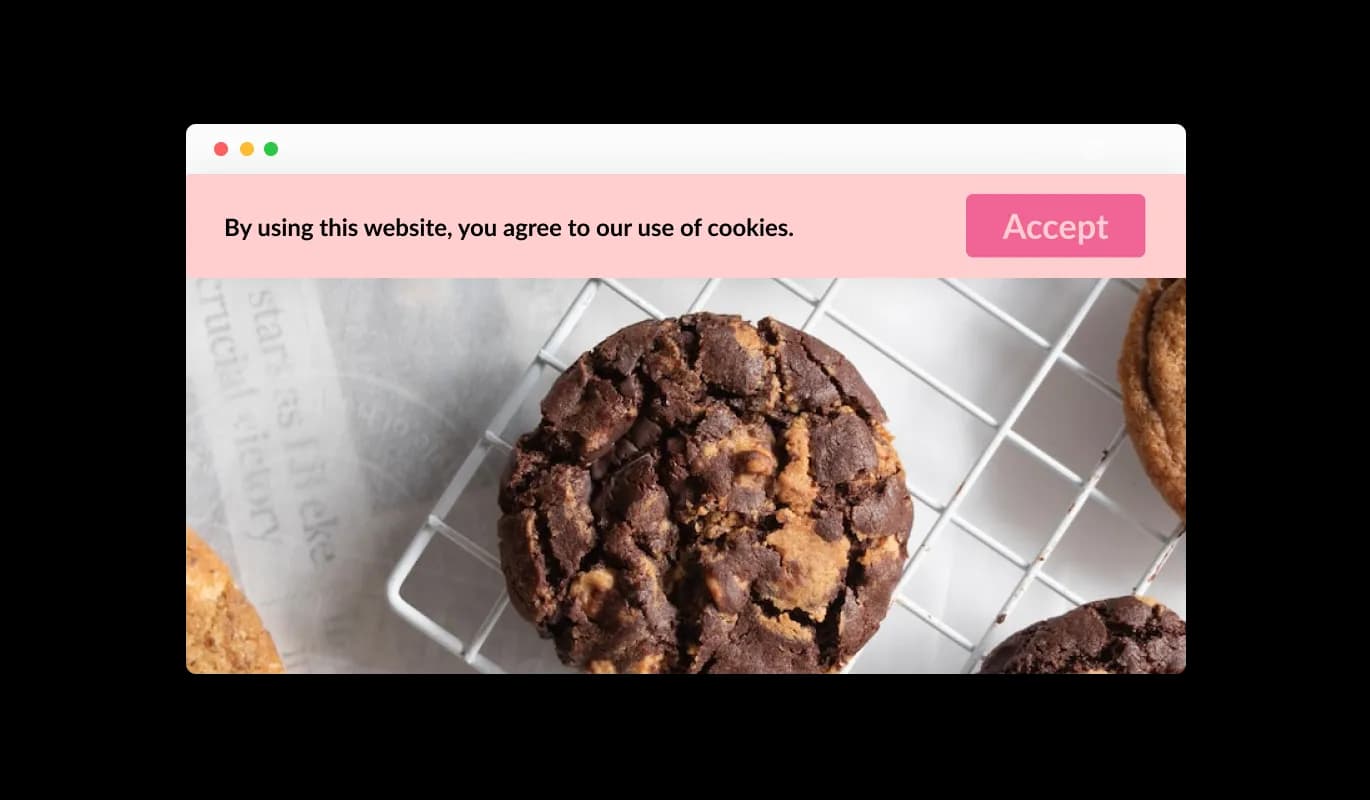
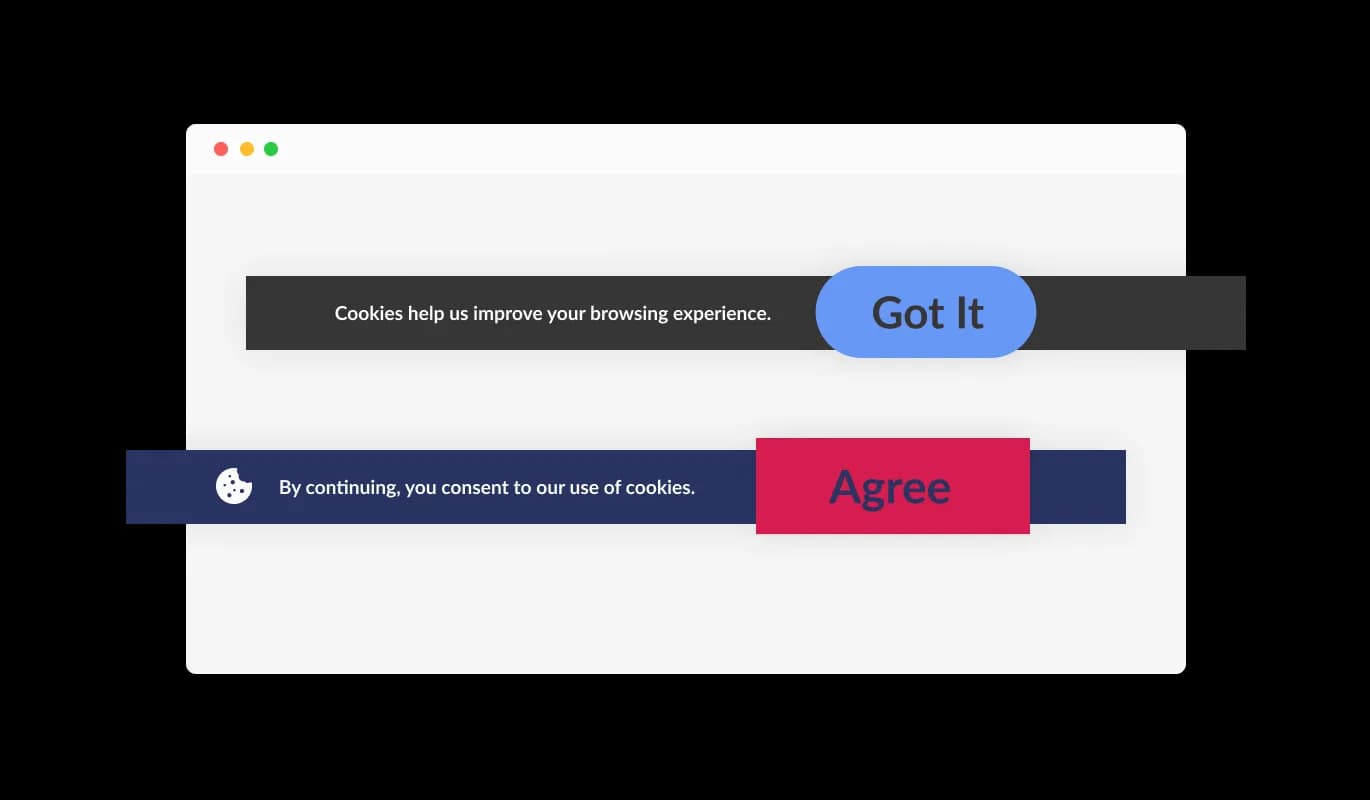
Cookies Consent Bar - User-friendly Cookies Consent Bar for Kopage

Easy Acknowledgement Button

The Cookies Consent Bar widget on Kopage features an intuitive "Got it" button for simple user acknowledgement of cookie usage. The intuitive design of the widget allows visitors of your Kopage website to accept the terms with ease, without the need for complicated options.

Cookies Consent Bar - Easy Acknowledgement Button

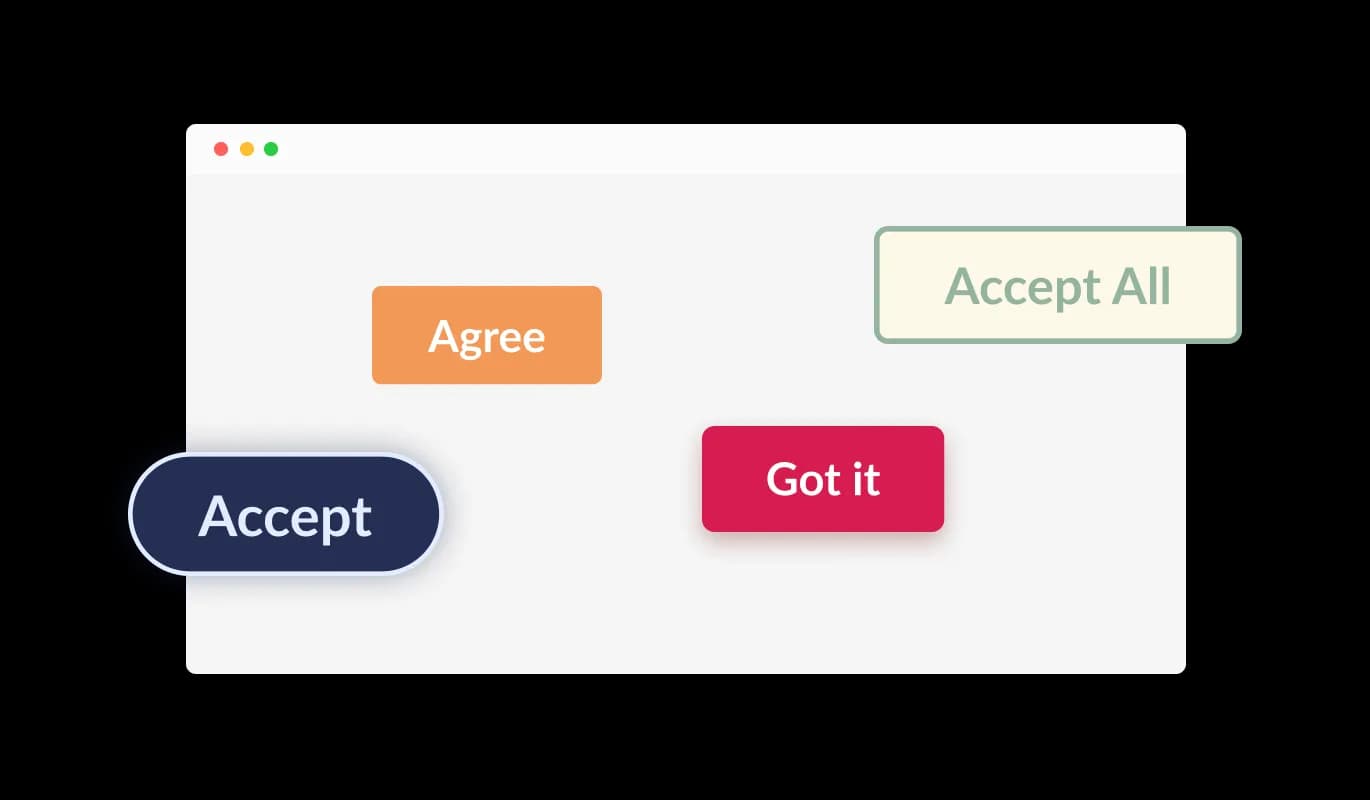
Select from various button shapes

The Cookies Consent Bar widget for Kopage allows users to select from a range of button shapes for the acknowledgment button. Regardless of your preference for a rounded, square, or different button design, you can opt for a shape that aligns with your Kopage website's look and feel.

Cookies Consent Bar - Select from various button shapes

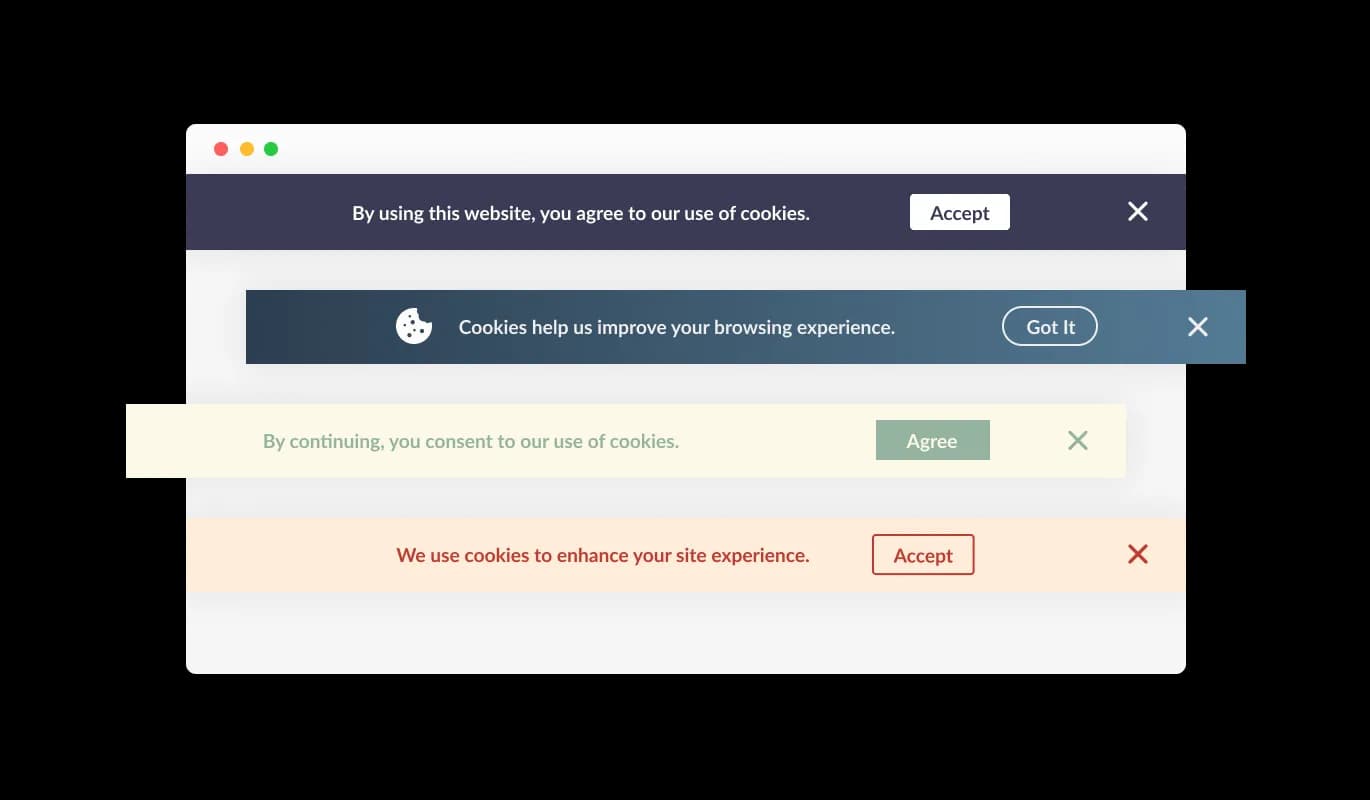
Assorted Kopage Consent Bar Designs

The Kopage Cookies Consent Bar widget includes various ready-to-go designs to fit the aesthetics of your Kopage website. This helps everything on your site present a harmonized appearance, which is pleasing to your visitors.

Cookies Consent Bar - Assorted Kopage Consent Bar Designs
Cookies Consent Bar - Steady Reminder Attribute

Steady Reminder Attribute

The Cookies Consent Bar widget for Kopage is built to keep appearing on the website until the user takes note of the message. This ensures every user is made aware of your site's cookie application before they carry on exploring.

Cookies Consent Bar - Adorning the Consent Bar with Icons or Images

Adorning the Consent Bar with Icons or Images

With the Kopage Cookies Consent Bar widget, you have the choice to include an icon or an image within the consent bar. This gives you the flexibility to choose a visual element that aligns with your Kopage website's design and brand identity, thus enhancing the consistency and coherence of your website's appearance.

Cookies Consent Bar - Easy Integration of Links

Easy Integration of Links

The Cookies Consent Bar widget for Kopage allows for the addition of a link within the consent announcement. This could link to your Kopage website's user agreement, privacy policy, or any other applicable external page, providing an accessible way for users to delve into more specifics if they desire.

Cookies Consent Bar - Effortless-to-use Kopage widget

Effortless-to-use Kopage widget

Using the Cookies Consent Bar for Kopage is a breeze and you don't have to be a coding expert. With just a handful of clicks, you can adjust the bar to your liking using our intuitive controls. Yes, it's that uncomplicated!

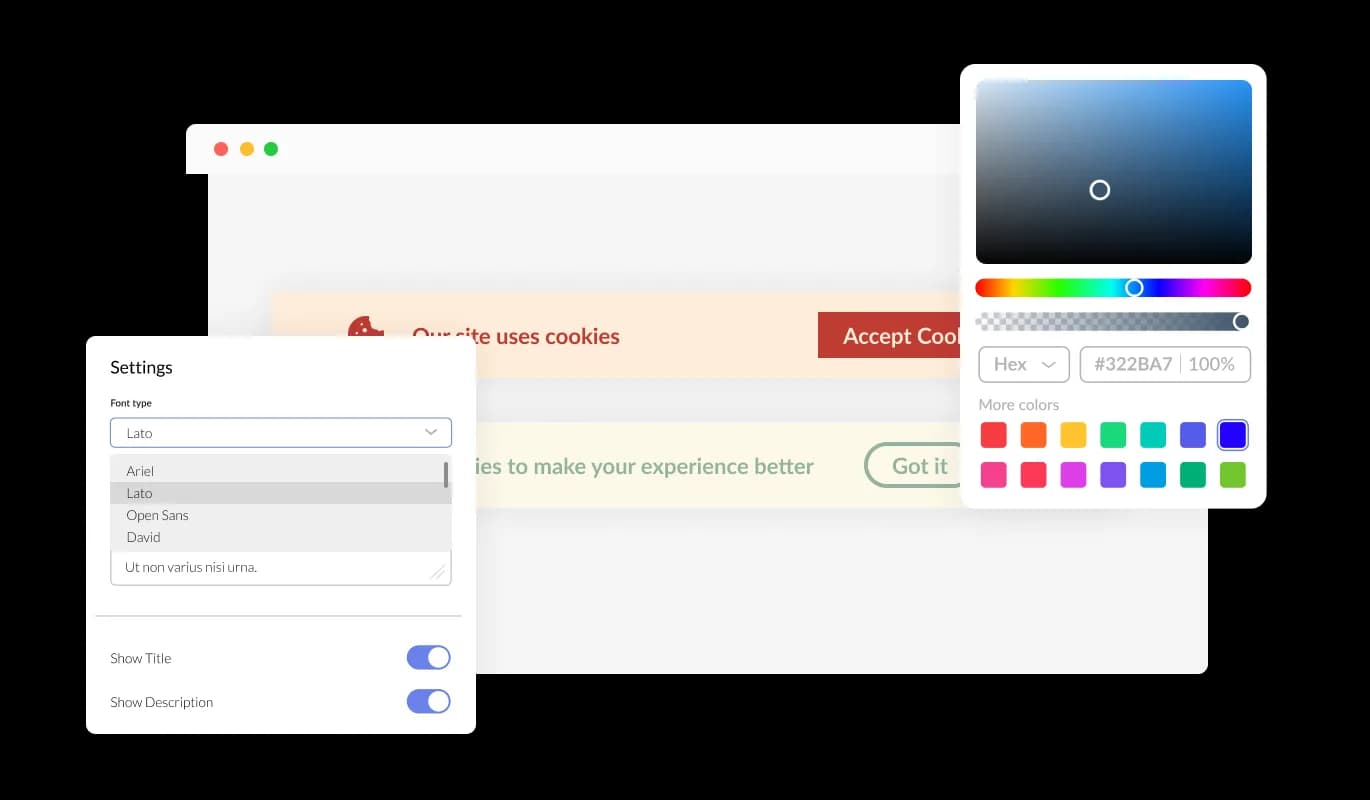
Completely Personalizable Consent Bar for Kopage

The Cookies Consent Bar for Kopage offers a multitude of customization options, allowing it to function exactly as you prefer. You're able to alter the color scheme, modify the typography, and even shift things around as you see fit. Its simple controls mean you can modify its look to blend perfectly with your Kopage website, allowing for a seamless browsing experience for your visitors.

Cookies Consent Bar - Completely Personalizable Consent Bar for Kopage

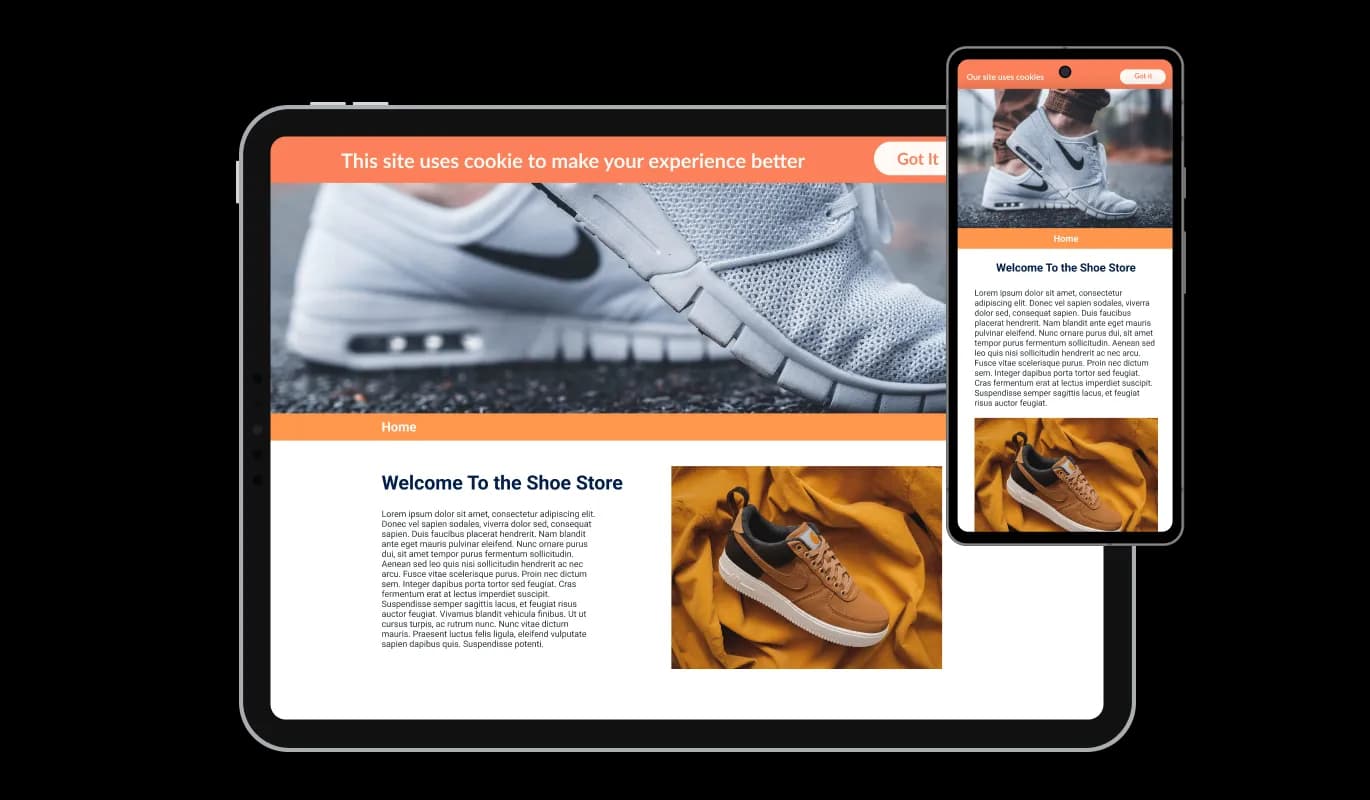
Impressive Mobile Flexibility of widget

The Cookies Consent Bar widget on Kopage works efficiently and looks appealing on all devices, including smartphones, tablets, and PCs. As a large number of users now browse the internet on their mobile devices, it's important to ensure that all aspects of your Kopage website are easy to navigate on these devices too. The Kopage Cookies Consent Bar widget guarantees smooth operation and excellent display across all devices.

Cookies Consent Bar - Impressive Mobile Flexibility of widget

Personalize with Custom CSS

Our editor is a robust tool that gives you total control over the Cookies Consent Bar's appearance. You can effortlessly modify its design, alter its color scheme, change the fonts, adjust the layout, and choose its placement. If you're in a particularly creative mood, you can go a step further and directly modify the CSS for even more personalization options.

Cookies Consent Bar - Personalize with Custom CSS

User-friendly Set-up of Kopage Cookies Consent Bar

To add the Cookies Consent Bar widget to your Kopage website, all you have to do is copy the code we give you and put it in your website's HTML. The highlight of the Cookies Consent Bar widget is its capability to self-update. Therefore, any edits made in the Consent Bar editor will directly update on your Kopage website.

Cookies Consent Bar - User-friendly Set-up of Kopage Cookies Consent Bar

Compatible With All Site Builders, E-Commerce Platforms and Websites

View all supported platforms

FAQ

Web cookies, also known simply as cookies, are small text files that are stored on your computer or other devices when you visit a website. They're used by websites to remember information about you, such as your login details, items in your shopping cart, or your browsing preferences.

Websites use cookies to improve the user experience. They allow websites to remember user preferences, track user interaction with the site, and provide personalized content. Cookies can also be used for targeted advertising, where ads are tailored to a user based on their online activity.

A Cookies Consent Bar is a small notification that appears on a website, informing users that the site uses cookies. It includes a message about cookies being used and a button for the user to acknowledge this message. It's a tool to comply with data privacy regulations, which require websites to inform users about their use of cookies.

To add the Cookies Consent Bar to your website, you need to copy the code provided and paste it into your website's HTML. This is generally a simple process and doesn't require any advanced coding knowledge.

Yes, the Cookies Consent Bar is highly customizable. You can change its design, colors, fonts, and the shape of the acknowledgment button. You can even add a link to your terms of use or another page, and choose to display an icon or image.

Yes, the Cookies Consent Bar is fully responsive and will adapt to the screen size of the device it's being viewed on. This means it works well on all devices, including mobile phones and tablets.

If a user doesn't click the acknowledgment button, the Cookies Consent Bar will continue to display each time they visit the site. It's designed to persistently appear until the user acknowledges the use of cookies.

Yes, the Cookies Consent Bar helps your website comply with global data privacy laws, such as GDPR and CCPA, by clearly informing users about the use of cookies. However, it's important to make sure you're also following any other requirements of these regulations.

If your website collects data from users in the European Union, you are required to inform them about cookie usage and obtain consent. A GDPR Cookie Notice helps you meet these requirements and avoid potential compliance issues.

Not all cookies require consent. Essential cookies needed for basic website functionality are usually allowed without consent, but non-essential cookies like analytics, marketing, and tracking cookies typically require user approval under GDPR.

Yes, under GDPR, users should have the option to accept or reject non-essential cookies. Providing clear choices helps ensure compliance and gives users control over their data.

A GDPR Cookie Notice helps by clearly informing users about cookie usage, requesting consent, and providing access to detailed privacy information. This transparency is a key requirement of GDPR and other privacy regulations.

Yes, it’s recommended to include a link to your cookie or privacy policy within the notice. This allows users to access detailed information about how their data is collected and used.

No, a well-implemented GDPR Cookie Notice is lightweight and designed to run without affecting your website’s speed or performance.

Yes, you can choose how and where the GDPR Cookie Notice is displayed, including its position on the screen and when it appears to users.

A cookie notice is an important part of GDPR compliance, but it is not the only requirement. You must also properly manage cookies, store consent records, and follow broader data protection practices.