Try for free!

Corner Pop-up

Add a floating corner pop-up to display updates or calls to action without disrupting the user experience or site flow.

Create Corner Pop Up

loved by 500K+ businesses

plugineditoreditor

Why Should You Use the Corner Pop-up Widget+?

Enhanced User Experience with Corner Pop-Up

The Corner Pop-Up provides a subtle notification approach, ensuring site visitors aren't overwhelmed by full-screen alerts. This means site content remains front and center, resulting in a more welcoming experience.

Maximized Engagement Without Intrusiveness

The Corner Pop-Up widget's strategic corner placement captures attention without dominating the screen. By striking this balance, site owners can effectively convey their messages while preserving visitor satisfaction.

Efficient Real Estate Utilization

The Corner Pop-Up widget's design is optimized to use website space wisely. By placing notifications in a corner, it ensures the core content of the site remains unobstructed and easily accessible to visitors.

Multiple Floating Corner Pop-up Layouts

The Corner Pop-up widget offers a diverse range of layouts. This versatility ensures compatibility with different website designs. By choosing a fitting layout, website owners can maintain their site's cohesive aesthetic.
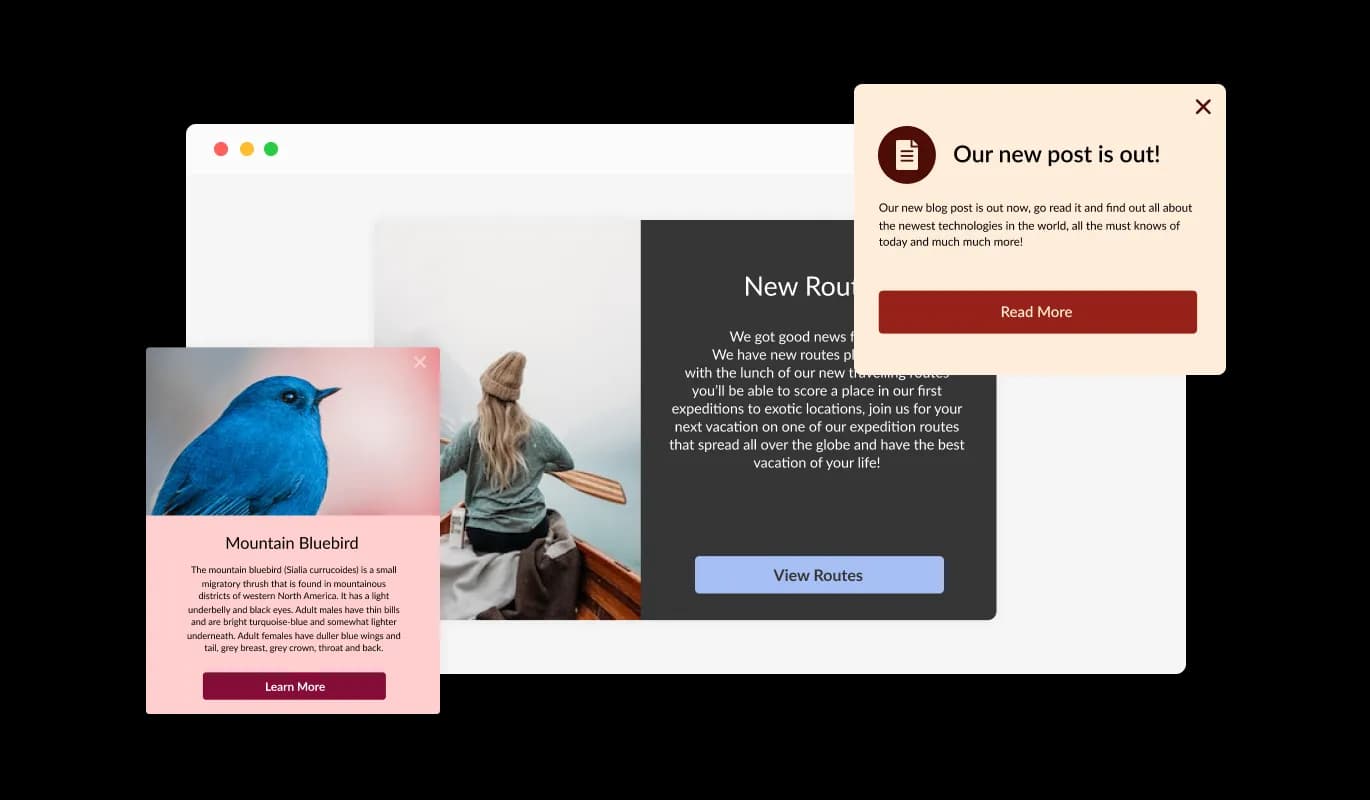
Corner Pop-up - Multiple Floating Corner Pop-up Layouts

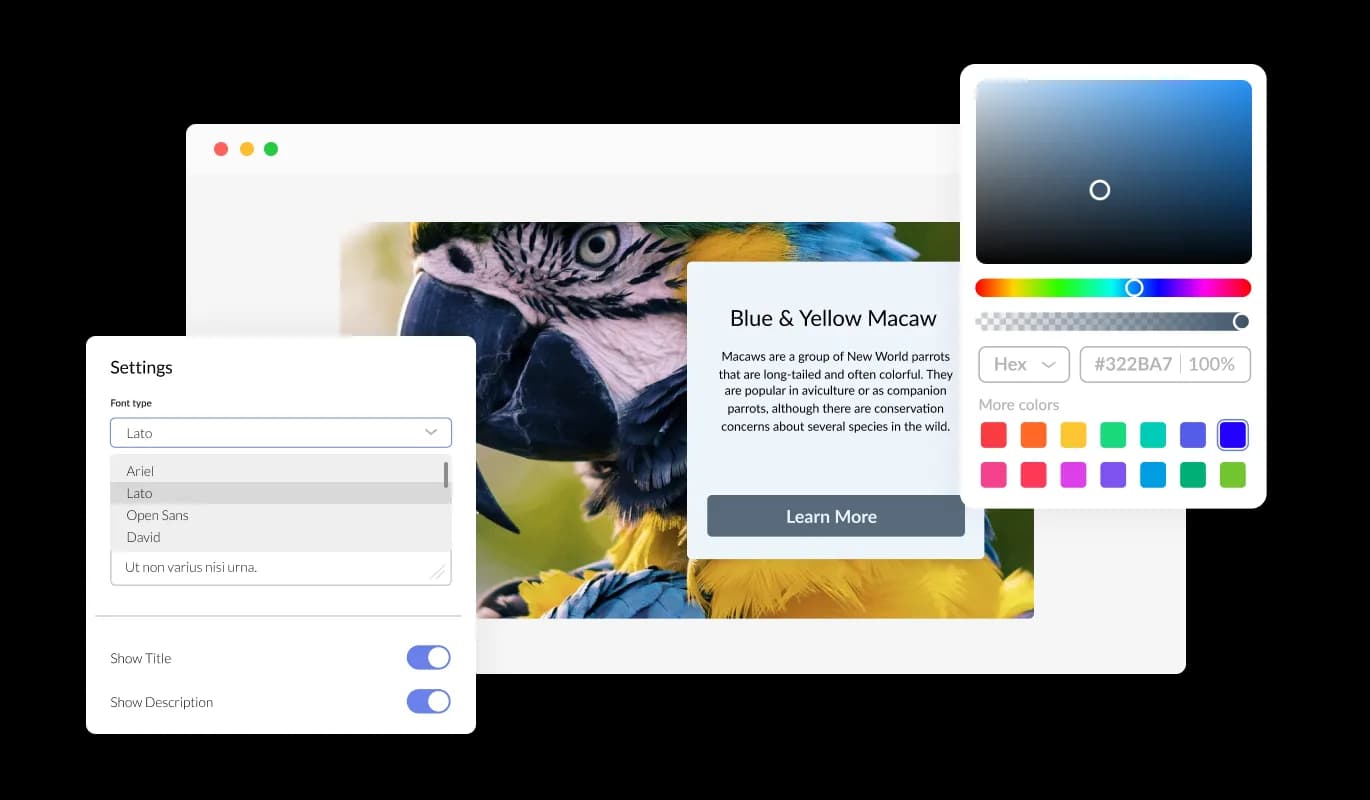
Tailored Design Options

The Corner Popup widget provides comprehensive customization features. Website owners can adjust elements such as colors, fonts, and spacing to seamlessly integrate the notification with their site's design. Every aspect can be tweaked to fit unique preferences.

Corner Pop-up - Tailored Design Options

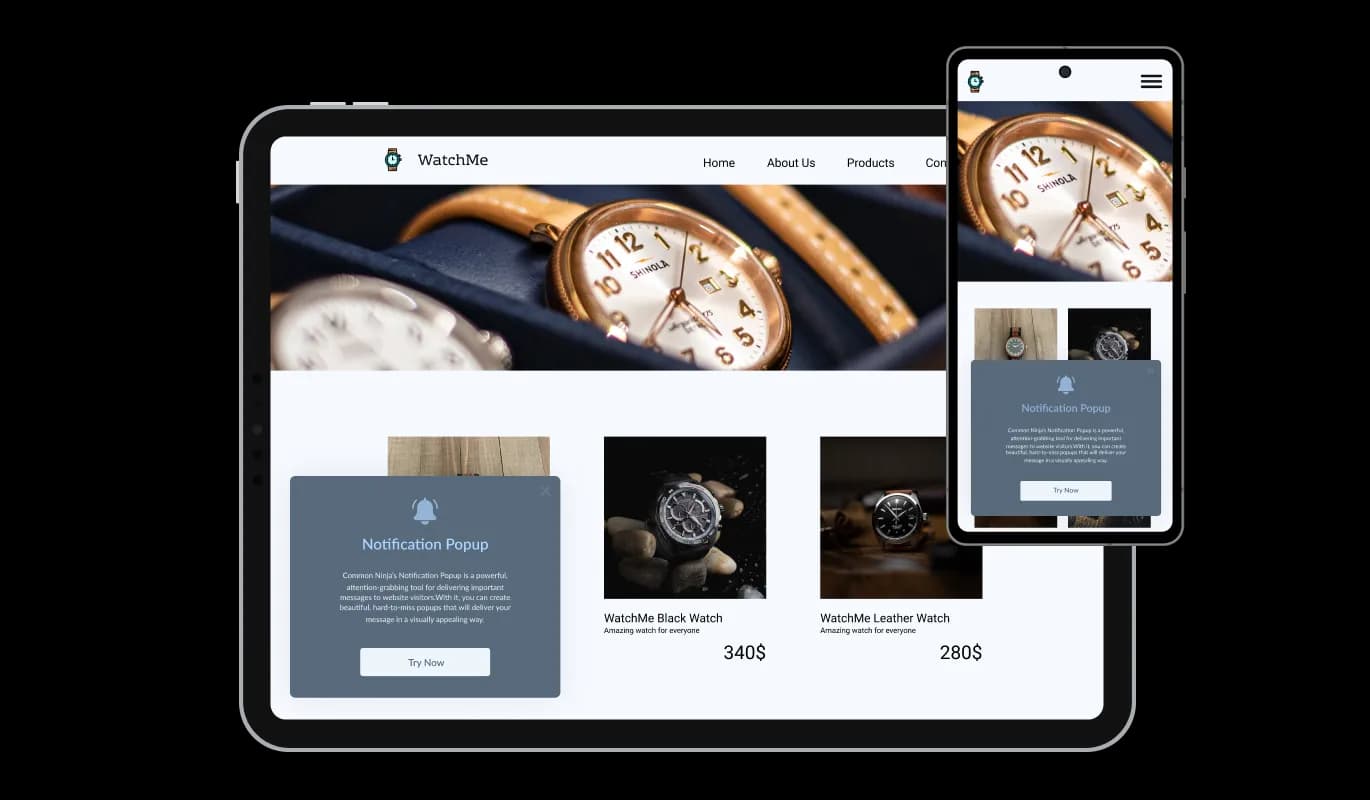
Perfectly Responsive Corner popup

In today's mobile-centric environment, the Corner Popup widget stands out by being fully responsive. Regardless of the device being used, this widget maintains its visual appeal and functionality. This adaptability gives you a competitive edge in ensuring user satisfaction.

Corner Pop-up - Perfectly Responsive Corner popup
Corner Pop-up - Variety of Toast Notification Skins

Variety of Toast Notification Skins

The Corner Pop-up widget boasts an array of attractive skins. This collection eliminates the hassle of extensive design modifications. Site owners can effortlessly pick a skin that aligns with their desired look and feel.

Corner Pop-up - Diverse Icon Choices

Diverse Icon Choices

With the Corner Pop-up widget, you're not just limited to text. A curated collection of striking icons is available to enhance the visual appeal of the notification. By incorporating these icons, website owners can make their messages more engaging and visually compelling.

Corner Pop-up - Corner Popover Position Flexibility

Corner Popover Position Flexibility

With the Corner Popover widget, positioning becomes a breeze. Website owners can opt to display the notification in the left, center, or right corner. This flexibility allows for tailored placement to suit individual site structures.

Corner Pop-up - Defined Display Preferences

Defined Display Preferences

The Floating Corner Pop-up widget is equipped with intricate display rule settings. Users can decide when or where the widget should appear based on specific actions or triggers, such as "on exit", "time delay", or "page scroll". These adaptable rules give greater control over visitor interactions.

Corner Pop-up - Effortless Corner Pop Up Customization

Effortless Corner Pop Up Customization

The Corner Popover widget simplifies the customization process with its user-friendly dashboard. Even without any coding knowledge, the intuitive drag-and-drop feature ensures a seamless experience. With just a few clicks, your widget is tailored to your liking.

Corner Pop-Up Custom CSS

While all of Common Ninja's widgets come with their own set of features, the Corner Popup widget takes it a notch higher by allowing custom CSS. Dive deeper into customization and let your creativity shine, refining the widget's appearance to your exact specifications.

Corner Pop-up - Corner Pop-Up Custom CSS

Easy To Embed Corner pop-up

Embedding the Corner Pop-Up on your website is a breeze. Just copy and paste a single line of code, and it's integrated. Moreover, the Corner Popup widget continually refreshes, automatically reflecting every modification you make, ensuring your site remains up-to-date.

Corner Pop-up - Easy To Embed Corner pop-up

Compatible With All Site Builders, E-Commerce Platforms and Websites

webflow logoshopify logowix logowordpress logobigcommerce logosqurespace logoweebly logojoomla logoduda logojimdo logomagento logoshift4hsop logounbounce logocarrd logo
View all supported platforms

FAQ

It's a tool that allows website owners to display notifications in a corner of their website without occupying the full screen.

No, the widget is designed to be user-friendly, and our intuitive dashboard with drag-and-drop functionality makes customization easy without any coding skills.

Absolutely! The Corner Popup widget adjusts and looks great on any device, ensuring a consistent user experience.

Yes, you can change its colors, fonts, spacing, and even add custom CSS for more creative control.

Simply copy and paste a provided line of code to embed the widget on your site.

Yes, every change you make on the widget will be automatically updated on your site without the need for manual adjustments.

From special announcements and offers to reminders, the Corner Pop-Up widget can cater to a diverse range of notification needs.

Yes, the widget features advanced display rules like "on exit", "time delay", or "page scroll" that you can set according to your preference.

Yes, the Corner Pop-up widget includes a selection of icons to enrich its visual appearance.

As long as you adhere to our terms of use and licensing, you can deploy the Corner PopUp widget across multiple websites.

Our support team is always available to assist you. Just reach out to us through our contact page or support email.

Yes, we offer a trial period for users to test the Corner Pop-Up widget's features and capabilities. More details can be found on our pricing page.

Absolutely. We prioritize user privacy and ensure that all data is securely stored and protected according to the latest security standards.