
Try for free!

Count-Up Clock for PhotoBiz

Track time since important events with a count up clock that displays elapsed days and hours and keeps visitors engaged.

Create a Count-Up Clock

loved by 500K+ businesses

PhotoBiz
plugineditoreditor

Why Should You Use the Count-Up Clock Widget+?

Time-Related Content Highlight

With the PhotoBiz Count-Up Clock widget, you can effortlessly highlight time-related milestones, such as product launches, anniversaries, or special occasions. This eye-catching display adds a dynamic element to your PhotoBiz portfolio, drawing attention to important events.

Increase Visitor Connection

Connect with your PhotoBiz portfolio's visitors on a personal level by sharing the journey of your important events. The Count-Up Clock widget for PhotoBiz creates a sense of nostalgia and emotional connection, fostering a deeper bond with your audience.

Enhanced PhotoBiz portfolio's Engagement

The PhotoBiz Count-Up Clock widget helps you boost user engagement by displaying a live timer that counts the time since a significant event. This captivating feature keeps visitors interested and encourages them to explore your content.

Tailored Labels and Descriptions

The PhotoBiz Count-Up Clock widget empowers you with the ability to customize the titles and labels for days, hours, minutes, and seconds, ensuring that the count-up timer aligns perfectly with your unique event or promotion. Craft labels that resonate with your audience and context, enhancing the overall user experience and making it more engaging and purposeful.
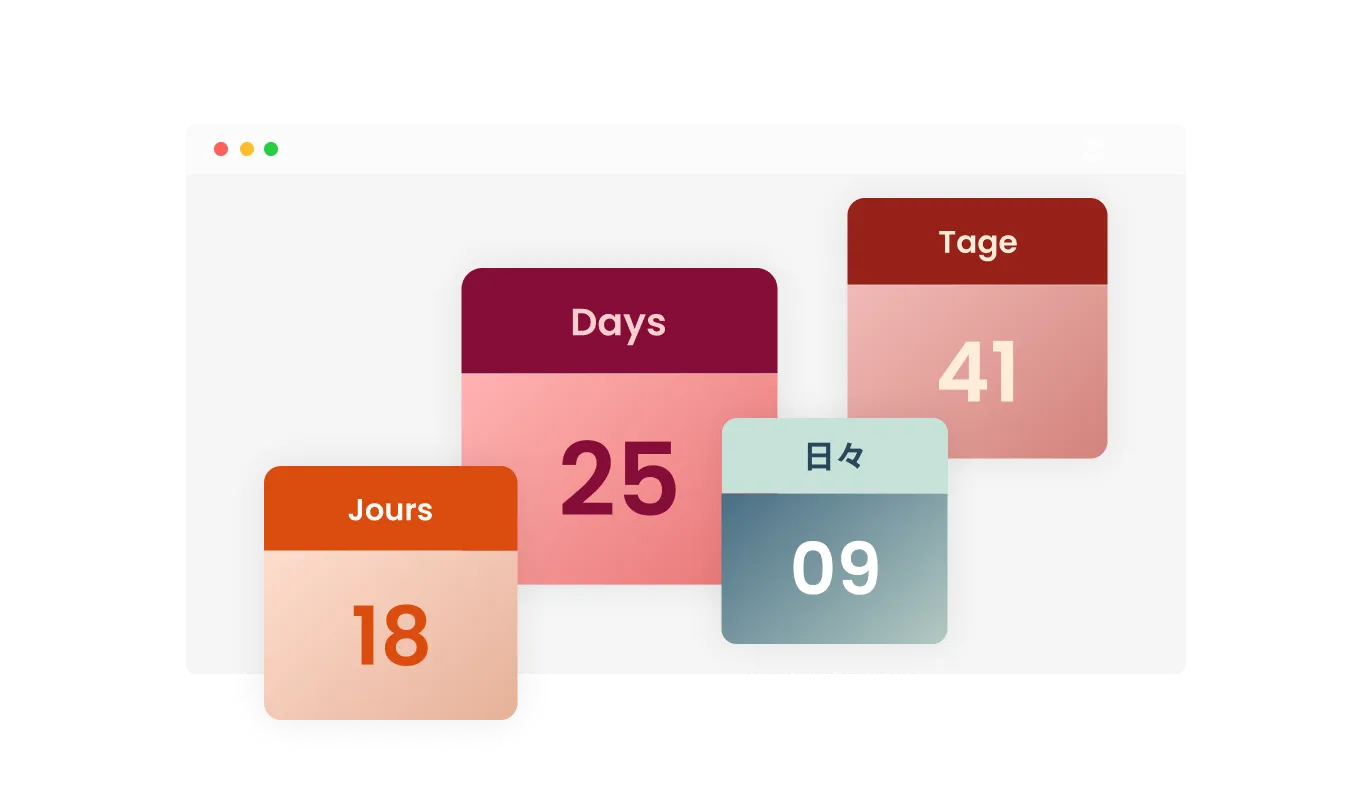
Count-Up Clock - Tailored Labels and Descriptions

Versatile Design Skin

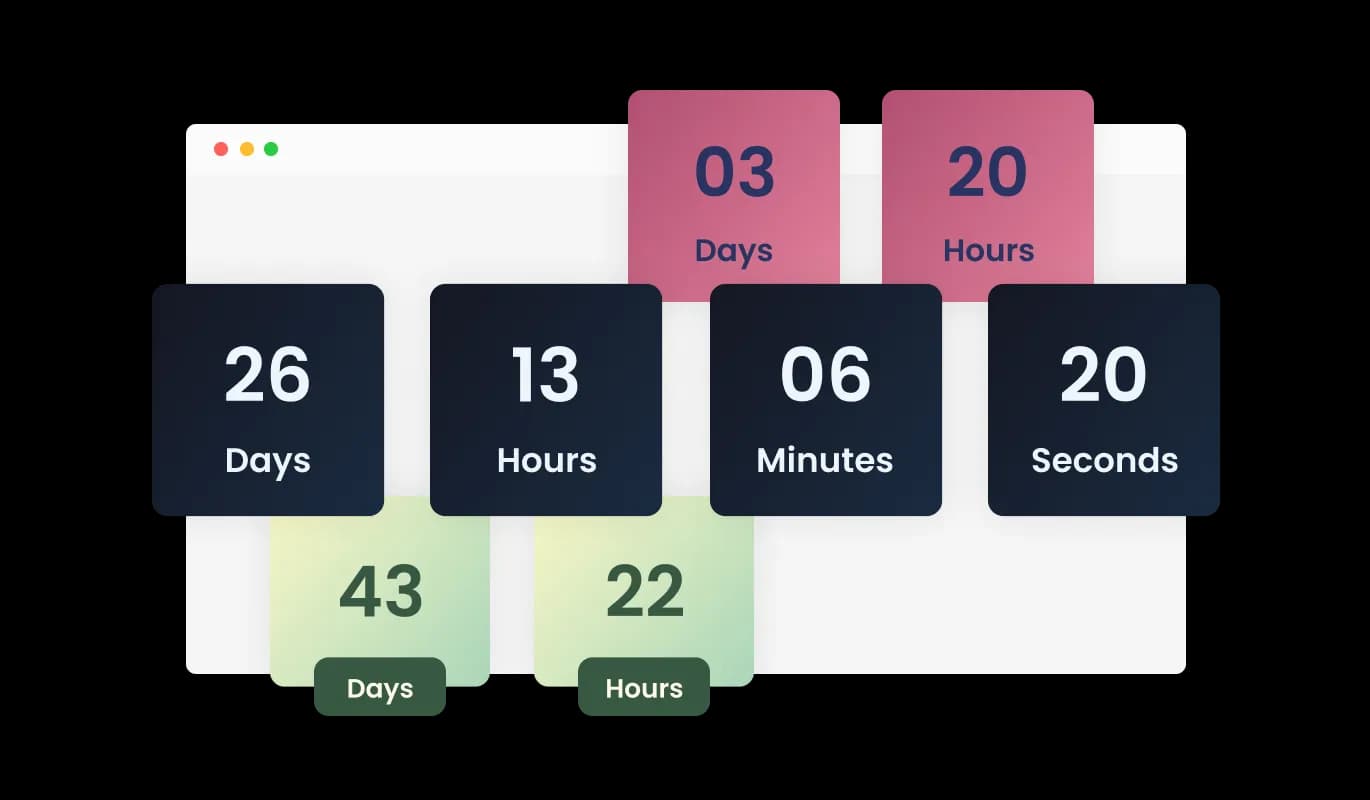
The Count-Up Clock for PhotoBiz provides a variety of design themes, making it a breeze to harmonize the widget's look with your PhotoBiz portfolio's aesthetic. Explore multiple pre-built themes and effortlessly adjust the widget's appearance to seamlessly integrate with your portfolio's overall design.

Count-Up Clock - Versatile Design Skin

Diverse Layout Choices

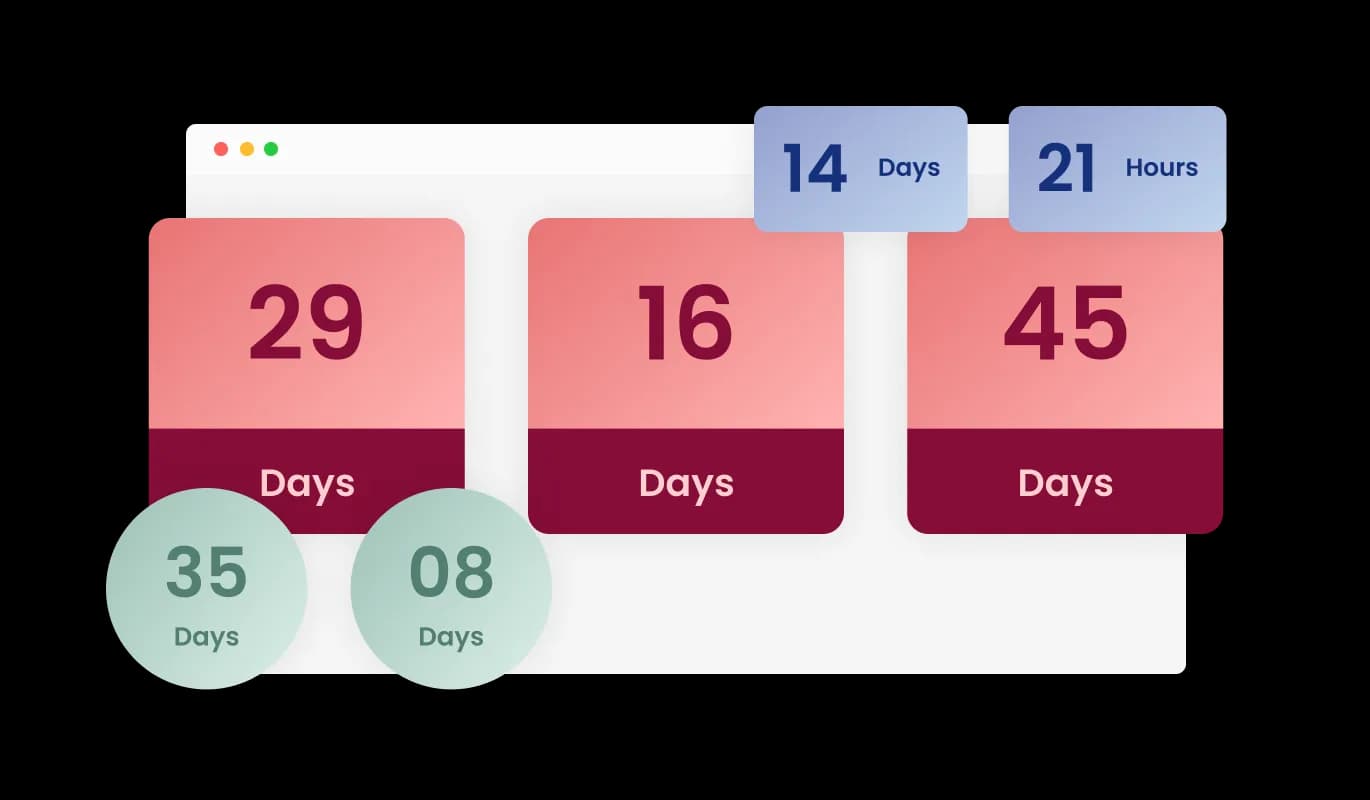
With the PhotoBiz Count-Up Clock, you have access to a range of layout options designed to suit your PhotoBiz portfolio's aesthetics. Choose from various presentation styles, including horizontal, vertical, or circular count-up displays, to create an attractive and visually pleasing countdown that complements your portfolio's design seamlessly.

Count-Up Clock - Diverse Layout Choices

Extensive Customization Possibilities

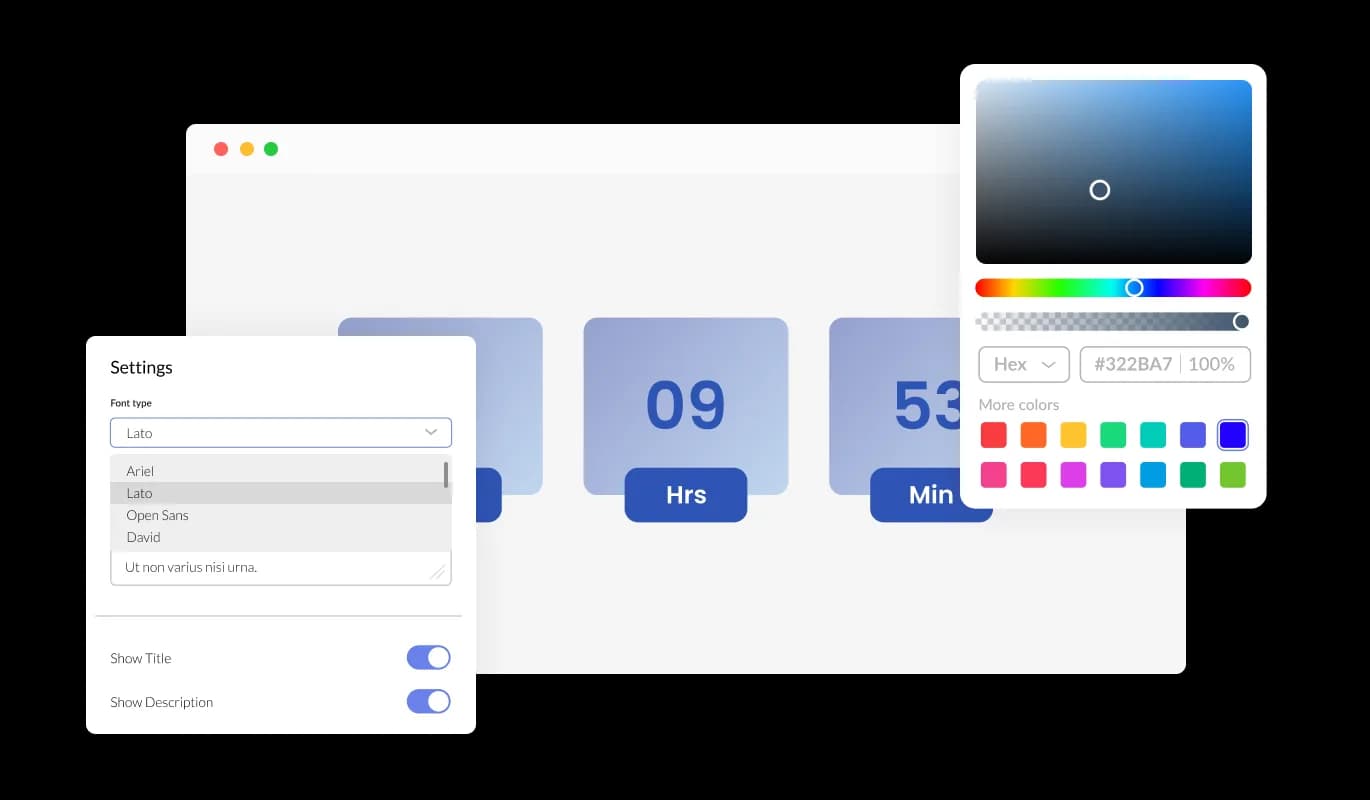
The PhotoBiz Count-Up Clock widget offers comprehensive customization options, giving you the flexibility to tailor the design to your specific requirements. Modify colors, fonts, spacing, and any other elements effortlessly to create a countdown timer that perfectly suits your preferences and style.

Count-Up Clock - Extensive Customization Possibilities
Count-Up Clock - Animated Time Display

Animated Time Display

The PhotoBiz Count-Up Clock widget adds an element of dynamic engagement to your portfolio with captivating animations that showcase the transition of numbers as they count up from a specific event. Customize the animation style and speed to your liking, ensuring that your count-up timer becomes a standout feature for your PhotoBiz portfolio visitors.

Count-Up Clock - Effortless Setup with No Coding Required

Effortless Setup with No Coding Required

Implementing the Count-Up Clock widget in your PhotoBiz portfolio is a breeze, requiring no coding skills or technical expertise. Its user-friendly interface and straightforward setup process make it accessible to users of all experience levels, enabling anyone to effortlessly create and customize a count-up timer for their portfolio.

Count-Up Clock - Easy to use PhotoBiz widget

Easy to use PhotoBiz widget

The PhotoBiz Count-Up Clock widget is designed for ease of use and doesn't demand any coding expertise. Our intuitive dashboard, equipped with a simple drag-and-drop interface, empowers you to customize the widget precisely as you desire with just a few effortless clicks.

Seamless Responsiveness widget

The Count-Up Clock widget for PhotoBiz features a responsive design that guarantees optimal display and functionality on various devices and screen sizes. Whether your visitors access your PhotoBiz portfolio from a desktop, tablet, or mobile device, the count-up timer automatically adapts to provide a smooth and visually appealing experience, ensuring your portfolio maintains a professional and engaging presence.

Count-Up Clock - Seamless Responsiveness widget

Complete CSS Customization for Advanced Design

For those seeking in-depth customization, the PhotoBiz Count-Up Clock widget offers full CSS control. This advanced feature empowers experienced users and web developers to finely adjust the timer's appearance and behavior, ensuring it harmonizes perfectly with their precise design preferences and needs.

Count-Up Clock - Complete CSS Customization for Advanced Design

Easy Integration with PhotoBiz portfolios

Count-Up Clock widget offers effortless integration PhotoBiz portfolios, guaranteeing a seamless addition of the count-up timer to your portfolio. Its user-friendly setup ensures a hassle-free experience, free from technical challenges or compatibility concerns.

Count-Up Clock - Easy Integration with PhotoBiz portfolios

Compatible With All Site Builders, E-Commerce Platforms and Websites

webflow logoshopify logowix logowordpress logobigcommerce logosqurespace logoweebly logojoomla logoduda logojimdo logomagento logoshift4hsop logounbounce logocarrd logo
View all supported platforms

FAQ

The Count-Up Clock is a widget that displays the time that has passed since a specific event or date on your website.

Installation is easy! Simply embed the provided code into your website's HTML, and the widget will be up and running.

Can I customize the appearance of the Count-Up Clock?

You can count up from any past event, whether it's an anniversary, product launch, milestone, or any other significant occasion.

No coding skills are necessary. The widget offers a user-friendly interface for easy setup.

Absolutely! You can add the widget to as many pages as you like.

Yes, it's fully responsive and adapts seamlessly to different screen sizes, including mobile devices.

It updates in real-time, continuously displaying the accurate time that has passed since your event.

Yes, you can customize the animation style and speed to suit your preferences.

The widget offers various layout styles, including horizontal, vertical, and circular timers.

Yes, it's designed to integrate seamlessly with various website builders and platforms.

Yes, you can use it for both personal and commercial websites.

There's no limit; you can count up from any past date, regardless of how far back it is.

Yes, we offer dedicated customer support to assist you with any questions or problems you may encounter while using the widget.