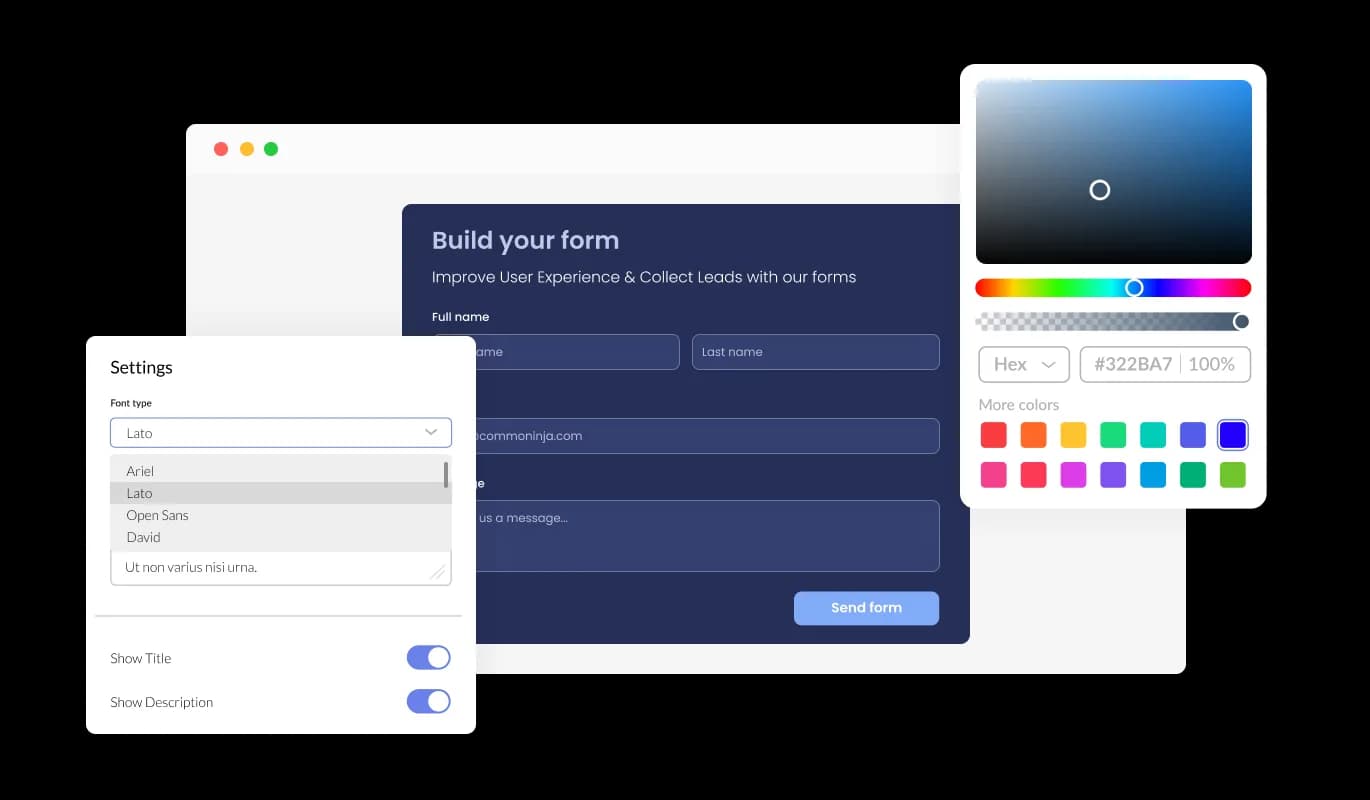

Form Builder for Puzl

Create custom forms with a form builder that offers advanced field types, easy layout control, and flexible options for any purpose.

Create Your Own Form

loved by 500K+ businesses

Puzl
plugineditor

Why Should You Use the Form Builder Widget+?

Reimagine Your Form Design Experience

Explore the cutting-edge form establishment with our revolutionary form builder for Puzl. Leave behind cumbersome, protracted methods, and adopt the straightforwardness and potency of this flexible utility. Gracefully craft striking forms for assessments, enrollments, opinions, or correspondence requirements, and witness your audience savor a smooth interaction, all while accumulating the vital data that fuels your victory.

Comprehensive Customization and Flexibility

Experience ultimate customization and flexibility with our Puzl form builder, presenting a wide variety of novel and refined field types to fulfill your exclusive needs. This facilitates users to tweak forms to their desired outcomes, without the requirement for coding or technical skills. The editor's easy-to-navigate interface encourages smooth customization and design, ensuring that the forms not only procure vital data but also conform to the users' brand image and visual taste.

Simplified Data Accumulation

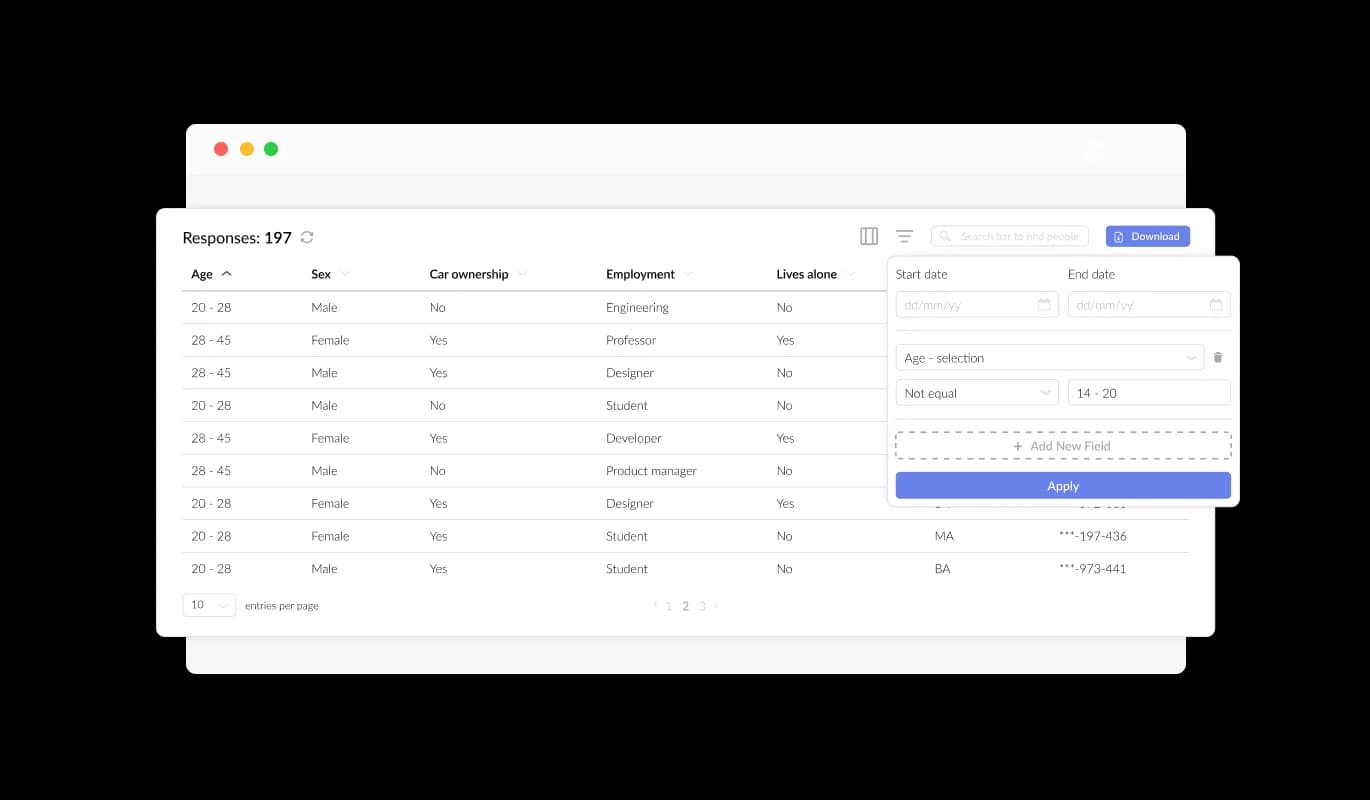
Our form builder for Puzl makes data gathering and organization incredibly simple. With a straightforward click, submitted data is promptly sorted into a user-friendly grid, enabling swift analysis and understanding. Concentrate on what's genuinely important - making informed choices and enhancing your business or organization.

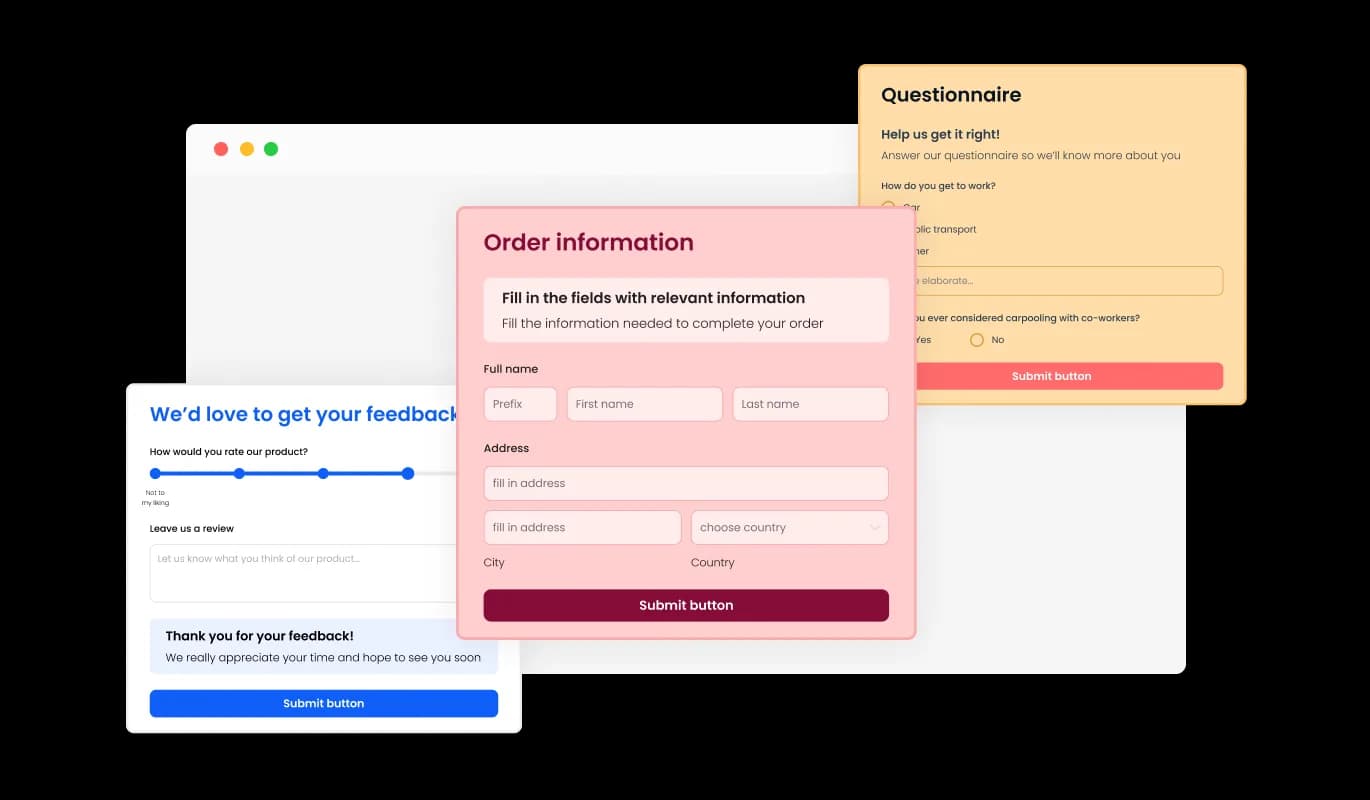
Various Form Fields To Select From

Seamlessly create customized forms with our Puzl form builder, built to address your distinct needs and user objectives. Integrate and opt for a wide variety of field types, covering basic to intricate formats, with just a click. Rearrange fields effortlessly using the drag-and-drop feature for the perfect form layout.
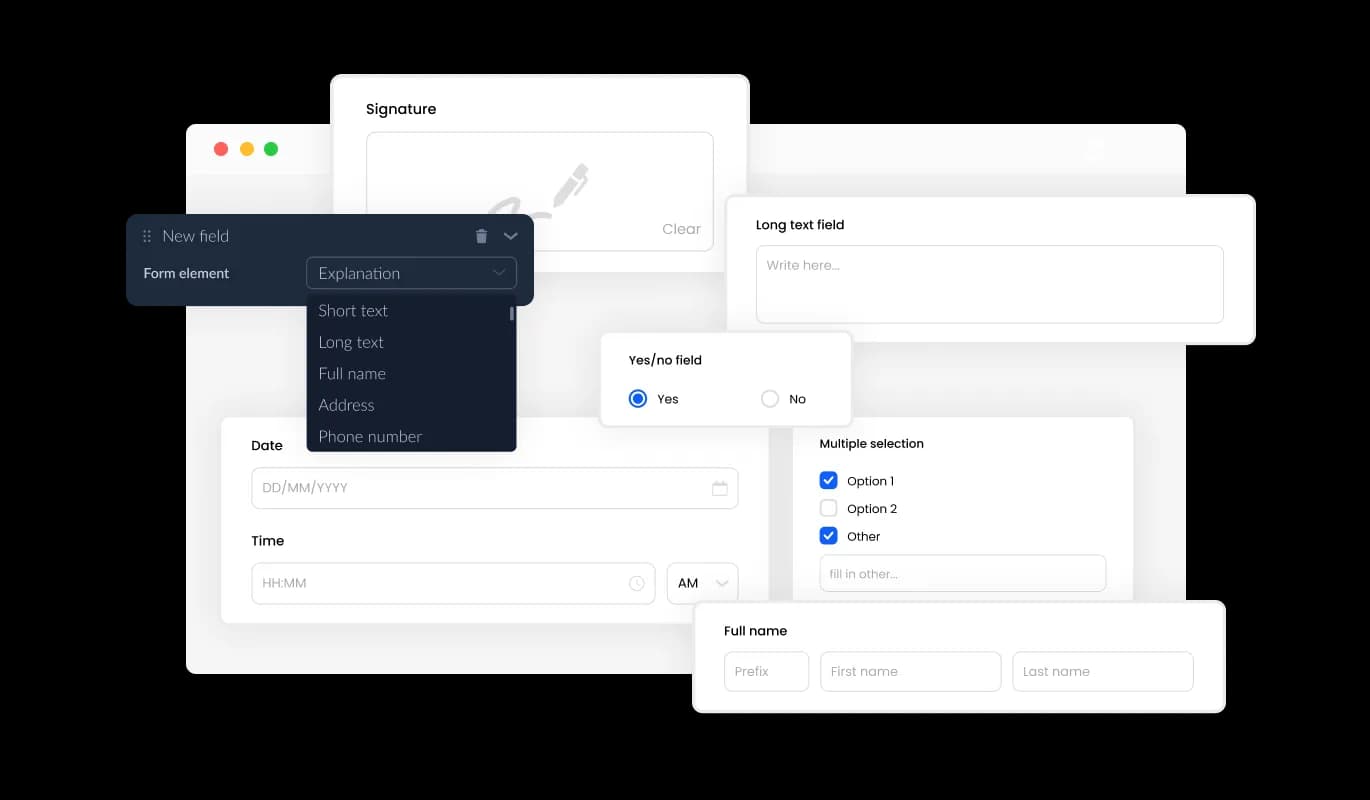
Form Builder - Various Form Fields To Select From

Easy Entry Collection

The Form Builder for Puzl makes it easy for you to efficiently manage and view all submissions in a neatly organized, user-friendly layout. This functionality ensures you remain aware of all the collected data and user input, fostering prompt and efficient follow-ups and decision-making.

Form Builder - Easy Entry Collection

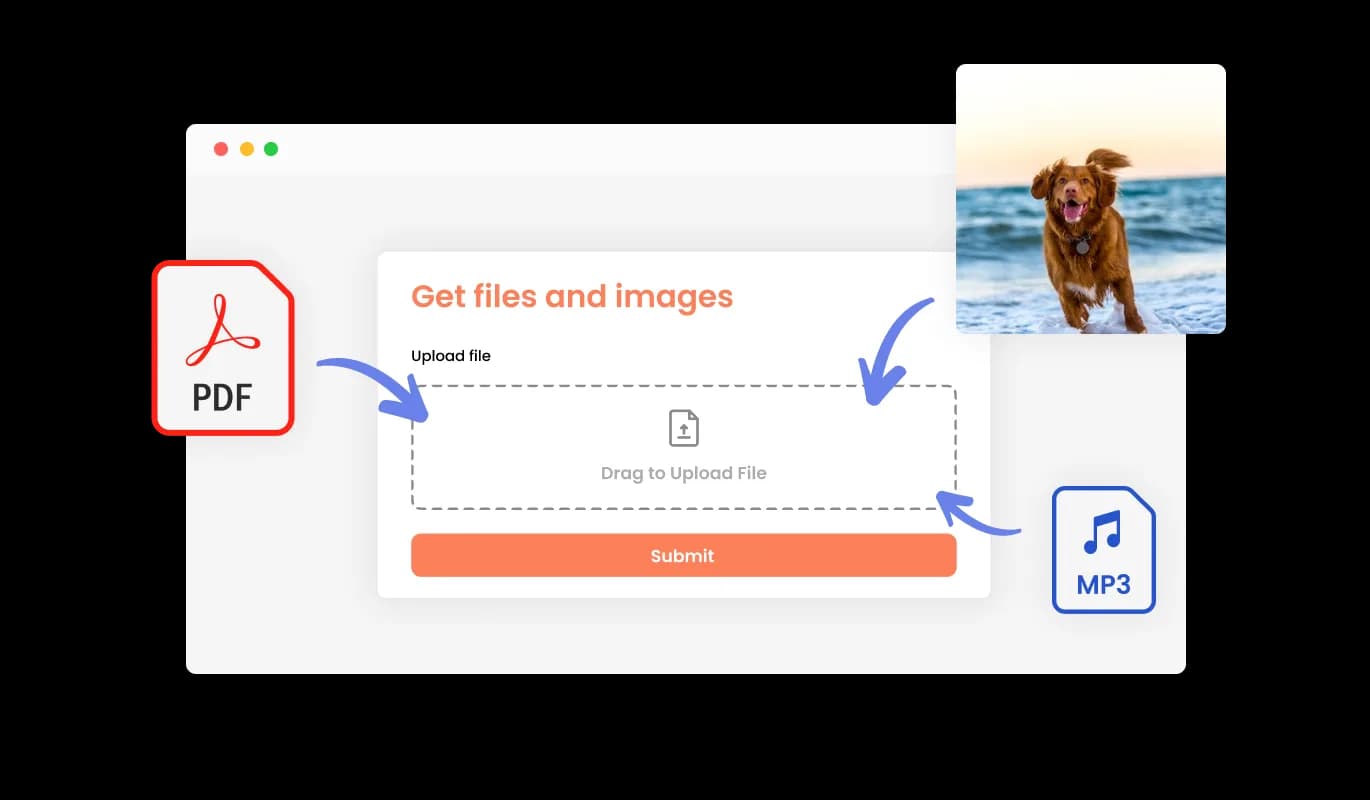
Seamlessly Obtain Files and Images through Forms

With our Form Builder for Puzl, smoothly obtain files and images provided by your audience. This dynamic feature is tailored to accommodate businesses and professionals seeking essential data, paperwork, or visual assets from their clients or customers. Regardless of your industry, our Form Builder for Puzl enhances the process, making it more efficient than ever to compile the indispensable data to develop your business and ensure client delight.

Form Builder - Seamlessly Obtain Files and Images through Forms

Enrich Your Form with Fascinating Content and Visuals

Embedding headings, illustrative text, and visuals into your form establish a more holistic and natural submission experience for users. By incorporating informative form elements, you smoothly direct users through the submission process, guaranteeing a streamlined and effective experience that ultimately increases the likelihood of conversion.

Form Builder - Enrich Your Form with Fascinating Content and Visuals

Customize Headers & Footers to Suit Your Form

The Puzl Form Builder offers the option to adapt your form's header and footer, including the opportunity to include images. This functionality assists you in consolidating your brand identity and designing an elegant, visually engaging form that seamlessly blends with your Puzl website's overall design and appearance.

Form Builder - Customize Headers & Footers to Suit Your Form

Effortless Email Reminders and Confirmation Communications

The Form Builder for Puzl enables the activation of notifications for the form overseer and the individual submitting the form. Set automated email notifications for each form entry, allowing you to distribute alerts to an array of email recipients, while also sending a confirmation email to the user upon successful form completion.

Form Builder - Effortless Email Reminders and Confirmation Communications
Form Builder - Export the Form Submissions to CSV

Export the Form Submissions to CSV

With the Puzl Form Builder, you can easily export submission data to a CSV file, ensuring seamless integration with other software or tools for comprehensive analysis or incorporation. This functionality is highly beneficial for businesses seeking to maintain comprehensive records of client interactions and for data analysis and reporting objectives.

Form Builder - Shield Your Form Entries from Spam

Shield Your Form Entries from Spam

The Puzl Form Builder allows you to enable the CAPTCHA anti-spam mechanism, compelling users to complete a validation step before submitting the form. This functionality efficiently restricts bots and automated scripts from delivering spam content, assuring that you obtain valid submissions from real users.

Form Builder - User-Friendly Form Builder for Puzl

User-Friendly Form Builder for Puzl

The Form Builder for Puzl is designed for ease of use, making it accessible without the need for any coding experience. In a matter of clicks, tailor your forms to your preferences with our user-friendly interface, simplifying the procedure and removing the necessity for technical know-how.

Form Builder - Effortless Form Embedding on Puzl website

Effortless Form Embedding on Puzl website

Integrating the Form Builder widget onto your Puzl website is effortless, requiring only a copy-and-paste of the provided code snippet into your HTML page. Additionally, the Puzl form builder is designed to be auto-updating, ensuring that any changes you make using the Form Builder editor will automatically reflect on your Puzl website, eliminating the need for manual updates.

Pre-Configured Skins for Simplified Form Aesthetics

Our Form Builder for Puzl comes with an array of attractive skins, facilitating a faster design process and the creation of visually enticing forms in no time. These pre-arranged templates save you the task of exhaustive modification while confirming your form aligns with your chosen style and aesthetic, resulting in a fluid user experience.

Form Builder - Pre-Configured Skins for Simplified Form Aesthetics

Multiple Form Submissions

The Form Builder for Puzl offers the choice to permit multiple submissions from one user, suiting scenarios where users have to modify or supplement their provided information. As this feature is enabled, users can submit the form numerous times without impediments, confirming that they can offer exact and complete information.

Form Builder - Multiple Form Submissions

Customize Forms with Ease using Puzl Form Builder

The Form Builder for Puzl offers complete customization options, enabling you to edit and tailor the form's design to suit your specific needs. From altering colors, typefaces, field dimensions, to layouts, the Puzl Form Builder provides the adaptability to completely personalize your forms effortlessly, guaranteeing a smooth user experience that resonates with your brand and aims.

Form Builder - Customize Forms with Ease using Puzl Form Builder

Seamless Multi-Device Forms for Puzl

Our Puzl Form Builder is engineered to produce flawlessly adaptive forms, guaranteeing that users can interact with and submit them with ease, irrespective of their device or display dimensions. Our Puzl Form Builder's responsive design ensures that your forms look great and function perfectly on any device, including desktops, laptops, tablets, and mobile devices, maximizing your audience reach and engagement.

Form Builder - Seamless Multi-Device Forms for Puzl

Fine-tune Your Forms: CSS Editing for Puzl

With the advanced editor in the Puzl Form Builder, you gain full authority over every element of your form's visuals. Besides the intuitive interface for adjusting colors, fonts, and structure, the CSS editing functionality empowers you to elevate your customization capabilities. CSS editing enables you to achieve total customization of your form's aesthetics, assuring that it aligns flawlessly with your brand's style and purpose. Regardless of your experience level, the Puzl Form Builder's CSS editing functionality enables you to effortlessly craft eye-catching, one-of-a-kind forms.

Form Builder - Fine-tune Your Forms: CSS Editing for Puzl

Compatible With All Site Builders, E-Commerce Platforms and Websites

webflow logoshopify logowix logowordpress logobigcommerce logosqurespace logoweebly logojoomla logoduda logojimdo logomagento logoshift4hsop logounbounce logocarrd logo
View all supported platforms

FAQ

A Form Builder is a powerful tool that allows users to create and customize forms for various purposes, such as surveys, registration, feedback, or contact forms, without any coding or technical expertise required.

A Form Builder offers numerous benefits, such as streamlining the form creation process, unparalleled customization and flexibility, effortless data collection and management, and enhanced user experience.

The Form Builder provides a wide array of field types, enabling users to create various types of forms for their specific needs. Some common types of forms you can create with the Form Builder include surveys, registration forms, feedback forms, and contact forms. However, the possibilities are endless, and you can tailor the forms to your unique requirements with the Form Builder's customization options.

Absolutely! The Form Builder provides complete customization options, enabling you to edit and tailor your form's design to suit your specific needs and aesthetics.

Yes, the Form Builder offers the CAPTCHA anti-spam feature, requiring users to complete a verification step before submitting the form, effectively preventing spam messages from bots and automated scripts.

Yes, integrating the Form Builder onto your website is effortless, requiring only a copy-and-paste of the provided code snippet into your HTML page. Additionally, the Form Buidler is designed to be auto-updating, ensuring that any changes you make using the Form Builder editor will automatically reflect on your website.

Yes, you can use the Form Builder to collect files and images submitted by users, making it easy to gather essential information, documentation, or visual assets from your clients or customers.

No, you do not need any coding knowledge to use a Form Builder. With its user-friendly interface, you can effortlessly customize and design your forms without any technical expertise.

Yes, the Form Builder allows you to export your form submission data to a CSV file, making it easy to import the data into other software or tools for further analysis or integration.

Yes, you can configure the Form Builder to send automated email notifications to multiple email addresses for every form submission, as well as deliver a confirmation email to the user upon successful submission.

Yes, the Form Builder's responsive design ensures that your forms look great and function perfectly on any device, including desktops, laptops, tablets, and mobile devices, maximizing your audience reach and engagement.