


Verified review
Common Ninja has amazing no-code widgets that would beautify a website built on any builder. It is very easy to use and customise. It has as many widgets for almost everyone willing to make their website impressive.
The Common Ninja Website Search widget is a free, no-code embed that adds a Google-powered search bar to your website so visitors find content fast.
Pick a layout (inline search box, floating button, top-bar search), choose a Google Custom Search source, configure result display (in-page panel, dropdown, redirect to results page), pick from multiple search-icon styles, customize the design with skins or Custom CSS, and paste a one-line embed snippet on Canva, Google Sites, Notion, Carrd, Squarespace, Webflow, WordPress, and 200+ other platforms.
Use it to make content-heavy sites navigable, route visitors to the right product or article, lower bounce rates from frustrated visitors who can't find what they came for, and surface results from your own site rather than sending traffic out to Google.
On a site with 50+ pages, visitors who can't find the right page bounce. A search bar lets them type what they came for and jump straight to the answer. Useful for blogs with deep archives, knowledge bases, documentation sites, multi-product stores, and any site where the nav doesn't expose every page.
Building a homegrown search ranking that returns useful results is hard. Google Custom Search uses Google's index and relevance algorithms, so the results match what visitors expect from a search query, no "why is this page first?" surprises. Lower friction, higher trust, no search infrastructure to maintain.
Without on-site search, visitors who can't find what they need open a new tab and search "yoursite.com [topic]" on Google. Where they might end up clicking a competitor's snippet. On-site search keeps the session inside your funnel, with your conversion paths still wired up.
An inline search box in the header is the default, but on long-form pages where visitors scroll past the header, a floating corner button keeps search reachable from any scroll depth. Useful on documentation sites, blogs, and knowledge bases where the search surface should follow the visitor through long reads.
Point the widget at your site's domain so search results return pages from your site only (the typical case). Or configure a multi-domain search if you maintain related sites that should appear in the same search experience. Google Custom Search powers the relevance ranking, so results match what visitors expect from a Google query.
Choose a layout. Inline search box (sits in your header or section), floating button (corner-anchored, opens a search overlay), or top-bar search (full-width strip with search input). Configure where results display (in-page panel, dropdown below the box, redirect to a results page), pick a search-icon style, and pick a skin or layer Custom CSS for pixel-level brand match.
Copy the one-line embed snippet and paste it on Canva, Google Sites, Notion, Carrd, Squarespace, WordPress, or any of the 200+ supported platforms. Visitors search, results render inline or in the configured panel. Edits in the Common Ninja editor push to every embed without re-paste.
Pin a floating search button to a page corner so visitors can search from any scroll depth. The button opens a search overlay; results render in the overlay or redirect to a dedicated results page. Configurable position, size, and animation.
Powered by Google Custom Search: results match what visitors expect from a Google query, ranked by Google's relevance signals. Configure which pages or domains are indexed; the widget surfaces only the content you want visitors to find.
In-page panel (results render inline below the search box), dropdown (results appear in a floating list under the input), or redirect (visitor lands on a dedicated results page after submitting). Each layout suits a different page density: pick what fits.
Pick from a library of pre-designed skins (minimal, magazine, dark-mode, branded-vibrant) for a fast visual fit. Layer Custom CSS for pixel-level control over input height, icon placement, result-card typography, and hover-state finesse.
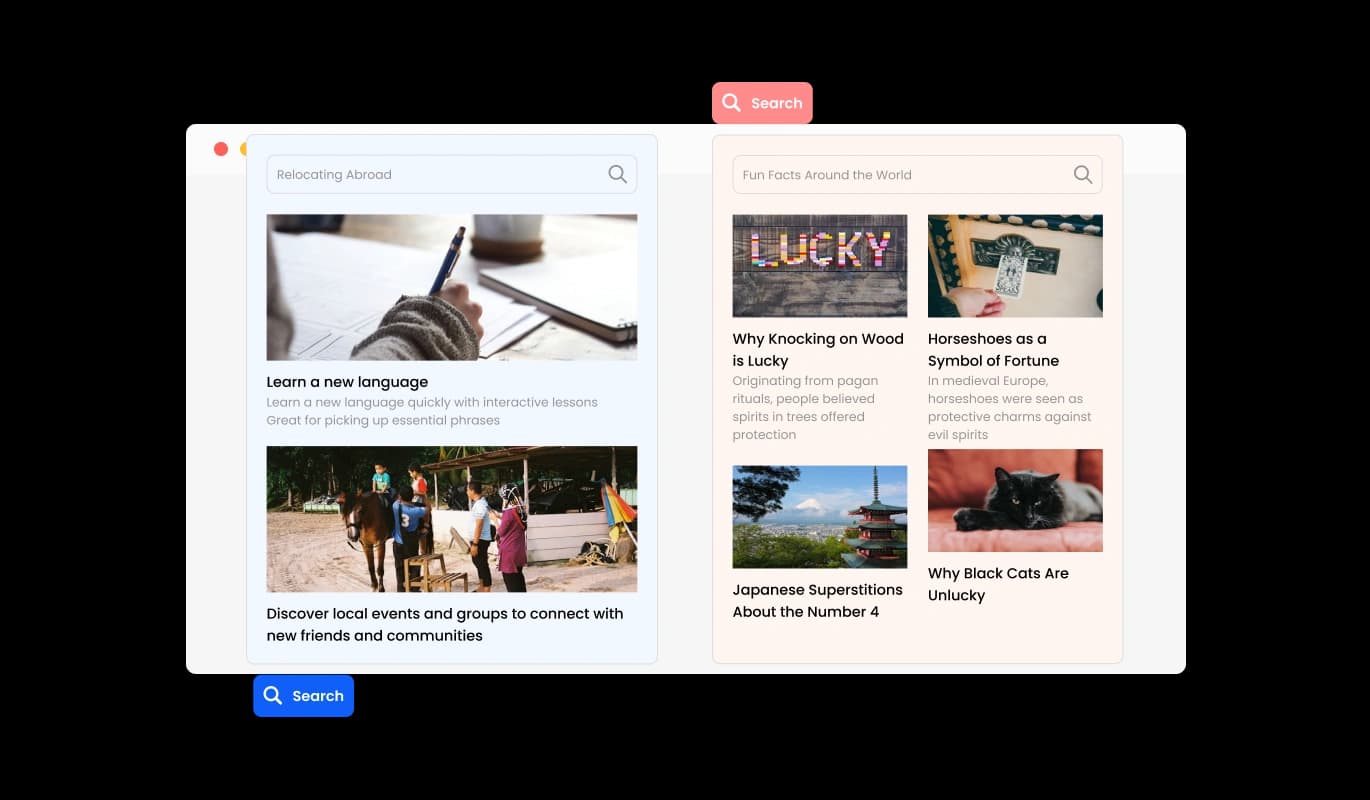
The Website Search Widget includes a floating button, ensuring the search function is always accessible without disrupting the user’s browsing experience. Positioned strategically on your site, the button allows visitors to initiate a search from any page, streamlining navigation. This design element enhances usability and keeps your website clean and uncluttered.
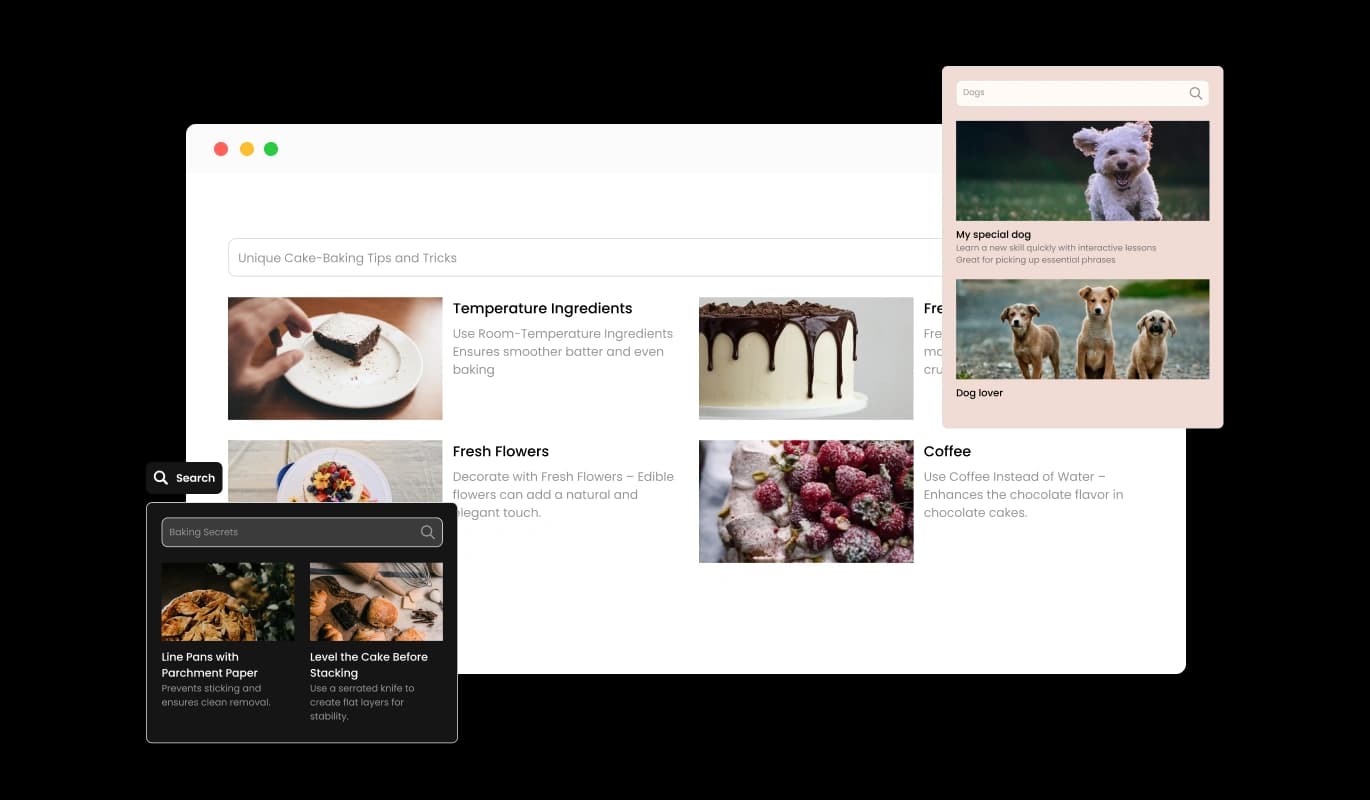
The Search Widget ensures users receive accurate and contextually relevant search results tailored to your website’s content. Powered by Google’s sophisticated algorithms, the widget provides fast and precise responses, helping visitors find what they need effortlessly. This capability enhances user satisfaction and keeps them engaged with your site longer.
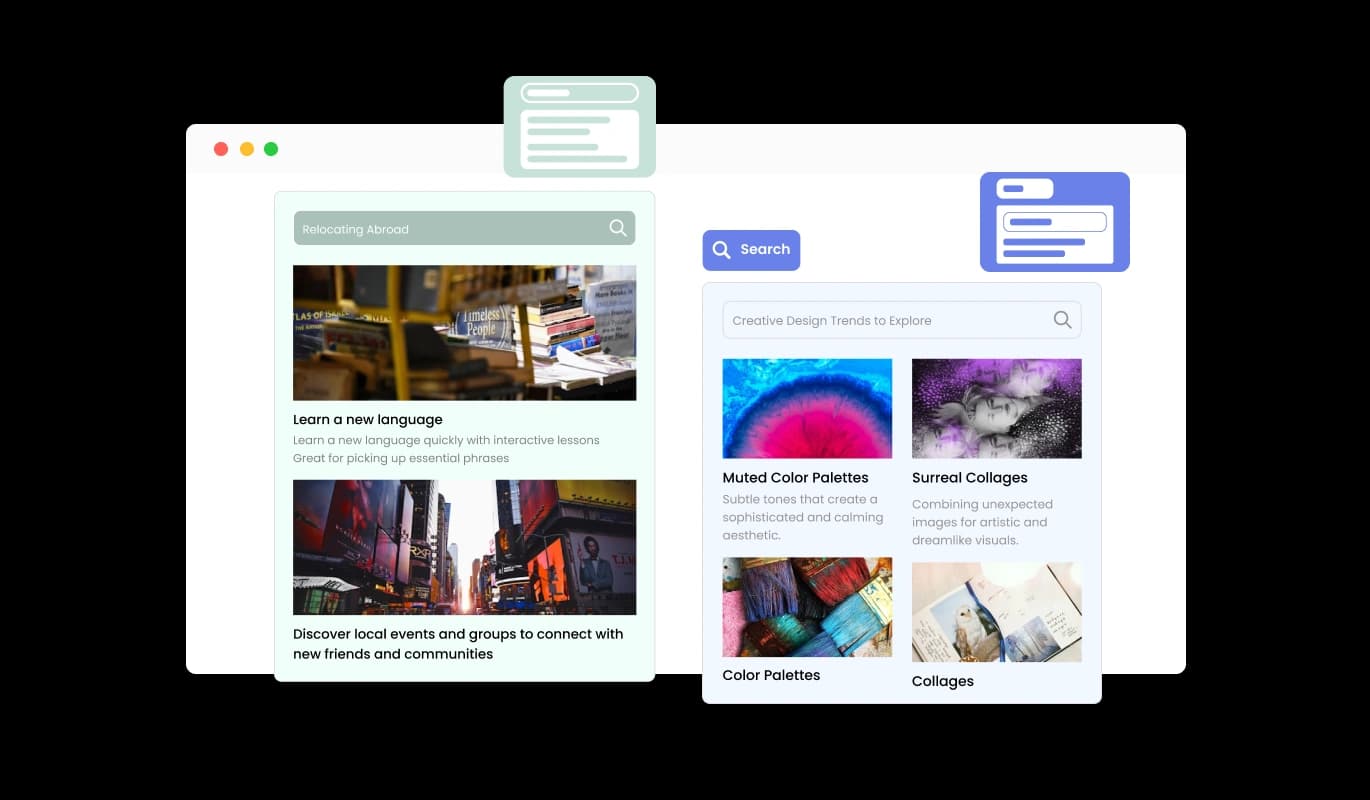
The Search Bar Widget provides multiple layout options for displaying search results, including inline, popup, and other configurations. Whether you prefer results to appear seamlessly within the page or in a dedicated popup window, you have full control over how they are presented. This flexibility ensures the search experience aligns perfectly with your website’s design and functionality.
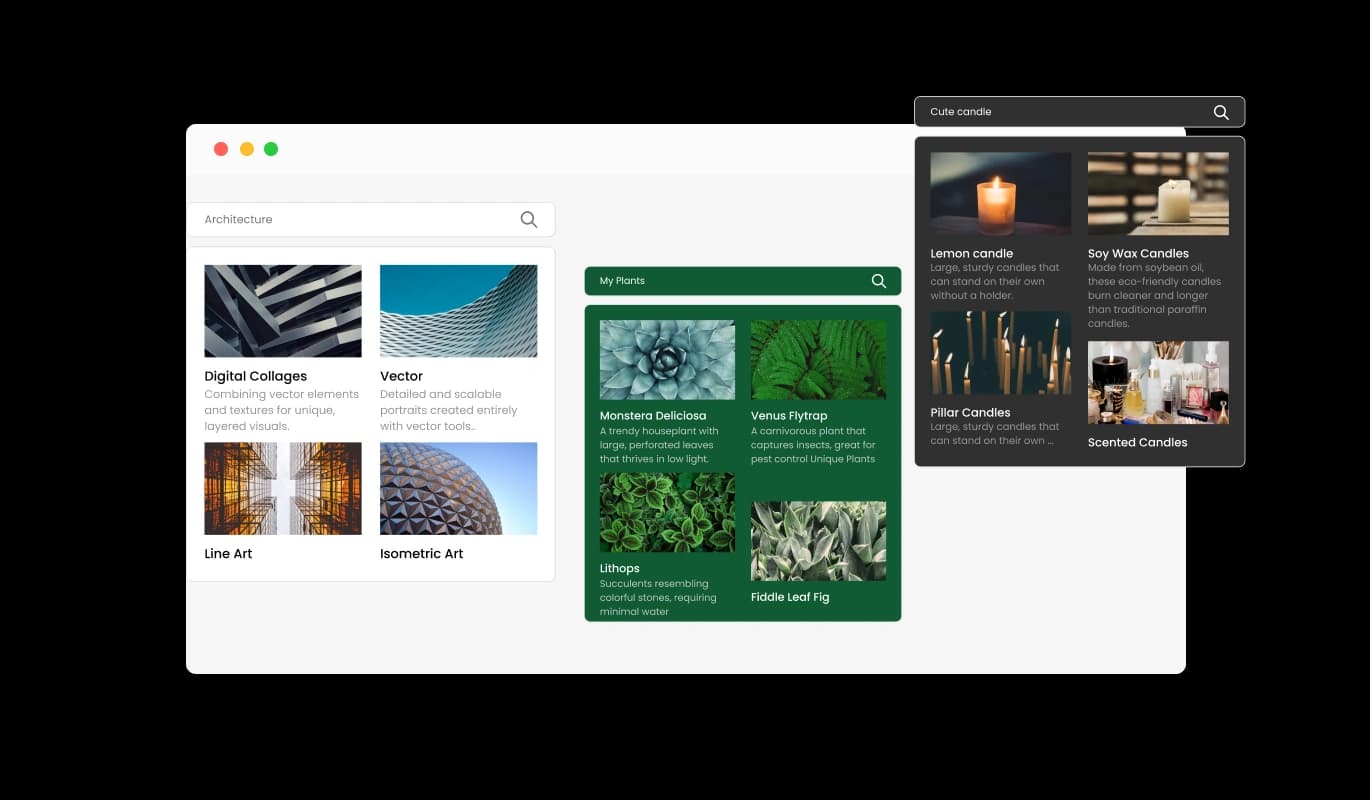
With a range of design skins, the Search Widget enables you to pick a look that matches your website’s branding. These ready-made skins reduce the need for customization while delivering a polished and professional appearance. Whether your site features a minimalist or bold design, there’s a skin to suit your needs.
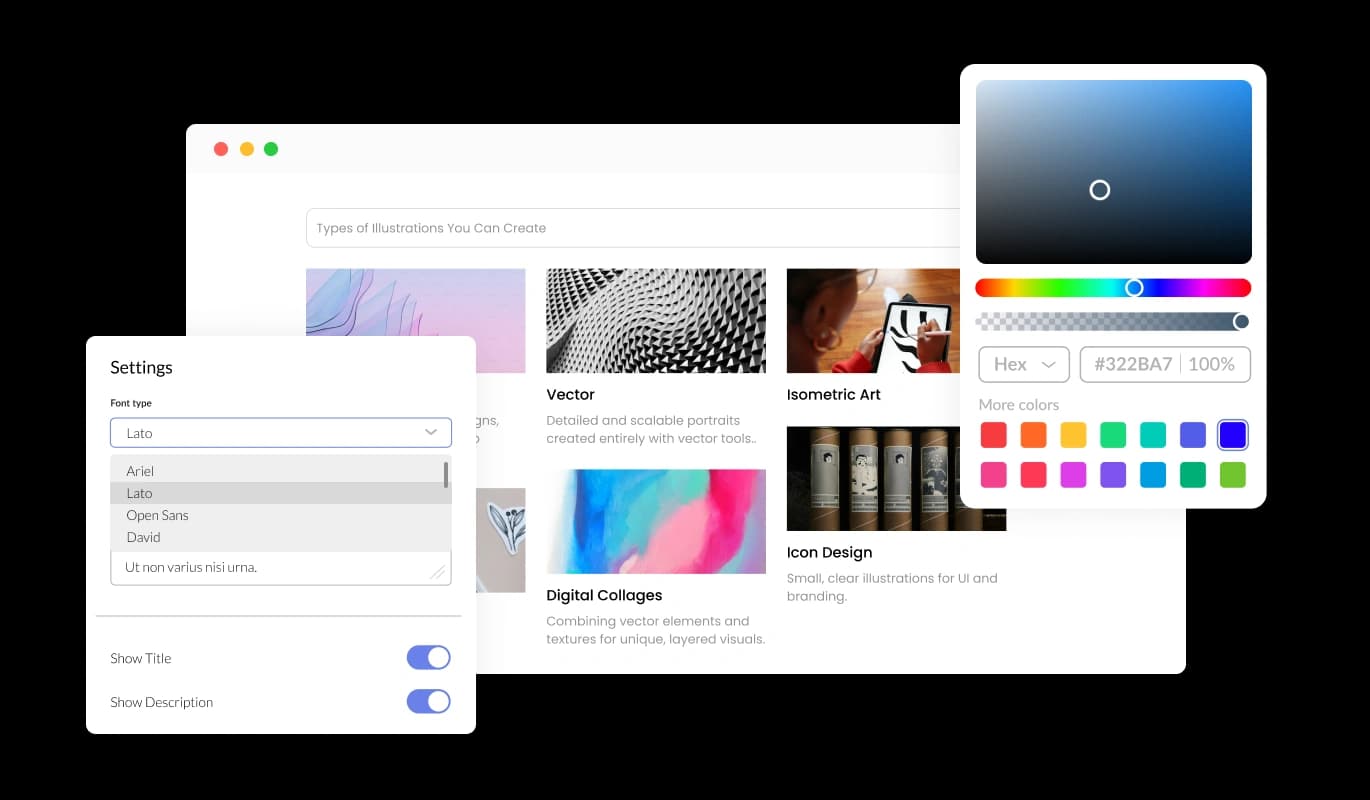
The Website Search Widget provides robust customization options, including adjustable colors, fonts, spacing, and more. This ensures you can tailor the widget to meet your specific requirements and maintain a consistent brand aesthetic. The customization flexibility helps you create a search feature that is both functional and visually cohesive.
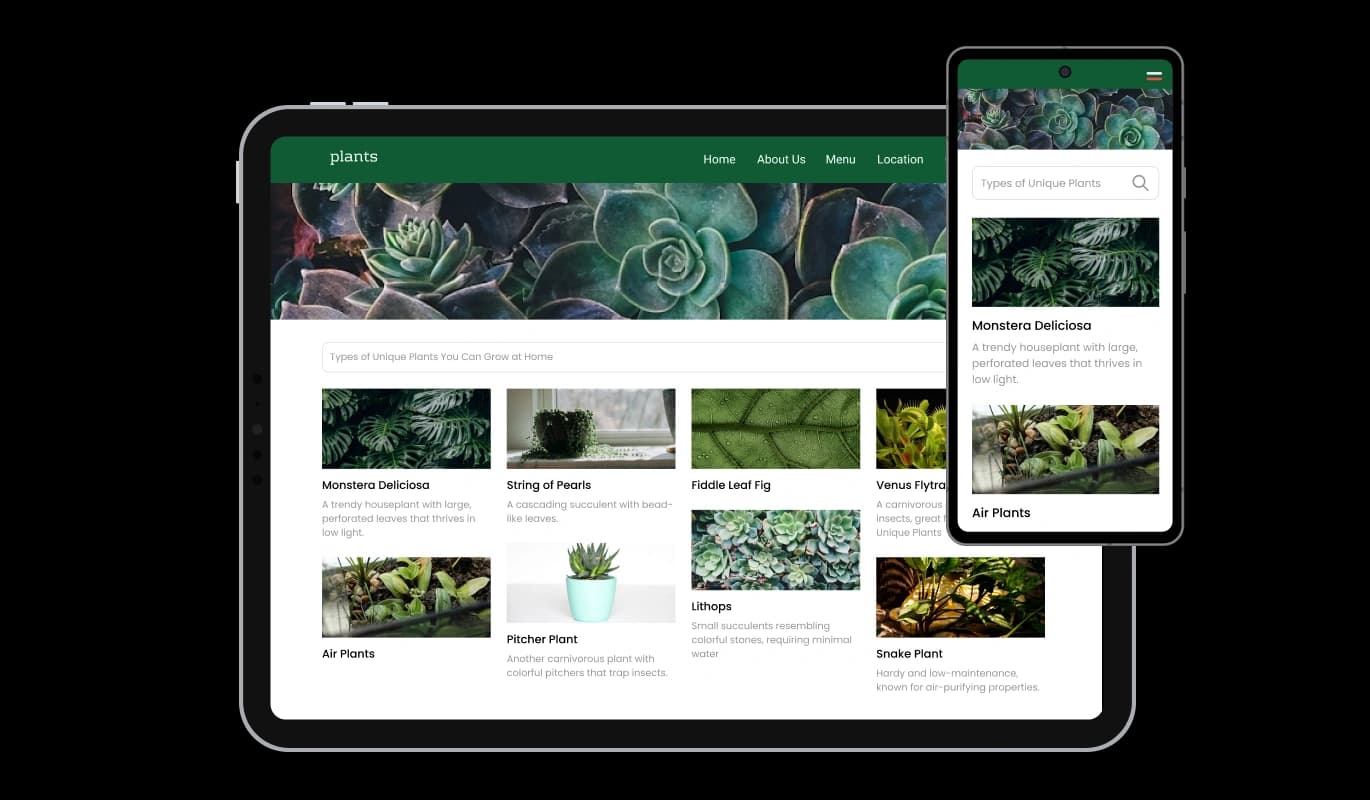
Designed to be fully responsive, the Search Widget adapts flawlessly to all devices, including desktops, tablets, and smartphones. This ensures your visitors enjoy a seamless search experience no matter how they access your site, improving usability and engagement across all platforms.

For advanced users, the Search Widget supports custom CSS, enabling unique styling and deeper customization. This feature is perfect for developers or designers who want to fully align the widget with their creative vision and functional requirements.

Embedding the Search Widget on your website is quick and straightforward, requiring just a single line of code. Once integrated, updates to the widget are applied automatically, saving time and effort while ensuring your website always features the latest version.
The Search Bar Widget is designed for seamless integration, allowing you to embed it on your website with minimal effort. With just a single line of code, you can activate the search functionality powered by Google’s robust search engine. This streamlined process ensures compatibility with any website builder or platform, saving time and making it accessible to all users, regardless of technical expertise.
The Website Search Widget offers three distinct search bar layouts—box, line, and box with an external button—allowing you to choose a design that complements your website's style. Each layout is crafted for usability and aesthetics, ensuring a seamless fit within your site's visual theme. This flexibility ensures your search bar looks professional while enhancing the overall user experience.
The Google Search Widget allows you to customize the search icon to align with your website’s branding. Choose from various styles, colors, and sizes to create a cohesive look that complements your site’s design. This level of personalization ensures the search feature integrates seamlessly with your visual identity while maintaining a professional appearance.
The Website Search Widget is user-friendly and doesn’t require any coding knowledge. Its intuitive interface allows for simple setup and customization, making it accessible for all website owners. With just a few clicks, you can integrate a professional search tool into your site.
Common Ninja has amazing no-code widgets that would beautify a website built on any builder. It is very easy to use and customise. It has as many widgets for almost everyone willing to make their website impressive.
Outstanding service. I use their widgets to help me with my web design business and whenever I need help they are very quick to help.
Excellent company with excellent service!!! We used it to build a survey, it was very user friendly. The service was perfect. Amit helped us with every problem and question we had, thank you very much!!!
Common Ninja saved the day when building our website and the customer service Daniel, the co-founder and CEO, provided was amazing.
Yes. The free plan covers one Website Search widget with no time limit and no credit card. Upgrade only when you need additional widgets, multi-domain search, advanced result filtering, premium skins, or features like per-search analytics and result-card customization.
Yes. The widget is powered by Google Custom Search: Google's own indexing and ranking engine, configured to search your site (or specific domains you specify). Results match what visitors would get if they searched "site:yoursite.com [query]" on Google directly, but the experience stays on your page instead of redirecting to Google's results page.
Whatever pages Google has indexed for your site (or the domain you configure). Pages blocked by robots.txt, marked noindex, or not yet crawled won't appear. If you want a specific page to be searchable, make sure it's reachable to Googlebot. Newly published pages may take days to appear in search results as Google indexes them.
Configurable in the editor. Choose in-page panel (results render inline below the search input, so visitors stay on the same page), dropdown (results appear in a floating list under the input as the visitor types), or redirect (visitor submits the query and lands on a dedicated results page). Pick what fits your page density and the visitor flow you want.
Yes. That's the typical use case. Many site builders (Carrd, Notion, Google Sites, Squarespace's older templates) don't ship with a built-in search. Embedding this widget gives those sites Google-powered search without needing to migrate platforms or hand-build a search index.
Build the widget in the Common Ninja editor (set source domain, pick layout, customize design), copy the embed snippet, and paste it into your site: Canva via the Embed app in the Apps panel; Google Sites via Insert → Embed → Embed code; Notion via /embed with the embed URL. Edits in the editor push to every embed without re-paste.
No. The widget script loads asynchronously, so it doesn't block first paint or interactivity. Search results only load when a visitor submits a query, so there's no upfront fetch cost. Your Largest Contentful Paint and Cumulative Layout Shift stay healthy on Core Web Vitals.
Yes. Each layout (inline box, floating button, top-bar) adapts across mobile, tablet, and desktop breakpoints. Input fields scale to viewport width, the floating button respects iOS Safe Area insets so it doesn't collide with the home-bar gesture area, and result panels reflow to single-column on narrow screens.
Pick your platform. Each takes under 4 minutes.
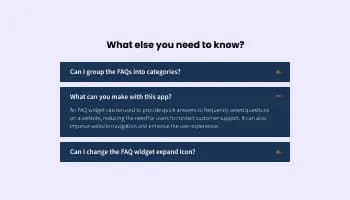
Displays common questions and answers for quick reference

Allow users to send messages or inquiries, save submissions, enable notifications, and more

Easily craft engaging, personalized popups to boost conversions.

Display the latest posts from any RSS feed
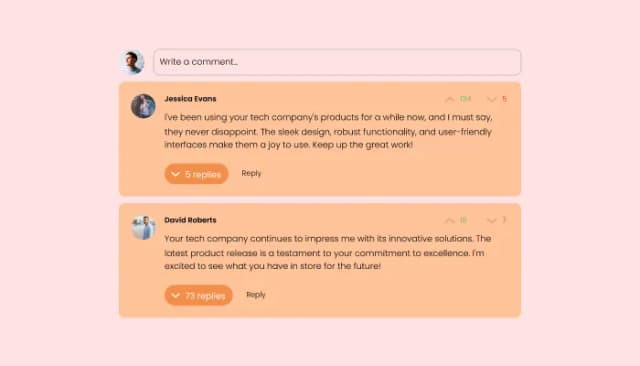
Comments system with upvote/downvote, email notifications, reply threads, and moderation tools.

Showcase customer testimonials using a rotating slider
Adding the Google Search Widget is simple and requires no technical expertise. You’ll receive a single line of embed code, which you can paste into your website's HTML. The widget is compatible with all major website builders and platforms, making integration quick and hassle-free.
Yes! The Google Search Widget is fully customizable. You can adjust colors, fonts, spacing, and more to ensure it matches your website's branding. Additionally, you can select from various layouts and design skins to create a cohesive and attractive search experience.
Absolutely. The Google Search Widget is fully responsive, ensuring it looks and works perfectly on all devices, including desktops, tablets, and smartphones. This ensures a seamless user experience for visitors across all platforms.
Yes, the widget is designed to work on any website, regardless of the platform or builder you’re using. With its lightweight code and compatibility, you can easily integrate it into your existing site without any issues.
The Google Search Widget is powered by Google’s search engine, ensuring fast, accurate, and relevant results. It tailors the results to your website’s content, helping users find exactly what they need efficiently.
Yes, the widget allows you to personalize the search icon, including its style, color, and size. This ensures that the search feature seamlessly fits into your website’s design and branding.
No, the Google Search Widget updates automatically whenever you make changes, so there’s no need for manual maintenance. This ensures that your search functionality is always up to date with minimal effort.
Yes, the widget offers multiple display options for search results, such as inline or popup layouts. You can select the layout that best suits your website's design and user experience preferences.
Not at all. The Google Search Widget is designed to be user-friendly and requires no coding expertise. Its intuitive interface allows you to customize and integrate the widget easily, even if you have no technical background.
Yes, you can configure the widget to restrict search results to specific pages or sections of your website. This ensures that users find only the most relevant content, tailored to their queries.
Yes, the Google Search Widget is compatible with multilingual websites. It will provide results based on the content language of your site, ensuring a localized experience for your visitors.
No, the Google Search Widget is optimized for performance and designed to have minimal impact on your website's loading speed. It’s lightweight and runs efficiently to maintain a fast and smooth user experience.
Yes, the widget supports custom CSS, allowing advanced users to style and modify the widget beyond its standard customization options. This is ideal for developers and designers who want full creative control over the widget’s appearance and functionality.
The Google Search Widget automatically updates along with your website content. This means any changes to your site will be reflected in the search results without requiring additional adjustments to the widget.
Make your content findable with a Google Custom Search-powered search bar, inline / floating button / top-bar layouts, in-page or redirect result display, customizable icons, stylish skins, and Custom CSS. Embed on 200+ platforms including Canva, Google Sites, Notion, Carrd, Squarespace, Webflow, and WordPress.
Create your Website SearchNo credit card · Setup in under 5 minutes