Try for free!

Highlighted Headlines for GetResponse

Enhance titles with highlighted headlines that use custom colors, animations, and styles to draw attention and help visitors notice key messages.

Create Highlighted Headline

loved by 500K+ businesses

GetResponse
plugineditoreditor

Why Should You Use the Highlighted Headlines Widget+?

Enhanced Engagement with Highlighted Title for GetResponse

With the Highlighted Titles integration, your GetResponse landing page's key messages will immediately grab visitors' attention. By focusing on the most essential information, you'll keep your audience engaged and eager to learn more.

Clear Communication with GetResponse Highlighted Title integration

The GetResponse Highlighted Headline integration allows you to ensure the most critical parts of your message are never missed. By emphasizing the core points, you'll effectively communicate your message and keep visitors informed.

Increased Memorability

By using Highlighted Headline integration for GetResponse, you'll make your website and its key messages more memorable. When important information stands out, your GetResponse landing page's visitors are more likely to recall it, reinforcing your brand and message.

Multiple Styling Options for Highlighted Titles for GetResponse

The GetResponse Highlighted Headline integration feature offers an array of markers, underlines, and highlighted backgrounds, allowing you to customize your headlines with a touch of creativity. This vast selection empowers you to bring your message to life in a way that aligns with your brand's identity. It's a simple yet powerful tool to make your headlines pop and keep your GetResponse landing page's audience engaged.
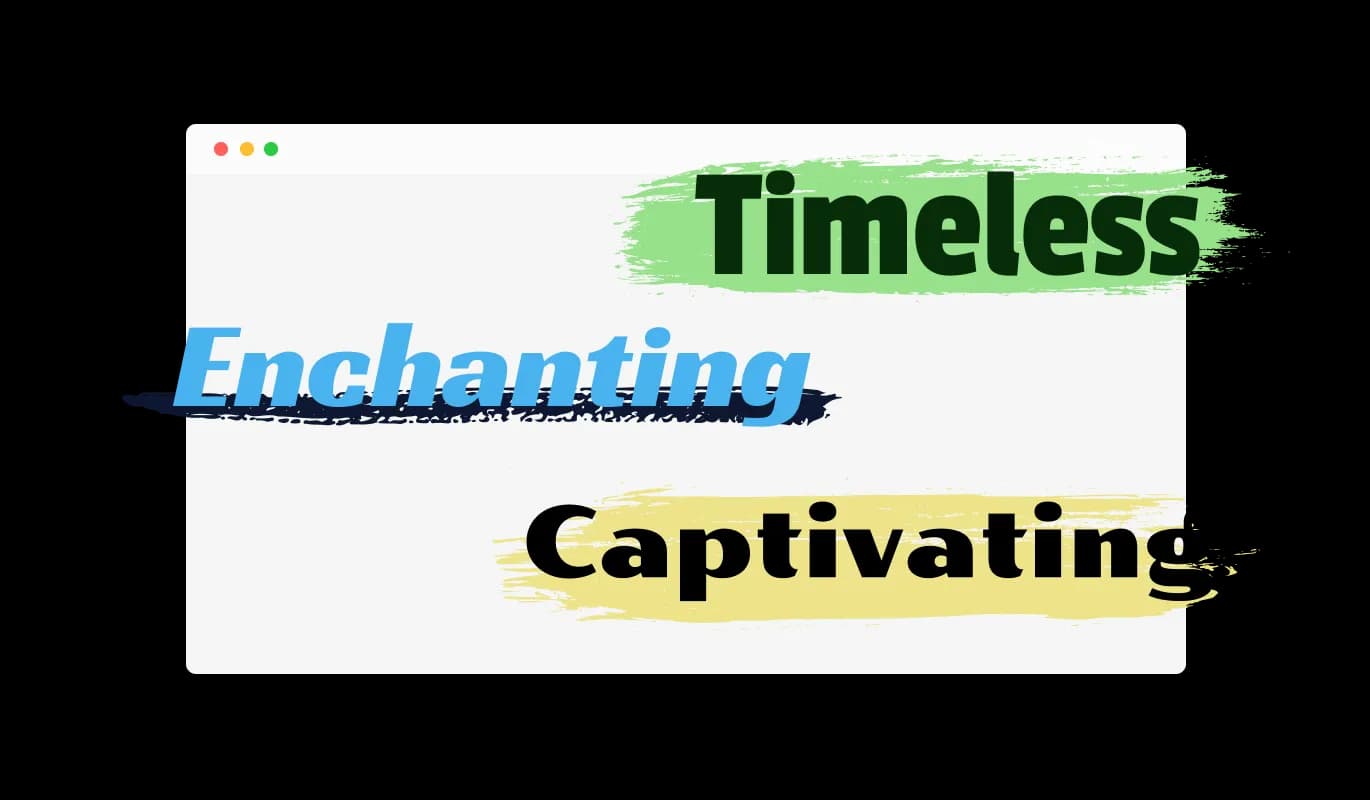
Highlighted Headlines - Multiple Styling Options for Highlighted Titles for GetResponse

Customizable GetResponse integration Design

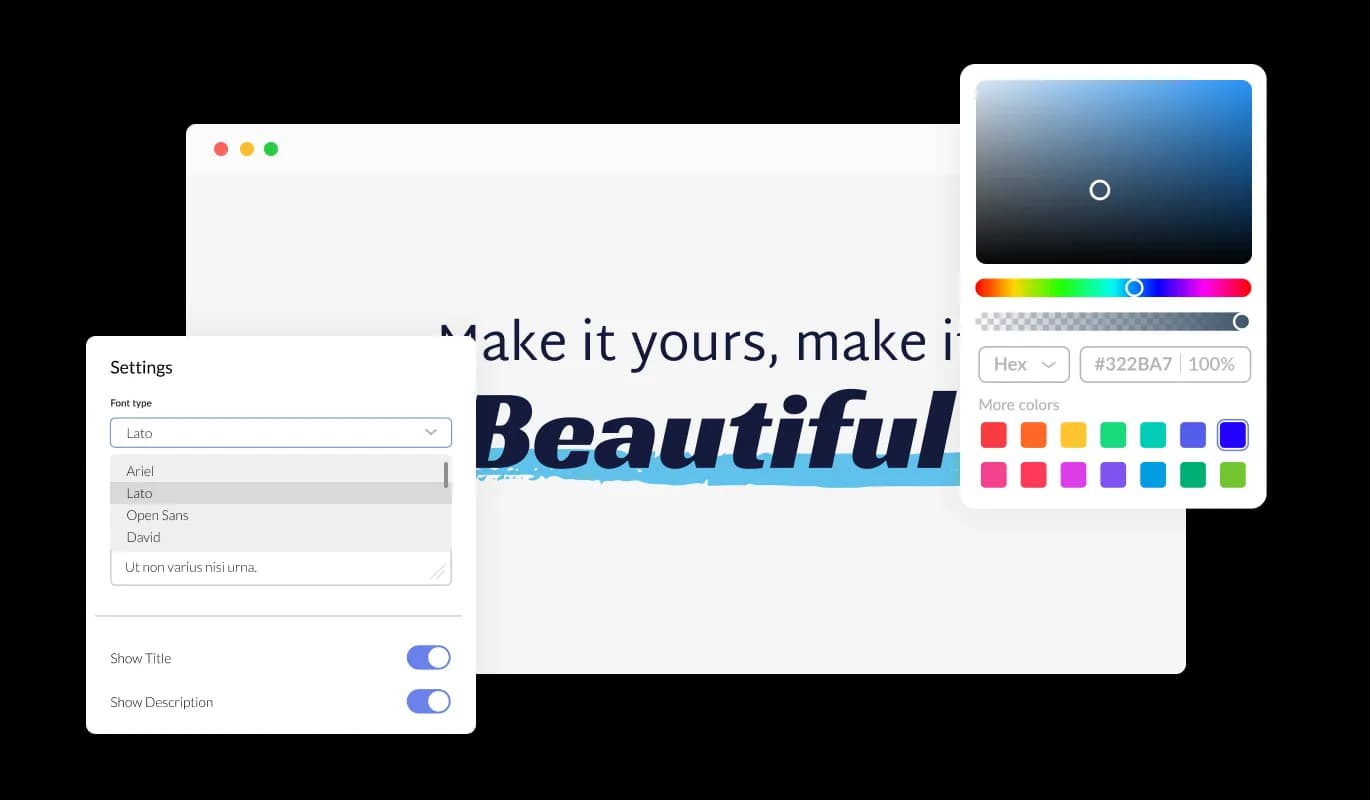
Our Highlighted Headline integration for GetResponse offers versatile customization options to complement your GetResponse landing page's branding and aesthetic seamlessly. You can easily personalize the font colors, marker, and underline colors to align with your existing design, ensuring that your highlighted headlines are not just striking, but also a perfect match for your GetResponse landing page's style.

Highlighted Headlines - Customizable GetResponse integration Design

Responsive Design with GetResponse Highlighted Headlines

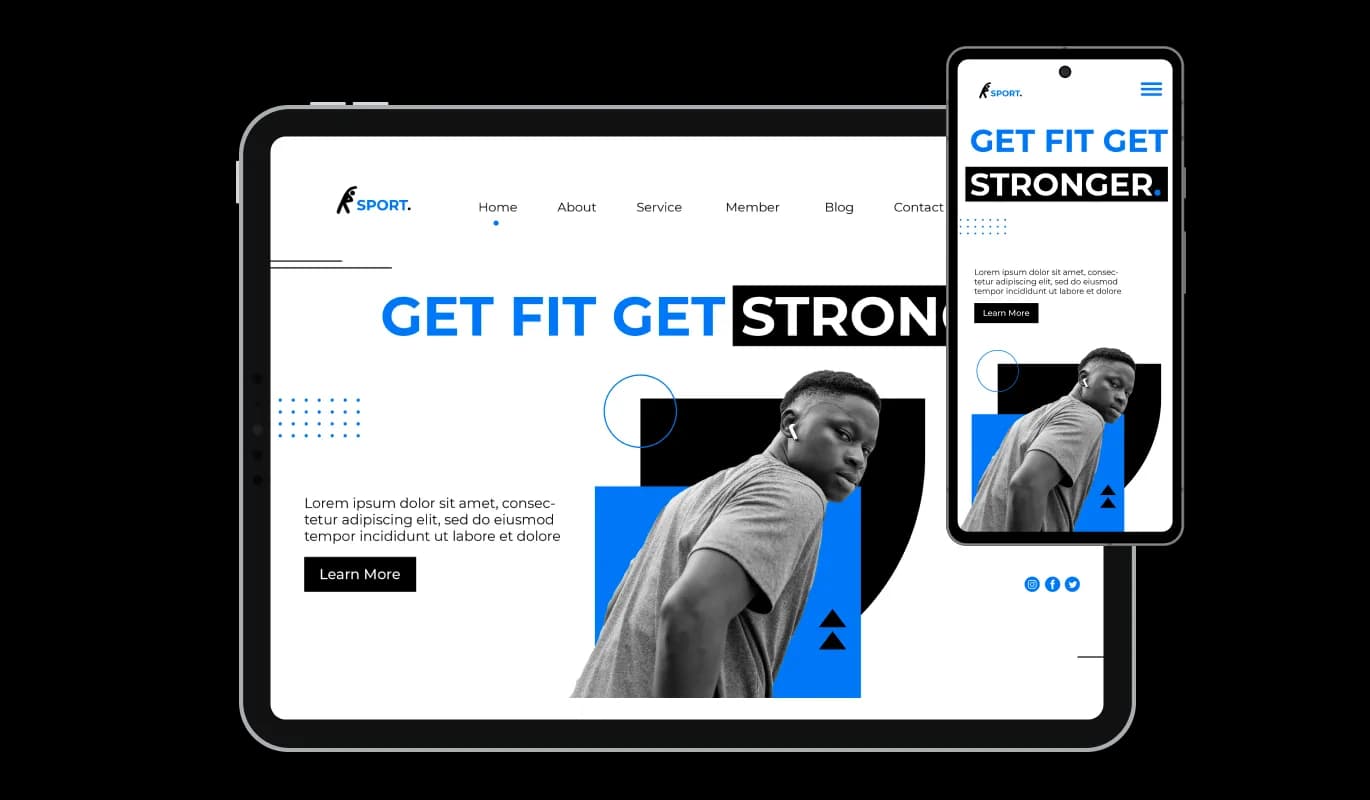
The GetResponse Highlighted Headlines integration comes with a fully responsive design that ensures it automatically adjusts to fit various screen sizes and devices. This means that whether your GetResponse landing page is viewed on a desktop, tablet, or smartphone, the Highlighted Headlines integration will display correctly and consistently, guaranteeing a seamless user experience across all platforms.

Highlighted Headlines - Responsive Design with GetResponse Highlighted Headlines
Highlighted Headlines - Control Animation for Engaging Highlights

Control Animation for Engaging Highlights

With the Highlighted Headlines integration for GetResponse, you have the option to add animations to the markers and underlines, creating a dynamic display that draws in your audience. You can choose to have the highlights always visible or activate the animation as per your preference. Plus, you have full control over the animation's duration and repetition, allowing you to create the ideal visual experience that aligns with your message and brand.

Highlighted Headlines - Personalize Color Choices for Your Highlights

Personalize Color Choices for Your Highlights

The GetResponse Highlighted Titles integration offers the freedom to customize color schemes, allowing you to match the visual presentation of your text with your brand or GetResponse landing page's design. You can choose a different font color for the highlighted part of the sentence and set the color of the markers and underline, offering a deeper level of personalization for your headlines.

Highlighted Headlines - User-Friendly Highlighted Headlines integration for GetResponse

User-Friendly Highlighted Headlines integration for GetResponse

The GetResponse Highlighted Headlines integration is designed with simplicity and user-friendliness at its core. It provides an effortless way for users to make their content stand out, thereby increasing engagement. This intuitive feature ensures visitors can highlight important information swiftly and effectively, enhancing the overall user experience on your GetResponse landing page.

Custom CSS Capability with Highlighted Headlines integration for GetResponse

The GetResponse Highlighted Headlines integrationsupports custom CSS, enabling you to add a truly personalized touch to your headlines. Users with coding knowledge can take their headlines' visual appeal to the next level, tailoring the widget's look and feel to their exact design preference with their own custom CSS.

Highlighted Headlines - Custom CSS Capability with Highlighted Headlines integration for GetResponse

Effortless Integration of Highlighted Headlines on GetResponse

Our Highlighted Headline integration is built for easy integration into your existing GetResponse landing page, requiring minimal technical know-how. This convenience allows טםו to quickly implement the feature, making your headlines pop without the need for extensive development resources or expertise.

Highlighted Headlines - Effortless Integration of Highlighted Headlines on GetResponse

Compatible With All Site Builders, E-Commerce Platforms and Websites

webflow logoshopify logowix logowordpress logobigcommerce logosqurespace logoweebly logojoomla logoduda logojimdo logomagento logoshift4hsop logounbounce logocarrd logo
View all supported platforms

FAQ

The Highlighted Headlines widget is a tool designed to enhance your website's headlines by allowing you to add unique markers, underlines, and highlighted backgrounds. It provides an effortless way to make your content stand out, helping to increase engagement and deliver your messages more effectively.

Yes, the Highlighted Headlines widget allows you to fully customize the color scheme. You can select a different font color for the highlighted part of the sentence and set the color of the markers and underline, ensuring your headlines align with your website's design and branding.

Absolutely, the Highlighted Headlines widget is fully responsive. It automatically adjusts to fit various screen sizes and devices. This guarantees consistent display and user experience whether your website is viewed on a desktop, tablet, or smartphone.

Yes, you can set animations for the markers and underlines using the Highlighted Headlines widget. You have control over activating the animation and setting its duration and repetition, providing a dynamic and engaging visual experience for your audience.

Yes, the Highlighted Headlines widget supports custom CSS. Users with coding knowledge can add a personalized touch to their headlines by tailoring the widget's look and feel to their exact design preference with their own custom CSS.

The Highlighted Headlines widget is designed for easy integration. It requires minimal technical know-how, enabling website owners to quickly implement the feature without the need for extensive development resources or expertise.

Absolutely! The Highlighted Headlines widget is designed for versatility. You can apply different highlight styles to various headlines within the same webpage, providing diversity and a visually engaging experience for your visitors.

No, the Highlighted Headlines widget is designed to be lightweight and efficient. It shouldn't have any significant impact on your website's loading time.

Yes, the Highlighted Headlines widget allows you to easily change or remove the highlights whenever you wish. It offers the flexibility to modify your headlines as your content evolves.

Yes, you can use the Highlighted Headlines widget across multiple websites. This makes it an ideal tool if you manage more than one website and want to maintain consistent highlighting styles across all of them.

Yes, the Highlighted Headlines widget is designed to work seamlessly across all modern browsers, ensuring a consistent user experience no matter what browser your visitors are using.