Image Gallery for SiteW

Showcase photos with an image gallery that displays pictures and captions in grids, improves design, and boosts visitor engagement.

Create Image Gallery

loved by 500K+ businesses

SiteW
plugineditor

Why Should You Use the Image Gallery Widget+?

Use an Image Gallery to Showcase Your Work or Products

With the Image Gallery for Sitew, you can easily showcase your work or products in the most visually appealing, and easy-to-follow way. Ideal for photographers and artists who rely on showing their visual works and shop owners who wish to display their products on their website.

Enhance Your Sitew website with an Image Gallery

Creating a Sitew Image Gallery is a great way to improve its aesthetics. With different grid types and animations, it’s especially easy to stand out and wow your Sitew website visitors.

Improve Engagement & Conversions

With a clear representation of your work or products via an interactive image gallery app, visitors are more likely to engage with those images and convert to paying customers once they see the amazing work or products you offer.

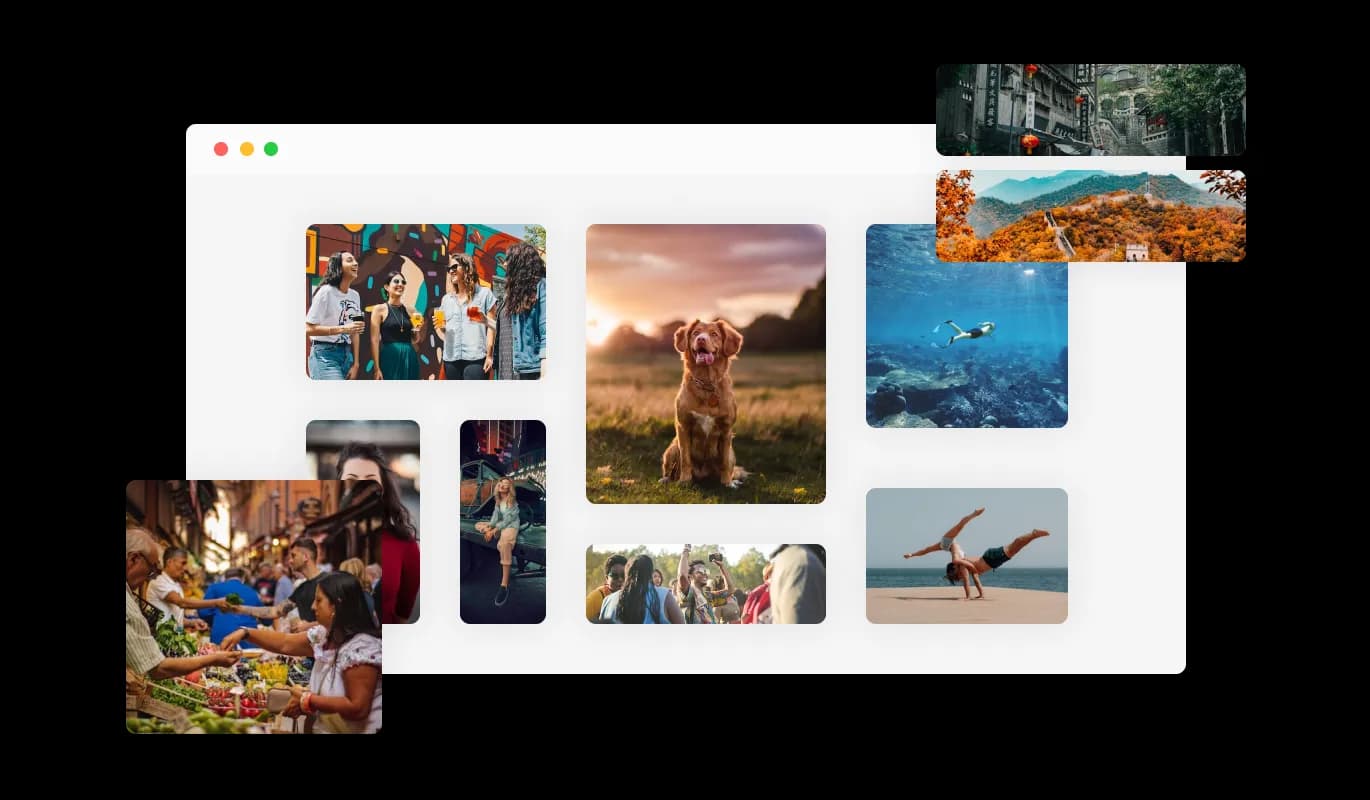
Get Creative with 5 Different Image Gallery Grids to Choose From

There are five grid layouts to choose from in the Image Gallery for Sitew, allowing you to select from either neat and uniform boxes or more haphazardly sized boxes that can be customized to match your brand, personality, and website design. With multiple grid layouts to choose from, the Image Gallery app empowers you to create a unique and tailored visual experience for your Sitew website visitors.

Image Gallery - Get Creative with 5 Different Image Gallery Grids to Choose From

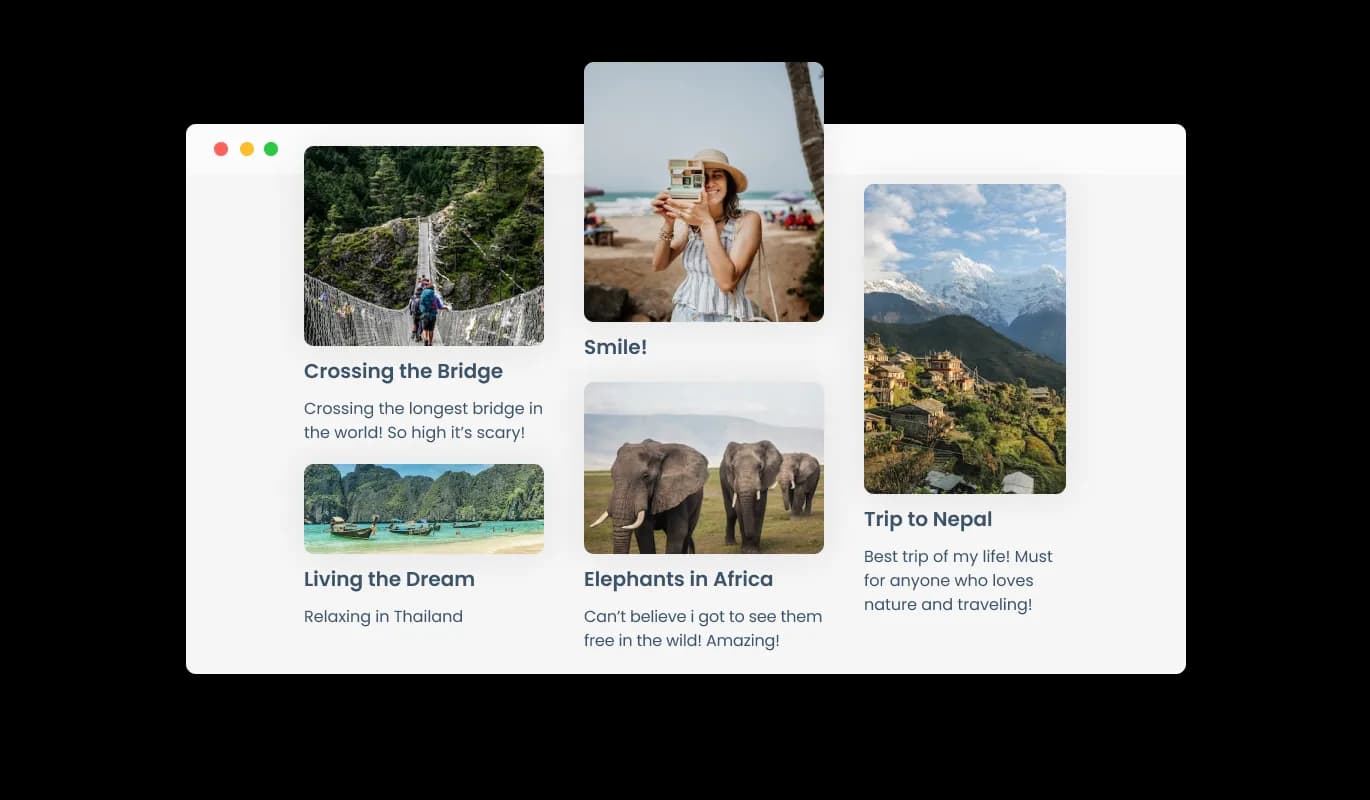
Add Caption and Description

Enhance user understanding of image content by adding captions and descriptions with the Sitew Image Gallery. The captions and descriptions also provide valuable information for search engines, making it easier for your Sitew website to be discovered by those searching for related content. Boost your Sitew website's visibility and attract increased traffic.

Image Gallery - Add Caption and Description

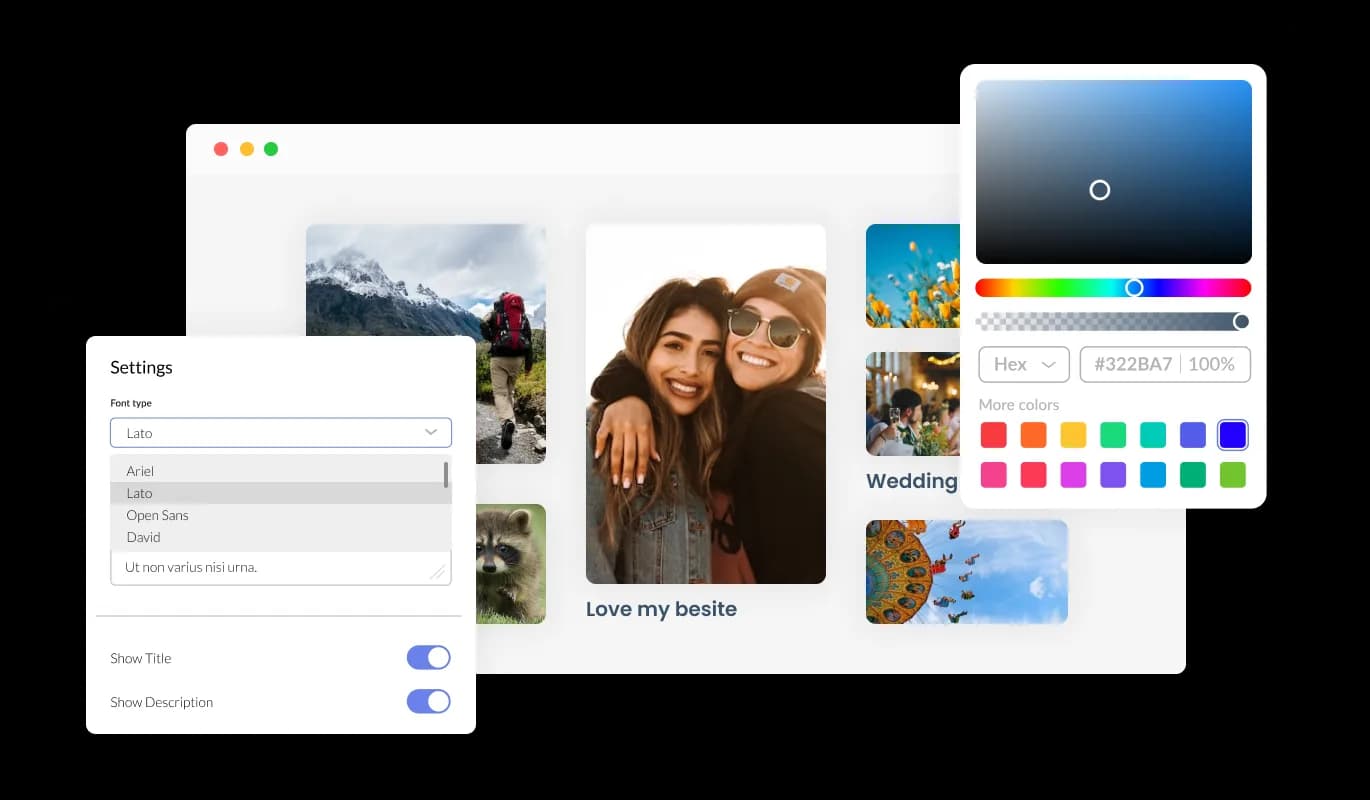
Fully Customizable Image Gallery for Sitew

You can customize the Image gallery app for Sitew to suit your Sitew website. With this feature, you can craft a distinct visual atmosphere for your Sitew website audience, showcasing your brand and personality and setting your website apart from others in the market.

Image Gallery - Fully Customizable Image Gallery for Sitew
Image Gallery - Expand the images in a pop-up.

Expand the images in a pop-up.

With the Image Gallery for Sitew, users can enlarge images in a popup, improving both interaction and immersion.

Image Gallery - Sitew Image Gallery Micro Animation

Sitew Image Gallery Micro Animation

Micro animations incorporated into the Image Gallery app make the process of interacting with images more enjoyable and dynamic. Small animations can go a long way in boosting engagement and creating an interactive and user-friendly experience for those visiting your website.

Image Gallery - Easy To Use Widget

Easy To Use Widget

Image gallery for Sitew do not require any coding knowledge. Easily customize the Image gallery app for Sitew using our intuitive dashboard, which is equipped with simple tools that allow you to personalize it in just a few clicks.

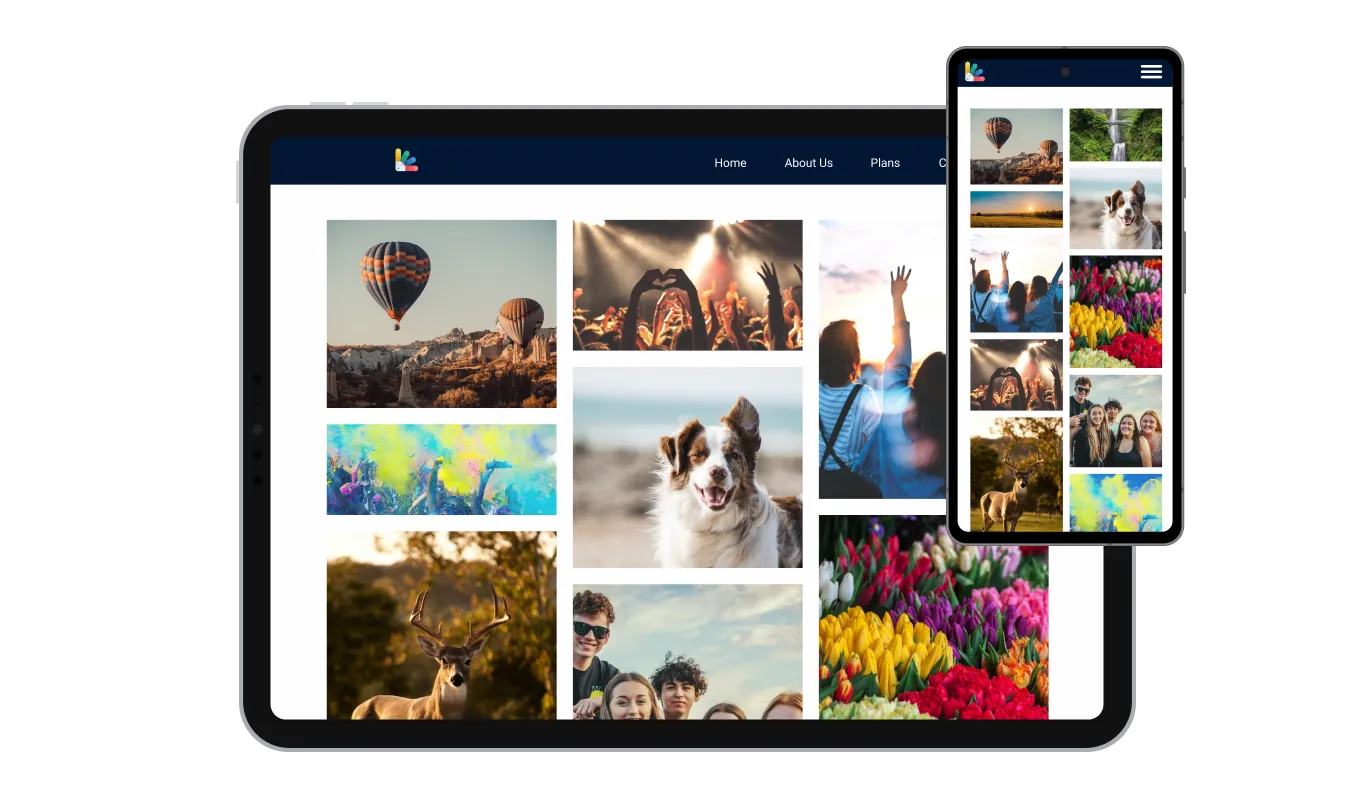
Totally Responsive for your Sitew website

The Image gallery app for Sitew is responsive and looks great on any device. By optimizing your Sitew website for mobile devices, you can enhance your search engine rankings, attract and retain visitors, and increase your online visibility, which can help drive more sales and leads for your business.

Image Gallery - Totally Responsive for your Sitew website

Custom CSS with Image gallery for Sitew

As with all Common Ninja apps, Image gallery for Sitew can be customized with custom CSS. Adding custom CSS to your Image gallery app allows for even more creative freedom, giving you the ability to fine-tune the design and make your Sitew website truly unique.

Image Gallery - Custom CSS with Image gallery for Sitew

Embedding to your Sitew website is simple

Simply copy and paste a single line of code to embed the Image gallery app on your Sitew website. The Sitew Image gallery will also be updated automatically on your Sitew website with every change you make.

Image Gallery - Embedding to your Sitew website is simple

Compatible With All Site Builders, E-Commerce Platforms and Websites

webflow logoshopify logowix logowordpress logobigcommerce logosqurespace logoweebly logojoomla logoduda logojimdo logomagento logoshift4hsop logounbounce logocarrd logo
View all supported platforms

FAQ

An image gallery widget is a user interface element used to display a collection of images in a visually appealing way. It is commonly used in web and mobile applications to showcase images in a more organized and attractive manner.

An image gallery widget typically displays a grid of thumbnail images, which can be clicked on to view a larger version of the image. The widget may include features such as scrolling, zooming, and navigation buttons to make it easier for users to browse through the collection of images.


Image gallery widgets can be customized in various ways, such as adjusting the size and layout of the thumbnails, adding captions or descriptions to each image, and applying visual effects such as filters or transitions. They can be designed to fit seamlessly into the overall look and feel of a website or application and may be responsive to different screen sizes and orientations.


An image gallery widget provides an effective way to display and interact with a collection of images, making it a useful tool for photographers, artists, and businesses that want to showcase their products or services visually.

  1. Displaying Photos: Image galleries are commonly used to showcase photos, allowing users to view a collection of images in one place.
  2. Portfolio Showcasing: Artists, photographers, and designers use image galleries to showcase their work, highlighting their skills and talents.
  3. E-commerce: Online shopping websites use image galleries to display product images, allowing users to see the product in detail before making a purchase.
  4. Social Media: Social media platforms use image galleries to allow users to share and view multiple photos in one post.
  5. News Websites: News websites use image galleries to show a collection of photos related to a particular news story.
  6. Travel Websites: Travel websites use image galleries to display photos of hotels, tourist attractions, and destinations, giving users an idea of what they can expect before making a reservation.
  7. Educational Websites: Educational websites use image galleries to display images related to a topic or subject, making the learning experience more engaging.
  8. Personal Websites/Blogs: Individuals use image galleries to display personal photos and experiences on their personal blogs and websites.


Adding an image gallery to your website can benefit various groups of people, including:

  1. Photographers: Photographers can use image galleries to showcase their portfolios and demonstrate their photography skills to potential clients.
  2. Artists: Artists can use image galleries to display their artwork and attract potential buyers.
  3. E-commerce Websites: E-commerce websites can use image galleries to display product images, providing customers with a detailed view of the product before purchasing.
  4. News and Media Websites: News and media websites can use image galleries to accompany news stories and provide visual context.
  5. Travel Websites: Travel websites can use image galleries to showcase photos of destinations and accommodations, encouraging travelers to book their next trip.
  6. Educational Websites: Educational websites can use image galleries to provide visual aids and enhance the learning experience.
  7. Event Organizers: Event organizers can use image galleries to promote past events and showcase the atmosphere and success of previous events to attract potential attendees.
  8. Bloggers: Bloggers can use image galleries to enhance their blog posts and make them more engaging for readers.

Yes, you can easily do so from the “Templates” tab. 

Yes, there are lots of beautiful skins that you can choose from to save time and start using the widget as quickly as possible.

Yes, you can either upload an image, or select an icon from a large selection of available icons to add to your Notification Bar, or, alternatively, you can leave it all blank. 


It’s simple. All you need to do is to sign up and start using the free version.

Common Ninja’s Image Gallery widget is free to use. It is limited to a certain amount of views, however.

Common Ninja’s Image Gallery widget is compatible with ALL current and future website builders.

Yes, the Image Gallery widget is GDPR-compliant.

No. Using our Image Gallery widget is very simple. The widget comes with an intuitive drag-and-drop interface and fully customizable options. Once you’ve finished editing the widget to your liking, all you need to do is copy the provided code and add it to your website.

Yes. We are eager to hear your request. Please visit our Feature Request page.