





Adding Color to Your Image Slider Experience
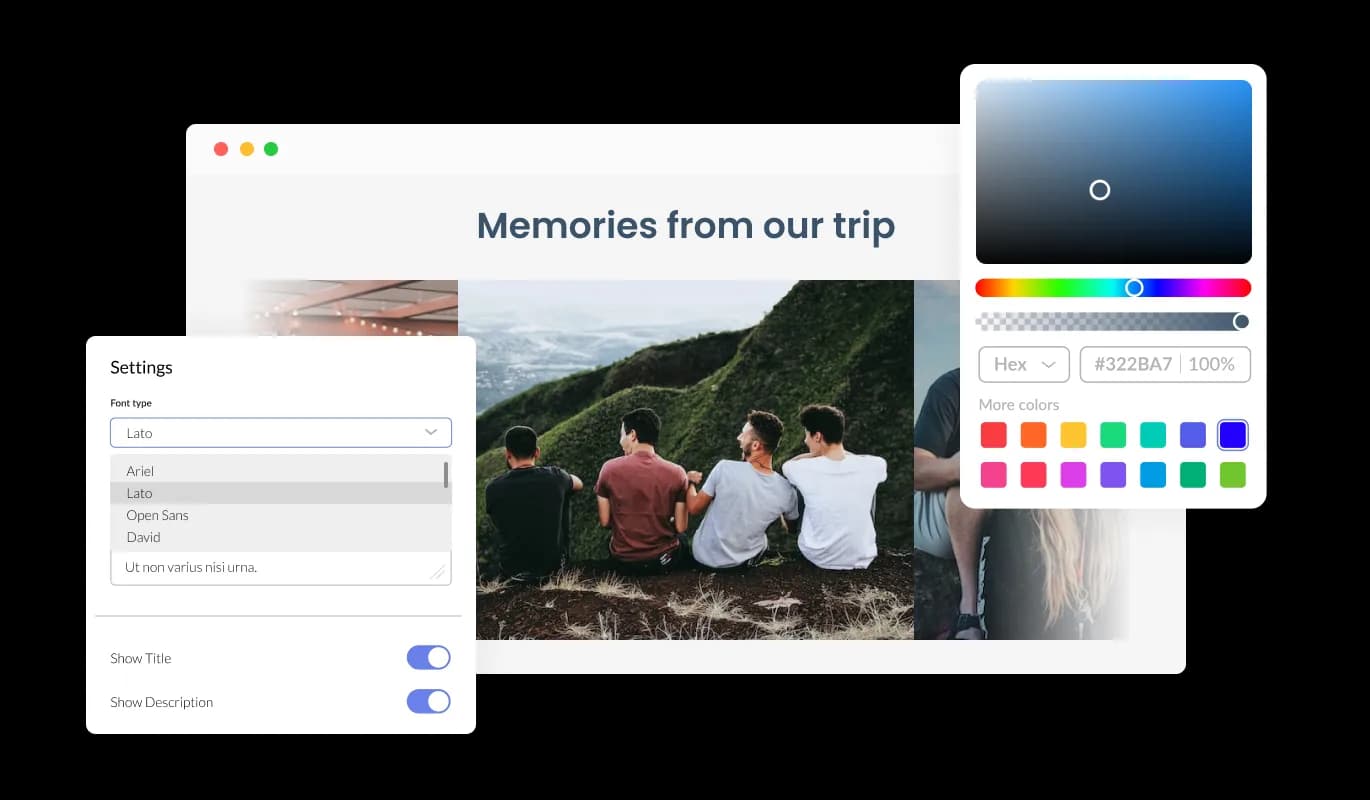
The Image Slider widget for myRealPage offers color effects options to unify the style of your images and add a "wow" factor.
With the myRealPage Image Slider widget and animation effect, you’ll easily draw the users’ attention to your images. Showcase your products, services, or essential images with ease on your myRealPage real estate website with the help of this handy tool.
With users’ attention captured, showcase your work, products, or services in an eye-catching way. This technique offers a higher chance of converting visitors into paying customers.
The Image Slider customization options for myRealPage allow you to tailor it to match your myRealPage real estate website design and enhance your overall user experience. The intuitive interface makes it easy for even beginners to create stunning widget with minimal effort.
The Image Slider widget for myRealPage offers color effects options to unify the style of your images and add a "wow" factor.

The Image slider for myRealPage offers complete customization options, so you can tailor the design to meet your needs. The Image slider for myRealPage offers complete customization options, so you can tailor the design to meet your needs.
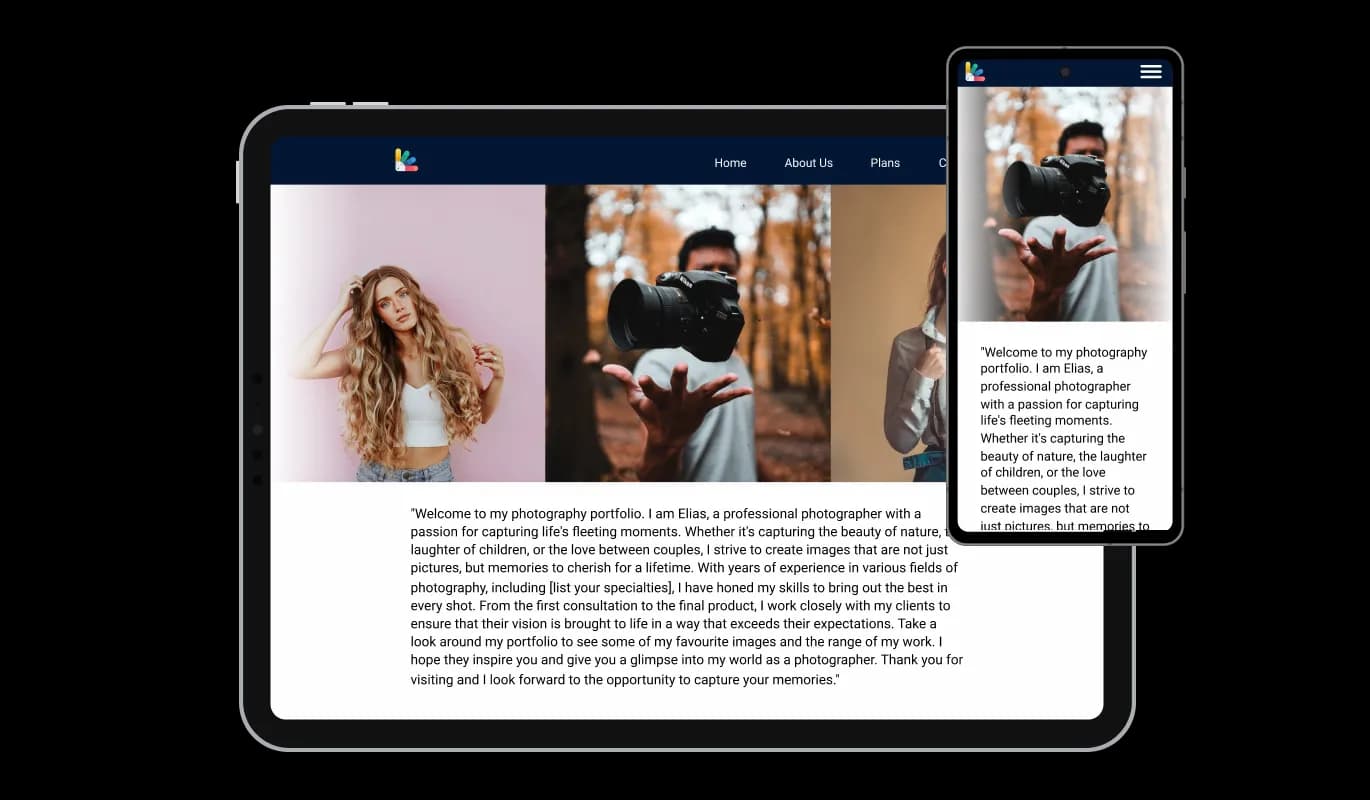
This feature can give you a significant advantage over your competitors in today's mobile-first world, as the myRealPage Image slider widget is fully responsive and will look great on any device. real estate website must be optimized for mobile devices as more and more people access the internet from smartphones and tablets. Image slider widget's responsive design ensures that it will automatically adjust to the device size and resolution it is being viewed on, providing a seamless and consistent user experience.

The Image Slider widget features hover effects which will add even an additional layer of visual effects that will make the users’ experience on your myRealPage real estate website pages even more enjoyable.

You can choose between two layout styles with the Image Slider widget - carousel or grid. You can choose from these to make the widget fit your myRealPage real estate website’s design.

You can transform the Image Slider [app_typew] into a powerful conversion tool with the option to make the images clickable.

No coding is required with the Image slider for myRealPage. Using the drag-and-drop feature on our intuitive dashboard, you can customize the widget in any way you see fit.
All of Common Ninja's widgets, including Image slider for myRealPage, also allow you to insert custom CSS, which allows you to be even more creative with your customization. Custom CSS allows you to create styles and design elements not available through built-in customizations. You can create visually stunning designs tailored to your specific needs with custom CSS.

Embedding the Image slider for myRealPage on your real estate website is easy, simply copy a single line of code, and paste it into the HTML of your webpage. The Image slider will also be updated automatically with every change you make. Simply copy the code provided for widget and paste it into your myRealPage real estate website's HTML to include it.

Yes, you can. Go to the “Display Rules” tab, and choose your desired triggers. You can learn more about the different triggers & rules here: https://help.commoninja.com/hc/en-us/sections/6900365183517-Display-Rules-Triggers
Yes, you can easily do so from the “Templates” tab.
Yes, there are lots of beautiful skins that you can choose from to save time and start using the widget as quickly as possible.
Yes, you can either upload an image, or select an icon from a large selection of available icons to add to your Notification Bar, or, alternatively, leave it all blank.
It’s simple. All you need to do is to sign up and start using the free version.
Common Ninja’s Image Slider widget is free to use. It is limited to a certain amount of views, however.
Common Ninja’s Image Slider widget is compatible with ALL current and future website builders.
Yes, the Image Slider widget is GDPR-compliant.
No. Using our Image Slider widget is very simple. The widget comes with an intuitive drag-and-drop interface and fully customizable options. Once you’ve finished editing the widget to your liking, all you need to do is copy the provided code and add it to your website.
Yes. We are eager to hear your request. Please visit our Feature Request page.
An image slider is a graphical user interface element that allows users to slide through a series of images or graphics. It is often used in websites, multimedia presentations, and mobile applications to showcase a collection of images. The slider usually includes navigation buttons that allow users to switch between images manually, or it can automatically switch between images with a set interval. Image sliders are an effective way to present a series of images in an attractive and engaging manner, and they are a popular feature in modern website design













