Job Application Form for Zid

Collect candidate information with a job application form that organizes submissions, streamlines hiring, and helps you manage applicants efficiently.

Create a Job Application Form

loved by 500K+ businesses

Zid
plugineditor

Why Should You Use the Job Application Form Widget+?

Effortless Candidate Analysis

Adopting a job application form on Zid ensures consistency in the details submitted by candidates, allowing for more straightforward comparisons and evaluations. Additionally, this standardized approach can help reduce any unconscious biases during the initial screening process.

Create the Perfect Job Application Form on Zid

The job application form can be tailored to include only the essential information, ensuring you receive the most relevant and crucial details from each candidate. Such customization flexibility allows organizations to adapt the form to meet their particular industry or job criteria

Streamline Your Applicant Data Management with Zid

The Zid Job Application Form builder is designed to collect and store applicant information, which simplifies the process of tracking and managing potential candidates. This automated data management system not only saves time but also allows HR professionals to allocate their resources to other critical responsibilities.

An Array of Field Options for Zid Job Application Forms

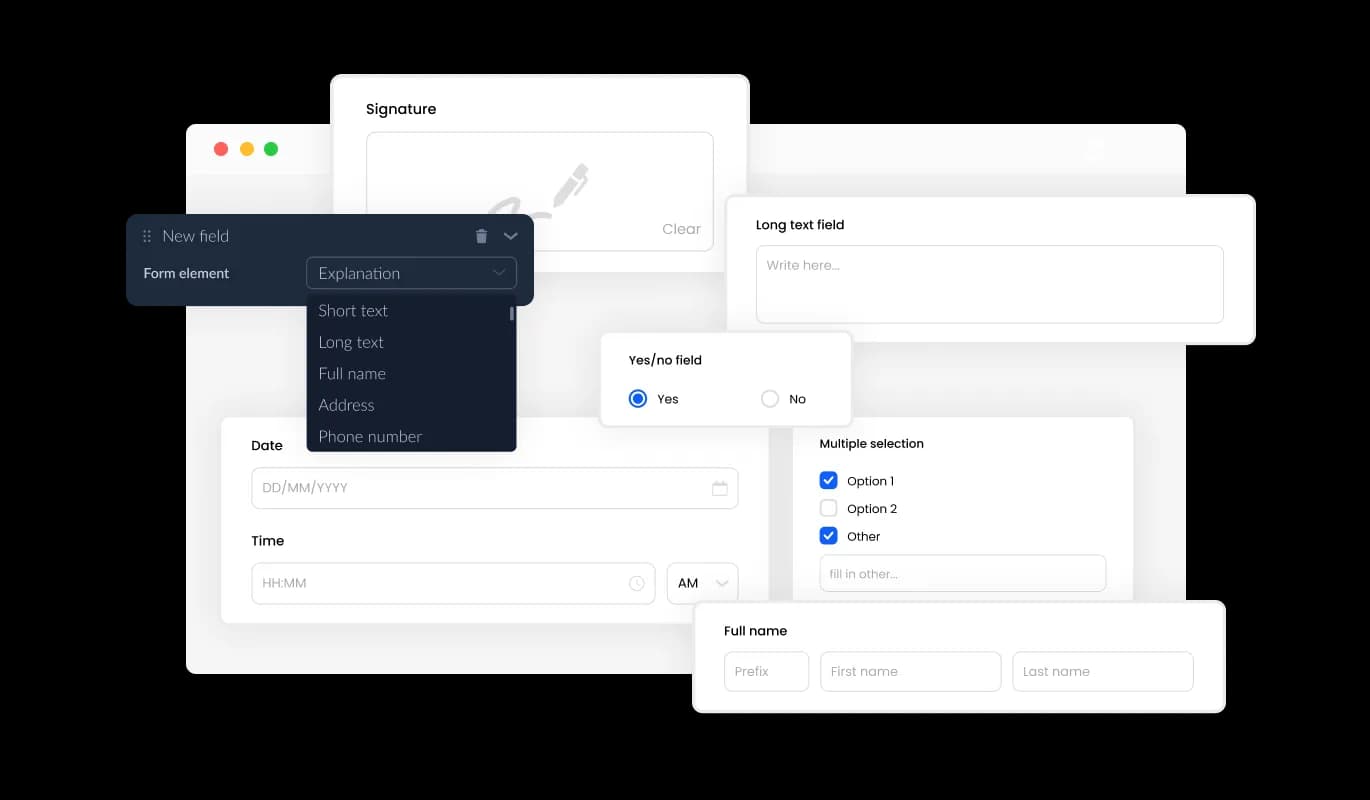
Zid Job Application Form boasts an impressive variety of fields, from traditional to niche formats, granting you the opportunity to develop application forms that meet your particular requirements and aims. To add a field, just select the "Add Field" feature and browse through the diverse collection of field types at your disposal. Additionally, effortlessly adjust the field order by using drag-and-drop functionality.
Job Application Form - An Array of Field Options for Zid Job Application Forms

Effortlessly Obtain Resume File Attachments on Zid

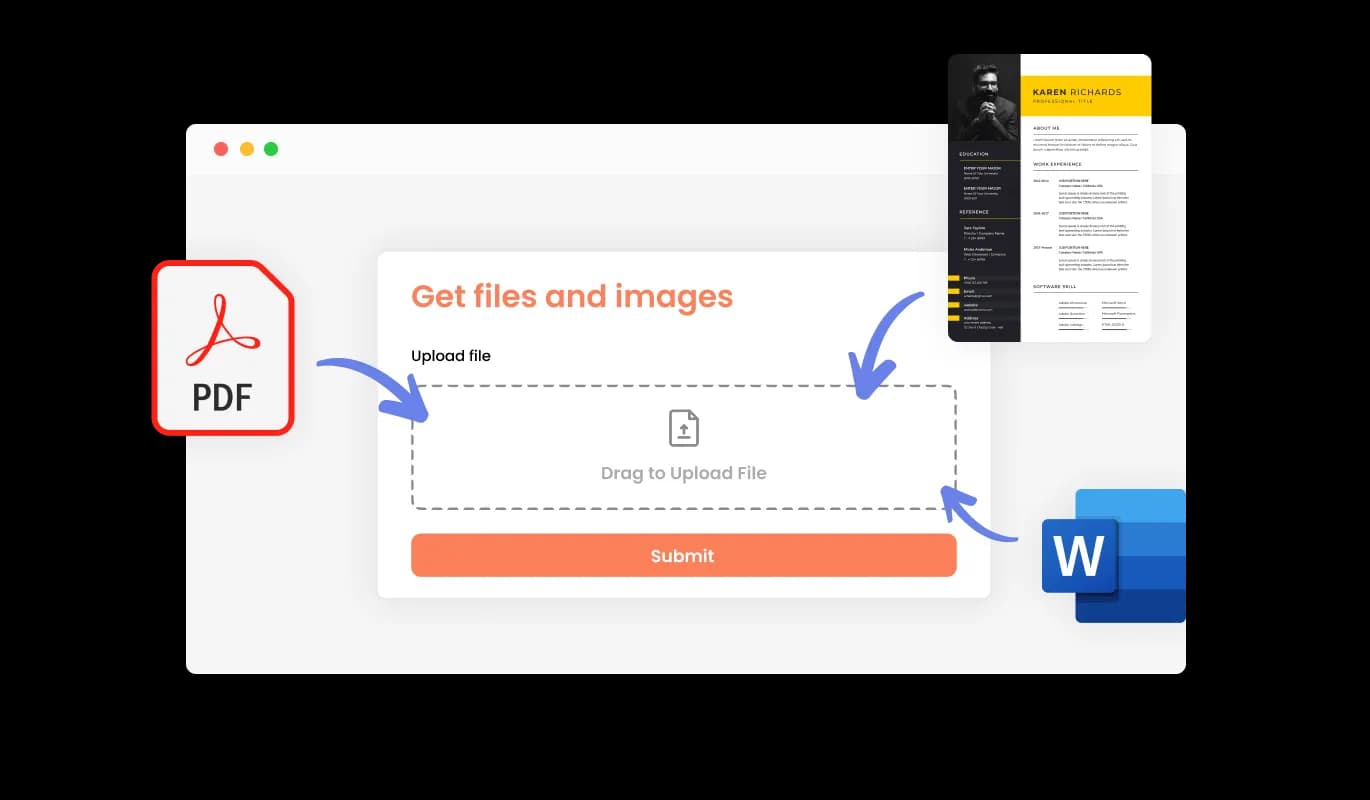
You can employ the Job Application Form to receive CV or resume files from candidates on your Zid store. This tool is particularly useful for recruitment professionals and HR staff who need to accumulate extensive employment records and qualifications from potential hires.

Job Application Form - Effortlessly Obtain Resume File Attachments on Zid

Simplify Applicant Data Management on Zid

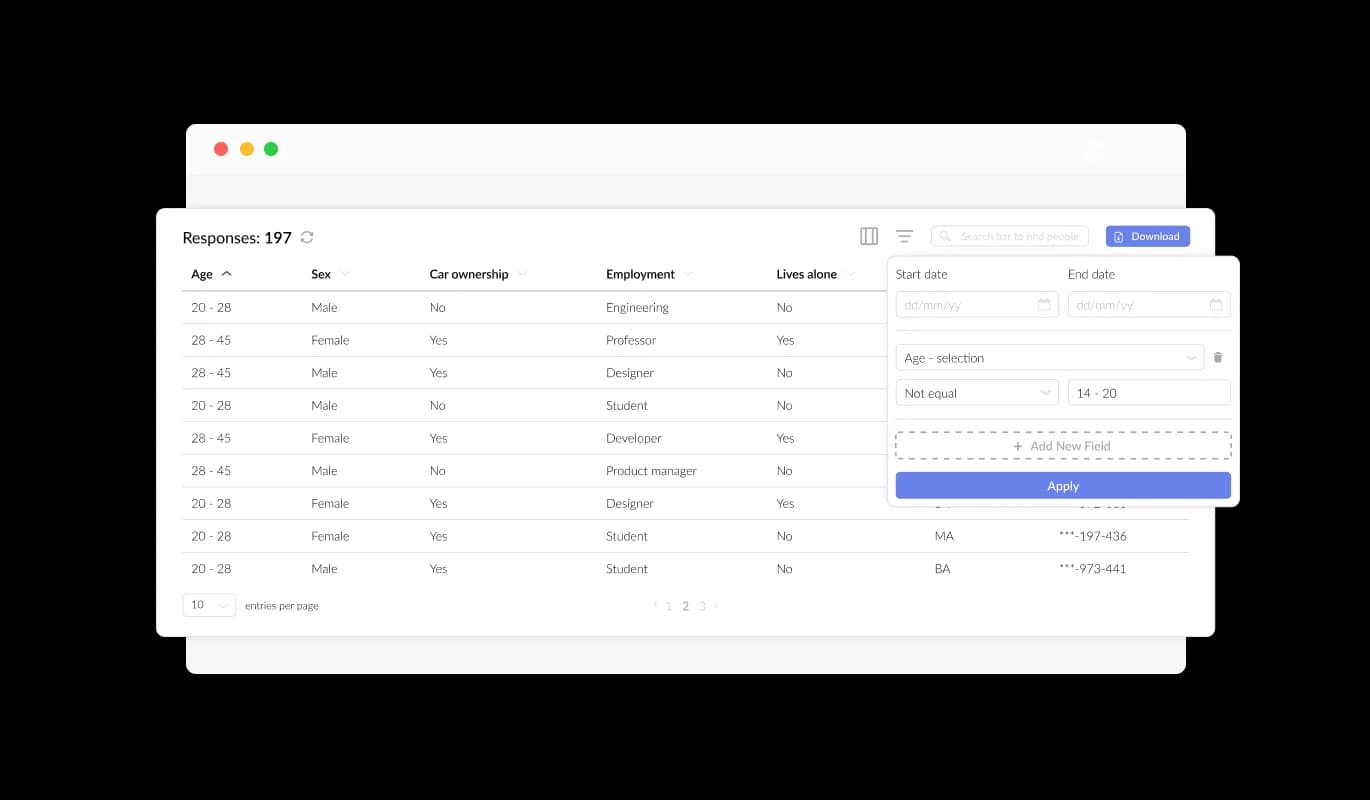
With the Job Application Form for Zid, you can effortlessly organize and present all submitted applicant information in a concise and user-friendly format. This feature streamlines the tracking of candidate submissions, ensuring that you can review and respond to applicants more quickly and effectively.

Job Application Form - Simplify Applicant Data Management on Zid

In-depth Applicant Insights with Custom Zid Job Application Fields

Implementing targeted job application fields, such as the LinkedIn Profile URL and Current Employment Status, in your Zid form can assist you in gathering critical information for thorough candidate assessments. Additionally, including fields like portfolio links, professional certifications, or language proficiency can provide deeper insights into a candidate's skills and experience, giving you a well-rounded view of their fit for the role.

Job Application Form - In-depth Applicant Insights with Custom Zid Job Application Fields

Improve Your Zid Job Application Form Design

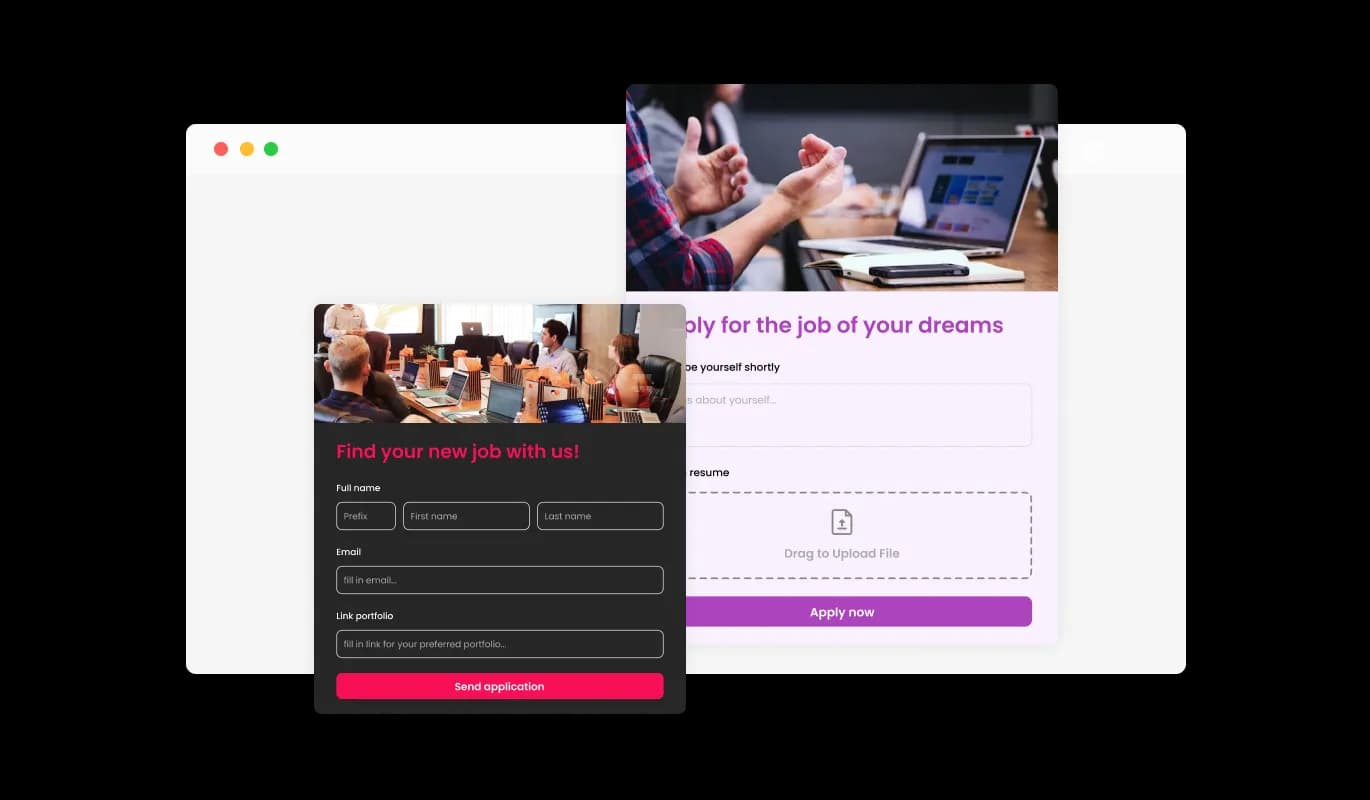
Inserting headings, descriptive text, and images into your job application form on your Zid store helps to create a more interactive and user-centric experience for applicants. Incorporating informative elements in the form can guide applicants through the application process, providing a seamless experience and increasing the chances of complete submissions.

Job Application Form - Improve Your Zid Job Application Form Design

Tailored Headers & Footers for Zid Job Application Forms

With the Zid Job Application Form creator, you can customize headers and footers, as well as include images for a personalized touch. By employing this feature, you can strengthen your brand and craft a visually engaging, professional form that blends seamlessly with your Zid store's existing look and feel.

Job Application Form - Tailored Headers & Footers for Zid Job Application Forms
Job Application Form - Zid Job Application Data: Easy CSV Exportation

Zid Job Application Data: Easy CSV Exportation

Submission data from the Zid Job Application Form can be easily exported to a CSV file, allowing for seamless transfer to other applications or tools for detailed analysis or integration. This feature is particularly useful for companies that need to maintain a complete record of applicant data for purposes such as data analysis, reporting, and human resource management.

Job Application Form - Zid: Streamlined Start Date Requests for Job Applicants

Zid: Streamlined Start Date Requests for Job Applicants

The Job Application Form for Zid includes a date field, which enables you to request the candidate's available date to start. Utilizing the date field in the Zid Job Application Form, you can effortlessly request information about a candidate's preferred start date. This functionality is especially advantageous for companies with specific starting dates or that require new hires to commence work within a particular time frame.

Job Application Form - Prevent Spam in Your Job Application Form

Prevent Spam in Your Job Application Form

The Job Application Form for Zid allows you to enable the CAPTCHA anti-spam feature, which applicants must complete before submitting their application on your Zid store. This functionality helps prevent bots and automated scripts from submitting spam entries through your job application form, ensuring that you receive authentic submissions from genuine candidates.

Job Application Form - Streamlined Job Application Form Integration for Zid

Streamlined Job Application Form Integration for Zid

Integrating the Job Application Form into your Zid store is straightforward; copy and paste the code snippet provided into your page's HTML code. The auto-update feature of the form ensures that any changes you make in the Job Application Form editor are immediately reflected on your Zid store, streamlining the integration process and keeping your form current. This feature streamlines the integration process and ensures that your application form is always up-to-date.

Keep Track of Job Applications with Zid Notifications

The Zid Job Application Form offers a notification feature for both the form owner and the applicant, keeping everyone informed about new submissions. You can set up automatic email notifications for every form submission, send them to multiple recipients, and even send a confirmation email to the applicant upon successful completion.

Job Application Form - Keep Track of Job Applications with Zid Notifications

Choose from Various Job Application Form Styles on Zid

The Zid Job Application Form creator comes with a variety of beautiful skins that you can choose from, to quickstart the design process and not spend much time on extensive customization. These pre-designed skins cater to different aesthetics, allowing you to easily match your form with your Zid store's look and feel.

Job Application Form - Choose from Various Job Application Form Styles on Zid

Create Tailored Job Application Forms with Zid

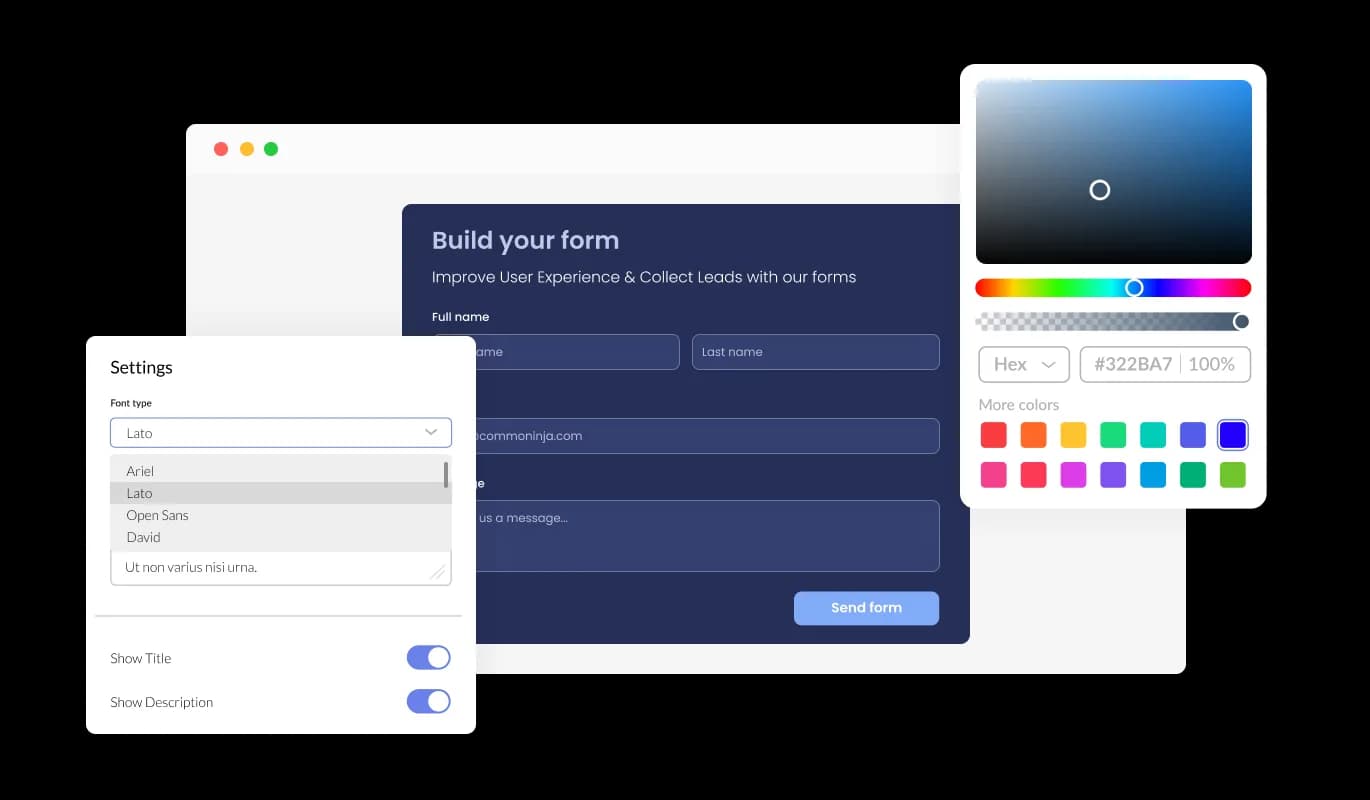
With comprehensive customization options available in the Job Application Form for Zid, you can easily adjust the design to accommodate your specific requirements. You have the ability to modify colors, fonts, and field configurations, providing you with full control over the form's appearance and features.

Job Application Form - Create Tailored Job Application Forms with Zid

Ensure Job Application Form Compatibility on Zid

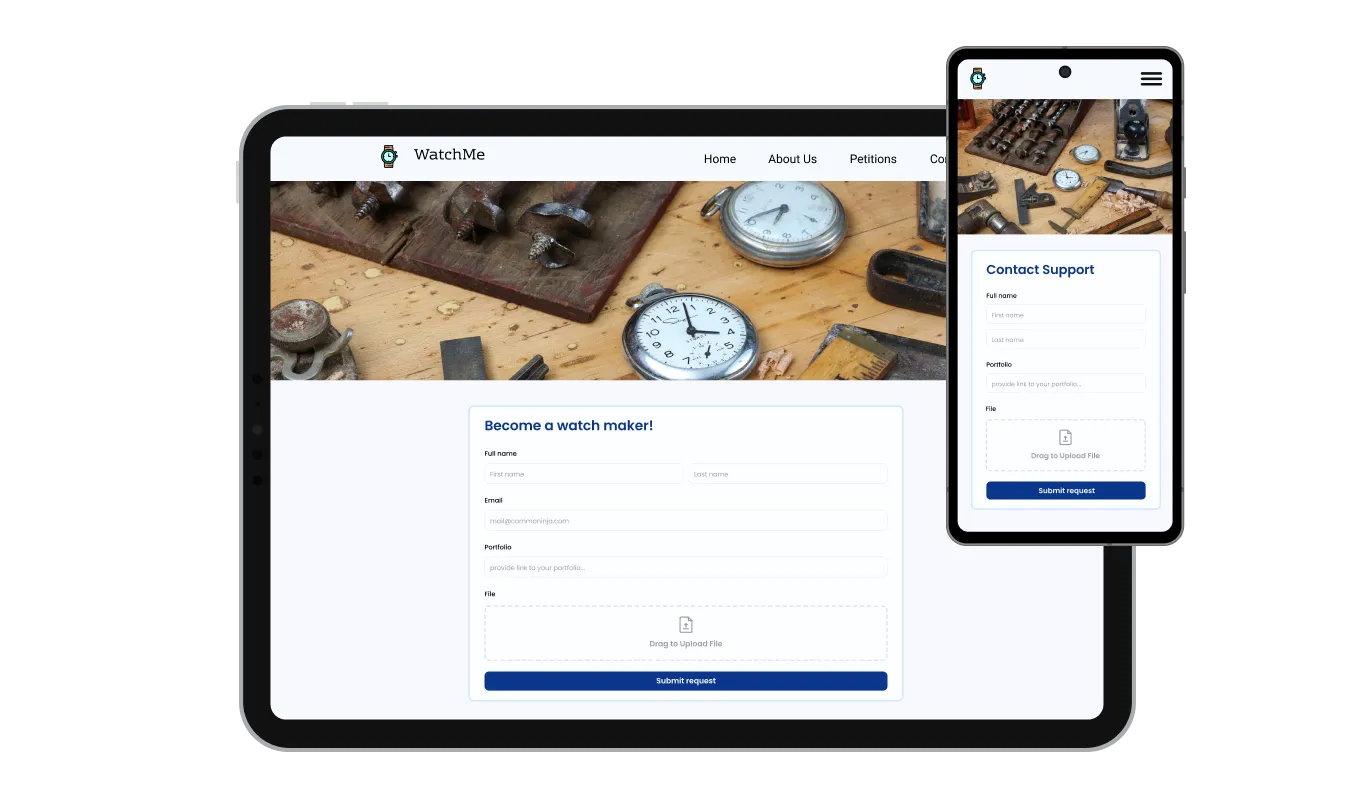
With the Job Application Form Creator for Zid, you get a completely responsive design that looks great on devices of all sizes. With an increasing number of users accessing the internet through their phones and tablets, it is vital to have a form that is optimized for mobile viewing.

Job Application Form - Ensure Job Application Form Compatibility on Zid

Zid's User-Friendly Job Application Form Experience

The Job Application Form on Zid is easy to use and customize, even without any coding background, thanks to its user-friendly interface. The intuitive interface allows for easy customization, creating a hassle-free experience when designing your form.

Job Application Form - Zid's User-Friendly Job Application Form Experience

Zid Job Application Form Custom CSS

Zid's advanced editor offers a robust solution for gaining total control over the appearance of your Job Application Form. This feature allows you to easily customize every element of your form's design, from colors and fonts to layout and positioning, while also offering direct CSS editing for even more extensive customization options. For those who want to explore their creativity further, direct CSS editing provides an extensive range of additional customization options.

Job Application Form - Zid Job Application Form Custom CSS

Compatible With All Site Builders, E-Commerce Platforms and Websites

webflow logoshopify logowix logowordpress logobigcommerce logosqurespace logoweebly logojoomla logoduda logojimdo logomagento logoshift4hsop logounbounce logocarrd logo
View all supported platforms

FAQ

A Job Application Form builder is an interactive web form that enables businesses and organizations to collect and manage employment applications from prospective candidates. This FormApplication Creator provides a user-friendly and efficient method for applicants to submit their personal information, work experience, and qualifications, and for employers to review and manage these applications. The Job Application Form builder is highly customizable, allowing you to tailor the design and functionality to meet your specific requirements.

  1. Keep the form simple and concise: Avoid including irrelevant fields that may discourage applicants from completing the form. Only request information that is essential for the hiring process.
  2. Provide clear instructions: Provide clear and concise instructions for each field, as well as any relevant instructions or expectations for the applicant.
  3. Offer a mobile-optimized experience: Ensure that the Job Application Form is optimized for mobile devices to provide an accessible and convenient experience for applicants.
  4. Enable notifications: Enable notifications to alert you when a new application has been submitted, allowing for prompt review and follow-up.
  5. Use anti-spam measures: Implement anti-spam measures, such as CAPTCHA, to prevent spam submissions and ensure that you receive only genuine applications.
  6. Respect data privacy: Ensure that your Job Application Form complies with data privacy regulations and provide clear information on how the applicant's data will be collected, stored, and used.
  7. Test the form regularly: Regularly test the Job Application Form to ensure that it is functioning correctly and providing a seamless experience for applicants.

Yes, you can enable notifications to alert you when a new application has been submitted, allowing for prompt review and follow-up.

Yes, the Job Application Form is highly customizable, allowing you to tailor the design and functionality to meet your specific requirements.

You can implement anti-spam measures, such as CAPTCHA, to prevent spam submissions and ensure that you receive only genuine applications.

Yes, you can easily do so from the “Templates” tab.

Yes, there are lots of beautiful skins that you can choose from to save time and start using the Job Application Builder as quickly as possible.

Yes, you can either upload an image, or select an icon from a large selection of available icons to add to your Job Application Form, or, alternatively, you can leave it all blank.

It’s simple. All you need to do is to sign up and start using the free version.

Common Ninja’s Job Application Form widget is free to use. It is limited to a certain amount of views, however.

Common Ninja’s Job Application Form builder is compatible with ALL current and future website builders.

Yes, the Job Application Form is GDPR-compliant.

No. Using our Job Application Form builder is very simple. The builder comes with an intuitive drag-and-drop interface and fully customizable options. Once you’ve finished editing the Job Application Form to your liking, all you need to do is copy the provided code and add it to your website.

Yes. We are eager to hear your request. Please visit our Feature Request page.