Marketing Button for Ucraft

Marketing button with text and an icon that highlights key offers, draws attention to promotions, and helps increase engagement and conversions.

Create a Marketing Button

loved by 500K+ businesses

Ucraft
plugineditor

Why Should You Use the Marketing Button Widget+?

Use the marketing button for Ucraft to boost conversions

You may inspire users to take action and boost conversions on your Ucraft website by creating a marketing button that stands out and is well-designed since people will be more likely to interact with your content. In addition to grabbing users' attention, a strong marketing button communicates an alluring message that convinces them to click and carry out the specified action, such as downloading a resource, signing up for a newsletter, or making a purchase.

With the help of a marketing button, enhance user experience

The Marketing Button widget enables you to position a marketing button in a visible area of your Ucraft website, which can enhance user experience by making it simple for users to find and click on it. The widget further enhances user experience by offering a user-friendly layout that makes it easier for customers to interact with the marketing button and carry out the necessary activity.

Improve Navigation by Using a Marketing Button widget

You can enhance your website's navigation and make it simpler for users to get to the required page faster with the help of the Marketing Button for Ucraft. On your Ucraft website, strategically placed marketing buttons can point users in the direction of specific pages or actions, making it easier for users to find what they're searching for and increasing the possibility that a sale will be made.

Several Layouts for Marketing Buttons

You can pick from a variety of layouts for the Marketing Button widget to make sure it matches your overall Ucraft website design and style. Each layout has been rigorously created to achieve maximum visibility and interaction, so you may select the one that best suits your marketing goals and target audience preferences. You can quickly explore and test which style works best for your Ucraft website with the ability to flip between layouts.
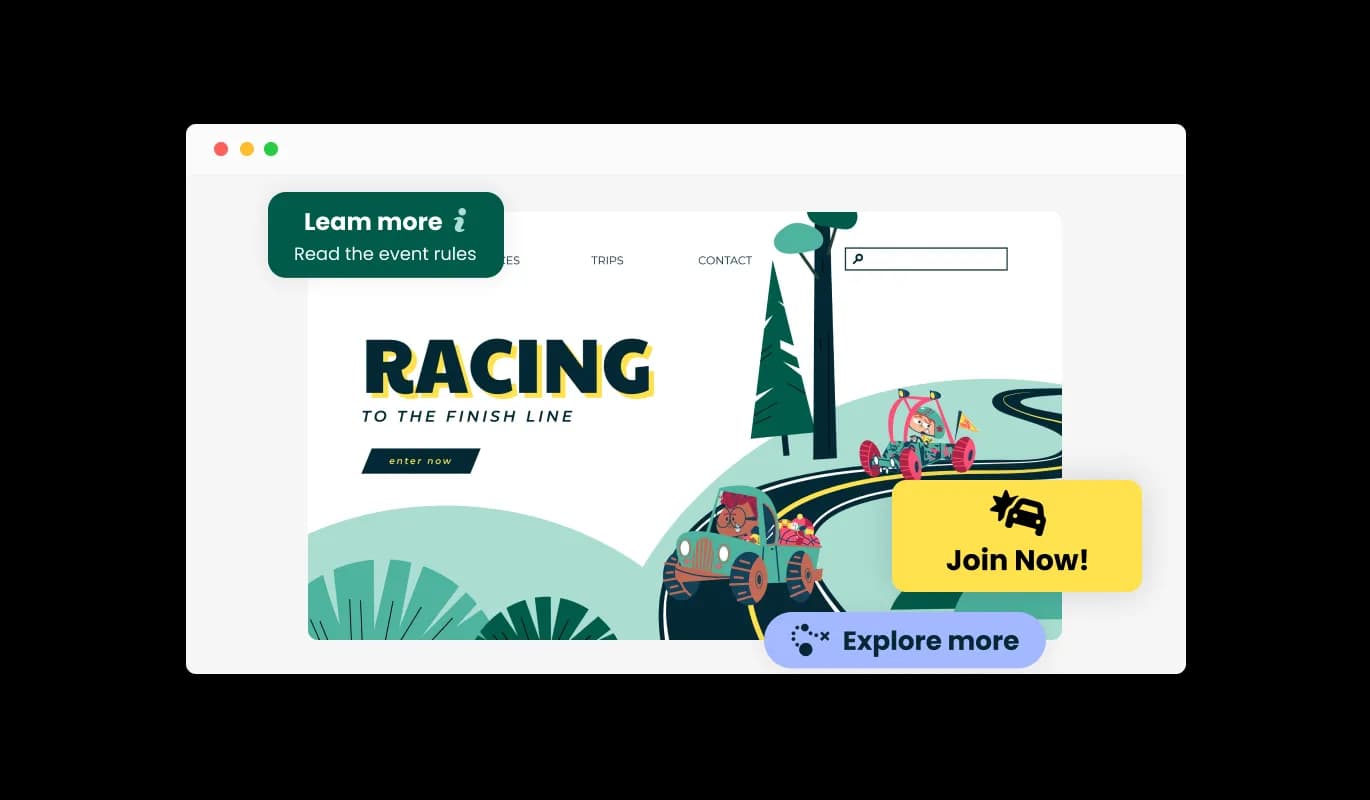
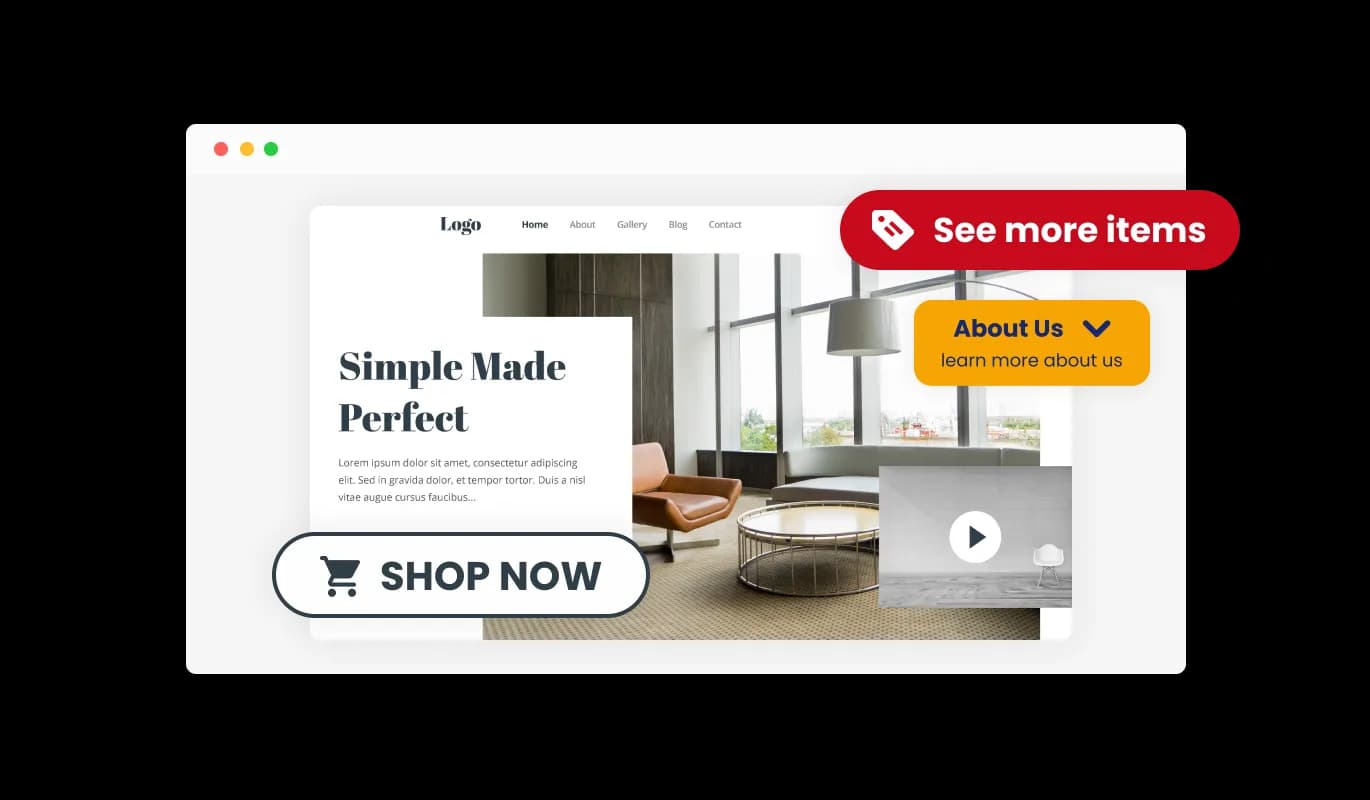
Marketing Button - Several Layouts for Marketing Buttons

Marketing Button Multiple Skins

You can utilize the lovely skins that are included with the Ucraft Marketing Button widget to customize and enhance its visual appeal. You can customize the button's appearance to match the Ucraft website's brand using the skins provided by the widget. With these options, you can quickly and easily create a marketing button that complements the general design of your website and has a professional appearance without having to spend hours creating it from scratch.

Marketing Button - Marketing Button Multiple Skins

Total Customizability Marketing button for Ucraft

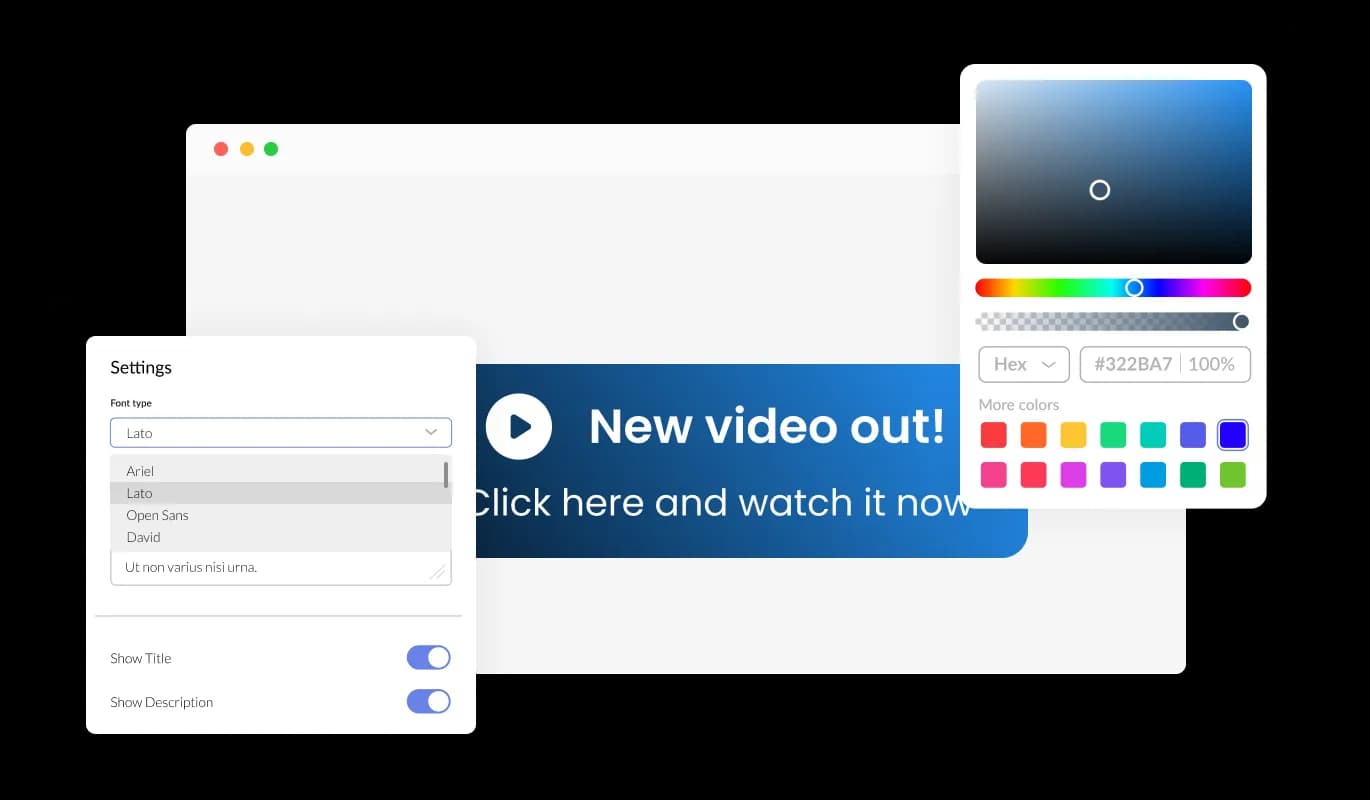
To fully adapt the design to your requirements, the Marketing button for Ucraft offers comprehensive customization options. Change the colors, the fonts, the spacing, and anything else! You can choose from many premade skins to kick-start your design process. By offering a selection of ready-made skins that you can utilize as a jumping off point for your design, this tool helps you save time and effort. You may quickly alter the prepared skins to match your brand's colors, typefaces, and overall aesthetic thanks to their meticulous creation to suit various Ucraft website styles and themes. By using this, you may design your Customized Marketing button widget without having to start from scratch; To develop a skin ideal for your website, choose one that comes the closest to your desired design and make a few tiny tweaks. Also, having a wide selection of prepared skins gives you a wider choice of alternatives to select from, ensuring that you'll discover one that's ideal for your Ucraft website.

Marketing Button - Total Customizability Marketing button for Ucraft
Marketing Button - Select from Various Animations

Select from Various Animations

You can select from a selection of button animations in the Marketing button widget for Ucraft to personalize the way your button appears. You may provide your audience with an immersive and engaging experience by using the animation elements of the Marketing Button.

Marketing Button - Floating Button Option

Floating Button Option

The Ucraft Marketing Button can be set to appear on your website or placed as a floating button in one of the page's corners. You may quickly attract visitors' attention with a strategically positioned marketing button and direct them to take desired activities, such as subscribing to a newsletter or completing a purchase.

Marketing Button - A friendly user interface Marketing button

A friendly user interface Marketing button

Use of the Marketing button widget for Ucraft is simple and doesn't necessitate any coding experience. Our intuitive dashboard will enable you to customize the widget any way you’d like to with just a few simple clicks. This implies that even individuals without coding skills can quickly and simply develop a Marketing button that has a polished appearance and integrates with their website, enhancing their online visibility and audience engagement.

Perfectly Responsive Design for your Ucraft website

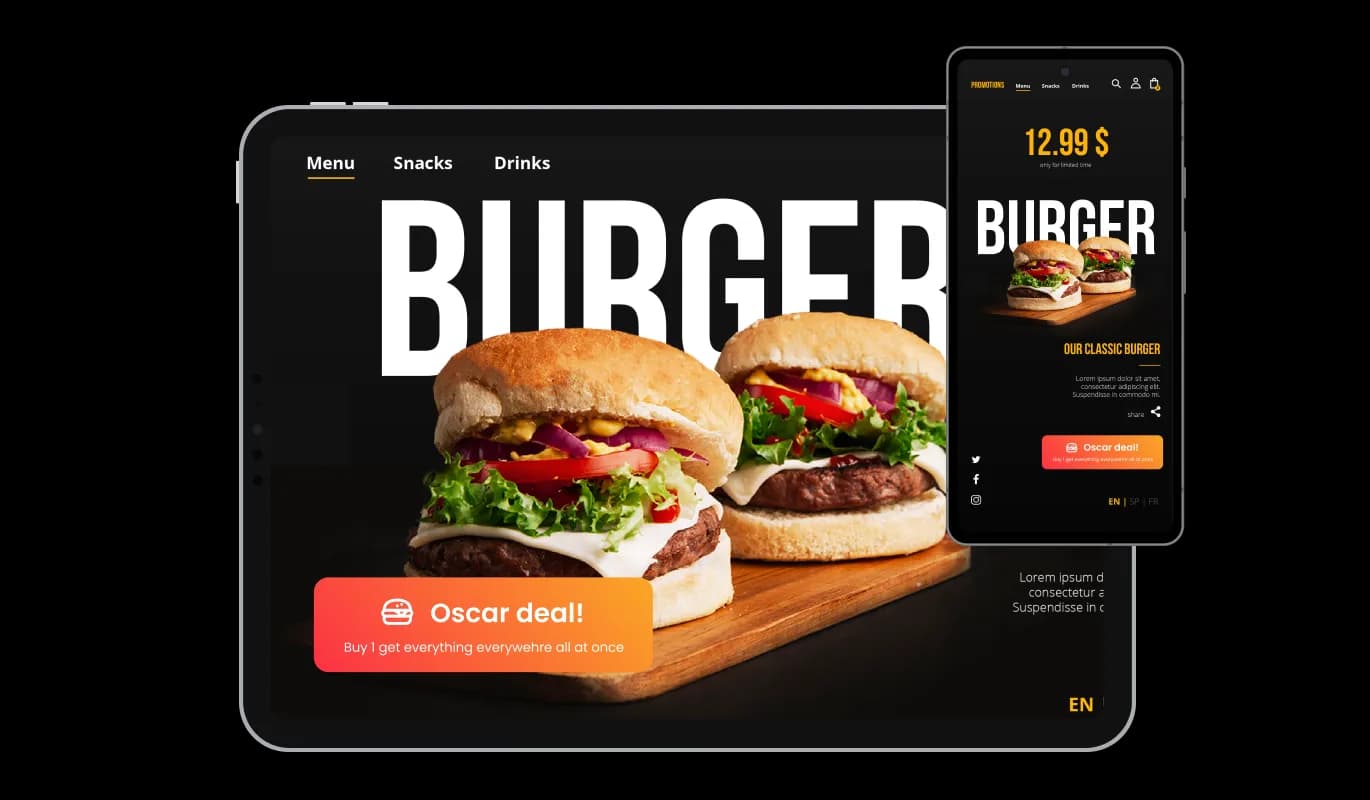
The Ucraft Marketing button widget is fully responsive and will look great on any device, this feature can give you a significant advantage over your competitors in today's mobile-first world. With more and more people accessing the internet through their smartphones and tablets, your website must be optimized for mobile devices. The responsive design of the Marketing button widget ensures that it will automatically adjust to the size and resolution of the device it is being viewed on, providing a seamless and consistent user experience across all devices. In other words, no matter what device your users use to access your Ucraft website, they will be able to view your Marketing button for Ucraft exactly the same.

Marketing Button - Perfectly Responsive Design for your Ucraft website

Using custom CSS with the Marketing button for Ucraft

You can also insert custom CSS into any of Common Ninja's widgets, including Marketing button for Ucraft. Custom CSS allows you to create styles and design elements not available through built-in customizations. With custom CSS, you can create unique and visually striking designs tailored to your specific needs. The use of custom CSS can also be used to create unique and engaging interactions and animations.

Marketing Button - Using custom CSS with the Marketing button for Ucraft

Easy embedding on your Ucraft website

Copy and paste a single line of code into your HTML to embed the Marketing button for Ucraft on your website. Embedding the widget will automatically update with every change you make, so you don't have to worry about manually updating the Marketing button widget every time. Using this feature, you'll always have the most recent and accurate version of your Ucraft Marketing button.

Marketing Button - Easy embedding on your Ucraft website

Compatible With All Site Builders, E-Commerce Platforms and Websites

webflow logoshopify logowix logowordpress logobigcommerce logosqurespace logoweebly logojoomla logoduda logojimdo logomagento logoshift4hsop logounbounce logocarrd logo
View all supported platforms

FAQ

Yes, you can. Go to the “Display Rules” tab, and choose your desired triggers. You can learn more about the different triggers & rules here: https://help.commoninja.com/hc/en-us/sections/6900365183517-Display-Rules-Triggers

Yes, you can easily do so from the “Templates” tab. 

Yes, there are lots of beautiful skins that you can choose from to save time and start using the widget as quickly as possible.

Yes, you can either upload an image, or select an icon from a large selection of available icons to add to your Notification Bar, or, alternatively, you can leave it all blank.

It’s simple. All you need to do is to sign up and start using the free version.

Common Ninja’s Marketing Button widget is free to use. It is limited to a certain amount of views, however.

Common Ninja’s Marketing Button widget is compatible with ALL current and future website builders.

Yes, the Marketing Button widget is GDPR-compliant.

No. Using our Marketing Button widget is very simple. The widget comes with an intuitive drag-and-drop interface and fully customizable options. Once you’ve finished editing the widget to your liking, all you need to do is copy the provided code and add it to your website.

Yes. We are eager to hear your request. Please visit our Feature Request page.