
News Ticker for Tailor Brands Website Builder

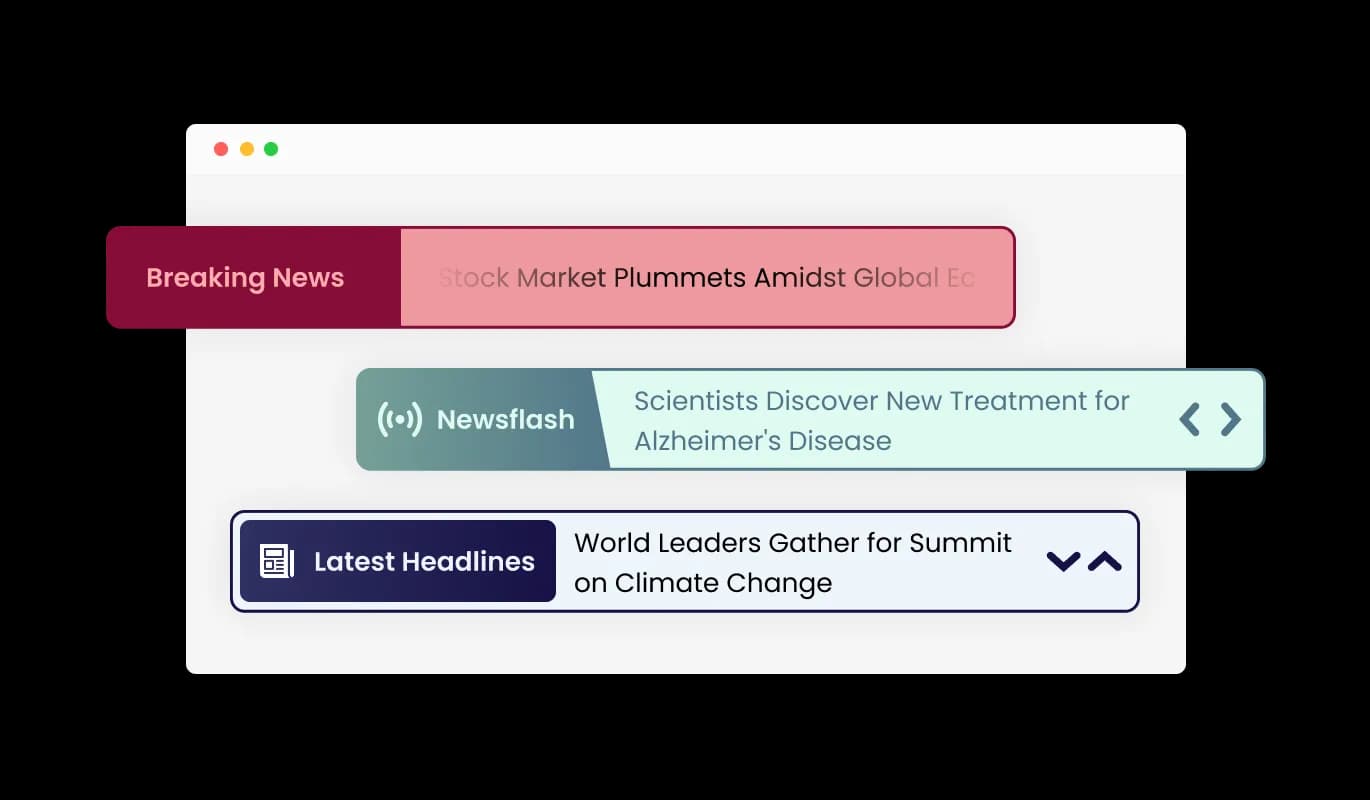
Use a news ticker to display headlines and updates that highlight key information and keep users informed in real time.

Create a News Ticker

loved by 500K+ businesses

Tailor Brands Website Builder
plugineditor

Why Should You Use the News Ticker Widget+?

Live News Feed

Incorporate the News Ticker for Tailor Brands Website Builder on your Tailor Brands Website Builder website to consistently supply your users with real-time news, helping them remain informed, engaged, and in the know.

Engage Your Audience with a Dynamic Text Ticker

By integrating the Tailor Brands Website Builder News Ticker widget and its endless flow of news items, you'll effortlessly grab your users' attention and enhance their interaction with your Tailor Brands Website Builder website.

Space-Saving Solution: Tailor Brands Website Builder News Ticker

The News Ticker widget for Tailor Brands Website Builder helps you effectively manage your website's limited space by adding more text without occupying extra room – an excellent solution for Tailor Brands Website Builder website with restricted real estate.

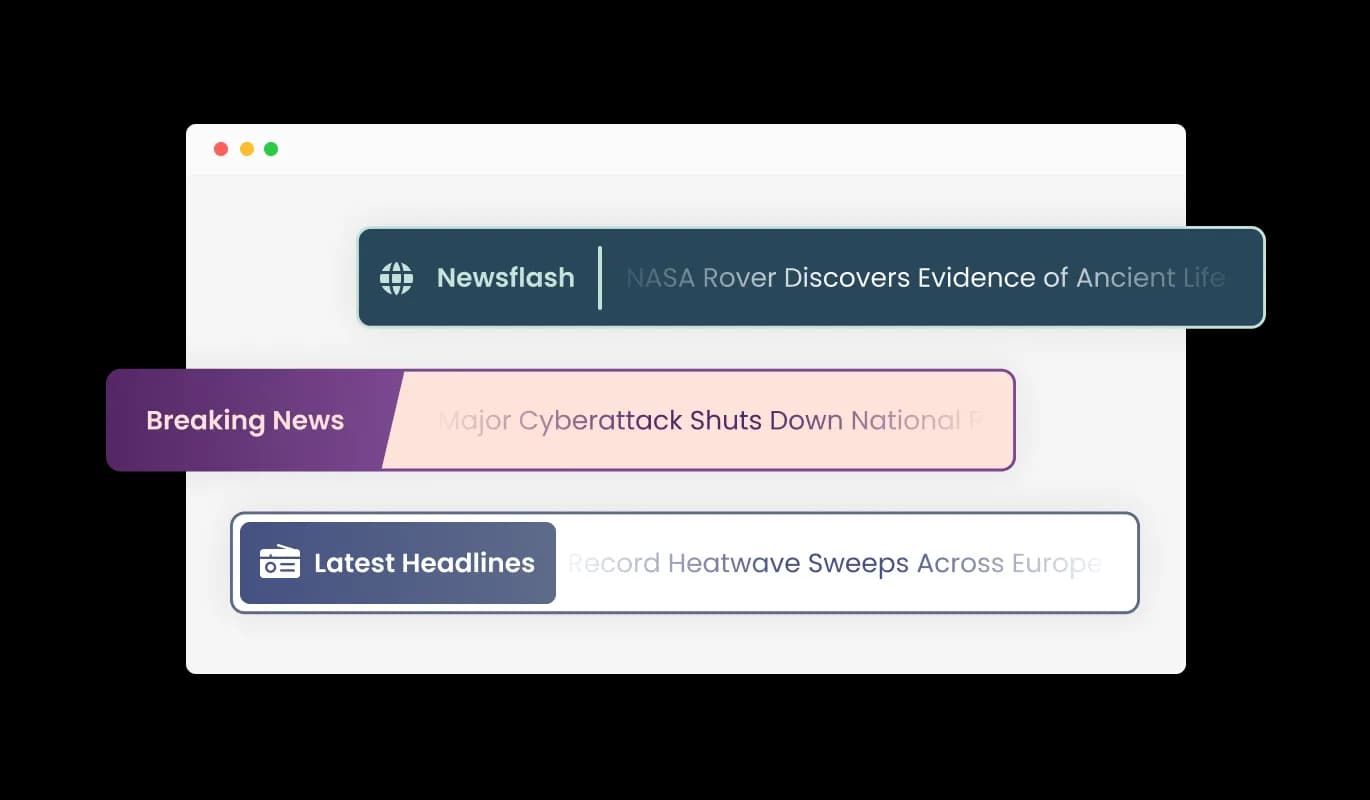
Diverse Label Options

The Tailor Brands Website Builder News Ticker widget includes various label styles that elevate the widget's aesthetics and offer you the flexibility to customize its design according to your needs. Select from a range of font styles and sizes to make certain your news ticker flawlessly aligns with your Tailor Brands Website Builder website's visual appeal.
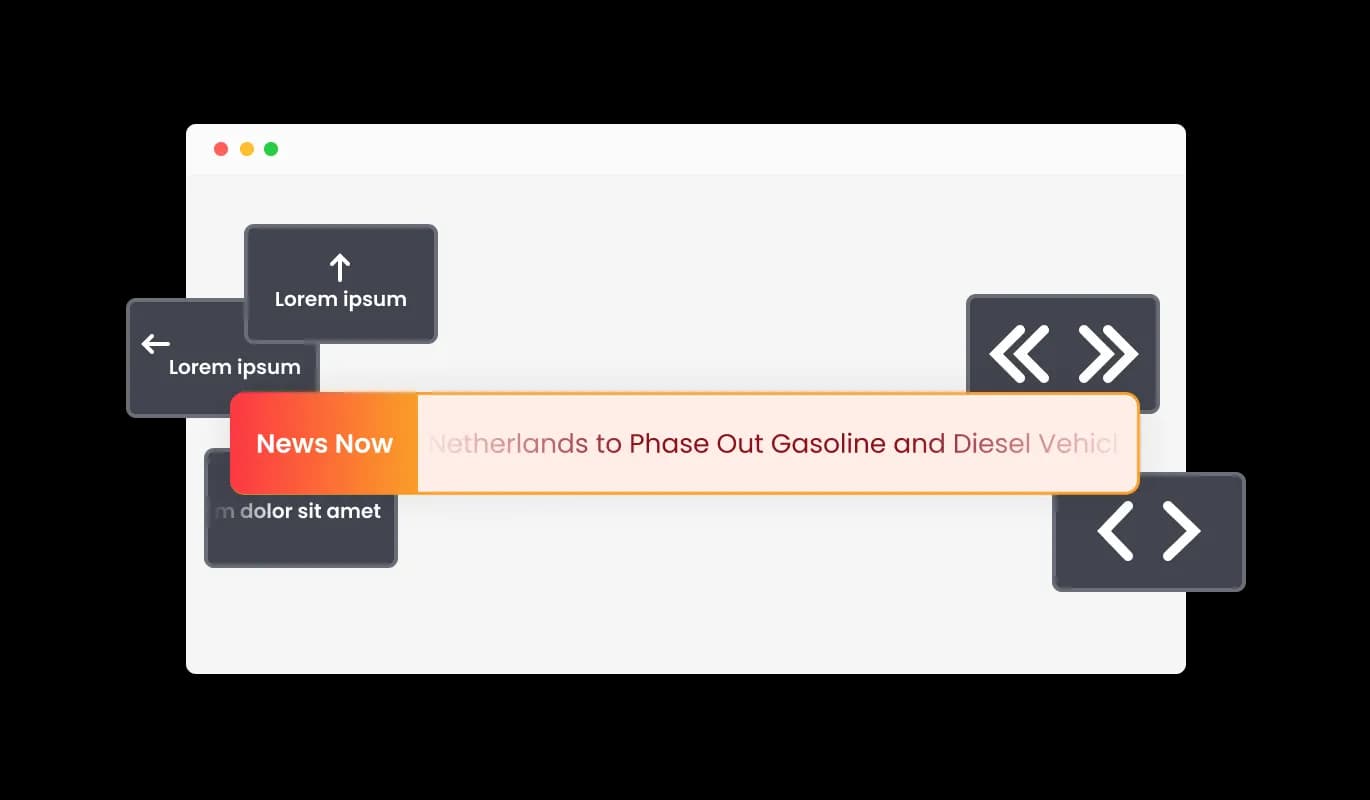
News Ticker - Diverse Label Options

Superior Ticker Control Features

The News Ticker for Tailor Brands Website Builder offers an extensive range of control options, including adjusting the ticker's speed, toggling the looping feature on and off, and much more! The granular control options facilitate optimization of the user experience, ensuring it caters to the desires of your target audience.

News Ticker - Superior Ticker Control Features

Tailor Brands Website Builder News Ticker: Array of Attractive Skins

The News Ticker for Tailor Brands Website Builder features an assortment of striking skins, enabling you to effortlessly find the right appearance without in-depth customization. These pre-built themes simplify the process of designing a visually appealing news ticker that maintains consistency with your Tailor Brands Website Builder website brand identity.

News Ticker - Tailor Brands Website Builder News Ticker: Array of Attractive Skins

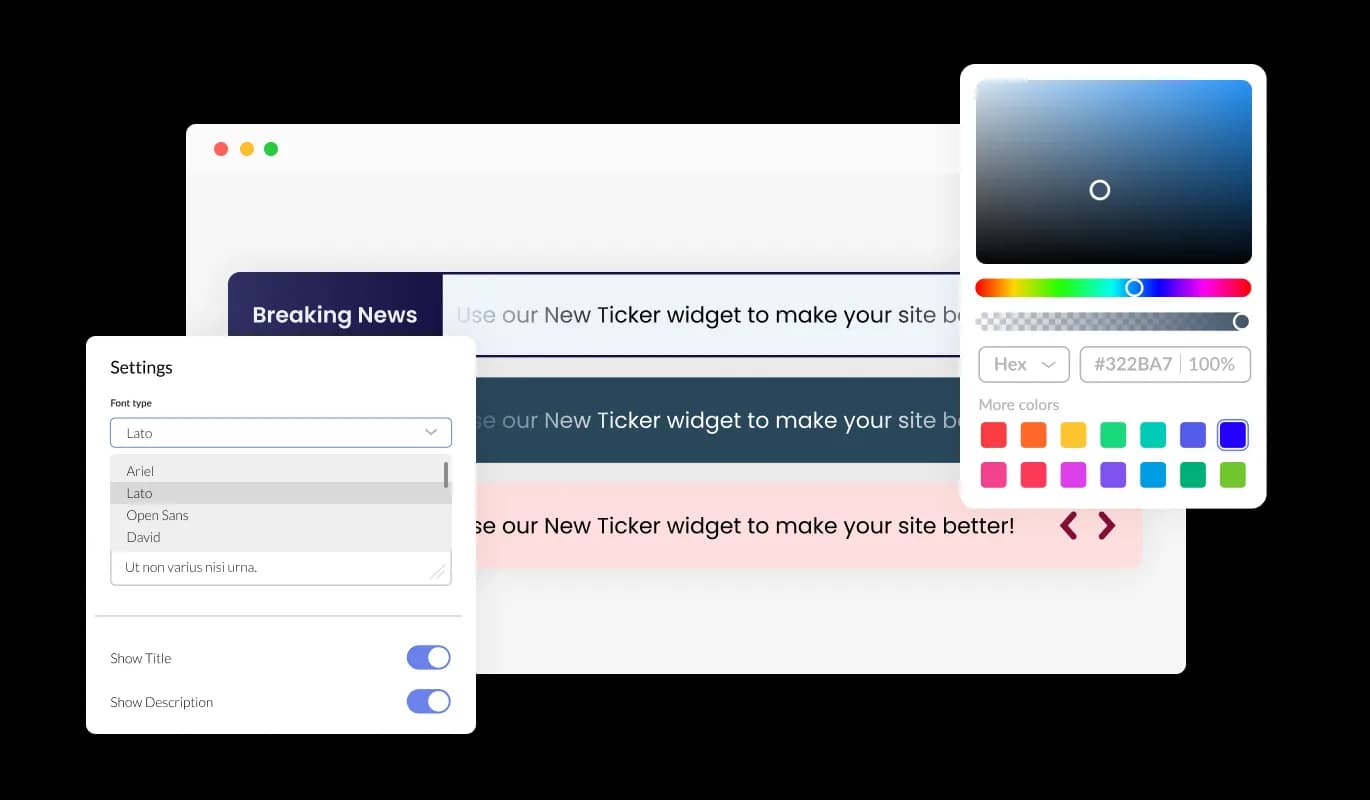
Customize Your News Ticker for Tailor Brands Website Builder with Ease

The Tailor Brands Website Builder News Ticker widget offers extensive customization choices, allowing you to modify the design according to your requirements. Tweak the colors, font choices, spacing, and all other aspects to craft your ideal design! This extraordinary customizability provides you the ability to develop a genuinely unique and personalized news ticker for your Tailor Brands Website Builder website.

News Ticker - Customize Your News Ticker for Tailor Brands Website Builder with Ease
News Ticker - Assorted Animation Styles for News Tickers

Assorted Animation Styles for News Tickers

The News Ticker widget for Tailor Brands Website Builder features several types of animations that you can choose for your news ticker, enabling you to customize the ticker widget to your liking. Pick from a variety of fluid transitions to design a one-of-a-kind and enthralling experience for your users.

News Ticker - Linkable Text

Linkable Text

The Ticker's text can be associated with any URL, turning it into an effective visual and functional instrument for sharing information and driving promotions. This functionality enables you to transform your news ticker into an active traffic generator for your Tailor Brands Website Builder website or specific content.

News Ticker - Assortment of Eye-catching Icons

Assortment of Eye-catching Icons

The Tailor Brands Website Builder News Ticker widget has a selection of beautiful icons that you can use to add to it and enrich its visual appearance. Make use of these striking icons to spotlight select news items, differentiate categories, or to impart further information.

News Ticker - No Coding is Required for News ticker

No Coding is Required for News ticker

The News Ticker for Tailor Brands Website Builder is straightforward to use, requiring zero coding skills. Our intuitive dashboard with the drag-and-drop feature will enable you to customize the widget any way you’d like to with just a few simple clicks.

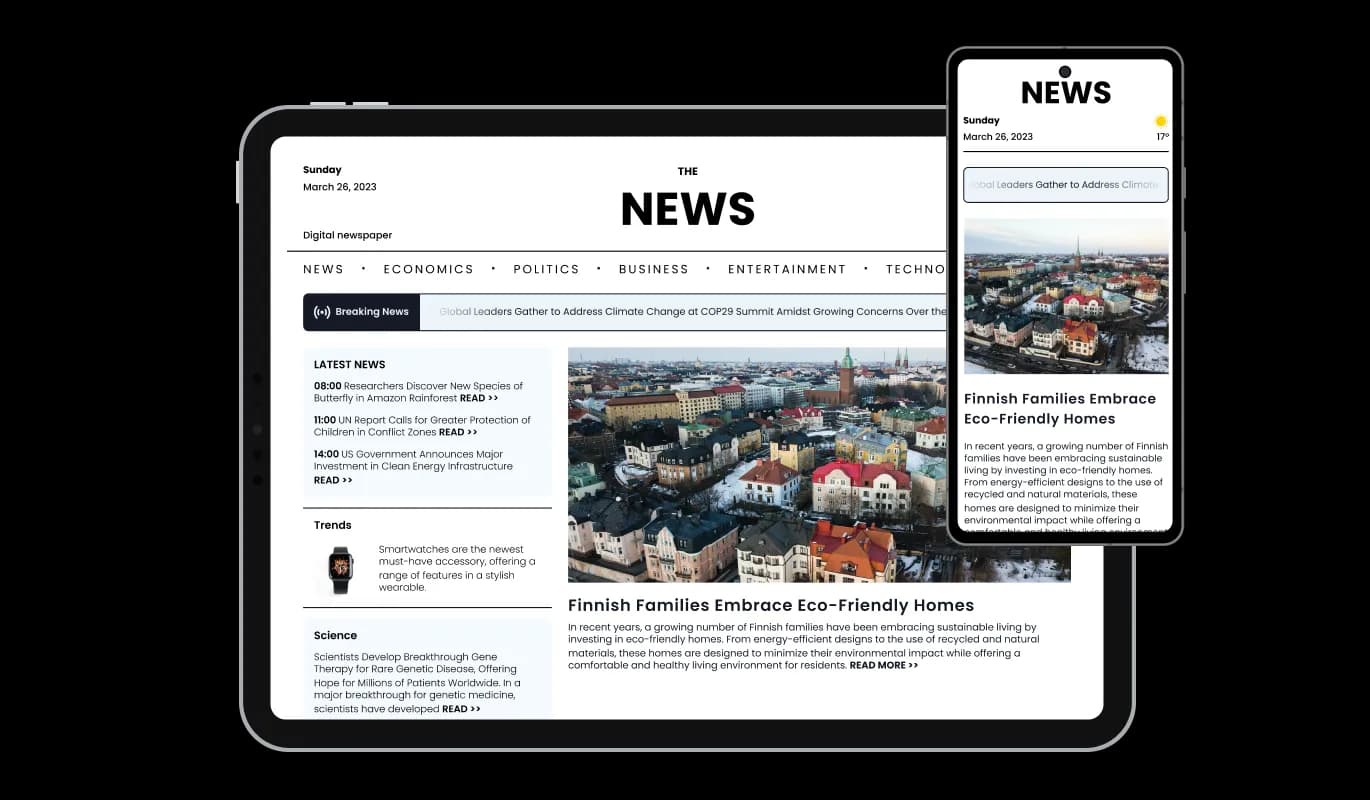
Perfectly Responsive News Ticker

The News Ticker widget is comprehensively responsive, ensuring a perfect display on any device. In a world that prioritizes mobile-first design, this feature provides you with a distinct advantage over your competitors.

News Ticker - Perfectly Responsive News Ticker

Personalize with Custom CSS widget

Consistent with other Common Ninja widgets, the News Ticker offers custom CSS options, allowing for expanded creative possibilities. This sophisticated feature allows developers and designers to infuse their distinct flair and fine-tune the News Ticker widget's aesthetics and performance.

News Ticker - Personalize with Custom CSS widget

You can embed the News Ticker on your Tailor Brands Website Builder website easily by copying a single line of code. Every modification you make to the News Ticker for Tailor Brands Website Builder is updated automatically, promising a frictionless integration and maintenance process for your website.

News Ticker -

Compatible With All Site Builders, E-Commerce Platforms and Websites

webflow logoshopify logowix logowordpress logobigcommerce logosqurespace logoweebly logojoomla logoduda logojimdo logomagento logoshift4hsop logounbounce logocarrd logo
View all supported platforms

FAQ

A news ticker is a dynamic, scrolling or sliding element that displays a continuous stream of headlines, updates, or other types of text-based content. It is commonly used on websites, television broadcasts, and digital signage to showcase the latest news, announcements, or promotional content in an engaging and visually appealing manner.

There are several benefits to using a news ticker on your website, including:

  1. Enhanced user engagement: News tickers can help capture your visitors' attention with eye-catching animations and up-to-date information, encouraging them to explore your content further.
  2. Efficient content delivery: A news ticker allows you to showcase a large amount of information in a compact and easily digestible format, making it an effective way to deliver content to your audience.
  3. Improved navigation: By linking text within the news ticker to relevant pages on your website, you can guide users to the most important content and improve the overall user experience.
  4. Increased brand visibility: A well-designed news ticker can reinforce your brand identity and create a cohesive visual experience for your visitors.
  5. Easy customization: News tickers can be easily customized to match your website's design and layout, ensuring seamless integration with your existing content.


To get the most out of a news ticker on your website, follow these best practices:

  1. Keep it relevant: Ensure that the content displayed in the news ticker is up-to-date, accurate, and relevant to your audience. Regularly update the content to keep it fresh and engaging.
  2. Maintain readability: Choose font styles, sizes, and colors that are easy to read and visually appealing. Avoid using overly complex animations or designs that may detract from the legibility of your content.
  3. Optimize speed and duration: Adjust the speed of the ticker to ensure that users have enough time to read and digest the content. Avoid making it too fast or too slow, as this may negatively impact the user experience.
  4. Limit the number of items: While there is no specific limit to the number of items you can display in a news ticker, it is recommended to keep the number reasonable to ensure a positive user experience and maintain the widget's performance.
  5. Use clear and concise text: Keep the text in your news ticker brief and to the point, allowing users to quickly grasp the main idea of each item.
  6. Add links to relevant content: Link the text in your news ticker to related pages on your website, turning the ticker into a useful navigation tool that directs users to the most important content.
  7. Test on different devices: Ensure that the news ticker is fully responsive and works well on various devices, screen sizes, and resolutions for a seamless user experience across all platforms.
  8. Monitor performance: Regularly review the performance of your news ticker, and make necessary adjustments to optimize its impact on your website's user experience and engagement metrics.

Yes, the News Ticker widget is fully customizable. You can change the colors, fonts, spacing, and more to match your website's design. Additionally, you can choose from a variety of skins and icons to enhance the widget's visual appearance.

Yes, the News Ticker widget is fully responsive and will automatically adapt to any device, screen size, or resolution, ensuring a seamless user experience across all platforms.

Yes, the News Ticker widget offers advanced control options that allow you to adjust the speed, enable or disable looping, and more, giving you complete control over the user experience.

You can add links to any text in the News Ticker by simply adding a URL in the news item settings. This turns the text into a clickable element that directs users to the specified web page.

Yes, you can add custom CSS to the News Ticker widget for further customization and to achieve a unique design that perfectly suits your needs.

The News Ticker widget offers a variety of animation styles, including smooth transitions and scrolling effects. You can choose the animation type that best suits your website's design and user experience preferences.

Updating the content in your News Ticker widget is simple. Just access the widget's settings in your dashboard and make the desired changes. The widget will automatically update on your website with the new content.

To install the News Ticker widget, simply copy the provided embed code and paste it into your website's HTML where you want the widget to appear. The widget will automatically update with any changes you make in the configuration settings.

No coding knowledge is required to use the News Ticker widget. The user-friendly dashboard and drag-and-drop features make it easy for users of all skill levels to customize and manage the widget.

Yes, you can easily do so from the “Templates” tab.

Yes, there are lots of beautiful skins that you can choose from to save time and start using the widget as quickly as possible.

It’s simple. All you need to do is to sign up and start using the free version.

Common Ninja’s News Ticker widget is free to use. It is limited to a certain amount of views, however.

Common Ninja’s News Ticker widget is compatible with ALL current and future website builders.

Yes, the News Ticker widget is GDPR-compliant.

Yes. We are eager to hear your request. Please visit our Feature Request page.