
Order Form for Bolt

Use an order form to let customers submit product orders, save entries, receive notifications, and collect payments through PayPal or Stripe for a smoother buying experience.

Create an Order Form

loved by 500K+ businesses

Bolt
plugineditor

Why Should You Use the Order Form Widget+?

Streamlined ordering process on your Bolt app

With an Order Form tailored to your Bolt, customers can swiftly and conveniently order your products or services directly on your Bolt app, minimizing any obstacles and enhancing the chances of a successful conversion. This powerful feature is essential for businesses that want to simplify the ordering process while ensuring a smooth and satisfying experience for their valued clients.

Streamline Your Business with Bolt app Order Solutions

The use of a Bolt Order Form expedites the ordering process by automating tasks, removing the need for manual oversight and follow-up, which in turn leads to enhanced efficiency, productivity, and increased customer satisfaction and loyalty. In turn, this enables businesses to not only increase their efficiency and productivity but also to enhance customer satisfaction and cultivate enduring loyalty.

Streamline Order Management with Automated Responses on Bolt app

An adaptable Order Form for Bolt allows for the inclusion of automated response features, which can immediately confirm order receipt and provide customers with vital information such as estimated delivery timelines. This added feature enhances the customer experience and simultaneously reduces the number of order-related queries businesses have to handle.

Create a Tailor-Made Order Form for Your Bolt with Customizable Fields

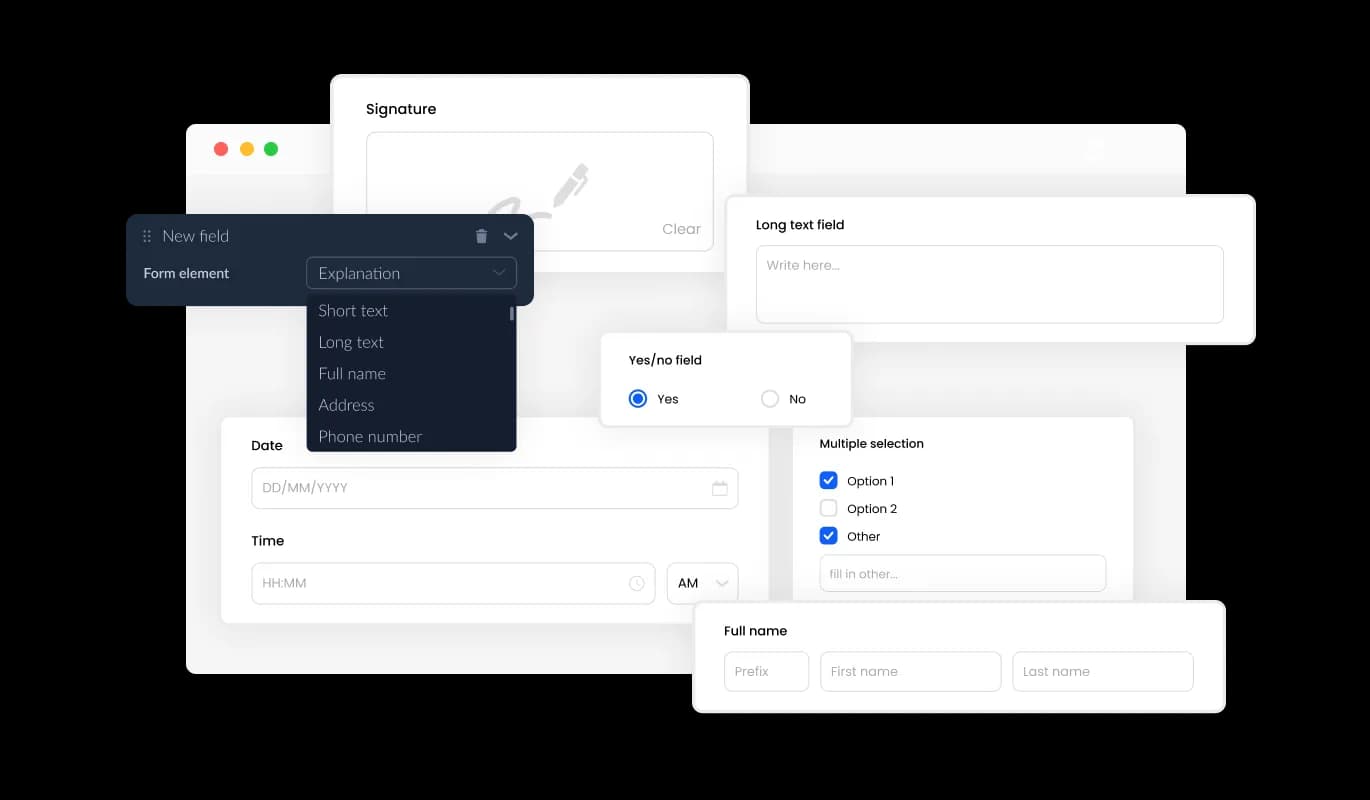
With a multitude of adaptable fields, the Order Form for Bolt enables you to create an order form that seamlessly aligns with your product requirements and objectives. Personalizing the form is a breeze; simply select from a wide range of field types and use the "Add Field" option to include your chosen fields. Furthermore, our simple-to-use drag-and-drop capability enables you to conveniently adjust the field sequence, creating the ultimate order form for your Bolt. Not only does this feature improve the overall customer experience, but it also alleviates the burden on businesses by decreasing order-related inquiries.
Order Form - Create a Tailor-Made Order Form for Your Bolt with Customizable Fields

Organize Product Order Data with Ease on Your Bolt app

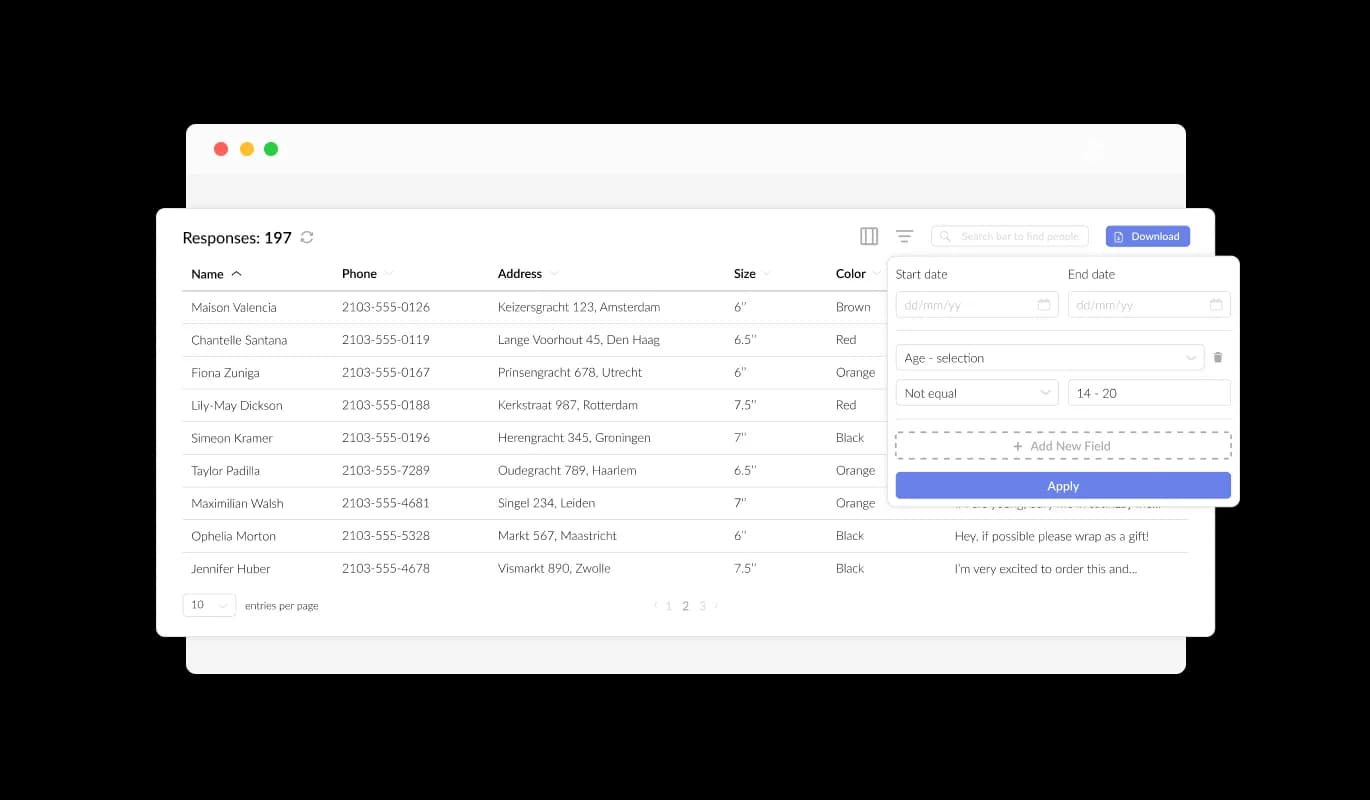
Our Bolt Product Order Form allows for the seamless collection and organization of product order data, ensuring it's presented in an accessible and comprehensible format. This feature greatly improves order tracking, allowing for quicker and more effective review and fulfillment of orders. The forms we provide make managing and accessing all submitted data a seamless process, allowing you to easily monitor your product orders.

Order Form - Organize Product Order Data with Ease on Your Bolt app

Seamless Export of Product Order Data to CSV on Bolt

The Bolt Product Order Form's CSV export functionality provides notable advantages for efficiently organizing order data and integrating it with other tools. This feature allows for easy transfer of order data to other applications or tools, making in-depth analysis and integration more accessible. For companies seeking to retain a detailed record of order information for data analysis, reporting, and managing operations, this feature is a crucial asset.

Order Form - Seamless Export of Product Order Data to CSV on Bolt

Elevate Your Bolt Order Form with Captivating Text and Graphics

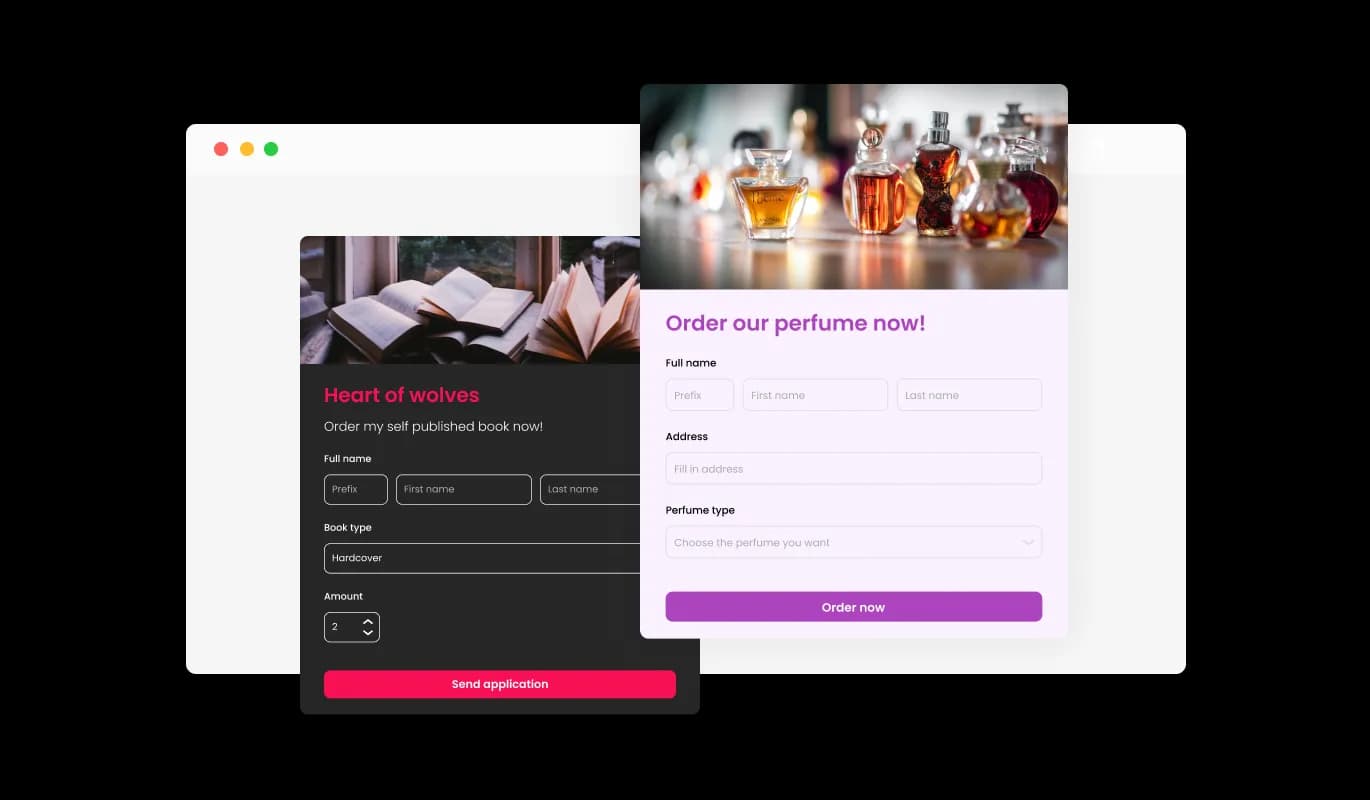
By adding headings, descriptive text, and visuals to your product order form, you can create a more engaging and user-friendly ordering experience for your customers. Including informative form elements can guide customers through the process, promoting a seamless experience and increasing the chances of successful orders. With the ability to customize the form with text, images, and other visuals, you can create an order form that is not only functional but also visually appealing and easy to navigate.

Order Form - Elevate Your Bolt Order Form with Captivating Text and Graphics

Enhance Your Bolt Order Form with Custom Headers & Footers

The Bolt Product Order Form provides the ability to personalize your order form's header and footer, complete with image integration. This capability offers a valuable occasion to reinforce your brand identity and establish a refined, visually appealing form that seamlessly blends with your Bolt app's comprehensive design.

Order Form - Enhance Your Bolt Order Form with Custom Headers & Footers

Automate Order Notifications with Bolt Order Form

With the Bolt Order Form, you can choose to enable notifications for both yourself and your customers. Activate automated email notifications for every order submission, distribute them to several recipients, and dispatch a confirmation email to the customer when their order is successfully placed.

Order Form - Automate Order Notifications with Bolt Order Form
Order Form - Create an Efficient Bolt Order Form with Essential Fields

Create an Efficient Bolt Order Form with Essential Fields

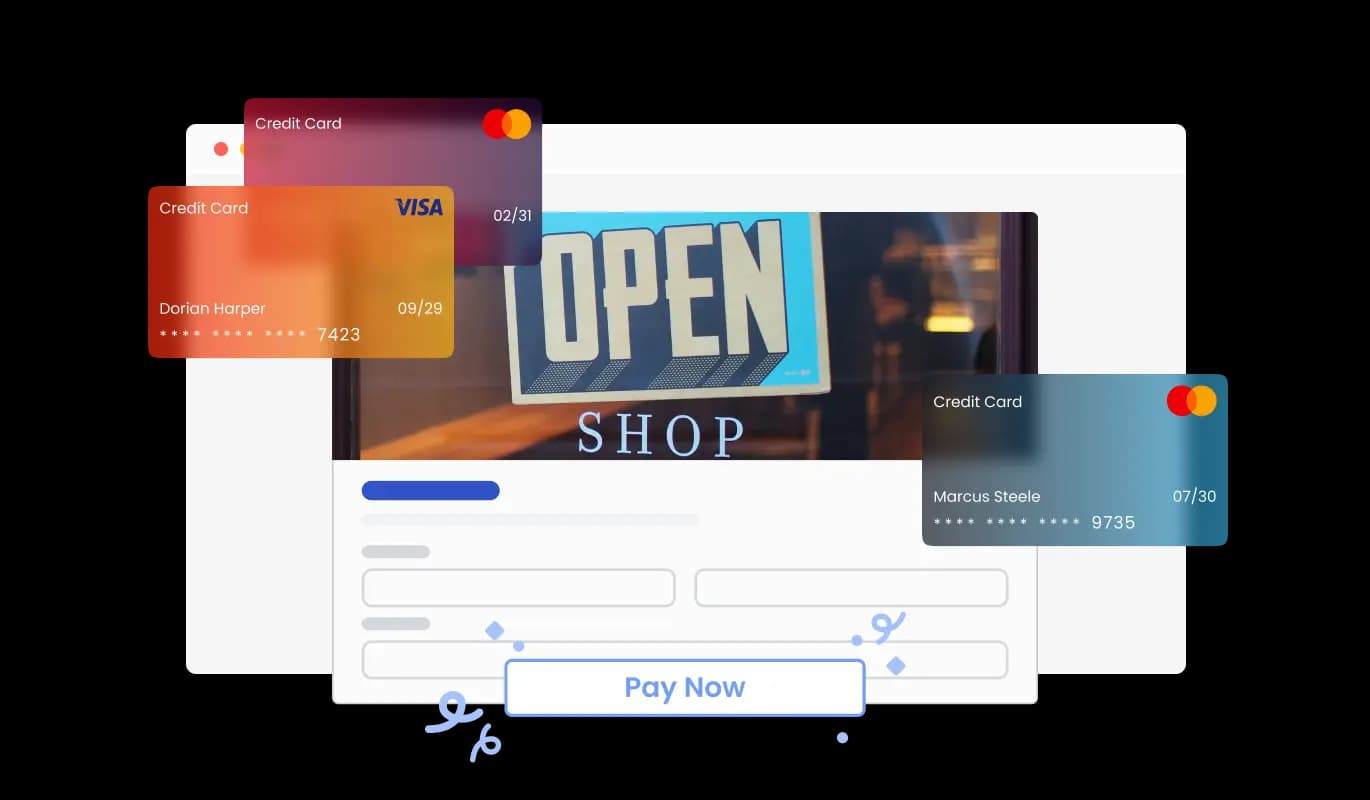
Incorporating specific fields for product orders, such as product details like quantity and color options, along with customer information fields like Name, Email, Phone, and Shipping Address, enables you to collect vital information for more efficient order management. Integrating fields for product alternatives, specific needs, and payment preferences helps to provide your customers with a more customized and seamless ordering journey.

Order Form - Secure Your Bolt Order Form Against Spam

Secure Your Bolt Order Form Against Spam

The Product Order Form for Bolt offers the feature of enabling CAPTCHA anti-spam protection, which customers need to finalize before submitting an order. This functionality hinders bots and automated scripts from submitting spam entries in your order form, securing valid orders from legitimate customers on your Bolt app.

Order Form - Quick and Easy Product Order Form Embed for Bolt

Quick and Easy Product Order Form Embed for Bolt

To incorporate the Product Order Form into your Bolt app, simply copy the supplied code snippet and insert it into your page's HTML. The form features auto-updating capabilities, so any alterations you apply in the Product Order Form editor will be immediately visible on your Bolt app.

Various Bolt Order Form Styles

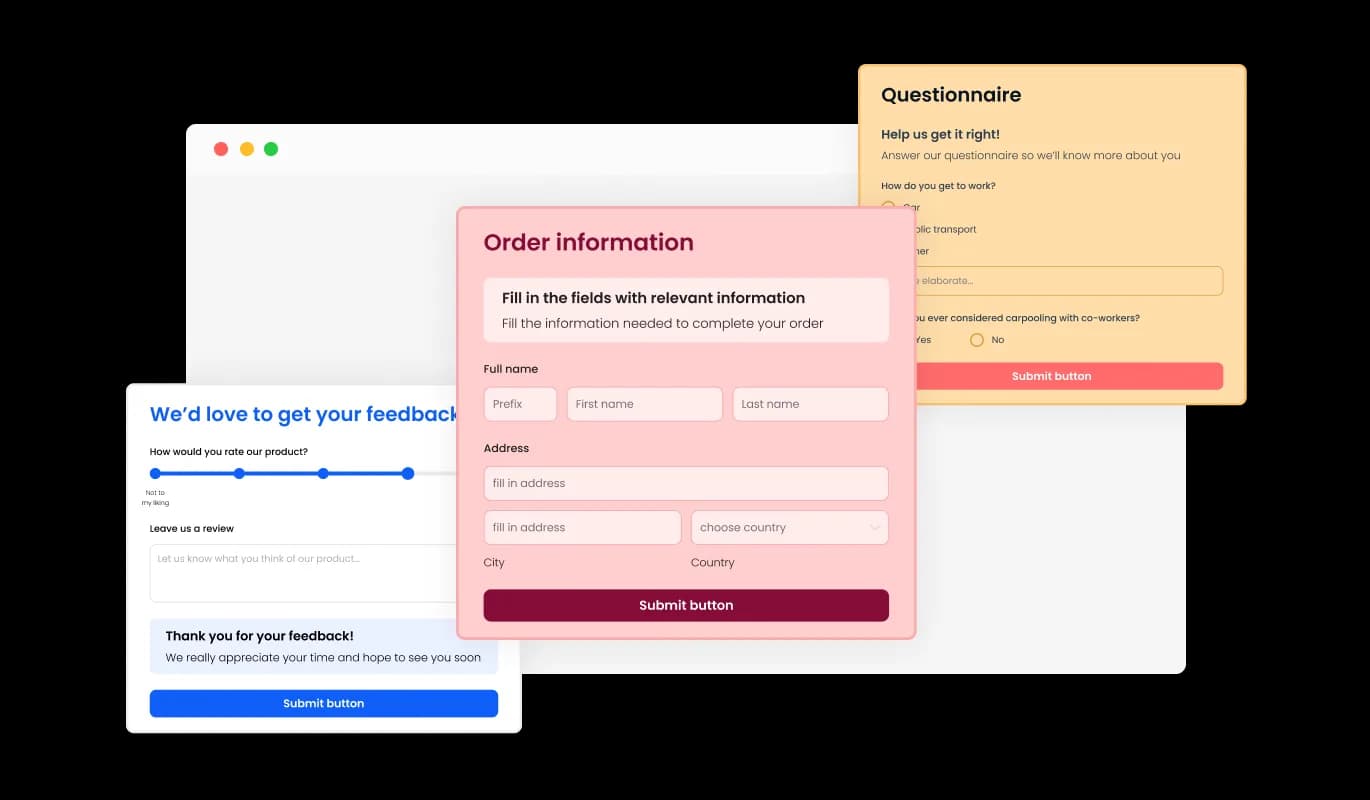
The Bolt Product Order Form comes with a range of attractive skins to choose from, enabling you to jump-start the design process and save time on in-depth customization. These pre-designed skins cater to different aesthetics, allowing you to easily match your form with your Bolt app's look and feel.

Order Form - Various Bolt Order Form Styles

Create Your Perfect Bolt Product Order Form with Full Customization

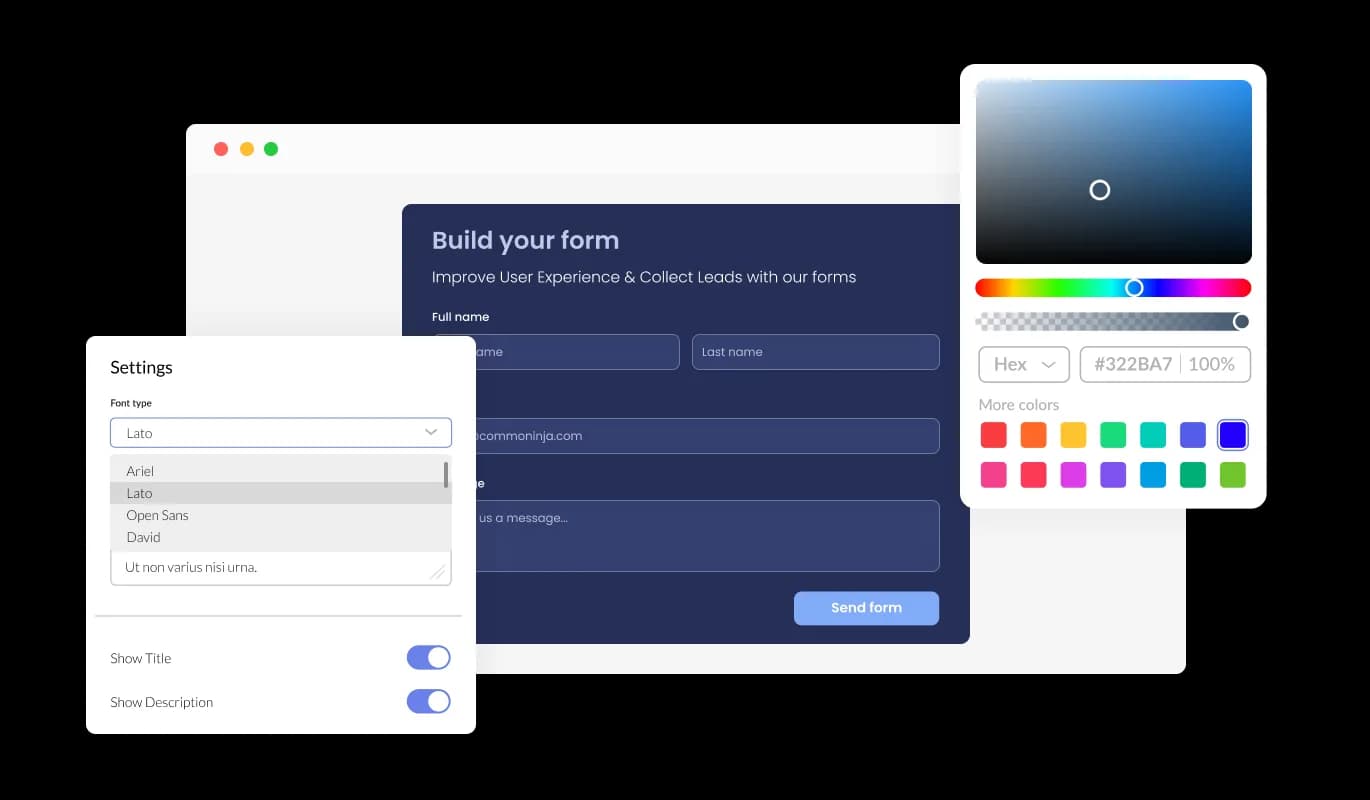
Personalize Your Bolt Product Order Form with Endless Customization From altering colors and fonts to changing field layouts, you have full control over the form's appearance and functionality. The form's accessible interface makes it simple to personalize the form to complement your website's design, resulting in a cohesive ordering journey for your clients.

Order Form - Create Your Perfect Bolt Product Order Form with Full Customization

A Fully Responsive Bolt Order Form for Every Screen

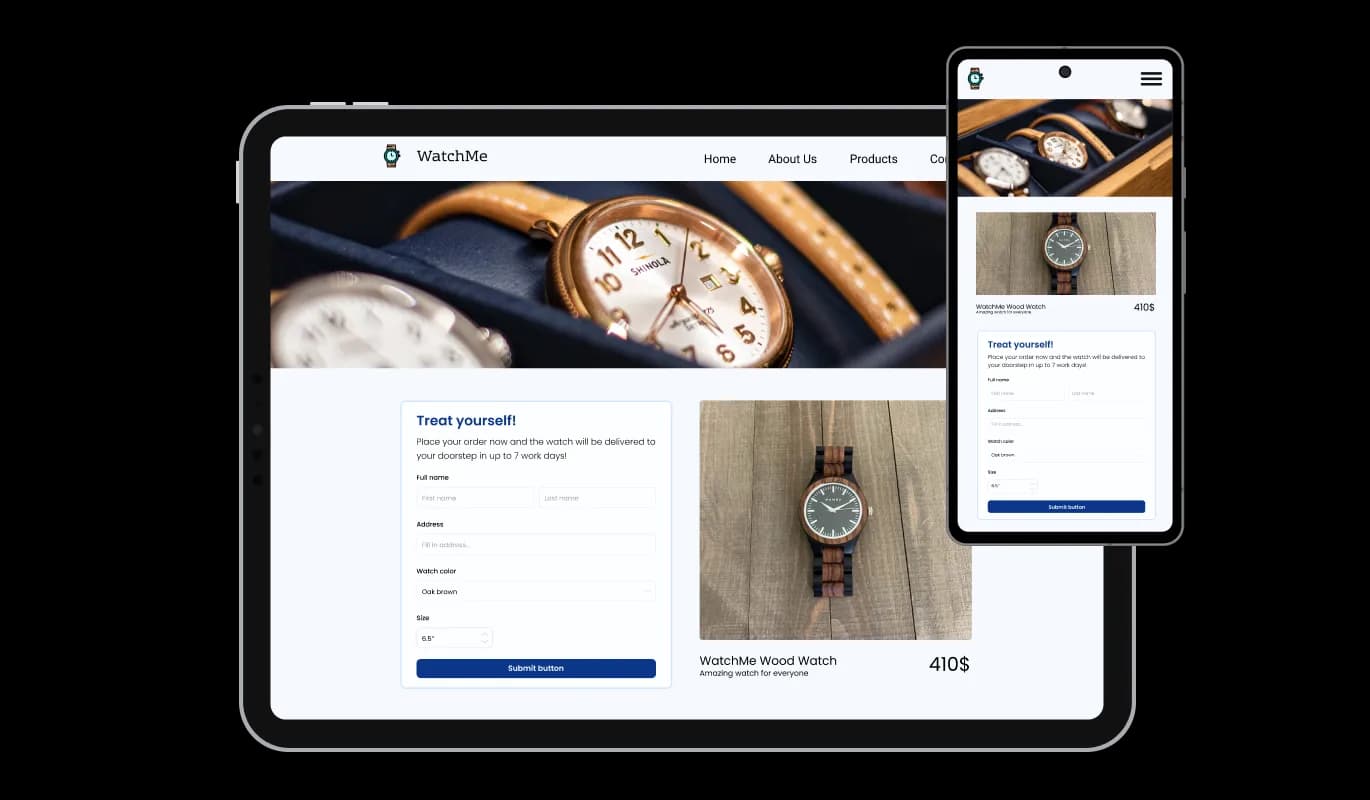
The Bolt Order Form is fully responsive and will look great on any device. Ensuring a mobile-ready form is essential at a time when a significant number of people are using their smartphones and tablets for internet browsing. With the Bolt Order Form, you can craft an order form that's perfectly responsive and delivers a smooth ordering experience on any device.

Order Form - A Fully Responsive Bolt Order Form for Every Screen

Bolt Order Form: No Coding Required for Easy Customization

The Bolt Order Form focuses on a straightforward user experience without requiring any coding proficiency. In just a few clicks, you can personalize the form according to your preferences using our intuitive interface, making customization a breeze.

Order Form - Bolt Order Form: No Coding Required for Easy Customization

Custom CSS for Bolt Order Form

Our sophisticated editor is a powerful tool that offers you total control over your Product Order Form's visual appearance. With this functionality, you can smoothly modify every facet of the Bolt form's appearance, from colors and typefaces to layout and placement. For those seeking to explore their creativity even further, direct CSS editing offers additional, extensive customization possibilities.

Order Form - Custom CSS for Bolt Order Form

Compatible With All Site Builders, E-Commerce Platforms and Websites

webflow logoshopify logowix logowordpress logobigcommerce logosqurespace logoweebly logojoomla logoduda logojimdo logomagento logoshift4hsop logounbounce logocarrd logo
View all supported platforms

FAQ

The Product Order Form is a tool that allows you to easily create customized order forms for your website. It offers a range of features, including customizable fields, skins, and design options, as well as anti-spam measures and notification settings.

Yes, the Product Order Form is designed to be user-friendly and intuitive, with a simple drag-and-drop interface and customizable options.

Yes, you can fully customize the appearance of the order form using the widget's design options, skins, and direct CSS editing.

Yes, the Product Order Form Widget is fully responsive and optimized for mobile viewing.

Yes, you can easily integrate the order form into your website by copying and pasting the provided code snippet.

Yes, the Product Order Form offers the CAPTCHA anti-spam feature to prevent bots and automated scripts from submitting spam entries through the order form.

Yes, you can activate automated email notifications for each form submission, send them to multiple recipients, and also dispatch a confirmation email to the customer upon successful order placement.

Yes, you can easily do so from the “Templates” tab.

Yes, there are lots of beautiful skins that you can choose from to save time and start using the widget as quickly as possible.

Common Ninja’s Order Form is free to use. It is limited to a certain amount of views, however.

Common Ninja’s Order Form is compatible with ALL current and future website builders.

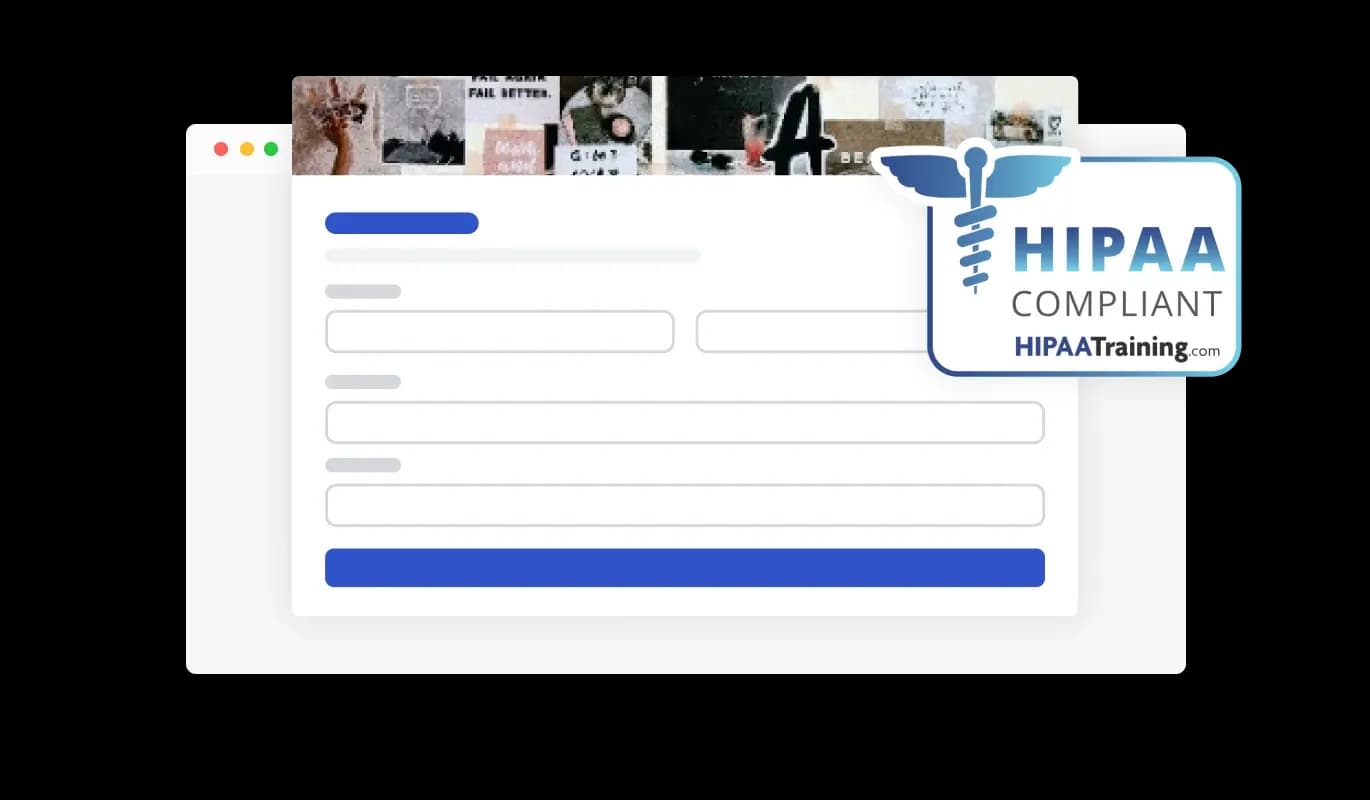
Yes, the Order Form is GDPR-compliant.

No. Using our Order Form is very simple. The form comes with an intuitive drag-and-drop interface and fully customizable options. Once you’ve finished editing the to your liking, all you need to do is copy the provided code and add it to your website.

Yes. We are eager to hear your request. Please visit our Feature Request page.