


Verified review
Common Ninja has amazing no-code widgets that would beautify a website built on any builder. It is very easy to use and customise. It has as many widgets for almost everyone willing to make their website impressive.
Try the editor, no signup
Pick a template, customize it, and watch it update live, no signup.
No credit card · Free forever plan
No credit card · Free forever plan
The Common Ninja PayPal Button is a free, no-code way to take a one-off payment from any website. Set the amount, connect your account, and paste one line of embed code.
Clicking it opens a secure checkout handled by the payment provider, so card details never touch your site and you are not building a shopping cart to sell one thing.
Taxes and shipping can be added to the total, transactions are listed and exportable, and email alerts and webhooks tell you when a payment lands.
A full store is a lot of scaffolding for a single product, a deposit, or a one-off fee. A button is the whole checkout, and it can go live on a page that already exists in an afternoon.
PayPal is a name people recognise at the moment they are deciding whether to hand over money. For a small or unfamiliar site, arriving at a checkout the buyer knows removes a real hesitation.
The checkout is hosted by the provider, so your page never handles a card number. That takes the hardest part of accepting payment, and its compliance burden, off your plate entirely.
Consultants taking a deposit, clubs collecting subs, tradespeople invoicing a call-out fee, and courses charging a seat all need to take one payment. None of them need a catalogue to do it.
The button works with PayPal and with Stripe, so use whichever account you already hold. Money settles into that account, and the provider handles the checkout screen and the card data.
Enter the price, then add taxes or shipping if they apply, so the buyer sees the real total before they commit rather than a surprise at the last step. Write the thank-you message while you are here.
Copy the snippet from the Add to Website tab and paste it next to whatever you are selling. Changing the price later updates every page carrying the embed.
Connect whichever provider you already use. Both are supported, so the button fits your existing account rather than asking you to open a new one to take a payment.
Add tax and shipping charges so the figure the buyer sees is the figure they pay. Surprise costs at the final step are one of the most reliable ways to lose a sale that was already won.
Every payment taken through the button is listed in your dashboard and can be exported, which is what makes reconciling a month possible without opening the provider's own console.
Optional email notifications and webhook calls tell you or your systems when a payment completes, and a custom confirmation message tells the buyer what happens next.
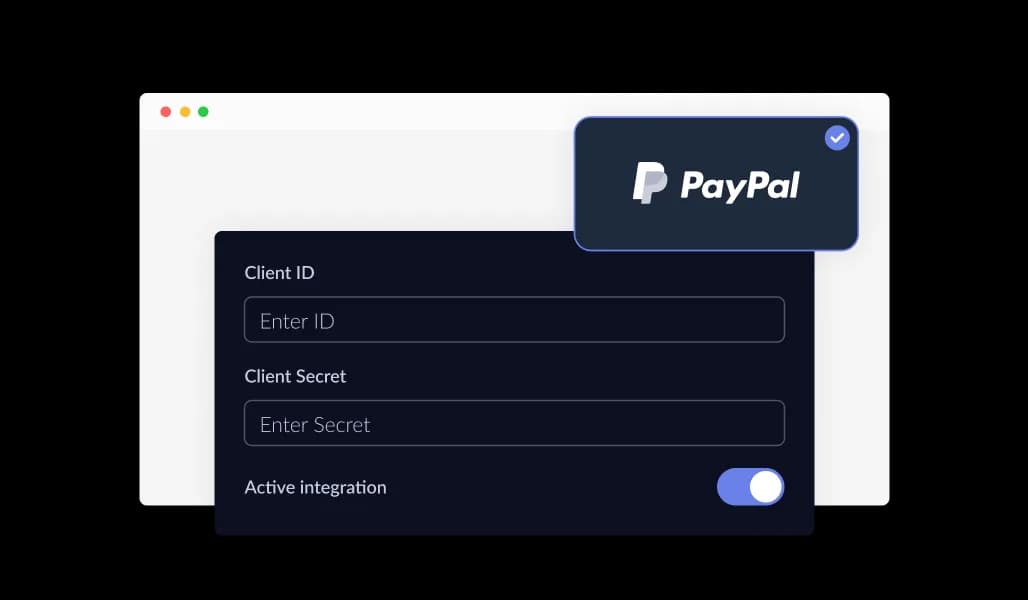
The PayPal Button integrates with trusted payment providers, including PayPal and Stripe, giving you the flexibility to choose the gateway that best matches your business needs. This compatibility allows you to connect the button seamlessly with your existing checkout or ecommerce setup while offering customers a familiar and reliable way to pay.
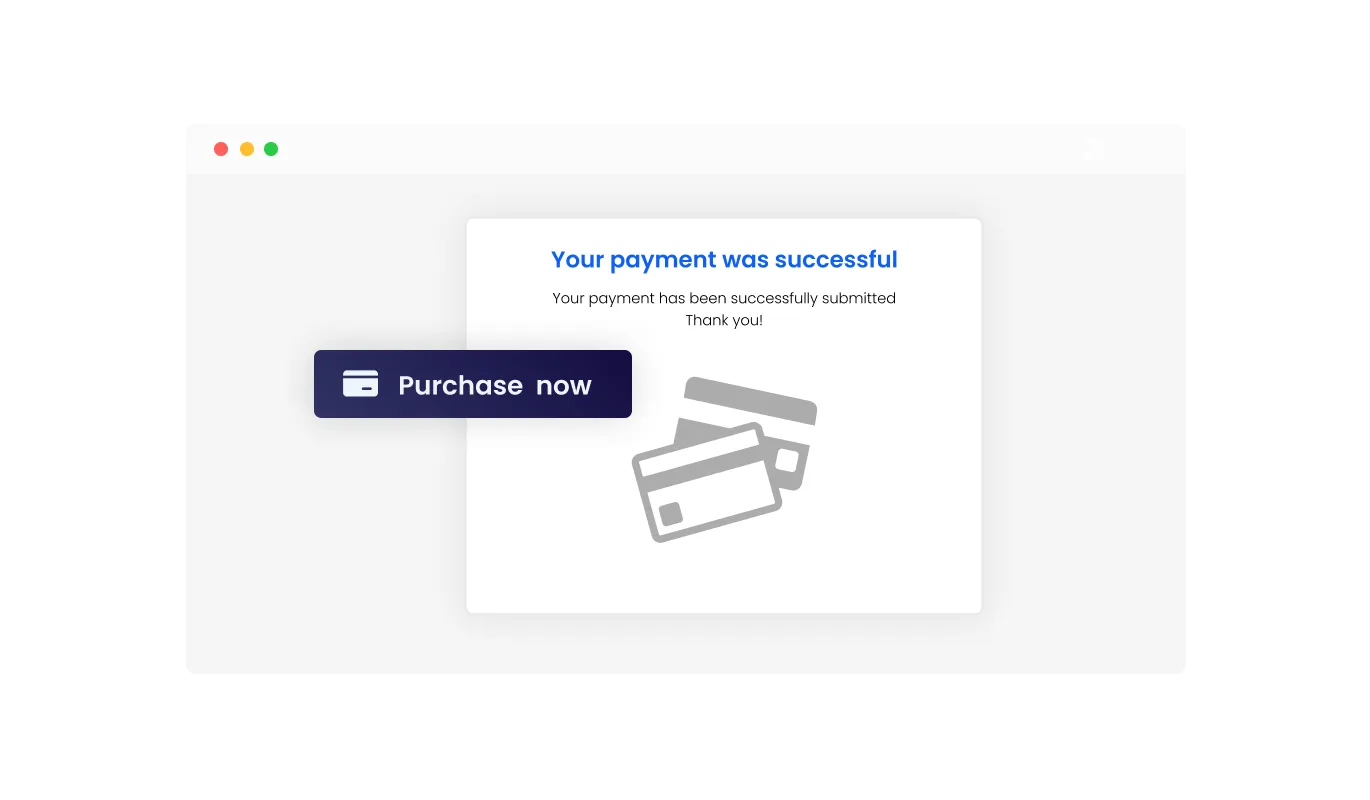
The PayPal Button allows you to display personalized messages once a transaction is completed. You can confirm that the payment was successful, thank customers for their purchase, or share helpful next steps. This added communication builds trust, improves the checkout experience, and helps create stronger long term customer relationships.
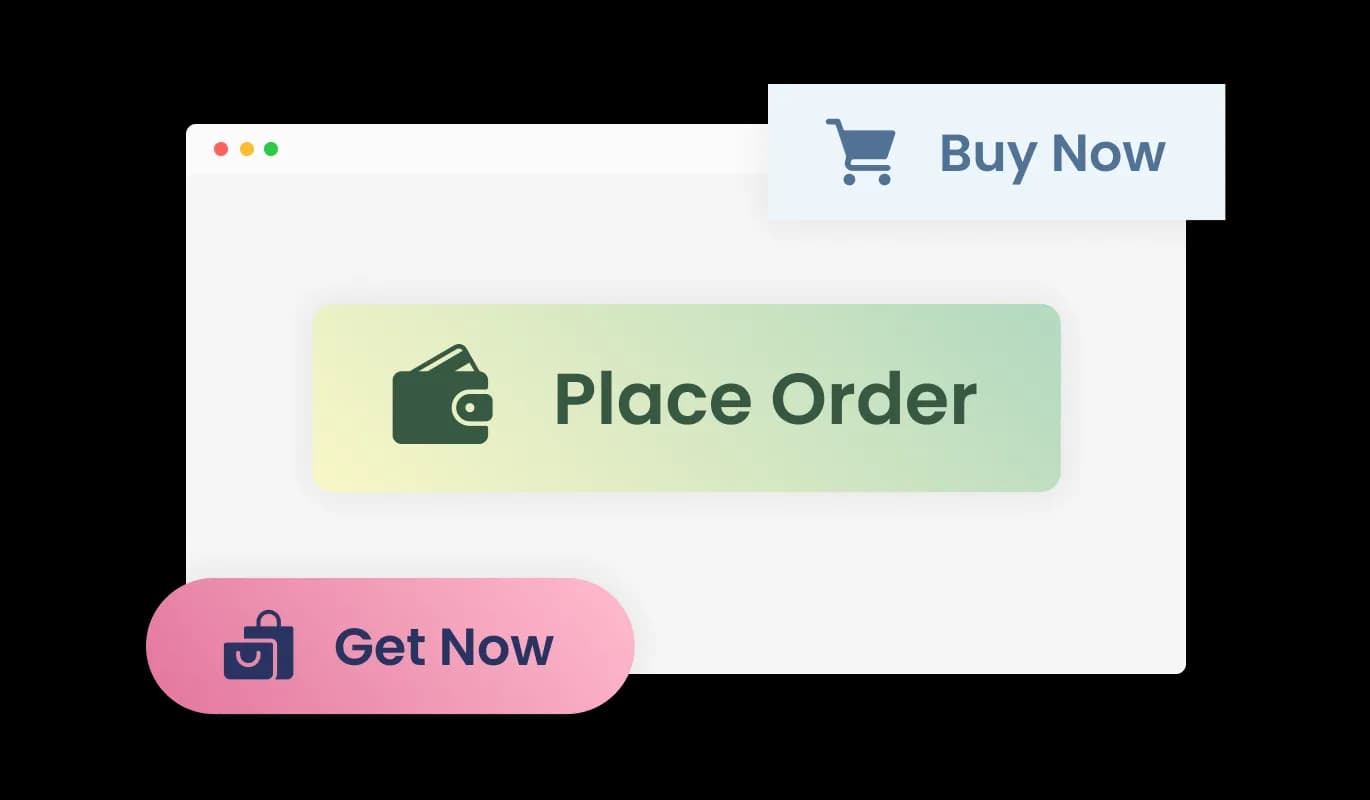
The PayPal Button includes a range of ready made design skins, allowing you to choose a look that fits your website instantly. These polished styles reduce the need for manual customization while creating a more attractive and trustworthy payment experience that can encourage more customers to complete purchases.
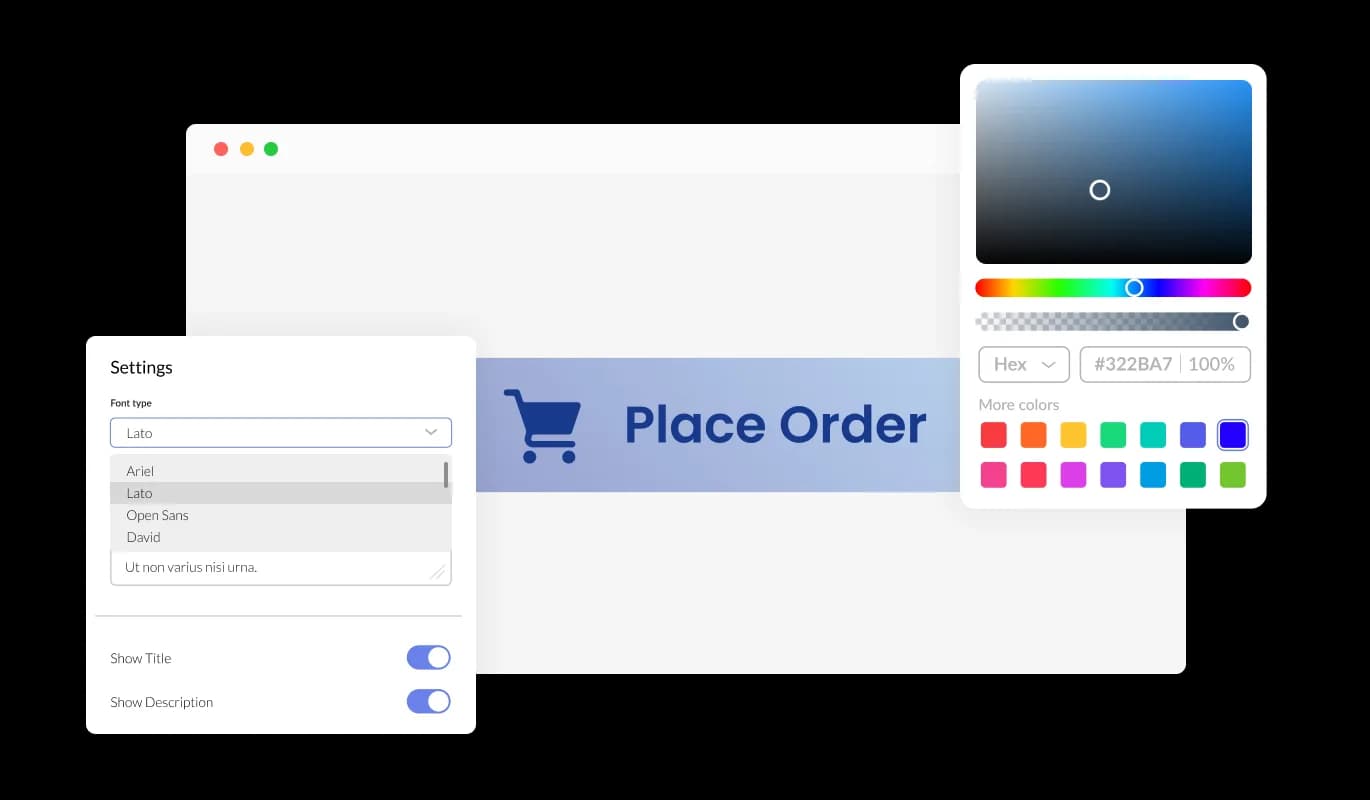
The PayPal Button offers complete control over its appearance so it aligns perfectly with your website. You can adjust colors, typography, spacing, and layout details to match your brand style. Consistent design helps customers recognize your business, builds trust during checkout, and creates a more professional payment experience.
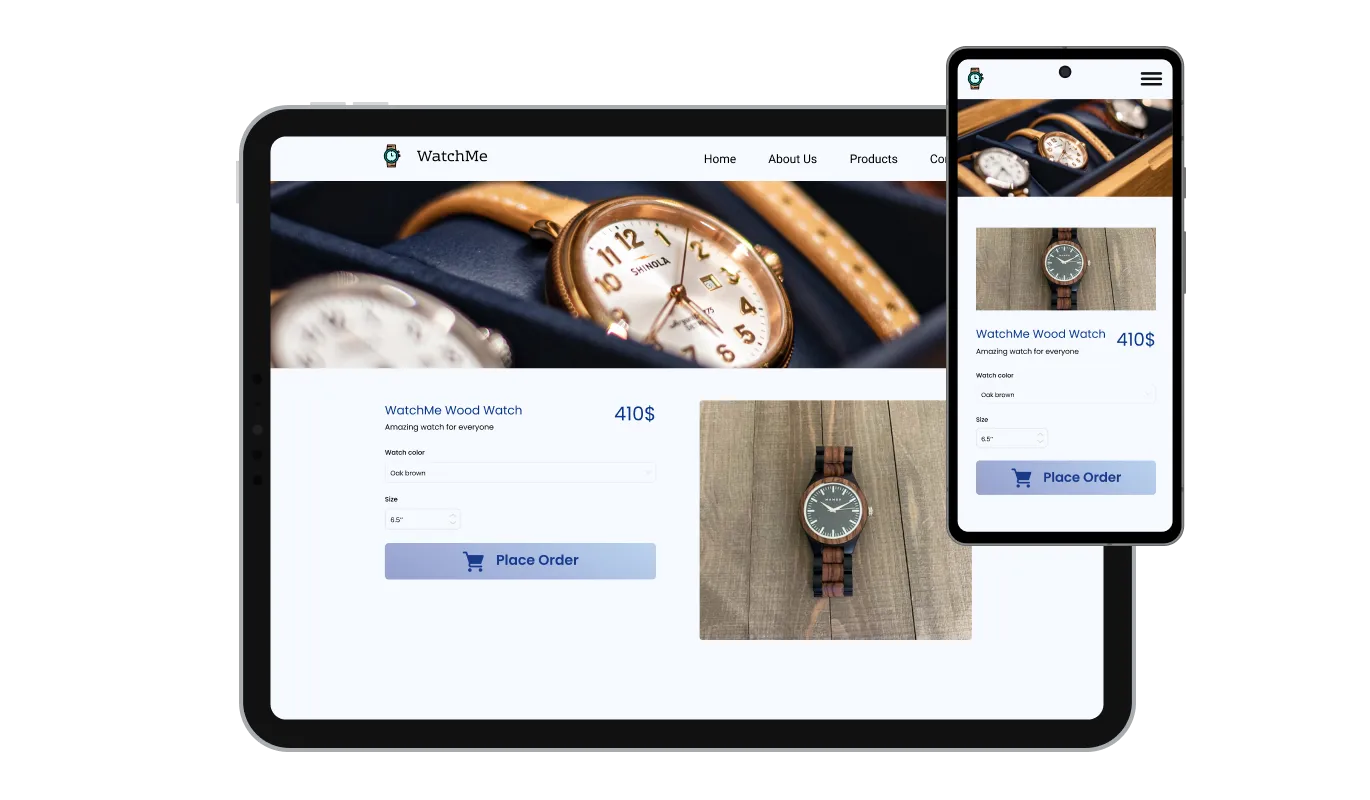
The PayPal Button is designed to adapt automatically across desktops, tablets, and mobile screens. This ensures a consistent checkout experience no matter how customers browse your site. In today’s mobile first environment, responsive payment options help reduce friction, increase conversions, and keep users engaged through the entire purchase flow.

Adding the PayPal Button to your site is quick and straightforward. Just copy a single embed code and paste it into your website. Any updates you make through the dashboard are applied automatically, so your payment button always stays current without requiring manual changes or repeated installation steps.
The PayPal Button includes optional email notifications and webhook integrations to help you stay informed about every transaction. You can enable alerts for both site owners and customers, making it easy to confirm successful payments, monitor sales activity, and manage purchases efficiently without manual tracking.
The PayPal Button allows you to view all transactions processed through the button directly from your dashboard. You can also export payment history as a CSV file, making it easy to organize records, analyze performance, or share data with accounting and reporting tools.
The PayPal Button lets you manually add taxes and shipping fees to ensure customers see an accurate total before completing payment. This is especially useful when selling physical products or applying region specific charges, helping you maintain transparency and provide a clear checkout experience.
Beyond the standard design settings, the PayPal Button supports custom CSS for deeper visual customization. This gives you the freedom to refine spacing, typography, and interface details so the button integrates seamlessly with your website’s branding and design system.
Common Ninja has amazing no-code widgets that would beautify a website built on any builder. It is very easy to use and customise. It has as many widgets for almost everyone willing to make their website impressive.
Outstanding service. I use their widgets to help me with my web design business and whenever I need help they are very quick to help.
Excellent company with excellent service!!! We used it to build a survey, it was very user friendly. The service was perfect. Amit helped us with every problem and question we had, thank you very much!!!
Common Ninja saved the day when building our website and the customer service Daniel, the co-founder and CEO, provided was amazing.
You need an account that can receive payments, which for most sellers means a PayPal business account. The button connects to it, and funds settle there rather than passing through Common Ninja. Stripe is supported as an alternative if that is what you already run.
PayPal's hosted checkout generally offers a card option alongside signing in, so a buyer without an account can usually still pay. Exactly what is offered depends on the buyer's country and your account settings, so test a real purchase from the region you sell to.
To the payment provider, never to your page or to Common Ninja. That is the main reason to use a hosted checkout rather than building a form: the sensitive part happens on infrastructure built to handle it.
Your payment provider sets them and takes them, and they vary by country, currency, and account type. Check PayPal's or Stripe's current published rates for your market rather than assuming a figure, particularly for cross-border and currency-conversion charges.
Yes, both can be added so the buyer sees an accurate total before paying. Note these are amounts you set, not automatic tax calculation by jurisdiction, so if you sell across tax borders check what you are required to collect.
Optional email alerts and webhooks fire on a completed transaction, and every payment appears in your dashboard where it can be exported. The webhook is the one to use if something on your side needs to act automatically.
Yes. Set a custom confirmation or thank-you message, which is the place to say when delivery happens or what the buyer should do next, rather than leaving them on a bare success screen.
Each button takes one payment for one thing, so several products means several buttons. Once you need a cart, stock levels, or variants, that is the point where a full store is the right tool instead.
Pick your platform. Each takes under 4 minutes.

A payment button that triggers a recurring payment form linked to PayPal or Stripe for easy subscription setup
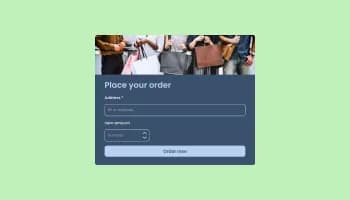
Allow users to fill in orders, save submissions, enable notifications, and more
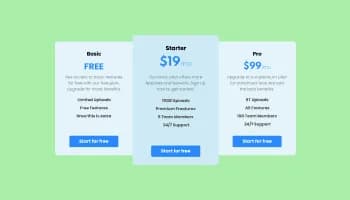
Displays pricing options for products or services in a clear and organized format

Collect and manage donations securely with a customizable, easy-to-integrate online donation form
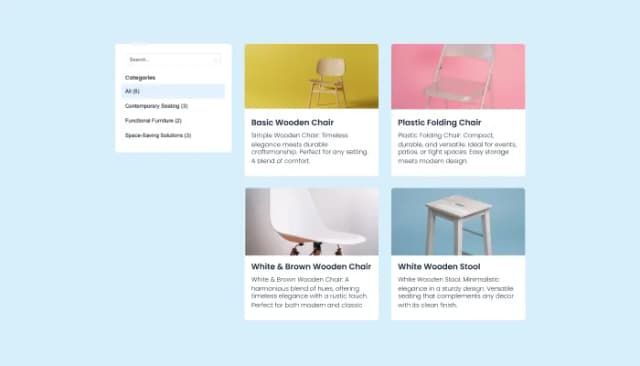
Create, customize, and display product catalogs seamlessly on any website.
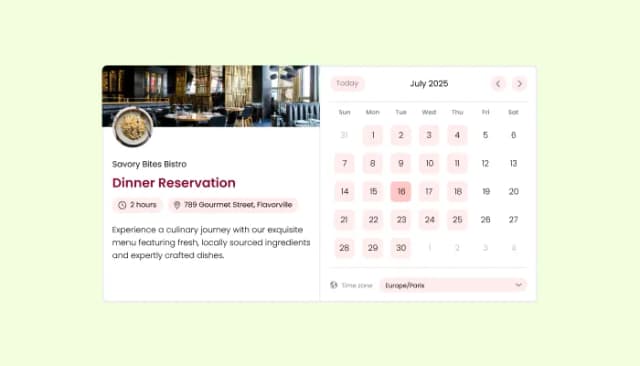
Manage appointments, sync calendars, and send reminders efficiently.
To get started, simply create an account and launch the PayPal Button from your dashboard. You can begin with the free plan and set up your first payment button in minutes.
Yes. The PayPal Button is available on a free plan with included features. Usage limits apply, and upgraded plans are available for higher traffic and additional capabilities.
Yes. The PayPal Button can be embedded on any website builder or system that allows custom code, including all major platforms and future website technologies.
Embedding is quick and simple. Copy the provided code snippet and paste it into your website. The button will appear instantly and stay updated automatically when you make changes.
Yes. All payments made through the PayPal Button are visible in your dashboard, and you can export full transaction records as a CSV file for accounting or reporting.
Yes. You can manually add taxes and shipping charges so customers see an accurate final price before completing payment.
Yes. The PayPal Button includes a variety of pre designed skins so you can choose a professional look without spending time on manual styling.
Absolutely. You can adjust colors, fonts, spacing, and layout settings to ensure the button fits seamlessly into your website design.
Yes. For deeper design control, you can apply custom CSS to fine tune every visual detail of the PayPal Button.
Yes. The PayPal Button is fully responsive, ensuring a consistent checkout experience across desktops, tablets, and smartphones.
Yes. You can show custom post payment messages to confirm successful transactions, thank customers, or provide next step instructions.
Yes. The PayPal Button supports optional email alerts and webhooks. Notifications can be configured for both site owners and buyers directly from the settings.
No. The PayPal Button is built for non technical users, with a drag and drop editor and simple configuration options that require no development knowledge.
A one-off payment button that opens a secure hosted checkout, so card details never touch your site. Connect PayPal or Stripe, add taxes and shipping to the total, show a custom thank-you message, get email alerts and webhooks on every transaction, and export your payment records. Ready-made styles and custom CSS included. Embed on 200+ platforms including WordPress, Shopify, Wix, Webflow, and Squarespace.
Create your buttonNo credit card · No coding