Try for free!

PayPal Donate Button

Make it easy for supporters to contribute using PayPal or Stripe by adding a donation button that keeps giving fast, secure, and on site.

Create a PayPal Donate Button

loved by 500K+ businesses

plugineditoreditor

Why Should You Use the PayPal Donate Button Widget+?

Turn Visitors into Active Supporters

Adding a PayPal Donate Button gives visitors a simple way to take action and support your mission directly from your website. By lowering the barrier to contribution, you invite users to participate rather than just observe, helping build stronger relationships and a more involved community around your cause.

Make Ongoing Support Easy to Commit To

A PayPal Donate Button makes recurring contributions easy to set up and manage. When visitors can quickly opt into regular giving, it becomes easier to nurture long term donor relationships. Consistent contributions help create predictable support and allow your organization to plan and grow with confidence.

Increase Contributions with a Frictionless Giving Experience

Placing a PayPal Donate Button prominently on your site removes friction from the donation process. Clear messaging, flexible contribution options, and a trusted payment experience can encourage higher participation and more generous donations, helping you reach your funding goals more effectively.

Accept Donations Through Trusted Payment Providers

The PayPal Donate Button connects your website with reliable payment processing options, allowing you to accept donations through PayPal and supported gateways. This flexibility helps you align online giving with your existing payment setup while offering donors a familiar and secure checkout experience.
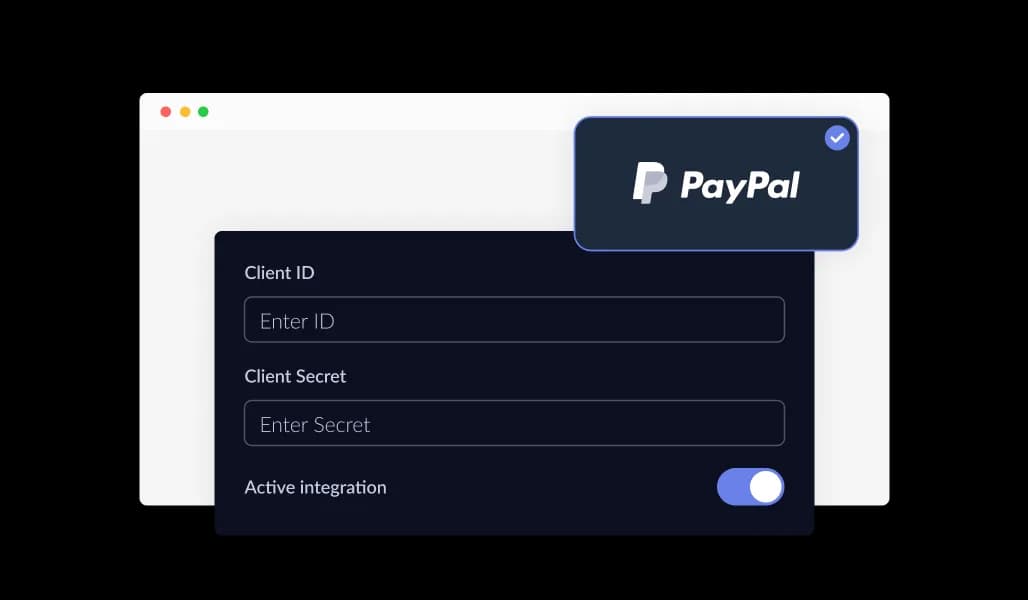
PayPal Donate Button - Accept Donations Through Trusted Payment Providers

Show Confirmation and Thank You Messages After Payment

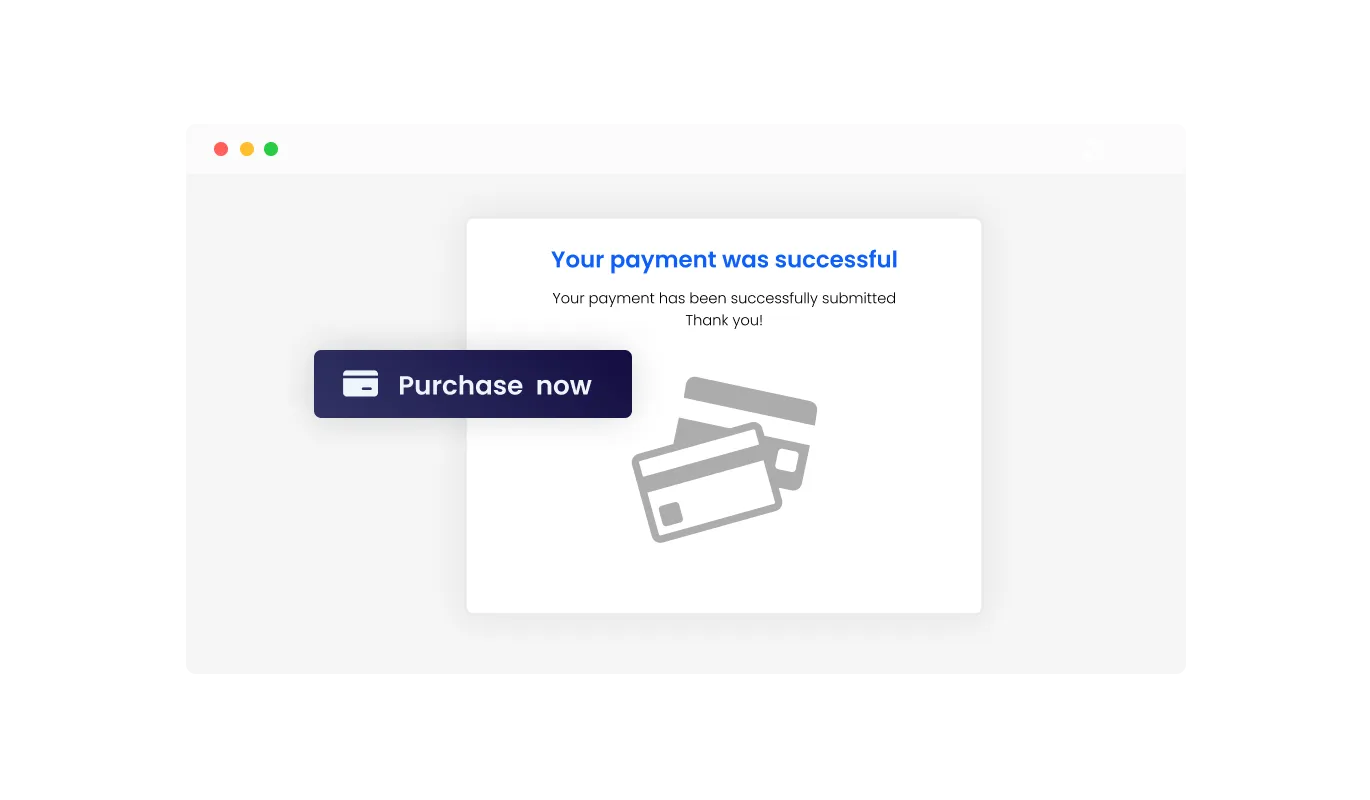
The PayPal Donate Button lets you display custom messages once a donation is completed. You can confirm that the payment was successful, thank supporters for their contribution, or share next steps. Clear post payment messaging adds transparency to the process and helps reinforce trust, while also strengthening the relationship between your organization and its supporters.

PayPal Donate Button - Show Confirmation and Thank You Messages After Payment

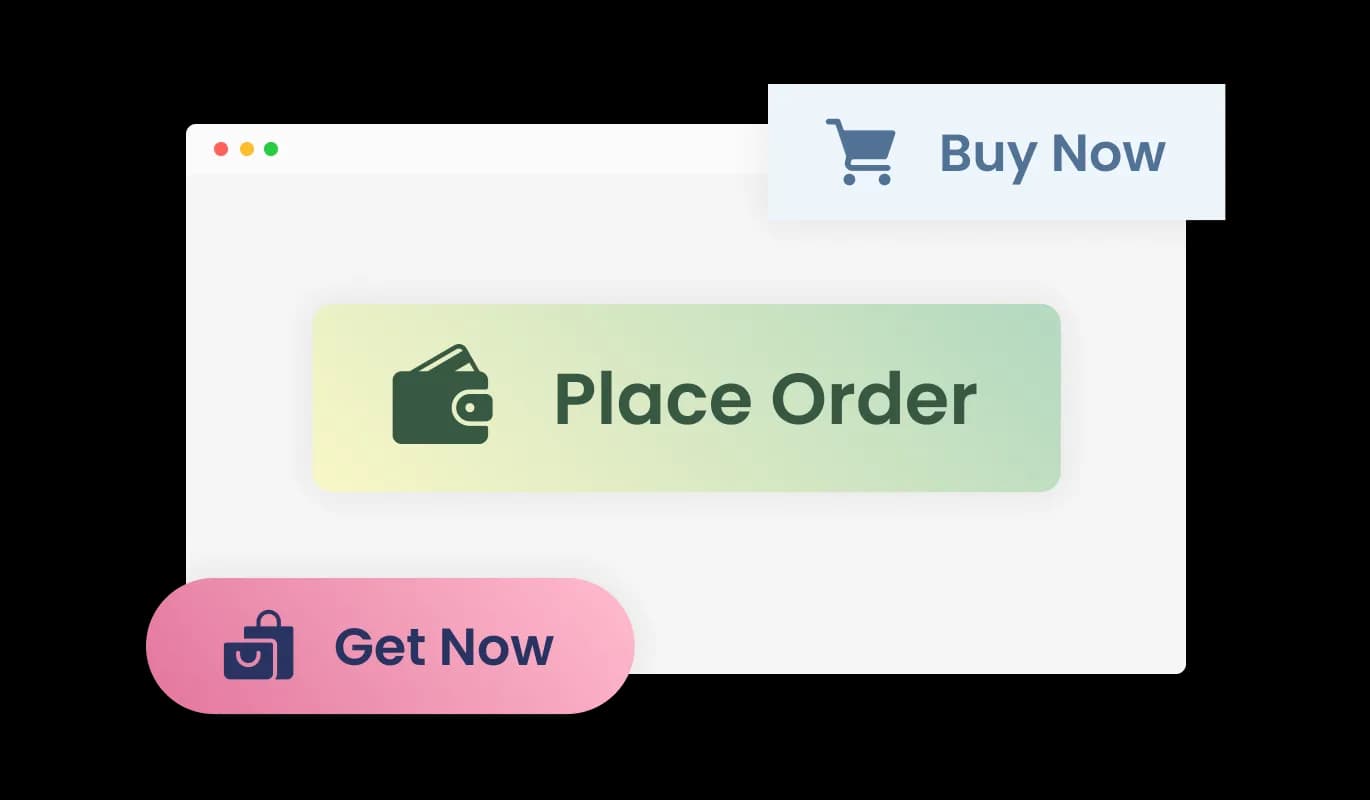
Select a Ready Made Style for Your Donate Button

The PayPal Donate Button includes multiple pre designed styles, allowing you to choose a look that fits your website without spending time on manual design work. A visually appealing button draws attention, feels trustworthy, and can encourage more visitors to complete their donation. These built in styles make it easy to create a polished and inviting donation experience.

PayPal Donate Button - Select a Ready Made Style for Your Donate Button

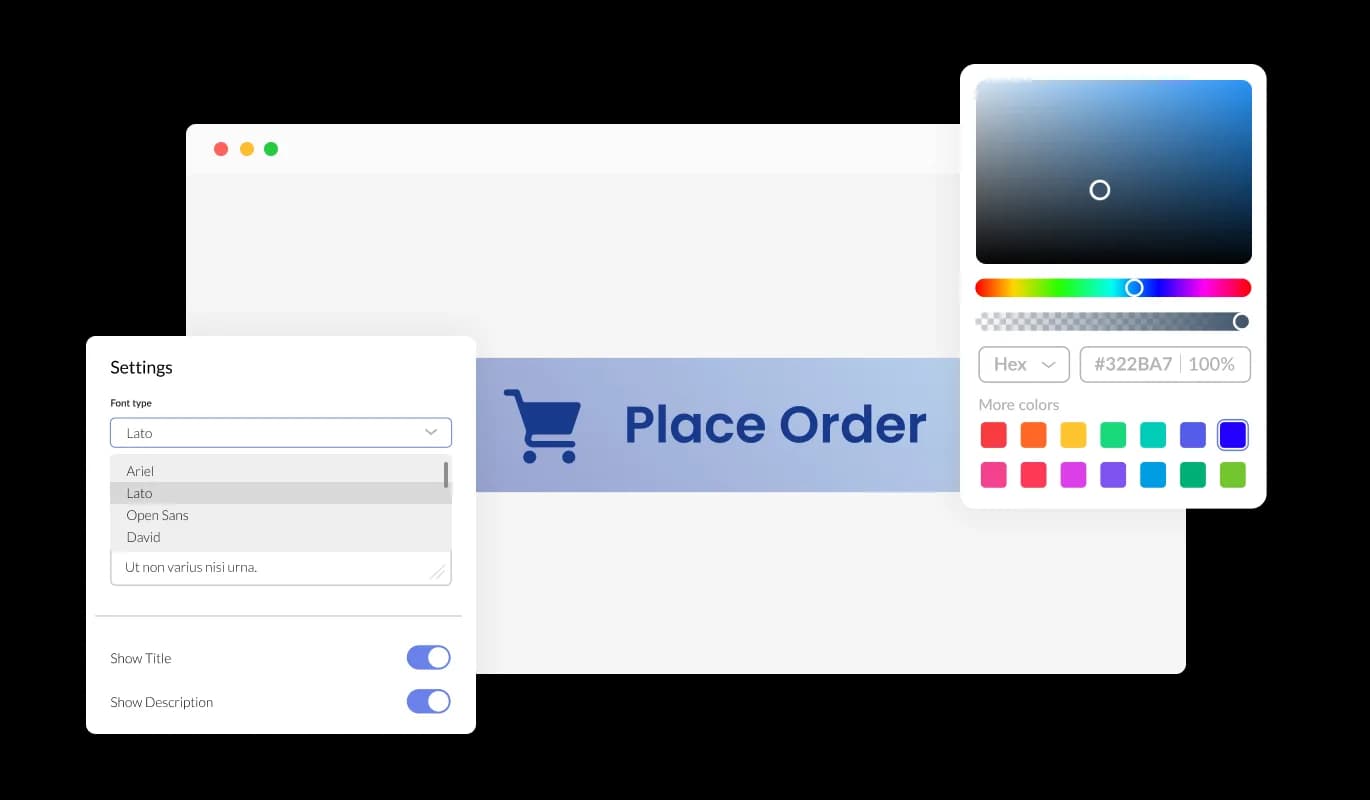
Customize the PayPal Donate Button to Match Your Brand

The PayPal Donate Button gives you full control over its appearance so it fits naturally into your website. You can adjust colors, fonts, spacing, and layout details to align with your brand identity. A consistent and recognizable design helps donors feel confident and familiar with your organization, which can lead to higher trust and increased support.

PayPal Donate Button - Customize the PayPal Donate Button to Match Your Brand
PayPal Donate Button - Stay Informed with Donation Alerts and Webhooks

Stay Informed with Donation Alerts and Webhooks

The PayPal Donate Button includes configurable email alerts and webhook support to keep you updated on donation activity. Notifications can be enabled for both site owners and donors, making it easy to track contributions, confirm successful payments, and stay informed without manual monitoring.

PayPal Donate Button - Review and Export Donation Activity with Ease

Review and Export Donation Activity with Ease

The PayPal Donate Button lets you view all donation transactions directly from your dashboard in one organized list. You can also export donation records as a CSV file, making it easy to analyze contributions, reconcile payments, or share data with accounting and reporting tools. This visibility helps you manage donor activity efficiently and make informed decisions based on real data.

PayPal Donate Button - Add Taxes and Additional Charges for Accurate Totals

Add Taxes and Additional Charges for Accurate Totals

The PayPal Donate Button allows you to include taxes and shipping related charges as part of the donation flow when needed. This option is useful for organizations that offer physical rewards, merchandise, or region specific tax requirements. By defining these values manually, you ensure that the final amount presented to donors is clear and accurate. This added transparency helps avoid confusion at checkout while giving you better control over pricing and compliance.

PayPal Donate Button - Set Up and Manage Donations Without Technical Skills

Set Up and Manage Donations Without Technical Skills

Using the PayPal Donate Button does not require coding or technical experience. An intuitive dashboard allows you to customize the button, manage settings, and apply changes with just a few clicks. This simple setup process makes it easy to launch and maintain a professional donation flow without development effort.

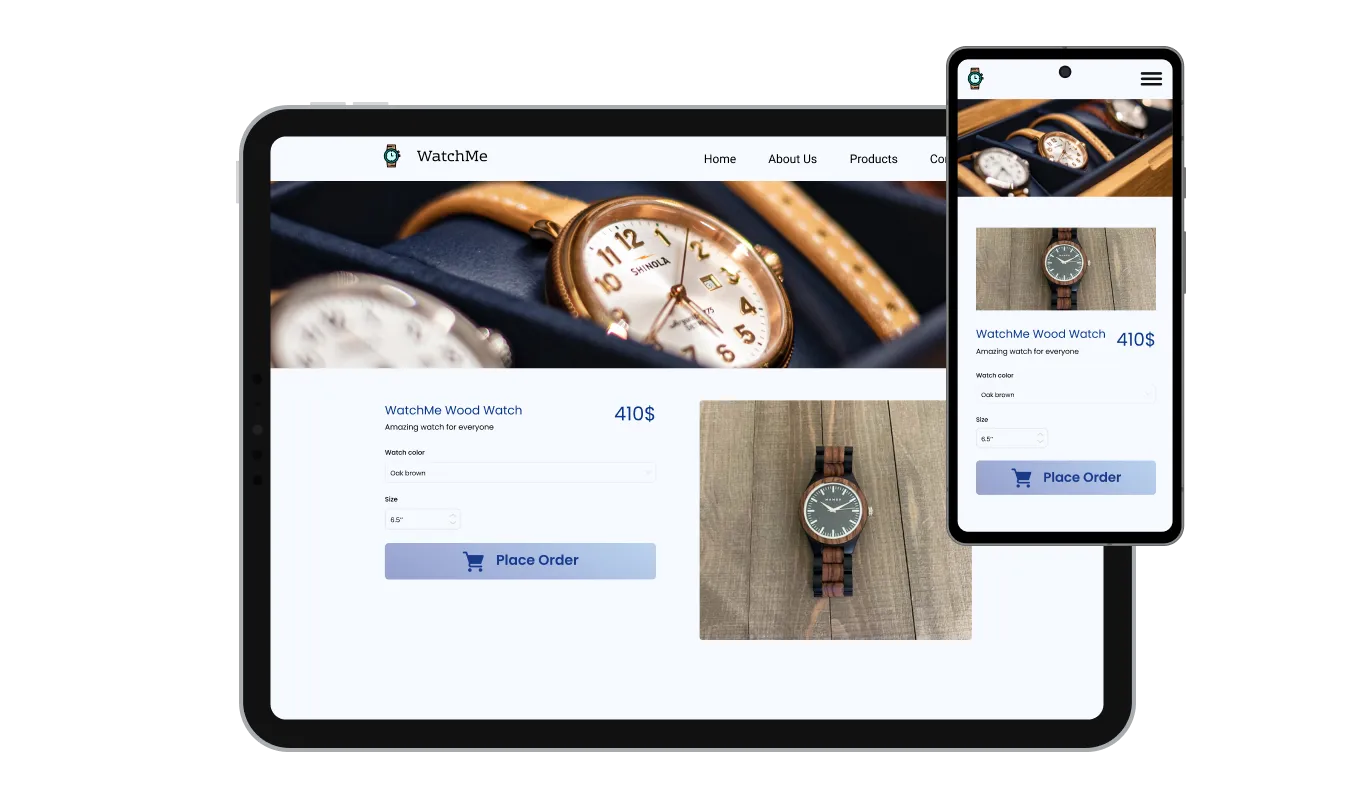
Deliver a Smooth Donation Experience on Any Device

The PayPal Donate Button is designed to adapt seamlessly across desktop, tablet, and mobile screens. This responsive behavior ensures that donors can complete contributions comfortably from any device. In a mobile focused browsing environment, this consistency helps reduce friction and increases the chances of successful donations.

PayPal Donate Button - Deliver a Smooth Donation Experience on Any Device

Extend Styling Control with Custom CSS

For advanced customization, the PayPal Donate Button supports custom CSS. This allows designers and developers to fine tune visual details such as spacing, typography, animations, and layout behavior. With custom styling, you can ensure the donate button integrates perfectly with your website’s design system and overall aesthetic.

PayPal Donate Button - Extend Styling Control with Custom CSS

Embed the PayPal Donate Button in Seconds

Adding the PayPal Donate Button to your website is quick and straightforward. Simply copy a single embed code and paste it into your site. Any updates you make through the dashboard are applied automatically, so your donation button always stays up to date without requiring manual changes or redeployment.

PayPal Donate Button - Embed the PayPal Donate Button in Seconds

Compatible With All Site Builders, E-Commerce Platforms and Websites

webflow logoshopify logowix logowordpress logobigcommerce logosqurespace logoweebly logojoomla logoduda logojimdo logomagento logoshift4hsop logounbounce logocarrd logo
View all supported platforms

FAQ

You can begin by creating an account and setting up the PayPal Donate Button using the free plan. Once created, you can customize the button and add it to your website in just a few steps.

Yes. The PayPal Donate Button is available on a free plan that includes core features. Usage limits apply, and higher plans are available if you need additional capacity or advanced options.

The PayPal Donate Button can be embedded on any website that supports custom code. This includes all major website builders and platforms, as well as custom built sites.

You can embed the button by copying a single code snippet from your dashboard and pasting it into your site. Any future changes you make are applied automatically without needing to update the code.

No. The PayPal Donate Button is managed through a visual editor, allowing you to customize and publish the button without writing any code.

The PayPal Donate Button supports both PayPal and Stripe, allowing you to choose the payment provider that best fits your organization and audience.

Yes. All donation activity is visible in your dashboard, and you can export transaction data as a CSV file for reporting, accounting, or analysis purposes.

Yes. You can manually include taxes or shipping related charges when needed. This helps ensure transparency and accurate totals, especially when donations are tied to physical items or regional requirements.

Yes. The PayPal Donate Button includes a selection of pre designed styles that help you get started quickly without needing to design the button from scratch.

Yes. You can adjust colors, fonts, spacing, and layout settings to match your website’s design. Custom CSS is also supported for advanced styling needs.

Yes. The button is fully responsive and adapts automatically to desktop, tablet, and mobile screens, ensuring a smooth donation experience on any device.

Yes. You can display custom confirmation or thank you messages after a donation is processed. This helps reassure donors and strengthens the connection with your supporters.

Yes. You can enable or disable email notifications and webhooks for both site owners and donors. These settings are managed directly from the dashboard.

Yes. The PayPal Donate Button is built with privacy in mind and follows GDPR requirements, helping you protect donor data.