
Petition Form for Framer

Gather supporter signatures with a petition form that collects entries, saves submissions, sends notifications, and helps you drive meaningful change efficiently.

Create an Online Petition Form

loved by 500K+ businesses

Framer
plugineditor

Why Should You Use the Petition Form Widget+?

Empower Causes with the Framer Digital Petition Platform

The Framer online petition tool streamlines petition creation and distribution, enticing more individuals to join and back crucial campaigns. This can contribute to intensified participation and reinforcement for the targeted cause. With social media sharing and approachable features, online petition forms establish a collective spirit and stimulate increased active engagement in the campaign.

Efficient management with a Petition Form for Framer

Leveraging capabilities such as submission management, CSV exporting, and notifications, overseeing and acting on petitions is made more effective and smooth on Framer. The Framer petition also presents modifiable form fields, hand-drawn signature features, and CAPTCHA spam defense, promising a secure and easy-to-use experience for both petition makers and backers.

Design Bespoke and Enticing Petitions with Framer

Offering numerous customization possibilities, Framer petition forms enable users to include images, hand-drawn signatures, and custom form fields in alignment with distinct needs. This flexibility enables you to create petitions that are unique to their cause and more engaging to their audience.

Choose from Various Form Fields with Framer Petition Tool

The Framer Petition creator features an abundance of form fields that you can opt for and add to your form, catering to your distinct purposes and aims. Click on the "Add Field" feature to unveil a large selection of field formats. Plus, effortlessly adjust the sequence of form fields by dragging and dropping them into your desired order.
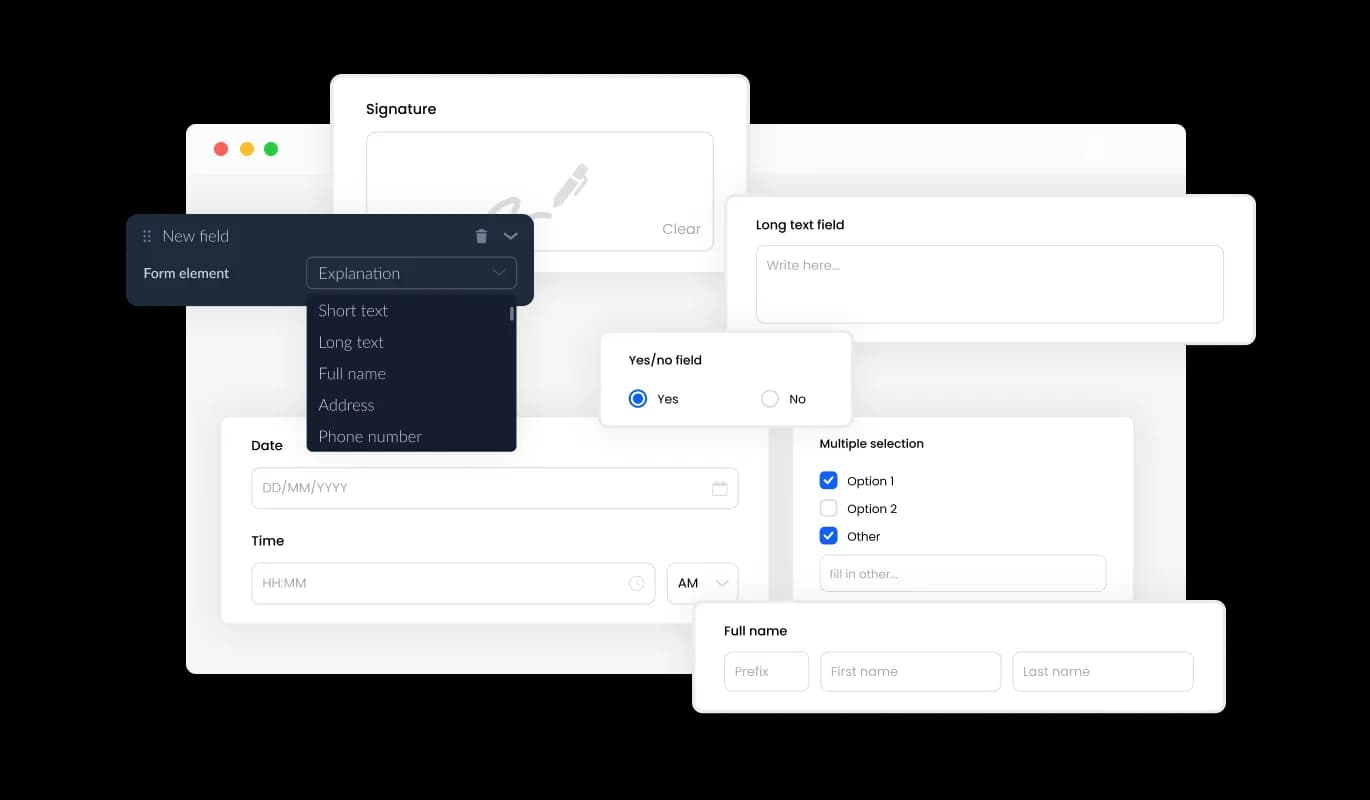
Petition Form - Choose from Various Form Fields with Framer Petition Tool

Authentic and Engaging: Hand-Drawn Signatures on Framer Petition Forms

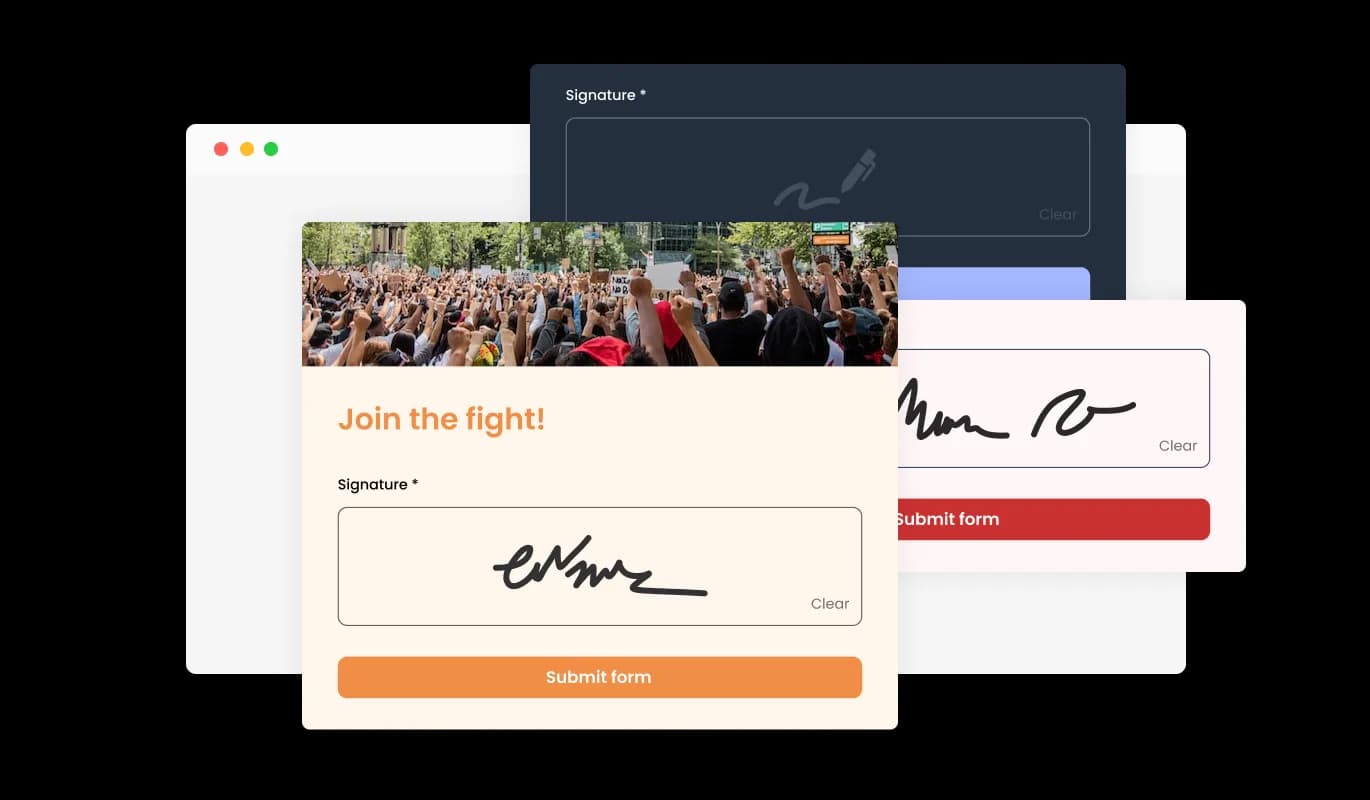
The hand-drawn signature option in the Framer online petition form app lets users personalize their petitions by giving signatories the ability to include their handwritten signatures. This feature creates a more authentic and individualized experience for both the user and the signatory, increasing the likelihood of signatories engaging with the petition. Furthermore, hand-drawn signatures aid in confirming the genuineness of the signatory, thereby increasing the credibility of the petition. As a whole, this feature substantially improves your online petition experience on Framer, allowing users to craft more appealing and engaging petitions.

Petition Form - Authentic and Engaging: Hand-Drawn Signatures on Framer Petition Forms

Framer Petition Form: Simple and Effective Signature Tracking

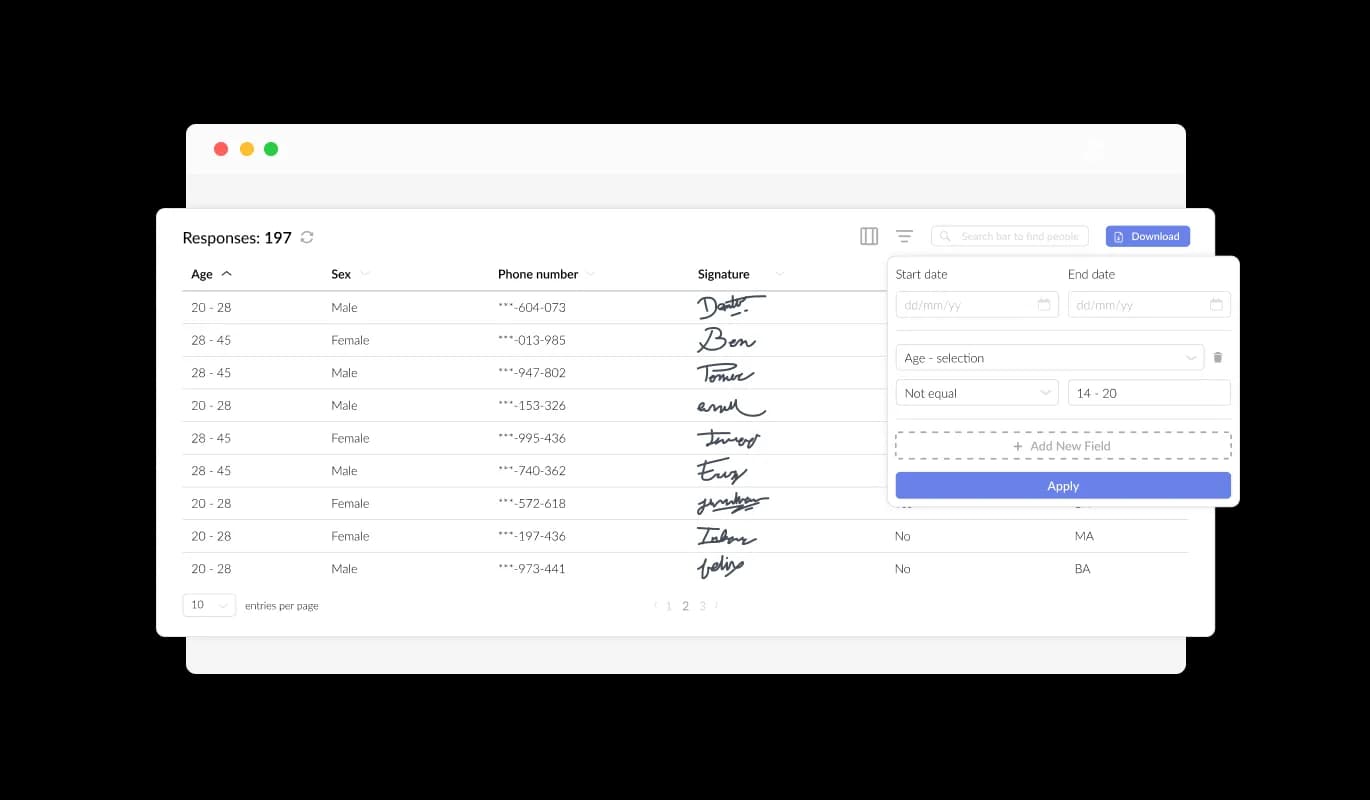
The Framer Petition Form allows for simple and effective monitoring of all entries submitted through the form with its easy-to-use interface. This feature simplifies the organization and management of all communications and inquiries from users, enabling you to respond promptly and effectively to their requests.

Petition Form - Framer Petition Form: Simple and Effective Signature Tracking

Improve User Experience with Engaging Content and Images in Framer Petition Forms

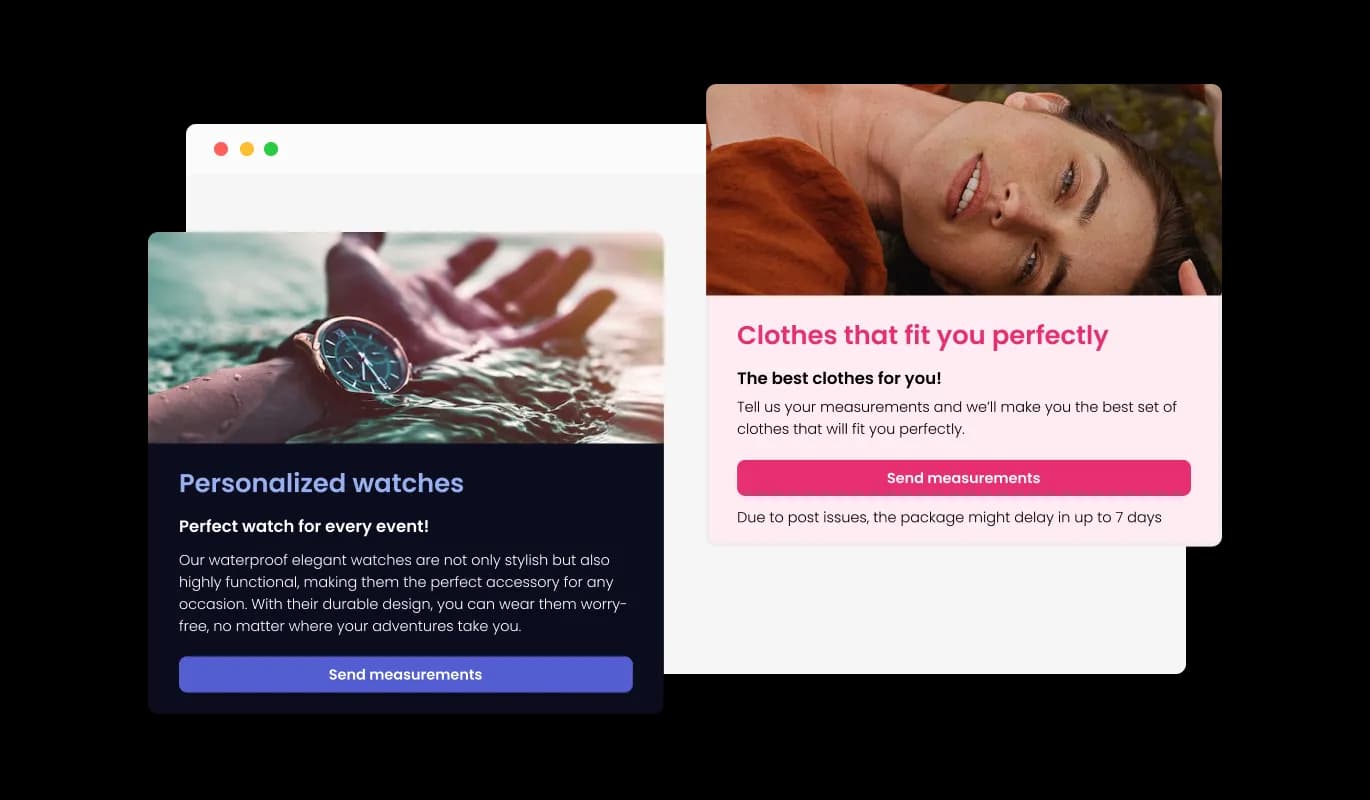
Enhance user engagement and experience on your Framer website by adding compelling titles, informative text, and visuals to your petition form. Including explanatory form elements can also help guide users through the submission process, resulting in a smoother and more efficient experience that can increase the likelihood of gathering more signatures or support for your cause.

Petition Form - Improve User Experience with Engaging Content and Images in Framer Petition Forms

Tailor Your Framer Petition Form's Header and Footer for a Professional Look

With the Framer Petition builder, you can customize the header and footer of your petition form, and even add images to make it more visually appealing and professional. This feature provides a prime opportunity to highlight your brand and establish a consistent and engaging form that is consistent with your Framer website's design and aesthetic. A customized petition form generates a one-of-a-kind and lasting impression for supporters, fostering trust and enhancing your cause's reputation.

Petition Form - Tailor Your Framer Petition Form's Header and Footer for a Professional Look

CAPTCHA Anti-Spam: Secure Your Framer Petition from Bots

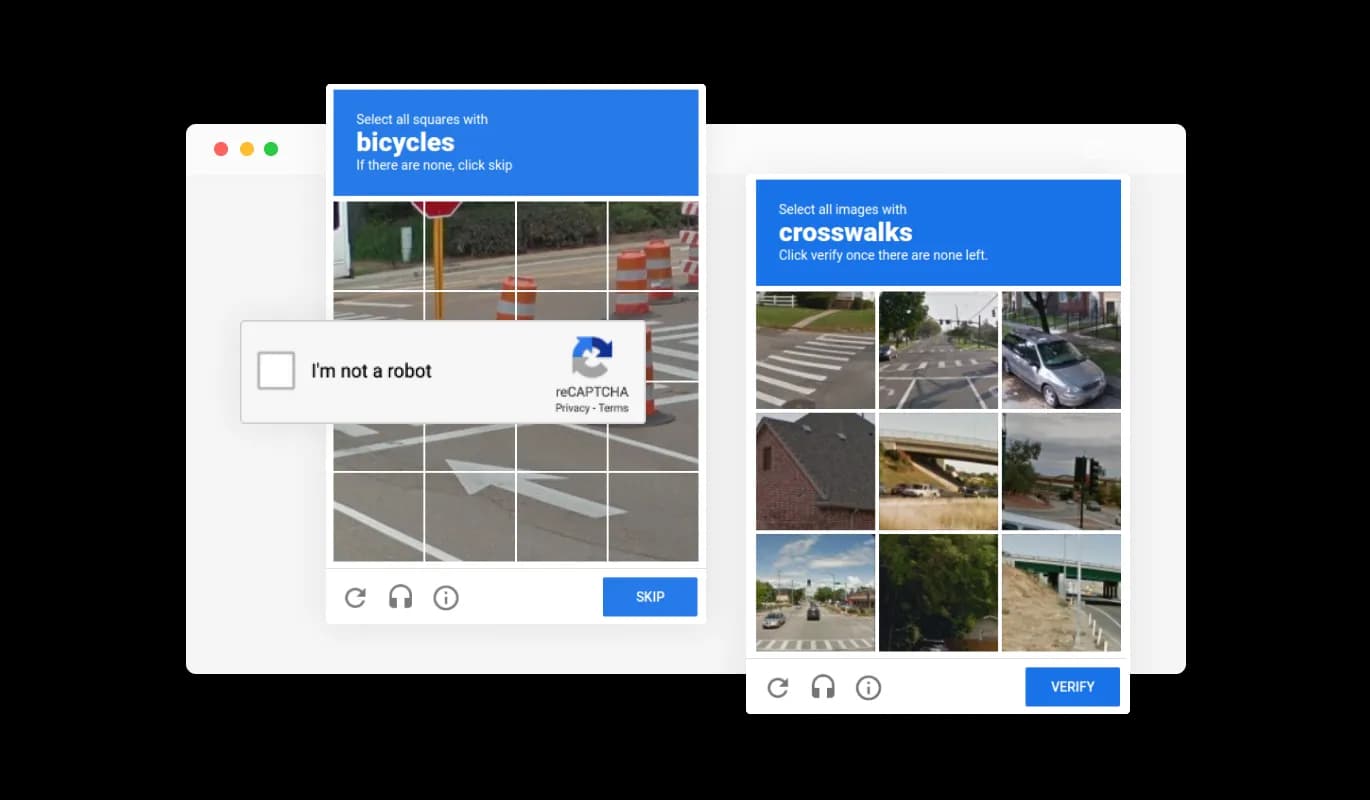
To keep your Framer petition form free from spam and bot-generated entries, the Petition Form includes a CAPTCHA anti-spam feature. With a verification task to be completed before signature submission, this feature ensures the legitimacy of every supporter who signs your petition. This protective measure safeguards your petition from spam and bot-generated messages, preserving the reliability and trustworthiness of your cause. The CAPTCHA feature guarantees that all signatures collected are from authentic supporters, reinforcing your petition's legitimacy.

Petition Form - CAPTCHA Anti-Spam: Secure Your Framer Petition from Bots
Petition Form - Export Petition Summations to CSV

Export Petition Summations to CSV

With the Framer Petition builder, you can export all entries in a CSV format, facilitating data analysis and integration with other applications or software. This CSV export functionality is crucial for managing interactions with supporters, producing reports, and studying trends to measure the effectiveness of your petition. With the exported petition data, you can access essential insights into your petition's progress, enabling you to make strategic decisions to optimize your campaign's performance.

Petition Form - Get Real-time Updates on Framer Petition Submissions

Get Real-time Updates on Framer Petition Submissions

Keep up-to-date on new signatures with instant notifications provided by the Petition builder for Framer. Toggle notifications for both the form owner and submitting user, ensuring that you and your supporters stay in the loop with the most recent submissions. Besides, you can establish automatic email notifications for all form submissions and issue a confirmation email to users following a successful signing. With this feature, you can consistently engage with your supporters, promoting involvement and propelling your cause's progress.

Petition Form - Effortless Framer Petition Embedding for Your Site

Effortless Framer Petition Embedding for Your Site

With a quick copy-paste of the given code snippet into your page's HTML code, you can easily embed the Petition Form on your Framer site. The Framer petition also boasts an auto-update function, which automatically syncs any alterations made in the Petition Form editor with your Framer site.

Beautiful Petition Skins: Enhance Your Framer website Petition's Appeal

The Petition Form for Framer comes with a variety of beautiful skins that you can choose from so you don’t have to spend much time on extensive customization. Furthermore, the striking skins cater to diverse audiences, guaranteeing that your petition will grab the spotlight and garner the attention it merits. The visually impactful skins cater to the tastes of different audiences, assuring that your petition garners attention and earns the backing it deserves.

Petition Form - Beautiful Petition Skins: Enhance Your Framer website Petition's Appeal

Create a Unique Framer Petition with Complete Customization Options

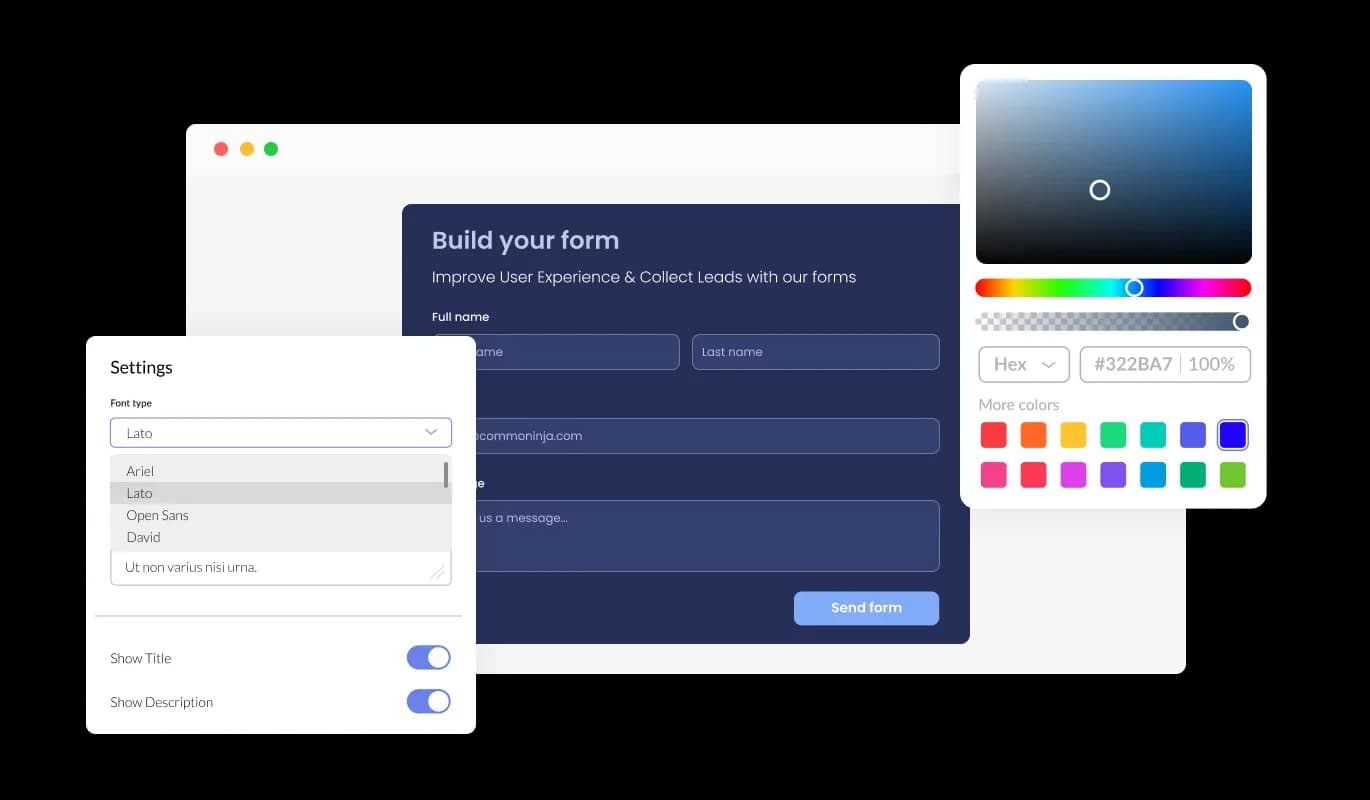
The Petition Form features full customization options so you can edit the design to fit your needs. Change the colors, the fonts, the spacing, and anything else! The adaptability offered by these customization options empowers users to create one-of-a-kind petitions that successfully convey their message while showcasing their individual style and branding.

Petition Form - Create a Unique Framer Petition with Complete Customization Options

Enjoy a Consistent Experience Across Devices with Framer Petition Form

The Petition Form is fully responsive and will look great on any device. b. With a completely responsive design, the Petition Form is guaranteed to appear stunning on all devices. With the growing prevalence of mobile internet usage, providing a form that's tailored for optimal viewing on mobile devices is indispensable.

Petition Form - Enjoy a Consistent Experience Across Devices with Framer Petition Form

Framer Petition Builder: Create and Customize with Ease

Experience hassle-free petition creation with the Framer Petition builder, designed for ease of use without requiring any coding skills. The intuitive dashboard and drag-and-drop functionality allows you to easily tailor your Framer petition to your preferences with a few quick clicks.

Petition Form - Framer Petition Builder: Create and Customize with Ease

Unleash Your Creativity with Custom CSS for Your Framer Petition

Take charge of your Framer Petition Form's appearance using the comprehensive capabilities of our advanced editor. This tool allows you to effortlessly edit the CSS of the petition form, creating a truly personalized design that reflects your brand identity and visual language. But if you're feeling particularly creative, you can take your customization to the next level by editing the CSS directly.

Petition Form - Unleash Your Creativity with Custom CSS for Your Framer Petition

Compatible With All Site Builders, E-Commerce Platforms and Websites

webflow logoshopify logowix logowordpress logobigcommerce logosqurespace logoweebly logojoomla logoduda logojimdo logomagento logoshift4hsop logounbounce logocarrd logo
View all supported platforms

FAQ

An online petition form is a digital form that allows individuals or organizations to create a petition and collect signatures or support online. Online petition forms typically include fields for users to enter their name, email address, location, and a message of support. Petitions may be created for a variety of reasons, such as to raise awareness of a cause, advocate for a specific policy or action, or show support for a particular individual or group. Online petition forms offer a convenient and accessible way for individuals to participate in social and political movements and engage with causes they care about.

  1. Keep it simple: Design your form with simplicity in mind. Avoid overcomplicating your form with unnecessary fields, and keep the form visually appealing and easy to read.
  2. Focus on the message: Your form should clearly communicate the message or purpose of your petition. Use a clear and concise language to express your message, and provide supporting information or resources to back up your claims.
  3. Make it shareable: Include social sharing buttons that allow users to easily share the petition with their social media followers or email contacts. This helps to expand the reach of your petition and attract more signatures.
  4. Ensure security: Use encryption and other security measures to protect the personal information of your users. This helps to build trust with your audience and ensures that their information is not compromised.
  5. Provide updates: Keep your supporters informed about the progress of your petition. Provide regular updates on social media or through email newsletters to keep supporters engaged and motivated.
  6. Consider accessibility: Make sure that your form is accessible to all users, including those with disabilities. Use appropriate colors, font sizes, and other design elements to ensure that your form is easy to use for all.


By following these best practices, you can create an effective online petition form that engages your audience and generates support for your cause.

Yes, you can easily do so from the “Templates” tab.

Yes, there are lots of beautiful skins that you can choose from to save time and start using the petition as quickly as possible. 

Yes, you can either upload an image, or select an icon from a large selection of available icons to add to your petition, or, alternatively, you can leave it all blank. 

It’s simple. All you need to do is to sign up and start using the free version.

Common Ninja’s Petition Form is free to use. It is limited to a certain amount of views, however.

Common Ninja’s Petition Form is compatible with ALL current and future website builders.

Yes, the Petition Form is GDPR-compliant.

No. Using our Petition Form is very simple. The petition comes with an intuitive drag-and-drop interface and fully customizable options. Once you’ve finished editing the petition to your liking, all you need to do is copy the provided code and add it to your website.

Yes. We are eager to hear your request. Please visit our Feature Request page.