Petition Form for MotoCMS

Gather supporter signatures with a petition form that collects entries, saves submissions, sends notifications, and helps you drive meaningful change efficiently.

Create an Online Petition Form

loved by 500K+ businesses

MotoCMS
plugineditor

Why Should You Use the Petition Form Widget+?

Elevate Social Impact through Moto CMS Petition Form Integration

By employing the Moto CMS petition form creator, users can efficiently generate and circulate petitions, facilitating improved commitment and backing for diverse initiatives. The outcome is amplified commitment and backing for the cause at hand. By utilizing the potential of social media sharing and accessible tools, online petition forms promote camaraderie and rouse further active participation in the campaign.

Streamline Petition Management with Moto CMS Form

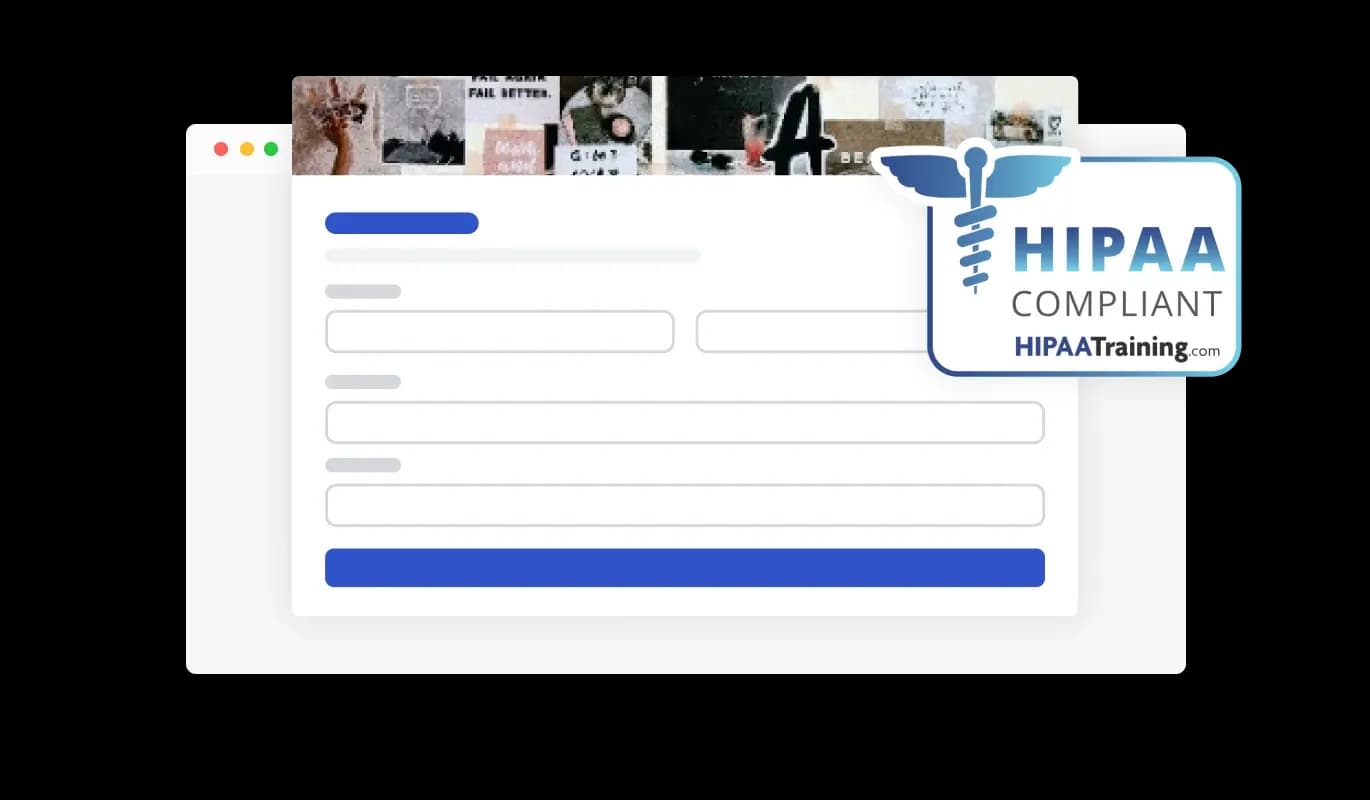
Utilizing features like entry monitoring, CSV exportation, and alerts, handling and responding to petition submissions are significantly enhanced and streamlined on Moto CMS. The Moto CMS petition also includes adjustable form fields, hand-drawn signature capabilities, and CAPTCHA spam prevention, offering a user-friendly and safe experience for both originators and supporters of petitions.

Personalize and Adapt with Moto CMS Petition Forms

With a range of customization features, Moto CMS petition forms let you incorporate images, hand-drawn signatures, and tailor-made form fields to suit individual needs. This level of customization enables you to craft petitions that are not only specific to their cause but also resonate with their target audience.

Various Form Fields To Select From

The Moto CMS Petition tool offers a diverse set of form fields that you can choose from and integrate into your form, suiting your particular needs and targets. You can access an extensive collection of field formats by clicking on the "Add Field" option. Additionally, seamlessly reorganize the form fields by dragging and dropping them to establish your desired placement.
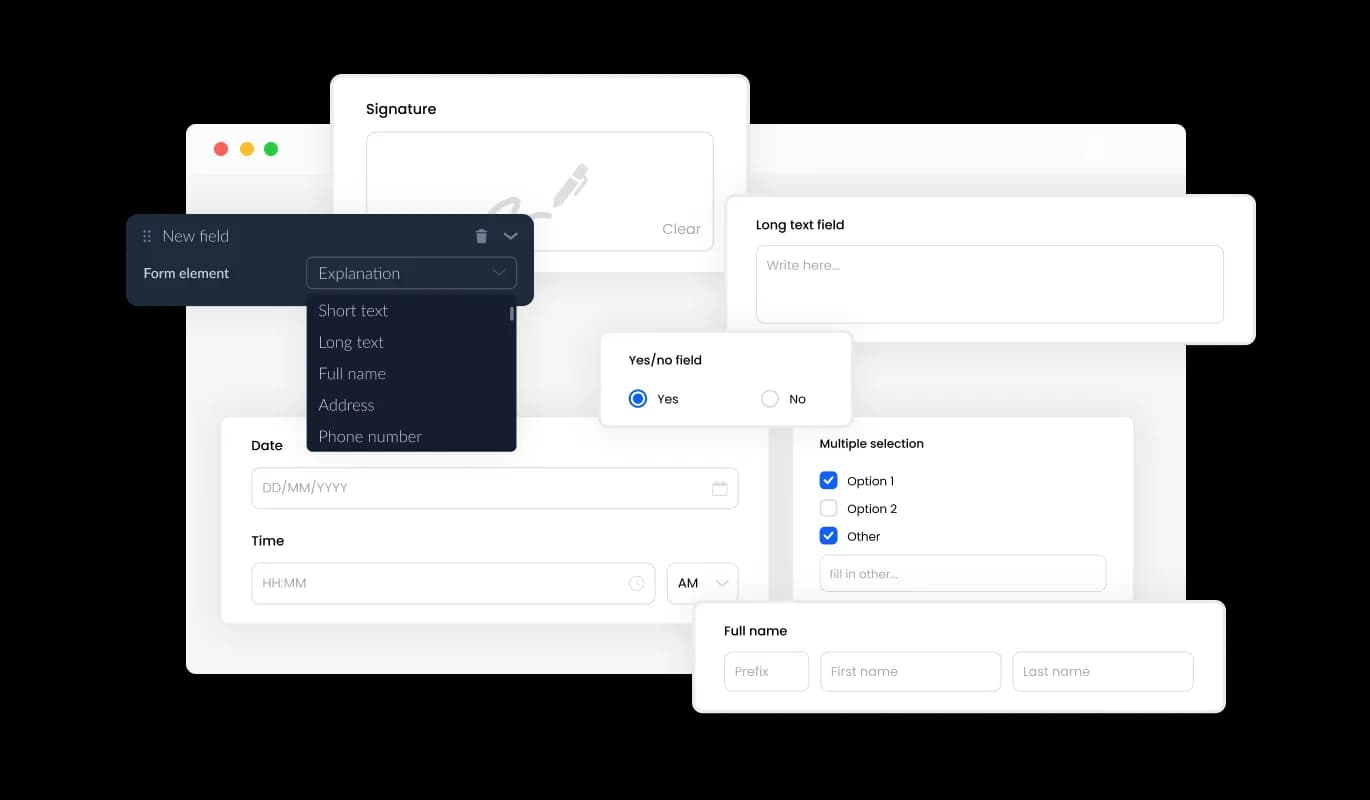
Petition Form - Various Form Fields To Select From

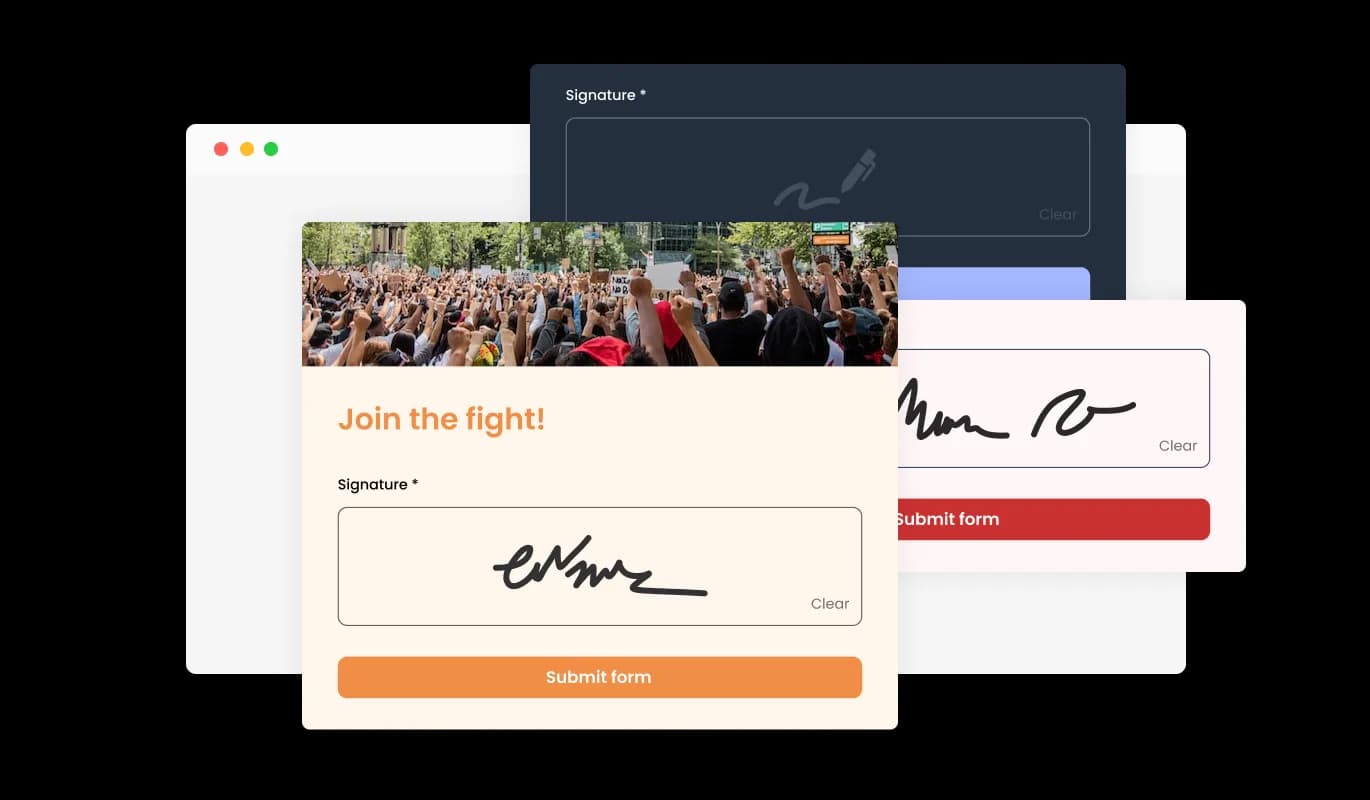
Authentic and Engaging: Hand-Drawn Signatures on Moto CMS Petition Forms

By using the hand-drawn signature feature in the Moto CMS online petition form app, users can enhance petitions by enabling signatories to contribute their handwritten signatures. This feature creates a more authentic and individualized experience for both the user and the signatory, increasing the likelihood of signatories engaging with the petition. Moreover, hand-drawn signatures contribute to verifying the signatory's authenticity, enhancing the overall trustworthiness of the petition. Overall, this feature is a great addition to your online petition for Moto CMS, enabling users to create more compelling and engaging petitions.

Petition Form - Authentic and Engaging: Hand-Drawn Signatures on Moto CMS Petition Forms

Streamlined Signature Collection with Moto CMS Petition Form

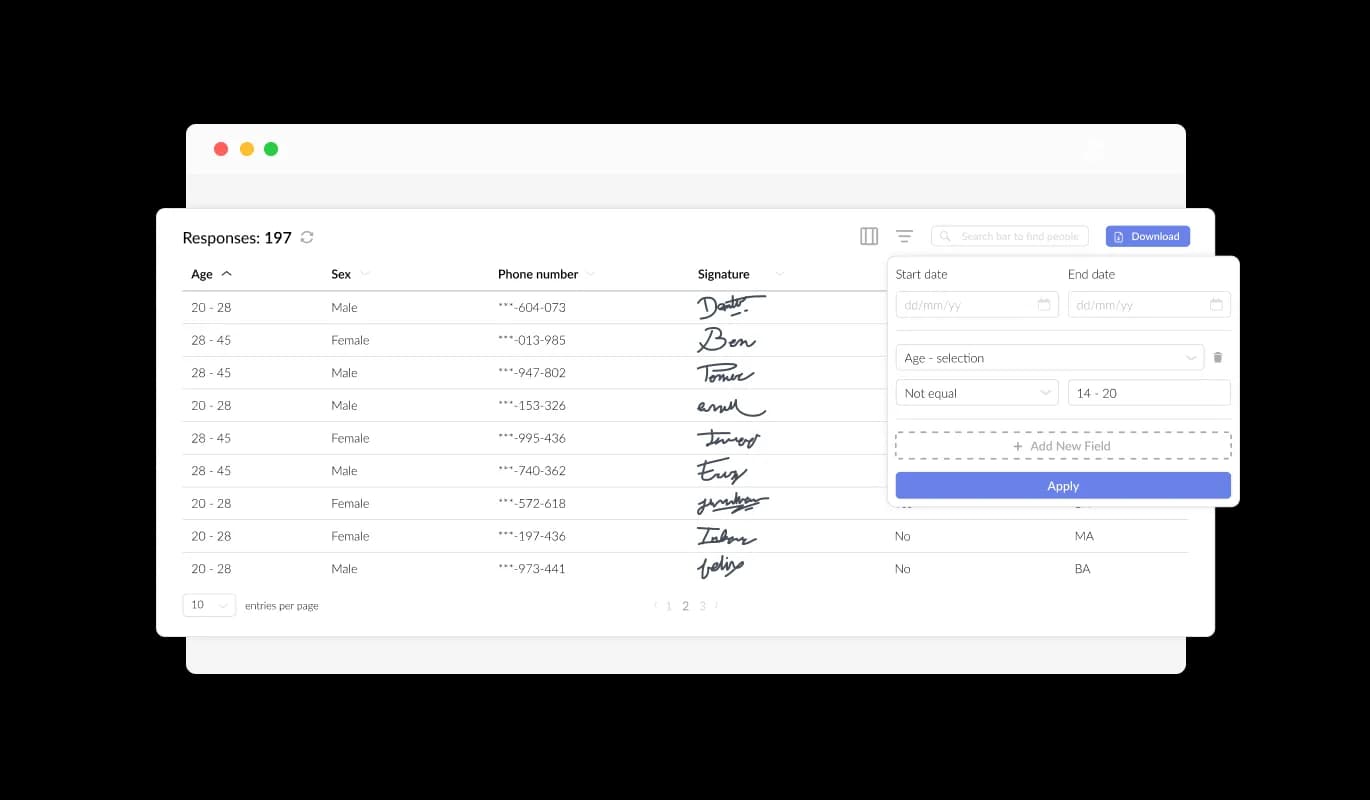
The Moto CMS Petition Form enables effortless tracking and access to all entries submitted through the form using an intuitive interface. The streamlined entry management feature helps you efficiently organize and handle all communication and inquiries from users, ensuring a timely and effective response.

Petition Form - Streamlined Signature Collection with Moto CMS Petition Form

Enrich Your Moto CMS Petition With Content and Images

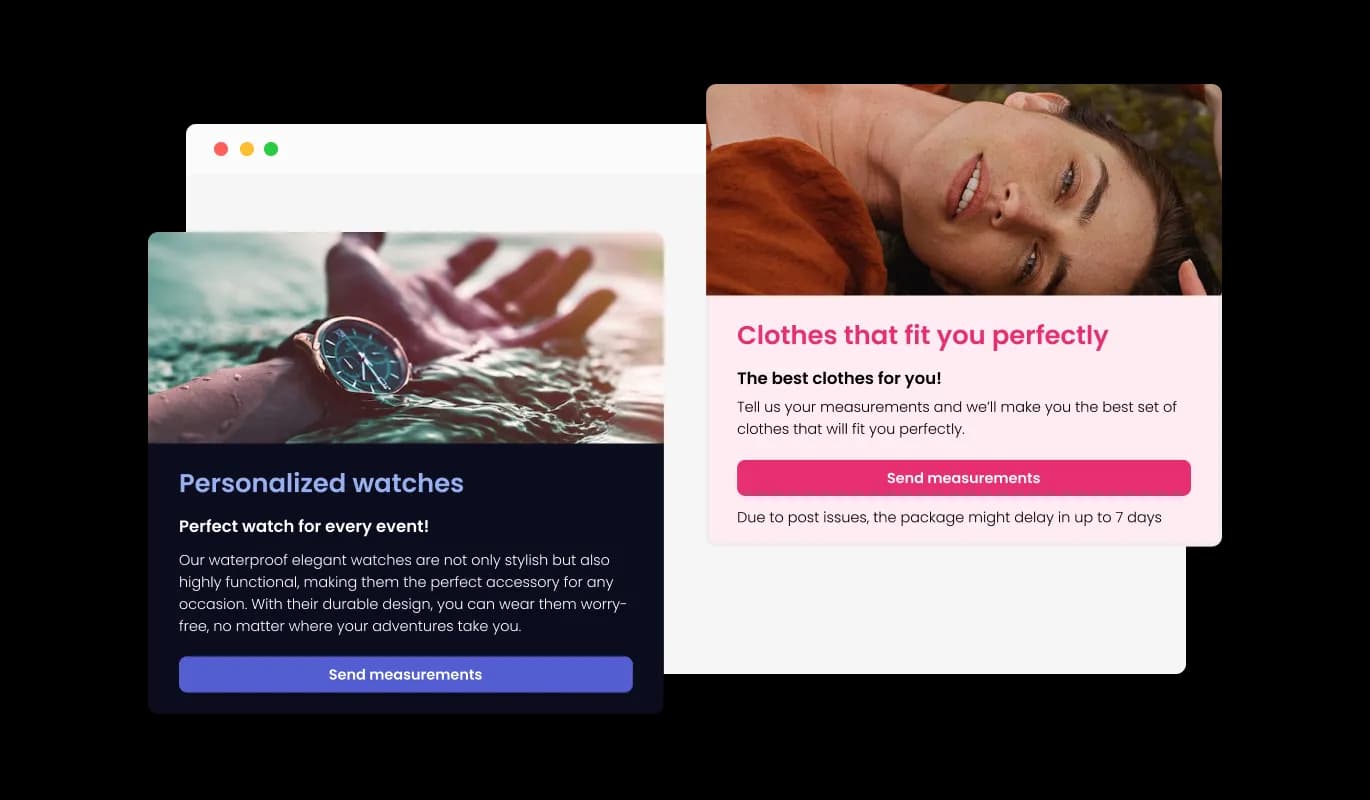
By adding titles, descriptive text, and images to your petition form, you can create a more engaging and user-friendly experience for your Moto CMS website supporters. Providing explanatory form elements within your petition form helps users navigate the submission process with ease, resulting in an improved experience and a higher chance of securing more signatures or backing for your cause.

Petition Form - Enrich Your Moto CMS Petition With Content and Images

Tailor Your Moto CMS Petition Form's Header and Footer for a Professional Look

With the Moto CMS Petition builder, you can customize the header and footer of your petition form, and even add images to make it more visually appealing and professional. This functionality presents an excellent chance to showcase your brand and develop a unified and captivating form that complements your Moto CMS website's design and visual style. Personalizing your petition form helps craft a distinctive and unforgettable experience for supporters, establishing trust and reinforcing your cause's credibility.

Petition Form - Tailor Your Moto CMS Petition Form's Header and Footer for a Professional Look

Prevent Spam Entries in Your Moto CMS Petition

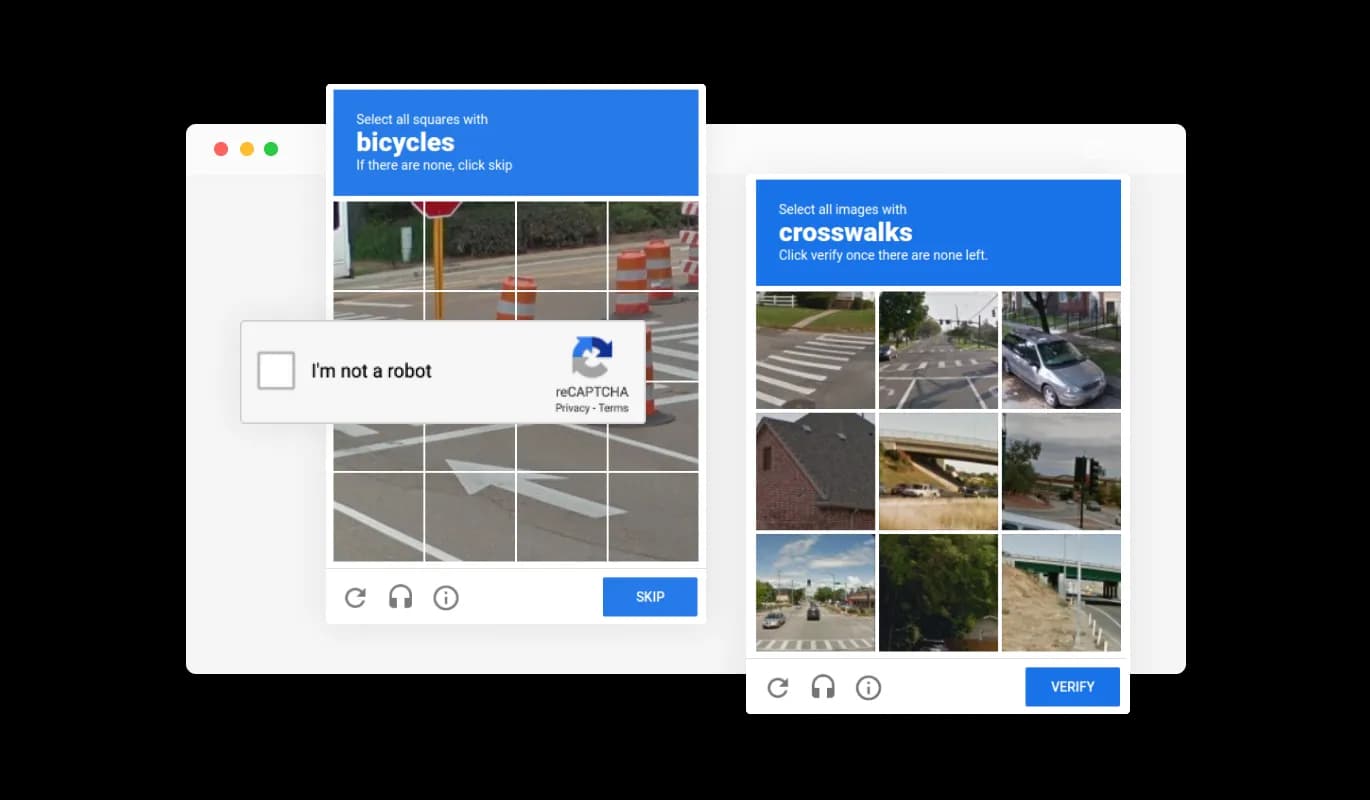
Prevent spam and bot-generated entries from affecting your Moto CMS petition form by implementing the built-in CAPTCHA anti-spam functionality. By asking users to complete a verification challenge before submitting their signatures, this feature guarantees that all signatories are authentic and genuine supporters. By implementing this protective barrier, you can fend off spam messages and bots, maintaining the integrity and authenticity of your petition. The CAPTCHA functionality assures you that each signature on your petition comes from a genuine individual supporting your cause.

Petition Form - Prevent Spam Entries in Your Moto CMS Petition
Petition Form - Export Petition Summations to CSV

Export Petition Summations to CSV

With the Petition builder for Moto CMS, you can export all the submitted entries to a CSV file format, enabling you to analyze and integrate the data into other tools or software. This feature is particularly helpful for managing and keeping a record of all interactions with your petition supporters, as well as for generating reports and analyzing trends in your petition's success. By exporting your petition data, you can gain valuable insights into your petition's performance and make informed decisions to improve your campaign's effectiveness.

Petition Form - Get Real-time Updates on Moto CMS Petition Submissions

Get Real-time Updates on Moto CMS Petition Submissions

With the Moto CMS Petition builder, you can get immediate notifications each time a new supporter adds their signature to your petition. With the ability to toggle notifications on, both for the form owner and for the submitting user, you can stay informed and up-to-date with all the latest submissions. Furthermore, you have the option to activate automatic email notifications for each submitted form, as well as dispatch a confirmation email to users upon their successful participation. This functionality guarantees that you'll stay connected with your supporters, fostering engagement and driving your cause forward.

Petition Form - Straightforward Petition Embedding for Your Moto CMS Site

Straightforward Petition Embedding for Your Moto CMS Site

To embed the Petition Form on your Moto CMS website, simply copy and paste the provided code snippet into your page’s HTML code. Moreover, the Moto CMS petition comes with an auto-update feature, ensuring that any modifications made in the Petition Form editor are instantly reflected on your Moto CMS site.

Multiple Petition Skins for your Moto CMS website

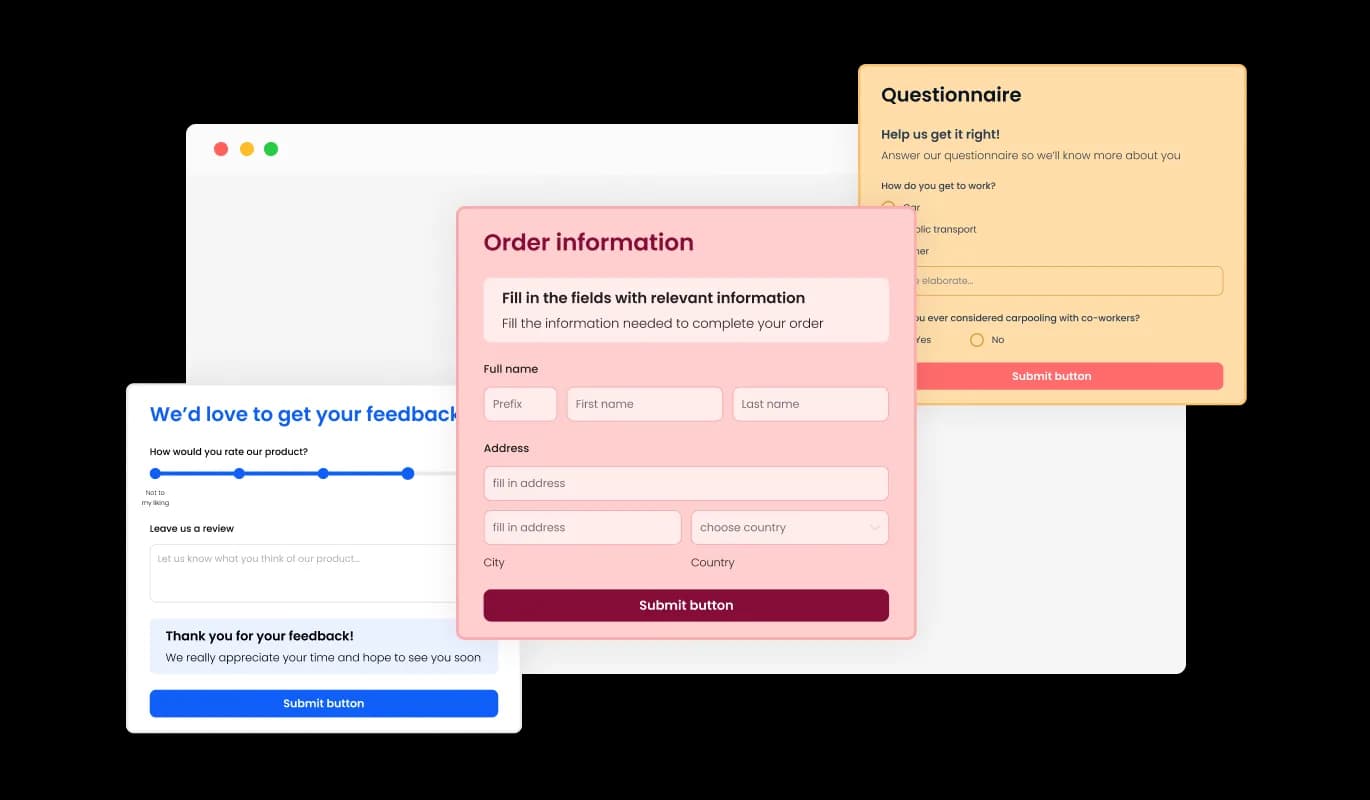
Choose from a diverse selection of visually appealing skins for your Moto CMS Petition Form, reducing the need for time-consuming customization. With skins designed to connect with a range of audiences, your petition is sure to stand out and draw the attention it warrants. By offering skins that resonate with diverse audience groups, your petition is set to stand out and secure the interest and support it seeks.

Petition Form - Multiple Petition Skins for your Moto CMS website

Fully Customizable Petition for Moto CMS

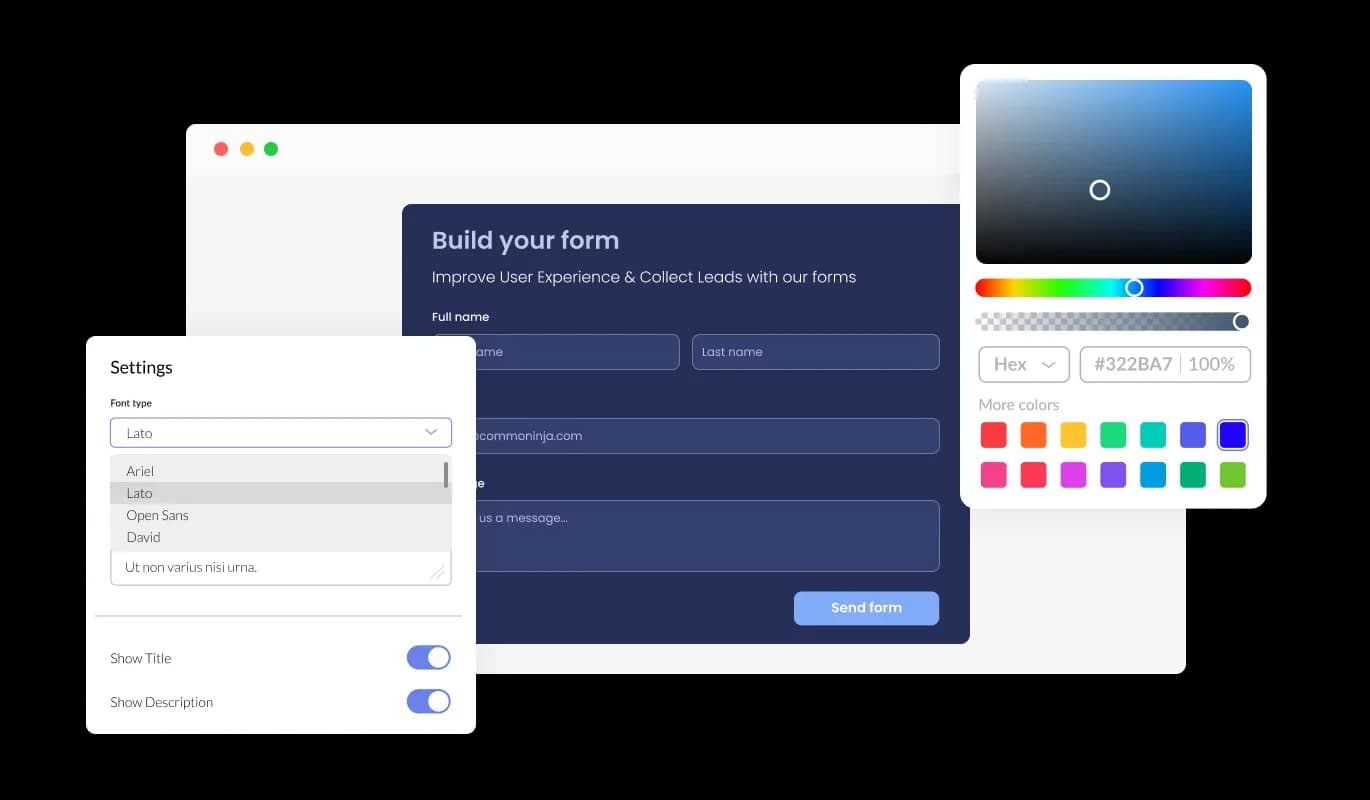
The Petition Form provides a full range of customization possibilities, empowering you to adjust the design as needed – update the colors, change the fonts, rearrange the spacing, and more. This flexibility enables users to craft unique and personalized petitions that not only effectively communicate their message, but also reflect their distinctive style and brand identity.

Petition Form - Fully Customizable Petition for Moto CMS

Fully Responsive Moto CMS Petition Form for All Devices

The fully responsive Petition Form offers an exceptional visual presentation across all devices. With the growing prevalence of mobile internet usage, providing a form that's tailored for optimal viewing on mobile devices is indispensable.

Petition Form - Fully Responsive Moto CMS Petition Form for All Devices

Intuitive Moto CMS Petition Builder for Hassle-Free Form Creation

The Petition builder for Moto CMS is easy to use and requires no coding knowledge. The intuitive dashboard and drag-and-drop functionality allows you to easily tailor your Moto CMS petition to your preferences with a few quick clicks.

Petition Form - Intuitive Moto CMS Petition Builder for Hassle-Free Form Creation

Take Control of Your Moto CMS Petition Design with Custom CSS

With the advanced editor, you can expertly manage the look and feel of your Moto CMS Petition Form. The ability to customize the CSS enables you to tailor the petition form to your exact vision, ensuring it aligns with your brand's look and feel. Unleash your creativity by directly editing the CSS and achieve unparalleled customization for your petition form.

Petition Form - Take Control of Your Moto CMS Petition Design with Custom CSS

Compatible With All Site Builders, E-Commerce Platforms and Websites

webflow logoshopify logowix logowordpress logobigcommerce logosqurespace logoweebly logojoomla logoduda logojimdo logomagento logoshift4hsop logounbounce logocarrd logo
View all supported platforms

FAQ

An online petition form is a digital form that allows individuals or organizations to create a petition and collect signatures or support online. Online petition forms typically include fields for users to enter their name, email address, location, and a message of support. Petitions may be created for a variety of reasons, such as to raise awareness of a cause, advocate for a specific policy or action, or show support for a particular individual or group. Online petition forms offer a convenient and accessible way for individuals to participate in social and political movements and engage with causes they care about.

  1. Keep it simple: Design your form with simplicity in mind. Avoid overcomplicating your form with unnecessary fields, and keep the form visually appealing and easy to read.
  2. Focus on the message: Your form should clearly communicate the message or purpose of your petition. Use a clear and concise language to express your message, and provide supporting information or resources to back up your claims.
  3. Make it shareable: Include social sharing buttons that allow users to easily share the petition with their social media followers or email contacts. This helps to expand the reach of your petition and attract more signatures.
  4. Ensure security: Use encryption and other security measures to protect the personal information of your users. This helps to build trust with your audience and ensures that their information is not compromised.
  5. Provide updates: Keep your supporters informed about the progress of your petition. Provide regular updates on social media or through email newsletters to keep supporters engaged and motivated.
  6. Consider accessibility: Make sure that your form is accessible to all users, including those with disabilities. Use appropriate colors, font sizes, and other design elements to ensure that your form is easy to use for all.


By following these best practices, you can create an effective online petition form that engages your audience and generates support for your cause.

Yes, you can easily do so from the “Templates” tab.

Yes, there are lots of beautiful skins that you can choose from to save time and start using the petition as quickly as possible. 

Yes, you can either upload an image, or select an icon from a large selection of available icons to add to your petition, or, alternatively, you can leave it all blank. 

It’s simple. All you need to do is to sign up and start using the free version.

Common Ninja’s Petition Form is free to use. It is limited to a certain amount of views, however.

Common Ninja’s Petition Form is compatible with ALL current and future website builders.

Yes, the Petition Form is GDPR-compliant.

No. Using our Petition Form is very simple. The petition comes with an intuitive drag-and-drop interface and fully customizable options. Once you’ve finished editing the petition to your liking, all you need to do is copy the provided code and add it to your website.

Yes. We are eager to hear your request. Please visit our Feature Request page.