Process for Unicorn Platform

Use a process widget to present tasks in a clear visual sequence, showing each step with images and text to improve understanding and user engagement.

Create Process

loved by 500K+ businesses

Unicorn Platform
plugineditor

Why Should You Use the Process Widget+?

Streamline Your Content Navigation Using Process widget

The Process widget for Unicorn Platform enables you to arrange and showcase information in a well-ordered manner, ensuring your visitors easily comprehend the material on your Unicorn Platform landing page. Effectively express your ideas and optimize the user experience by exhibiting content in a well-structured and visually attractive way.

Elevate Your Unicorn Platform landing page Engagement with the Process widget

Employ the Unicorn Platform Process widget to boost your website's interactivity and allure, prompting users to investigate your content and enjoy an extended stay on your landing page. Hold your audience's attention by incorporating the versatile Process widget, which motivates users to investigate and engage with your material.

Enhance Your Unicorn Platform landing page with Stunning Process Visuals

Employ the Process Unicorn Platform widget to integrate stunning visuals into your landing page, making it more alluring and impactful for your website visitors. Leave a lasting impression on your visitors with a beautifully designed Process widget that elevates your Unicorn Platform landing page's overall appearance.

Vertical and Horizontal Process Display Options for Optimal Design

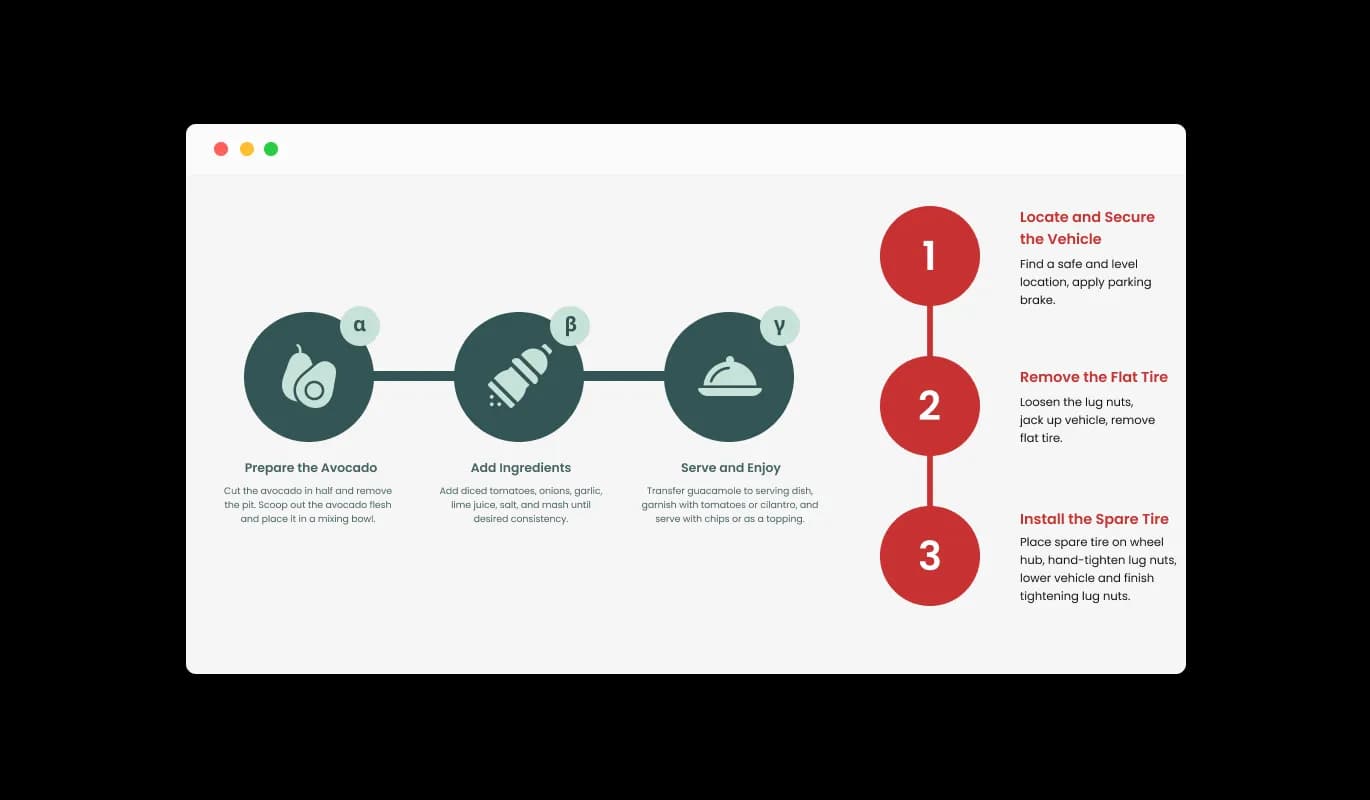
The Unicorn Platform Process widget offers the choice of vertical or horizontal Process displays, helping you fine-tune the design according to your preferences. Personalize your Process widget's configuration by picking the orientation that best aligns with your [process] widget's design and user experience objectives.

Process - Vertical and Horizontal Process Display Options for Optimal Design

A Selection of Skins to Match Your Unicorn Platform landing page's Style

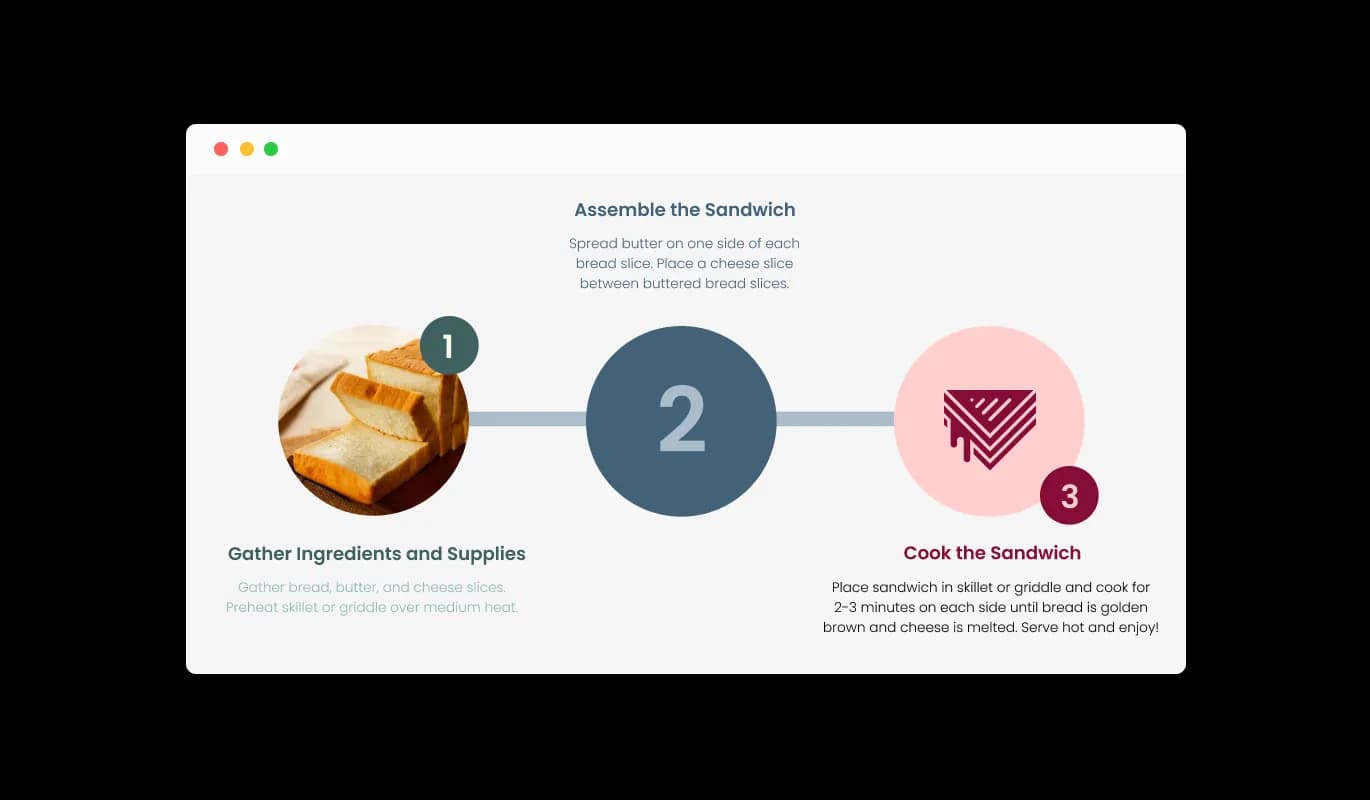
Benefit from the Process Unicorn Platform widget's assortment of skins, providing you the ability to align the [process] widget with your Unicorn Platform landing page's design and aesthetics. Explore the wide selection of ready-to-use skins to ascertain that the Process widget fits seamlessly with your Unicorn Platform landing page's overall design and style.

Process - A Selection of Skins to Match Your Unicorn Platform landing page's Style

Express Your Unique Style with the Process widget

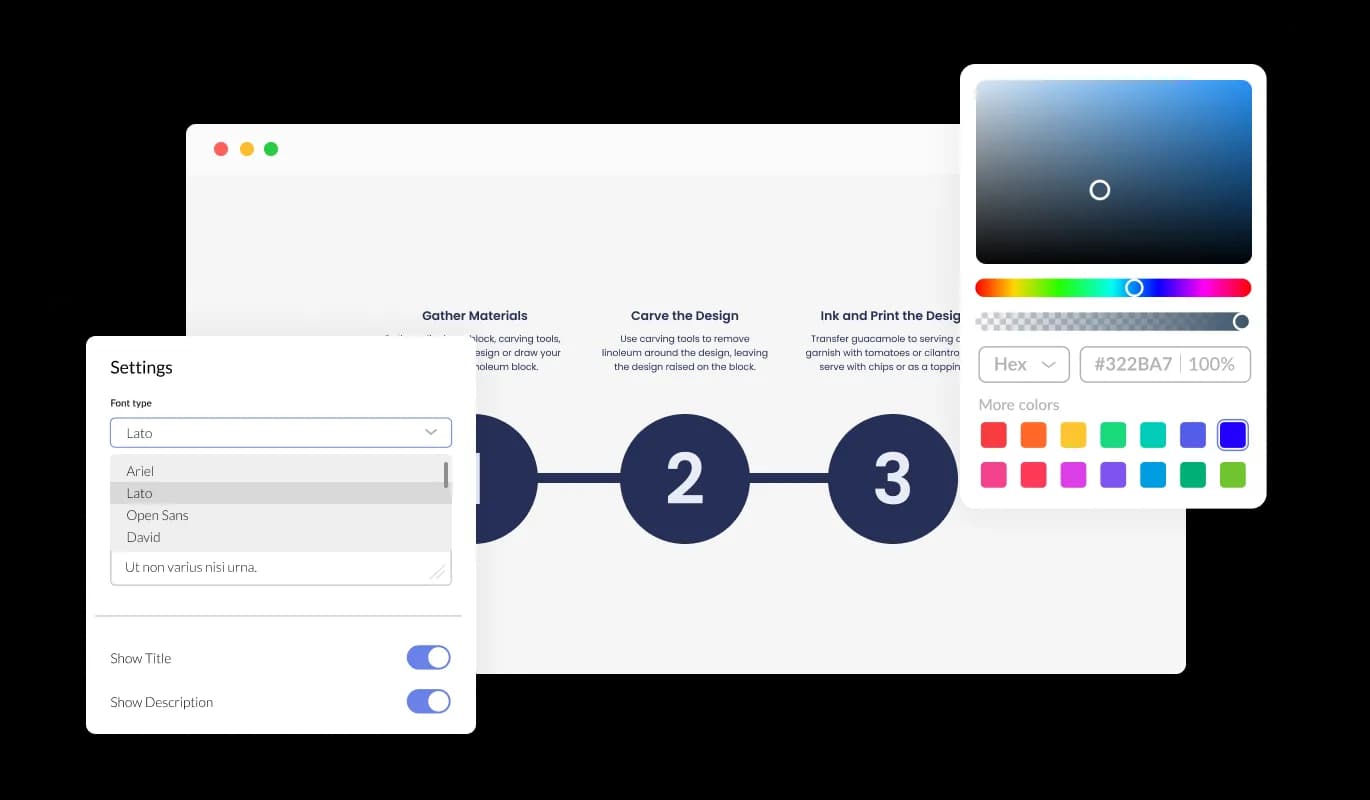
With the Unicorn Platform Process widget, you can enjoy full customization capabilities, making it simple to adapt the design to suit your needs. Personalize every aspect of your Unicorn Platform Process widget, from colors and fonts to spacing and more, creating a truly unique and tailored experience.

Process - Express Your Unique Style with the Process widget
Process - Diversify Your Content with a Range of Hover Effects

Diversify Your Content with a Range of Hover Effects

The Unicorn Platform Process widget offers a diverse range of hover effects to choose from, helping you craft unique, visually striking, and captivating content. Draw users in by selecting unique and visually appealing hover effects that set your content apart from the competition.

Process - Boost Your Process's Visual Appeal by Adding Images

Boost Your Process's Visual Appeal by Adding Images

The Process widget Unicorn Platform enables you to incorporate images into individual Process items, enhancing visual appeal, making it more attention-grabbing, and simplifying comprehension. Enhance users' understanding and provide a more visually engaging experience by integrating images into your Unicorn Platform Process widget.

Process - User-Friendly Design: Process widget for Unicorn Platform

User-Friendly Design: Process widget for Unicorn Platform

Experience the simplicity of the Unicorn Platform Process widget, designed to be used effortlessly without any coding knowledge. Make customizing your Process widget a breeze using our intuitive dashboard and the simplicity of a drag-and-drop feature, requiring only a few clicks to perfect your design. Customize your Process widget for Unicorn Platform effortlessly using our user-friendly, drag-and-drop dashboard that makes adjustments a breeze.

Process widget Ensures a Consistent Look on Every Device

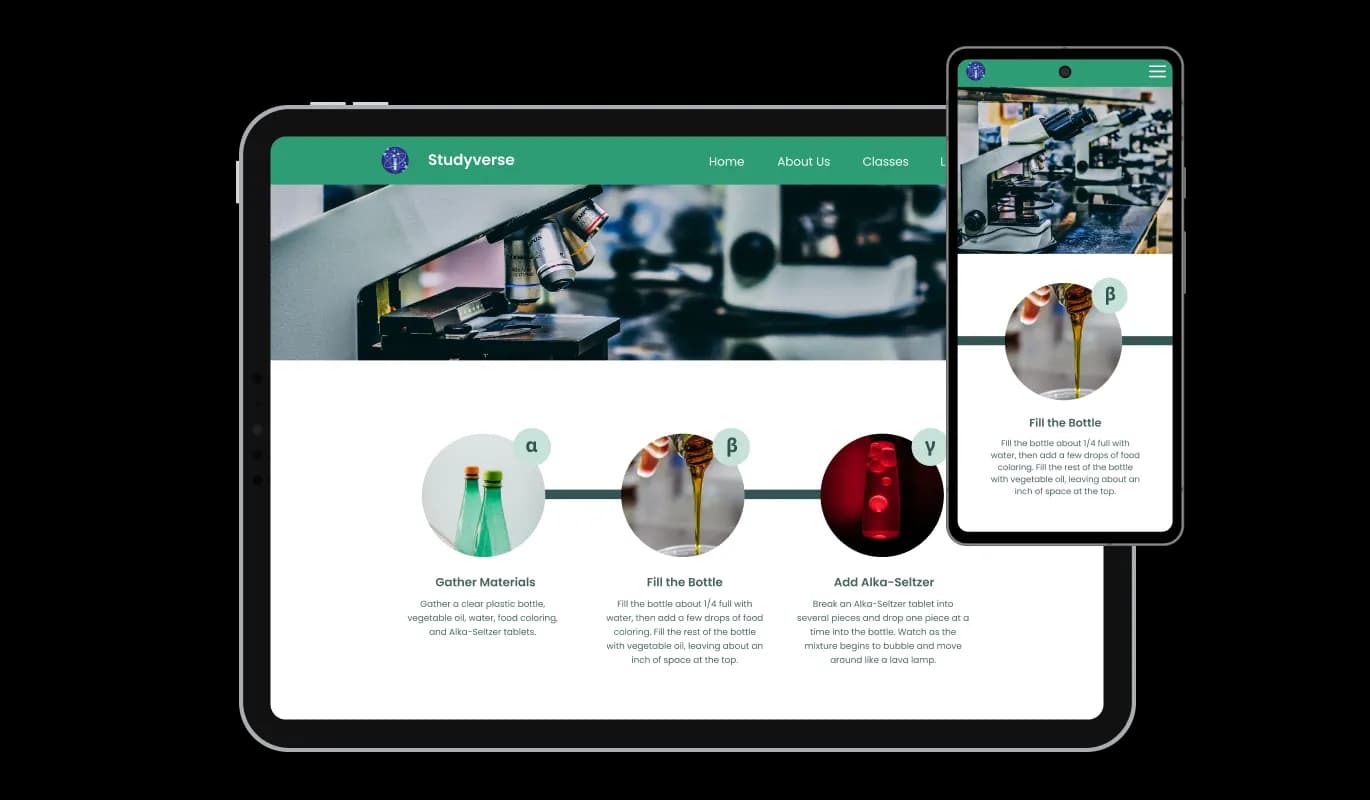
Utilize the fully responsive design of the Unicorn Platform Process widget, ensuring a flawless appearance and functionality on every device. Gain a competitive edge in a mobile-first world by adopting a Process widget that looks stunning and operates seamlessly across all devices and screen sizes. Cater to the needs of a diverse user base by deploying a Process widget that adjusts seamlessly to various screen sizes, ensuring a consistently enjoyable experience.

Process - Process widget Ensures a Consistent Look on Every Device

Infuse Your Unique Style with Custom CSS

Just as with all of Common Ninja's widgets, experience the versatility of adding custom CSS to your Process Unicorn Platform widget for an even more unique design. For those with CSS coding know-how, enhance your Process widget even further by utilizing custom CSS to create the perfect, tailor-made design.

Process - Infuse Your Unique Style with Custom CSS

Simplify Your Integration with Easy Embedding of Process widget

With just a single line of code, you can easily integrate the Unicorn Platform Process widget into your landing page. Effortlessly keep your Process widget for Unicorn Platform current with any modifications you make, using just one line of code for seamless updates. Merge the Process widget into your Unicorn Platform landing page without any hassle, and enjoy the convenience of automatic updates through a single line of code.

Process - Simplify Your Integration with Easy Embedding of Process widget

Compatible With All Site Builders, E-Commerce Platforms and Websites

webflow logoshopify logowix logowordpress logobigcommerce logosqurespace logoweebly logojoomla logoduda logojimdo logomagento logoshift4hsop logounbounce logocarrd logo
View all supported platforms

FAQ

Yes, there are lots of beautiful skins that you can choose from to save time and start using the widget as quickly as possible.

It’s simple. All you need to do is to sign up and start using the free version.

Common Ninja’s Process widget is free to use. It is limited to a certain amount of views, however.

Common Ninja’s Process widget is compatible with ALL current and future website builders.

Yes, the Process widget is GDPR-compliant.

No. Using our Process widget is very simple. The widget comes with an intuitive drag-and-drop interface and fully customizable options. Once you’ve finished editing the widget to your liking, all you need to do is copy the provided code and add it to your website.

Yes. We are eager to hear your request. Please visit our Feature Request page.

The Process widget is a versatile and customizable tool that allows you to present steps and processes in an organized and visually appealing manner on your website. It offers multiple layout options, skins, hover effects, and the ability to add images, making it an ideal solution for displaying any structured content.

By adding a Process widget to your website, you can enhance user experience and engagement by presenting complex information in a clear, structured, and visually appealing format. The widget helps users understand your content more easily, making your website more memorable and increasing the likelihood that visitors will return.

Yes, the Process widget offers a variety of customization options, including layout orientation, skins, colors, fonts, spacing, and more. This ensures that the widget aligns perfectly with your website's design and overall style.

Yes, the Process widget is fully responsive and designed to look great on any device, from desktops to smartphones.

Yes, if you have coding skills, you can add custom CSS to the widget for even more design flexibility and personalization.

To embed the Process widget on your website, simply copy the provided single line of code and paste it into your website's HTML. The widget will also be automatically updated with every change you make.

No, the Process widget is designed to be lightweight and optimized for performance, ensuring it will not negatively impact your website's loading time or overall performance.

Yes, the Process widget can be used on multiple websites. Just follow the embedding process for each site, and your widget will be up and running in no time.

No, the Process widget is designed to be easy to use and requires no coding knowledge. Our intuitive dashboard with the drag-and-drop feature enables you to customize the widget with just a few simple clicks.

Yes, the Process widget allows you to add images to individual items on the Process, making it more visually appealing, eye-catching, and easier to understand.