


Verified review
Common Ninja has amazing no-code widgets that would beautify a website built on any builder. It is very easy to use and customise. It has as many widgets for almost everyone willing to make their website impressive.
The Common Ninja Quiz Maker is a free, no-code widget for building quizzes, polls, personality tests, and lead-gen quiz funnels on your website.
Add single-choice, multiple-choice, image-based, or text questions; collect emails or lead data between the last question and the result; show scored or personality-style result pages; and paste one line of embed code on 200+ platforms including Elementor, Canva, Squarespace, Bubble, and Framer.
Layer an email-capture step between the last question and the result. Quiz takers self-qualify by answering, then exchange their answer for a personalized result, lead magnet, or call-back. Higher opt-in rates than a cold contact form sitting on a landing page.
Use the widget in poll mode for single-question polls, image-versus-image votes, or photo-voting contests. Visitors click a choice and see live results immediately. Same widget, different question count, different vibe; perfect for engagement campaigns and community polls.
Build personality-style quizzes that route visitors to a custom result based on their answers, or trivia quizzes that show a final score. Personality results route by category weights; trivia results route by point totals. Both produce highly shareable result pages.
Course platforms like Kajabi and Moodle benefit from quiz checkpoints between lessons. Track who passed, who needs review, who completed the module. The embed runs inside the course player with no LMS-specific configuration required.
Add single-choice, multiple-choice, image-based, or text questions. Mix question types inside one quiz. Tag each question with point values for scoring quizzes or with category weights for personality-style routing.
Pick scored, personality, or category-based result pages. Optionally show an email or lead-data field between the last question and the result, so every quiz doubles as a lead-gen funnel that opt-in rates beat a cold contact form.
Copy the embed snippet and paste it where you want the quiz to run. Responses sync to the dashboard in real time, every result page loads instantly without a page reload, and the lead list exports as CSV whenever you need it.
Mix single-choice, multiple-choice, image-based, and free-text questions inside the same quiz. Visitors get the right input type for each question; you get cleaner data and faster completions than a one-format quiz.
Drop an email field or full lead-data form between the last question and the result. Captured leads sync to the dashboard in real time, export as CSV, and connect to any tool that accepts CSV imports or a webhook (Mailchimp, HubSpot, Zapier).
Route quiz takers to a different result page based on point total (trivia) or category weights (personality). Each result page accepts a title, image, body copy, and outbound link, so every result doubles as a CTA back to the rest of your site.
Add as many questions as the quiz needs, accept unlimited responses on the free plan, and store the full lead list in the dashboard. No premium gate on the count of questions or responses; the free plan limits are about widget count, not data volume.
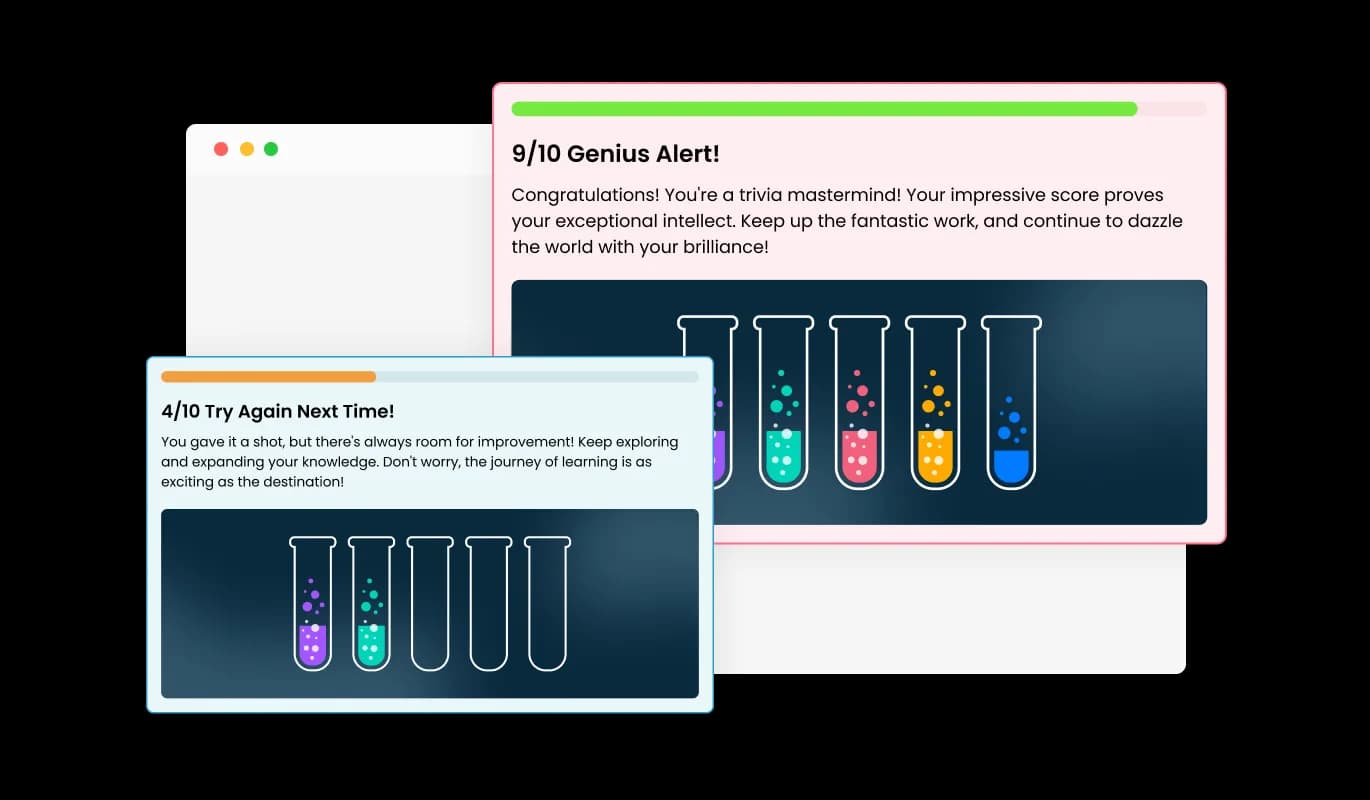
Upon quiz completion, the Quiz widget presents users with customized results based on their performance. This dynamic feature allows for the creation of tailored feedback messages that vary according to the number or percentage of correct answers. It enriches the user experience by providing personalized insights and encouragement, fostering a deeper engagement with your content.
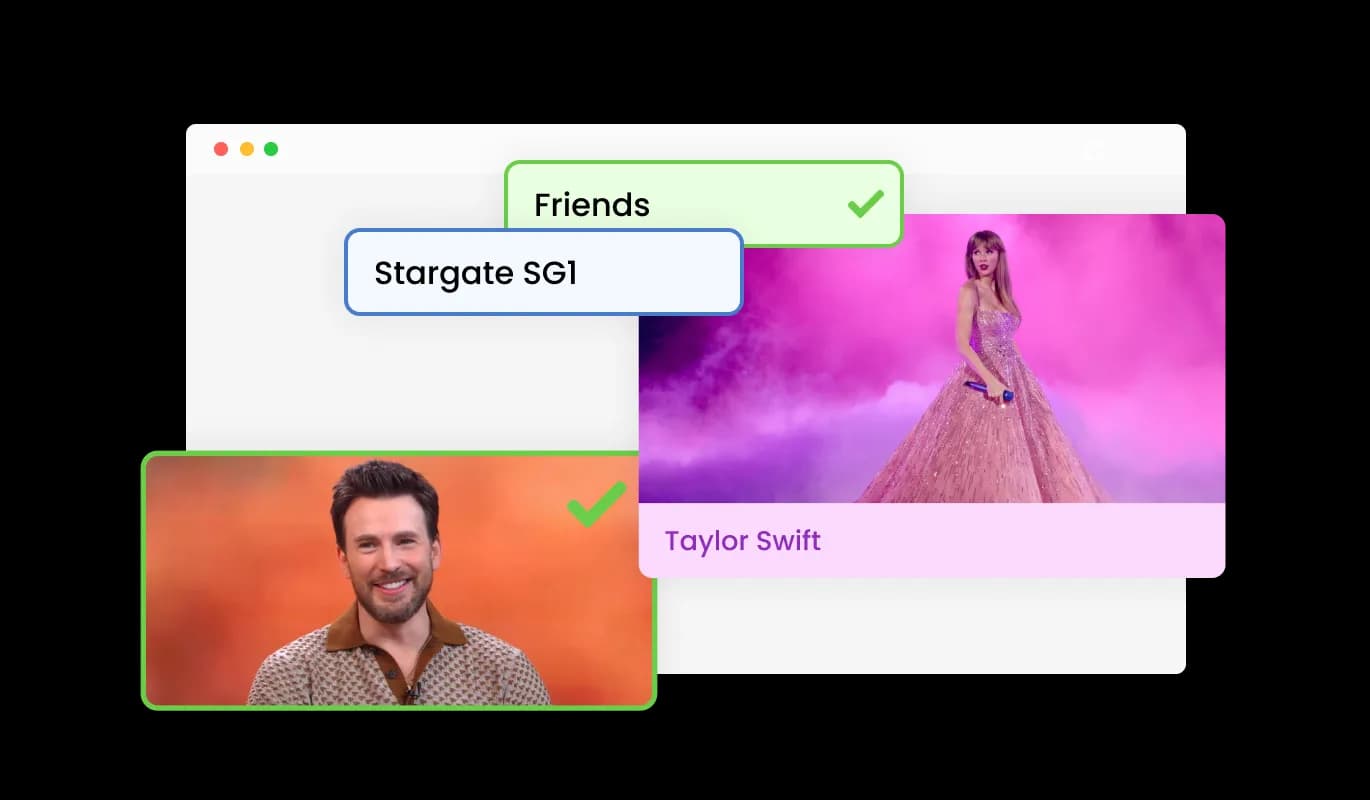
The Quiz widget offers the flexibility to display answers in both text and image formats, catering to varied content presentation needs. This versatility enhances user interaction, allowing for a more engaging and customized quiz experience. Whether for educational purposes or brand engagement, this feature accommodates diverse quiz designs.
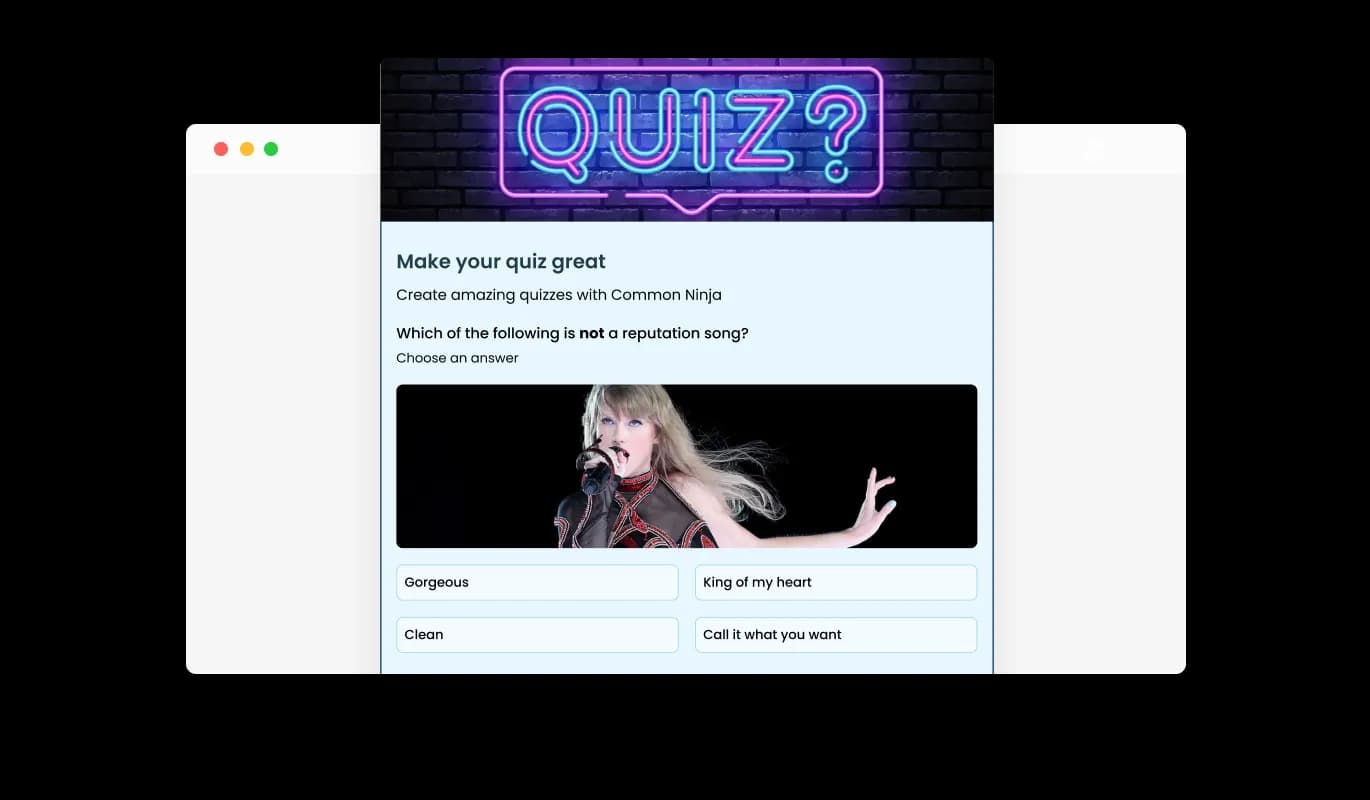
The Quiz widget enables complete customization of the quiz header, including the title, description, and a header image. This feature allows for a compelling introduction to the quiz, setting the tone and context for participants. Tailoring these elements ensures a strong first impression, aligning the quiz's look and feel with your brand or topic's unique identity.
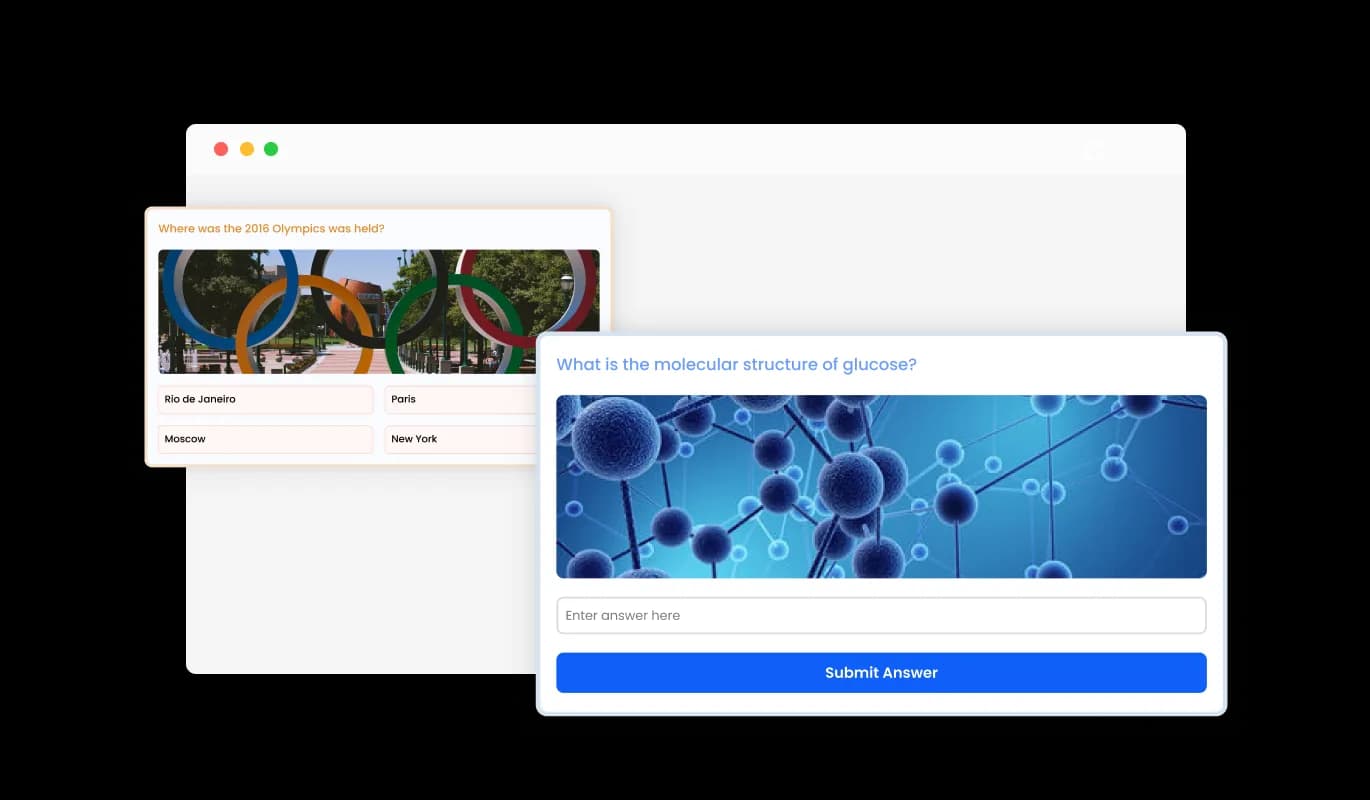
The Quiz Maker features two types of questions: selection, where users choose from multiple-choice options, and open questions that allow for text responses. This streamlined approach ensures the creation of both dynamic and versatile quizzes, accommodating a wide range of topics and user preferences. By offering these distinct question formats, the quiz experience becomes more interactive and engaging for users.
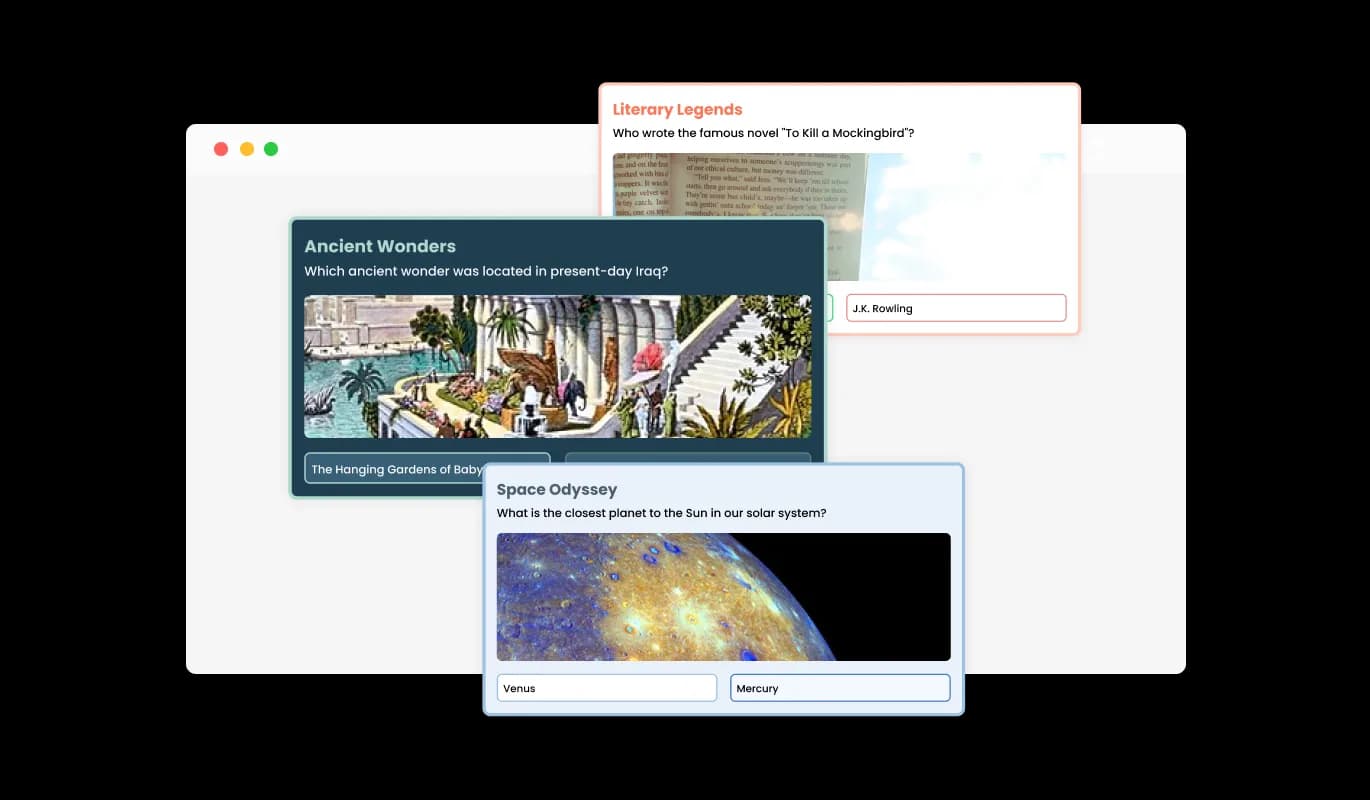
Choose from a wide range of beautiful Quiz design skins to align with your brand and website aesthetics. This feature simplifies customization, ensuring your Quiz looks great without extensive design work.
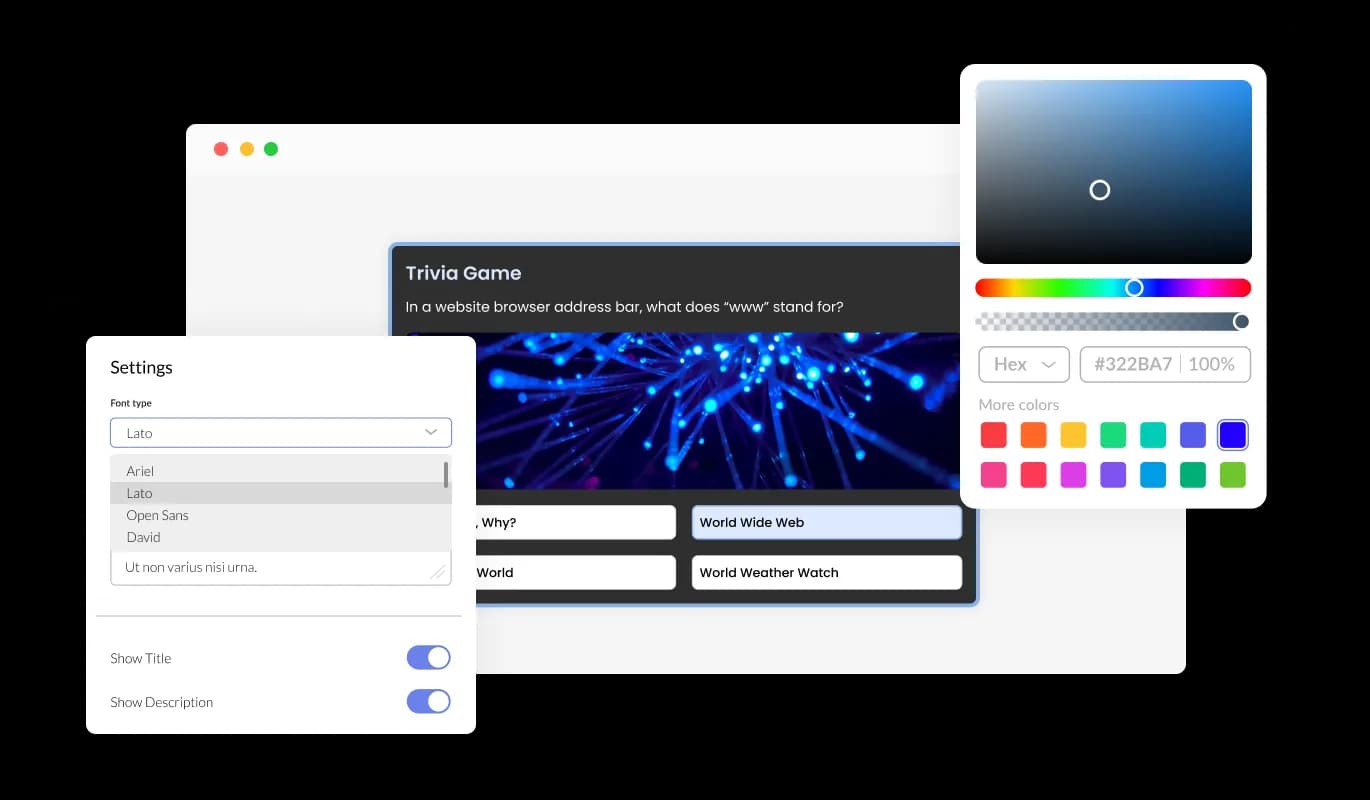
With extensive customization options, the Quiz widget can be tailored to fit your site perfectly. Adjust colors, fonts, and more to match your brand, creating a unique and cohesive user experience.
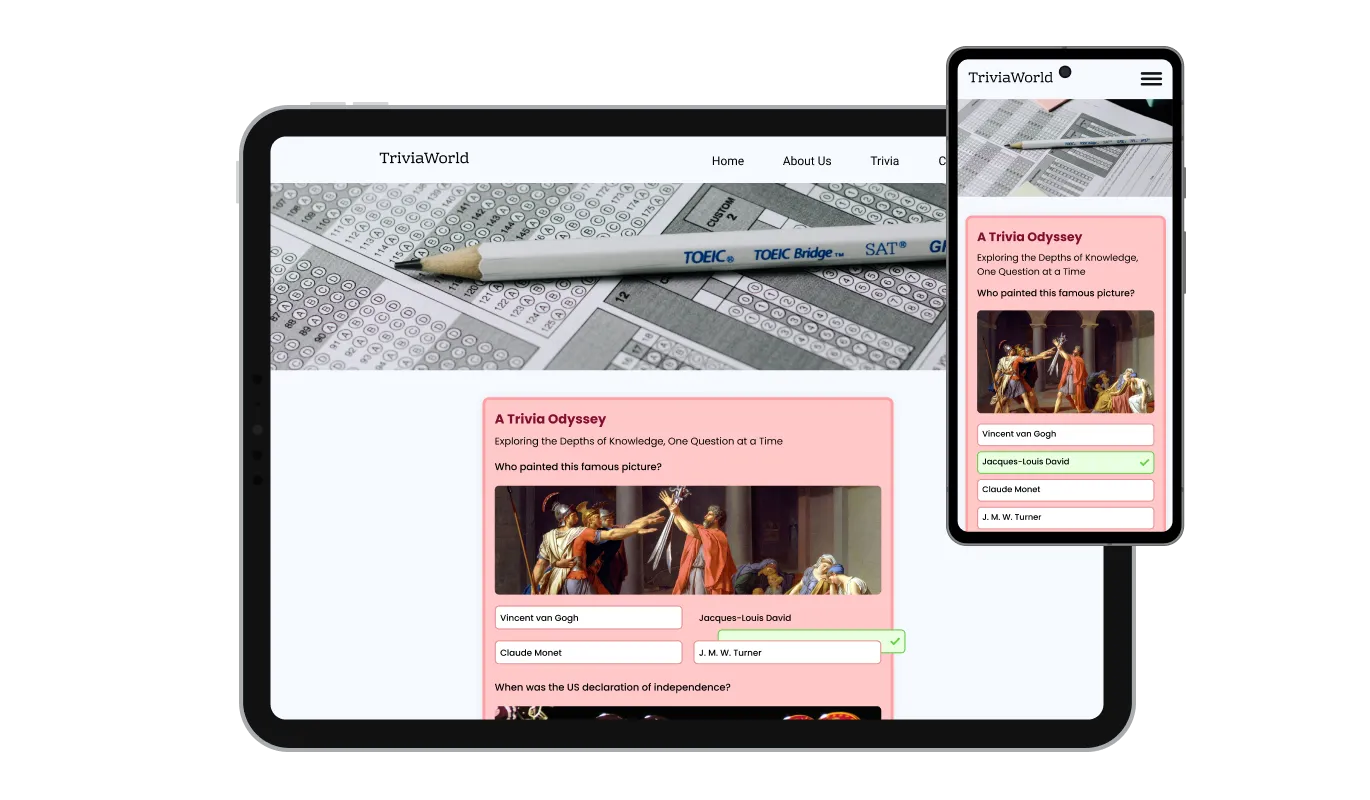
Designed to be fully responsive, the Quiz widget ensures a flawless display on any device. This adaptability is crucial for maintaining a consistent and accessible user experience across all platforms.

For those looking to further customize their Quiz, the widget supports custom CSS. This option is great for developers and designers who want to apply a unique touch, ensuring the Quiz perfectly matches your site's style.

Embedding the Quiz on your site is easy, requiring just a single line of code. The widget automatically updates with every change, keeping your site up-to-date without additional effort. This simplicity ensures your Quiz remains current with minimal maintenance.
The Quiz widget integrates seamlessly with an email and details form, turning engagement into an opportunity for lead generation. This feature allows you to effortlessly collect user information during the quiz experience, building a valuable database of potential leads. It's a strategic approach to nurture engaged users into future customers, enhancing your marketing efforts.
The Quiz widget enhances engagement by allowing images to accompany questions, making quizzes visually appealing and more intuitive. This feature supports diverse learning styles and keeps users intrigued throughout the quiz. Integrating images can significantly improve question clarity and enrich the overall quiz experience.
The Quiz widget is user-friendly, requiring no coding skills for customization. An intuitive dashboard makes setting up and personalizing your Quiz straightforward, allowing anyone to enhance their site with engaging quizzes.
Ready to launch your quiz or lead-gen funnel?
Open the editorNo credit card · Setup in under 5 minutes
Common Ninja has amazing no-code widgets that would beautify a website built on any builder. It is very easy to use and customise. It has as many widgets for almost everyone willing to make their website impressive.
Outstanding service. I use their widgets to help me with my web design business and whenever I need help they are very quick to help.
Excellent company with excellent service!!! We used it to build a survey, it was very user friendly. The service was perfect. Amit helped us with every problem and question we had, thank you very much!!!
Common Ninja saved the day when building our website and the customer service Daniel, the co-founder and CEO, provided was amazing.
Yes. The free plan covers one Quiz Maker widget with no time limit, no credit card, no trial countdown, and no cap on questions or responses. Upgrade only when you need additional widgets, premium skins, or higher monthly view limits.
Both. Build a multi-question quiz with scored or personality-style results, or use the same widget in poll mode for single-question polls, image-versus-image votes, or photo-voting contests. The configuration is one editor with a different question count and result mode for each use case.
Yes. Add an email or full lead-data form between the last question and the result page. Captured leads sync to the dashboard in real time, export as CSV, and connect to Mailchimp, HubSpot, or any tool that accepts a CSV import or a webhook. The opt-in rate on a quiz lead capture is usually higher than a cold contact form because visitors have already engaged with the content.
Yes. Add image questions where each answer is an image (image-versus-image votes, photo polls, visual preference quizzes) or image-and-text questions where each answer combines a thumbnail and a caption. Image questions render full-bleed on mobile so the visual is the primary input.
Open your Canva website design and click Apps in the left sidebar, then search for Embed. Paste the Common Ninja embed link into the Embed app and click the resulting block. Position the quiz in your design and publish the site. The quiz runs interactively on the published Canva URL with full lead capture and result routing.
Edit a page in Elementor and drag an HTML widget onto the layout where you want the quiz. Paste the Common Ninja embed snippet into the HTML field and click Apply. Update the page. The quiz renders inline, captures responses to the Common Ninja dashboard, and refreshes automatically as you edit it in the editor.
Copy the Common Ninja embed link from the dashboard. In Notion, paste the link on the page where you want the quiz, then choose Create Embed from the menu that appears. Resize the embed block. The quiz runs inline and captures responses live, even when shared as a public Notion page.
Yes. Tag each answer with one or more category weights. The widget tallies category weights as visitors progress and routes them to the result page that matches their highest-weight category. Each result page accepts a title, image, body copy, and outbound link.
Yes. The widget embeds inside any course platform that accepts HTML embeds, including Kajabi, Moodle, Teachable, and Thinkific. Use scoring mode to grade visitors automatically, then show a different result page based on pass or fail. The lead list captures who completed and who needs to review the module.
200+ platforms including Elementor, Canva, Squarespace, Bubble, Framer, WordPress, Wix, Webflow, Notion, Kajabi, HubSpot, Shopify, Blogger, Google Sites, and any custom HTML page that accepts an embed snippet.
Pick your platform. Each takes under 4 minutes.
Interactive wheel offering rewards to boost user engagement, gather leads and increase conversions.
Interactive Scratch Card for users to unveil prizes, aiding lead generation.
Create your form for any purpose with a friendly form builder

Allow users to send messages or inquiries, save submissions, enable notifications, and more
Displays a timer counting down to a specific date or event
Showcase customer testimonials using a rotating slider
You can add the Quiz widget to your website by copying the provided embed code and pasting it into the HTML of your webpage where you want the quiz to appear.
Yes, the Quiz widget offers extensive customization options, including colors, fonts, and layout choices, to ensure it complements your website's design.
The Quiz widget supports multiple question types, such as multiple choice, yes/no, and single choice, allowing for varied and engaging quizzes.
No, there is no set limit to the number of questions you can add. However, for optimal user experience, consider the quiz length and participant engagement.
Yes, the Quiz widget allows you to enhance questions and answers with images, making your quizzes more interactive and visually appealing.
You can incorporate an email and details form within your Quiz to collect information from participants, turning engagement into valuable leads.
Yes, the Quiz widget can be configured to allow participants to share their results on various social media platforms, increasing your content's reach.
The Quiz dashboard provides access to responses and analytics, helping you understand participant engagement and gather valuable insights.
Yes, you can create customized feedback messages that vary depending on the user's success, offering personalized interaction.
Yes, the Quiz widget is designed to be fully responsive, ensuring a seamless experience on both desktop and mobile devices.
Yes, the Quiz widget supports custom CSS, allowing for deeper customization and creative flexibility.
You can update your Quiz through the Common Ninja dashboard, and changes will automatically apply to your website without needing to adjust the embed code.
Yes, the Quiz widget offers a variety of skins to help you get started quickly, catering to different styles for your quiz.
With customizable design skins and the ability to adjust all visual elements, you can tailor your Quiz to perfectly align with your brand identity.
Yes, once you've created a Quiz, you can embed it on as many pages or websites as you need with the same embed code
Yes, Common Ninja offers support to assist with any questions or issues you might have regarding the Quiz widget.
Build quizzes, polls, personality tests, or lead-gen funnels with built-in email capture, and embed on 200+ platforms including Elementor, Canva, Squarespace, Bubble, and Framer.
Create your quizNo credit card · Setup in under 5 minutes