Quotes Carousel for Thinkific

Show inspiring quotes with a quotes carousel that rotates messages, enhances design, and keeps visitors engaged.

Create Quotes Carousel

loved by 500K+ businesses

Thinkific
plugineditor

Why Should You Use the Quotes Carousel Widget+?

Improve Design for Thinkific with a Quotes Carousel

Your Thinkific site's design can be improved by displaying motivational quotations with the Quotes Carousel app. With the ability to change the carousel’s size, and the slider’s options, you will be able to create a quotes carousel that is perfect for your site. You may add a dynamic and interesting component to your website that will leave your visitors with positive impressions by using the Quotes Carousel app for Thinkific.

Save Space on your Thinkific site

The Quotes Carousel for Thinkific has the significant advantage of taking up very little room. The Quotes Carousel app can show as many quotes as you want, from within a fixed position, and in an interactive manner. Additionally, you can create different carousels for different categories, and avoid building additional pages for different categories.

Use Quotes Carousel Increased Engagement

The Quotes Carousel app for Thinkific is a perfect way to grab visitors' attention and encourage them to interact with your site. The Quotes Carousel app enables you to display numerous pieces of content in an interesting and condensed style thanks to its attractive design and simple navigation. The Thinkific Quotes Carousel is a fantastic method to catch visitors' attention and compel them to interact with your site, whether you want to emphasize items, services, or other significant information.

Carousel Quotes Size

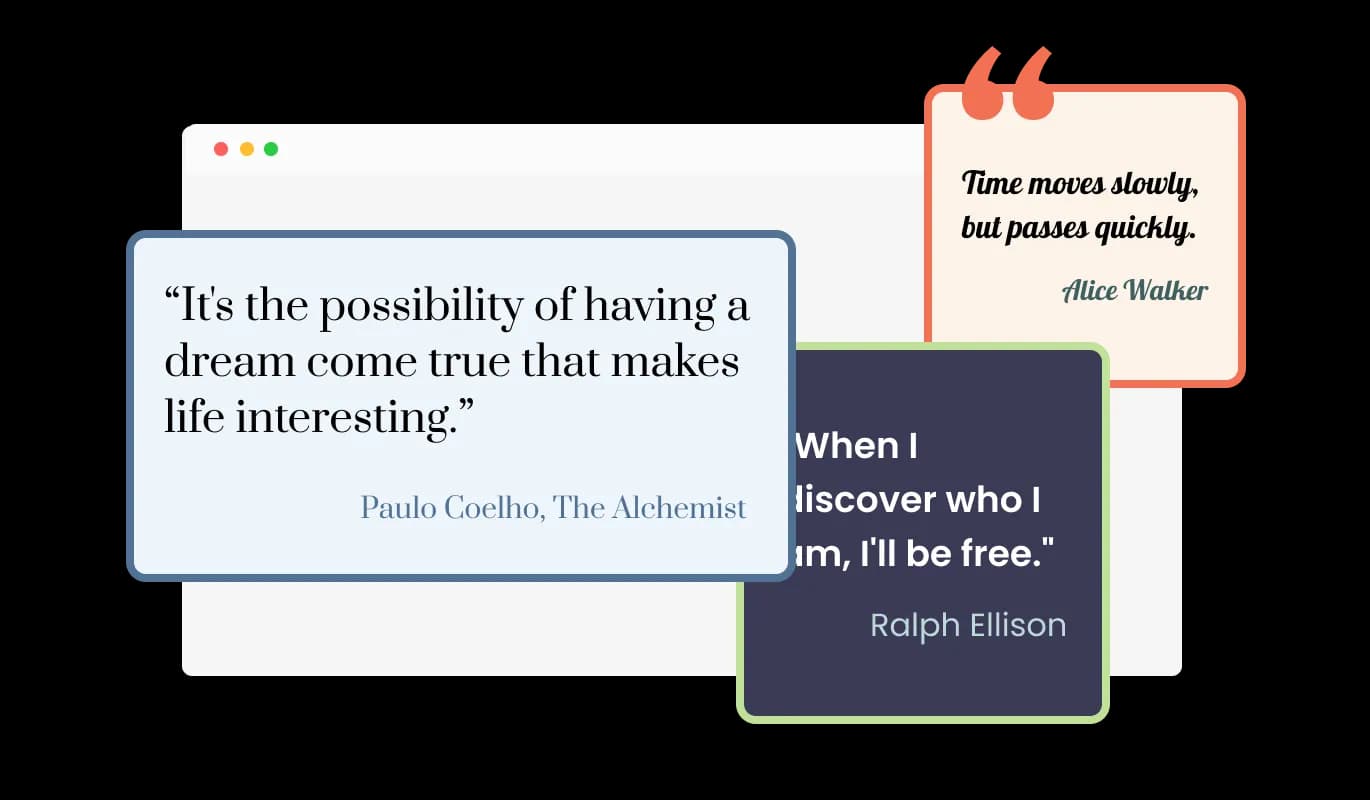
You can adjust the Quotations Carousel for [platformsizes ]'s to suit your particular requirements. You can make the widget small, large, vertical, or horizontal. This flexibility allows you to showcase quotes in various ways, depending on the layout and design of your site. The Quotations Carousel app can meet your demands regardless of whether you want to highlight a single quote or show several at once. With the ability to customize the size, the Quotes Carousel app gives you complete control over how you present quotes on your Thinkific site.
Quotes Carousel - Carousel Quotes Size

Select from Multiple Quotes Types

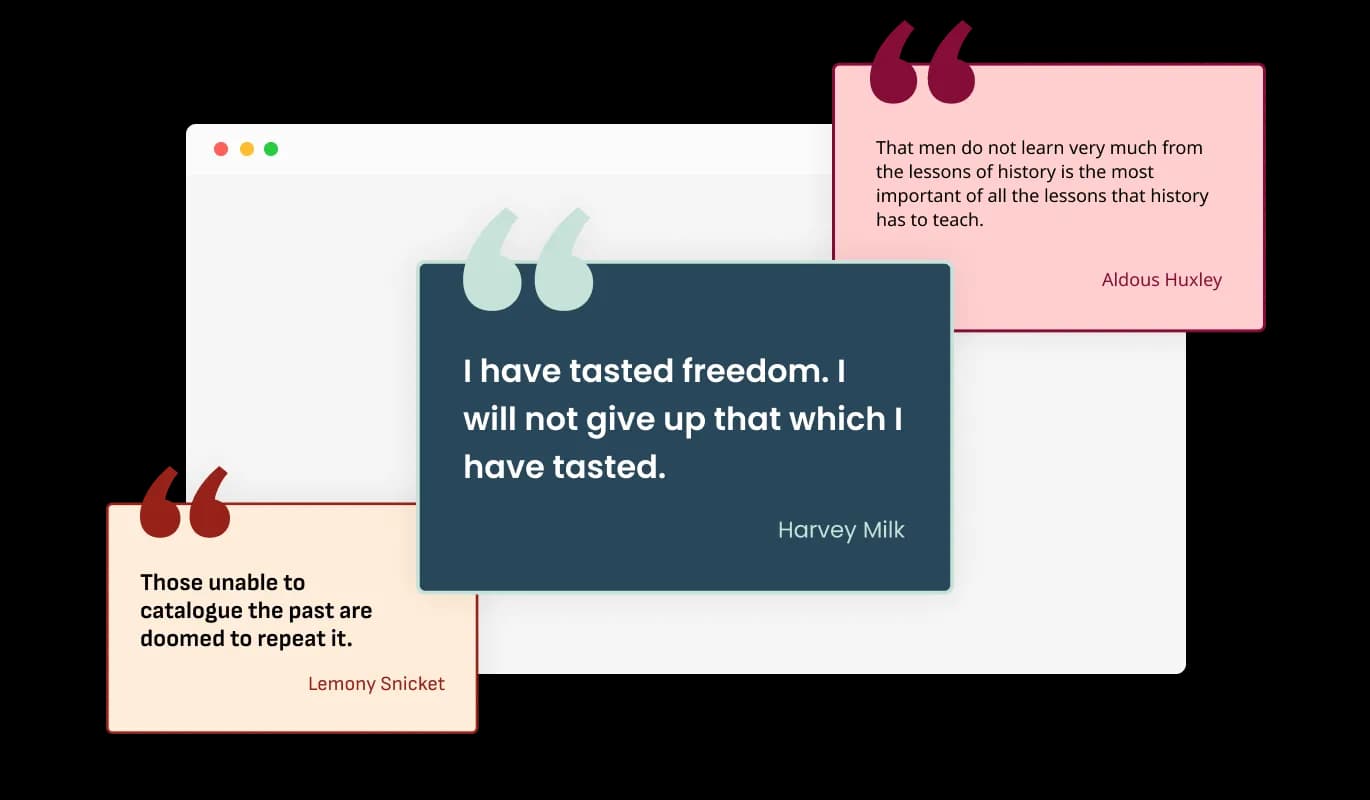
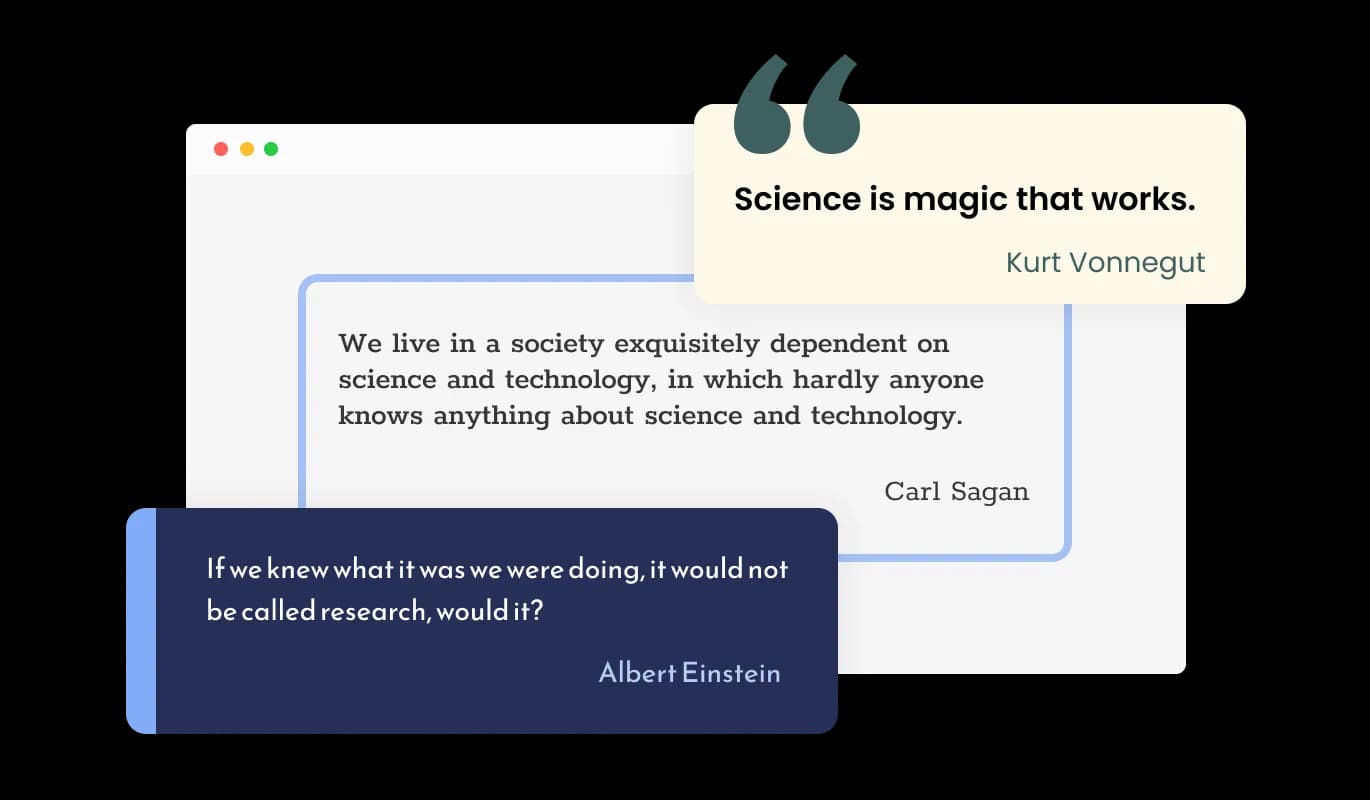
There are three different quotation display options available in the Thinkific Quotes Carousel: regular, highlighted, or with quote marks. This feature allows you to present quotes in a way that best suits your site's design and the type of quotes you're featuring. With these several display options, the Quotations Carousel app enables you to present quotes in a way that is most effective and powerful for your audience, to give a distinctive visual experience for your visitors, and to stand out for your Thinkific site.

Quotes Carousel - Select from Multiple Quotes Types

With the Quotes Carousel app, choose from a Variety of Skins.

In order to expedite your work, the Quote Carousel for Thinkific comes with a variety of ready-made skins. You can choose from a variety of pre-made skins included with the Quote Carousel app to save you time and effort. These skins are designed to provide a quick and easy way to customize the look and feel of the Thinkific Quotes Carousel to match your brand and style. Without beginning from scratch, it is easy to obtain the required style using pre-made skins.

Quotes Carousel - With the Quotes Carousel app, choose from a Variety of Skins.

Comprehensively Customized Quotes Carousel app

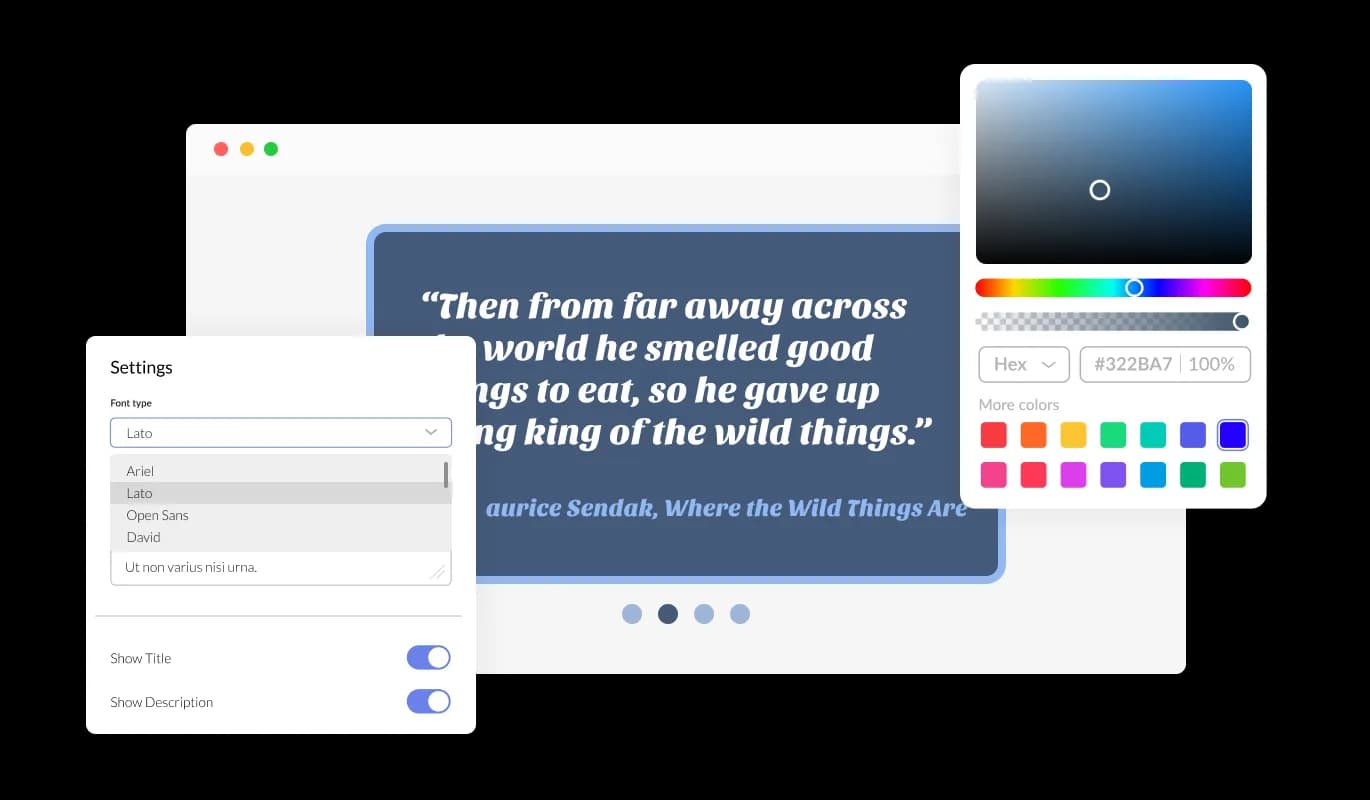
The Quotes carousel for Thinkific is designed to provide complete customization options, allowing you to edit the design to fit your needs perfectly. In order to create a visually appealing and cohesive design that matches the look and feel of your site, you can modify the background color, the text color, and even the hover effects color. Changes to fonts are another customization option. Various fonts can be selected to create a unique and visually appealing design. It can be handy for businesses seeking to create a consistent brand identity online.

Quotes Carousel - Comprehensively Customized Quotes Carousel app
Quotes Carousel - Quotes Carousel Arrows & Pagination

Quotes Carousel Arrows & Pagination

Tailor the Quotes carousel app to your design aesthetic by adjusting the arrow types and pagination icons to suit your preferences.

Quotes Carousel - Slide Transition Speed and Display Time

Slide Transition Speed and Display Time

The Quotes carousel provides options for controlling the pace of card transitions and the amount of time spent on each card. Apply these options to adapt your user's browsing.

Quotes Carousel - Selection of Layouts for Thinkific Quotes carousel

Selection of Layouts for Thinkific Quotes carousel

The Quotes Carousel app comes available with multiple layouts that you can choose from to make sure it fits your overall Thinkific site design and style. The Quotes Carousel app's layout possibilities are flexible in addition to its aesthetically pleasing style. To make sure it blends in with the general style and feel of your site, you can choose from a variety of layouts. It is simple to design a seamless and coherent experience for your visitors thanks to the layout's customizability.

Quotes Carousel - An Easy To Use app

An Easy To Use app

The Quotes carousel for Thinkific is easy to use and requires no coding knowledge. The intuitive dashboard with drag-and-drop functionality will allow you to customize the app in any way you'd like with just a few clicks.

It's all about responsive design for your Thinkific site

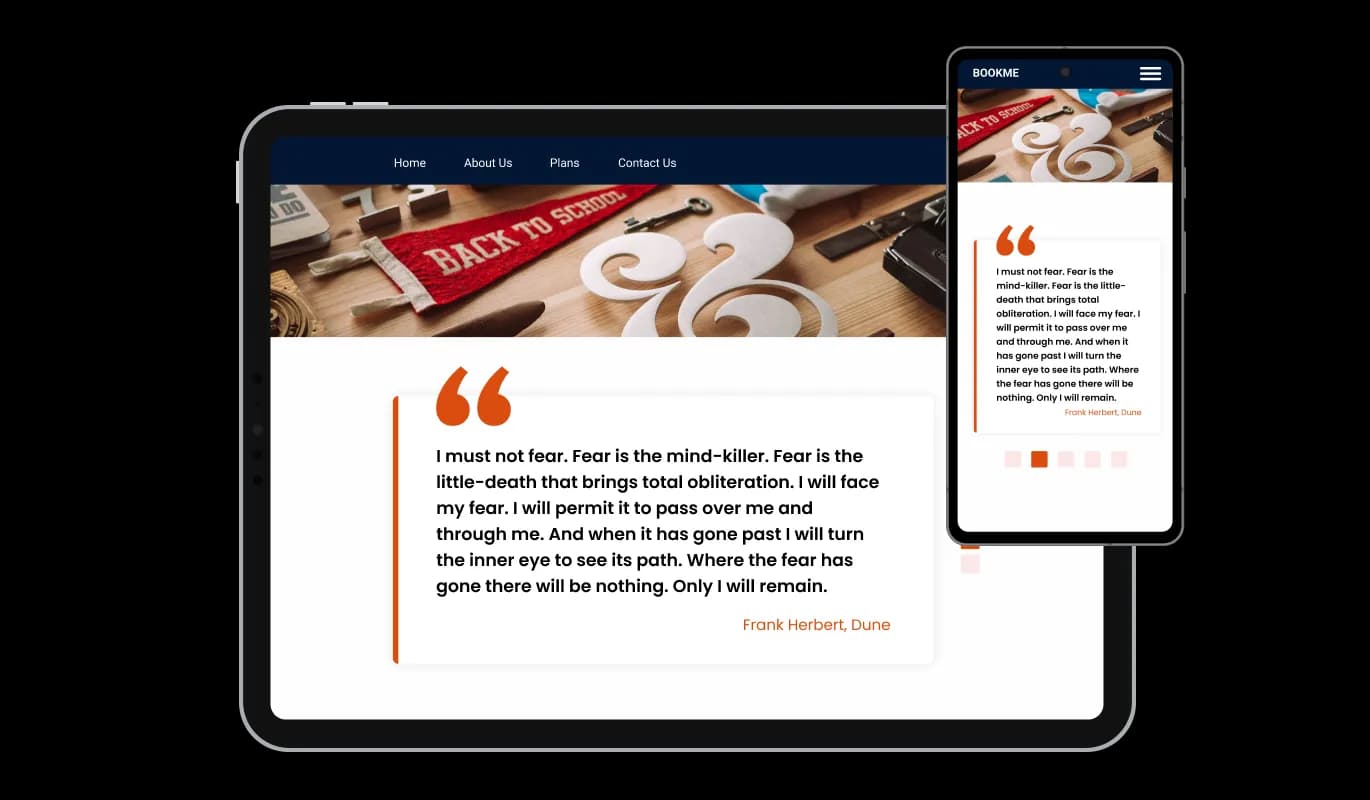
With a fully responsive Thinkific Quotes carousel app, you can give yourself a significant edge over your competitors in the mobile-first world we live in today. site must be optimized for mobile devices as more and more people access the internet from smartphones and tablets. Quotes carousel app's responsive design ensures that it will automatically adjust to the device size and resolution it is being viewed on, providing a seamless and consistent user experience. If your users access your Thinkific site on a desktop computer, a tablet, or a smartphone, they will be able to view and interact with your Quotes carousel for Thinkific.

Quotes Carousel - It's all about responsive design for your Thinkific site

Customizing the Quotes carousel for Thinkific CSS

All of Common Ninja's apps, including Quotes carousel for Thinkific, also allow you to insert custom CSS, which allows you to be even more creative with your customization. Custom CSS allows you to create styles and design elements not available through built-in customizations. Using custom CSS, you can create visually striking designs tailored to your needs. The use of custom CSS can also be used to create unique and engaging interactions and animations.

Quotes Carousel - Customizing the Quotes carousel for Thinkific CSS

Simple To Embed On Your Thinkific site

You can embed Quotes carousel for Thinkific on site by copying and pasting a single line of code. Embedding the app will automatically update with every change you make, so you don't have to worry about manually updating the Quotes carousel app every time. By using this feature, you can save a lot of time and effort, and make sure that your Thinkific Quotes carousel is always accurate and up-to-date.

Quotes Carousel - Simple To Embed On Your Thinkific site

Compatible With All Site Builders, E-Commerce Platforms and Websites

webflow logoshopify logowix logowordpress logobigcommerce logosqurespace logoweebly logojoomla logoduda logojimdo logomagento logoshift4hsop logounbounce logocarrd logo
View all supported platforms

FAQ

Yes, you can easily do so from the “Templates” tab.

Yes, there are lots of beautiful skins that you can choose from to save time and start using the widget as quickly as possible.

It’s simple. All you need to do is to sign up and start using the free version.

Common Ninja’s Quotes Carousel widget is free to use. It is limited to a certain amount of views, however.

Common Ninja’s Quotes Carousel widget is compatible with ALL current and future website builders.

Yes, the Quotes Carousel widget is GDPR-compliant.

No. Using our Quotes Carousel widget is very simple. The widget comes with an intuitive drag-and-drop interface and fully customizable options. Once you’ve finished editing the widget to your liking, all you need to do is copy the provided code and add it to your website.

Yes. We are eager to hear your request. Please visit our Feature Request page.

A quote carousel is a type of widget or tool that allows you to display quotes on a website in a rotating or sliding manner. It is often used to showcase inspiring or meaningful quotes from famous figures, industry leaders, or customers. The quotes are typically displayed in a visually appealing way, often accompanied by an image or background. The carousel feature allows the quotes to rotate or slide through automatically or manually by the user, providing an engaging and dynamic experience for visitors to the website. The Quotes Carousel widget also allows for customization of design, layout, size, and display options to match the website's style and design.

There are several benefits to adding a quotes carousel to your website, including:

  1. Enhancing the design: A well-designed quote carousel can add a visually interesting and dynamic element to your website, making it more engaging for visitors.
  2. Highlighting important messages: Quotes can convey important messages or themes, such as company values or mission statements, which can help visitors better understand your brand or business.
  3. Encouraging engagement: Visitors are more likely to interact with your website if they find it exciting and engaging. A rotating or sliding quote carousel can provide a sense of movement and interest, encouraging visitors to spend more time on your website.
  4. Showcasing customer testimonials: Quotes from satisfied customers can be used to build trust and credibility with potential customers.
  5. Creating a cohesive look and feel: By matching the design of the quote carousel with the rest of your website, you can create a cohesive and professional look and feel.
  6. Customizable: Quote carousels can be customized to match your website's design and style, giving you complete control over how quotes are presented.
  7. Enhancing the user experience: By providing a unique and engaging experience, a quote carousel can make your website stand out and leave a positive impression on visitors