


Verified review
Common Ninja has amazing no-code widgets that would beautify a website built on any builder. It is very easy to use and customise. It has as many widgets for almost everyone willing to make their website impressive.
The Common Ninja Social Share Buttons widget is a free, no-code embed that adds share-to-social-platform buttons to your website so visitors can share your page to Facebook, X, LinkedIn, WhatsApp, Reddit, Pinterest, email, and more in one click.
Pick which platforms to include, choose a button style (circle, square, rounded, branded-color, monochrome), customize button order, set the share message and title that pre-fills the social platform's share dialog, pick a layout (horizontal row, vertical stack, floating sidebar), customize the design with skins or Custom CSS, and paste a one-line embed snippet on Blogger, WordPress, Webflow, Shopify, Framer, MODX, and 200+ other platforms.
Use it on blog posts, product pages, news articles, landing pages, and any content where social sharing drives referral traffic, without coding the share URLs yourself or installing a separate plugin per platform.
A visitor who shares your page to LinkedIn or X surfaces it to their followers, free distribution from people who already trust your audience. Share buttons make the action one click instead of "copy URL, switch tabs, open LinkedIn, paste, write a comment, post". The lower the friction, the higher the share rate.
Each social platform has its own share-URL format and parameter quirks. The widget builds the right URL for each platform automatically and keeps it current as platforms tweak their share APIs (e.g. Twitter → X rebrand). No need to maintain a list of share-URL templates in your codebase.
Default platform share dialogs include just the URL. Set a custom share title and message in the editor so visitors who click share land on a pre-filled dialog with the article title, a teaser, or your hashtag, the share posts in seconds without forcing the visitor to write any caption themselves.
Social Share Buttons let visitors share THE CURRENT PAGE outbound to their own followers, "share this article" buttons. Social Links link OUT to YOUR brand's social profiles: "follow us on Instagram" icons. Use Share Buttons on blog posts and product pages where referral sharing matters; use the Common Ninja Social Links widget when you want visitors to find and follow your accounts.
Select from Facebook, X (Twitter), LinkedIn, WhatsApp, Telegram, Reddit, Pinterest, email, copy-link, and more. Add only the platforms your audience actually uses: a blog post for a B2B SaaS audience leans LinkedIn + X; a recipe blog leans Pinterest + WhatsApp. Reorder buttons via drag-and-drop in the editor.
Choose a button style (circle, square, rounded), color treatment (branded platform colors, monochrome to match your design, custom palette), and layout (horizontal row inline with content, vertical stack in a sidebar, floating sidebar that follows scroll). Set the default share message and title that pre-fills the platform's share dialog. Pick a skin or layer Custom CSS for pixel-level brand match.
Copy the one-line embed snippet and paste it on Blogger, WordPress, Webflow, Shopify, Framer, MODX, or any of the 200+ supported platforms. Each button opens the matching platform's share dialog pre-filled with the page URL when visitors click. Edits in the Common Ninja editor push to every embed without re-paste.
Circle, square, rounded, pill. Pick the button shape that matches your design system. Combine with branded platform colors, monochrome to match your design, or a custom palette. Each style stays consistent across all selected platforms for grid symmetry.
Facebook, X (Twitter), LinkedIn, WhatsApp, Telegram, Reddit, Pinterest, Email, Copy Link, and more. Add only the platforms your audience actually uses. Keeps the row tidy and avoids the "15 share icons" anti-pattern that dilutes attention.
Set the share title, share text, and hashtag that pre-fills each platform's share dialog. Tailor messaging per page or per platform (X gets a shorter text + hashtag, LinkedIn gets a longer professional framing, Reddit gets a community-aware tone).
Pick from a library of pre-designed skins (minimal-mono, brand-colors, dark-mode, soft-pastel, vibrant) for a fast visual fit. Layer Custom CSS for pixel-level control over button sizing, hover animation, spacing, and per-platform icon styling.
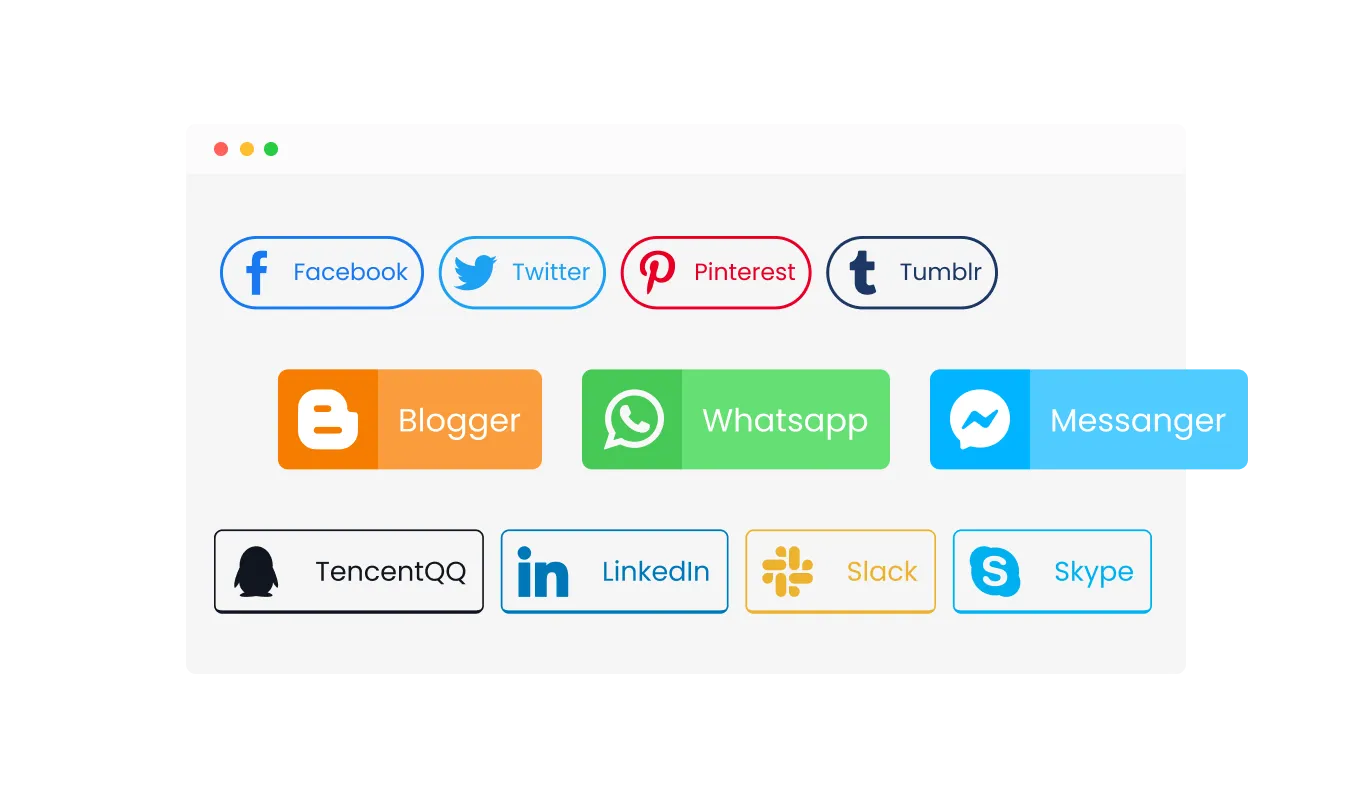
With the Social Share Buttons widget, you have the liberty to select from various button styles to complement your website's theme. Choose from full-color buttons for a vibrant and eye-catching look, transparent buttons for a more subtle and integrated appearance, or circular buttons for a sleek, modern feel. This range of style options allows for greater creative expression, ensuring the Social Share Buttons not only function effectively but also add to the visual appeal of your site.
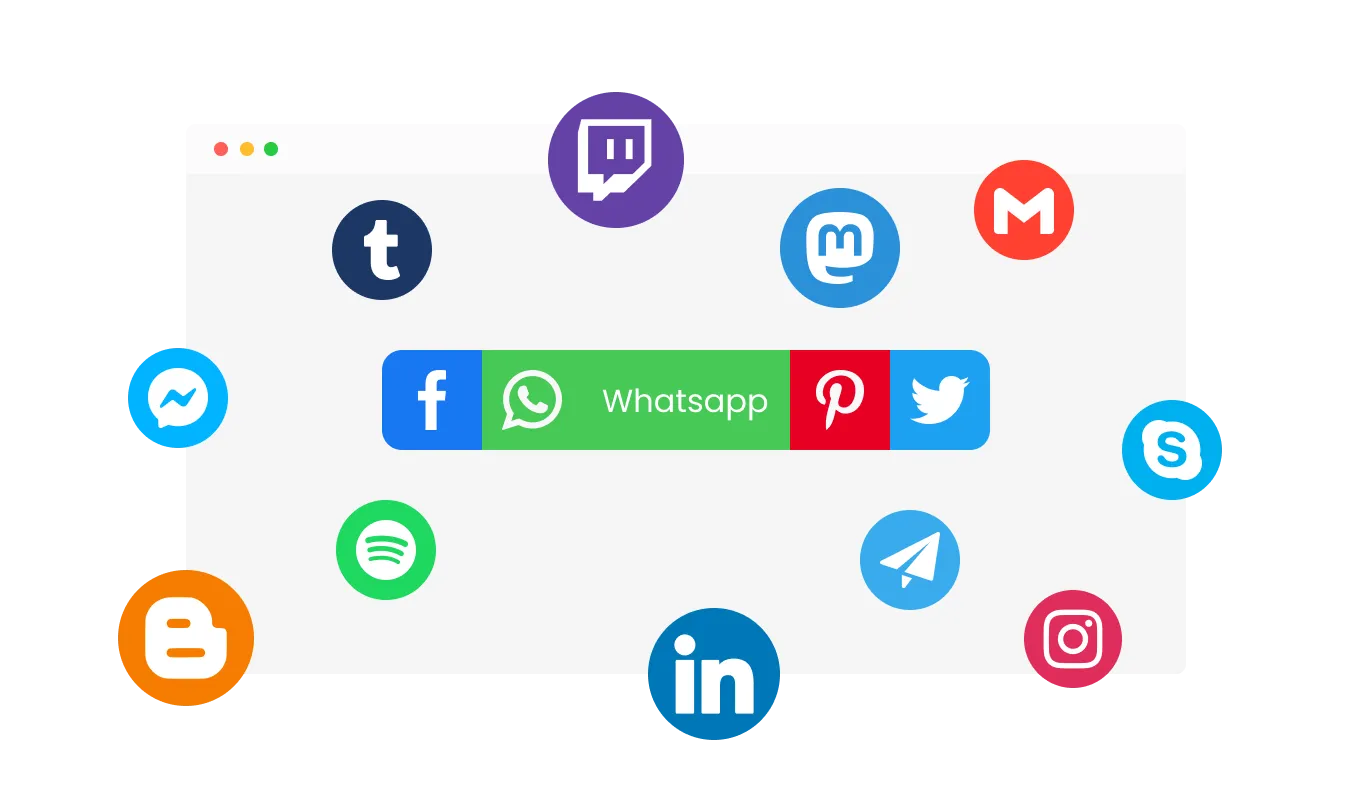
The Social Media Sharing Buttons support an impressive array of 48 social platforms, offering a wide range of options to suit diverse audience preferences. Whether targeting mainstream audiences on platforms like Facebook or niche communities, this variety ensures that your content reaches the most relevant and engaged audiences. Selecting the right platforms for your Social Media Sharing Tool is key to optimizing your content's reach and impact on social networks.
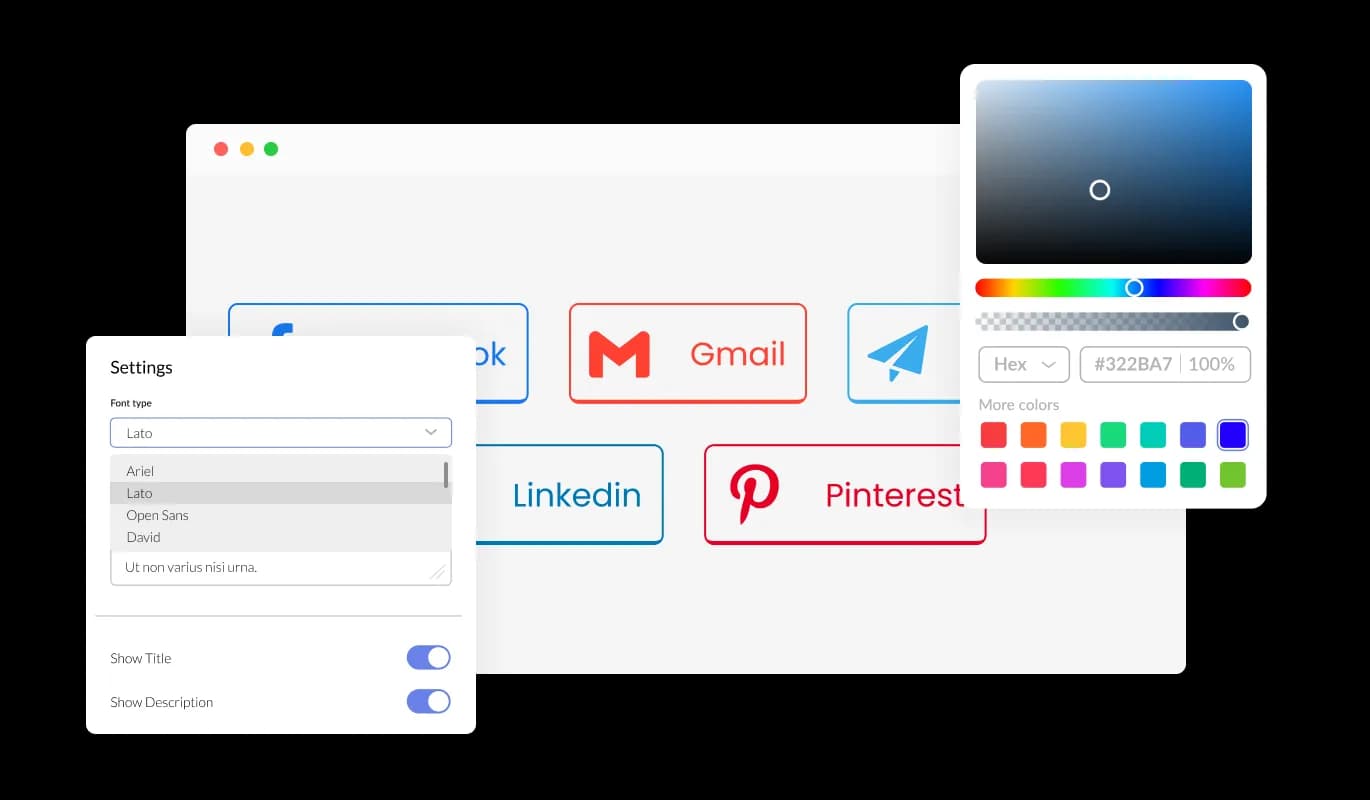
The Content Sharing Buttons come with extensive customization capabilities. You can adjust elements like colors, fonts, and spacing to match your site's unique style, ensuring that the buttons are both functional and aesthetically pleasing.
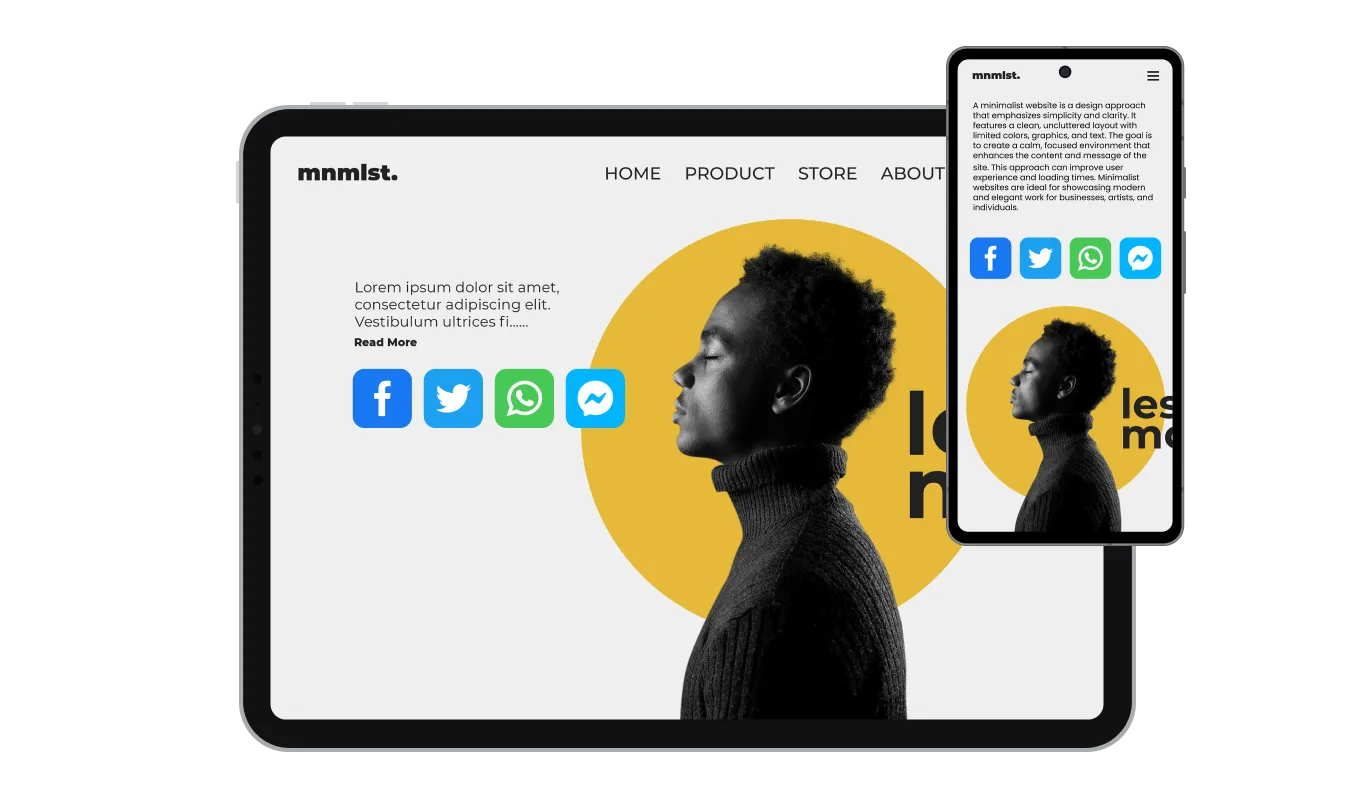
Ensuring compatibility across all devices, the Social Media Sharing Tool is designed to be fully responsive. This adaptability is crucial for a consistent user experience, regardless of the device used to access your site.

The Social Media Sharing Tool offers custom CSS options, allowing for deeper personalization and creativity. This feature is ideal for those who wish to fine-tune the aesthetic and functional aspects of their sharing buttons, ensuring a perfect match with the specific style and interaction needs of their website.

Embedding the Website Share Buttons on your site is streamlined and simple, requiring just a line of code. This ease of integration makes it accessible for users of all technical levels. The widget also updates automatically with every change, ensuring your site always displays the latest version without additional effort.
The Social Share Buttons widget offers the flexibility of choosing between two distinct layouts: vertical and horizontal. This versatility ensures that the Social Share Buttons can seamlessly integrate into your website's design, whether you prefer a sidebar-like vertical arrangement or a more traditional horizontal alignment. Tailoring the layout to match your website's aesthetics enhances the overall user experience and maintains design coherence.
The Website Share Buttons feature allows you to tailor the content of messages shared on social platforms. This customization ensures that the shared link reflects your brand's unique voice and message, making each share more impactful and aligned with your marketing strategy. Personalizing these messages can significantly enhance user engagement and the overall appeal of your content on social media.
The Content Sharing Buttons widget provides detailed customization options for each button. You have the flexibility to select unique colors for each button, allowing you to either match your website's color scheme or use distinct colors to make each social platform stand out. Additionally, you can choose to display either the platform name, the platform logo, or both. This level of customization ensures that the buttons not only integrate seamlessly with your site's design but also cater to your specific branding and aesthetic preferences.
Designed with simplicity in mind, the Website Share Buttons require no advanced technical skills for customization. Their user-friendly interface allows for effortless adjustments, making them accessible to a wide range of users and enhancing your website's functionality without the need for complex coding.
Common Ninja has amazing no-code widgets that would beautify a website built on any builder. It is very easy to use and customise. It has as many widgets for almost everyone willing to make their website impressive.
Outstanding service. I use their widgets to help me with my web design business and whenever I need help they are very quick to help.
Excellent company with excellent service!!! We used it to build a survey, it was very user friendly. The service was perfect. Amit helped us with every problem and question we had, thank you very much!!!
Common Ninja saved the day when building our website and the customer service Daniel, the co-founder and CEO, provided was amazing.
Yes. The free plan covers one Social Share Buttons widget with no time limit and no credit card. Upgrade only when you need additional widgets, premium skins, advanced platform-specific configurations, share analytics, or features like A/B variants for testing button layouts.
Social Share Buttons let visitors share THE PAGE THEY'RE ON to their own social followers. "share this article on LinkedIn" buttons that open pre-filled share dialogs. A Social Links widget links OUT to YOUR brand's social profiles, "follow us on Instagram" icons in the footer. Use Share Buttons on content pages where referral traffic matters; use the Common Ninja Social Links widget when you want visitors to find and follow your accounts.
Facebook, X (Twitter), LinkedIn, WhatsApp, Telegram, Reddit, Pinterest, email, copy-link, and others. Add only the platforms your audience uses: a B2B SaaS audience leans LinkedIn + X; a recipe blog leans Pinterest + WhatsApp; a news site might want Reddit + Facebook + X + email. Reorder buttons via drag-and-drop in the editor.
Yes. The widget auto-detects the page URL and passes it to the share dialog. Set a custom share title and message in the editor. The platform's share dialog opens with the URL + your custom messaging already filled in, so visitors just hit "post" without writing a caption.
No. The widget script loads asynchronously, so it doesn't block first paint or interactivity. Buttons themselves are lightweight SVG icons: minimal DOM impact, no extra HTTP requests for content. Your Largest Contentful Paint and Cumulative Layout Shift stay healthy on Core Web Vitals.
Basic share-click events fire to your analytics if your site has a tracker that listens for outbound clicks (Google Analytics, Plausible). Some platforms also let you set up event tracking for share-button clicks specifically. On paid plans, the widget adds its own per-button click analytics dashboard so you can see which platforms get the most shares without needing a separate analytics setup.
Build the widget in the Common Ninja editor (pick platforms, customize style, set share message), copy the embed snippet, and paste it into your site: Blogger via the HTML/JavaScript gadget in the Layout editor (for sitewide) or inside a post via HTML editing; WordPress via a Custom HTML block (Gutenberg) or Shortcode/Text widget (Classic); Webflow via an Embed element on the page or in your blog-post template. Edits in the editor push to every embed without re-paste.
Yes. Button layouts (horizontal row, vertical stack, floating sidebar) adapt across mobile, tablet, and desktop breakpoints. Tap targets stay finger-sized on mobile, and the floating sidebar repositions to bottom-anchored on small screens so it doesn't crowd the viewport. The WhatsApp button opens the WhatsApp app directly on mobile.
Pick your platform. Each takes under 4 minutes.
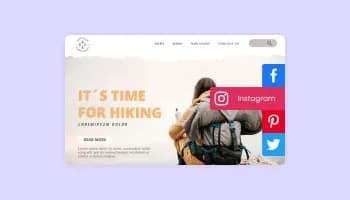
Sticky buttons with links to social media accounts
Add a WhatsApp chat button to your website, allowing users to start a chat using WhatsApp.
Add a Telegram chat button to your website, allowing users to start a chat using Telegram.

Add a Messenger chat button to your website, allowing users to start a chat using Messenger.

Easily craft engaging, personalized popups to boost conversions.
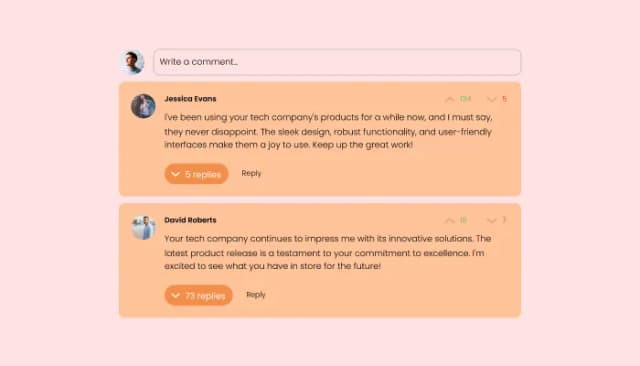
Comments system with upvote/downvote, email notifications, reply threads, and moderation tools.
Social Share Buttons are interactive elements on a website that allows users to easily share content on various social media platforms.
You can add them by embedding a simple line of code from the Social Share Buttons widget into your website's HTML.
Yes, you can customize the color, style, and whether to show the platform name or logo for each button.
Absolutely, the buttons are fully responsive and work seamlessly across all devices.
Yes, the Social Share Buttons widget supports a selection from 48 social platforms, allowing you to choose the ones most relevant to your audience.
No, the widget is designed for ease of use and doesn't require any coding expertise.
They enhance user engagement, increase content visibility, and drive more traffic to your site.
Yes, you can customize the message that appears when content is shared from your site.
Yes, the widget offers both vertical and horizontal layouts to fit your site's design.
Yes, you can access support through Common Ninja's customer service for any queries or issues.
Any changes made in the widget settings will automatically update the buttons on your site.
Yes, the buttons can be added to as many pages as you like.
Yes, it's designed to be compatible with all major web browsers.
Let visitors share your content to Facebook, X, LinkedIn, WhatsApp, Reddit, Pinterest, and more in one tap, pre-filled share dialogs with custom messaging, multiple layouts (horizontal, vertical, floating sidebar), branded or monochrome button styles, stylish skins, and Custom CSS. Embed on 200+ platforms including Blogger, WordPress, Webflow, Shopify, Framer, and MODX.
Create your Share ButtonsNo credit card · Setup in under 5 minutes