
Try for free!

Support Form for Cratejoy

Use a support form that lets customers submit tickets, saves each request, sends notifications, and helps you manage support more efficiently.

Create a Support Form

loved by 500K+ businesses

Cratejoy
plugineditoreditor

Why Should You Use the Support Form Widget+?

Create and Embed Custom Support Forms with Ease

With Cratejoy's Support Form, users can conveniently send support requests, contributing to prompt resolutions and increased customer satisfaction. In addition, the Cratejoy Support Form assists you in monitoring and categorizing support requests, simplifying the management of customer inquiries and ensuring effective responses.

Optimize User Communication Management through a Centralized Support Form

Implementing a Support Form on Cratejoy allows you to gather all support requests in a single location, improving the ability of your support team to manage and prioritize issues. This centralization not only helps reduce response times but also boosts the overall efficiency of your customer support operations.

Tailor-Made Support Forms for Your Cratejoy Needs

The Support Form for Cratejoy can be modified to feature fields unique to your industry or business, enabling easier acquisition of crucial information for resolving support cases. Additionally, customizing your Support Form facilitates the collection of valuable customer feedback, empowering you to continually enhance your products and services based on customer needs and desires.

Comprehensive Form Field Options for Cratejoy Support Forms

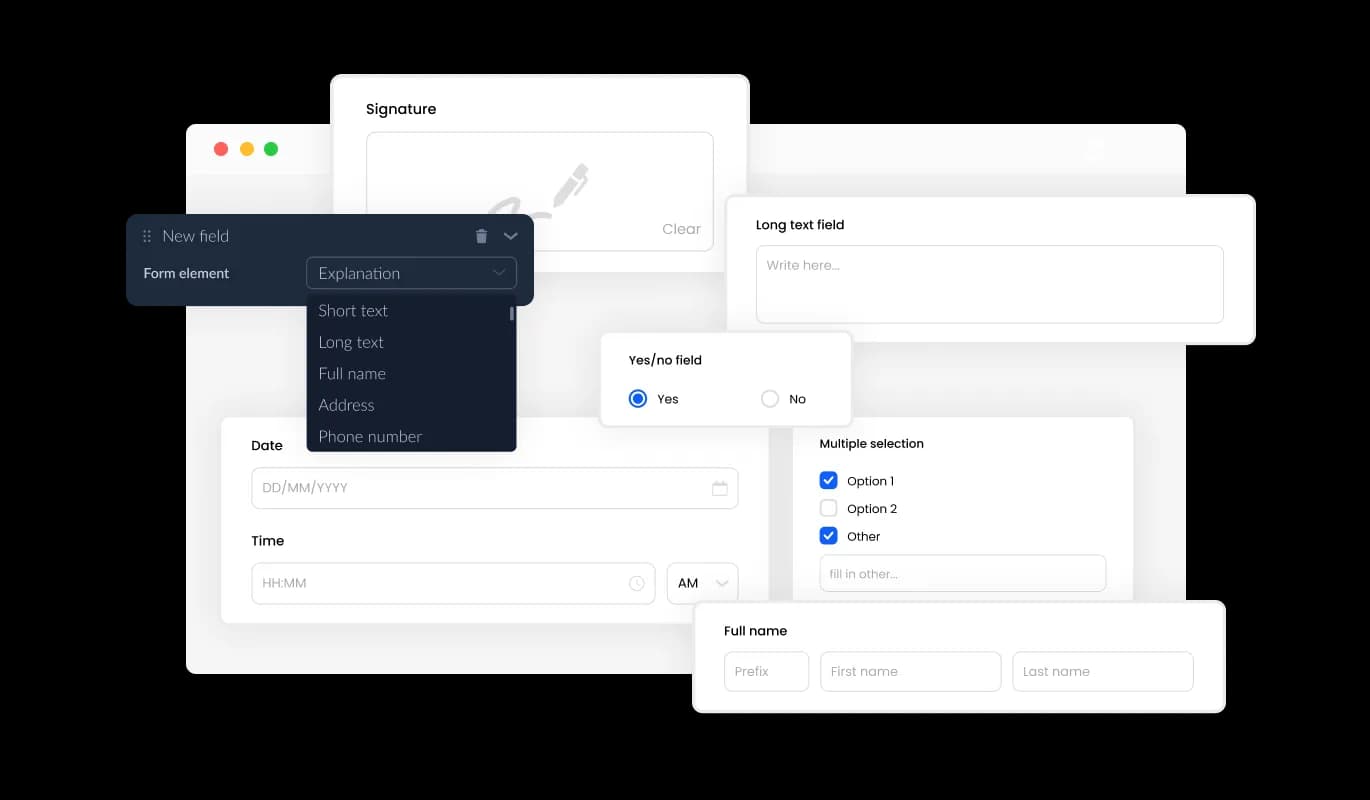
The Cratejoy Support Form creator offers numerous customizable fields, covering standard to distinctive and specialized formats, empowering you to customize your form to suit your specific needs and intended applications. It's easy to incorporate fields: simply click the "Add Field" option and pick from the wide variety of formats available. You can also effortlessly change the order of fields by using the drag-and-drop feature to move them as needed.
Support Form - Comprehensive Form Field Options for Cratejoy Support Forms

Optimize Support Ticket Handling on Cratejoy with Ease

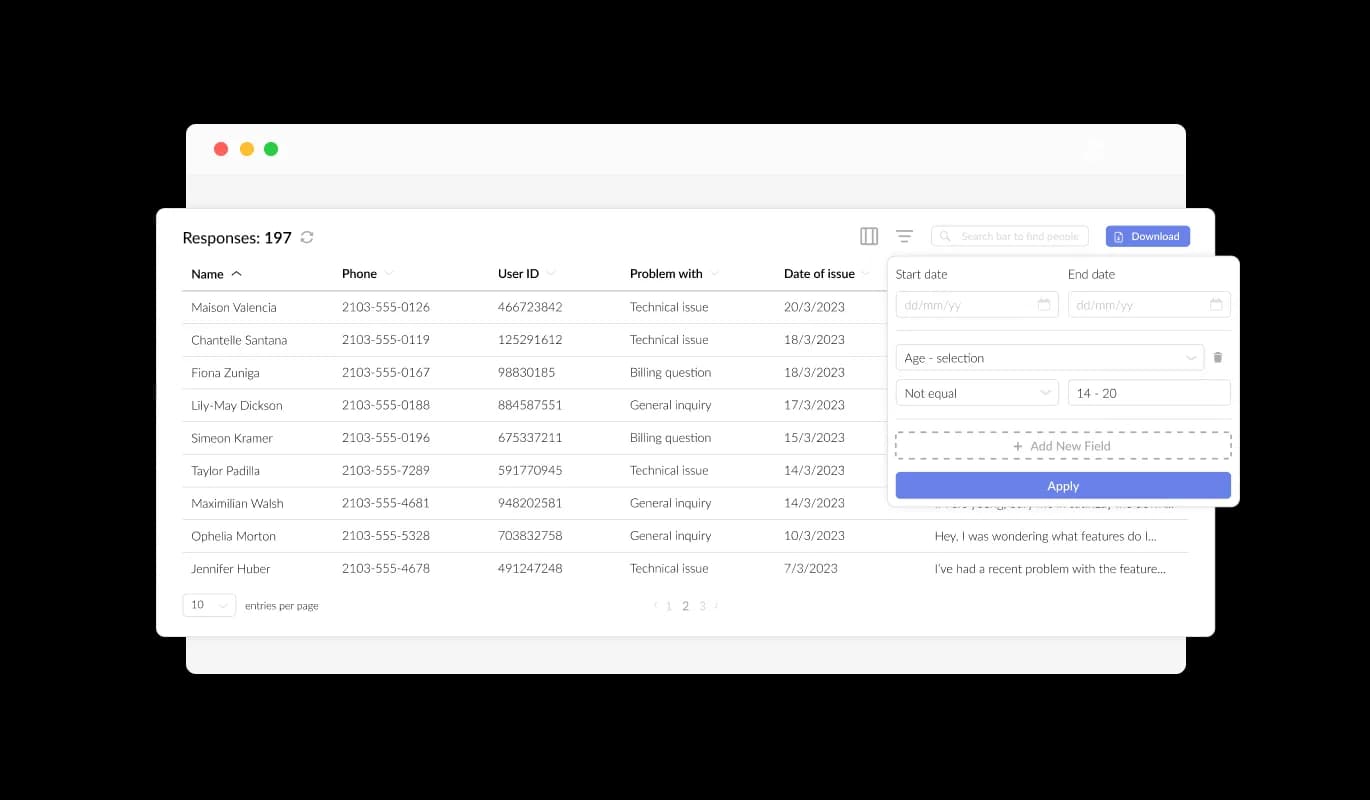
The Support Form on Cratejoy makes it easy for you to manage and view all support ticket submissions with a clear and user-centric display. This feature allows you to maintain a comprehensive overview of all user communications and inquiries, ensuring timely and efficient responses to their support requests.

Support Form - Optimize Support Ticket Handling on Cratejoy with Ease

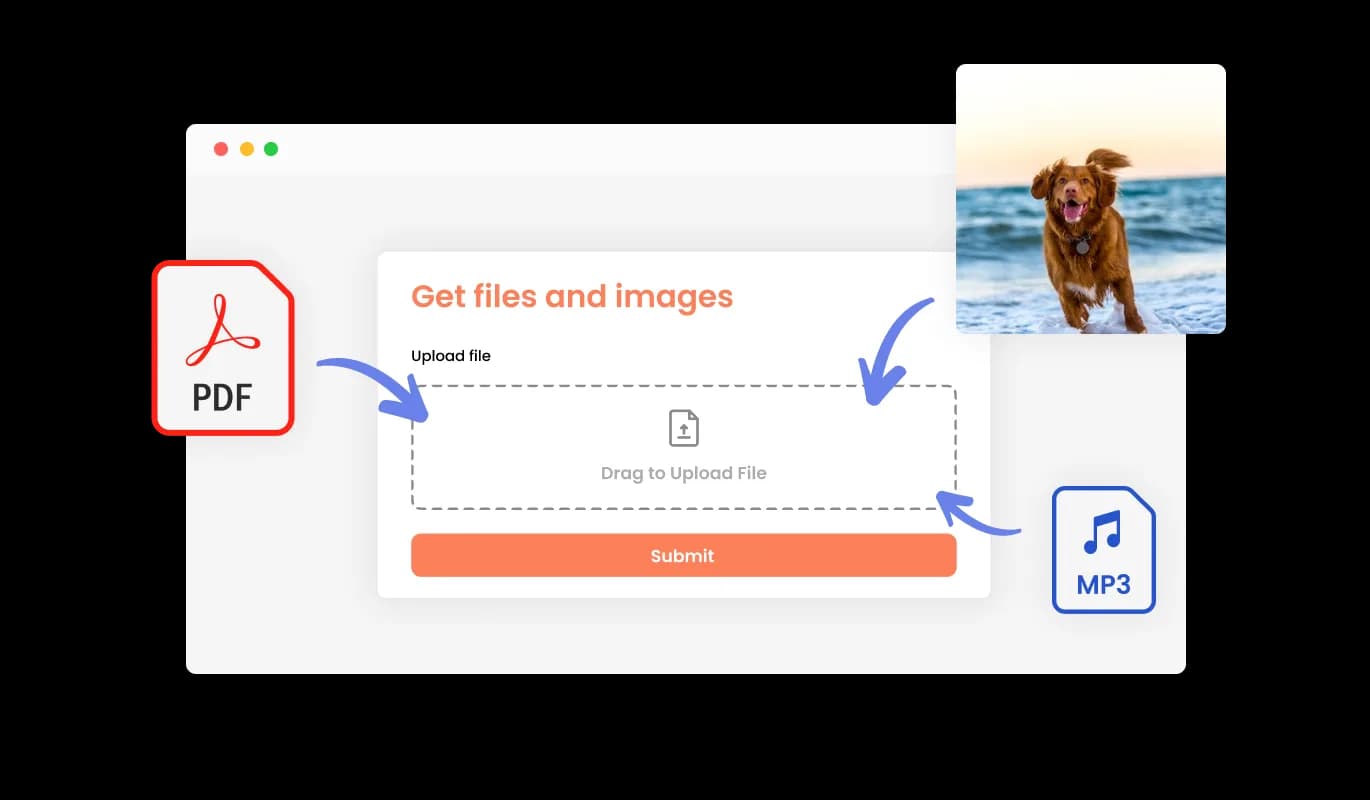
Enhance Support Ticket Resolution by Receiving Files and Images on Cratejoy

The Support Form for Cratejoy enables you to effortlessly receive relevant files and images from your users, significantly improving the accuracy and efficacy of your support ticket resolution process. This feature can be particularly useful for gathering essential data and documentation to help resolve user support requests promptly and efficiently.

Support Form - Enhance Support Ticket Resolution by Receiving Files and Images on Cratejoy

Boost Support Form Usability with Descriptive Content and Visual Elements

The inclusion of titles, descriptive text, and images in your support form can heighten user experience on your Cratejoy store, providing a more complete and user-focused interface. These clarifying form elements can lead users through the submission process, resulting in a streamlined and effective experience that enhances the probability of successful support ticket resolution.

Support Form - Boost Support Form Usability with Descriptive Content and Visual Elements

Unify Your Brand Aesthetic with Custom Support Form Headers and Footers

The Support Form for Cratejoy allows you to customize the header and footer of the form, including the option to add images. This feature presents a significant opportunity to elevate your brand's image and create a visually stunning and professional form that aligns with your Cratejoy store's overall design and aesthetic.

Support Form - Unify Your Brand Aesthetic with Custom Support Form Headers and Footers

Protect Your Support Form from Spam on Cratejoy with CAPTCHA

The Support Form creator for Cratejoy offers the option to enable the CAPTCHA anti-spam feature, which requires users to complete a verification process before submitting the form. This anti-spam feature helps keep bots and automated scripts from submitting unwanted messages through your support form, ensuring that you receive only authentic messages from real users

Support Form - Protect Your Support Form from Spam on Cratejoy with CAPTCHA
Support Form - Easily Export Support Form Submissions to CSV with Cratejoy

Easily Export Support Form Submissions to CSV with Cratejoy

The Cratejoy Support Form creator provides the option to export support ticket submissions in a CSV file format, facilitating easy import into various software or tools for analysis or integration purposes. This feature is especially beneficial for businesses that need to maintain a record of all their interactions with clients, and for data analysis and reporting purposes.

Support Form - Enable Notifications for Support Ticket Submissions on Cratejoy

Enable Notifications for Support Ticket Submissions on Cratejoy

The Cratejoy Support Form [creator] enables you to configure notification settings for both the support form owner and the user submitting the request. Arrange for automated email notifications to be sent to multiple email addresses for every support form submission, and ensure a confirmation email is delivered to the user following a successful submission.

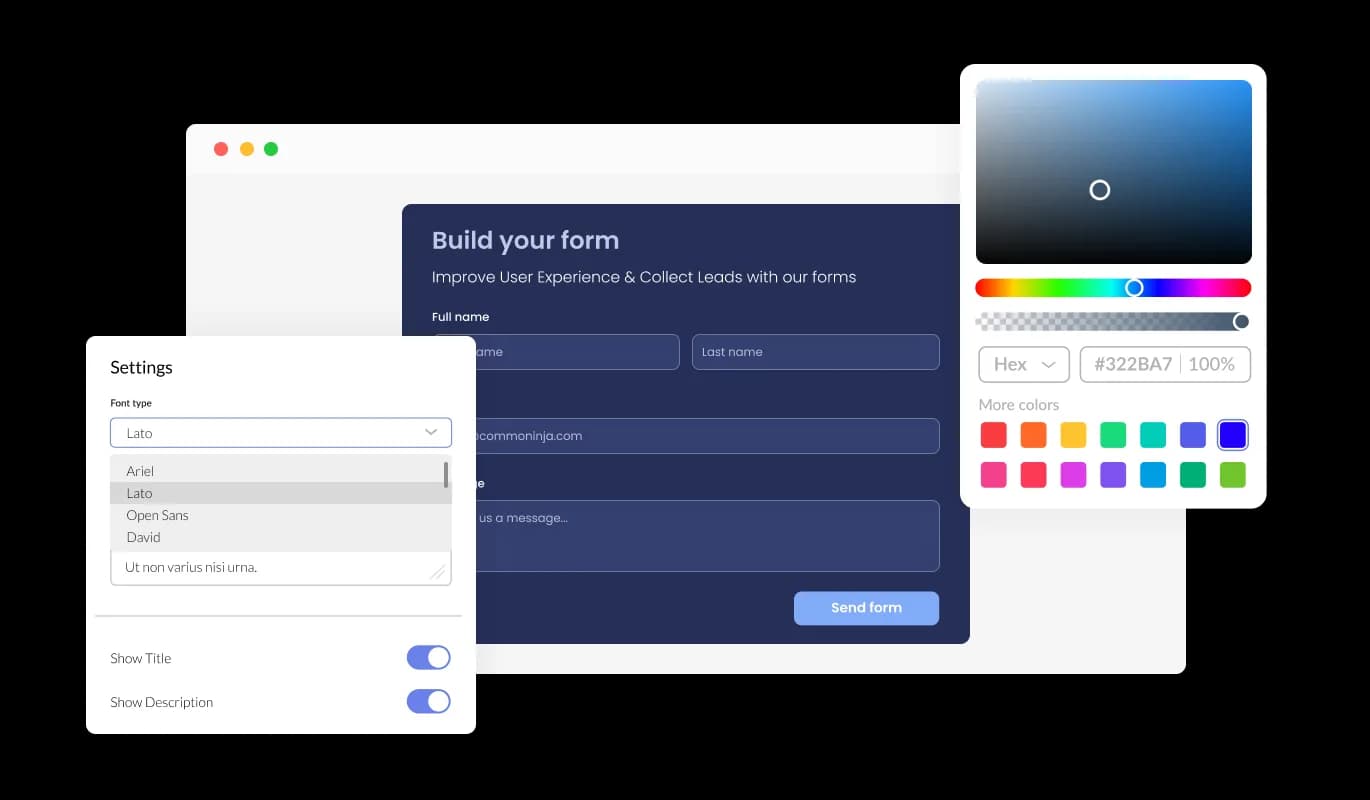
Support Form - Elevate Your Cratejoy Support Form Design Using Custom CSS

Elevate Your Cratejoy Support Form Design Using Custom CSS

Our advanced editor empowers you with full customization capabilities of the Support Form's appearance. This versatile tool empowers you to easily tweak every detail of the support form, encompassing colors, font choices, layout, and positioning. For advanced users with CSS knowledge, direct CSS editing can take customization to the next level.

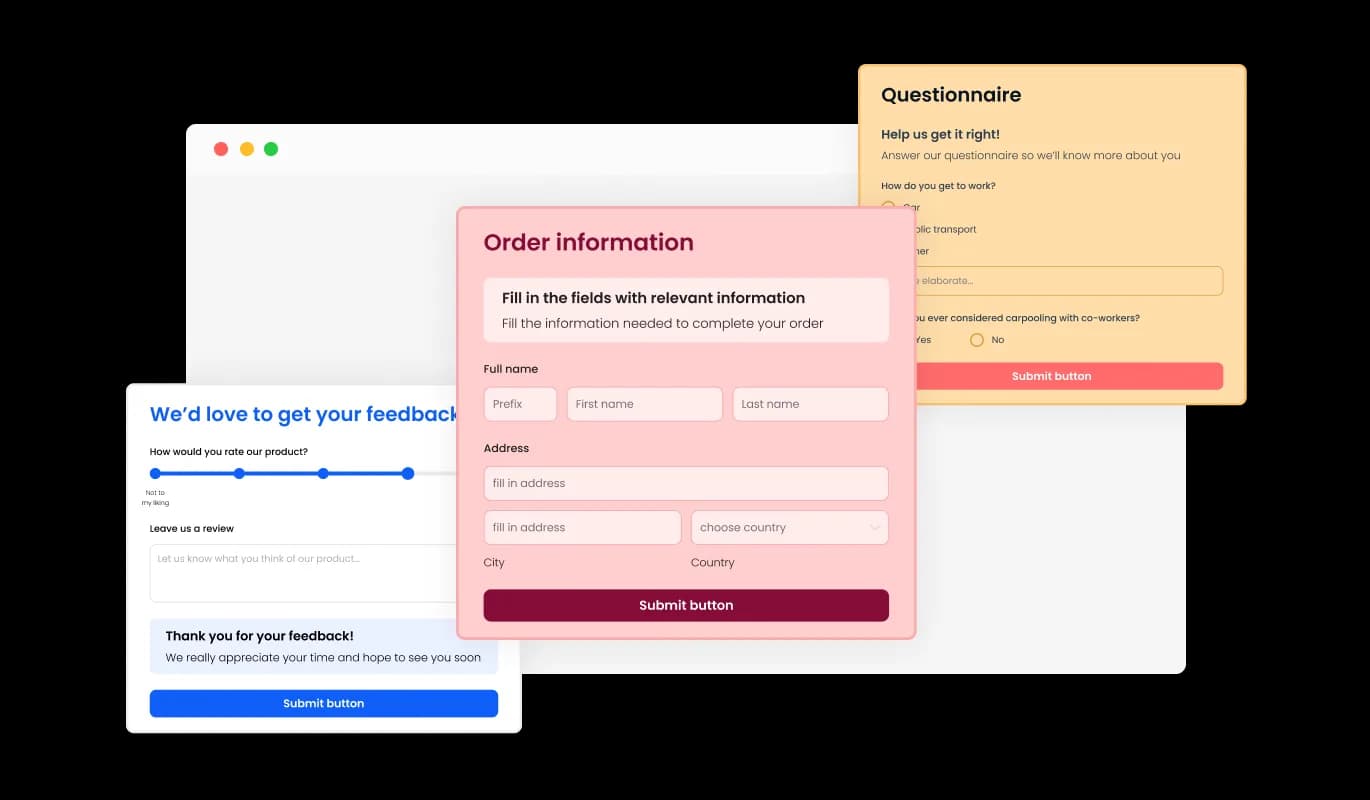
Cratejoy Support Form: Multiple Skins for Easy Customization

The Support Form for Cratejoy presents a collection of engaging skins, letting you expedite the design process without focusing on time-intensive customization. These pre-designed skins save you time and effort, while still allowing for a personalized and professional look that aligns with your brand identity.

Support Form - Cratejoy Support Form: Multiple Skins for Easy Customization

Customize Your Cratejoy Support Form for a Cohesive Brand Appearance

The Cratejoy Support Form creator offers a range of attractive skins that you can easily personalize to match your brand's image and store's overall look and feel. From changing the color scheme and font style to adding your logo and other design elements, you have complete control over the customization process to create a truly unique and personalized form. By offering complete customization, you can improve user interaction and make a lasting impression that harmonizes with your brand's image.

Support Form - Customize Your Cratejoy Support Form for a Cohesive Brand Appearance

Optimize User Experience with Responsive Cratejoy Support Form

With the rising number of people accessing the internet on mobile devices, having a form designed for optimal viewing on these devices has become essential. The Cratejoy Support Form is fully responsive and will appear great on any device. By providing a responsive support form, you enable users to access and submit the form with ease from any device, leading to more timely submissions and a better overall user experience.

Support Form - Optimize User Experience with Responsive Cratejoy Support Form

Simplify Support Form Creation with Cratejoy's Intuitive Form Builder

With the Support Form builder for Cratejoy, you don't need any coding knowledge to create and customize your form. Our intuitive user interface allows you to easily modify the form's fields, layout, and styling with just a few clicks. Moreover, real-time previews let you see your adjustments instantly, guaranteeing that your form matches your desired appearance.

Support Form - Simplify Support Form Creation with Cratejoy's Intuitive Form Builder

Easy To Embed Support Form for Cratejoy

To insert the Support Form on your Cratejoy store, all you need to do is copy the provided code snippet and paste it into your page's HTML. With its auto-updating design, the support form ensures that any modifications made within the Support Form editor are immediately reflected on your Cratejoy store. This makes it a hassle-free process to personalize the form and seamlessly integrate it into your store for your customers to access easily.

Support Form - Easy To Embed Support Form for Cratejoy

Compatible With All Site Builders, E-Commerce Platforms and Websites

webflow logoshopify logowix logowordpress logobigcommerce logosqurespace logoweebly logojoomla logoduda logojimdo logomagento logoshift4hsop logounbounce logocarrd logo
View all supported platforms

FAQ

A support form is an online form used by businesses or organizations to receive inquiries, feedback, or support requests from their customers or users. It typically includes fields for the user's name, contact information, the reason for the inquiry or request, and a message field where the user can provide details or additional information. The purpose of a support form is to provide a convenient and efficient way for customers or users to reach out for help or assistance, and for businesses to manage and track those requests in an organized manner.


  1. Keep it simple: A support form should be easy to fill out and should not overwhelm the user with too many questions. Only ask for information that is absolutely necessary to resolve the issue.
  2. Provide clear instructions: Be clear about what information you need from the user and how they can expect to receive a response. Provide instructions on how to fill out the form and any specific guidelines or limitations.
  3. Use auto-response messages: Set up an automatic response to let users know that their submission was received and that their issue is being looked into. This can help to set expectations and reduce anxiety.
  4. Be responsive: Try to respond to support form submissions as quickly as possible. Set a reasonable response time and stick to it.
  5. Continuously improve: Use feedback from users to improve your support form. Analyze the data collected through the form to identify patterns and areas for improvement.


The Support Form widget provides a range of customization options to help you tailor the look and feel of the form to match your website's design and branding. You can choose from a selection of attractive skins to quickly apply a pre-designed theme, or use the advanced editor to customize every aspect of the form's appearance, including colors, fonts, layout, and positioning. For more advanced customization, you can even edit the CSS directly.

To embed the Support Form widget on your website, simply copy and paste the provided code snippet into your page's HTML code. The widget is designed to be auto-updating, meaning that any changes you make to the Support Form editor will be reflected automatically on your website.

Yes, the Support Form widget is fully responsive and will adapt to any device, ensuring that users can easily submit inquiries or support requests from their desktop, tablet, or mobile device. This is important in a world where more and more people are accessing the internet through their phones and tablets.

Yes, you can easily do so from the “Templates” tab.

Yes, there are lots of beautiful skins that you can choose from to save time and start using the widget as quickly as possible.

Yes, you can either upload an image, or select an icon from a large selection of available icons to add to your support form, or, alternatively, you can leave it all blank. 

It’s simple. All you need to do is to sign up and start using the free version.

Common Ninja’s Support Form widget is free to use. It is limited to a certain amount of views, however.

Common Ninja’s Support Form widget is compatible with ALL current and future website builders.

Yes, the Support Form widget is GDPR-compliant.

No. Using our Support Form widget is very simple. The widget comes with an intuitive drag-and-drop interface and fully customizable options. Once you’ve finished editing the widget to your liking, all you need to do is copy the provided code and add it to your website.

Yes. We are eager to hear your request. Please visit our Feature Request page.