
Tabs for Cloudward

Use tabs to organize content into clear sections, improve navigation, and help visitors switch between topics quickly for a smoother user experience.

Create Tab Widget

loved by 500K+ businesses

Cloudward
plugineditor

Why Should You Use the Tabs Widget+?

Streamlined Content Management using Tabs widget

The Cloudward Tabs widget enhances the user experience by presenting information in a clean and organized manner. It empowers visitors to conveniently and speedily browse through diverse content segments, diminishing bewilderment and assuring they pinpoint what they're after.

Minimizing Page Clutter

Using Tabs widget on your Cloudward website can assist in reducing page mess and enhancing visual appeal. By assimilating multiple content elements into distinct tabs, users can uncover relevant data without being swarmed by an excess of text or images on a single page.

Enhance Your Content Organization with Tabs widget

Content management is simplified with Tabs widget for Cloudward, offering improved organization and display. By segmenting content into various parts, site managers can tweak or update individual areas without disrupting the complete structure, ensuring the Cloudward website continues to be up-to-date and applicable.

Customizable Tabs Skins for Your widget

The Tabs widget for Cloudward comes with a variety of pre-styled skins that can be customized to fit your widget's branding and color scheme. This feature allows for consistency in design, creating a cohesive visual appearance that resonates with visitors.
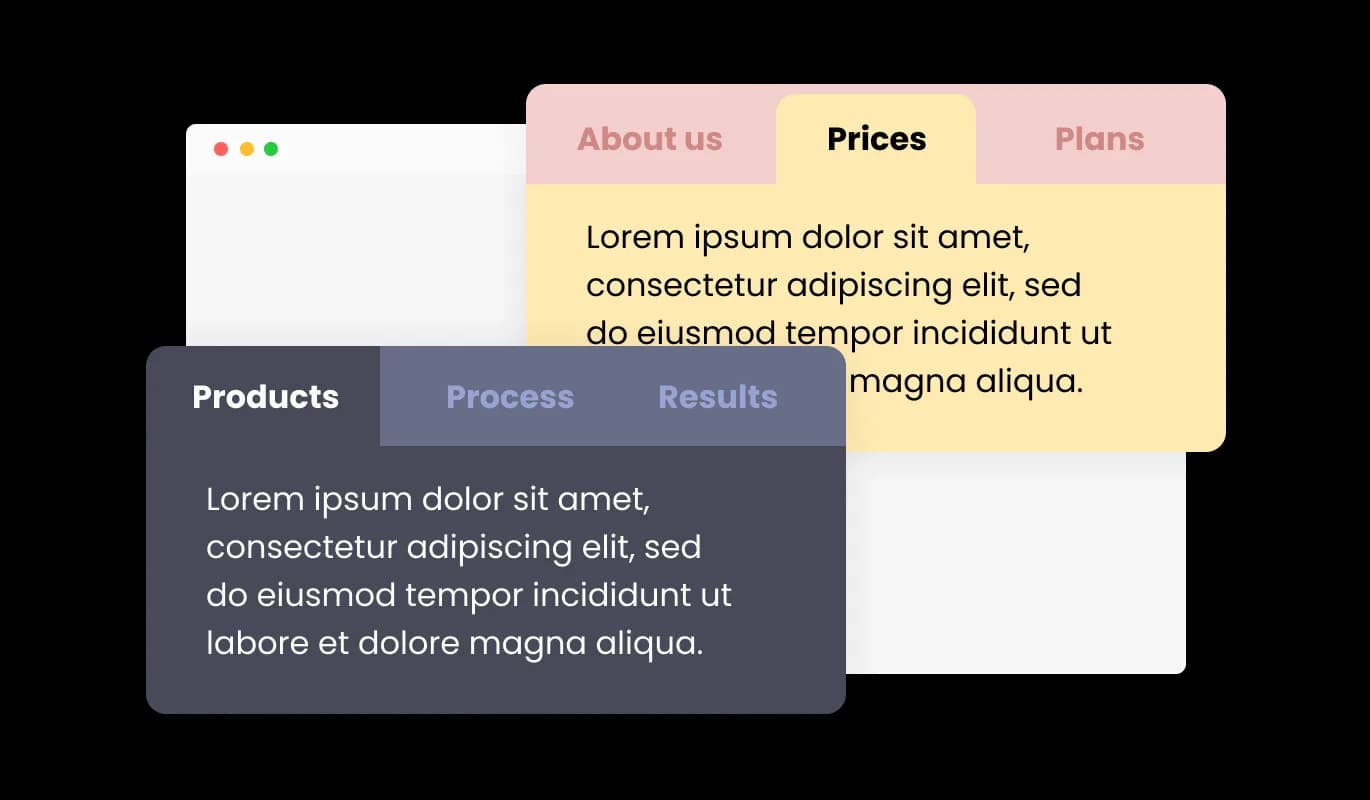
Tabs - Customizable Tabs Skins for Your widget

Flexible Orientation with Horizontal and Vertical Tabs

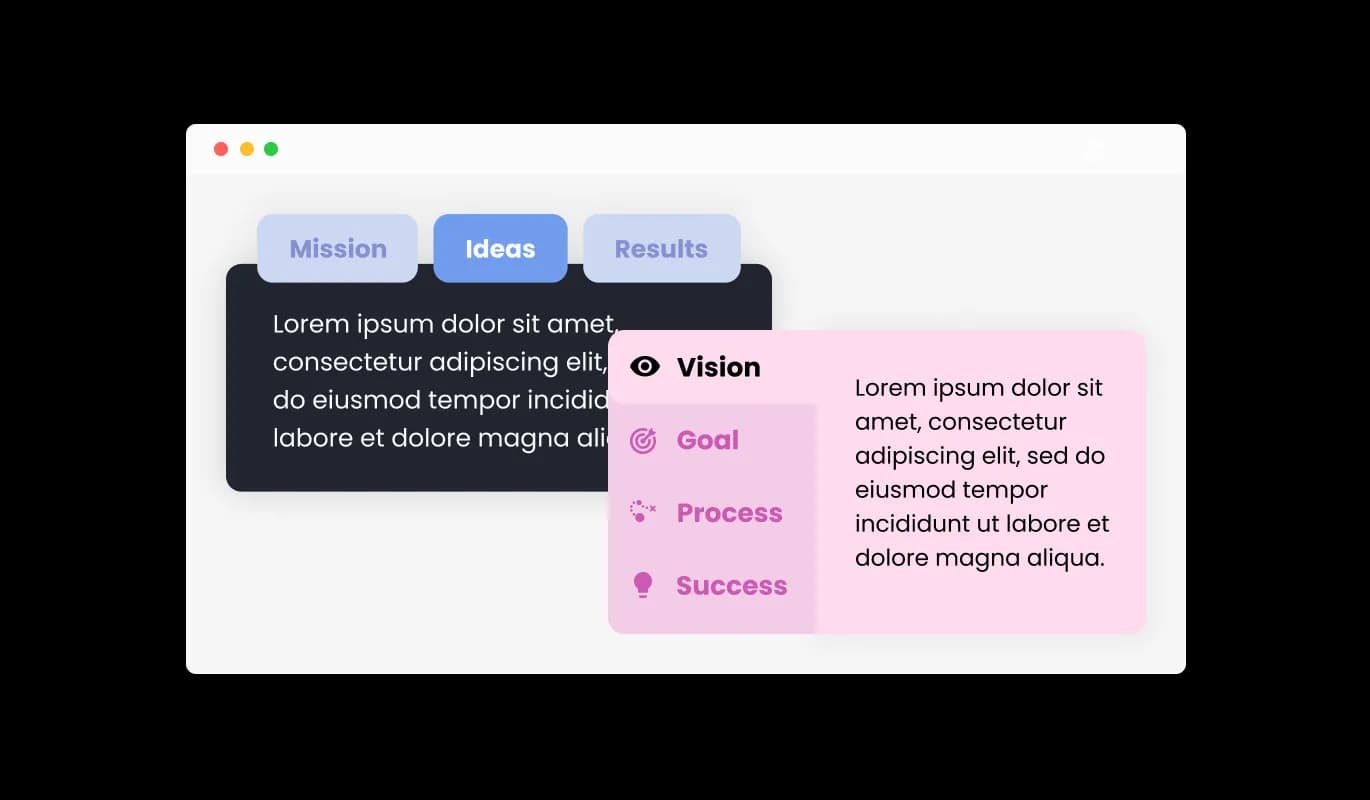
The Cloudward Tabs widget caters to horizontal as well as vertical orientations, enabling you to opt for the most fitting layout in line with your content arrangement. This malleability ensures optimal content showcasing, providing users with an easy and engaging website navigation experience.

Tabs - Flexible Orientation with Horizontal and Vertical Tabs

Personalize Your Site with Fully Customizable Tabs

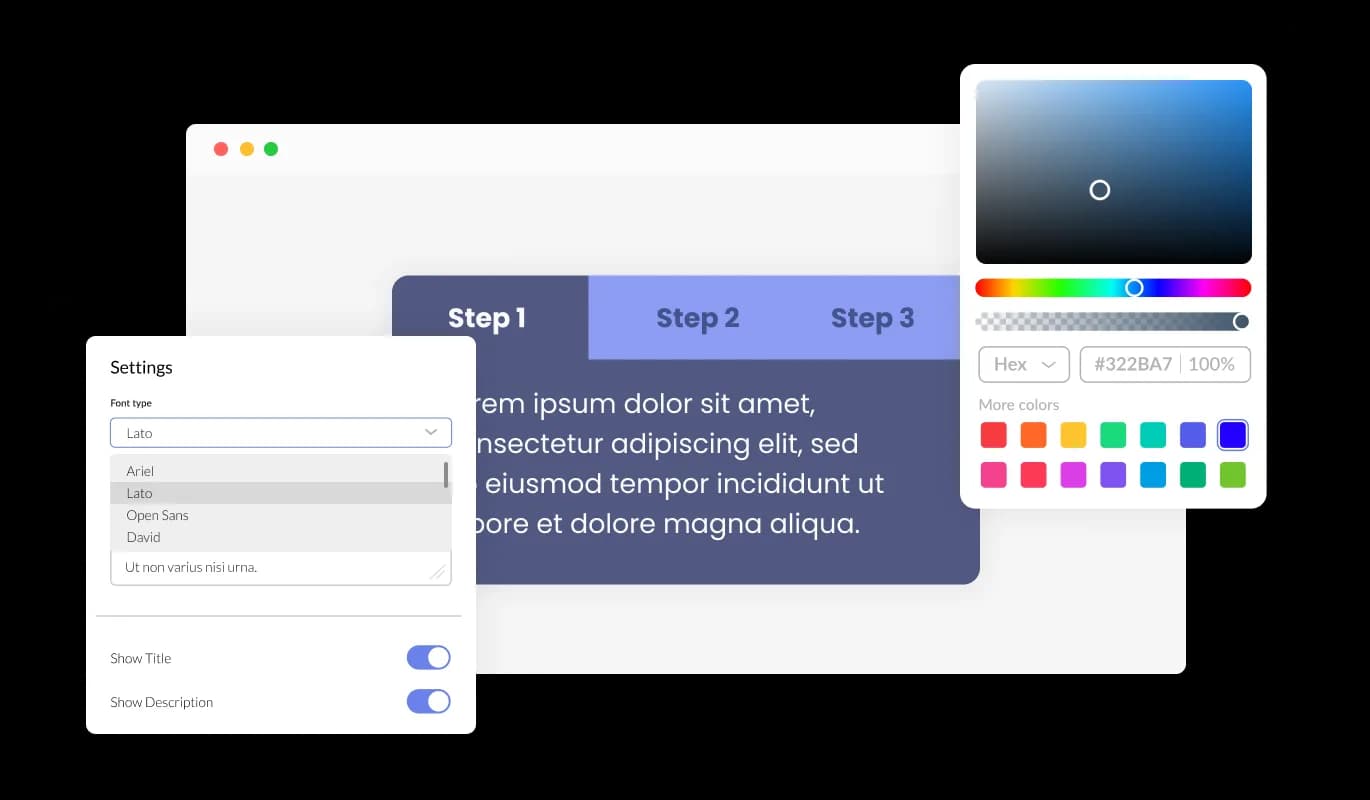
The Tabs widget for Cloudward offers extensive customization capabilities, allowing you to adjust the design to fit your unique needs. From changing colors and typefaces to tweaking the layouts, you maintain full authority over the look and operation of the tabs. From customizing colors and fonts to changing layouts, you possess complete authority over the tabs' appearance and operational aspects.

Tabs - Personalize Your Site with Fully Customizable Tabs
Tabs - Professionalize Your Site with Subtle Transition Effects

Professionalize Your Site with Subtle Transition Effects

Including understated transition effects between tabs introduces an element of elegance and professionalism to your Cloudward website. These smooth animations amplify the user experience by enabling effortless navigation and enriching the overall visual appeal of the content.

Tabs - Multiple tabs layouts

Multiple tabs layouts

The Cloudward Tabs widget presents numerous layout options, letting you choose the design that best fits your content. The provided flexibility ensures that the widget pairs harmoniously with various website visual themes, enhancing the total user experience.

Tabs - Simplify Your Experience with Easy-To-Use Tabs widget for Cloudward

Simplify Your Experience with Easy-To-Use Tabs widget for Cloudward

The Tabs widget for Cloudward offers a user-friendly experience that doesn't demand any coding proficiency. With a few simple clicks and our intuitive interface, you can easily modify the tabs to your liking, offering a smooth experience.

Perfectly Responsive Tabs for All Devices

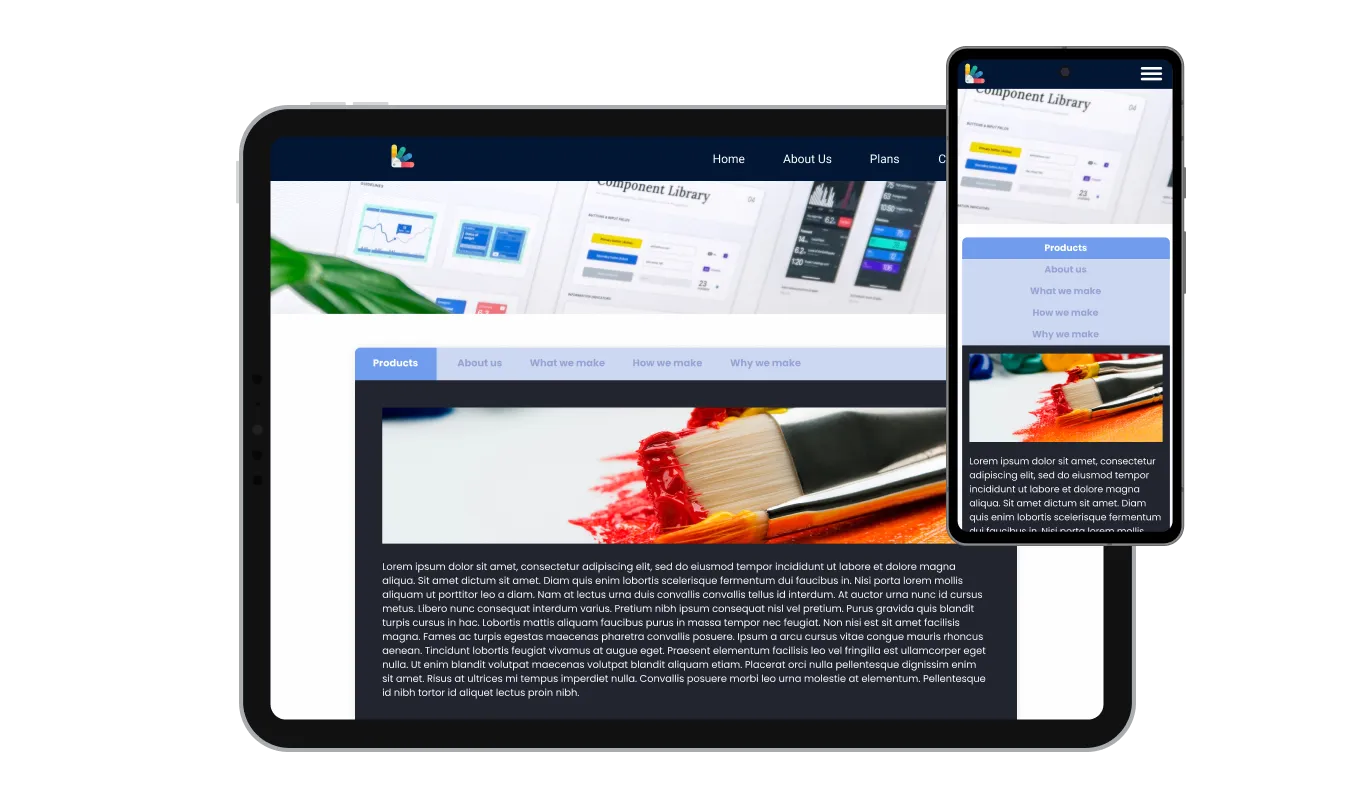
The Cloudward Tabs widget is wholly responsive, delivering a great visual experience on any device. In today's mobile-centric world, it's vital to have tabs that are designed for optimal mobile viewing. The tabs widget for Cloudward empowers you to create tabs that display perfect responsiveness and deliver a seamless navigation experience on every device.

Tabs - Perfectly Responsive Tabs for All Devices

Unleash Your Creativity with Custom Tabs widget CSS

With our advanced editor, a robust tool is at your disposal, giving you full command over the Tabs' visual appeal. With this functionality, you can smoothly tailor every detail of the Cloudward tabs, from design and colors to fonts, layout, and positioning. For those desiring to delve deeper into creativity, direct CSS editing offers an even broader spectrum of customization options.

Tabs - Unleash Your Creativity with Custom Tabs widget CSS

Easy Integration with Embeddable Tabs widget for Cloudward

To integrate the Tabs widget into your Cloudward website, all you need to do is copy and paste the provided code snippet into your site's HTML code. The Tabs widget for Cloudward features an auto-update function, ensuring that any changes made in the Product Order Form editor are instantly mirrored on your website.

Tabs - Easy Integration with Embeddable Tabs widget for Cloudward

Compatible With All Site Builders, E-Commerce Platforms and Websites

webflow logoshopify logowix logowordpress logobigcommerce logosqurespace logoweebly logojoomla logoduda logojimdo logomagento logoshift4hsop logounbounce logocarrd logo
View all supported platforms

FAQ

To select the most suitable layout for your content, review the different tabs layouts available and consider how each one would integrate with your website's aesthetics. You can experiment with various layouts and choose the one that best enhances user experience and aligns with your design preferences.

Yes, the Tabs widget offers a variety of pre-designed skins that can be customized to match your website's branding and color scheme. This feature ensures consistency in design and creates a cohesive visual appearance for your website.

The Tabs widget allows you to incorporate subtle transition effects between tabs, enhancing the overall look and feel of your content. You can choose from a range of available animations or customize your own to create seamless navigation for users.

Yes, the Tabs widget supports both horizontal and vertical orientations, allowing you to select the most suitable layout for your content structure. This adaptability ensures optimal content presentation and ease of navigation for users.

Yes, the Tabs widget is designed to be perfectly responsive, ensuring a seamless navigation experience on any device. It automatically adjusts to the user's screen size, providing a consistent experience across desktops, tablets, and mobile phones.

No, the Tabs widget is easy to use and does not require any coding expertise. You can customize the tabs using the intuitive interface provided, making the process effortless and user-friendly.

sign through direct CSS editing. This feature allows for even more extensive customization options, granting you full control over the appearance and functionality of your tabs.

To integrate the Tabs widget into your website, simply copy and paste the provided code snippet into your page's HTML code. The widget is designed to auto-update, so any changes you make in the editor will be automatically reflected on your website.

Yes, the Tabs widget is GDPR compliant, ensuring that it adheres to the data protection and privacy regulations established by the European Union. This ensures that your website maintains the highest standards of user data protection and privacy.