


Verified review
Common Ninja has amazing no-code widgets that would beautify a website built on any builder. It is very easy to use and customise. It has as many widgets for almost everyone willing to make their website impressive.
Try the editor, no signup
Pick a template, customize it, and watch it update live, no signup.
No credit card · Free forever plan
No credit card · Free forever plan
The Common Ninja Tabs widget is a free, no-code embed that organizes content into horizontal or vertical tab sections. Visitors click a tab header to switch the visible content without leaving the page.
Add as many tabs as you need (each with a clickable header and a rich-text body that supports formatting, links, images, and embedded video), pick from multiple skins, choose horizontal or vertical tab orientation, configure transition effects, customize the design with Custom CSS, and paste a one-line embed snippet on Canva, Google Sites, Carrd, Squarespace, Framer, WordPress, and 200+ other platforms.
Use it for product feature comparisons, pricing tier descriptions, course modules, multi-step guides, FAQ categorization, support documentation, or any block of content that should fit into one section without scrolling through five vertical blocks.
A section with five separate content blocks takes five times the vertical space. The same content as tabs takes one section's worth of space. Visitors click a header to switch. Tighter information architecture without losing any content; pages stay focused even when the content is dense.
Tabs are the natural pattern for comparisons: pricing tiers, plan features, product variants, course tracks. Visitors flip between tabs to compare without scrolling, and the active-tab indicator keeps the comparison context clear. Better decision-support than rendering all options vertically.
Horizontal tabs fit headers and feature-comparison patterns where short labels work. Vertical tabs (headers on the left, content on the right) suit longer labels and content-heavy use cases (documentation sidebars, multi-module course outlines). Switch orientation in the editor without rebuilding the content.
Tabs = horizontal/vertical switcher, only one section visible at a time, content lives in the same visual slot. Accordion = vertical expandable sections, multiple can be open at once. FAQ = pre-tuned for question/answer pairs with FAQPage JSON-LD schema for Google rich results. Use Tabs when content fits the comparison/switcher pattern; use Accordion for collapsible long content; use the FAQ widget for Q&A with schema benefits.
Type a header for each tab ("Features", "Pricing", "FAQ", "Module 1") and a rich-text body for each tab's content. Add icons per tab header for visual recognition. Add as many tabs as you need; reorder via drag-and-drop in the editor.
Choose horizontal tabs (headers across the top, content below. Best for short tab labels) or vertical tabs (headers on the left, content to the right. Best for longer headers and content-heavy tabs). Configure transition effects (instant switch, fade, slide), set the active-tab visual, and pick a skin from the design library or layer Custom CSS.
Copy the one-line embed snippet and paste it on Canva, Google Sites, Carrd, Squarespace, Framer, WordPress, or any of the 200+ supported platforms. Visitors click tab headers to switch the visible content inline. Edits in the Common Ninja editor push to every embed without re-paste.
Pick from a library of pre-designed skins (minimal-underline, pill-style, card-tabs, dark-mode, brand-vibrant) for a fast visual fit. Each skin styles tab headers, active-tab indicator, content background, and transition animation as a complete starting point.
Horizontal tabs (header row above content) for short tab labels and feature-comparison patterns. Vertical tabs (header column to the left of content) for longer labels and content-heavy multi-section blocks. Switch in the editor without re-entering content.
Each tab body is a rich-text editor. Paragraphs, bullet and numbered lists, links, bold/italic, inline images, even embedded video. Drop in complete content per tab rather than plain text. Useful for product spec tabs with diagrams, course tabs with video previews, or pricing tabs with feature checklists.
Layer Custom CSS over any skin to control header typography, active-indicator style, transition easing, border-radius, content padding, and per-breakpoint sizing. The widget integrates with your design system without rebuilding from scratch.
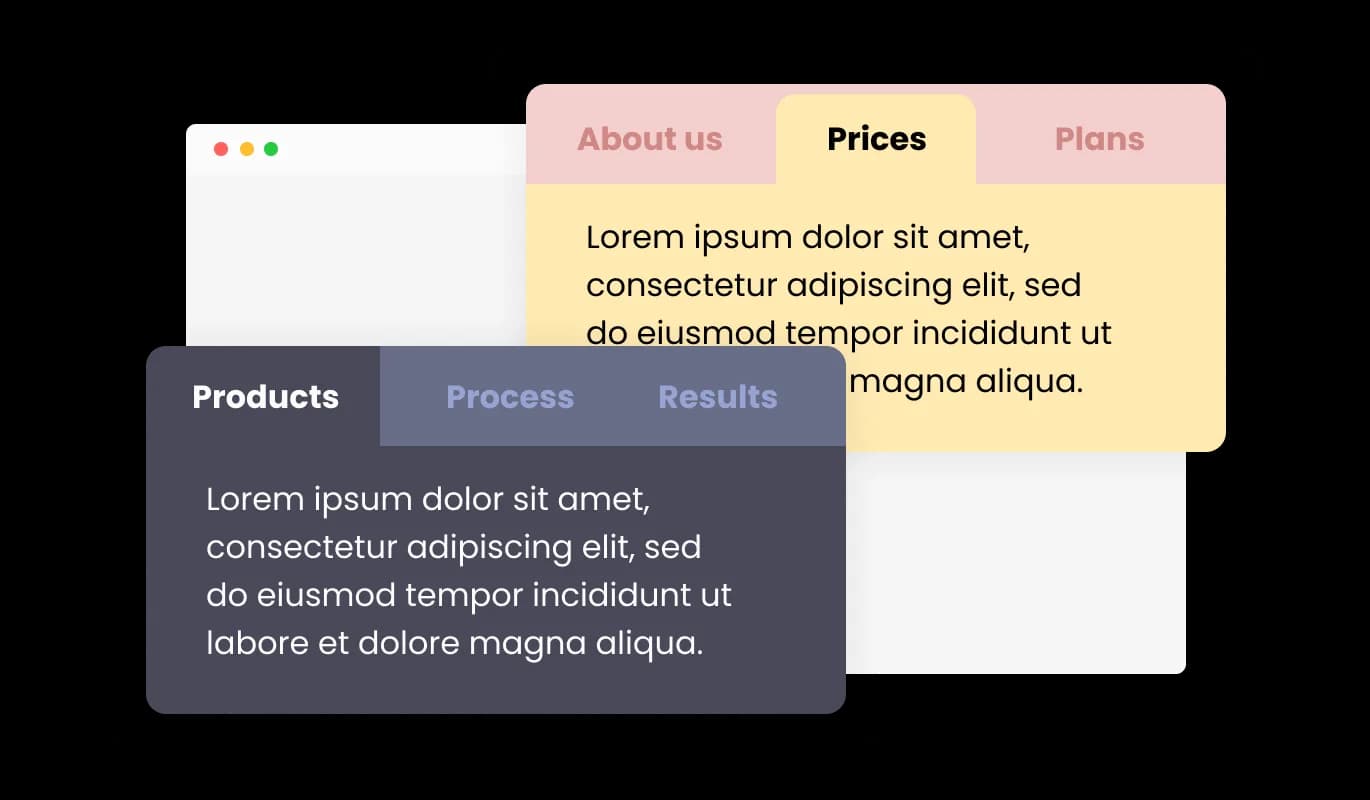
With a variety of pre-designed skins available, the Tabs widget can be customized to match the website's branding and color scheme. This feature allows for consistency in design, creating a cohesive visual appearance that resonates with visitors.
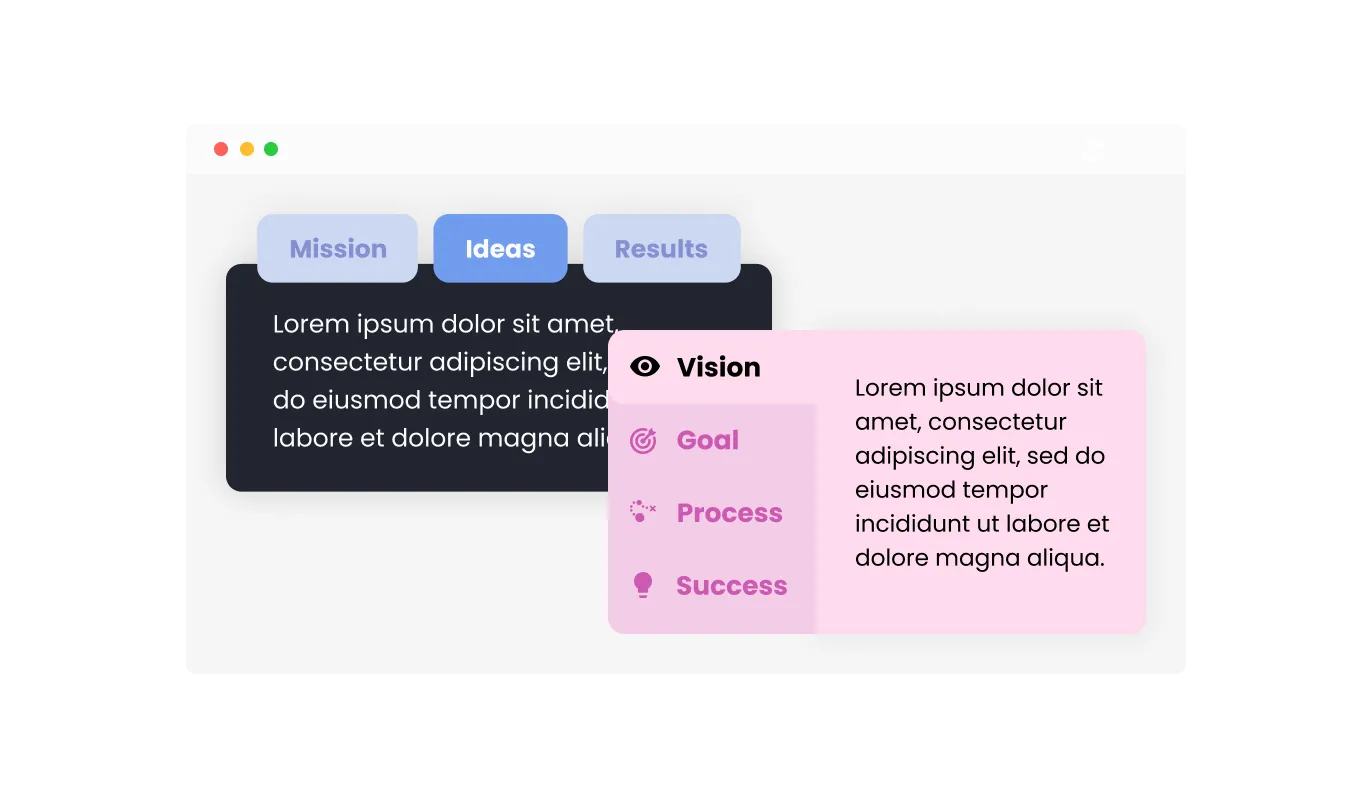
The Tabs widget supports both horizontal and vertical orientations, enabling webmasters to select the most suitable layout for their content structure. This adaptability allows for optimal content presentation, ensuring users can easily navigate and engage with the website.
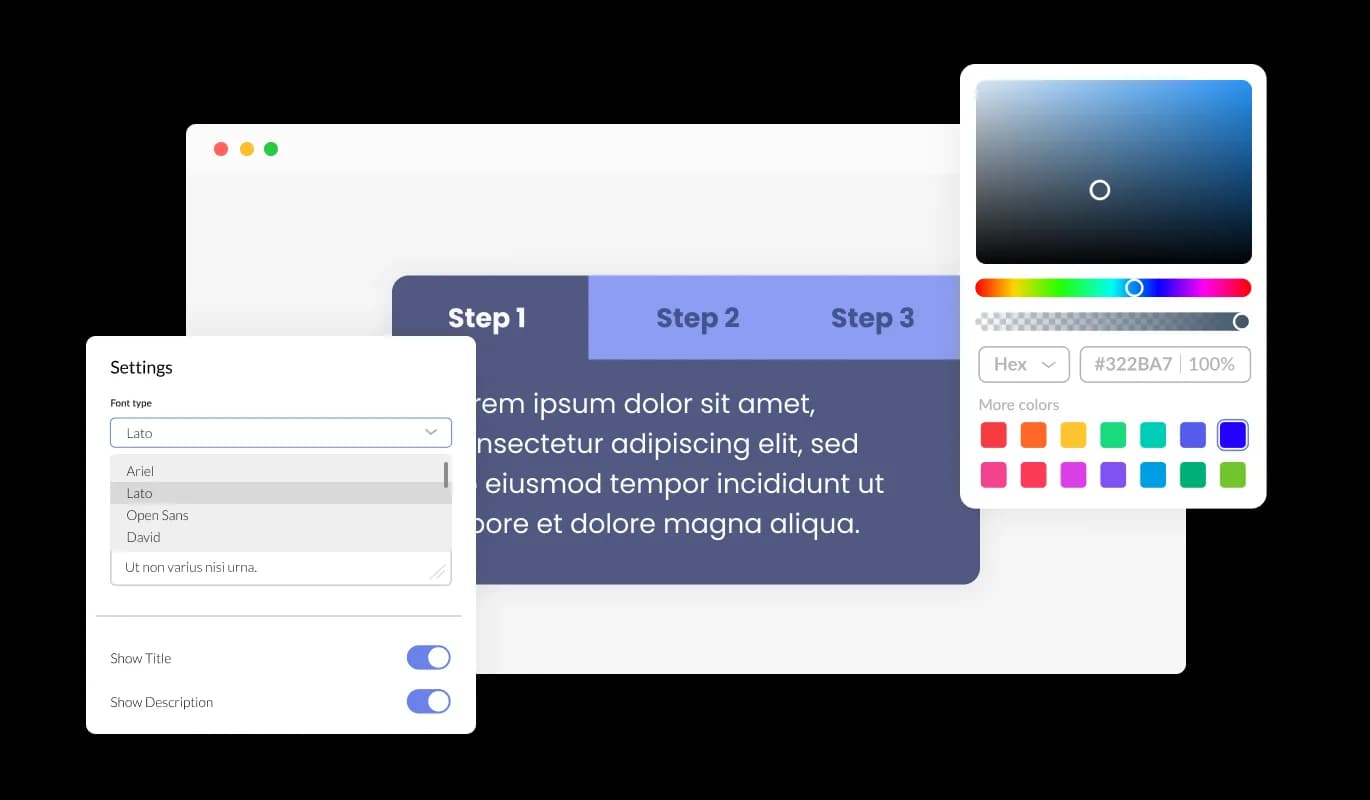
The Tabs widget provides comprehensive customization options, enabling you to tailor the design to meet your specific requirements. From adjusting colors and fonts to modifying the layouts, you have complete control over the tabs' appearance and functionality. With our tabs widget's user-friendly interface, you can easily customize the tabs to match your website's design and create a seamless experience for your visitors.
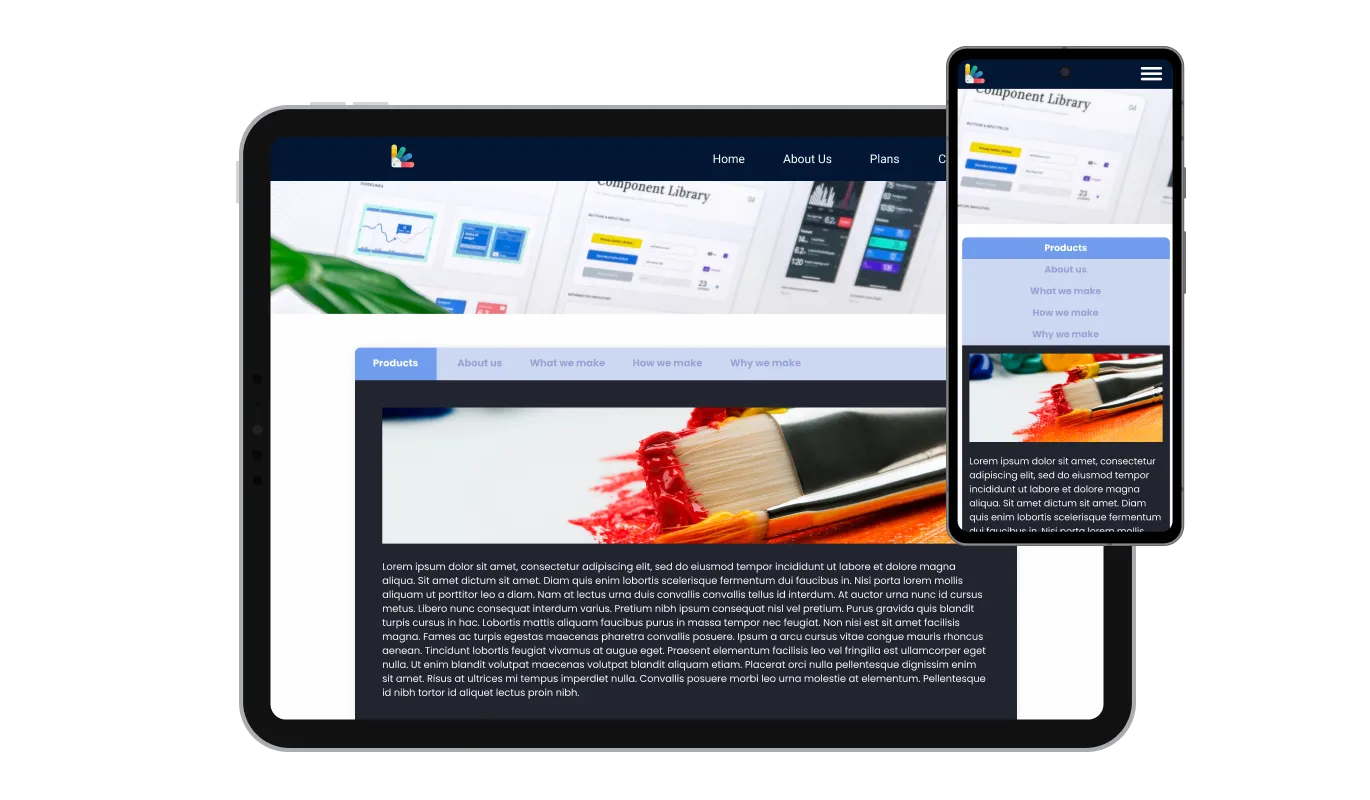
The Tabs widget is fully responsive and will look great on any device. Having tabs that are optimized for mobile viewing is essential in a world where more and more people are accessing the internet through their phones and tablets. With the tabs widget, you can create tabs that are perfectly responsive and provide a seamless navigation experience on any device.

Our advanced editor is a robust tool that grants you full control over the Tabs' appearance. With this feature, you can effortlessly personalize every aspect of the tabs' design, colors, and fonts to layout and positioning. For those looking to exercise their creativity further, direct CSS editing allows for even more extensive customization options.

To integrate the Tabs widget into your website, copy and paste the provided code snippet into your page's HTML code. The Tabs widget is designed to auto-update, which means any modifications you make in the Tabs editor will be automatically reflected on your website.
Incorporating subtle transition effects between tabs adds a touch of finesse and professionalism to a website. These smooth animations improve the user experience by offering seamless navigation and enhancing the overall look and feel of the content.
The Tabs widget provides multiple layout options, allowing webmasters to choose the most fitting design for their content. This flexibility ensures that the widget seamlessly integrates with various website aesthetics, enhancing the overall user experience.
The Tabs widget is simple to use and doesn't require any coding expertise. Within a few clicks, you can customize the tabs to your liking using our intuitive interface, making it an effortless experience.
Switch multiple content blocks in one section
Open the editorNo credit card · Setup in under 5 minutes
Common Ninja has amazing no-code widgets that would beautify a website built on any builder. It is very easy to use and customise. It has as many widgets for almost everyone willing to make their website impressive.
Outstanding service. I use their widgets to help me with my web design business and whenever I need help they are very quick to help.
Excellent company with excellent service!!! We used it to build a survey, it was very user friendly. The service was perfect. Amit helped us with every problem and question we had, thank you very much!!!
Common Ninja saved the day when building our website and the customer service Daniel, the co-founder and CEO, provided was amazing.
Yes. The free plan covers one Tabs widget with no time limit and no credit card. Upgrade only when you need additional widgets, more tabs per widget, advanced animations, premium skins, or features like deep-link to a specific tab via URL hash and per-tab analytics.
Tabs are a horizontal or vertical switcher, only one section is visible at a time, and visitors click headers to swap content in the same visual slot. An Accordion is vertical expandable sections where multiple sections can be open at once. A FAQ widget is pre-tuned for question/answer pairs and ships FAQPage JSON-LD schema for Google rich results. Use Tabs for comparison and switcher patterns; use Accordion for collapsible long content; use FAQ for Q&A with schema benefits.
Yes. Pick the orientation that fits your content. Horizontal tabs (headers in a row across the top) work best for short labels and comparison patterns. Vertical tabs (headers in a column on the left) work best for longer labels and content-heavy sections like documentation sidebars or multi-module course outlines.
Yes. Each tab body is a rich-text editor. Paragraphs, bullet and numbered lists, links, bold/italic, inline images, embedded video. Drop in complete content per tab. Useful for product-spec tabs with diagrams, course-module tabs with embedded video previews, and pricing tabs with feature checklists.
No, when used correctly. Content inside non-active tabs is still in the rendered HTML. Search engines crawl and index it. Google has confirmed that content hidden behind tabs and accordions is treated as full content for indexing purposes. The tab UI is a presentation pattern, not a content-hiding mechanism.
On paid plans, yes. Each tab can have a unique URL hash so you can link directly to it (e.g. yoursite.com/page#pricing auto-opens the Pricing tab on load). Useful for support docs and feature-comparison pages where you want to deep-link from email replies or knowledge-base searches.
Build the widget in the Common Ninja editor (add tabs, pick orientation, customize design), copy the embed snippet, and paste it into your site: Canva via the Embed app in the Apps panel; Google Sites via Insert → Embed → Embed code; Carrd via an Embed element. Edits in the editor push to every embed without re-paste.
Yes. Tab orientation adapts across breakpoints. Horizontal tabs stay horizontal on desktop but can collapse to a dropdown selector on narrow viewports for tappable interaction. Vertical tabs reflow to horizontal on mobile when vertical space runs out. Tab headers stay tappable across all viewport sizes.
Pick your platform. Each takes under 4 minutes.
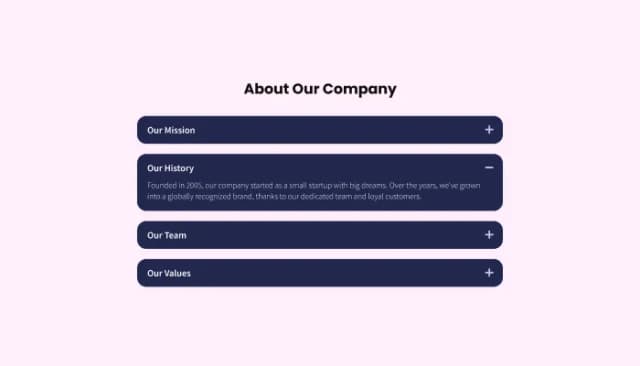
Customize and organize your website content with collapsible sections for better navigation.
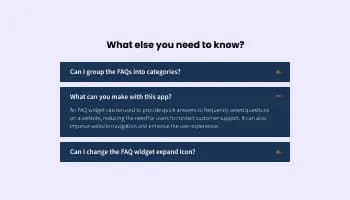
Displays common questions and answers for quick reference
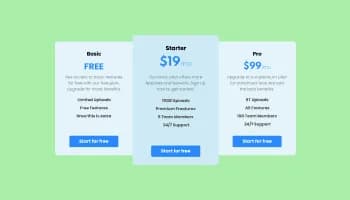
Displays pricing options for products or services in a clear and organized format
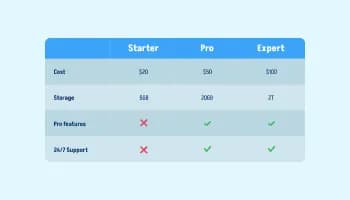
Displays data or features side-by-side, allowing users to compare and contrast the information easily

Easily craft engaging, personalized popups to boost conversions.
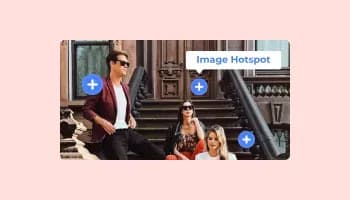
Add interactive areas on images that reveal extra information when clicked or hovered over.
To select the most suitable layout for your content, review the different tabs layouts available and consider how each one would integrate with your website's aesthetics. You can experiment with various layouts and choose the one that best enhances user experience and aligns with your design preferences.
Yes, the Tabs widget offers a variety of pre-designed skins that can be customized to match your website's branding and color scheme. This feature ensures consistency in design and creates a cohesive visual appearance for your website.
The Tabs widget allows you to incorporate subtle transition effects between tabs, enhancing the overall look and feel of your content. You can choose from a range of available animations or customize your own to create seamless navigation for users.
Yes, the Tabs widget supports both horizontal and vertical orientations, allowing you to select the most suitable layout for your content structure. This adaptability ensures optimal content presentation and ease of navigation for users.
Yes, the Tabs widget is designed to be perfectly responsive, ensuring a seamless navigation experience on any device. It automatically adjusts to the user's screen size, providing a consistent experience across desktops, tablets, and mobile phones.
No, the Tabs widget is easy to use and does not require any coding expertise. You can customize the tabs using the intuitive interface provided, making the process effortless and user-friendly.
sign through direct CSS editing. This feature allows for even more extensive customization options, granting you full control over the appearance and functionality of your tabs.
To integrate the Tabs widget into your website, simply copy and paste the provided code snippet into your page's HTML code. The widget is designed to auto-update, so any changes you make in the editor will be automatically reflected on your website.
Yes, the Tabs widget is GDPR compliant, ensuring that it adheres to the data protection and privacy regulations established by the European Union. This ensures that your website maintains the highest standards of user data protection and privacy.
Pack multiple content blocks into one switcher section: horizontal or vertical orientation, rich-text body per tab (lists, links, images, embedded video), gentle transition effects, stylish skins, and Custom CSS. Embed on 200+ platforms including Canva, Google Sites, Carrd, Squarespace, Framer, and WordPress.
Create your TabsNo credit card · Setup in under 5 minutes