
Timeline for Instapage

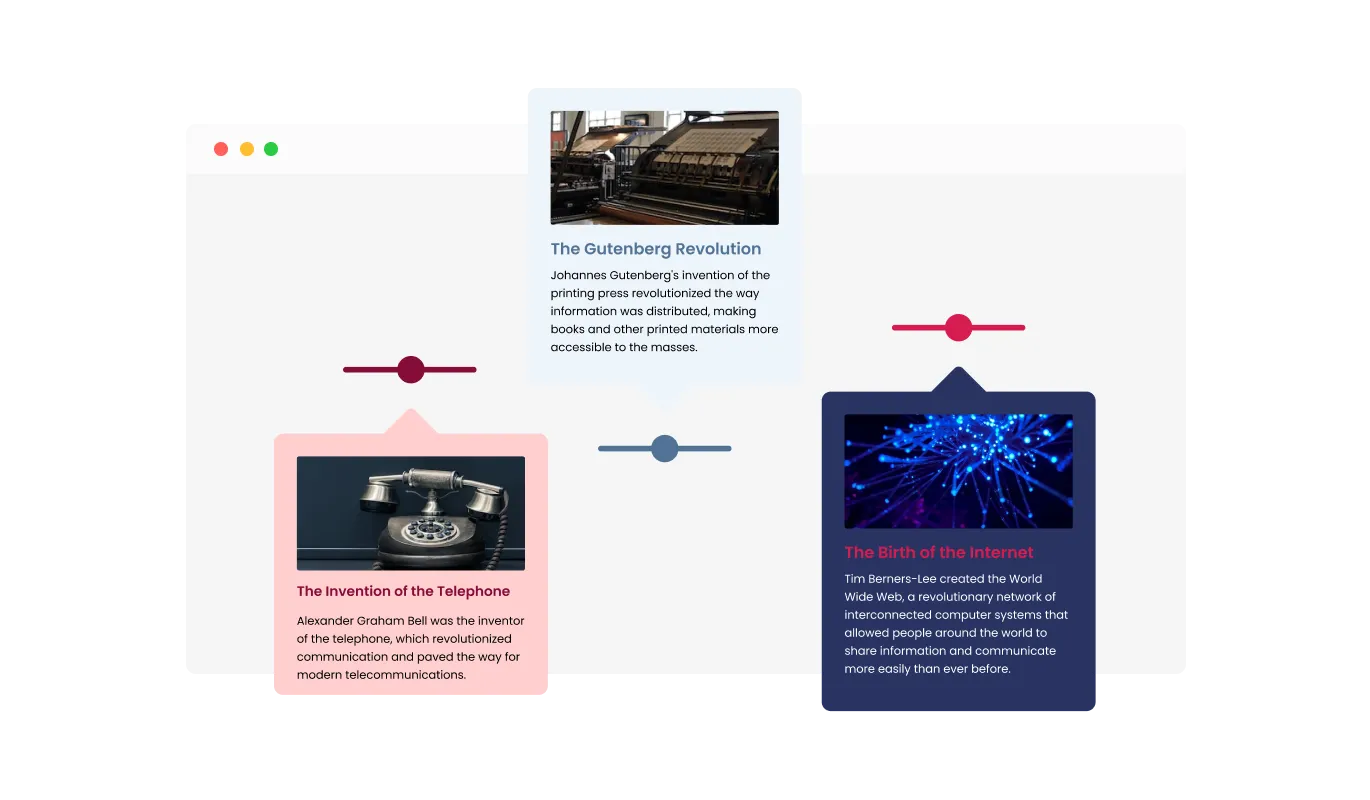
Use a timeline widget to display events and milestones in chronological order with images and text so visitors understand your story clearly.

Create a Timeline

loved by 500K+ businesses

Instapage
plugineditor

Why Should You Use the Timeline Widget+?

Better Organization and Navigation with Timeline for Instapage

With the Timeline integration for Instapage, you can organize and present information in chronological order, making it easier for your users to understand the content on your Instapage landing page. The Timeline integration is notably beneficial for landing page showcasing historical events or for landing pages seeking to tell a tale using a captivating timeline.

Boosted User Interaction and Involvement

The Timeline tool for Instapage fosters an inviting and participatory atmosphere on your Instapage landing page, prompting users to immerse themselves in the content and remain on your landing page for longer periods.

Elevate Site Design through Instapage Timeline integration

The Instapage Timeline integration can add a visually appealing element to the website, making it more attractive and memorable for visitors.

Customizable Timeline Orientation: Vertical and Horizontal Choices

Offering both vertical and horizontal timelines, the Instapage Timeline integration enables you to adapt the design according to your Instapage landing page's unique requirements. With the choice of vertical or horizontal timeline designs, you can boost the presentation of your content, ensuring a more engaging and visually pleasing experience.
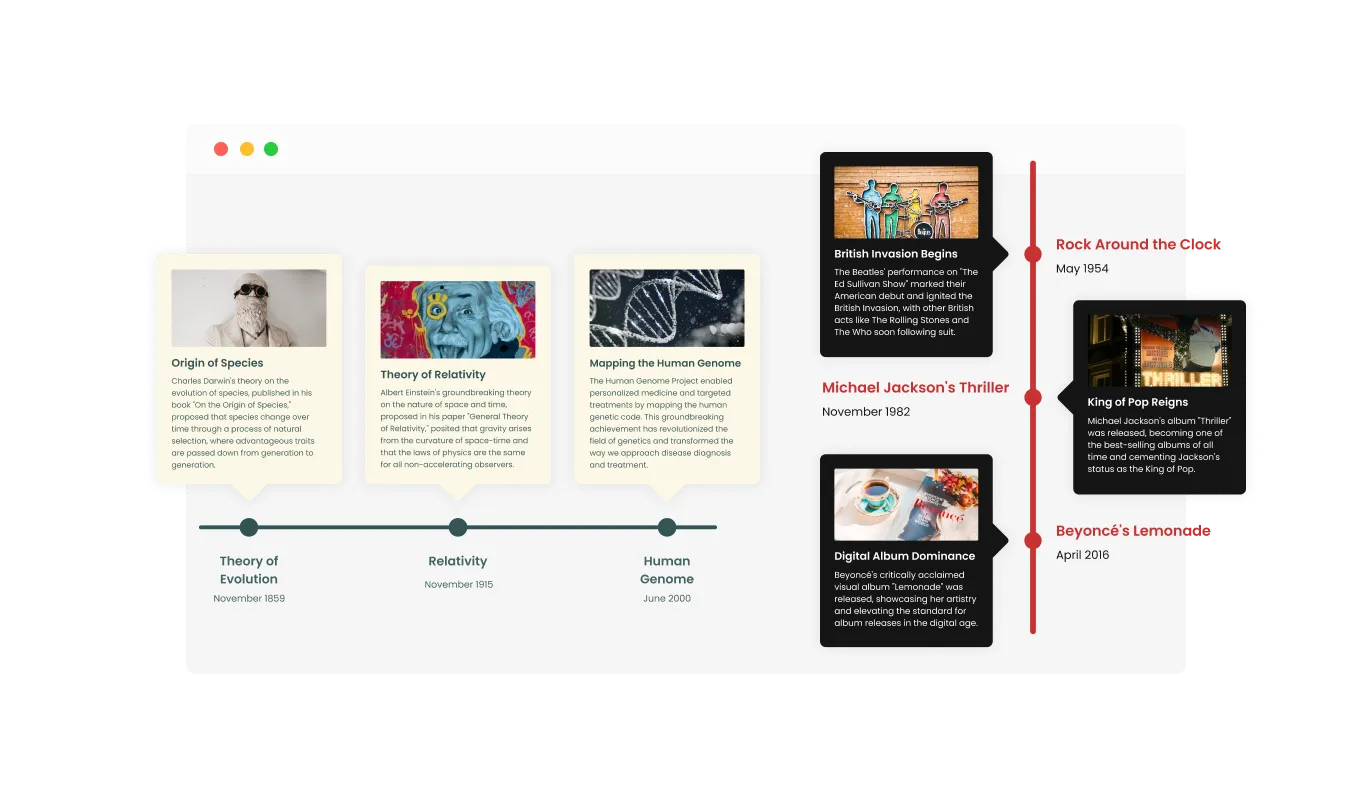
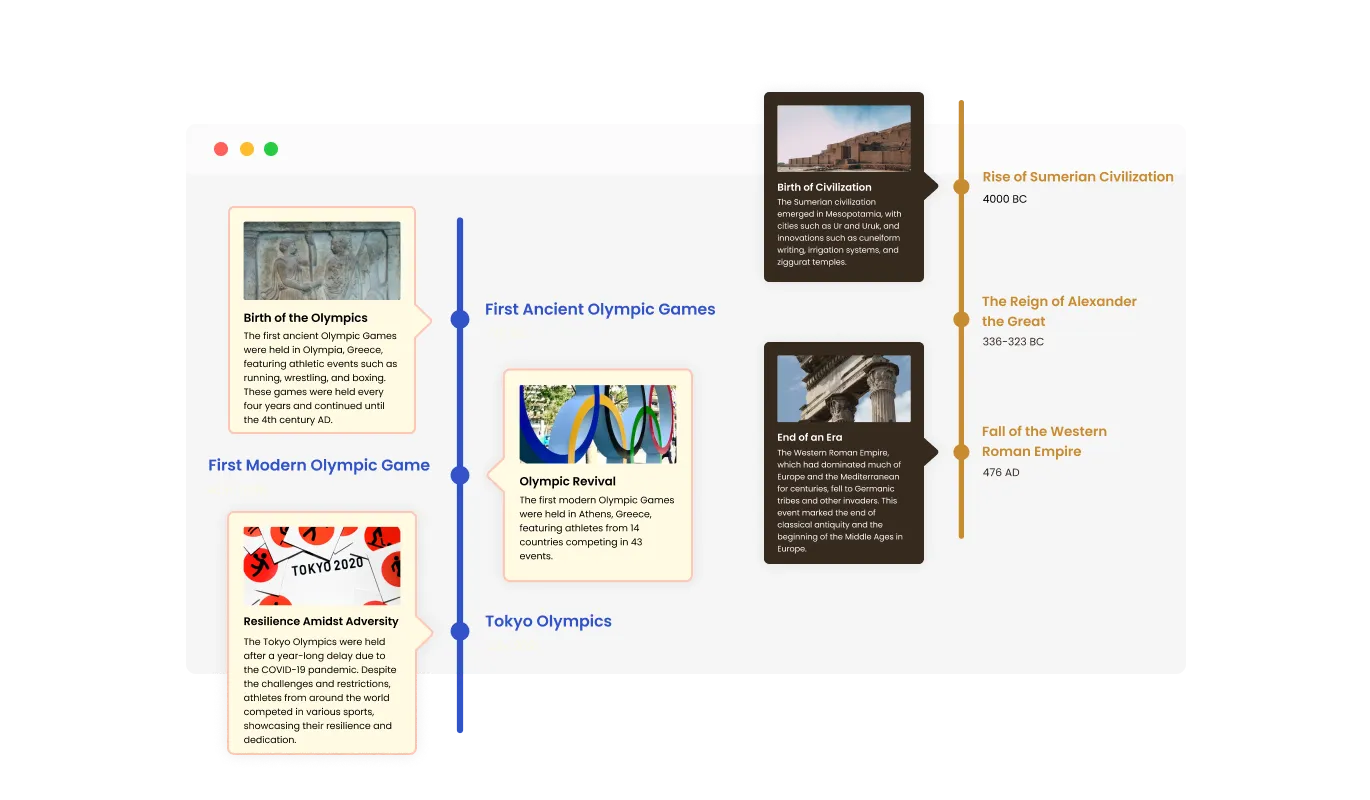
Timeline - Customizable Timeline Orientation: Vertical and Horizontal Choices

Diverse Instapage Timeline Layout Choices

Boasting a variety of layout options, the Instapage Timeline integration supports effortless alignment with your Instapage landing page's overall design and aesthetic. The multitude of layout possibilities enables you to find the perfect option that aligns seamlessly with your Instapage landing page's design and organization, achieving a balanced visual integration.

Timeline - Diverse Instapage Timeline Layout Choices

Beautiful Timeline Skins to Simplify Your Instapage integration Design

The Instapage Timeline integration comes with a variety of beautiful skins that you can choose from so you don’t have to spend much time on extensive customization. The selection of ready-made skins enables you to easily create a sophisticated and visually appealing design, minimizing the need for intricate customization work.

Timeline - Beautiful Timeline Skins to Simplify Your Instapage integration Design

Create the Perfect Timeline with Instapage Customization

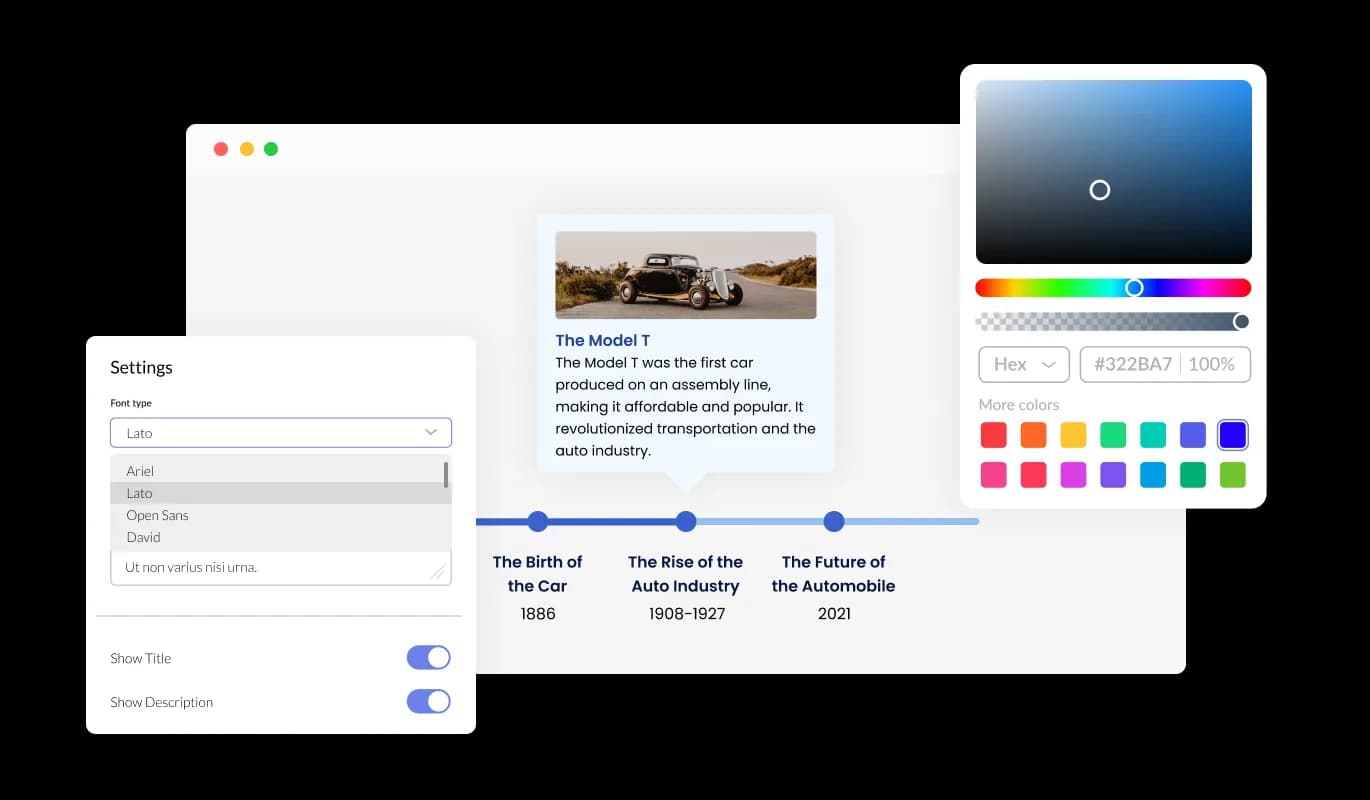
The Timeline Instapage integration offers full customization, allowing you to modify the design to meet your specific requirements. Achieve a polished and unified appearance by selecting from various font choices and adjusting the font's size, style, and color to your liking. Alongside these design choices, you can modify the spacing to perfectly blend with the rest of your Instapage landing page's layout.

Timeline - Create the Perfect Timeline with Instapage Customization
Timeline - Ability To Add Images

Ability To Add Images

The Instapage Timeline integration's feature of incorporating images into individual timeline items not only enhances its visual appeal and captivates your audience but also helps convey complex ideas or events more effectively, contributing to an overall more engaging and comprehensible user experience.

Timeline - Item Visibility Controls

Item Visibility Controls

Providing an assortment of display triggers like "always," "never," "on hover," and "scroll to view," the Timeline integration for Instapage enables you to design a bespoke user experience that increases content accessibility and captures your audience's attention through controlled content revelation.

Timeline - Intuitive Instapage integration Timeline for All Users

Intuitive Instapage integration Timeline for All Users

No coding experience is required to utilize the user-friendly Instapage Timeline integration. You can effortlessly tailor the timeline to your preferences using our accessible interface with just a few mouse clicks. As a result, individuals without coding expertise can easily develop a polished Timeline that complements their Instapage landing page and boosts their online presence and user engagement.

Fluid and Adaptive Instapage Timeline Design

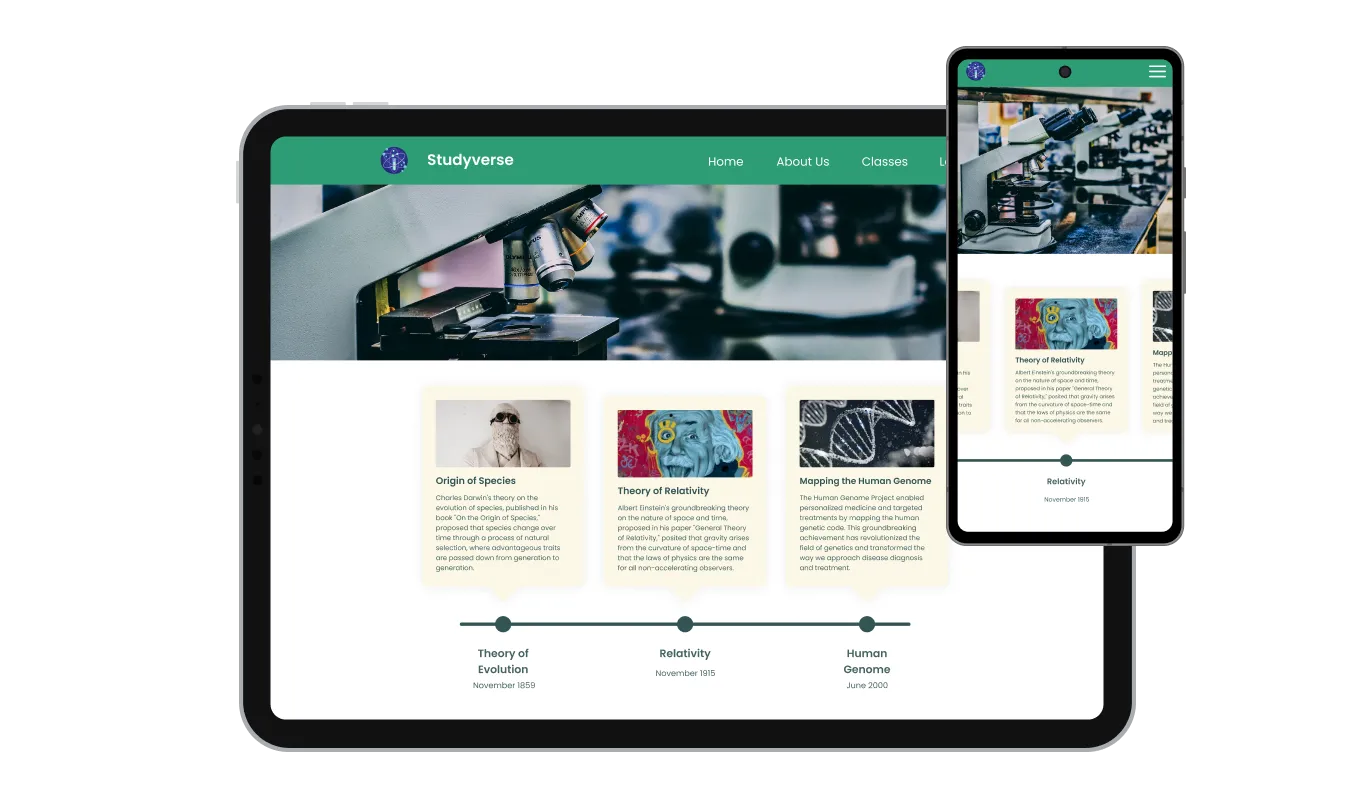
The Timeline integration for Instapage has a clean and contemporary style that will improve the overall appearance of your landing page in addition to being fully responsive, which means it will shift fluidly to fit the screen size of any device. Considering the rising reliance on mobile devices for internet access, it's imperative to offer a Instapage landing page that is finely tuned for optimal performance on phones and tablets. The Instapage Timeline integration empowers you to achieve this, giving you a competitive edge in the digital landscape.

Timeline - Fluid and Adaptive Instapage Timeline Design

Sophisticated Editing with Instapage Timeline integration Custom CSS

Gain full control over your Timeline's appearance with our versatile advanced editor. It becomes simple to transform every detail of the Timeline's appearance, covering layout, positioning, colors, and font choices with this feature. If you want to get even more creative, you can elevate your customization efforts by making adjustments directly to the CSS. This grants you the ability to further refine the Timeline integration with more sophisticated alterations. Our advanced editor is ready to help you, whether you're aiming for a few small adjustments or extensive, complex changes.

Timeline - Sophisticated Editing with Instapage Timeline integration Custom CSS

Streamlined Instapage Timeline integration Embedding

Embed the Timeline integration on your Instapage landing page with ease by just copying and pasting a code snippet into your Instapage's webpage HTML. As the Timeline integration is self-updating, adjustments made in the Timeline Editor are automatically applied to your Instapage landing page, removing the necessity for manual updates.

Timeline - Streamlined Instapage Timeline integration Embedding

Compatible With All Site Builders, E-Commerce Platforms and Websites

View all supported platforms

FAQ

A timeline widget is a versatile tool that allows you to display a series of events or milestones in chronological order on your website. It enhances the visual appeal and organization of your content by presenting it in an easy-to-understand format.

Using a timeline on your website offers several benefits, including better organization of your content, improved user engagement, and enhanced visual appeal. Timelines help visitors quickly grasp the sequence of events or milestones, making your website more informative and user-friendly.

Timeline widgets are commonly used in various website contexts, such as showcasing a company's history, presenting project milestones, displaying a personal portfolio or resume, outlining event schedules, or illustrating the progression of a blog or news articles. Timelines help convey information in a visually engaging and easily digestible manner.

Yes, the Timeline widget allows you to easily switch between vertical and horizontal timelines, helping you tailor the design to your specific needs.

Yes, the Timeline widget enables you to add images to individual items on the timeline, making it more visually appealing, eye-catching, and easier to understand

The Timeline widget allows you to choose various triggers for showing items, such as “always”, “never”, “on hover”, and “scroll to view”.

Yes, the Timeline widget offers multiple layouts that you can choose from to ensure it fits your overall website design and style.

Absolutely! The Timeline widget comes with a variety of beautiful skins to choose from and is fully customizable, allowing you to change the colors, fonts, spacing, and more.

Yes, the Timeline widget is fully responsive and will look great on any device, keeping you ahead of your competitors in a mobile-first world.

No, the Timeline widget is easy to use and requires no coding knowledge. The intuitive dashboard with drag-and-drop features enables you to customize the widget with just a few simple clicks.

Yes, as with all of Common Ninja's apps, you can add custom CSS to customize the Timeline widget and be even more creative.

You can easily embed the widget on your website by copying a single line of code. The Timeline widget will also be updated automatically with every change you make.

It’s simple. All you need to do is to sign up and start using the free version.

Common Ninja’s Timeline widget is free to use. It is limited to a certain amount of views, however.

Common Ninja’s Timeline widget is compatible with ALL current and future website builders.

Yes, the Timeline widget is GDPR-compliant.

No. Using our Timeline widget is very simple. The widget comes with an intuitive drag-and-drop interface and fully customizable options. Once you’ve finished editing the widget to your liking, all you need to do is copy the provided code and add it to your website.

Yes. We are eager to hear your request. Please visit our Feature Request page.