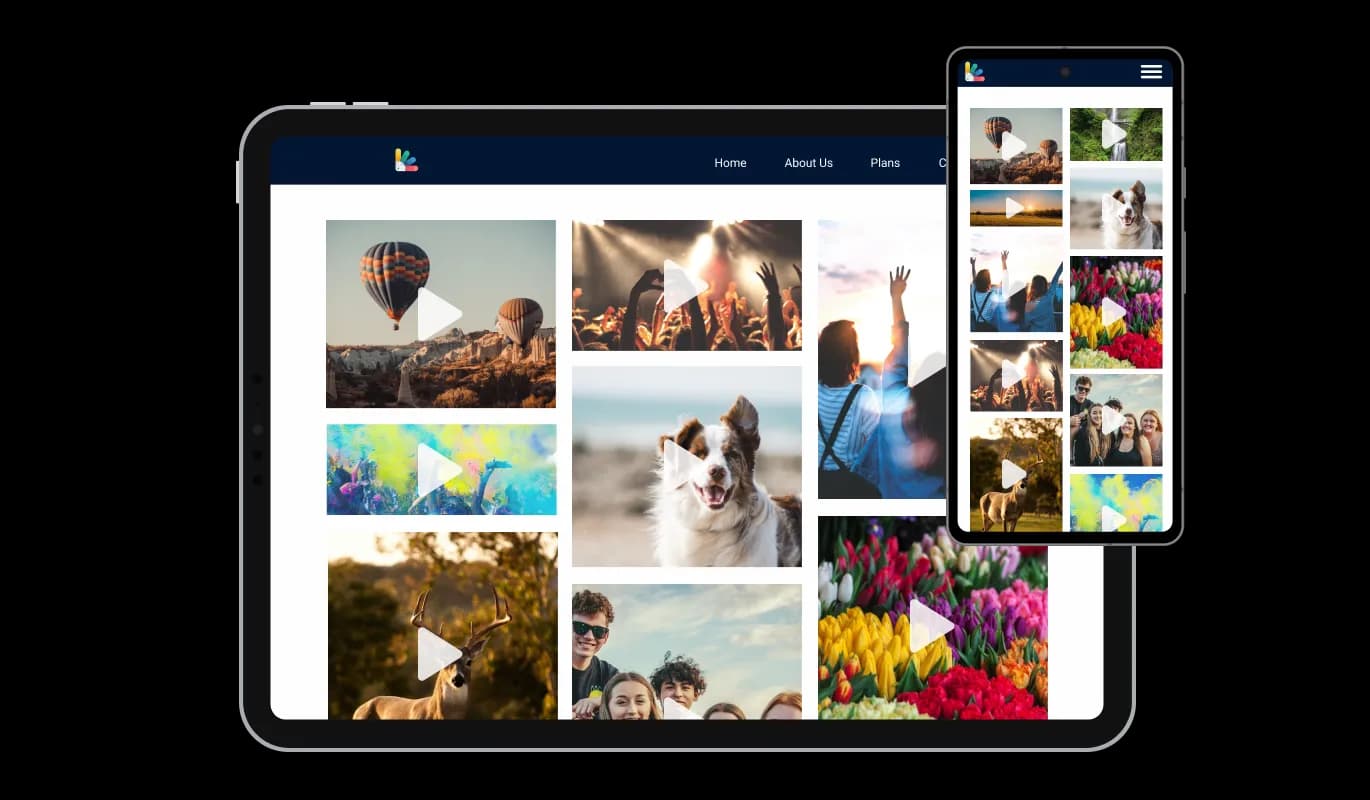

Video Gallery for Persona

Showcase videos with a video gallery that organizes clips from multiple sources in clear visual layouts that keep visitors watching and support higher conversions.

Create a Video Gallery

loved by 500K+ businesses

Persona
plugineditor

Why Should You Use the Video Gallery Widget+?

Use Persona Video Gallery to Boost Conversions

You may display films of your goods or services in the Video Gallery for Persona in a powerful manner that will aid in turning visitors into clients. Video content has been proven to be an effective marketing tool, as it allows you to communicate your message in a visually engaging way that captures the attention of your target audience.

User Experience Improvement

By adding extremely engaging video material to your website in an orderly and aesthetically pleasing manner, the Video Gallery widget for Persona will make it simpler for your visitors to watch your movies. By changing the structure, look, and playback settings of the Video Gallery widget, you have complete control over how your movies are displayed on your Persona website.

Boost Engagement with a Video Gallery

By encouraging viewers to share your videos on social media, you can broaden your audience and improve engagement with the Persona Video Gallery widget. Also, the Video Gallery widget enables you to present your video content in an aesthetically pleasing and structured way, making it simpler for users to locate and view your movies.

Descriptions & Captions

To assist viewers to understand what they are watching, the Persona Video Gallery widget lets you put a title and explanation underneath the video. By supplying pertinent text material for search engines to index, this feature not only improves the user experience but also aids with SEO.
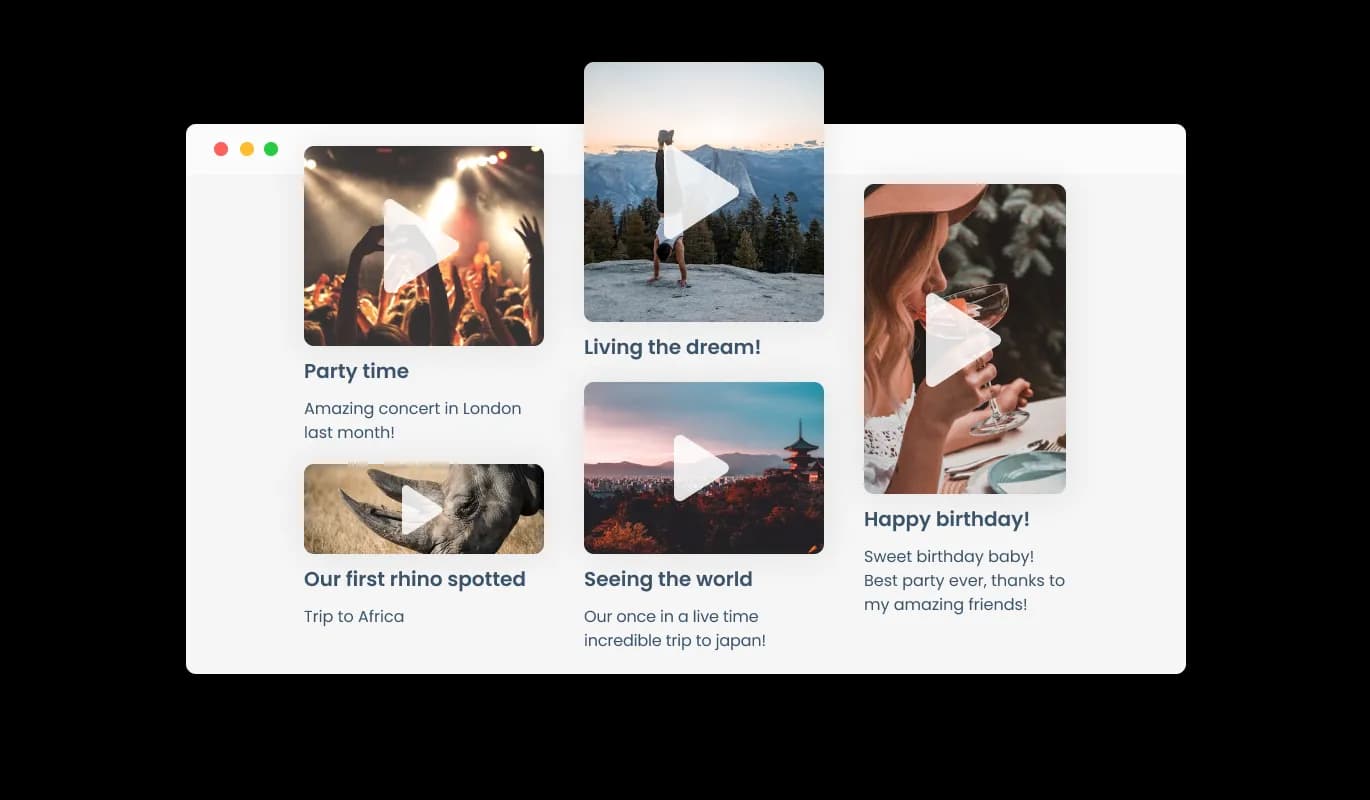
Video Gallery - Descriptions & Captions

Total Customizability Video Gallery for Persona

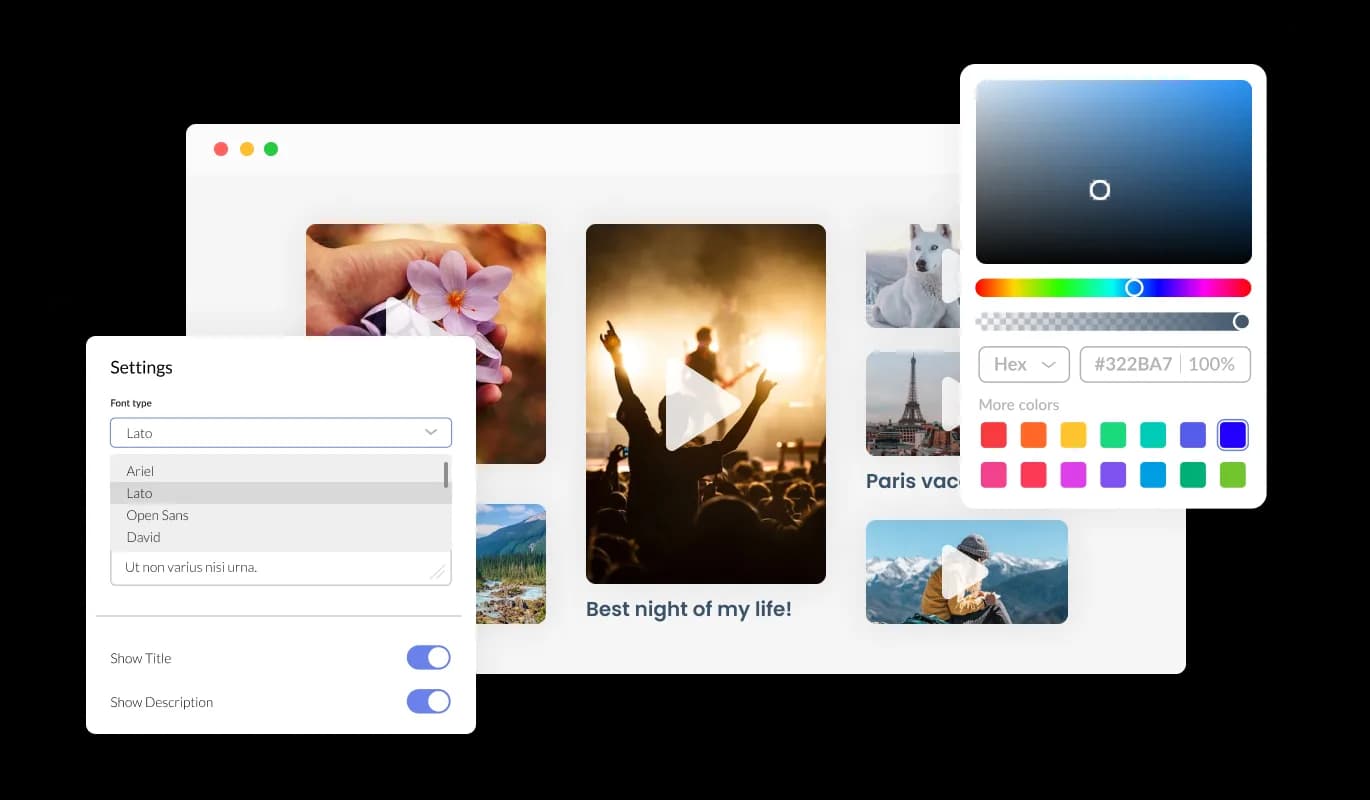
You can fully customize the Video Gallery for Persona to alter the design to suit your needs. Colors, fonts, spacing, and various other design elements can be customized with this widget. Colors can be changed for the background, text, and hover effects to create a cohesive and visually appealing design that matches your website. Fonts can also be customized. Create a unique and visually striking design by choosing from various fonts. It can be handy for businesses seeking to create a consistent brand identity online.

Video Gallery - Total Customizability Video Gallery for Persona

Perfectly Responsive Video Gallery

With a fully responsive Persona Video gallery widget, you can give yourself a significant edge over your competitors in the mobile-first world we live in today. website must be optimized for mobile devices as more and more people access the internet from smartphones and tablets. Video gallery widget's responsive design ensures that it will automatically adjust to the device size and resolution it is being viewed on, providing a seamless and consistent user experience. Your users can view and interact with your Video gallery for Persona whether they are using a desktop computer, a tablet, or a smartphone.

Video Gallery - Perfectly Responsive Video Gallery
Video Gallery - Various Animations

Various Animations

The Video Gallery for Persona offers a variety of animation choices to further improve your video gallery. You may provide your audience with an immersive and engaging experience by using the animation elements of the Video Gallery widget.

Video Gallery - Multiple Video Sources

Multiple Video Sources

The Video Gallery widget supports a variety of video hosting platforms, including YouTube, SoundCloud, Facebook, Vimeo, Twitch, Streamable, Wistia, DailyMotion, Mixcloud, Vidyard, and Kaltura. With this level of flexibility, you can easily incorporate videos from multiple sources into your website, ensuring that your visitors have access to a diverse range of content

Video Gallery - Playback Options

Playback Options

The option to play the video inline (on the page, as it is displayed) or in an expanded popup is available in the Video Gallery widget. With this versatility, you may alter both the general design of your Persona website and the viewing experience for your target audience.

Video Gallery - A Simple to use Video gallery

A Simple to use Video gallery

The Video gallery widget for Persona is simple to use and doesn't require any coding experience. You may easily personalize the widget whatever you like with a few mouse clicks using our user-friendly dashboard. As a result, even people without any coding knowledge may easily and rapidly develop a Video gallery that has a polished appearance and integrates with their website to improve their online visibility and audience engagement.

Adding custom CSS to the Video gallery for Persona

Similarly to all of Common Ninja's widgets, the Video gallery for Persona allows for the addition of custom CSS, allowing for further customization. Custom CSS allows you to create styles and design elements not available through built-in customizations. Create visually striking and unique designs with custom CSS. It is also possible to create unique and engaging animations and interactions using custom CSS.

Video Gallery - Adding custom CSS to the Video gallery for Persona

Simple To Embed On Your Persona website

You can embed Video gallery for Persona on website by copying and pasting a single line of code. If the widget is embedded, the Video gallery and widget will automatically update when you make changes, so there is no need to manually update either. If the widget is embedded, the Video gallery and widget will automatically update when you make changes, so there is no need to update either manually.

Video Gallery - Simple To Embed On Your Persona website

Compatible With All Site Builders, E-Commerce Platforms and Websites

webflow logoshopify logowix logowordpress logobigcommerce logosqurespace logoweebly logojoomla logoduda logojimdo logomagento logoshift4hsop logounbounce logocarrd logo
View all supported platforms

FAQ

With the aid of a video gallery widget, website administrators can present a selection of videos from various sources in an aesthetically pleasing and well-organized way. The widget often works with well-known video hostings services like YouTube, Vimeo, and Facebook, among others, and allows users to edit the appearance of their video gallery without knowing any code. Website owners may encourage viewers to interact with their video content, share it on social media, and eventually broaden their online audience by using a Video Gallery Widget.

There are several benefits to adding a Video Gallery to your website:

  • Increased Engagement: Video is a highly engaging medium that can capture visitors' attention and keep them on your website longer, increasing the likelihood of conversion.
  • Improved SEO: By incorporating video content into your website, you can improve your search engine optimization (SEO) and increase your website's visibility in search engine results pages.
  • Better User Experience: Video Galleries make it easier for visitors to find and watch your videos in an organized and visually appealing manner, creating a more enjoyable and seamless user experience.
  • Expanded Reach: Sharing your video content on social media platforms through the Video Gallery Widget can help you reach a wider audience and increase your brand's online presence.
  • Increased Conversions: Video content can help build trust and credibility with your audience, leading to increased conversions and sales.

Including a video gallery on your website can improve its functionality, engage visitors, and eventually increase sales for your company.

Yes, you can. Go to the “Display Rules” tab, and choose your desired triggers. You can learn more about the different triggers & rules here: https://help.commoninja.com/hc/en-us/sections/6900365183517-Display-Rules-Triggers 

Yes, you can easily do so from the “Templates” tab.

Yes, there are lots of beautiful skins that you can choose from to save time and start using the widget as quickly as possible.

Yes, you can either upload an image, or select an icon from a large selection of available icons to add to your Notification Bar, or, alternatively, you can leave it all blank.

It’s simple. All you need to do is to sign up and start using the free version.

Common Ninja’s Video Gallery widget is free to use. It is limited to a certain amount of views, however.

Common Ninja’s Video Gallery widget is compatible with ALL current and future website builders

Yes, the Video Gallery widget is GDPR-compliant.

No. Using our Video Gallery widget is very simple. The widget comes with an intuitive drag-and-drop interface and fully customizable options. Once you’ve finished editing the widget to your liking, all you need to do is copy the provided code and add it to your website.

Yes. We are eager to hear your request. Please visit our Feature Request page.