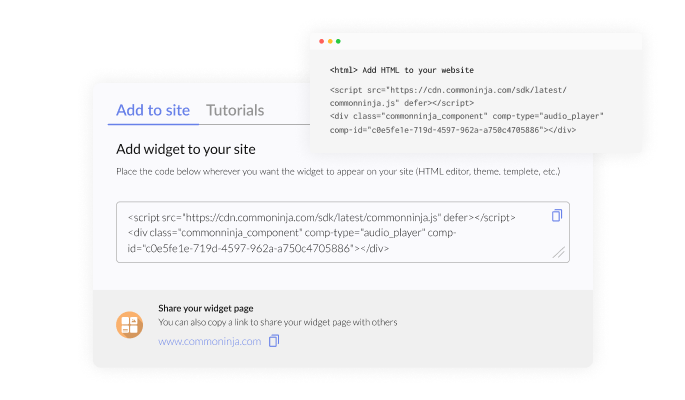
Website Translator for Concrete CMS

Add a translation widget to your site so users can switch languages easily and access content in their preferred language.

Create a Website Translator

loved by 500K+ businesses

Concrete CMS
plugineditor

Why Should You Use the Website Translator Widget+?

Expand Your Audience Globally

By adding the Website Translator extension for Concrete CMS, you can easily reach international audiences by providing content in their native languages. This broadens your Concrete CMS site's appeal and helps attract visitors from diverse regions, driving increased traffic and engagement.

Save Time with Automatic Translations

The Concrete CMS Translator extension automates the translation process, saving you the time and resources required for manual translations. You can offer professional, accurate translations with minimal effort, allowing you to focus on your core business goals.

Gain a Competitive Edge with Localization

By integrating the Concrete CMS Translator extension, you can localize your content and show that your business understands and values cultural differences. This localization sets your Concrete CMS site apart from competitors who lack such personalized features.

Select From a Wide Range of Languages

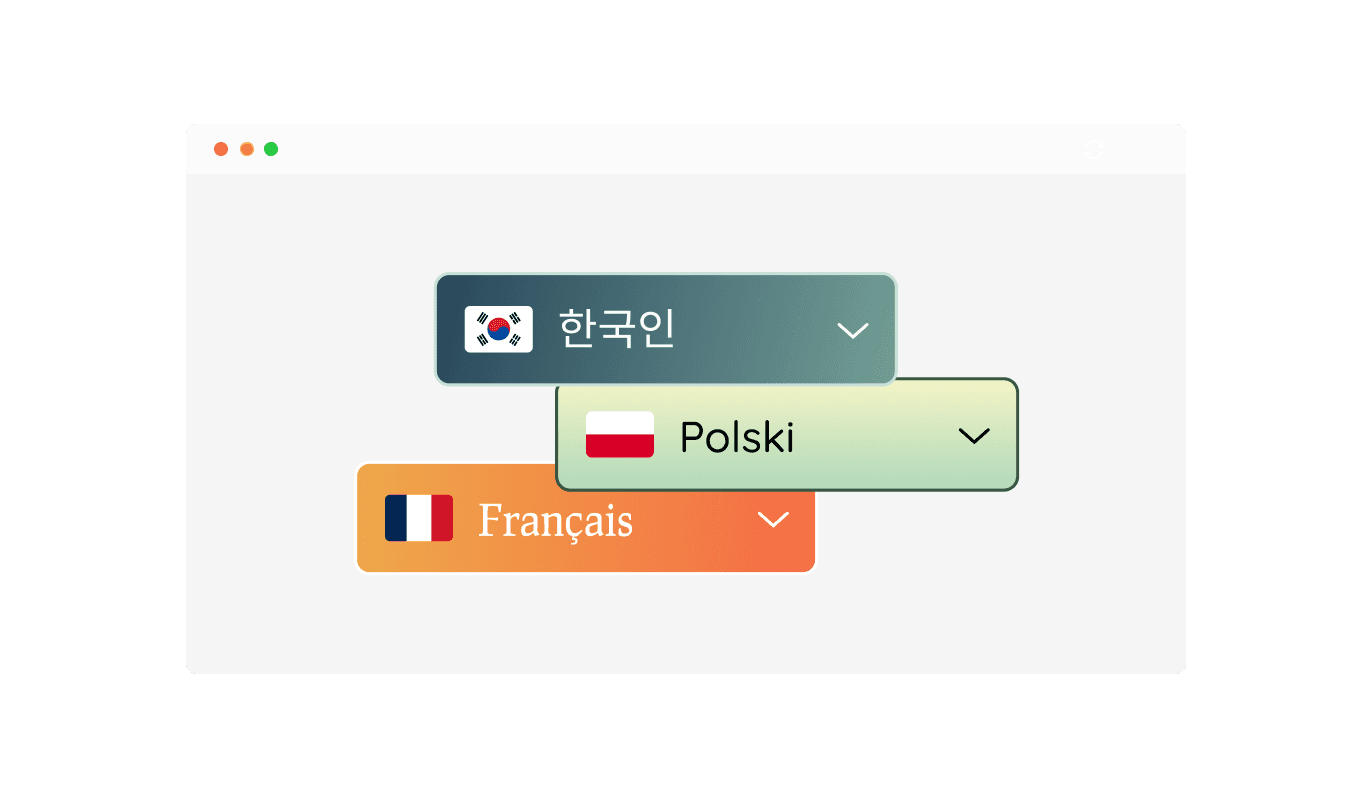
The Translator extension for Concrete CMS supports a vast array of languages, ensuring your website is accessible to a global audience. With just a few clicks, you can enable translation for dozens of languages, catering to users from different linguistic backgrounds. This feature empowers you to make your site inclusive and welcoming to visitors worldwide.
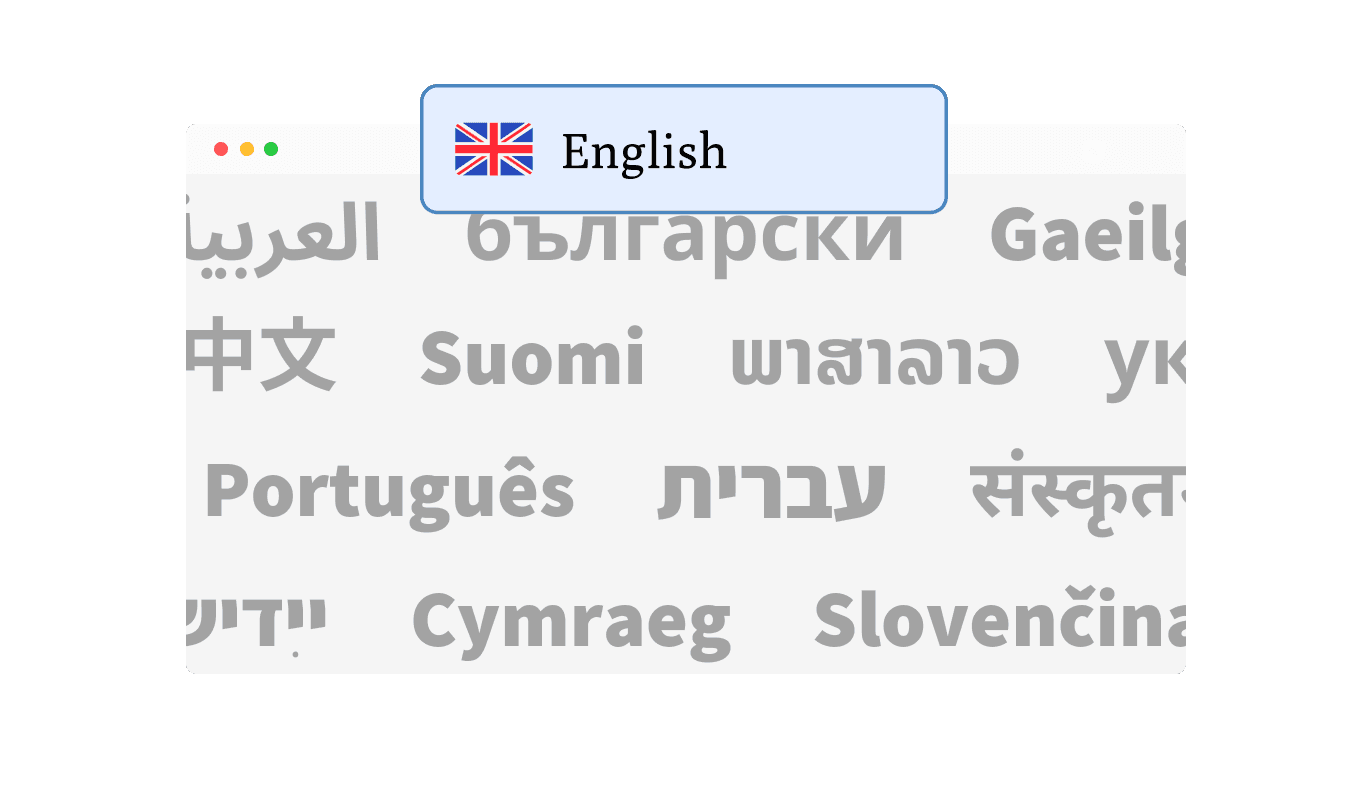
Website Translator - Select From a Wide Range of Languages

Flexible Layout and Display Options

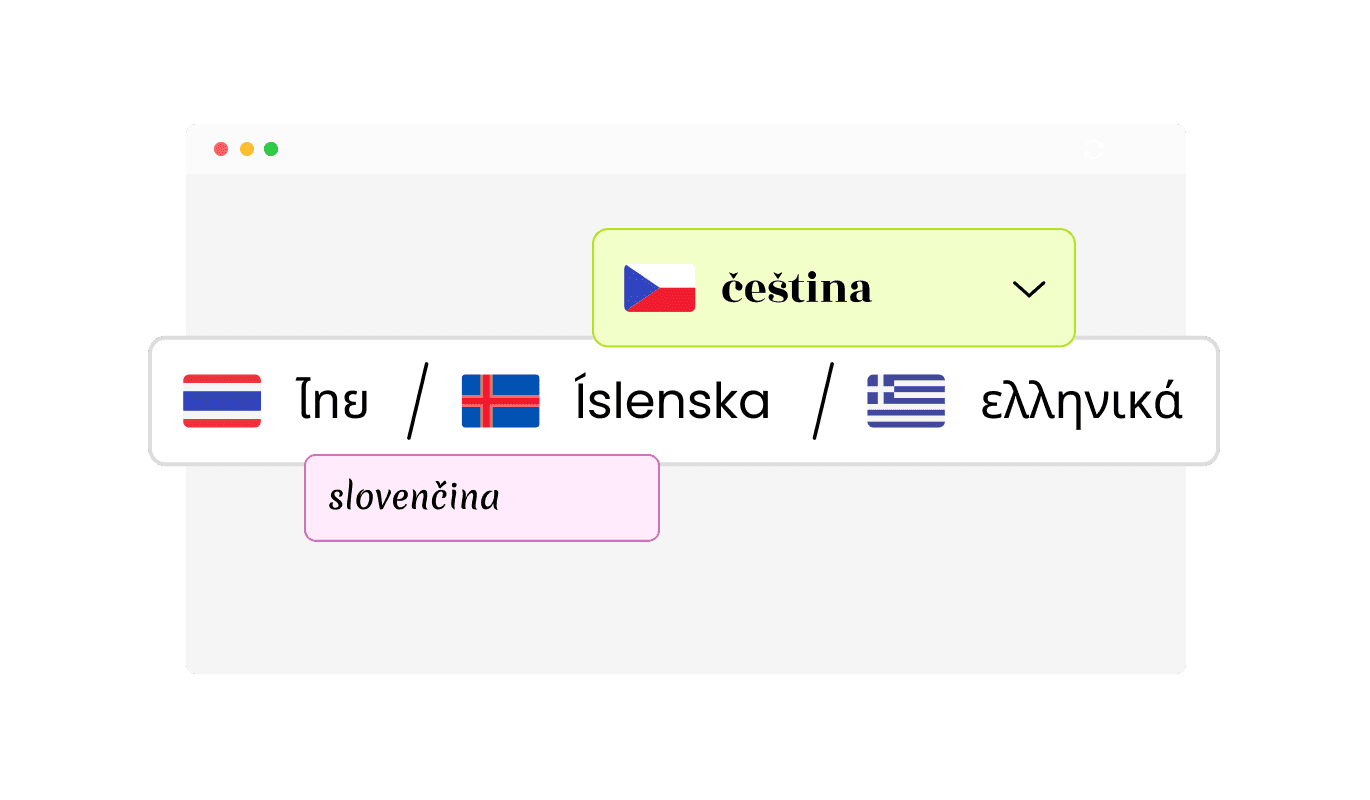
The Concrete CMS Website Translator extension offers versatile display options to match your Concrete CMS site's design and user preferences. Choose between a minimal dropdown, a bar with buttons, or other layouts to seamlessly integrate the extension into your site. Additionally, you can customize the display to show language names, flags, or a combination of both, enhancing usability and visual appeal.

Website Translator - Flexible Layout and Display Options

Choose From Multiple Concrete CMS Translator extension Skins

Enhance your Concrete CMS site’s appearance with the Translator extension’s range of beautiful design skins. These ready-made options help you align the extension with your Concrete CMS site’s branding effortlessly while saving time on customization.

Website Translator - Choose From Multiple Concrete CMS Translator extension Skins

Fully Customizable Translator extension for Concrete CMS

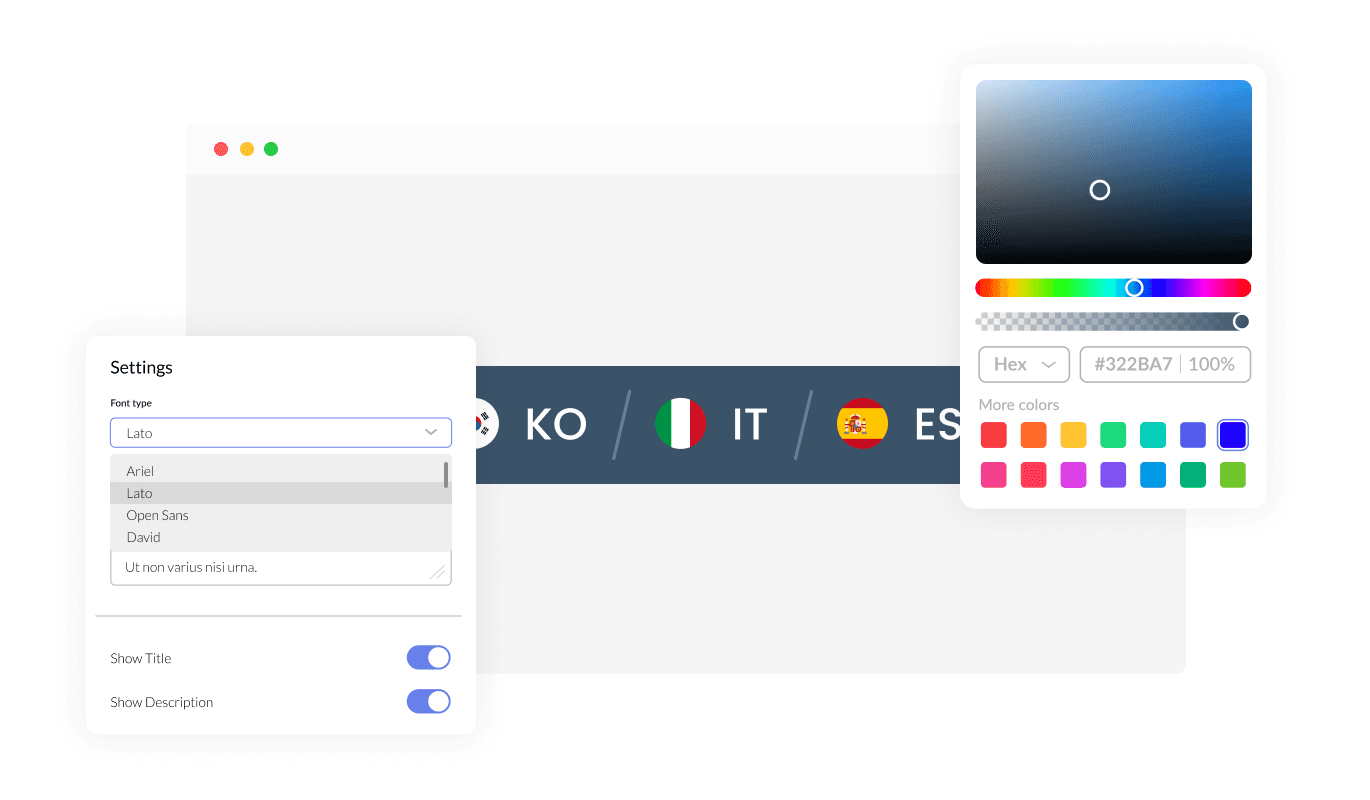
With extensive customization options, the Translator extension for Concrete CMS allows you to modify colors, fonts, spacing, and more. This flexibility ensures the extension fits perfectly with your Concrete CMS site’s unique design and branding.

Website Translator - Fully Customizable Translator extension for Concrete CMS
Website Translator - Automatic Default Language Detection

Automatic Default Language Detection

The Translator Concrete CMS extension intelligently detects your Concrete CMS site's original language and provides users with a convenient default button to return to the original content. This ensures a seamless browsing experience, allowing users to explore translations while easily reverting to the main language when needed. This feature combines convenience with precision for optimal user satisfaction.

Website Translator - Customizable Positioning: Static or Floating Options

Customizable Positioning: Static or Floating Options

The Concrete CMS Translator extension gives you the flexibility to position it exactly where you want on your site. You can opt for a static placement integrated into your Concrete CMS site’s layout or choose a floating position that remains accessible as users scroll. This adaptability ensures that the widget fits your site’s design while maintaining optimal functionality.

Website Translator - Analytics Integration for Actionable Insights

Analytics Integration for Actionable Insights

The Translator extension for Concrete CMS integrates seamlessly with Google Analytics and Mixpanel, giving you valuable insights into user behavior. Track which languages are most used, monitor translation interactions, and analyze engagement patterns to make data-driven decisions. This feature helps you refine your multilingual strategy and optimize your site's performance.

Website Translator - User-Friendly and Easy to Use

User-Friendly and Easy to Use

The Concrete CMS Translator extension is designed for ease of use, with no coding skills required. Its intuitive interface makes it simple to configure and integrate into your Concrete CMS extension, enabling you to create a multilingual experience effortlessly.

Responsive Design for All Devices

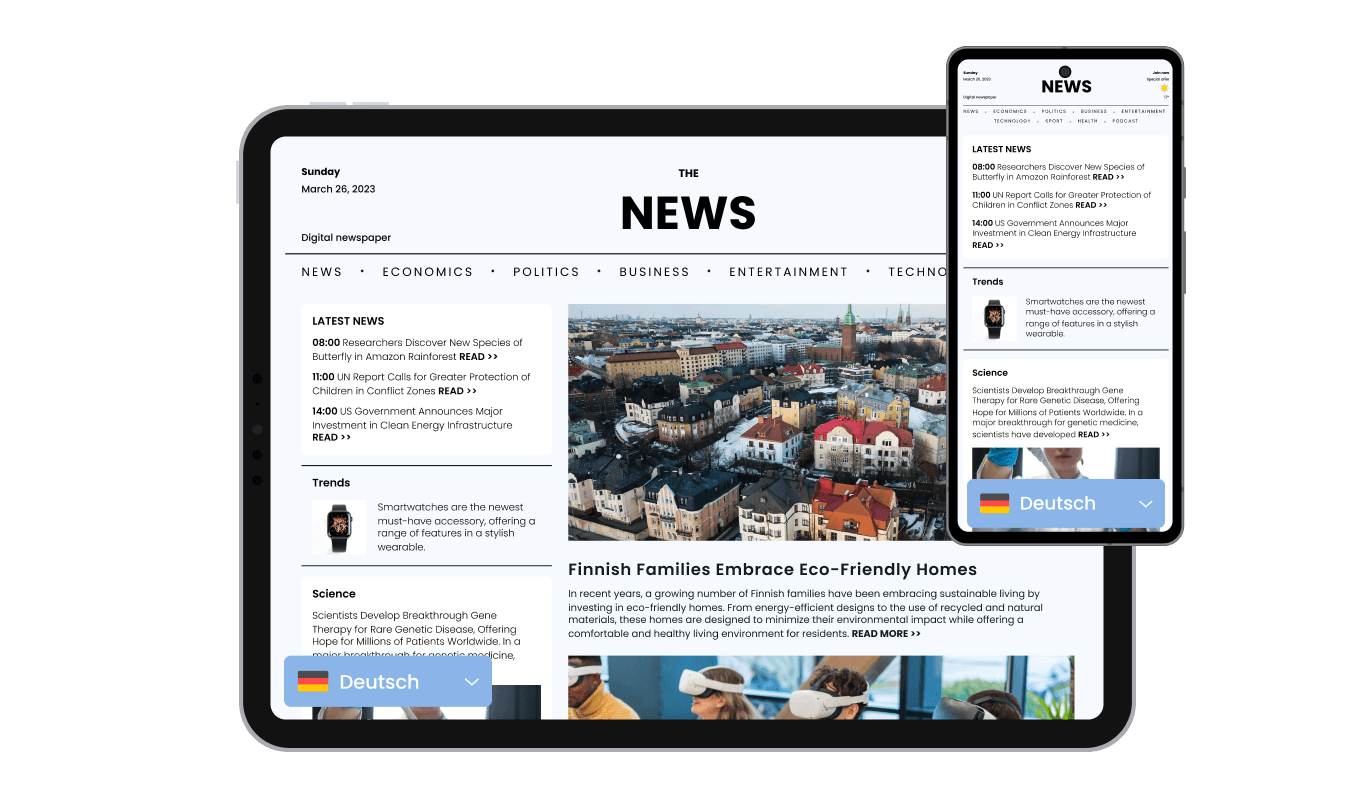
The Concrete CMS Translator extension is fully responsive, ensuring that it looks and functions beautifully on desktops, tablets, and mobile devices. This guarantees a seamless experience for all users, no matter how they access your site.

Website Translator - Responsive Design for All Devices

Custom CSS for Advanced Personalization

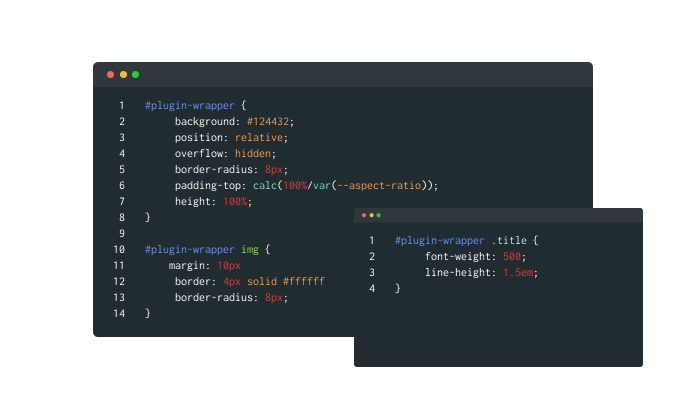
For those seeking greater creative control, the Translator Concrete CMS extension supports custom CSS. This feature is perfect for developers and designers who want to fine-tune the widget’s appearance and functionality to achieve a truly unique look.

Website Translator - Custom CSS for Advanced Personalization

Effortless Embedding on Concrete CMS sites

Embedding the Translator extension is quick and straightforward, requiring only a single line of code. Plus, automatic updates ensure your extension remains current without any extra effort, keeping your Concrete CMS site’s multilingual functionality running smoothly.

Website Translator - Effortless Embedding on Concrete CMS sites

Compatible With All Site Builders, E-Commerce Platforms and Websites

View all supported platforms

FAQ

The Website Translator Widget is a tool that enables your website to display content in multiple languages, helping you cater to a global audience.

The widget uses advanced translation technology to convert your website's content into various languages, through automated translation.

Yes, you can select from a wide range of languages to display on your website, ensuring that it meets the needs of your target audience

Yes, the Website Translator Widget can automatically detect a visitor’s browser language and display content accordingly. Users can also manually select their preferred language.

Absolutely! The widget is fully customizable, allowing you to adjust colors, fonts, spacing, and layout to align with your website's aesthetic.

Yes, the widget integrates with analytics tools like Google Analytics and Mixpanel, enabling you to monitor user interactions and gain valuable insights.

Yes, the widget provides a default button that allows users to return to the original language of your website with a single click.

Yes, you can display languages with or without flags, giving you control over how the options are presented to users.

Yes, the widget is fully responsive, ensuring that it works seamlessly on all devices, including desktops, tablets, and smartphones.

No, the widget is designed to be user-friendly and requires no coding knowledge. Installation is as simple as copying and pasting a single line of code.

Yes, you can choose between static placement or a floating position that remains visible as users scroll through your site.

Yes, the widget provides various layout options, such as dropdowns, buttons, or bars, to suit your website’s functionality and design preferences.

Yes, our dedicated support team is always available to assist you with any issues or questions related to the Website Translator Widget.