


Verified review
Common Ninja has amazing no-code widgets that would beautify a website built on any builder. It is very easy to use and customise. It has as many widgets for almost everyone willing to make their website impressive.
Try the editor, no signup
Pick a template, customize it, and watch it update live, no signup.
No credit card · Free forever plan
No credit card · Free forever plan
The Common Ninja Yelp Reviews widget is a free, no-code embed that displays the authentic reviews your business has earned on its Yelp Business Page, on any website.
Pick which reviews to show, set a minimum star rating, filter by keyword, choose a layout and skin, and paste one line of embed code on 200+ platforms including WordPress, Squarespace, Wix, Shopify, and Canva. The widget pulls your real Yelp reviews and keeps them in sync.
It does not generate, write, or purchase reviews of any kind.
Buyers trust other buyers more than they trust your own marketing copy. Surfacing real Yelp reviews on a product, service, or landing page closes the credibility gap between a stranger arriving on your site and a confident purchase decision.
The widget displays the reviews your Yelp Business Page actually received from customers. It does not write, generate, or purchase reviews. If your goal is to inflate star ratings with fake reviews, this is not the tool; if your goal is to put your authentic customer voice in front of website visitors, it is.
Manual review approval means an off-topic or misspelled review never has to go live. Keyword filters surface reviews that mention specific products, features, or locations. Star-rating filters let you set a floor below which a review is hidden.
Pick from multiple layouts (slider, grid, list, carousel) and a library of pre-built skins. Override typography, spacing, and colors with custom CSS. The widget inherits its container width and stays mobile-responsive from a 320px phone screen up to a full-width desktop hero.
Point the widget at your public Yelp Business Page. The widget only reads reviews and ratings; it never posts on your behalf, never reads private messages, and never modifies anything on Yelp.
Pick which reviews appear (manual approval per review), filter by keyword or star rating, set the sort order, choose a layout (slider, grid, list, carousel) and a pre-built skin. Fine-tune typography and spacing with custom CSS for a pixel-level brand match.
Copy the embed snippet and paste it on any page. The widget renders inline; any new review you approve in the dashboard pushes to every embed without re-pasting the code.
Every Yelp review is queued for approval in the dashboard. You decide which ones publish to the embed. Off-topic mentions or reviews that reference an unrelated location can be left out without affecting the original Yelp review.
Set a minimum star rating (typically 4 or 5 stars) and require or exclude specific keywords. Useful for landing pages where reviews should mention the actual product, service, or location visitors are browsing.
Pick a slider, grid, list, or carousel layout depending on the page. Adjust the review style (compact vs full quote, photo on or off, star icon set, prefix and suffix). Different pages on the same site can run different layouts from the same review pool.
Start from a skin in the library, then override typography, spacing, and colors with custom CSS for a pixel-level brand match. Mobile-responsive by default; the embed inherits its container width without horizontal scroll.
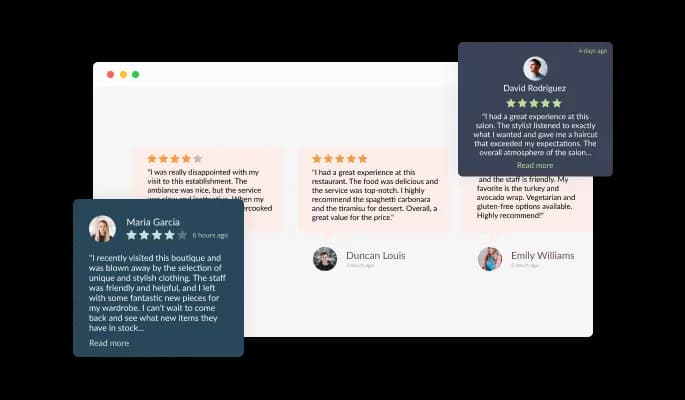
The app comes with three review types: Carousel, Grid, and List, that will help you customize the apps and make them fit your design needs.
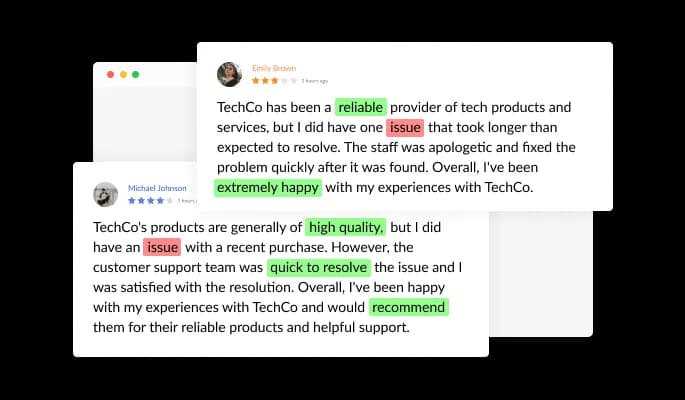
The app features additional filtering options in the form of keyword inclusion or exclusion, ideal for specific services.
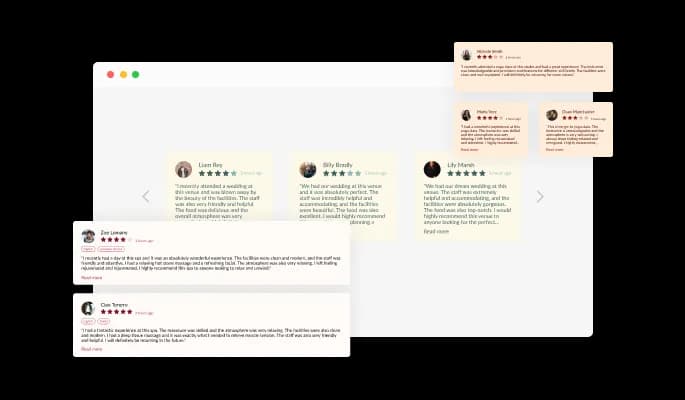
The Yelp Reviews widget comes available with multiple layouts that you can choose from to make sure it fits your overall website design and style.
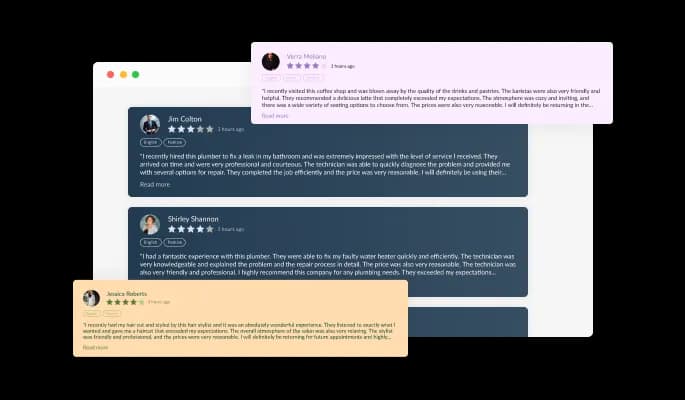
The Yelp Reviews app comes with a variety of beautiful skins that you can choose from so you don’t have to spend much time on extensive customization.
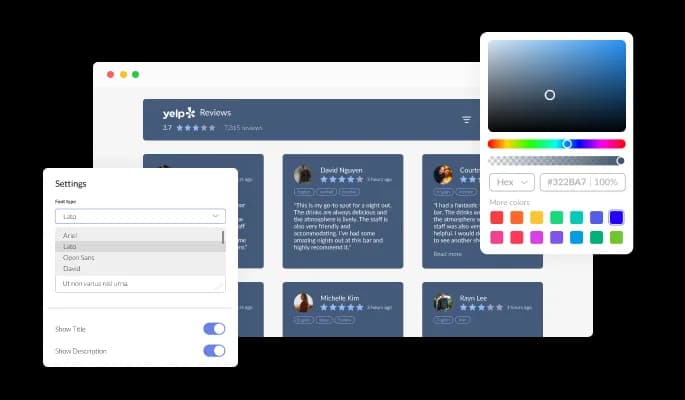
The Yelp Reviews app features full customization options so you can edit the design to fit your needs. Change the colors, the fonts, the spacing and anything else!
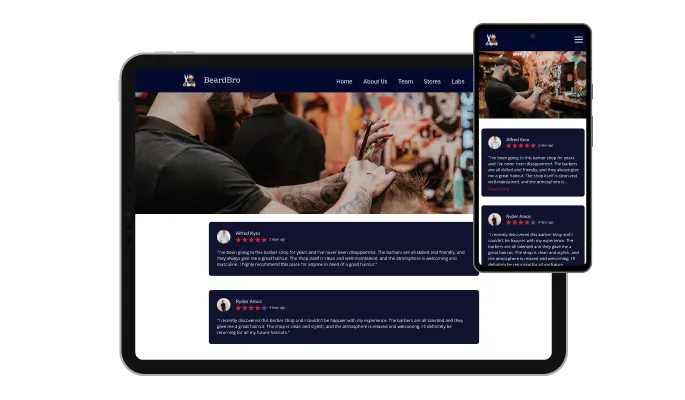
The Yelp Reviews app is fully responsive and will look great on any device. In a mobile-first world, this feature will put you ahead of your competitors.

As with all of Common Ninja’s apps, you can add custom CSS to customize the Yelp Reviews app and be even more creative.

You can embed the app on your website easily by copying a single line of code. The Yelp Reviews app will also be updated automatically with every change you make.
The app comes with advanced filtering options, like choosing to display reviews with a minimum of a certain number of stars.
With a simple toggle of a button, you can make sure that you manually approve all the reviews that will be displayed.
The app comes with sorting options that will help you customize your display to show reviews by the oldest or the newest reviews.
The Yelp Reviews app is easy to use and requires no coding knowledge. Our intuitive dashboard with the drag-and-drop feature will enable you to customize the app any way you’d like to with just a few simple clicks.
Common Ninja has amazing no-code widgets that would beautify a website built on any builder. It is very easy to use and customise. It has as many widgets for almost everyone willing to make their website impressive.
Outstanding service. I use their widgets to help me with my web design business and whenever I need help they are very quick to help.
Excellent company with excellent service!!! We used it to build a survey, it was very user friendly. The service was perfect. Amit helped us with every problem and question we had, thank you very much!!!
Common Ninja saved the day when building our website and the customer service Daniel, the co-founder and CEO, provided was amazing.
Yes. The free plan covers one Yelp Reviews widget with no time limit and no credit card. Upgrade only when you need additional widgets, premium skins, or higher monthly view limits.
Design the widget in the Common Ninja editor, then copy the one-line embed snippet and paste it where you want the reviews. Most site builders accept embed snippets via a Custom HTML, Embed, or Code block (WordPress, Squarespace, Wix, Shopify, Canva, and others). On a custom HTML page, paste the snippet directly into the markup. The widget renders inline on any page that accepts an embed.
Yes. In the WordPress editor, add a Custom HTML block (or a Custom HTML widget in Elementor or Divi) and paste the Common Ninja embed snippet. Update the page and your Yelp reviews render live and stay in sync with the editor.
No. The widget displays the real reviews that customers have left on your Yelp Business Page. It does not write reviews, purchase reviews, or generate AI-written reviews. If you do not yet have Yelp reviews, the widget cannot create them for you; collect real reviews from real customers first, then use the widget to display them. Buying or generating fake reviews violates Yelp's terms of service and consumer-protection laws in most countries.
From your own public Yelp Business Page. When you connect the widget, it reads the existing reviews and ratings and displays the ones you approve in the dashboard. The widget does not pull reviews from any other source and does not invent reviews; if your page has zero reviews, the widget has nothing to show.
Yes. Every review pulled from your Yelp page is queued for manual approval. Approve the ones you want public, leave out the rest. On top of approval, set a minimum star rating (typically 4 or 5 stars) and require or exclude specific keywords so only reviews that match the page context surface.
Yes. Sort the published wall by newest first, oldest first, highest rating, or lowest rating. The sort applies to the rendered widget; the source data on your Yelp page is untouched.
Yes. Pick a layout (slider, grid, list, carousel), choose a pre-built skin, and fine-tune typography, spacing, and colors with custom CSS. The widget is mobile-responsive by default and inherits its container width.
New reviews queue for manual approval in the dashboard. Approve them and they push to every embed; if you do not approve them, they stay hidden. The widget refreshes the connected page's review list periodically; you can also trigger a manual refresh.
200+ platforms including WordPress, Squarespace, Wix, Shopify, Canva, Webflow, Framer, Joomla, Carrd, Notion, Google Sites, Divi, Elementor, BigCommerce, WooCommerce, and any custom HTML page that accepts an embed snippet.
Pick your platform. Each takes under 4 minutes.
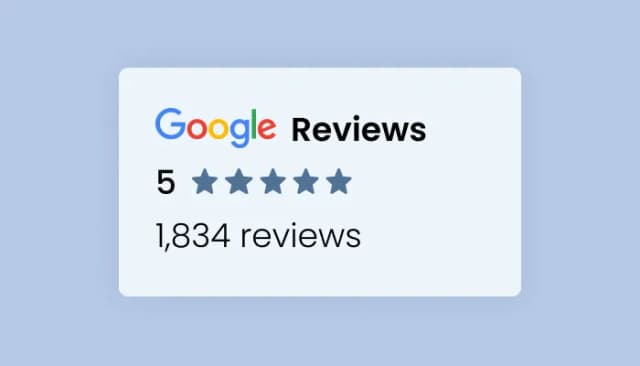
Present Google reviews for your business on your website
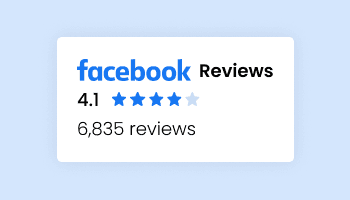
Present Facebook reviews for your business on your website

Showcase customer testimonials using a rotating slider
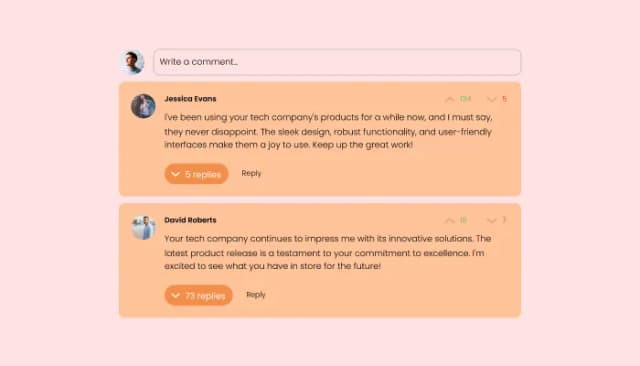
Comments system with upvote/downvote, email notifications, reply threads, and moderation tools.

Allow users to send messages or inquiries, save submissions, enable notifications, and more
Displays multiple logos in a scrolling or rotating manner
Yes, you can easily do so from the “Templates” tab.
Yes, there are lots of beautiful skins that you can choose from to save time and start using the widget as quickly as possible.
Yes, you can either upload an image, or select an icon from a large selection of available icons to add to your Notification Bar, or, alternatively, you can leave it all blank.
It’s simple. All you need to do is to sign up and start using the free version.
Common Ninja’s Yelp Reviews app is free to use. It is limited to a certain amount of views, however.
Common Ninja’s Yelp Reviews app is compatible with ALL current and future website builders.
Yes, the Yelp Reviews app is GDPR-compliant.
No. Using our Yelp Reviews app is very simple. The app comes with an intuitive drag-and-drop interface and fully customizable options. Once you’ve finished editing the app to your liking, all you need to do is copy the provided code and add it to your website.
Yes. We are eager to hear your request. Please visit our Feature Request page.
Display the authentic reviews your customers have left on your Yelp Business Page. Manual approval per review, keyword and star-rating filters, multiple layouts and skins, and a one-line embed snippet for any site builder.
Add your Yelp reviewsNo credit card · Setup in under 5 minutes