


Verified review
Common Ninja has amazing no-code widgets that would beautify a website built on any builder. It is very easy to use and customise. It has as many widgets for almost everyone willing to make their website impressive.
Try the editor, no signup
Pick a template, customize it, and watch it update live, no signup.
No credit card · Free forever plan
No credit card · Free forever plan
The Common Ninja Agenda widget is a free, no-code event agenda that lays out sessions, talks, and activities in an ordered schedule with times, titles, and rich descriptions.
Each item can carry collapsible details, so visitors expand a session to read the full description, speaker, or room without leaving the page, and add a direct link to a signup form, recording, or map.
Pick from multiple layouts and skins, show the agenda inline or in a popup, and paste one line of embed code on 200+ platforms including WordPress, Squarespace, Wix, Webflow, and Shopify.
A multi-track event needs a schedule attendees can scan fast. An agenda widget lists every session by time with collapsible details for speakers and rooms, and because edits push live, a last-minute room swap or added keynote updates instantly without a re-deploy.
Webinars and workshops move segment by segment: intro, demo, Q&A, wrap-up. An agenda maps each block with its start time and a short description, and each item can link to the slides, the recording, or the sign-up form so attendees know exactly what happens when.
Education sites use an agenda for a weekly class timetable, a course syllabus, or a program of study. The dated, ordered structure communicates a path through the material, and collapsible details keep each week's readings and assignments tucked away until a visitor wants them.
Festivals list set times across stages, sports sites publish fixture schedules, and churches post weekly service times. Same widget, different content: an ordered list of items with times, titles, and a link each, laid out so visitors find the one they care about in seconds.
Drop in each item with a time, title, and description, then add collapsible details for speaker bios, room numbers, or prerequisites. Reorder by drag and drop, and attach a direct link per item so a session can point straight to a signup form, recording, or map.
Choose a list or timeline layout, switch between multiple skins to match your brand, and decide whether the agenda shows inline on the page or opens in a popup. The layout adapts responsively, so a full-day conference schedule stays readable on a phone.
Copy the embed snippet and drop it into your site. Future edits push live automatically, so moving a talk, adding a breakout, or fixing a room number is a single change in the dashboard, not a code commit.
Each item shows its time and title up front, and expands to reveal the full description, speaker, room, or prerequisites. A dense full-day schedule stays scannable, and visitors open only the sessions they care about instead of scrolling through everything.
Show the agenda as a clean list or as a timeline, inline in a page section or in a popup that opens on click. The popup keeps a long schedule off the main page until a visitor asks for it, and the layout adapts responsively on mobile and desktop.
Attach a link per session, so an item can point straight to a registration form, a recording, a slide deck, a speaker profile, or a venue map. The agenda becomes a hub that routes attendees to the right next step instead of a static list of times.
Pick from multiple built-in skins, then tune colors, fonts, and spacing so the agenda matches your event brand or page design. For anything the controls do not cover, the Custom CSS field lets you override any visual property.
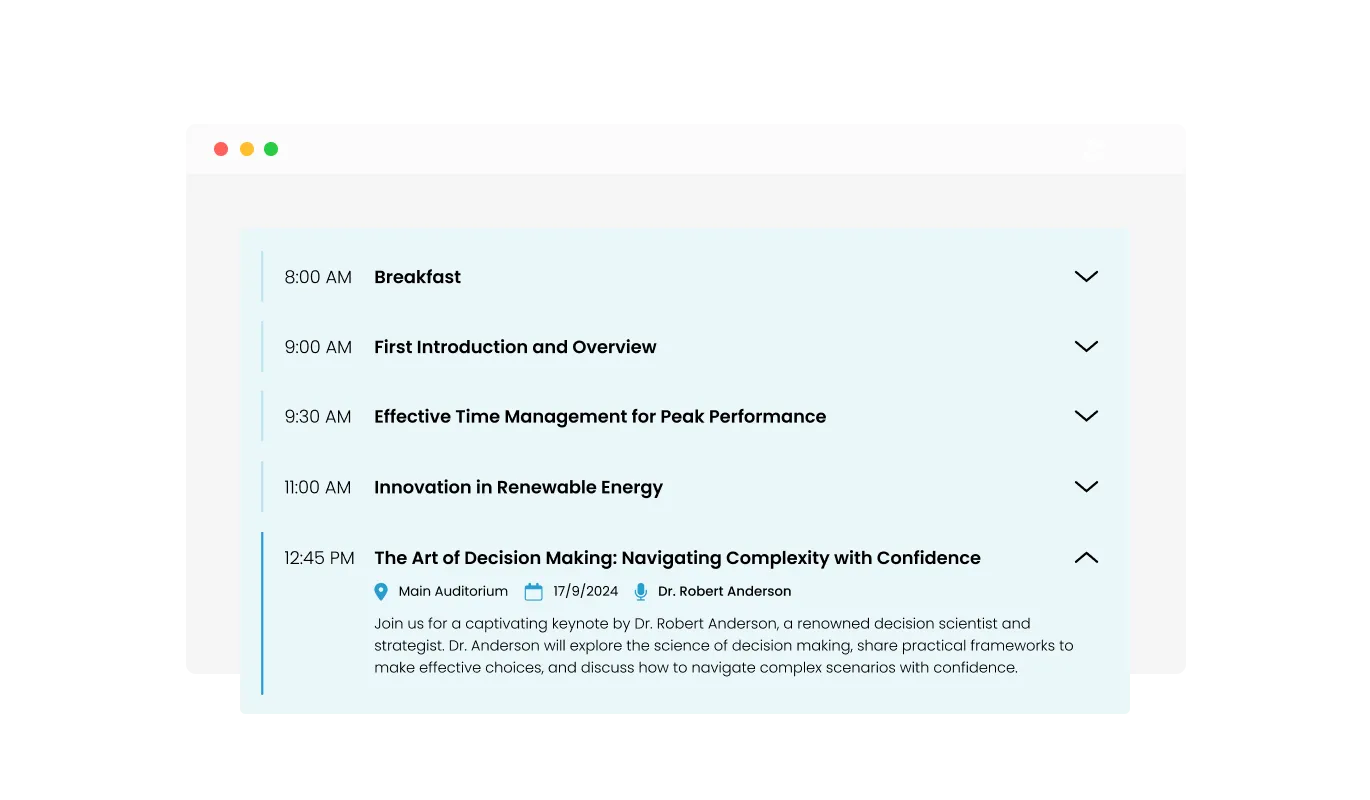
With the Agenda Widget, you decide how much of the event details to reveal at first glance. Users can easily switch between a neat, collapsed view and a detailed, expanded version, letting them interact with your agenda based on their preference.
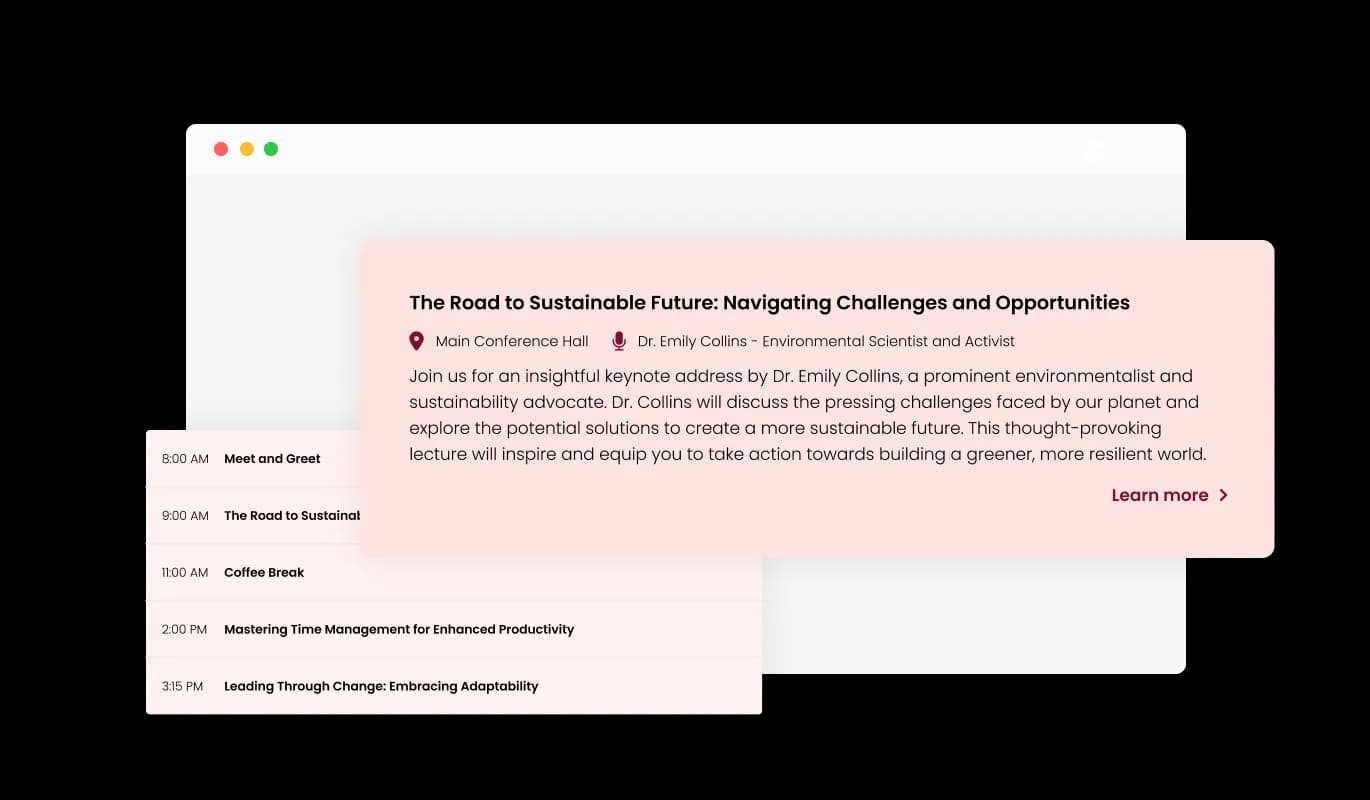
The Agenda Widget offers a neat feature where event details can be shown in a popup. Instead of navigating away or scrolling endlessly, users can simply click on an agenda item, and all its information springs up in a focused popup window. It's all about providing details without cluttering the main view.
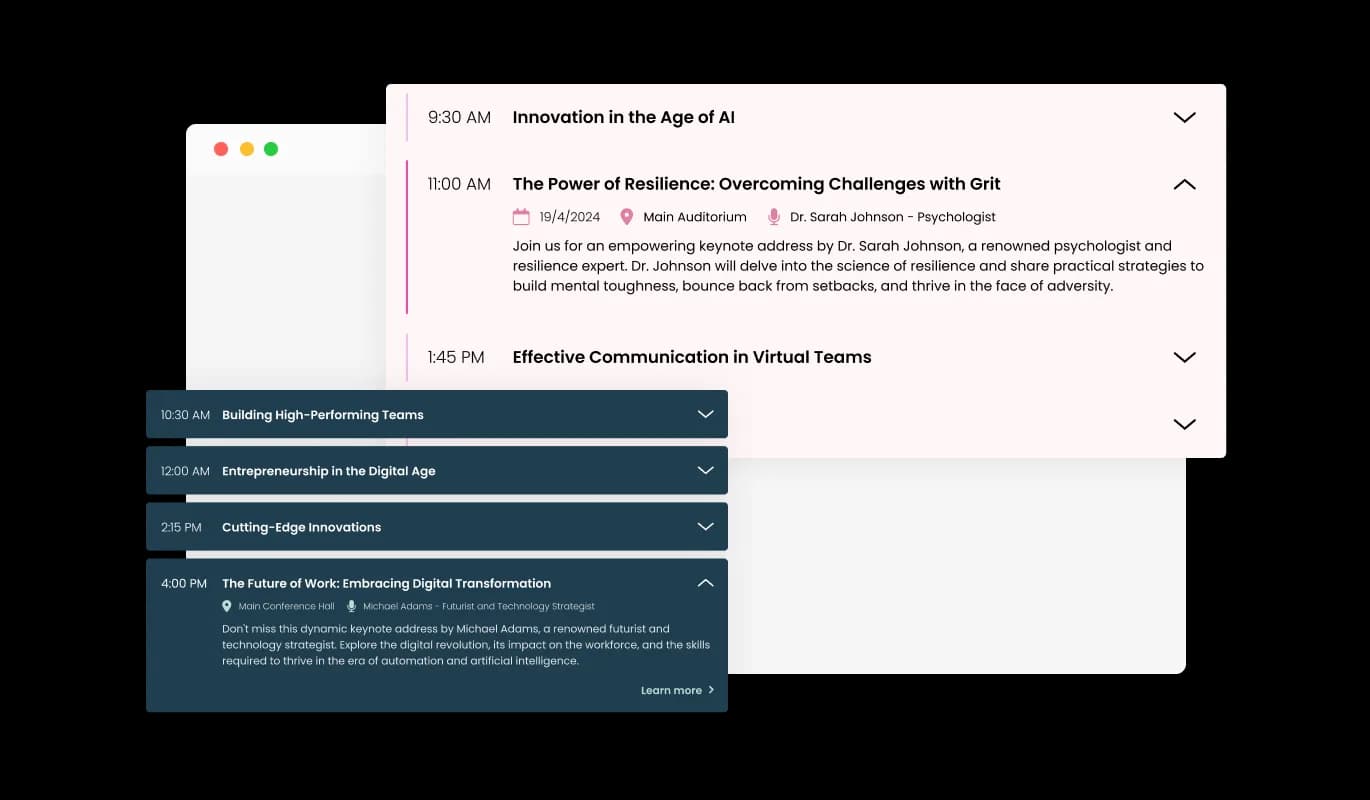
The Agenda Widget is pretty flexible. It's got various display options, so you can pick one that feels right for your website's vibe and looks. Just like choosing the best outfit for an event, but for your site!
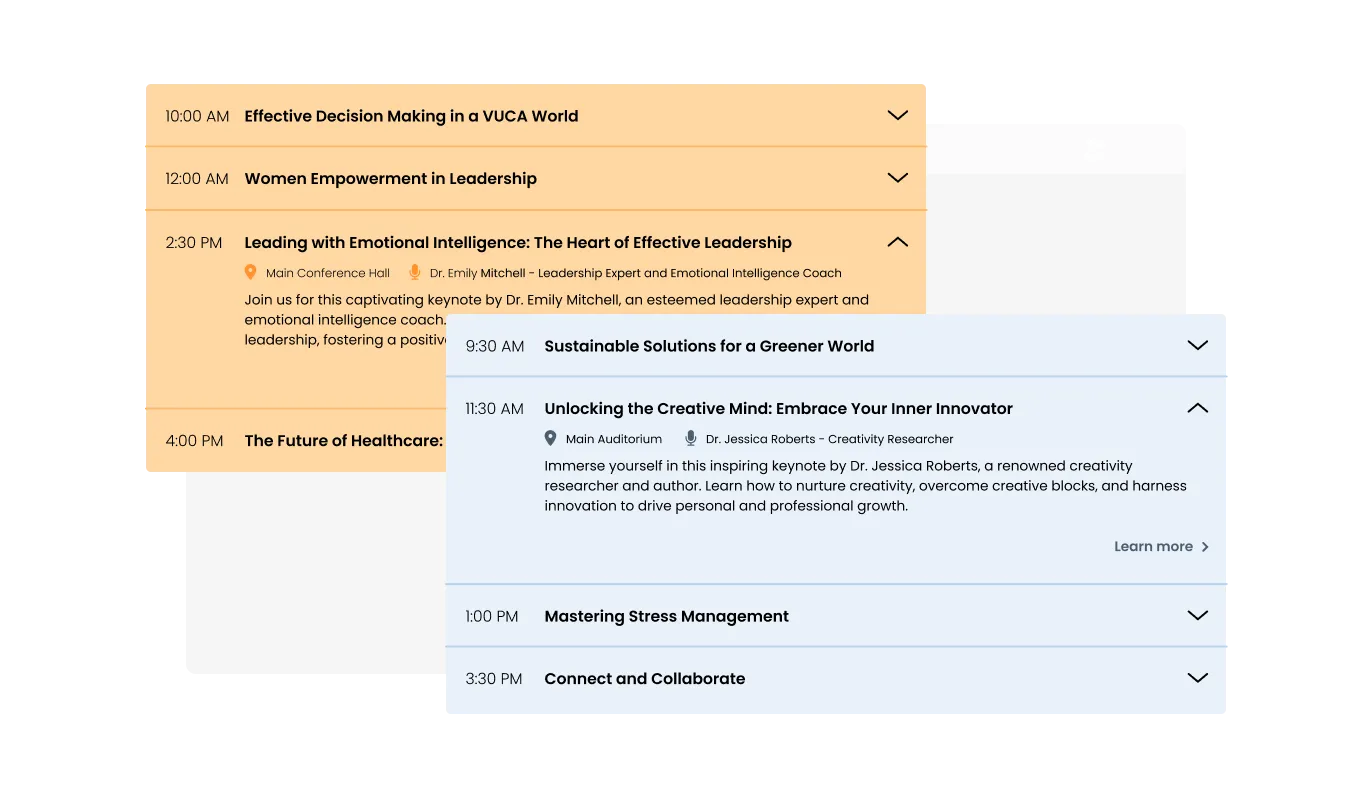
The Agenda Widget isn't just about function; it's got fashion too! It offers a bunch of cool themes, so you can find the perfect look without fussing over tweaks and edits. Making your agenda look snazzy was never this easy!
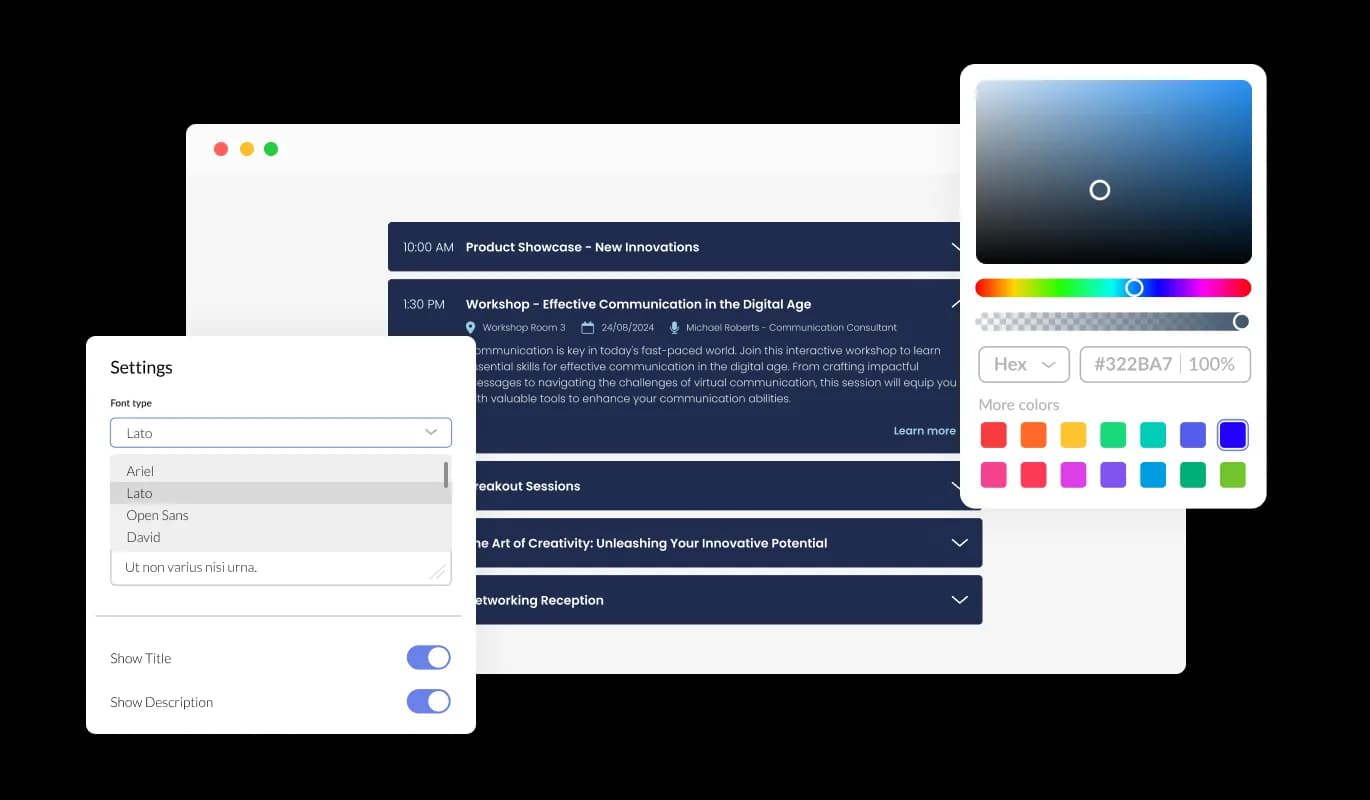
With the Agenda Widget, you're in the driver's seat. It's packed with customization options, letting you tweak colors, fonts, spacing, and more. Tailor it to match your style and make it a perfect fit for your site. You've got this!
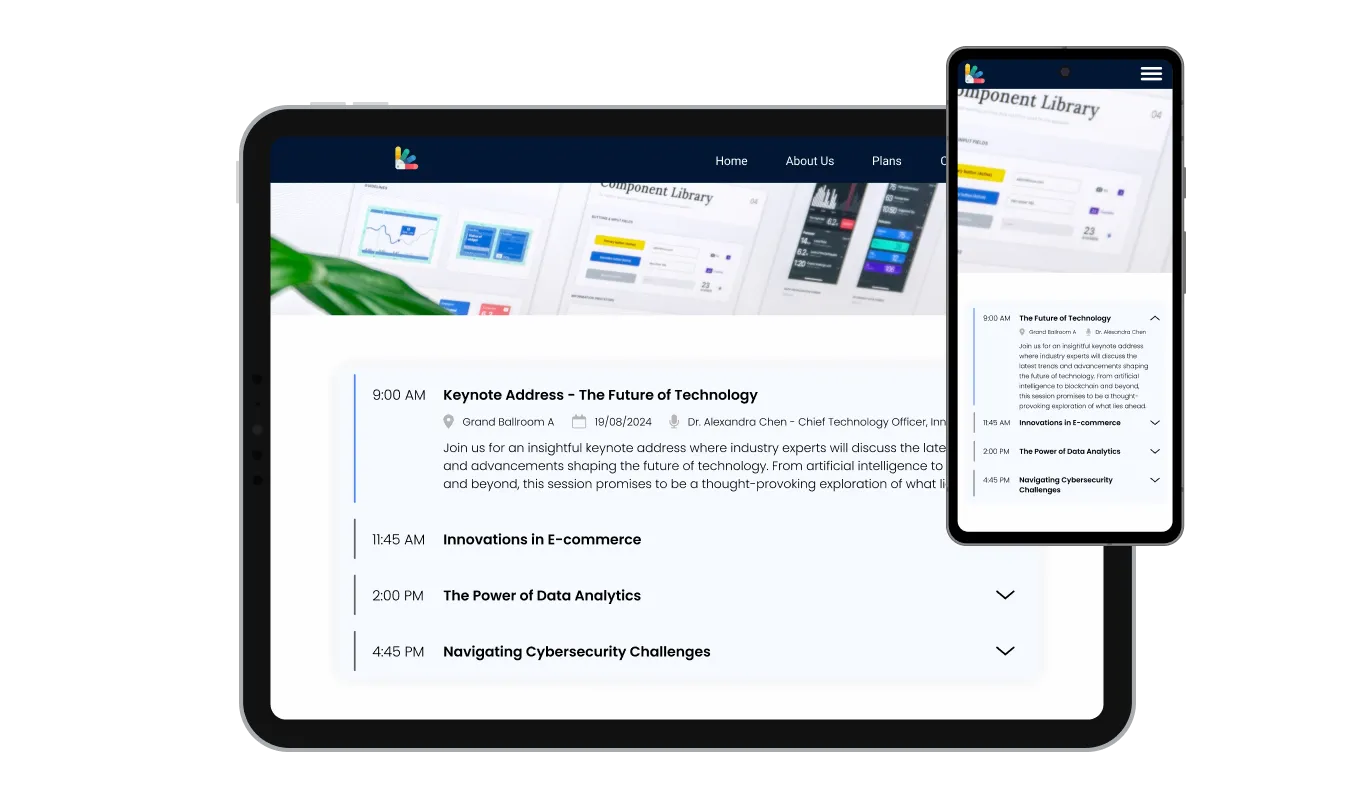
The Agenda Widget adjusts smoothly to any device. Whether someone's checking out your agenda on a phone, tablet, or computer, it's going to look spot-on. In a world where everyone's on the move, your agenda is ready to roll with them.

Like every tool from Common Ninja, the Agenda Widget isn't just about out-of-the-box looks. Got a flair for design? Dive in with custom CSS and give it your unique touch. Your creativity, our platform – a match made in design heaven.

Slipping the Agenda Widget onto your site is as simple as copy-paste. Just grab that one line of code and voila! And the cool part? Anytime you tweak the agenda on your end, it auto-refreshes on your site.
When checking out an event on the Agenda Widget, it's always handy to catch the essentials first. For every item, the widget shows the location, the time, and the person taking the lead. It's like a quick snapshot, ensuring attendees know exactly where to be and when.
There are moments when an overview isn't enough and you're curious for more. The Agenda Widget allows for a direct link to be attached to any item, guiding users to in-depth information. So, if they want to explore a speaker's full profile or get additional details about a session, it's just a click away.
Getting the Agenda Widget up and running is a breeze, no coding wizardry needed! With an easy-to-grasp dashboard and drag-and-drop actions, you can shape your agenda just the way you want, all in just a few clicks. No fuss, just function.
Common Ninja has amazing no-code widgets that would beautify a website built on any builder. It is very easy to use and customise. It has as many widgets for almost everyone willing to make their website impressive.
Outstanding service. I use their widgets to help me with my web design business and whenever I need help they are very quick to help.
Excellent company with excellent service!!! We used it to build a survey, it was very user friendly. The service was perfect. Amit helped us with every problem and question we had, thank you very much!!!
Common Ninja saved the day when building our website and the customer service Daniel, the co-founder and CEO, provided was amazing.
Yes. The free plan covers one Agenda widget with no time limit, no credit card, and no trial countdown. Upgrade only when you need additional widgets, premium skins, or higher monthly view limits.
Yes. Each agenda item shows its time and title up front and expands to reveal a full description, speaker, room, or prerequisites. This keeps a dense full-day schedule scannable, so visitors open only the sessions they care about instead of scrolling through every detail.
Both are supported. Show the agenda inline in a page section, or set it to open in a popup on click. The popup keeps a long schedule off the main page until a visitor asks for it, which is useful when the agenda is one part of a busy event landing page.
Yes. Every item can carry a direct link, so a session points straight to a registration form, a recording, a slide deck, a speaker profile, or a venue map. The agenda becomes a hub that routes attendees to the right next step instead of a static list of times.
Edit the WordPress page or post where you want the agenda and add a Custom HTML block. Paste the Common Ninja embed snippet into that block and publish. The agenda is live on your WordPress site with no plugin to install, and future edits to sessions or times push automatically.
It is a hosted widget, not a plugin. You paste one line of embed code into your site and the agenda renders. The advantage: no plugin updates to manage, the editor lives outside your site so non-admins can update the schedule, and the same widget works on any builder including WordPress, Squarespace, Wix, Webflow, and Shopify.
Yes. The agenda is a general ordered schedule: items with a time, a title, a description, and a link each. Conferences and summits use it for session tracks, educators use it for class and course timetables, and churches use it for weekly service times. Same widget, different content.
Yes. Choose from multiple built-in skins, then tune colors, fonts, and spacing so the agenda matches your event brand or page design. For deeper customization, use the Custom CSS field to override any visual property, which is useful when matching a corporate design system.
Pick your platform. Each takes under 4 minutes.
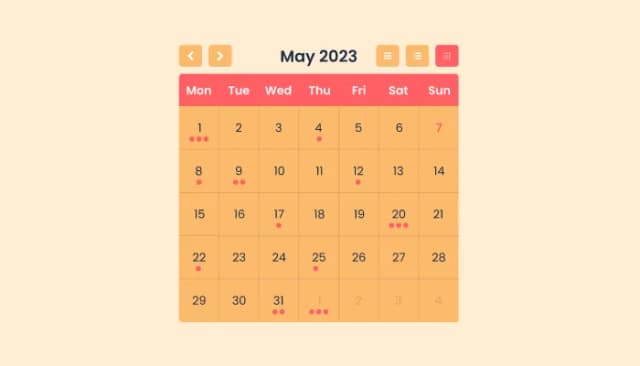
Manage Events, Engage Visitors, and Elevate Your Brand’s Image
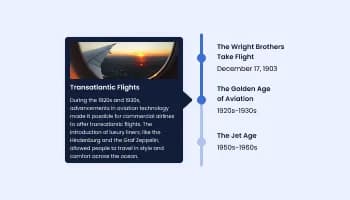
Show events or important moments in the order they occurred, using pictures and text
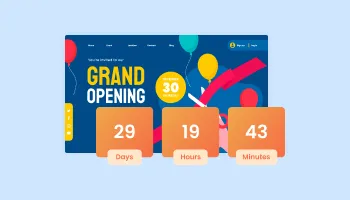
Displays a timer counting down to a specific date or event
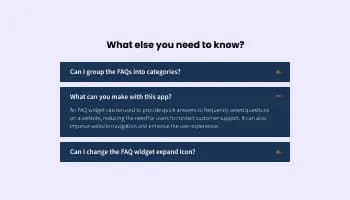
Displays common questions and answers for quick reference
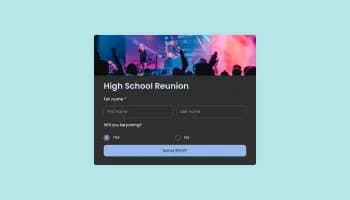
Allow users to register for events, save submissions, enable notifications, and more
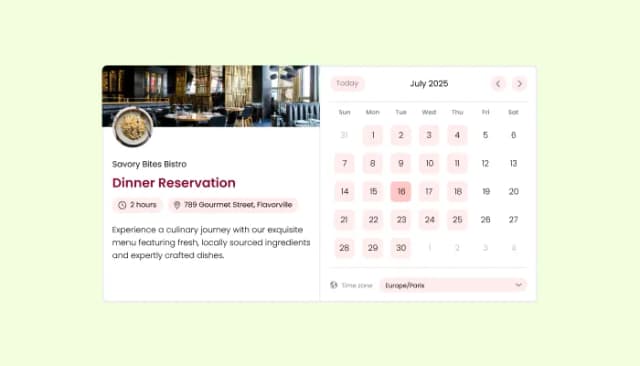
Manage appointments, sync calendars, and send reminders efficiently.
The Agenda Widget is a tool that lets you display the schedule or itinerary of events, conventions, or any program on your website in a clean and organized manner.
No, you don’t! The Agenda Widget is designed to be user-friendly. You can customize and embed it on your site without any coding expertise
Simply customize the widget to your preference, then copy the provided line of code and paste it into the desired location on your website.
Absolutely! The Agenda Widget is responsive and adjusts seamlessly to fit any device, ensuring a great user experience whether viewed on a desktop, tablet, or smartphone.
Yes, you can! From colors, fonts, to spacing, the widget offers a range of customization options. And for those with a bit of CSS knowledge, you can dive even deeper into custom styling.
Nope! Any changes you make to the Agenda Widget from your dashboard will automatically update on your site.
Certainly! The Agenda Widget allows you to attach direct links to each item, guiding users to more detailed information or related content.
The Agenda Widget is designed to be compatible with most modern website platforms. Whether you're using WordPress, Wix, Squarespace, or others, it should embed smoothly.
Yes! You can choose whether you want a minimal view or a fully open display as the default look when visitors first see your agenda.
Yes, you can! You can embed multiple instances of the Agenda Widget on a single page, each tailored to different events or segments of your convention.
Works on 200+ platforms including WordPress, Squarespace, Wix, Webflow, and Shopify.
Create your agendaNo credit card · Setup in under 3 minutes