
Animated Headline for Readymag

Add animated headlines to draw attention to key messages and improve user engagement through visual emphasis.

Create Animated Headline

loved by 500K+ businesses

Readymag
plugineditor

Why Should You Use the Animated Headline Widget+?

Enhance the Look of your Readymag website with Animated Headline

With the Animated Headline widget on your Readymag, you can drastically improve the aesthetics of your website, making it more appealing to the audience. This not only heightens the overall user experience but also casts a positive light on your website's brand image and level of professionalism.

Enhance Understanding with Animated Titles

By utilizing Animated Titles, you can communicate complicated ideas or essential information more effectively to your Readymag website visitors. This facilitates better communication and understanding, ensuring that both parties benefit from a more streamlined and informative user experience.

Increase Conversion Rates with Animated Headline

Animated Headline widget on your Readymag effectively puts emphasis on key messages or calls to action, guiding your website's visitors towards desired outcomes like signing up for a newsletter or making a purchase. As a result, this brings about increased conversion rates and amplified profits.

Animate Any Part of Your Sentence with Animated Titles

Our new feature in the Readymag Animated Titles widget liberates you from the confines of animating only entire sentences or headlines. You now hold the capability to animate any fragment of your sentence - whether it's the initiation, the central part, or the termination. This functionality affords you greater flexibility to spotlight particular words or phrases, hence making your content more intriguing and interactive.
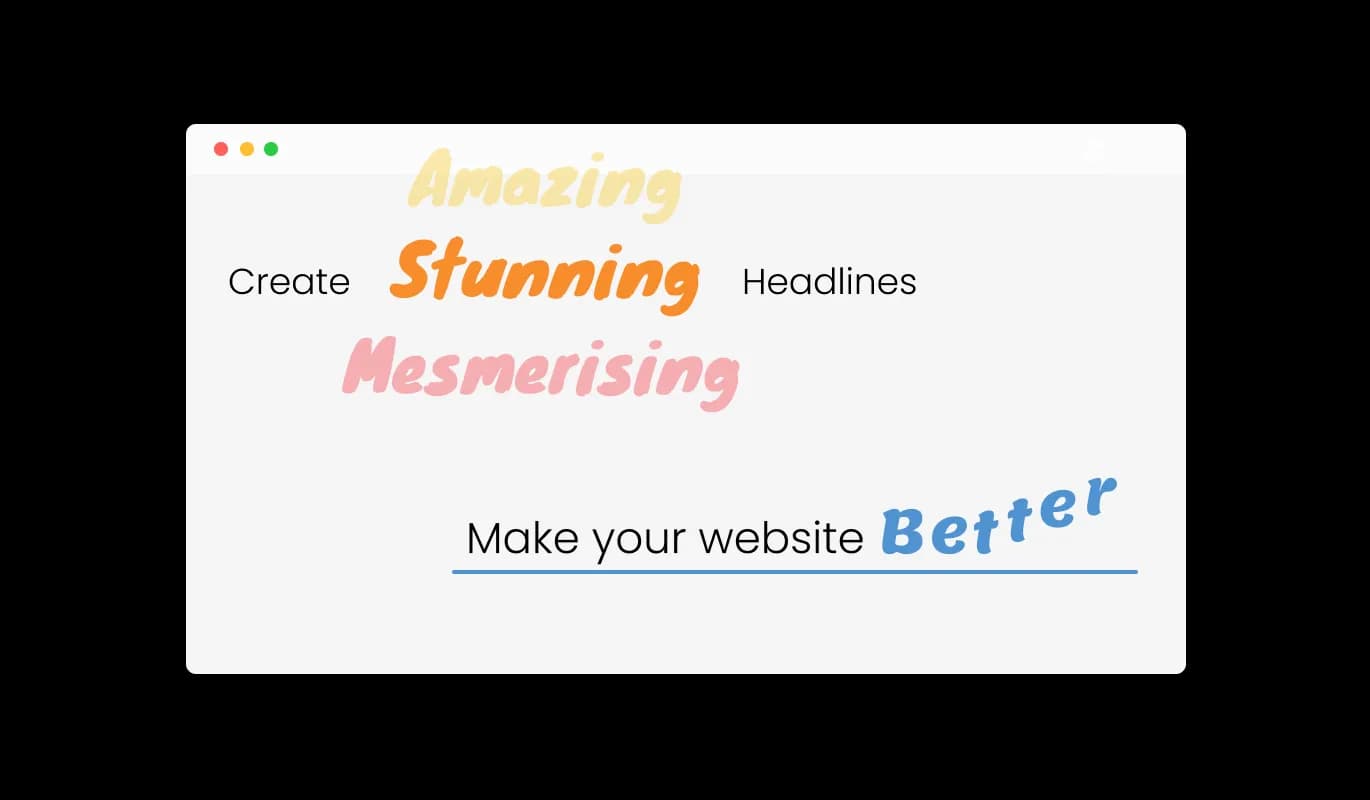
Animated Headline - Animate Any Part of Your Sentence with Animated Titles

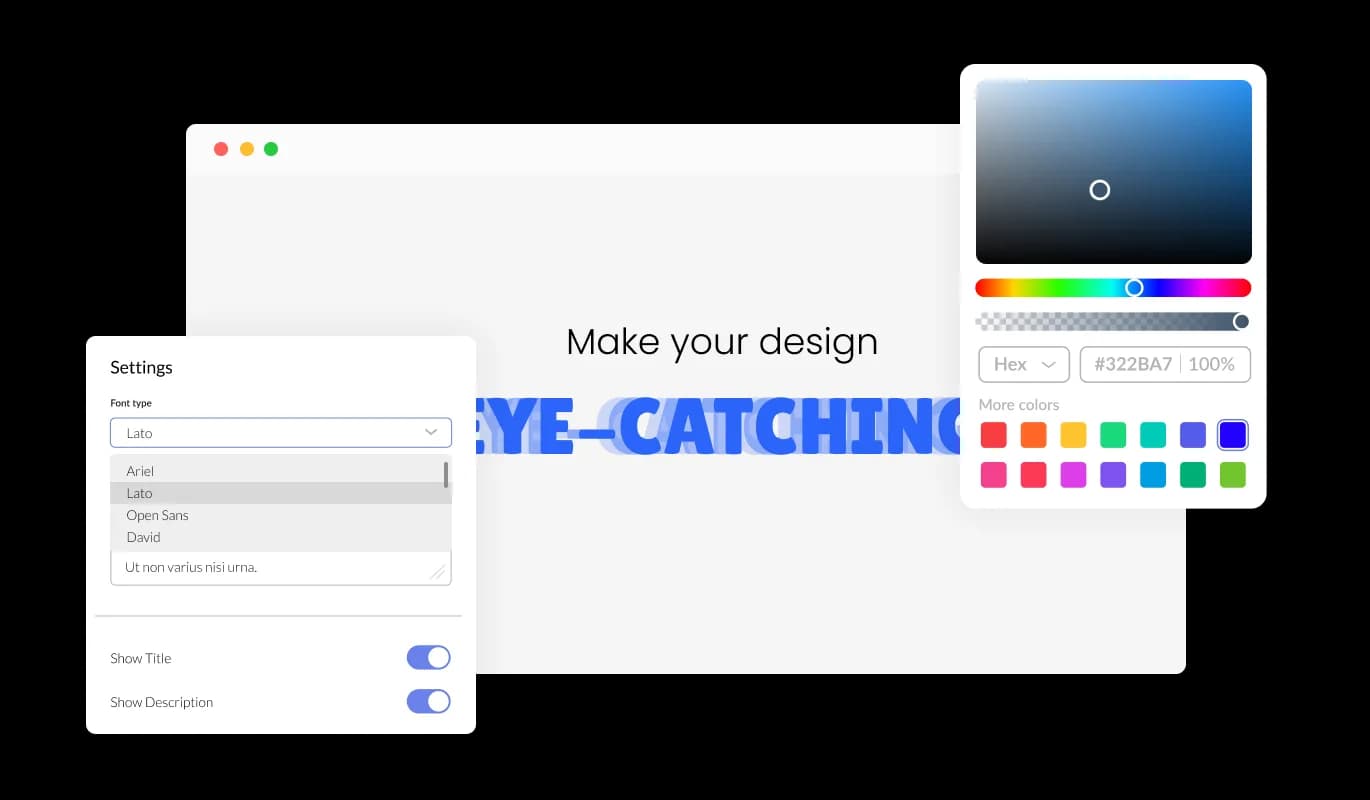
Total Control with Complete Animated Headline Customization

The animated title for Readymag is fully customizable, empowering site owners to modify every aspect of the title to suit their preferences. This amount of control guarantees that the end product always aligns with the intended result and the website's branding.

Animated Headline - Total Control with Complete Animated Headline Customization

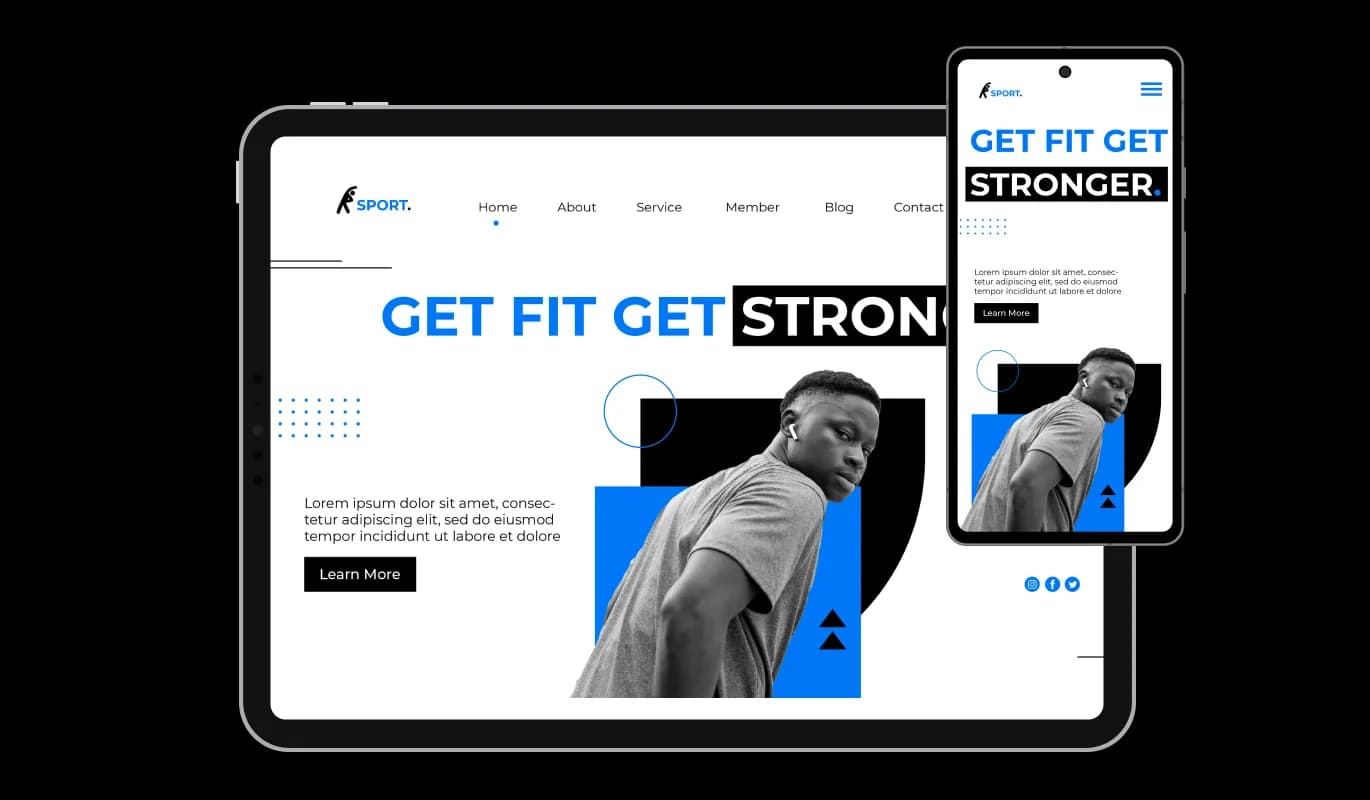
Responsive Animated Titles for All Devices on Readymag

The Animated Headline's responsive design on Readymag guarantees a flawless display of animated titles across all devices, be it mobile phones, tablets, or desktop computers. This ensures a uniform and delightful user experience for your Readymag website visitors, no matter what device they use.

Animated Headline - Responsive Animated Titles for All Devices on Readymag
Animated Headline - Diverse Animation Effects

Diverse Animation Effects

Animated headline widget on your Readymag provides 10 different animation effects, giving you the freedom to choose the style that best suits your website's theme and brand identity. This level of customization ensures that animated titles always blend seamlessly with the Readymag website's design.

Animated Headline - Tailor your Text with Advanced Typography Options

Tailor your Text with Advanced Typography Options

With the help of advanced typography options, you can simply adjust the font, size, and color of your animated titles to establish the look and feel you want. These settings make it possible for you to keep a consistent visual style across your Readymag website.

Animated Headline - Animated Headline: A Blend of Simplicity and User-friendliness

Animated Headline: A Blend of Simplicity and User-friendliness

The Animated Headline widget for Readymag features an easy-to-use interface, making it simple for you to create and customize your animated titles. This approach, focused on user-friendliness, guarantees that even users with limited technical skills can efficiently use the widget on their website.

Enhanced Customization with Custom CSS

For users with coding knowledge, the Animated headline widget supports custom CSS, allowing for even more precise control over the appearance and behavior of the animated titles. This feature is aimed at advanced users who are looking for a deeper level of customization.

Animated Headline - Enhanced Customization with Custom CSS

Easy-as-Pie Animated headline Integration

The animated title for Readymag is simple to embed on any website with just one line of code, ensuring a hassle-free integration process. This ease of use makes it accessible to site owners of all skill levels, from beginners to experienced web developers.

Animated Headline - Easy-as-Pie Animated headline Integration

Compatible With All Site Builders, E-Commerce Platforms and Websites

View all supported platforms

FAQ

Installing the Animated Title Widget is incredibly simple. Just add one line of code to your website, and you're good to go. This makes it accessible for site owners of all skill levels.

Yes, the widget offers 10 different animation effects, allowing you to choose the perfect style to match your website's theme and brand identity. You can also further customize the appearance using advanced typography options and custom CSS.

Absolutely! The widget features a fully responsive design, ensuring that animated titles display perfectly on all devices, including mobile phones, tablets, and desktop computers.

Yes, the widget offers advanced typography options that let you easily customize the font, size, and color of your animated titles. This allows you to create a consistent visual style across your website.

While the widget does support custom CSS for users with coding knowledge, no coding skills are required to use its basic features. The easy-to-use interface allows you to customize and embed animated titles effortlessly, even if you're a beginner.

The widget is designed to be lightweight and efficient, ensuring minimal impact on your website's loading speed. As a result, you can enjoy the benefits of engaging animated titles without compromising your site's performance.

Yes, the widget is compatible with most website builders and content management systems, making it easy to integrate into your existing website. Simply follow the provided instructions to embed the widget using just one line of code.

Yes, you absolutely can! Our Animated Headline Widget now allows you to animate any part of your sentence. You can choose to animate the beginning, middle, or end of a sentence, giving you more flexibility to emphasize certain words or phrases. It's a great tool to make your content more engaging and visually appealing.