


Verified review
Common Ninja has amazing no-code widgets that would beautify a website built on any builder. It is very easy to use and customise. It has as many widgets for almost everyone willing to make their website impressive.
Try the editor, no signup
Pick a template, customize it, and watch it update live, no signup.
No credit card · Free forever plan
No credit card · Free forever plan
The Common Ninja Creative Card Carousel is a free, no-code widget that rotates banner-style cards on any website. Build the panels, set the timing, and paste one line of embed code.
It is built for promotion rather than explanation: an offer, a launch, a seasonal message, or an announcement, each getting its turn in the same slot on the page.
Card size, arrows and pagination, slide speed, time per slide, skins, and custom CSS are all adjustable. Works on 200+ platforms including Shopify, Odoo, Carrd, Cloudflare Pages, and Webflow.
Homepages have one prime position and usually three teams wanting it. A rotating banner gives each message that slot in turn, which settles the argument without cutting anyone and without stacking three hero sections.
Sales, launches, and seasonal offers turn over constantly. Because the panels live in the widget, swapping them is one edit that reaches every page carrying the embed, rather than a developer ticket each time.
A static banner becomes invisible to regular visitors within a week. Gentle rotation keeps the slot alive, so someone returning to the site registers that something has changed rather than scrolling straight past it.
Free shipping thresholds, delivery cut-offs, and discount codes all need to be seen before someone starts browsing. A banner carousel carries several of them in the space a single notice would take.
Create a panel for each message with its image and text. Keep the set small: a promotional carousel earns attention with three or four strong panels and loses it with ten.
Choose the card size and how many show at once, then set the slide speed and time per slide. Add arrows and pagination so a visitor can go back to the offer that caught their eye rather than waiting for it to come round again.
Copy the snippet from the Add to Website tab and paste it where the banner belongs. Swapping the campaign later is an edit in the widget, not a page rebuild, which is the point when promotions change weekly.
Set the panel dimensions and show one full-width banner or several smaller ones at a time. That choice is the difference between a hero treatment and a promotional strip.
Control how fast panels move and how long each one holds. Promotional copy needs longer than a photograph, and a banner that rotates too fast reads as noise rather than an offer.
Let visitors go back to a panel they half-read instead of waiting a full cycle for it to return. On a promotional carousel this matters, because the offer they missed is the one you wanted them to act on.
Ready-made skins to start from, responsive sizing so a wide banner does not break a phone layout, and custom CSS for exact brand matching. One embed snippet, 200+ platforms.
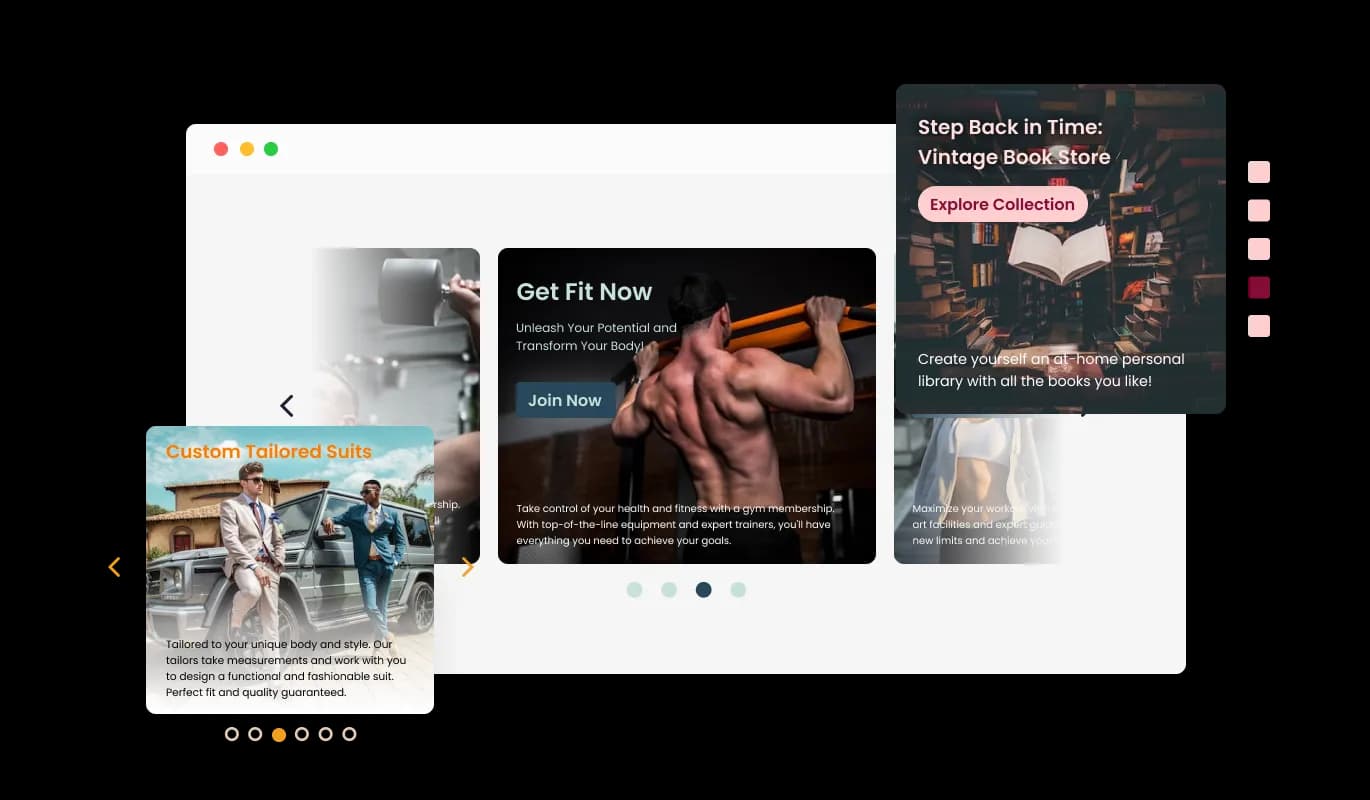
The Creative Card Carousel widget comes available with multiple layouts that you can choose from to make sure it fits your overall website design and style.
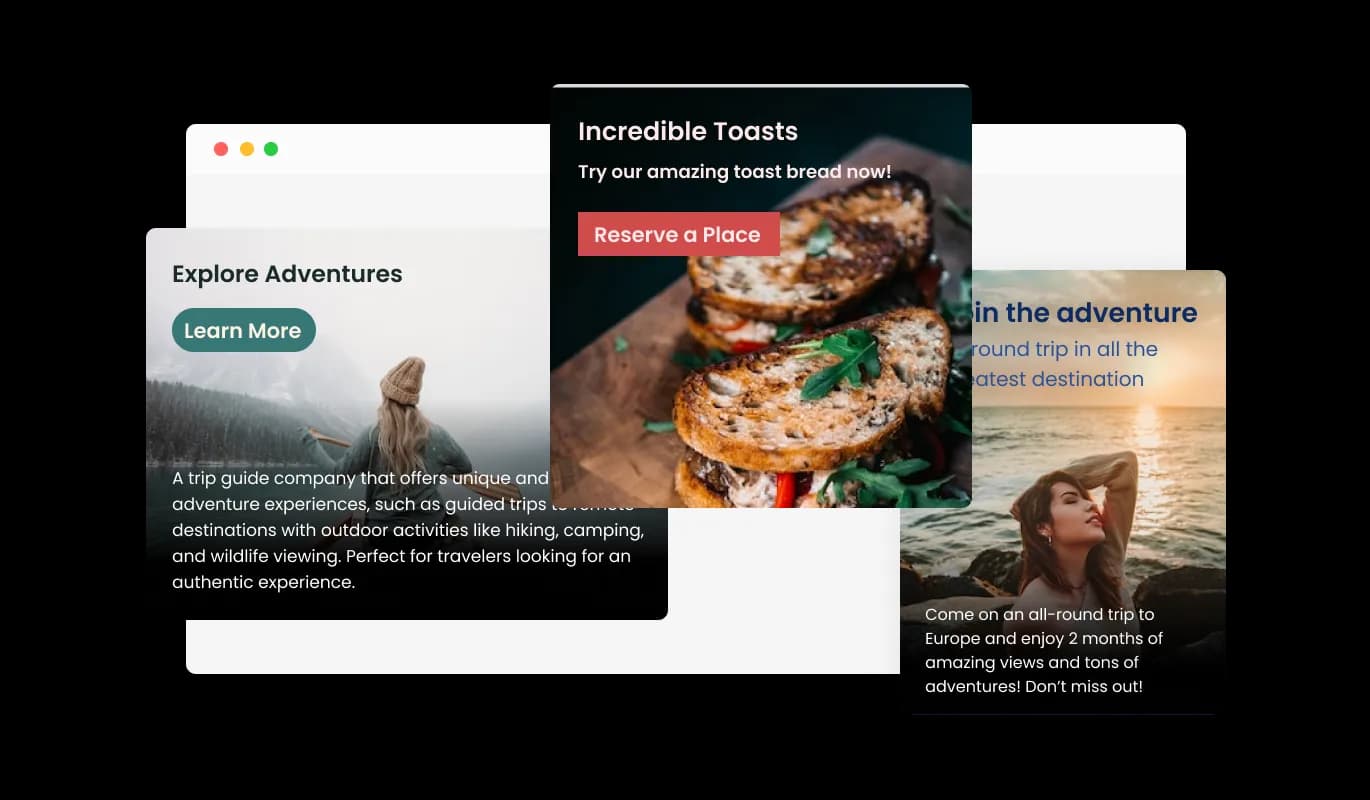
The widget comes with a variety of pre-made skins you can choose from to speed up your work.
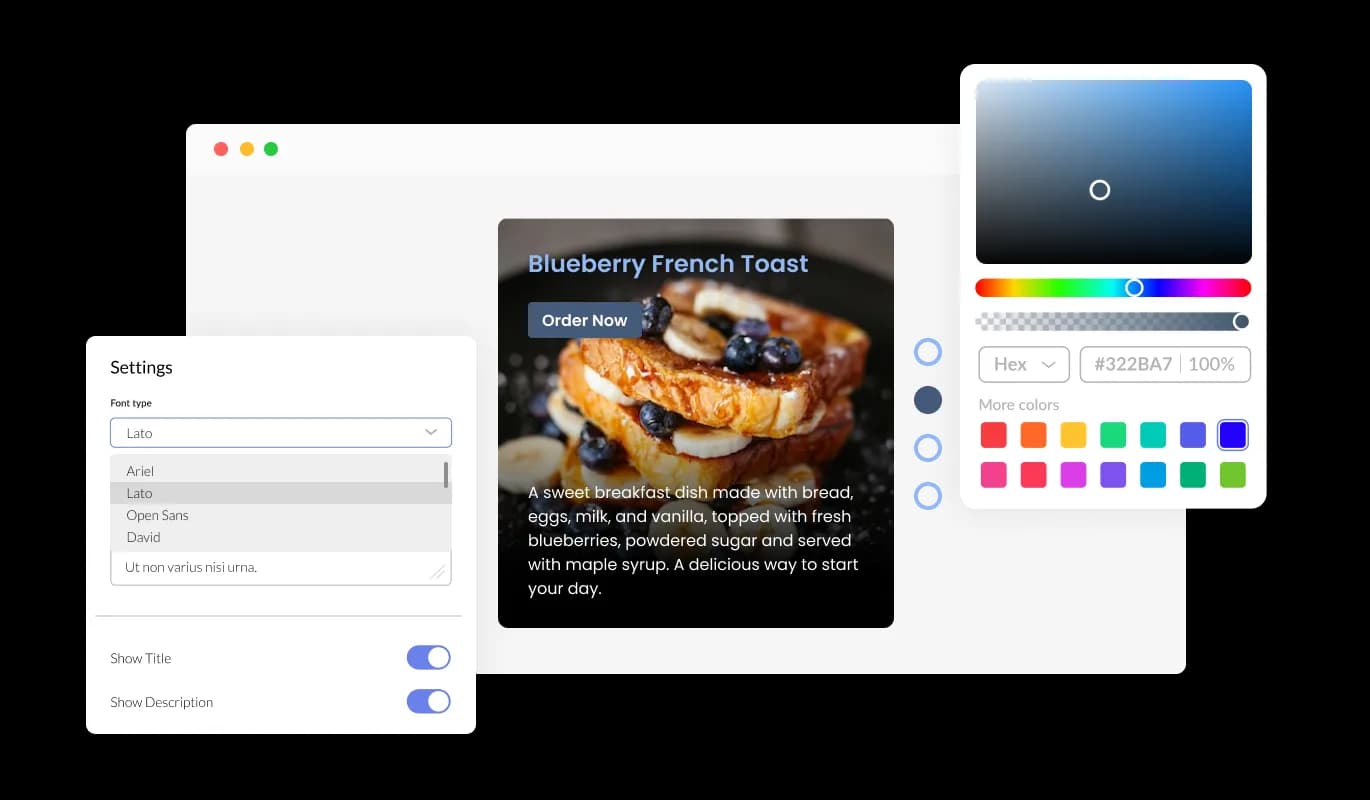
The Creative Card Carousel widget features full customization options so you can edit the design to fit your needs. Change the colors, the fonts, the spacing, and anything else!
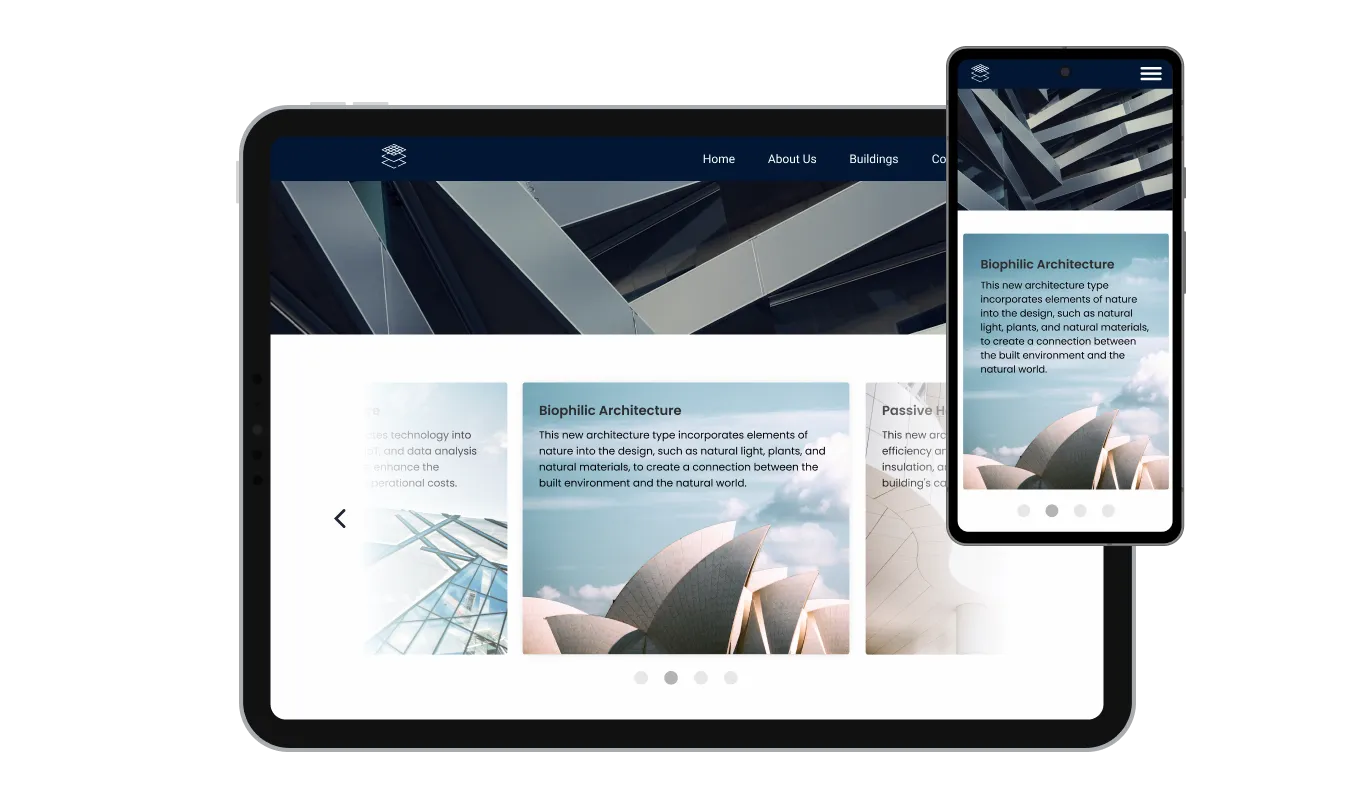
The Creative Card Carousel widget is fully responsive and will look great on any device. In a mobile-first world, this feature will put you ahead of your competitors.

As with all of Common Ninja’s apps, you can add custom CSS to customize the Banner Carousel widget and be even more creative.

You can embed the widget on your website easily by copying a single line of code. The Banner Carousel widget will also be updated automatically with every change you make.
The Creative Card Carousel widget comes with the option to change the carousel’s cards sizes — from small, to large, vertical, or horizontal, you make the widget fit your specific needs.
With the option to change the arrow types of the slider, and the pagination icons below, you can further customize the widget and make it fit your design requirements.
The widget comes with the options to control the speed at which the cards slide, and how much time should be spent on the cards. You can use these options to tailor your user’s experience.
The Creative Card Carousel widget is easy to use and requires no coding knowledge. Our intuitive dashboard with the drag-and-drop feature will enable you to customize the widget any way you’d like to with just a few simple clicks.
Build your banner carousel in the editor
Open the editorFree to use · No credit card · No signup to try it
Common Ninja has amazing no-code widgets that would beautify a website built on any builder. It is very easy to use and customise. It has as many widgets for almost everyone willing to make their website impressive.
Outstanding service. I use their widgets to help me with my web design business and whenever I need help they are very quick to help.
Excellent company with excellent service!!! We used it to build a survey, it was very user friendly. The service was perfect. Amit helped us with every problem and question we had, thank you very much!!!
Common Ninja saved the day when building our website and the customer service Daniel, the co-founder and CEO, provided was amazing.
They are close, and the difference is what the card is for. Use this one when the panel is promoting something: an offer, a launch, a seasonal message, where the card is doing the selling. Use the Card Carousel when the card is explaining something: a service, a plan, a team member, where an image sits above a heading and a paragraph a visitor reads. Both are free, so pick by job rather than by name.
Three or four. Promotional carousels lose people quickly, and anything past the fourth panel is rarely seen, so a message sitting in position seven is effectively unpublished. If you have ten things to promote, the honest answer is that the page needs a different structure, not a longer carousel.
Longer than feels necessary while you are building it. A visitor has to notice the panel, read it, and decide, which takes several seconds, and a banner that rotates before they finish reading is worse than one that never moved. Leave arrows and dots on so anyone who misses one can go back.
Yes, and it is the main practical reason to use a widget here. The panels live in the widget, so swapping a promotion pushes to every page carrying the embed. No page edit, no deploy, and no developer in the loop for a weekly offer change.
Yes. Set the card size to full width and show one panel at a time, and the carousel behaves as a rotating hero. Just be careful with the timing at that size, because a full-width panel changing under a visitor who is still reading it is more jarring than a small one.
It can, if it is used as a way to avoid choosing. A single clear message usually outperforms five rotating ones, so a carousel is the right tool when you genuinely have several timely things to say, and the wrong one when it is standing in for a decision nobody wanted to make.
It is responsive and scales to the screen width. Wide banner artwork is the thing to watch: text baked into a desktop-proportioned image often becomes unreadable at phone width, so keep the words in the widget's text rather than inside the image where you can.
Yes. Each carousel is its own widget with its own panels and settings, so a homepage hero and a narrow announcement strip can run separately. On the free plan each widget counts separately against your plan's widget allowance.
Pick your platform. Each takes under 4 minutes.

Showcases images in a rotating or sliding manner

Displays a series of images in a slideshow format

Displays multiple logos in a scrolling or rotating manner
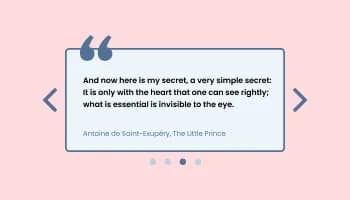
Showcases quotes in a rotating or sliding manner

Displays images and captions in diverse layouts and grids, presenting visually appealing arrangements for showcasing multiple images
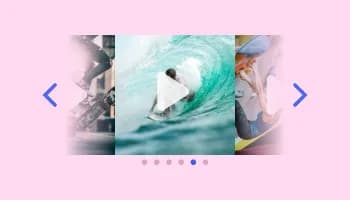
Showcases videos in a rotating or sliding manner
Yes, you can easily do so from the “Templates” tab.
It’s simple. All you need to do is to sign up and start using the free version.
Common Ninja’s Creative Card Carousel widget is free to use. It is limited to a certain amount of views, however.
Common Ninja’s Creative Card Carousel widget is compatible with ALL current and future website builders.
Yes, the Creative Card Carousel widget is GDPR-compliant.
No. Using our Creative Card Carousel widget is very simple. The widget comes with an intuitive drag-and-drop interface and fully customizable options. Once you’ve finished editing the widget to your liking, all you need to do is copy the provided code and add it to your website.
Yes. We are eager to hear your request. Please visit our Feature Request page.
Rotating banner-style cards for offers, launches, and announcements, with adjustable card size, arrows and pagination, slide speed and timing, ready-made skins, full responsiveness, and custom CSS. Swap the campaign in the widget rather than rebuilding the page. Embed on 200+ platforms including Shopify, Odoo, Carrd, Cloudflare Pages, and Webflow.
Create your banner carouselFree to use · No credit card · No coding