Opening Hours for Base44

Add opening hours to your site to give visitors clear, reliable business information that improves trust, reduces confusion, and supports user experience.

Create Opening Hours Widget

loved by 500K+ businesses

Base44
plugineditor

Why Should You Use the Opening Hours Widget+?

Provide Easy Access to Information on your Base44 app

By using the Opening hours widget for Base44, you can make sure your users have access to important information about your company. By doing so, they will save time and improve their experience.

Display Professionalism with an Opening Hours Table

It conveys professionalism to your users and is a necessary element for any business page Base44 app — without one, you'll send the wrong message.

Boost the design of your app with Opening hours for Base44

The business hours table can complement or, conversely, contrast the design of your Base44 app.

A choice of two layout styles

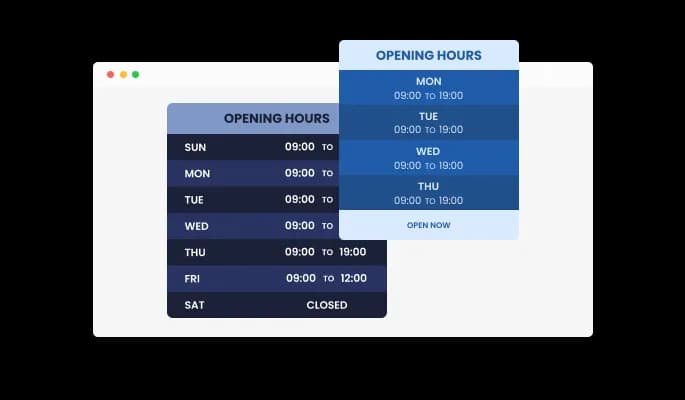
The Opening hours widget features two layout styles from which you can choose — the default and most commonly used style with the day on the left and the business hours on the right, and the Column style, which puts the hours in a column-like design.

Opening Hours - A choice of two layout styles

Various Skins for your Base44 app

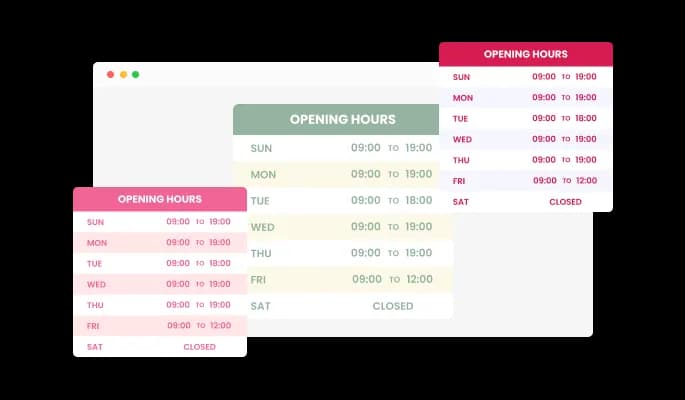
In the Base44 Opening hours widget, you can choose from various beautiful skins, so you won't have to spend much time customizing for your Base44 app.Base44 app. The skins complement most design color schemes and can quickly and easily create a business hours table for your Base44, app.

Opening Hours - Various Skins for your Base44 app
Opening Hours - Add Multiple Working Hours Per Day

Add Multiple Working Hours Per Day

It is possible to add several working hours to each day with the Opening hours widget for Base44. This feature is handy for offices closing for lunch but continuing to work after lunch.

Opening Hours - Using Opening Hours advanced time editing

Using Opening Hours advanced time editing

It's possible to choose your timezone and choose the time format you wish and tailor it to fit your country's standards with the Opening hours widget.

Opening Hours - Alert Bar

Alert Bar

The Opening hours widget features a notification bar that can be used to provide more information on your Base44 app in an eye-catching way for a better user experience.

Opening Hours - Automated Status Box

Automated Status Box

In the Opening hours widget there is an automatic status box showing your current status based on the working hours you define and the time zone you select.

Opening Hours - Show Work Day Toggle

Show Work Day Toggle

By enabling the Opening hours widget for Base44 you can easily switch between working days and rest days. Business owners whose working days change periodically may find this useful.

Opening Hours - First Day of the Week option

First Day of the Week option

The Opening hours widget features the ability to change the first day of the week, enabling your Base44 app users from other parts of the world, where the first day of the week is not Monday, to customize the table to fit their needs.

Fully Customizable widget design

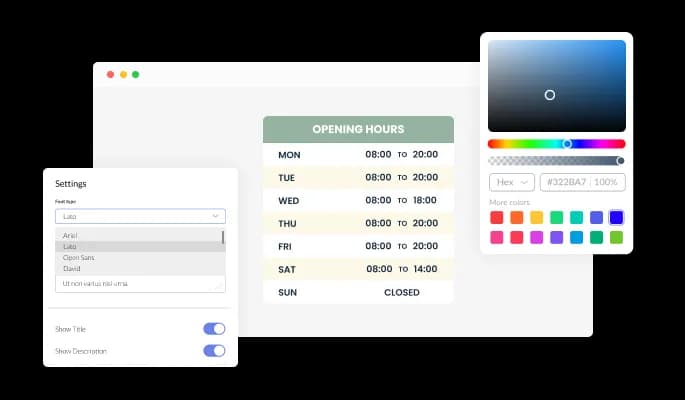
The Opening hours widget for Base44 can be customized to meet your Base44 app requirements. You can alter the colors, fonts, spacing, and anything else you please!

Opening Hours - Fully Customizable widget design

Fully Responsive Design for your Base44 app

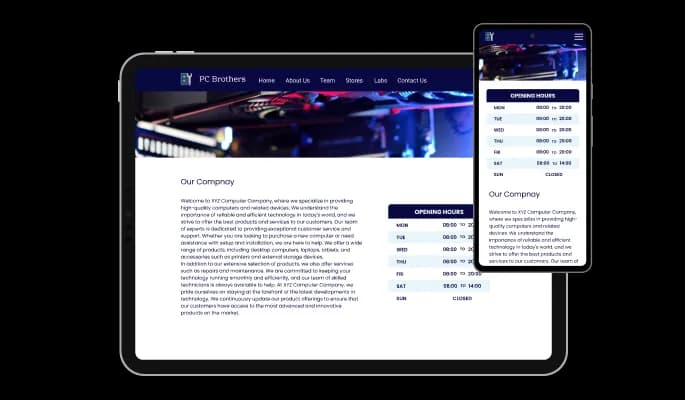
Regardless of the device, Opening hours widget for Base44 looks great. Having this feature will ensure that you're ahead of your competitors in a mobile-first world.

Opening Hours - Fully Responsive Design for your Base44 app

Compatible With All Site Builders, E-Commerce Platforms and Websites

View all supported platforms

FAQ

Yes, you can easily do so from the dashboard. 

Yes, you can do so from the widget’s dashboard.

Yes, the widget comes with two layout options that you can choose from.

Yes, you can easily play with the border’s radius and make it rounder.

Yes, you can easily add text to show which day is the current day.

Yes, you can select the timezone that’s most appropriate for you.

Yes, you can split the working day’s hours as you see fit.

Yes, you can. 

Using the Opening Hours widget is very easy. Simply sign up and start using the free version. There's no need to worry about complicated setup or installation processes, as the Opening Hours widget is designed to be user-friendly and straightforward. Once you've signed up, you'll have access to all of the basic features and functions of the widget, which you can use to enhance your website and improve your online presence. From there, you can choose to upgrade to the paid version if you want to access more advanced features and capabilities. Regardless of which version you choose, you'll find that the widget is a powerful and easy-to-use tool that can help you take your online presence to the next level.

The Common Ninja Opening Hours widget is a free tool reach with features and options. While this widget is free to use, it does have a limit on the number of views it can handle. This means that after a certain number of views, the chat button may no longer be visible or functional on your website. It is important to note that this view limit may vary depending on the plan you are using. Despite this limitation, Common Ninja's Opening Hours is still a valuable tool for businesses looking to increase customer engagement and improve the overall user experience of their website.

The Common Ninja Opening Hours widget is a free tool reach with features and options. While this widget is free to use, it does have a limit on the number of views it can handle. This means that after a certain number of views, the chat button may no longer be visible or functional on your website. It is important to note that this view limit may vary depending on the plan you are using. Despite this limitation, Common Ninja's Opening Hours is still a valuable tool for businesses looking to increase customer engagement and improve the overall user experience of their website.

It’s very easy to embed Common Ninja’s Business Hours widget on your website and the process consists of two steps:


  1. Once you’ve finished working with the Business Hours widget, copy the HTML text that can be found under the 'Add to Website' tab on the widget’s dashboard.
  2. On your website builder, find the 'embed' widget option, place it where you want the Business Hours widget to appear, and then paste the HTML code you’ve copied before into the widget.

The Opening Hours widget is designed to comply with the General Data Protection Regulation (GDPR), a set of EU regulations protecting personal data and privacy. When using the Opening Hours widget, you can be confident that it will not collect or store personal data that could violate GDPR regulations. This ensures that your business is in compliance with these regulations and can protect your customers' data privacy. Overall, the Opening Hours widget is a secure and reliable tool that can be used to enhance your website without any concerns about GDPR compliance.

No need for coding skills. Our Opening Hours widget is designed to be easy to use, even for those with limited technical experience. The widget features a user-friendly interface that allows you to easily customize the widget without coding knowledge. You can fully customize the Opening Hours to match your branding. When you're done, simply copy the provided code and paste it into your website. It's that simple!

Embedding the Opening Hours widget on your website is a straightforward process. Simply copy the provided code and paste it into the desired location on your website. The widget will seamlessly integrate into your site, allowing you to take advantage of its features and functions. No technical expertise or programming knowledge is required - just copy and paste the code to get started. This simple process allows you to easily add the widget to your website and enhance its functionality without any hassle.

Yes. We are eager to hear your request. Please refer to this page.

Using an opening hours widget on your website can be a useful way to provide important information to your visitors clearly and concisely.

An opening hours widget allows you to display your business hours and other relevant information on your website, such as holiday closures or special events. This can be a more user-friendly way to present this information than text or a table.


Second, an opening hours widget can help improve the user experience on your website by making it more convenient for your visitors to find the information they need. By providing your business hours and other important information in a clear and easy-to-understand format, you can save your visitors the time and effort of contacting you or searching for the information themselves. This can improve the overall user experience on your website and make it more likely that visitors will return in the future.


Third, using an opening hours widget can help improve your website's search engine optimization (SEO). By including relevant keywords and phrases in the text and links you add to your opening hours widget, you can improve the chances that your website will appear in search results for those terms. This can help to drive more traffic to your website and increase your visibility online.


Overall, using an opening hours widget on your website can be a helpful way to provide important information in a clear and user-friendly way, improve the user experience, and boost your website's SEO.

An opening hours widget is a pre-designed element that can be added to a website to display the business hours or operating hours of a physical location. It is typically presented in a tabular or list format, with each day of the week listed along with the corresponding opening and closing times.

Opening hours widgets can be useful for businesses that have a physical location, as they allow customers to easily see when the location is open or closed. This can help reduce the number of calls or inquiries from customers asking about the business hours, as the information is readily available on the website.

Opening hours widgets can be customized to display the specific business hours for a particular location, and they can often be configured to automatically update for holidays or special events. They can also be linked to a Google Maps or similar service to allow customers to easily find the location and get directions.

Overall, an opening hours widget can be a useful tool for businesses with a physical location to help improve the customer experience by providing clear and up-to-date information about the business hours.