


Verified review
Common Ninja has amazing no-code widgets that would beautify a website built on any builder. It is very easy to use and customise. It has as many widgets for almost everyone willing to make their website impressive.
The Common Ninja Events Calendar widget is a free, no-code calendar that displays upcoming events, classes, meetings, or scheduled activities on your website.
Add events manually with title, date, time, image, and link, organize them by color category, pick a month, week, or agenda layout, then paste one line of embed code on 200+ platforms including Tilda, Canva, Carrd, Hostinger, and Squarespace.
The widget displays events; for accepting bookings, pair it with a form widget.
Visitors landing on a homepage often want to know what is coming up: live shows, workshops, sales, releases. A calendar block on the homepage answers that in one glance and routes the interested ones to the event link without any extra navigation.
Yoga studios, music schools, dance instructors, fitness coaches, and tutors need a recurring weekly schedule visible on the site. The calendar shows the week at a glance, each session links to a sign-up or info page, and updates push live without rebuilding the page.
Show a public-facing release schedule (product drops, livestream dates, podcast episodes, content roadmap) so visitors know when to come back. Builds anticipation, reduces inbox questions, and gives press and partners a single source of truth without exposing your internal tracker.
Bulleted lists of upcoming dates look stale by the second week. A calendar widget displays the same information in a structure visitors actually recognize, with past events dropping off automatically and new ones appearing the moment you add them in the dashboard.
Type each event with title, date, start and end time, optional image, description, and outbound link. Add all-day events, multi-day events, or recurring activities. Tag each one with a color category (Workshop, Sale, Live Show) so visitors can scan the calendar at a glance.
Choose between full Month grid, weekly agenda, or list view in one dropdown. Pick from prebuilt skins or customize colors, fonts, day-cell shape, and event-pill styling so the calendar reads as part of your brand instead of a third-party embed.
Copy the embed snippet and paste it where you want the calendar to render. Future event edits push live automatically, so adding next month's class schedule is one update in the dashboard, not a code commit.
Switch between full Month grid, weekly agenda, and compact list view in one dropdown. Pick from prebuilt skins or fully customize fonts, colors, day-cell shape, and event-pill styling so the calendar reads as part of the page, not a third-party embed.
Each event accepts a title, date range, time, image, description, and outbound link. Visitors click a date and get an event card with the full context plus a button to register, learn more, or RSVP on a destination page of your choice.
Tag each event with a color category (Workshop, Concert, Sale, Closed). The calendar grid colors event pills accordingly so visitors can scan and filter by type at a glance. Add as many categories as you need, edit any color in the dashboard.
Add a single event that spans a Friday-to-Sunday festival, a week-long workshop, or a recurring weekly class. The widget renders multi-day events as a continuous bar across the days and stacks them cleanly with single-day events on the same grid.
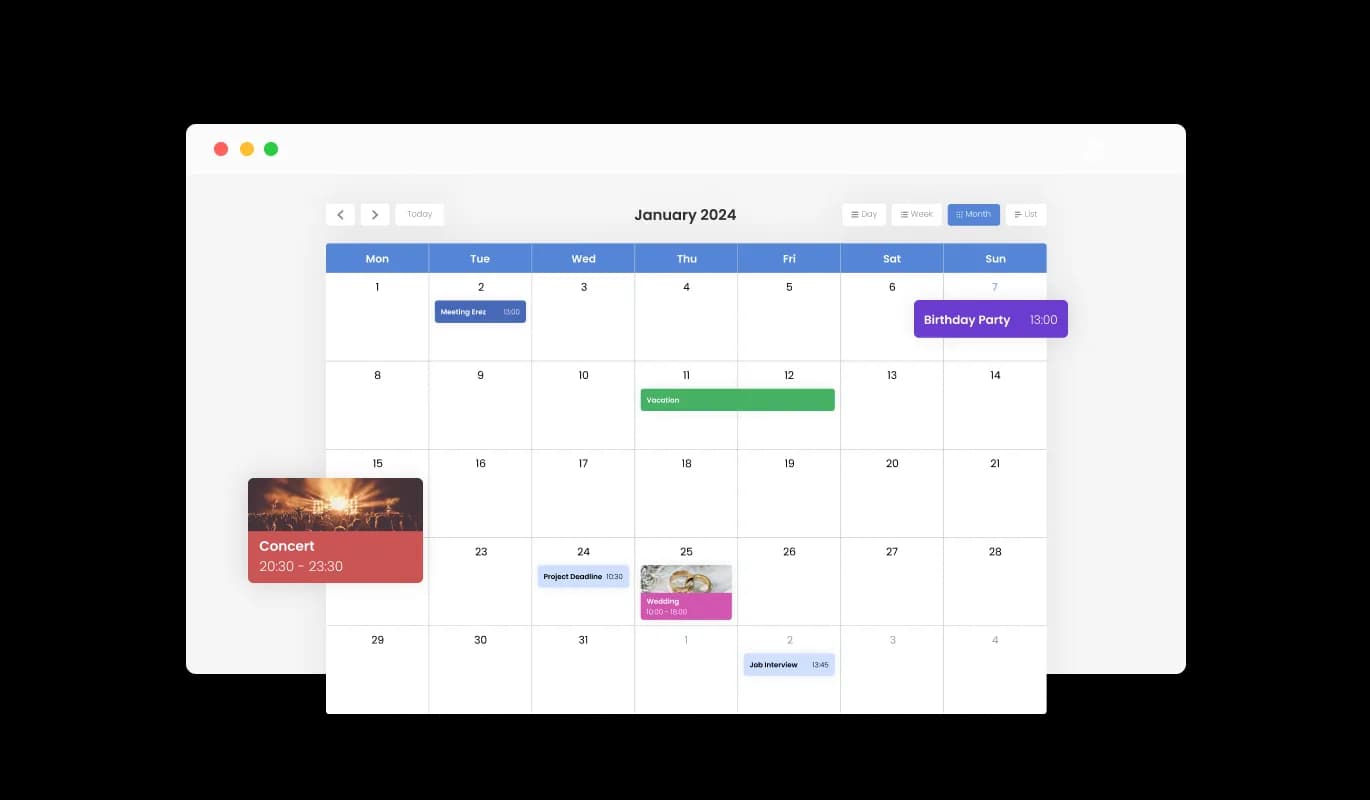
The Calendar widget comes with color customization options, empowering you to create visually appealing calendars that align with your website's branding or personal preferences. This flexibility not only enhances the aesthetic appeal of your website but also aids in creating a consistent and immersive user experience that resonates with your brand.
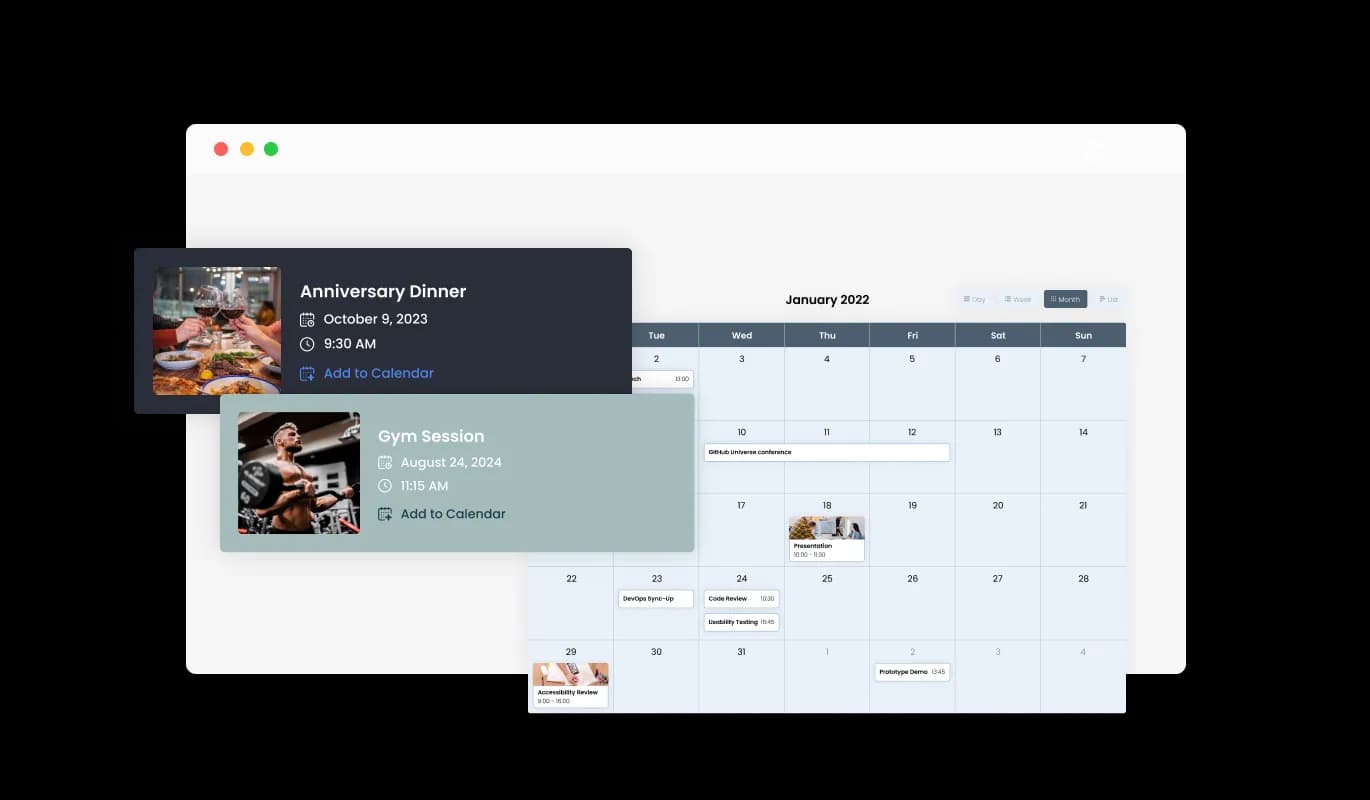
The Calendar widget supports media integration, allowing you to enrich your calendar by adding images to events, creating a visually engaging experience. This multimedia approach not only makes your calendar more engaging but also provides a richer context for your events, thereby enhancing the overall user experience.
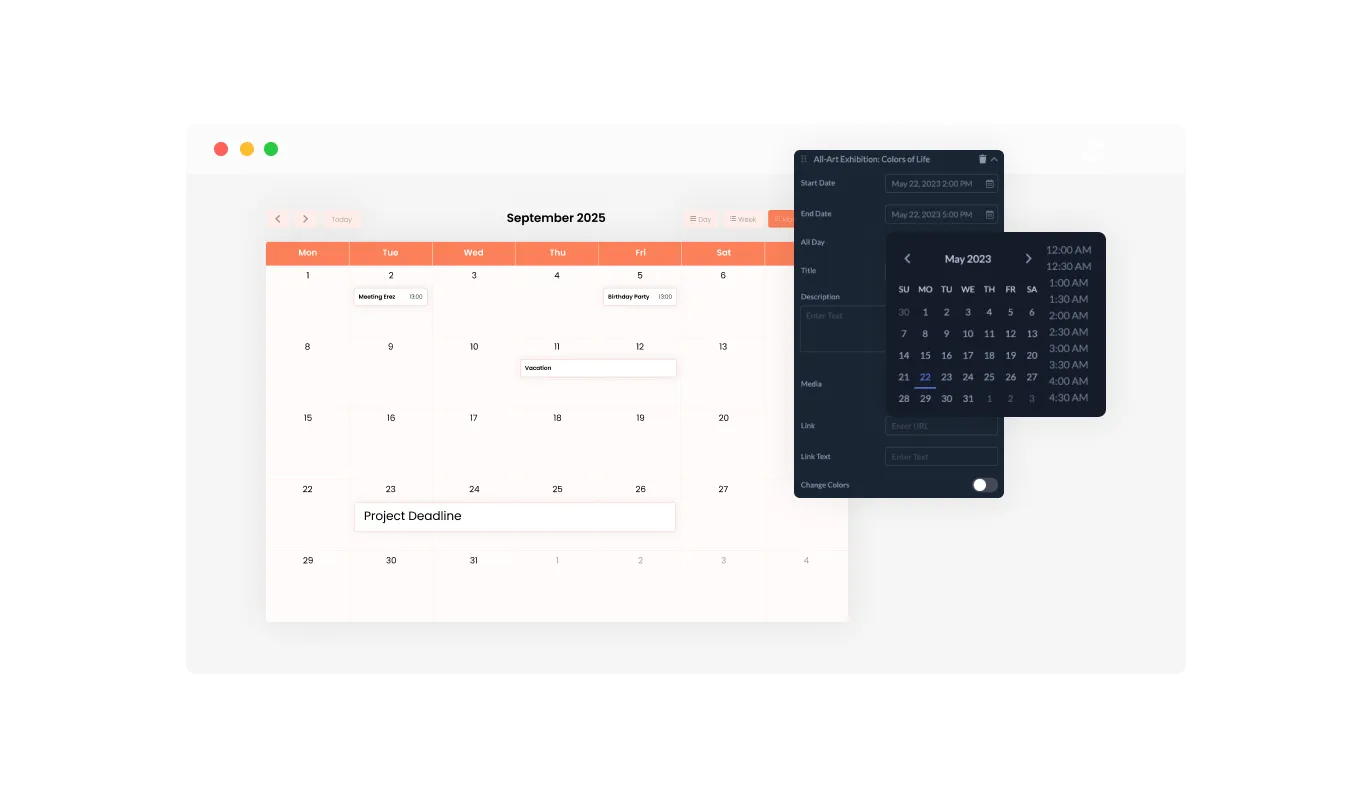
With the Calendar Widget's customizable default view, you can choose the initial display mode that best suits your website's needs, such as month, week, or day view, providing a tailored user experience. This feature ensures that your users are immediately presented with the most relevant view, enhancing usability and ensuring that your website caters to a variety of user preferences.
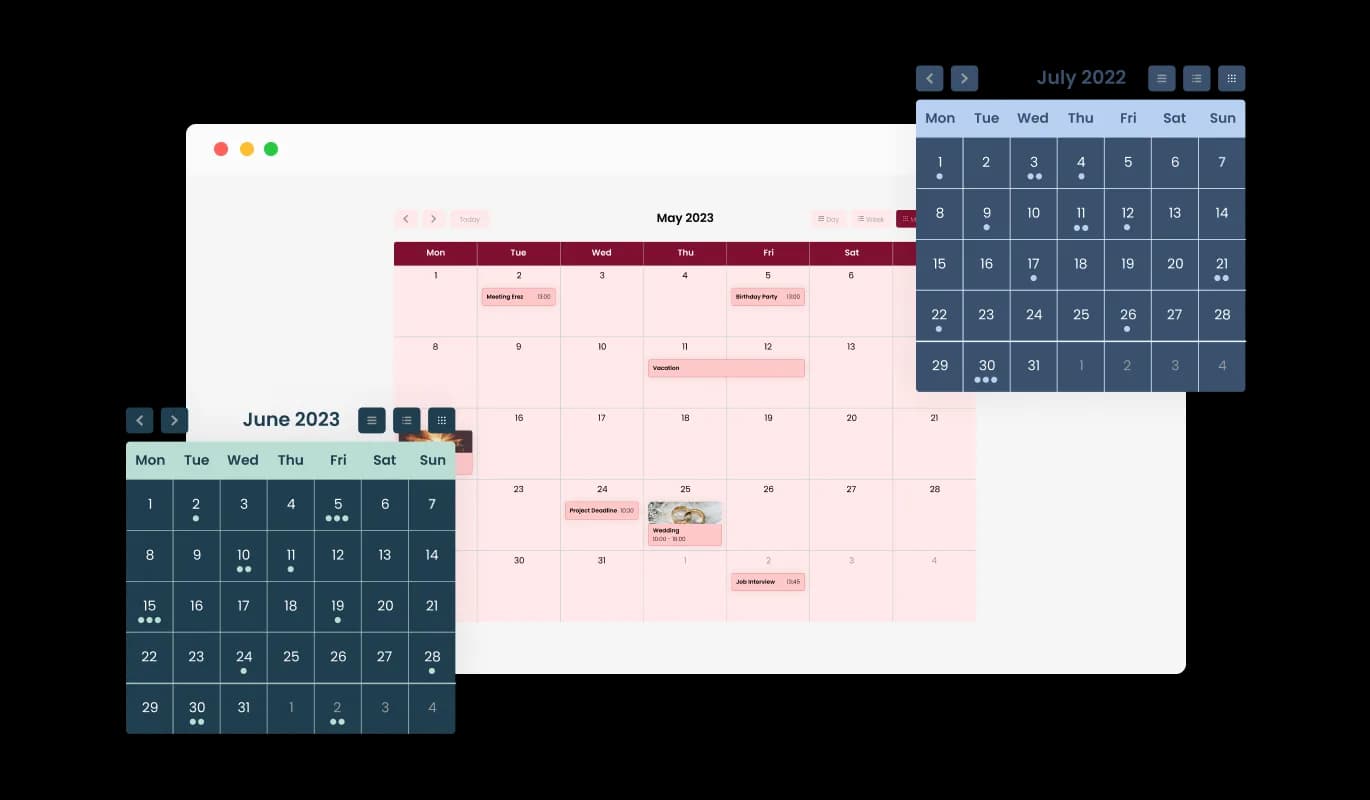
The Calendar widget comes with a variety of beautiful skins that you can choose from so you don’t have to spend much time on extensive customization. These ready-to-use skins not only save you time but also ensure a professional and aesthetically pleasing look, enhancing your website's appeal without requiring extensive design work.
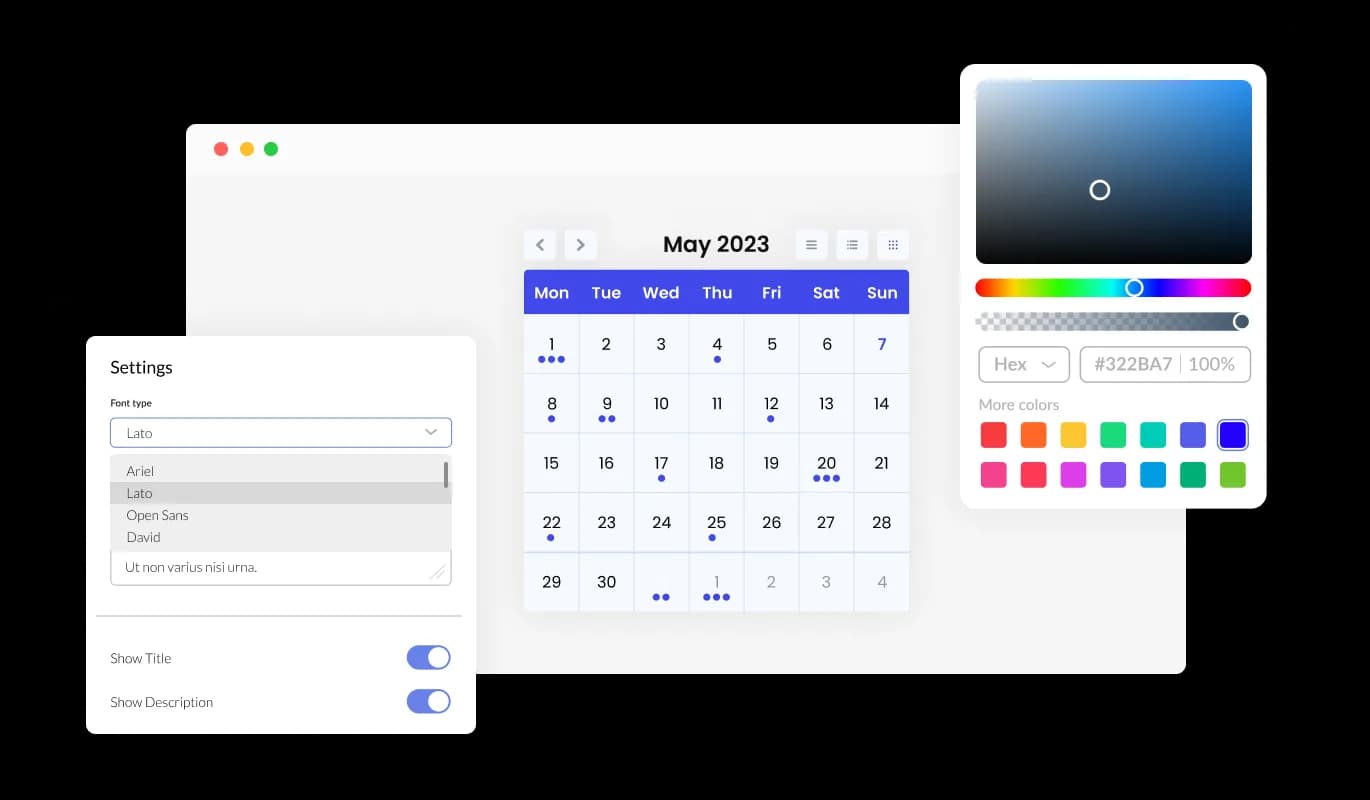
The Calendar widget features full customization options so you can edit the design to fit your needs. Change the colors, the fonts, the spacing, and anything else! This level of customization allows you to create a unique and personalized calendar that aligns perfectly with your brand identity, thereby enhancing the overall aesthetic and user experience of your website.
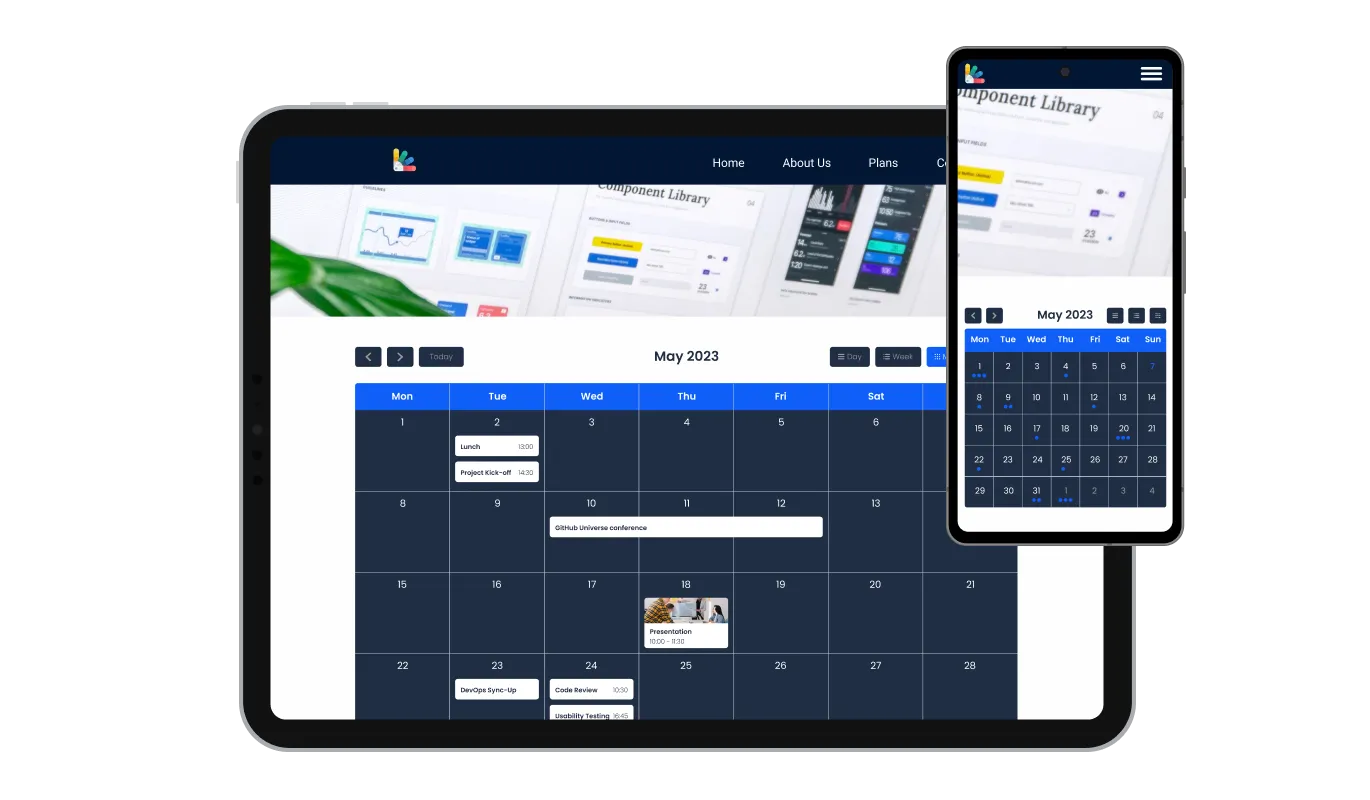
The Calendar widget is fully responsive and will look great on any device. In a mobile-first world, this feature will put you ahead of your competitors. This responsiveness ensures a seamless user experience across all devices, giving you an edge in today's mobile-centric digital landscape.

The Calendar widget's custom CSS feature offers you the ultimate control over the look and feel of your calendar. This advanced customization option allows you to modify the widget's design elements such as colors, fonts, and layout to perfectly match your website's aesthetics, providing a truly personalized and seamless user experience.

You can embed the widget on your website easily by copying a single line of code. The Calendar widget will also be updated automatically with every change you make. This ease of integration and automatic updating not only simplifies the implementation process but also ensures that your website always displays the most current and relevant information.
The Calendar widget enables effortless toggling of events as "All Day," allowing you to conveniently manage and display full-day events without specifying a specific time. This feature simplifies the process of highlighting key activities, making it easier for your visitors to identify and plan for full-day events.
With the Calendar's ability to add links, you can enhance interactivity by attaching URLs to specific dates or events, providing additional information, or redirecting users to relevant pages. This feature not only adds depth to your event descriptions but also serves as a tool for guiding your visitors to additional resources or actions, thereby increasing user engagement and satisfaction.
The Calendar widget provides full RTL support for those who write from right to left. Make your news accessible to more users from all over the world. This inclusivity feature broadens your website's reach, making it more user-friendly and accessible to a global audience, thus promoting diversity and inclusivity.
The Calendar widget is easy to use and requires no coding knowledge. Our intuitive dashboard with the drag-and-drop feature will enable you to customize the widget any way you’d like to with just a few simple clicks. This user-friendly design empowers even non-technical users to customize the widget to their liking, making it a versatile tool for enhancing your website's functionality and appeal.
Ready to put an events calendar on your site?
Open the editorNo credit card · Setup in under 3 minutes
Common Ninja has amazing no-code widgets that would beautify a website built on any builder. It is very easy to use and customise. It has as many widgets for almost everyone willing to make their website impressive.
Outstanding service. I use their widgets to help me with my web design business and whenever I need help they are very quick to help.
Excellent company with excellent service!!! We used it to build a survey, it was very user friendly. The service was perfect. Amit helped us with every problem and question we had, thank you very much!!!
Common Ninja saved the day when building our website and the customer service Daniel, the co-founder and CEO, provided was amazing.
Yes. The free plan covers one Events Calendar widget with no time limit, no credit card, and no trial countdown. Upgrade only when you need additional widgets, premium skins, or higher monthly view limits.
This widget displays events. Each event can link out to a registration page, RSVP form, or ticket checkout on your site, but the widget itself does not collect payments or accept bookings. For taking bookings, pair it with the Common Ninja Contact Form widget on a destination page that each event links to.
Edit the page where you want the calendar and add an Embed (or Code) block. Paste the Common Ninja embed snippet into the block, save, and publish. The calendar renders inline on the page and updates live whenever you add or edit events in the Common Ninja dashboard.
Yes. Add a single event that spans a Friday-to-Sunday festival, a week-long workshop, or any multi-day range. The widget renders the event as a continuous bar across the days and stacks neatly with single-day events on the same grid.
Yes. Tag each event with a color category (Workshop, Concert, Sale, Closed) in the editor. The calendar pills color according to category so visitors can scan and identify event types at a glance. Add as many categories as you need.
No. Build and customize the entire calendar in a drag-and-drop editor, then paste one line of embed code into your page. Most users finish setup in under 3 minutes.
Yes. Switch the layout in one dropdown: full Month grid for an overview, weekly agenda for class-schedule style pages, or a compact list view for embeds in tight spaces (sidebar, footer, mobile-first pages).
200+ platforms including Tilda, Canva, Carrd, Hostinger, Squarespace, Wix, Webflow, WordPress, Notion, Shopify, Google Sites, Framer, and any custom HTML page that accepts an embed snippet.
Pick your platform. Each takes under 4 minutes.
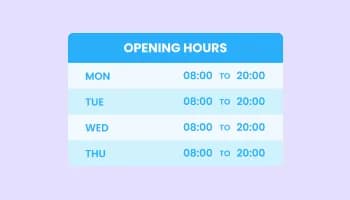
Display a business's hours and your opening hours
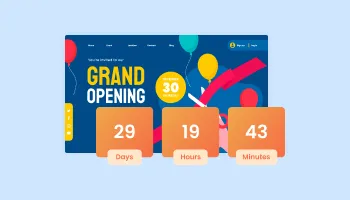
Displays a timer counting down to a specific date or event
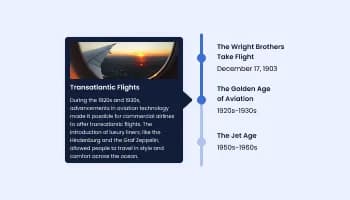
Show events or important moments in the order they occurred, using pictures and text

Allow users to send messages or inquiries, save submissions, enable notifications, and more

Display important messages and notifications in a designed bar, at the top or bottom of the screen
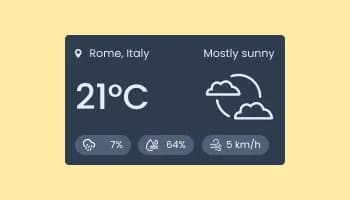
Show the current weather and forecast
Yes, there are lots of beautiful skins that you can choose from to save time and start using the widget as quickly as possible.
It’s simple. All you need to do is to sign up and start using the free version.
Common Ninja’s Calendar widget is free to use. It is limited to a certain amount of views, however.
Common Ninja’s Calendar widget is compatible with ALL current and future website builders.
Yes, the Calendar widget is GDPR-compliant.
No. Using our Calendar widget is very simple. The widget comes with an intuitive drag-and-drop interface and fully customizable options. Once you’ve finished editing the widget to your liking, all you need to do is copy the provided code and add it to your website.
Yes. We are eager to hear your request. Please visit our Feature Request page.
Add events, pick a layout, and embed on 200+ platforms including Tilda, Canva, Carrd, Hostinger, and Squarespace.
Create your events calendarNo credit card · Setup in under 3 minutes