
Events Calendar for IONOS

Add an events calendar to your site so visitors can view upcoming activities, improving engagement and event visibility.

Create Calendar

loved by 500K+ businesses

IONOS
plugineditor

Why Should You Use the Events Calendar Widget+?

Improve Organization with a Calendar Tool for IONOS

A calendar widget on your IONOS website allows you to manage and showcase important events, meetings, or deadlines, making it easier for your visitors to stay informed and organized. Moreover, by providing a clear view of upcoming activities, it empowers your visitors to plan ahead, potentially increasing their participation and engagement with your content or services.

User Engagement Amplified with a Calendar widget

A dynamic calendar widget can boost user participation by inspiring them to check out future happenings, subscribe to event alerts, or even arrange appointments directly on your IONOS website. Indeed, vibrant calendars can enhance user interaction by urging them to explore events, register for alerts, or book slots directly on your IONOS website.

Professionalism Enhanced with a Well-Maintained Calendar

A well-maintained calendar reflects a sense of organization and professionalism, enhancing your brand image and building trust among your IONOS website visitors. A well-planned calendar not only indicates a high degree of orderliness and professionalism but also reinforces your brand's identity and builds trust with your IONOS website users.

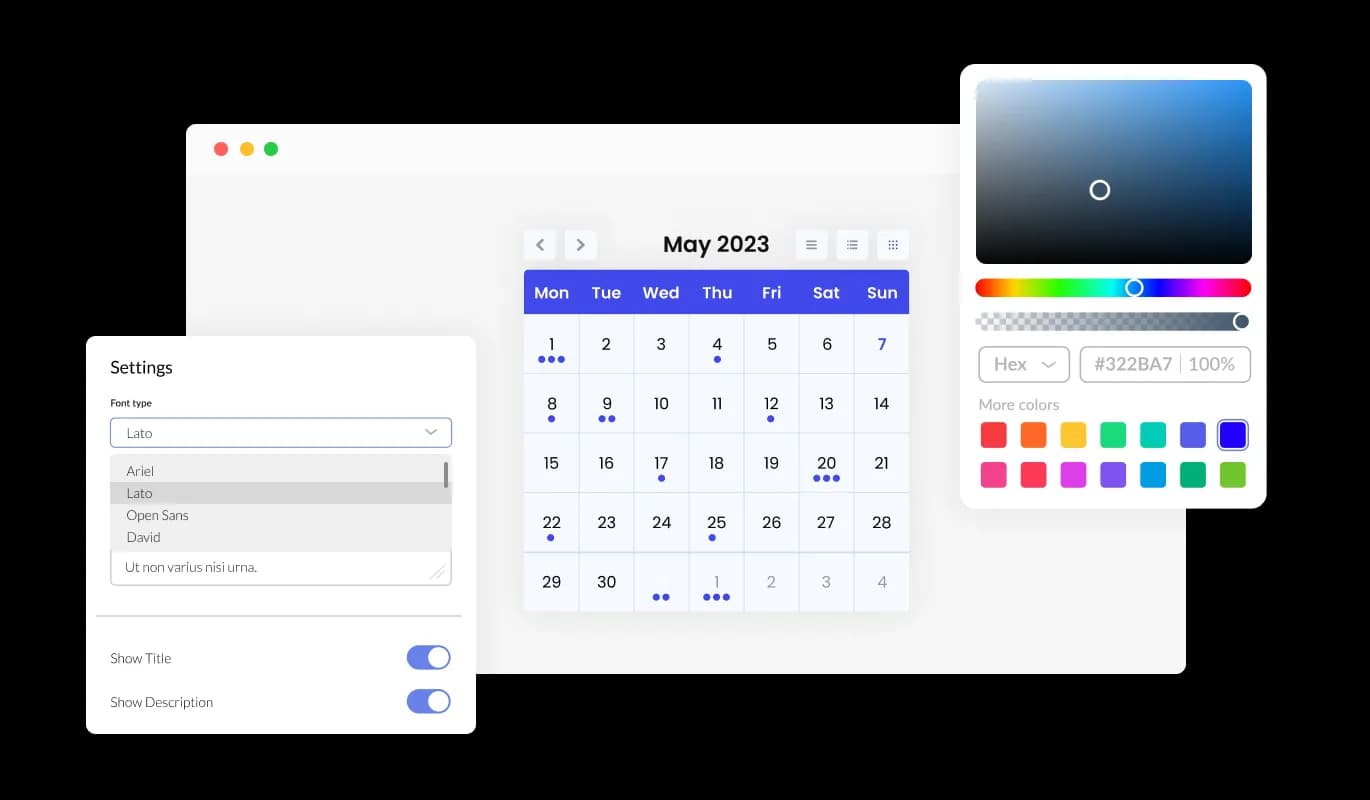
Add a Personal Touch to Your IONOS widget with Color Customization

The Calendar widget for IONOS provides color customization options, enabling you to build eye-catching calendars that harmonize with your IONOS website's branding or your individual preferences. This versatility not only improves the visual attractiveness of your IONOS website but also assists in developing a uniform and engaging user experience that mirrors your brand.
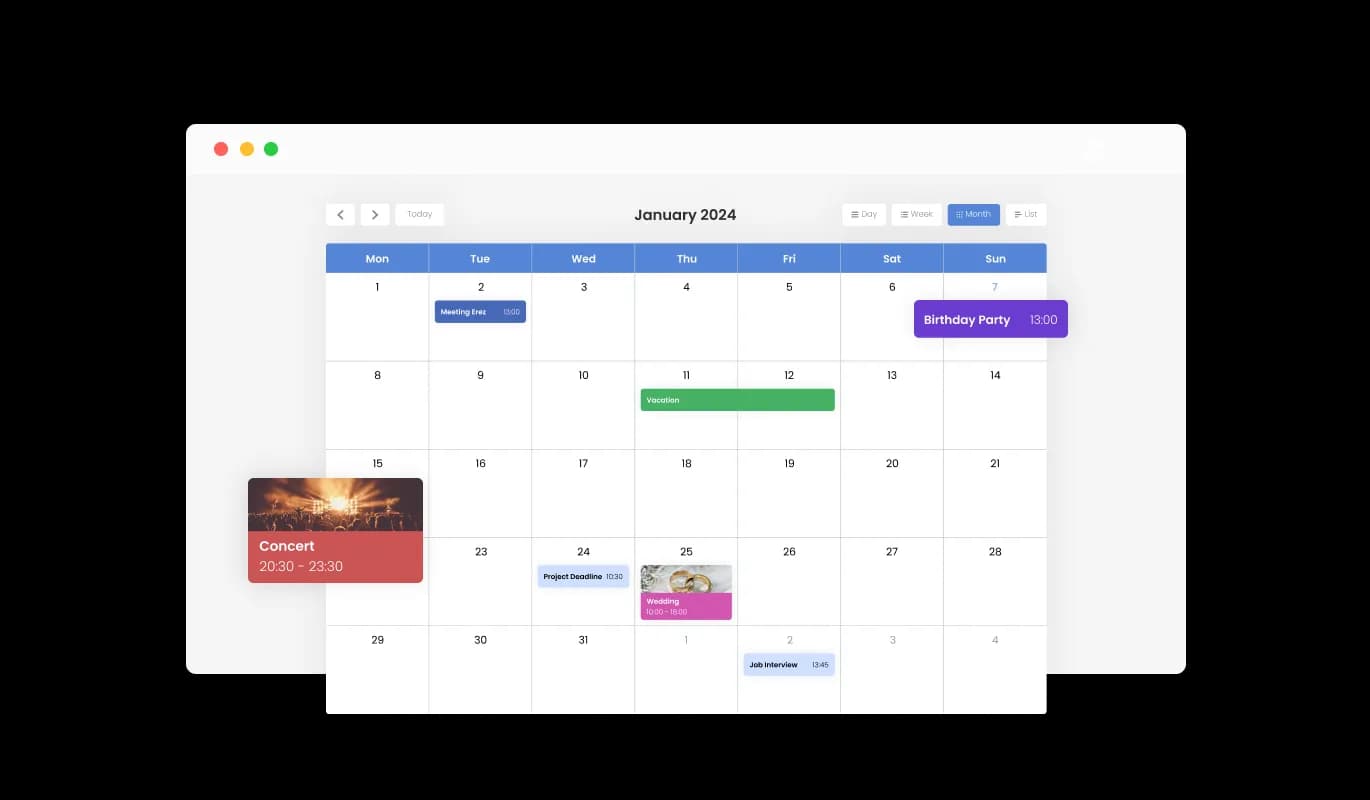
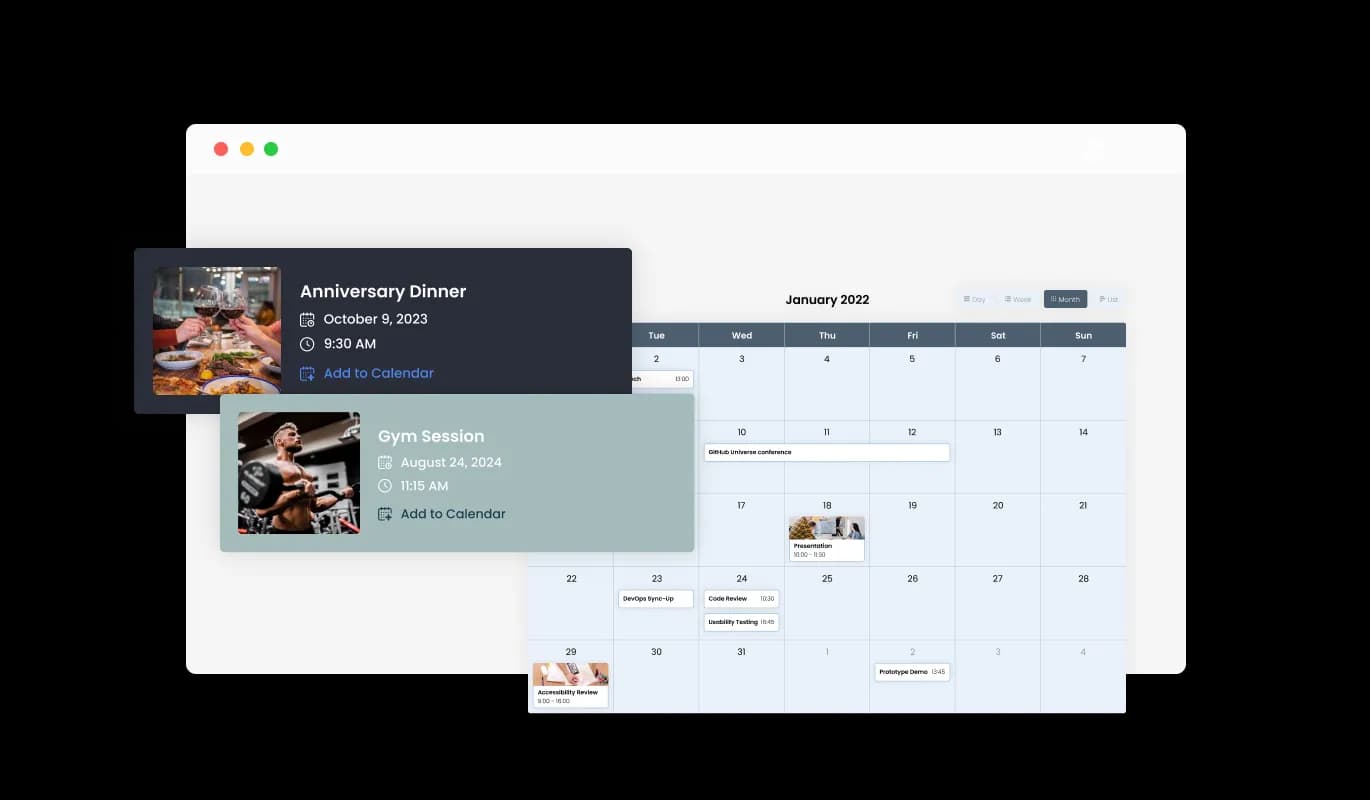
Events Calendar - Add a Personal Touch to Your IONOS widget with Color Customization

Add Life to Your Events with Media Integration on IONOS Calendar

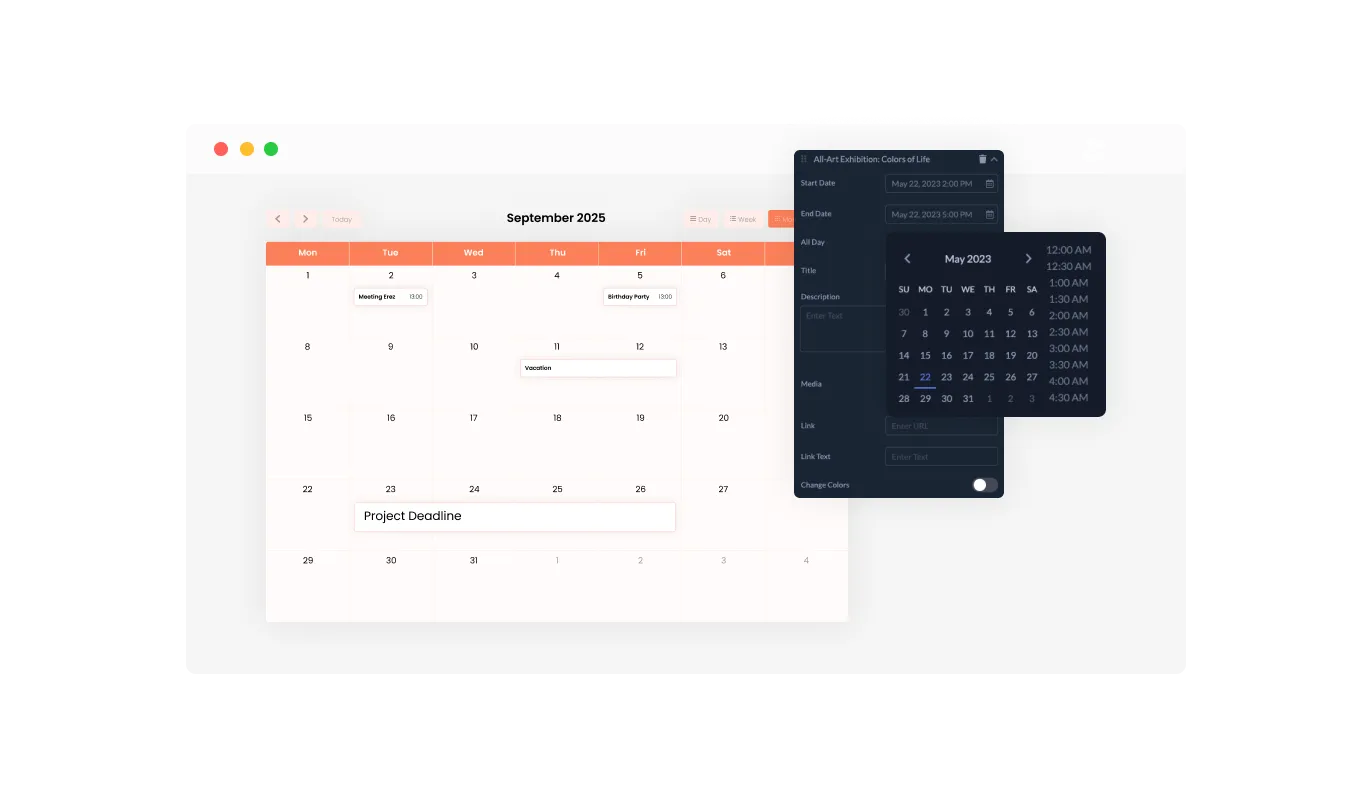
With the media integration support in the Calendar widget for IONOS, you can add depth to your calendar by including images in events, offering a more visually captivating experience. The use of media not only increases the engagement factor of your IONOS calendar but also provides a more detailed backdrop for your events, thereby improving the user's overall journey.

Events Calendar - Add Life to Your Events with Media Integration on IONOS Calendar

Choose Your Start Date with Flexible Options in IONOS Calendar widget

The Calendar widget provides a modifiable default view, granting you the choice of the initial display mode—whether a month, week, or day—that best fits your IONOS website's needs, resulting in a more tailored user experience. This capability makes certain that your users are immediately offered the most appropriate view, boosting usability and ensuring that your IONOS website serves a variety of user preferences.

Events Calendar - Choose Your Start Date with Flexible Options in IONOS Calendar widget

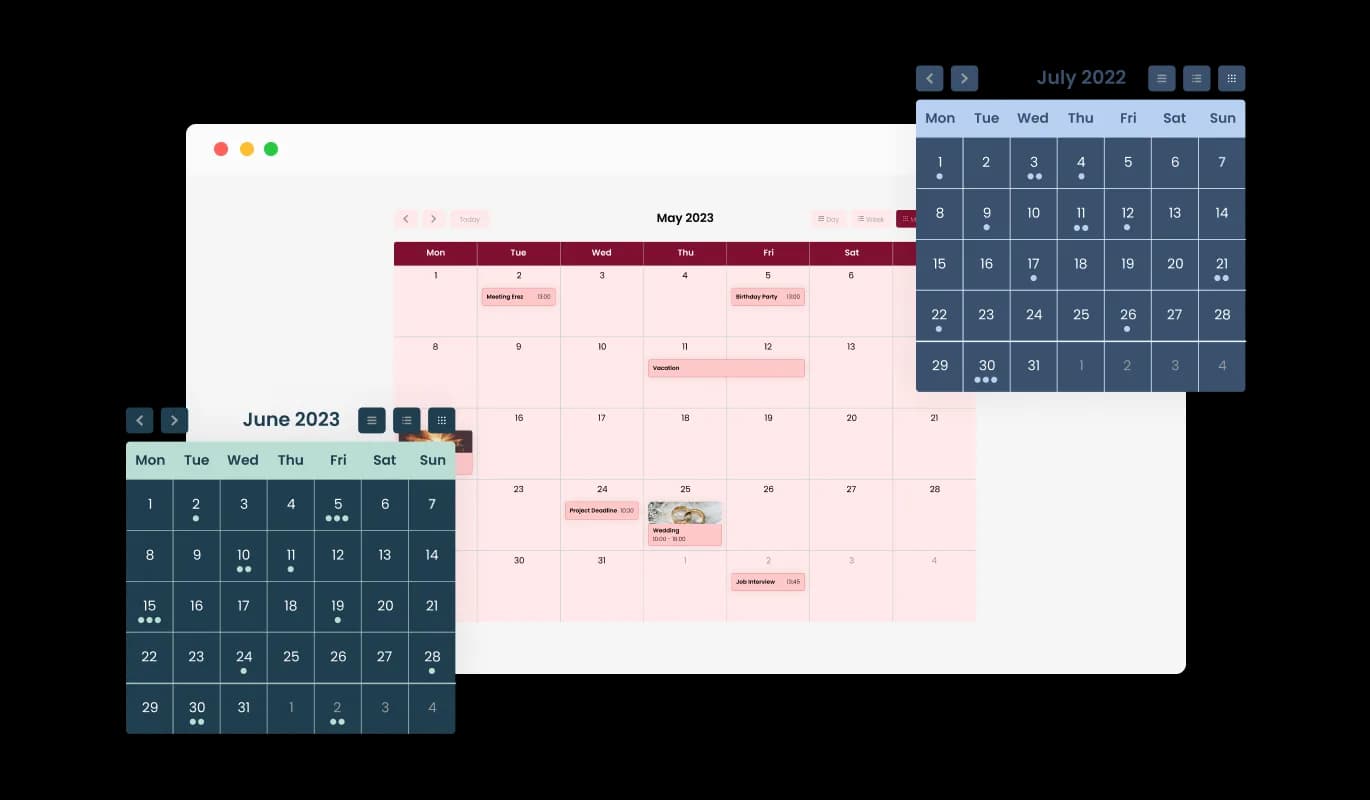
Add Flair to Your IONOS Calendar with Multiple Skins

With a selection of beautiful skins, the IONOS Calendar allows you to effortlessly pick your preferred aesthetic without the need for time-consuming customization. These ready-for-use skins not only save you valuable time but also deliver a professional and pleasing visual appearance, increasing your IONOS website's charm without the need for extensive design work.

Events Calendar - Add Flair to Your IONOS Calendar with Multiple Skins
Events Calendar - Seamless All-Day Event Management

Seamless All-Day Event Management

The IONOS Calendar widget provides a seamless way to mark events as "All Day," helping you manage and showcase all-day activities without the need to mention a specific time. This feature eases the task of accentuating key activities, making it more manageable for your visitors to spot and prepare for full-day events.

Events Calendar - Enrich User Interaction with Link Integration on IONOS Calendar

Enrich User Interaction with Link Integration on IONOS Calendar

By utilizing the IONOS Calendar's feature of embedding links, you can boost interactivity by connecting URLs to distinct dates or events, supplying supplementary information, or navigating users to relevant pages. This capability not only intensifies the depth of your event information but also works as a guiding mechanism to lead your visitors to additional resources or actions, thereby enhancing user engagement and pleasure.

Events Calendar - Full RTL Support: Make Your IONOS Calendar widget Accessible to All

Full RTL Support: Make Your IONOS Calendar widget Accessible to All

The Calendar widget for IONOS extends full RTL support, accommodating users who write from right to left. Enhance your user engagement by reaching more people globally. This inclusivity-focused feature extends the reach of your IONOS website, making it more user-friendly and accessible to an international audience, thus championing diversity and inclusivity.

Events Calendar - Simple and Efficient: The Easy-to-Use IONOS Calendar widget

Simple and Efficient: The Easy-to-Use IONOS Calendar widget

The IONOS Calendar widget is user-friendly and does away with the necessity for any coding knowledge. With our user-friendly dashboard and the drag-and-drop functionality, customizing the Calendar widget to your liking is as easy as a few clicks. This straightforward design allows even the non-technical among you to adjust the widget as you wish, making it a valuable tool for increasing your IONOS website's functionality and visual appeal.

Design Your Way with the Fully Customizable IONOS Calendar widget

The IONOS Calendar widget includes full customization options, giving you the freedom to adjust the design as per your needs. Switch up the colors, change the fonts, adjust the spacing, and more! This extent of customization lets you build a unique and personalized calendar that perfectly mirrors your brand identity, thereby improving the overall look and user interaction on your IONOS website.

Events Calendar - Design Your Way with the Fully Customizable IONOS Calendar widget

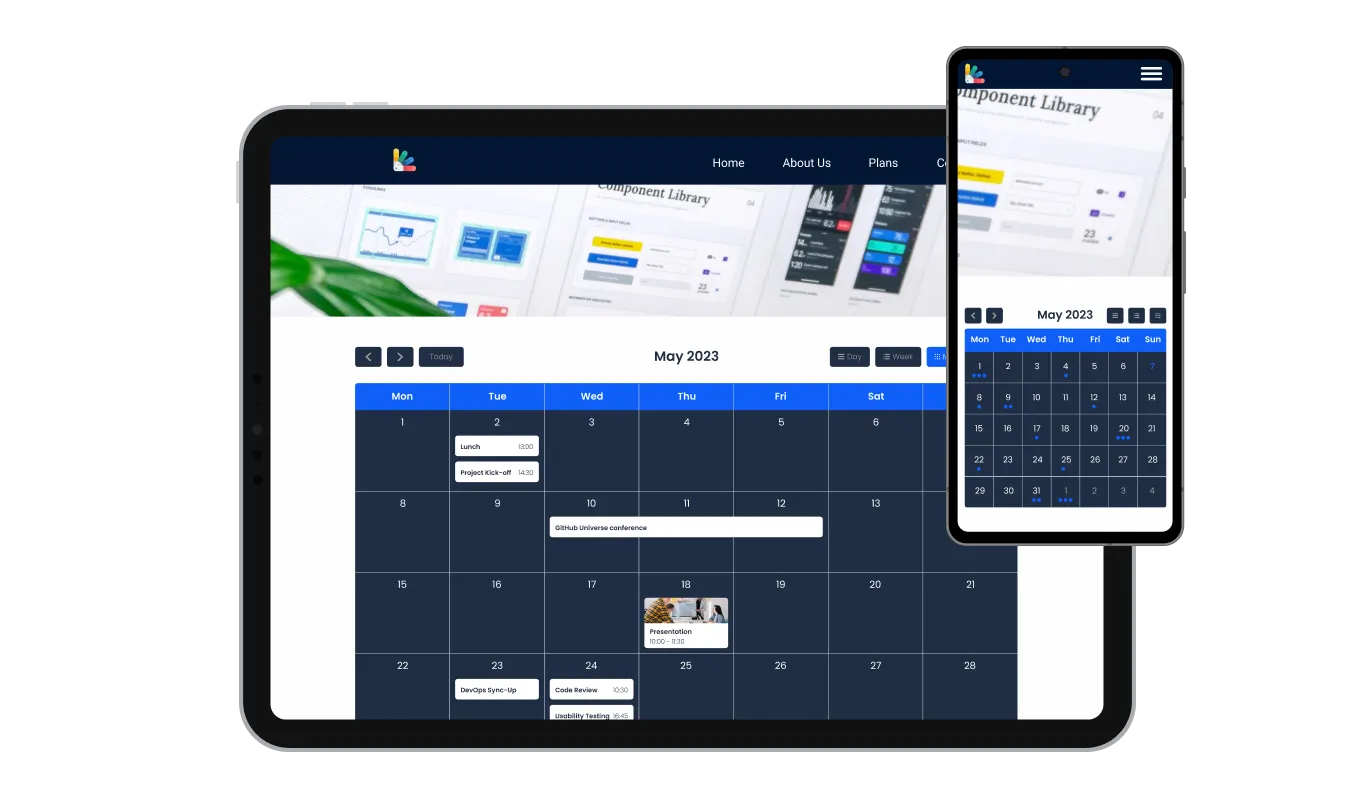
Optimized for All Devices: The Responsive IONOS Calendar widget

Fully responsive, the IONOS Calendar guarantees an excellent appearance on all devices. In a mobile-first world, this feature will put you ahead of your competitors. This consistent responsiveness provides a seamless user experience across all devices, offering a distinct advantage in our mobile-heavy digital world.

Events Calendar - Optimized for All Devices: The Responsive IONOS Calendar widget

Achieve Perfect Aesthetics with IONOS Calendar's Custom CSS

The IONOS Calendar widget's custom CSS feature offers you the ultimate control over the look and feel of your calendar. This advanced customization feature allows you to change elements such as colors, fonts, and layout in the IONOS widget to perfectly align with your IONOS website's aesthetics, ensuring a fully personalized and integrated user experience.

Events Calendar - Achieve Perfect Aesthetics with IONOS Calendar's Custom CSS

One-Step Integration: Embedding IONOS Calendar widget Made Easy

Embedding the Calendar widget on your IONOS website is a breeze — all you need is to copy one line of code. The Calendar widget will also be updated automatically with every change you make. This simple integration and automatic updating process not only make the implementation easier but also ensure your IONOS website is always updated with the latest and most relevant information.

Events Calendar - One-Step Integration: Embedding IONOS Calendar widget Made Easy

Compatible With All Site Builders, E-Commerce Platforms and Websites

View all supported platforms

FAQ

Yes, there are lots of beautiful skins that you can choose from to save time and start using the widget as quickly as possible.

It’s simple. All you need to do is to sign up and start using the free version.

Common Ninja’s Calendar widget is free to use. It is limited to a certain amount of views, however.

Common Ninja’s Calendar widget is compatible with ALL current and future website builders.

Yes, the Calendar widget is GDPR-compliant.

No. Using our Calendar widget is very simple. The widget comes with an intuitive drag-and-drop interface and fully customizable options. Once you’ve finished editing the widget to your liking, all you need to do is copy the provided code and add it to your website.

Yes. We are eager to hear your request. Please visit our Feature Request page.