
Events Calendar for Strato

Add an events calendar to your site so visitors can view upcoming activities, improving engagement and event visibility.

Create Calendar

loved by 500K+ businesses

Strato
plugineditor

Why Should You Use the Events Calendar Widget+?

Improve Organization with a Calendar Tool for Strato

A calendar widget on your Strato website allows you to manage and showcase important events, meetings, or deadlines, making it easier for your visitors to stay informed and organized. Additionally, giving a clear insight into future happenings encourages your visitors to plan in advance, which could boost their interaction and commitment to your content or services.

User Engagement Amplified with a Calendar widget

An engaging calendar widget can enhance user involvement by encouraging them to delve into upcoming events, sign up for event reminders, or even schedule meetings directly from your Strato website. Indeed, interactive calendars can boost engagement by prompting users to explore events, subscribe to notifications, or book appointments directly on your Strato website.

Exude Professionalism with a Well-Managed Calendar

Exude Professionalism with a Well-Managed Calendar A well-ordered calendar not only reflects thorough organization and professionalism but also elevates your brand's image and promotes trust among your Strato website users.

Add a Personal Touch to Your Strato widget with Color Customization

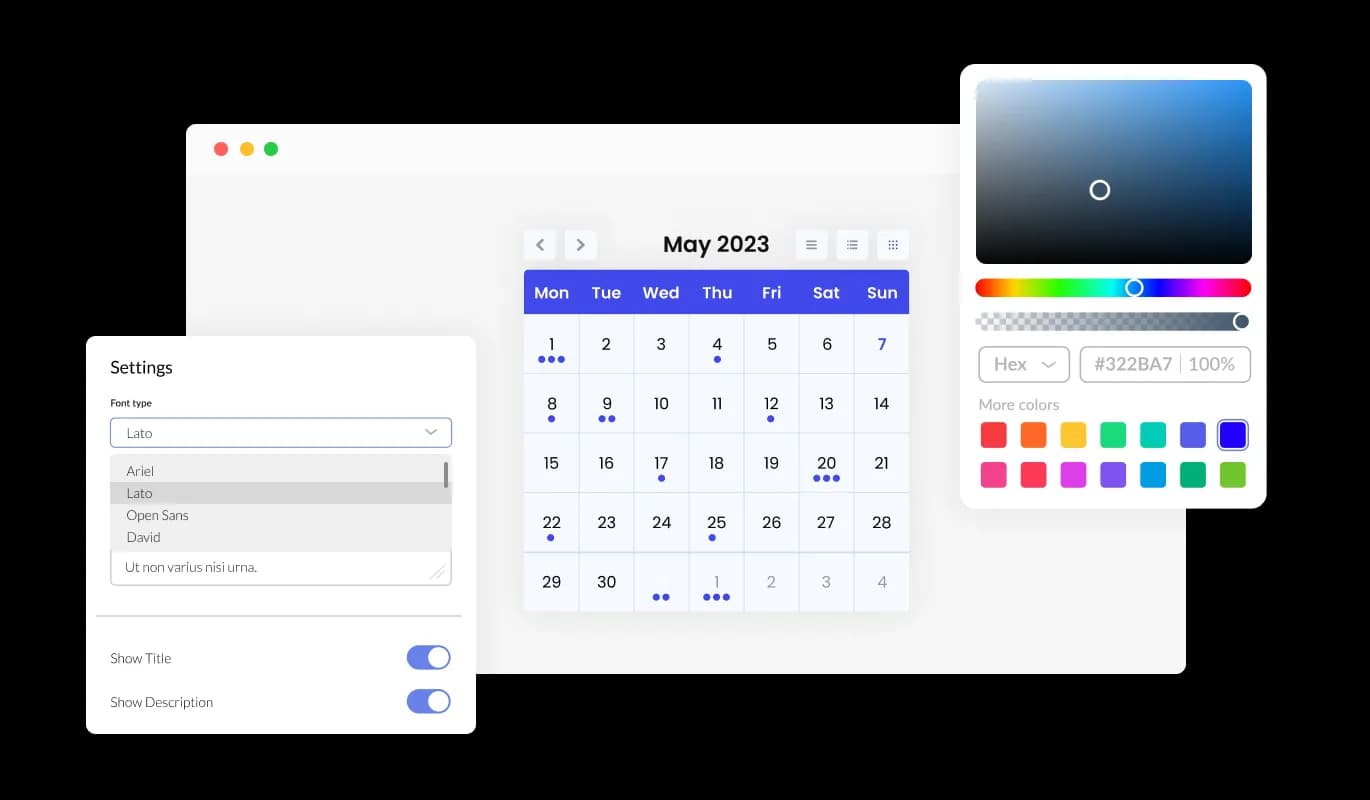
The Calendar widget for Strato offers color customization options, giving you the power to develop aesthetically engaging calendars that blend with your Strato website's brand identity or personal likings. This versatility not only improves the visual attractiveness of your Strato website but also assists in developing a uniform and engaging user experience that mirrors your brand.
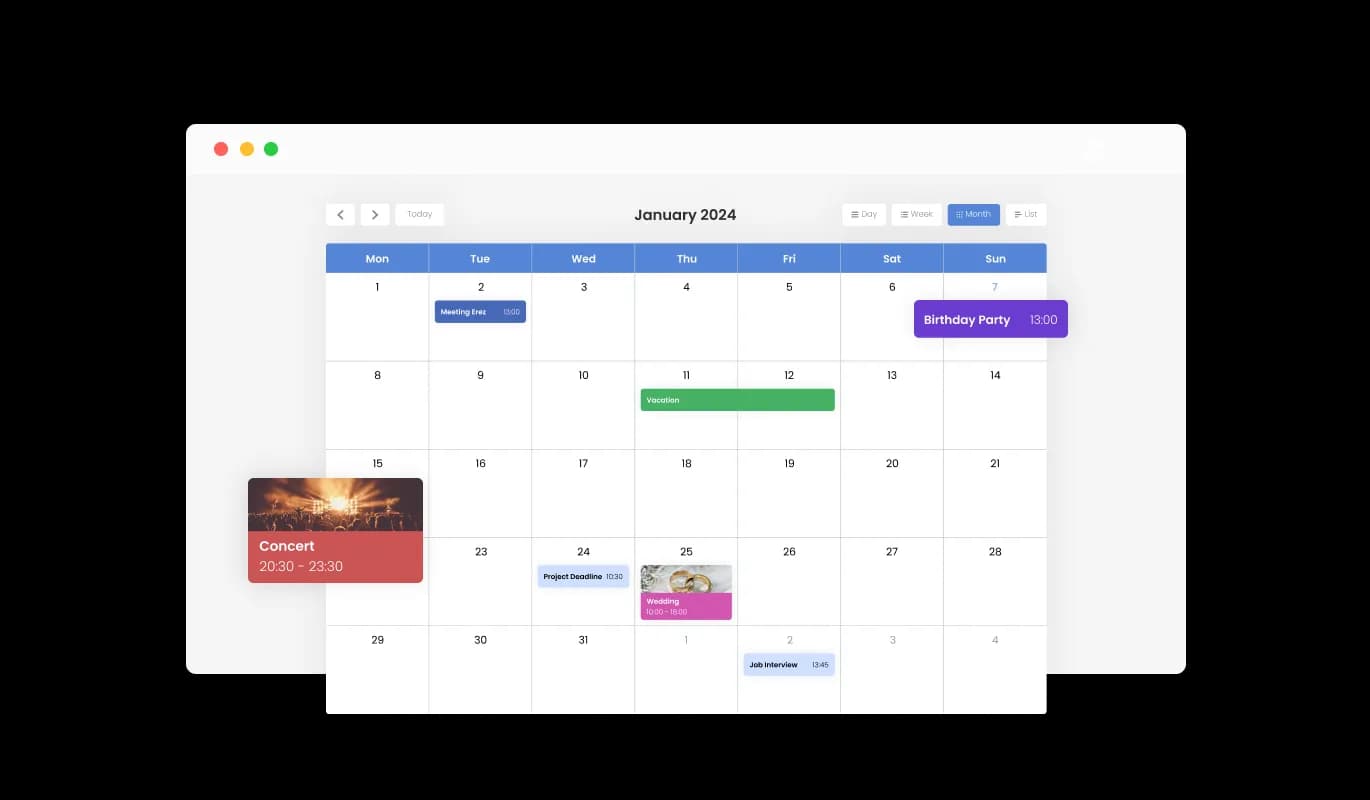
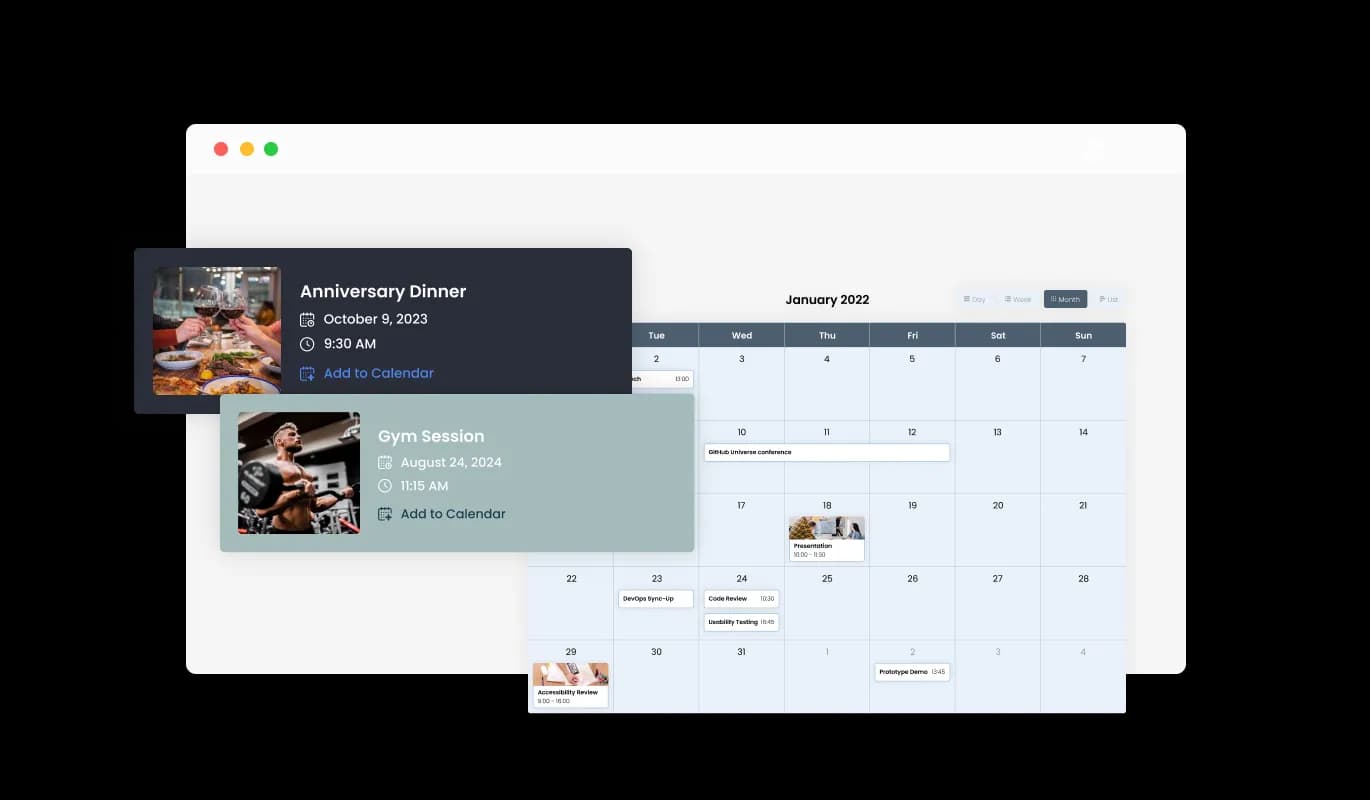
Events Calendar - Add a Personal Touch to Your Strato widget with Color Customization

Make Your Calendar More Appealing with Media Integration on Strato

The Calendar widget for Strato features media integration, allowing you to enhance your calendar's visual appeal by adding pictures to events, thus creating a more visually engaging user journey. This multimedia strategy not only enlivens your Strato calendar but also furnishes a more comprehensive context for your events, thereby enhancing the entire user experience.

Events Calendar - Make Your Calendar More Appealing with Media Integration on Strato

Tailor Your Calendar's Start Date with Strato widget

The Calendar widget's adjustable default view allows you to pick the initial display mode, be it month, week, or day, that best meets your Strato website's needs, providing a more custom-made user experience. This attribute assures that your users are directly provided with the most suitable view, increasing usability and ensuring that your Strato website can satisfy diverse user inclinations.

Events Calendar - Tailor Your Calendar's Start Date with Strato widget

Add Flair to Your Strato Calendar with Multiple Skins

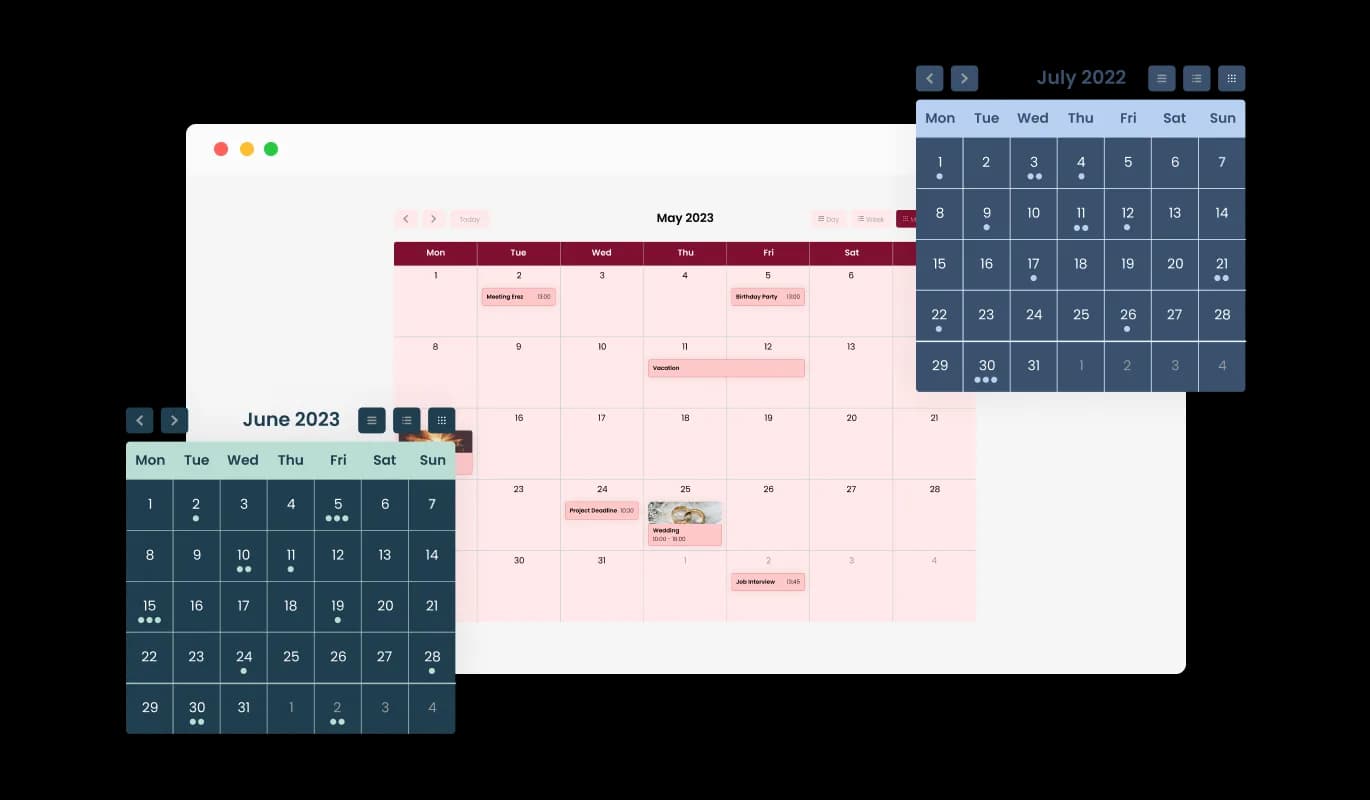
The Strato Calendar provides a variety of appealing skins, letting you choose your desired style without the need for extensive customization. These pre-designed skins not only reduce your workload but also provide a professional and aesthetically appealing look, increasing the charm of your Strato website without necessitating intricate design tasks.

Events Calendar - Add Flair to Your Strato Calendar with Multiple Skins
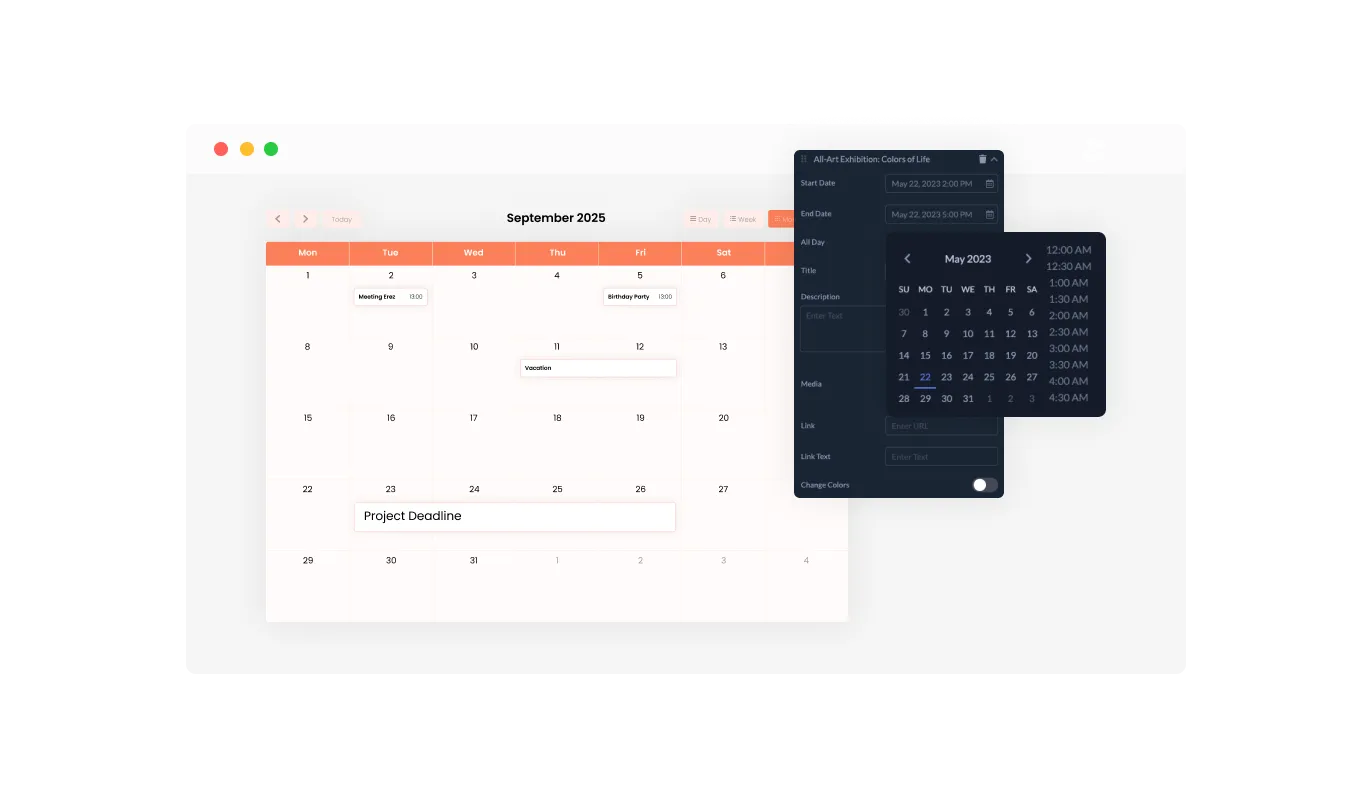
Events Calendar - Simplified All-Day Event Coordination with Strato Calendar widget

Simplified All-Day Event Coordination with Strato Calendar widget

The Strato Calendar widget facilitates the straightforward classification of events as "All Day," which aids in the simple management and portrayal of all-day events without assigning a specific time. This feature simplifies the process of highlighting key activities, making it easier for your visitors to identify and plan for full-day events.

Events Calendar - Enrich User Interaction with Link Integration on Strato Calendar

Enrich User Interaction with Link Integration on Strato Calendar

The Strato Calendar's ability to incorporate links enables you to augment interactivity by associating URLs with specific dates or happenings, providing extra details, or redirecting users to related pages. This capability not only intensifies the depth of your event information but also works as a guiding mechanism to lead your visitors to additional resources or actions, thereby enhancing user engagement and pleasure.

Events Calendar - Strato Calendar widget Embraces Diversity with Full RTL Support

Strato Calendar widget Embraces Diversity with Full RTL Support

With full RTL support, the Calendar widget for Strato caters to those who write in right-to-left languages. Enhance your reach by making your content accessible to a larger global audience. This feature enhances the reach of your Strato website, making it more user-friendly and globally accessible, promoting a sense of inclusiveness and diversity.

Events Calendar - Customize with Ease: The User-friendly Strato Calendar widget

Customize with Ease: The User-friendly Strato Calendar widget

With ease of use as its core feature, the Calendar widget for Strato does not require any coding expertise. With our user-friendly dashboard and the drag-and-drop functionality, customizing the Calendar widget to your liking is as easy as a few clicks. This accessible design enables even those without technical knowledge to tailor the widget to their needs, making it a flexible tool for enhancing your Strato website's functionality and attractiveness.

Design Your Way with the Fully Customizable Strato Calendar widget

The Strato Calendar widget offers full customization options, allowing you to tweak the design to meet your specific needs. Change the colors, the fonts, the spacing, and anything else! With this level of customization, you can create a distinctive and personalized calendar that synchronizes flawlessly with your brand identity, thereby enriching the overall visual appeal and user engagement on your Strato website.

Events Calendar - Design Your Way with the Fully Customizable Strato Calendar widget

Optimized for All Devices: The Responsive Strato Calendar widget

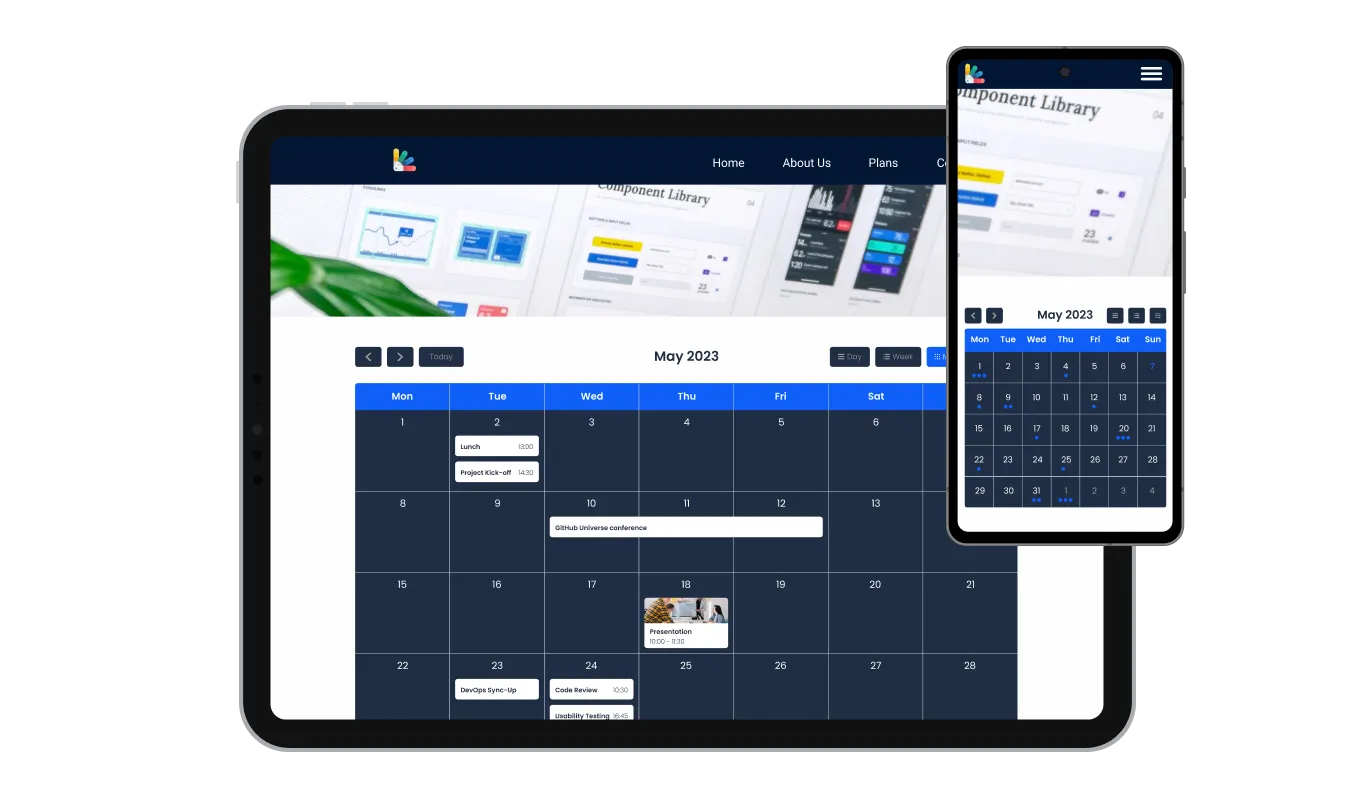
The Strato Calendar is fully responsive and will look great on any device. As the world leans more towards mobile, this feature gives you a crucial advantage over your rivals. This high level of responsiveness guarantees a smooth user experience across all devices, keeping you at the forefront in today's mobile-focused digital era.

Events Calendar - Optimized for All Devices: The Responsive Strato Calendar widget

Achieve Perfect Aesthetics with Strato Calendar's Custom CSS

The Strato Calendar widget's custom CSS feature offers you the ultimate control over the look and feel of your calendar. This high-level customization feature lets you adjust the design elements of the Strato widget like colors, fonts, and layout to align flawlessly with your Strato website's look, delivering a genuinely personalized and seamless user experience.

Events Calendar - Achieve Perfect Aesthetics with Strato Calendar's Custom CSS

Embed Strato Calendar widget with a Single Line of Code

The Calendar widget can be easily embedded on your Strato website by simply copying and pasting a single line of code. The Calendar widget will also be updated automatically with every change you make. This hassle-free integration and automatic updating make the process more straightforward and ensure that your Strato website always features the most recent and relevant content.

Events Calendar - Embed Strato Calendar widget with a Single Line of Code

Compatible With All Site Builders, E-Commerce Platforms and Websites

View all supported platforms

FAQ

Yes, there are lots of beautiful skins that you can choose from to save time and start using the widget as quickly as possible.

It’s simple. All you need to do is to sign up and start using the free version.

Common Ninja’s Calendar widget is free to use. It is limited to a certain amount of views, however.

Common Ninja’s Calendar widget is compatible with ALL current and future website builders.

Yes, the Calendar widget is GDPR-compliant.

No. Using our Calendar widget is very simple. The widget comes with an intuitive drag-and-drop interface and fully customizable options. Once you’ve finished editing the widget to your liking, all you need to do is copy the provided code and add it to your website.

Yes. We are eager to hear your request. Please visit our Feature Request page.