
Events Calendar for Yampi

Add an events calendar to your site so visitors can view upcoming activities, improving engagement and event visibility.

Create Calendar

loved by 500K+ businesses

Yampi
plugineditor

Why Should You Use the Events Calendar Widget+?

Streamlined Event Management with a Calendar for Yampi

A calendar widget on your Yampi store streamlines the management and promotion of vital events or deadlines, facilitating your audience's ability to stay updated and structured. Furthermore, by showcasing upcoming activities transparently, you inspire your users to prepare beforehand, possibly promoting their participation and affinity towards your content or services.

Boost User Participation with an Interactive Calendar widget

An engaging calendar widget can enhance user involvement by encouraging them to delve into upcoming events, sign up for event reminders, or even schedule meetings directly from your Yampi store. Indeed, interactive calendars can boost engagement by prompting users to explore events, subscribe to notifications, or book appointments directly on your Yampi store.

Professionalism Enhanced with a Well-Maintained Calendar

Maintaining a well-structured calendar demonstrates your organizational skills and professional approach, boosting your brand's image and gaining trust from your Yampi store visitors. A diligently curated calendar not only communicates strong organization and professionalism but also bolsters your brand image and nurtures trust among your Yampi store visitors.

Tailor Your Yampi widget with Color Customization Options

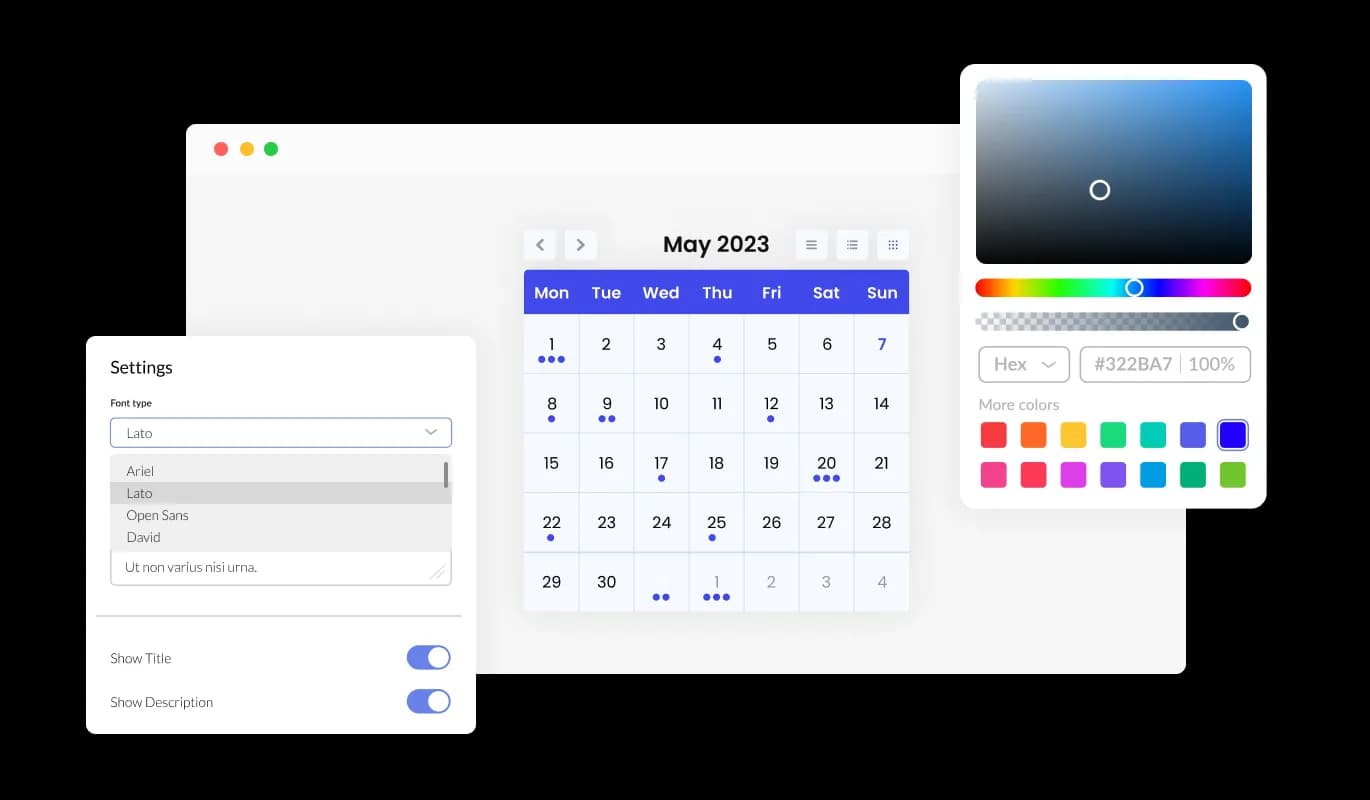
With color customization options, the Calendar widget for Yampi lets you design attractive calendars that sync with your Yampi store's branding or personal taste. This adaptability not only enriches the visual charm of your Yampi store but also contributes to creating a cohesive and captivating user experience that aligns with your brand.
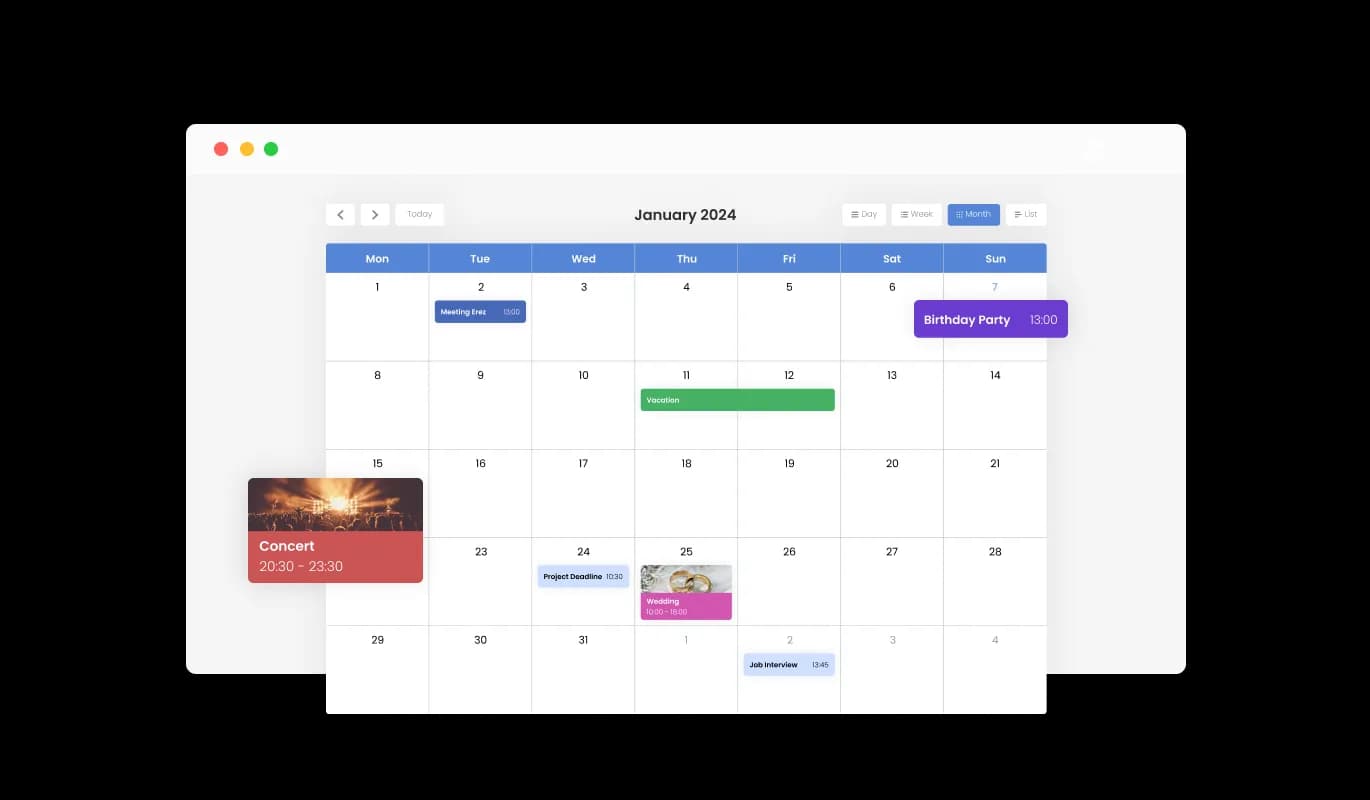
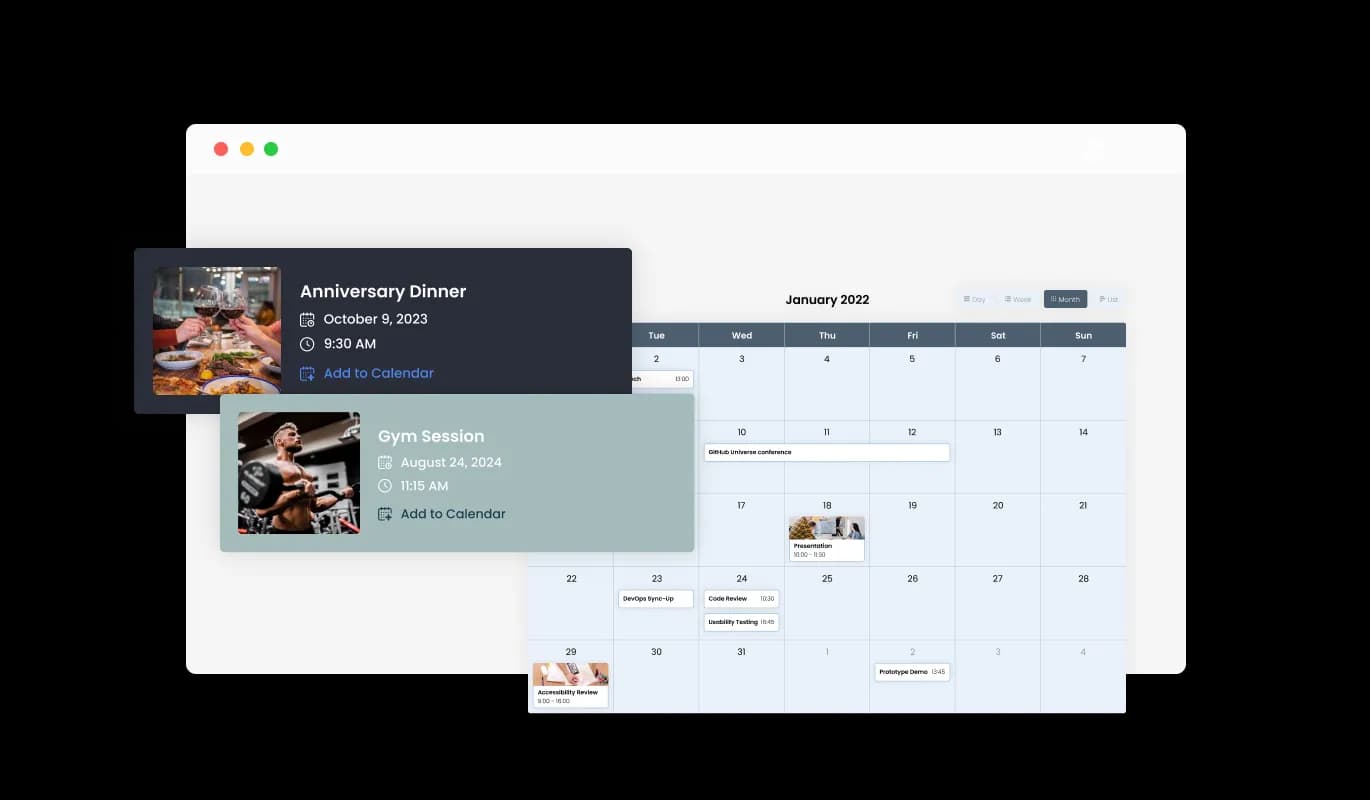
Events Calendar - Tailor Your Yampi widget with Color Customization Options

Make Your Calendar More Appealing with Media Integration on Yampi

The Calendar widget for Yampi supports media integration, allowing you to enrich your calendar by adding images to events, creating a visually engaging experience. This multimedia approach not only makes your Yampi calendar more engaging but also provides a richer context for your events, thereby enhancing the overall user experience.

Events Calendar - Make Your Calendar More Appealing with Media Integration on Yampi

Choose Your Start Date with Flexible Options in Yampi Calendar widget

With the Calendar widget's configurable default view, you can opt for the initial display mode—month, week, or day—that best caters to your Yampi store's needs, guaranteeing a uniquely tailored user experience. This property ensures that users are quickly given the most fitting view, enhancing user-friendliness and making sure that your Yampi store appeals to various user predilections.

Events Calendar - Choose Your Start Date with Flexible Options in Yampi Calendar widget

Multiple Skins for a Personalized Yampi Calendar Look

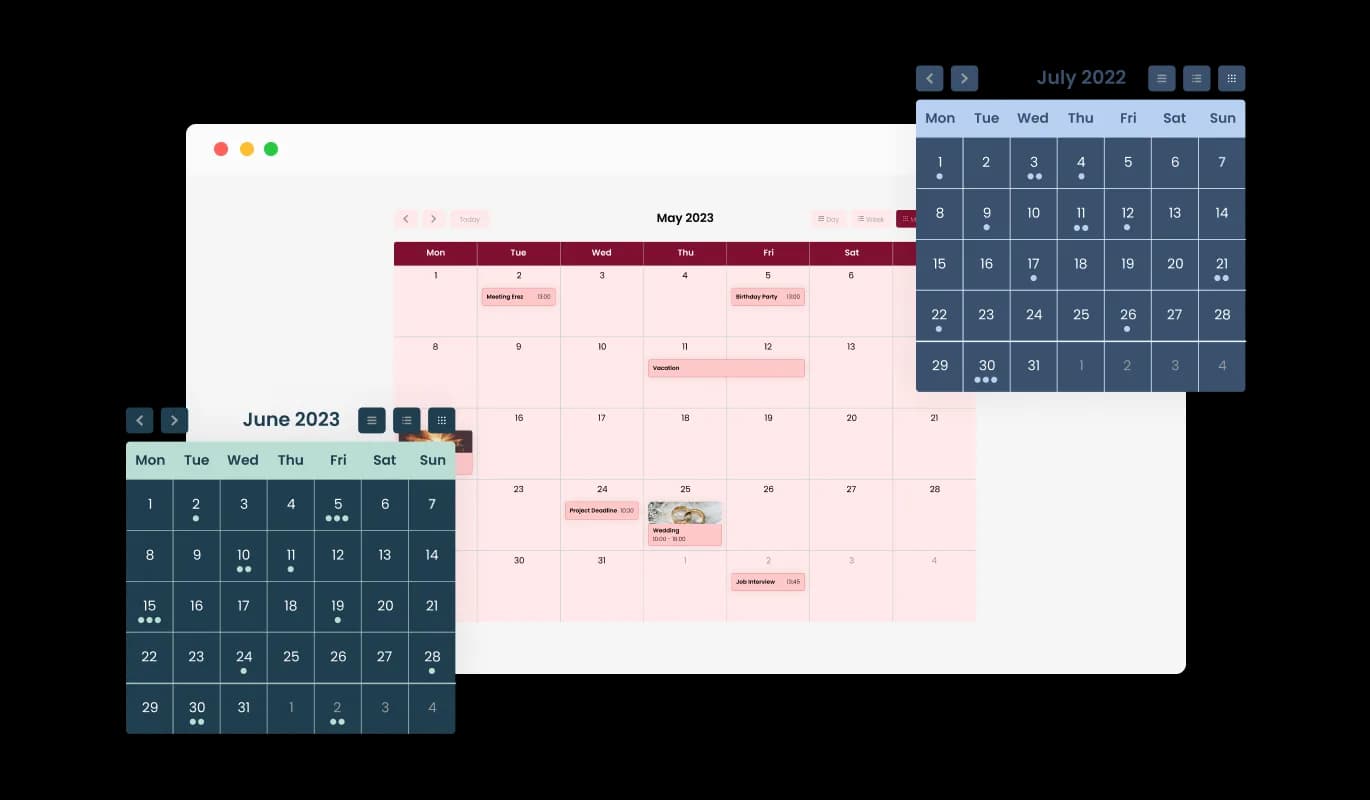
The Yampi Calendar comes equipped with a range of attractive skins, allowing you to choose your preferred style without spending too much time on detailed customization. These ready-for-use skins not only save you valuable time but also deliver a professional and pleasing visual appearance, increasing your Yampi store's charm without the need for extensive design work.

Events Calendar - Multiple Skins for a Personalized Yampi Calendar Look
Events Calendar - Effortless Full-Day Event Handling with Yampi Calendar widget

Effortless Full-Day Event Handling with Yampi Calendar widget

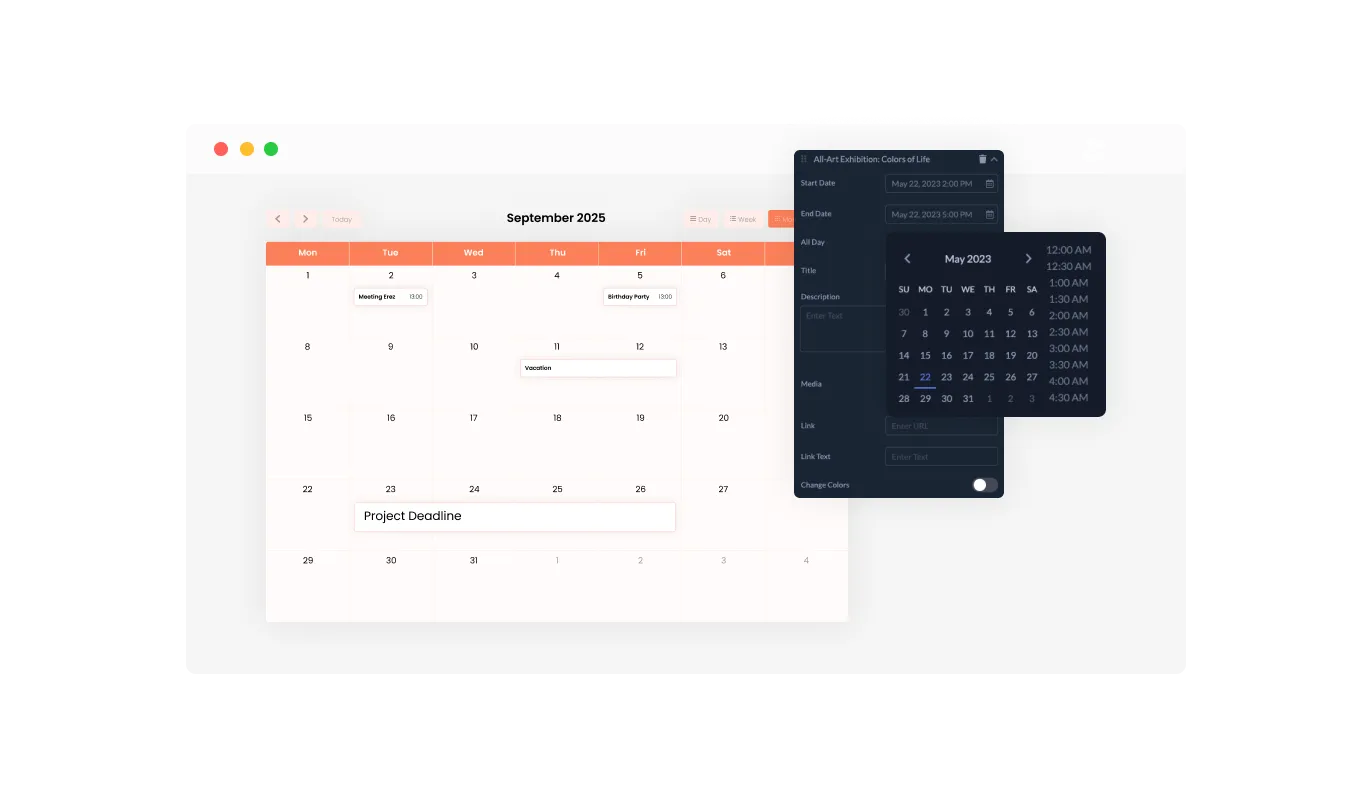
The Yampi Calendar widget allows easy marking of events as "All Day," enabling you to effortlessly organize and display events spanning the entire day without indicating a particular time. This feature simplifies the job of marking key activities, making it easier for your users to recognize and schedule for full-day events.

Events Calendar - Improve User Engagement with Link Integration in Yampi Calendar

Improve User Engagement with Link Integration in Yampi Calendar

With the capability of the Yampi Calendar to integrate links, you can heighten user interaction by linking URLs to specific dates or activities, delivering additional data, or guiding users to pertinent pages. This capability not only intensifies the depth of your event information but also works as a guiding mechanism to lead your visitors to additional resources or actions, thereby enhancing user engagement and pleasure.

Events Calendar - Go Global with Yampi Calendar widget's Full RTL Support

Go Global with Yampi Calendar widget's Full RTL Support

The Calendar widget for Yampi offers full RTL support, accommodating those who write from right to left. Broaden your accessibility to engage more users worldwide. This inclusivity feature broadens your Yampi store's reach, making it more user-friendly and accessible to a global audience, thus promoting diversity and inclusivity.

Events Calendar - No Coding Required with Yampi Calendar widget

No Coding Required with Yampi Calendar widget

The Calendar widget for Yampi is simple to use and eliminates the need for any coding knowledge. With our user-friendly dashboard and the drag-and-drop functionality, customizing the Calendar widget to your liking is as easy as a few clicks. This accessible design enables even those without technical knowledge to tailor the widget to their needs, making it a flexible tool for enhancing your Yampi store's functionality and attractiveness.

Design Your Way with the Fully Customizable Yampi Calendar widget

The Yampi Calendar widget offers full customization options, allowing you to tweak the design to meet your specific needs. Revamp the colors, change up the fonts, adjust the spacing – you're in control! This level of customization allows you to create a unique and personalized calendar that aligns perfectly with your brand identity, thereby enhancing the overall aesthetic and user experience of your Yampi store.

Events Calendar - Design Your Way with the Fully Customizable Yampi Calendar widget

Stay Ahead with a Perfectly Responsive Yampi Calendar widget

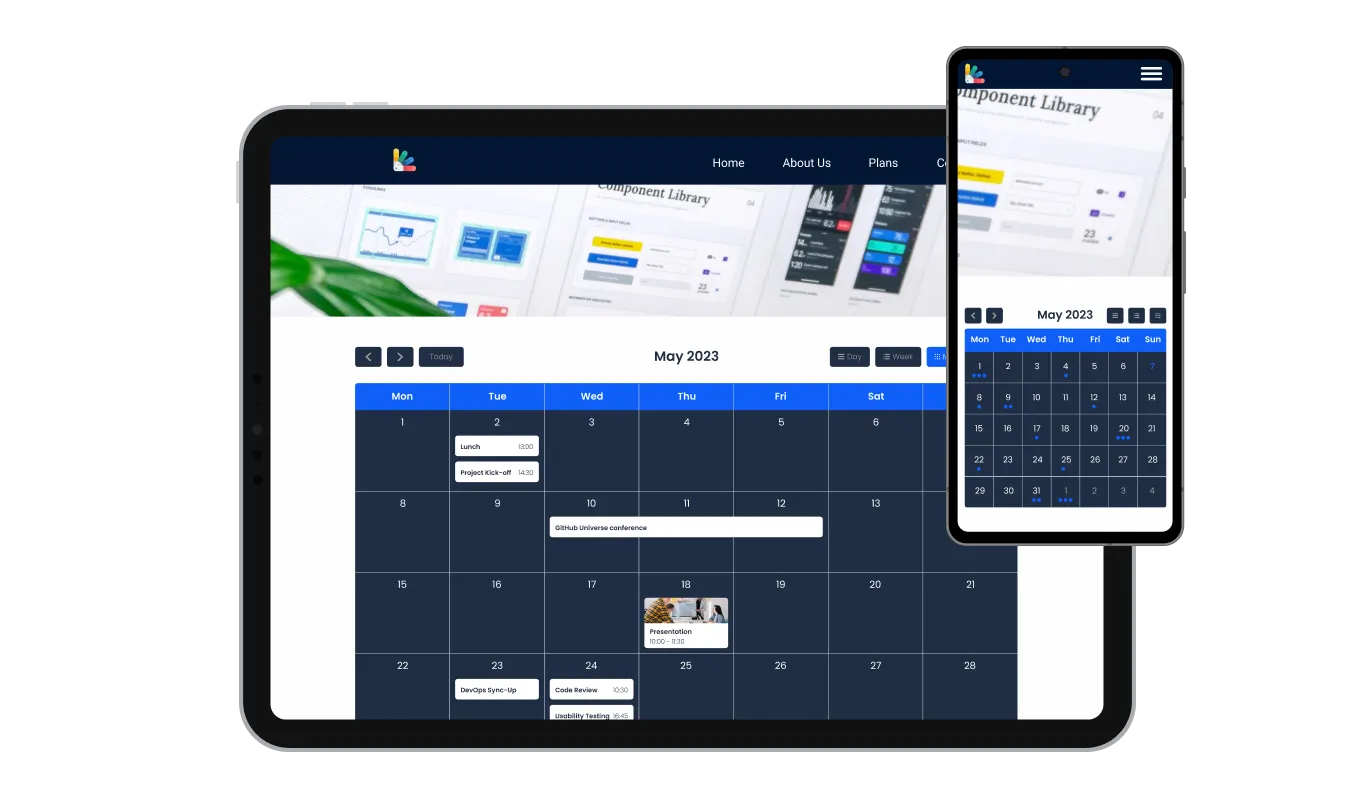
The Yampi Calendar offers complete responsiveness, ensuring an impressive look on every device. As the world leans more towards mobile, this feature gives you a crucial advantage over your rivals. This high level of responsiveness guarantees a smooth user experience across all devices, keeping you at the forefront in today's mobile-focused digital era.

Events Calendar - Stay Ahead with a Perfectly Responsive Yampi Calendar widget

Customize to Perfection: Yampi Calendar's Custom CSS

The custom CSS feature of the Yampi Calendar widget offers you unparalleled control over your calendar's appearance and feel. This high-end customization option enables you to modify the Yampi widget's design factors such as color schemes, fonts, and layouts to match your Yampi store's aesthetics perfectly, resulting in a truly tailored and seamless user experience.

Events Calendar - Customize to Perfection: Yampi Calendar's Custom CSS

Easy To Embed Yampi Calendar

Embedding the Calendar widget on your Yampi store is a breeze — all you need is to copy one line of code. Each alteration you make will prompt an automatic update of the Calendar widget. This simple integration and automatic updating process not only make the implementation easier but also ensure your Yampi store is always updated with the latest and most relevant information.

Events Calendar - Easy To Embed Yampi Calendar

Compatible With All Site Builders, E-Commerce Platforms and Websites

View all supported platforms

FAQ

Yes, there are lots of beautiful skins that you can choose from to save time and start using the widget as quickly as possible.

It’s simple. All you need to do is to sign up and start using the free version.

Common Ninja’s Calendar widget is free to use. It is limited to a certain amount of views, however.

Common Ninja’s Calendar widget is compatible with ALL current and future website builders.

Yes, the Calendar widget is GDPR-compliant.

No. Using our Calendar widget is very simple. The widget comes with an intuitive drag-and-drop interface and fully customizable options. Once you’ve finished editing the widget to your liking, all you need to do is copy the provided code and add it to your website.

Yes. We are eager to hear your request. Please visit our Feature Request page.