





Different Review Types
The widget comes with three review types — Carousel, Grid, and List, that will help you customize the apps and make them fit your design needs.
Reviews on Capterra are considered trustworthy and can have a significant impact on a customer's decision to use your product. Thereby, having those reviews clearly displayed on your Webflow website via this Capterra reviews for Webflow will be absolutely beneficial.
By clearly displaying your good Capterra reviews and increasing trust in your product with the Capterra reviews for Webflow, you will be able to help undecided customers to make the decision to become paying customers quicker.
The Webflow Capterra reviews plugin’s full customization options will enable you to choose from different review types, layouts, skins, fonts, colors, and more, and make the reviews complement your Webflow website’s design.
The widget comes with three review types — Carousel, Grid, and List, that will help you customize the apps and make them fit your design needs.
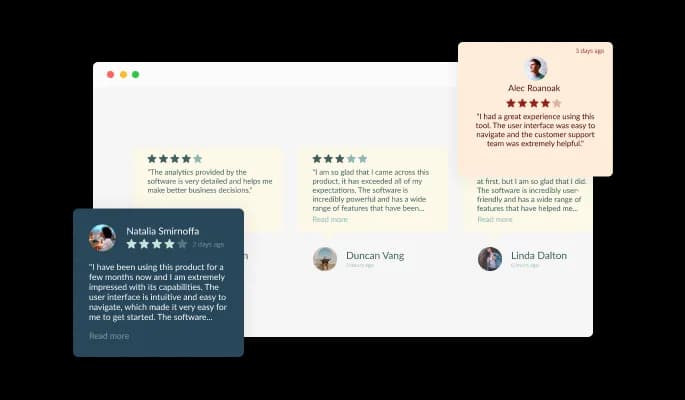
The Capterra reviews plugin for Webflow features additional filtering options in the form of keyword inclusion or exclusion — which is ideal for certain products.
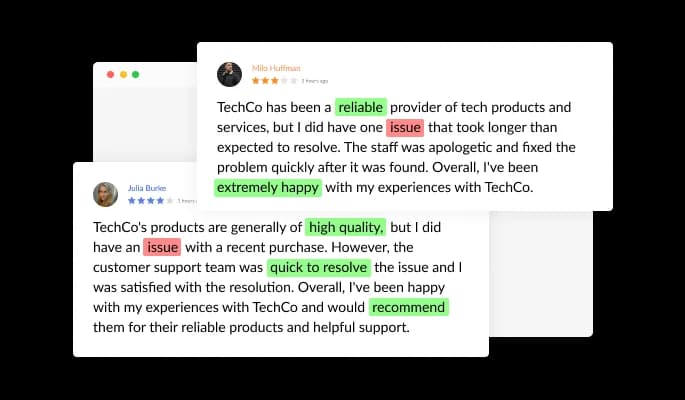
The Capterra Reviews plugin for Webflow comes available with multiple layouts that you can choose from to make sure it fits your overall Webflow website's design and style.
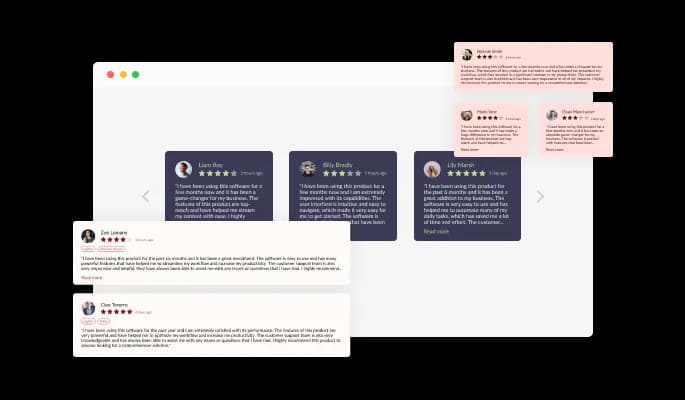
The Capterra Reviews plugin for Webflow comes with a variety of beautiful skins that you can choose from so you don’t have to spend much time on extensive customization.
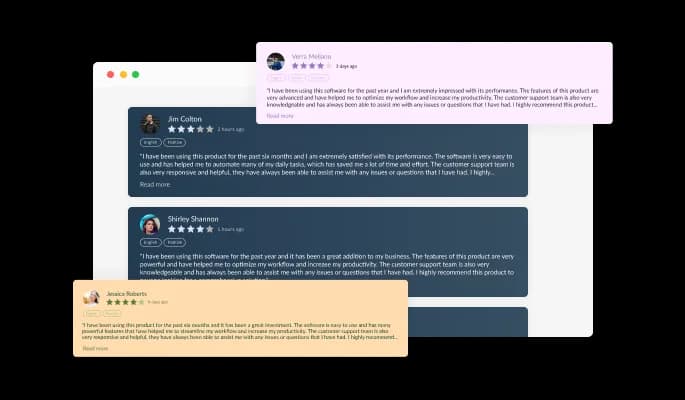

The Webflow Capterra reviews plugin comes with advanced filtering options, like choosing to display reviews with a minimum of a certain number of stars.

With a simple toggle of a button, you can make sure that you manually approve all the reviews that will be displayed on your Webflow website.

The widget comes with sorting options that will help you customize your display to show reviews by the oldest or the newest reviews.

The Webflow Capterra Reviews plugin is easy to use and requires no coding knowledge. Our intuitive dashboard with the drag-and-drop feature will enable you to customize the Capterra reviews plugin any way you’d like to with just a few simple clicks.
The Webflow Capterra Reviews [app_tpye] features full customization options so you can edit the design to fit your needs. Change the colors, the fonts, the spacing, and anything else!
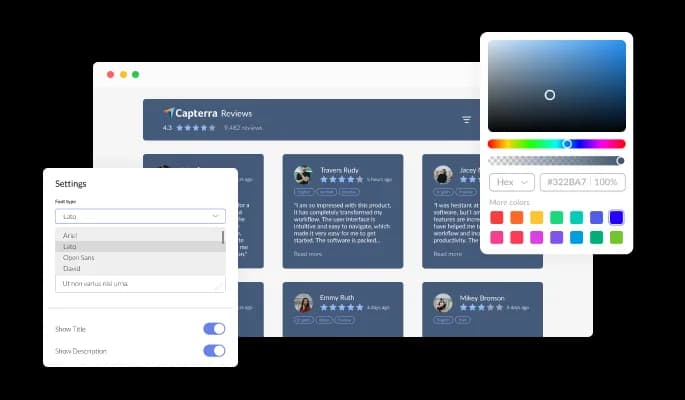
The Capterra Reviews plugin for Webflow is fully responsive and will look great on any device. In a mobile-first world, this feature will put you ahead of your competitors.

As with all of Common Ninja’s plugins, you can add custom CSS to customize the Capterra Reviews plugin for Webflow and be even more creative.

You can embed the Capterra reviews plugin on your Webflow website easily by copying a single line of code. The Webflow Capterra Reviews plugin will also be updated automatically with every change you make.

Yes, you can easily do so from the “Templates” tab.
Yes, there are lots of beautiful skins that you can choose from to save time and start using the widget as quickly as possible.
Yes, you can either upload an image, or select an icon from a large selection of available icons to add to your Notification Bar, or, alternatively, you can leave it all blank.
It’s simple. All you need to do is to sign up and start using the free version.
Common Ninja’s Capterra Reviews widget is free to use. It is limited to a certain amount of views, however.
Common Ninja’s Capterra Reviews widget is compatible with ALL current and future website builders.
Yes, the Capterra Reviews widget is GDPR-compliant.
No. Using our Capterra Reviews widget is very simple. The widget comes with an intuitive drag-and-drop interface and fully customizable options. Once you’ve finished editing the widget to your liking, all you need to do is copy the provided code and add it to your website.
Yes. We are eager to hear your request. Please visit our Feature Request page.