
Card Carousel for Canva

Showcase content with a card carousel that combines images and text, improves visual design, and helps visitors explore key information.

Create Card Carousel

loved by 500K+ businesses

Canva
plugineditor

Why Should You Use the Card Carousel Widget+?

Improve Design with Card Carousel for Canva

You can improve the design of your website using the Canva Card Carousel widget. You can design a Card Carousel that's ideal for your Canva website by choosing lovely cards, adjusting their sizes, and using the slider's choices.

Save Space on your Canva website

The Card Carousel for Canva has the significant advantage of being space-efficient. The Card Carousel widget can show as many cards as you want, from inside a fixed position, and in an interactive way, unlike card galleries that take up a lot of areas. Moreover, you can avoid developing additional pages for various categories by making different carousels for each.

Greater Engagement with Card Carousel

The Card Carousel widget for Canva is the ideal approach to catch visitors' eyes and entice them to interact with your website. The Card Carousel widget enables you to display numerous pieces of content in an interesting and condensed style thanks to its attractive design and simple navigation. The Canva Card Carousel is a fantastic method to attract visitors' attention and entice them to interact with your website, whether you want to emphasize items, services, or other significant information.

Canva Card carousel Beautiful Layouts

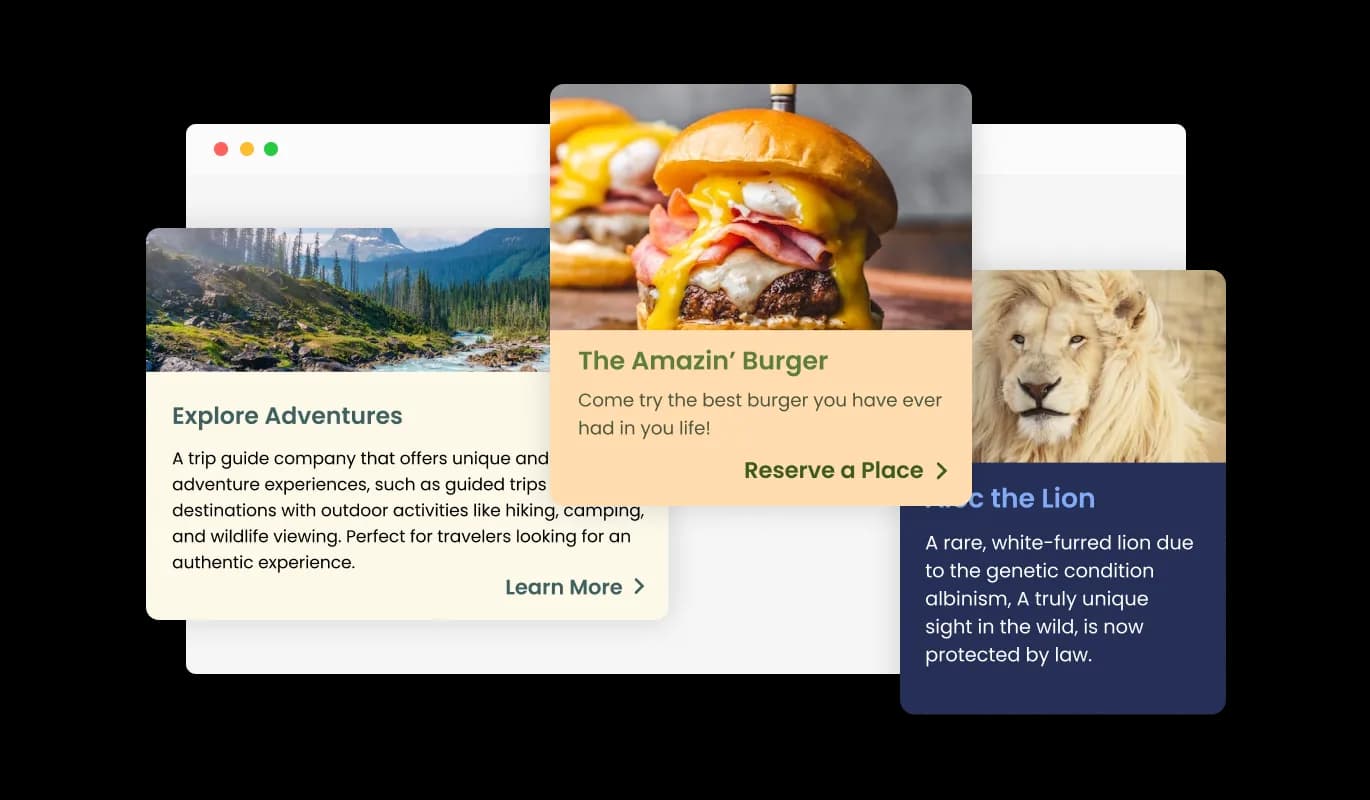
The Card Carousel widget comes available with multiple layouts that you can choose from to make sure it fits your overall Canva website design and style. In addition to its visually appealing design, the Card Carousel widget offers versatility in its layout options. To make sure it blends in with the general style and feel of your website, you can choose from a variety of layouts. The ability to customize the layout makes it easy to create a seamless and cohesive experience for your visitors.
Card Carousel - Canva Card carousel Beautiful Layouts

With the Card Carousel widget, choose from a Variety of Skins.

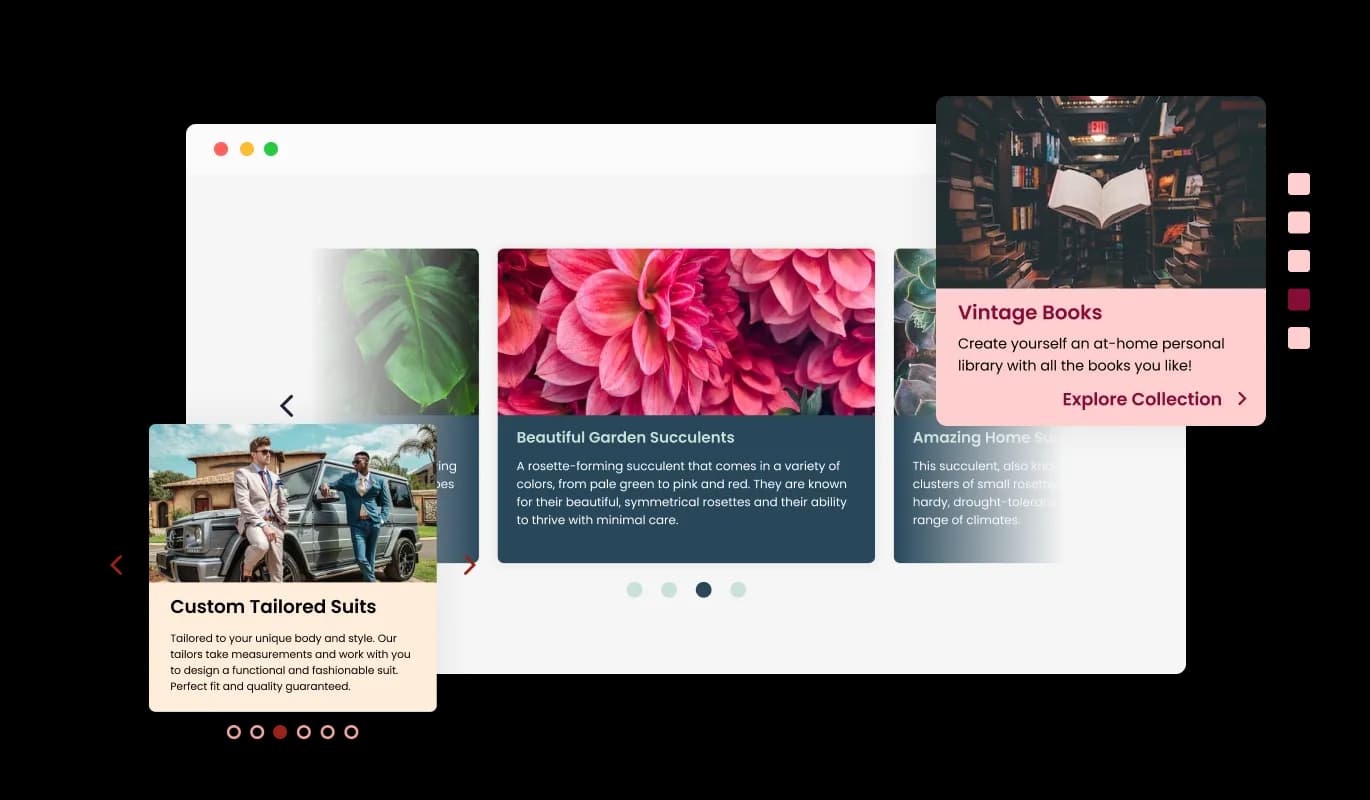
To help you work more quickly, the Card Carousel for Canva comes with a variety of pre-made skins. The Card Carousel widget also offers a selection of pre-made skins so that you may save time and work. These skins are made to give you a quick and simple method to change the Canva Card Carousel's appearance and feel to fit your brand and aesthetic. The pre-made skins make it easy to get the desired appearance without beginning from scratch.

Card Carousel - With the Card Carousel widget, choose from a Variety of Skins.

Total Customizability Card Carousel widget

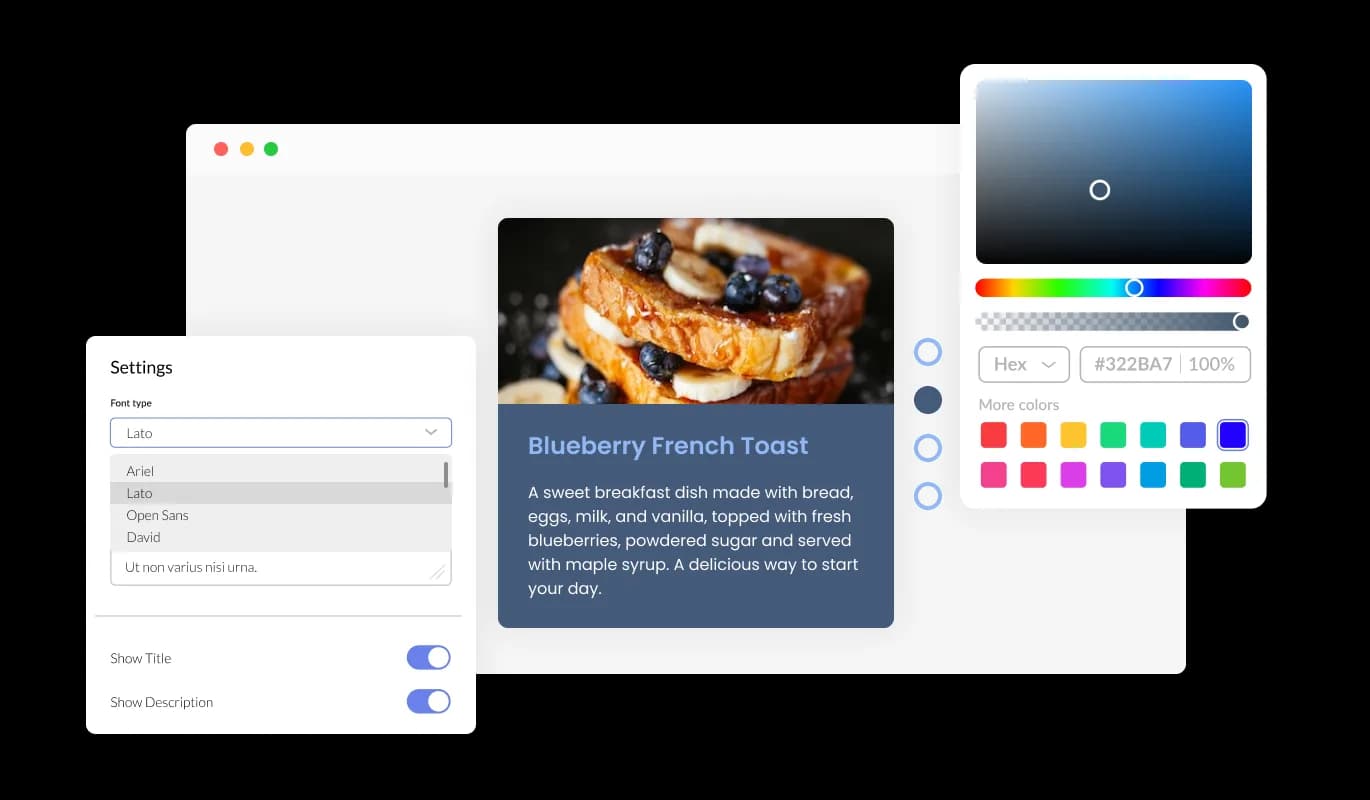
The Card Carousel for Canva offers complete customization possibilities so you may change the design to suit your requirements. Change the colors, the fonts, the spacing, and anything else! To get your design process going, pick one of the many preset skins available. This tool helps you save time and effort by giving you access to a number of pre-made skins that you can use as a jumping off point for your design. You may quickly alter the readymade skins to match the colors, typefaces, and general aesthetic of your business. They have been expertly designed to suit various Canva website's styles and themes. You can construct your Customized Card Carousel widget without starting from scratch in this way. you can pick a skin closest to your desired design and make minor adjustments to make it perfect for your website. Furthermore, having a choice of prepared skins gives you access to a wider variety of possibilities, ensuring that you'll discover one that's ideal for your Canva website.

Card Carousel - Total Customizability Card Carousel widget
Card Carousel - Carousel Card Size

Carousel Card Size

You can alter the Canva Card Carousel widget card's sizes to suit your particular requirements. Choose from small, large, vertical, or horizontal card sizes.

Card Carousel - Carousel Arrows & Pagination

Carousel Arrows & Pagination

Customize the look of your Card carousel widget with the ability to change the arrow styles and pagination icons to fit your specific design goals.

Card Carousel - Slide Transition Speed and Display Time

Slide Transition Speed and Display Time

With the Card carousel you have the flexibility to set the slide speed and card duration according to their preferences. Leverage these choices to personalize your user's navigation.

Card Carousel - A Simple to use widget

A Simple to use widget

No coding knowledge is necessary to use Card carousel for Canva. You can customize widget by dragging-and-dropping on our intuitive dashboard.

Totally Responsive for your Canva website

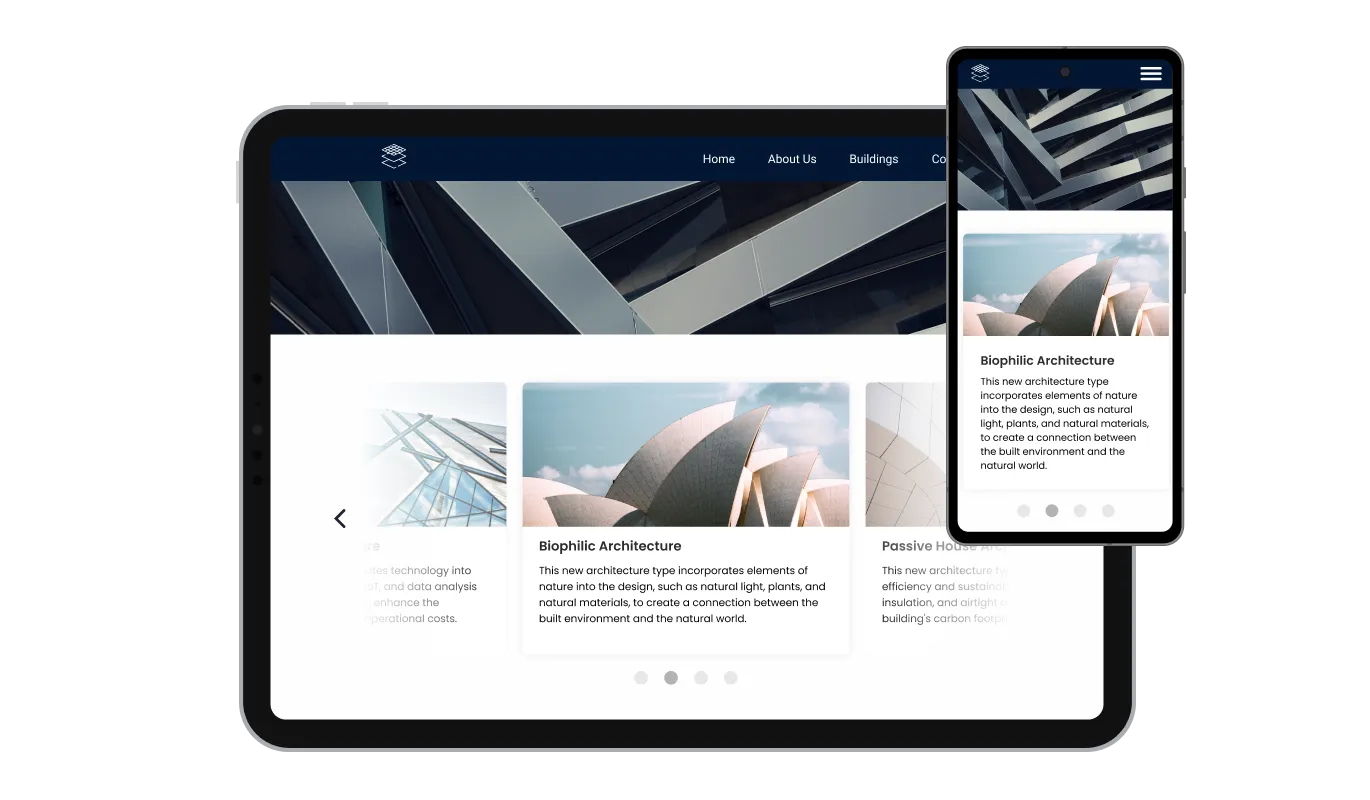
The Canva Card carousel widget is fully responsive and will look great on any device, this feature can give you a significant advantage over your competitors in today's mobile-first world. Mobile device optimization is increasingly important because more and more people access the internet through their smartphones and tablets. The responsive design of the Card carousel widget ensures that it will automatically adjust to the size and resolution of the device it is being viewed on, providing a seamless and consistent user experience across all devices. In other words, no matter what device your users use to access your Canva website, they will be able to view your Card carousel for Canva exactly the same.

Card Carousel - Totally Responsive for your Canva website

Custom CSS with Card carousel for Canva

Card carousel for Canva also allows you to add custom CSS, allowing for even more customization and creativity. You can create custom styles and design elements using custom CSS unavailable from the built-in customization options. With custom CSS, you can create unique and visually striking designs tailored to your specific needs. It is also possible to create unique and engaging animations and interactions using custom CSS.

Card Carousel - Custom CSS with Card carousel for Canva

Simple embedding On Your Canva website

Copy and paste just one line of code into your website's HTML to embed the Card carousel for Canva. If the widget is embedded, the Card carousel and widget will automatically update when you make changes, so there is no need to manually update either. This feature can save you a lot of time and effort, and ensure that your Canva Card carousel is always up-to-date and accurate.

Card Carousel - Simple embedding On Your Canva website

Compatible With All Site Builders, E-Commerce Platforms and Websites

View all supported platforms

FAQ

Yes, you can easily do so from the “Templates” tab. 

It’s simple. All you need to do is to sign up and start using the free version.

Common Ninja’s Card Carousel widget is free to use. It is limited to a certain amount of views, however.

Common Ninja’s Card Carousel widget is compatible with ALL current and future website builders.

Yes, the Card Carousel widget is GDPR-compliant.

No. Using our Card Carousel widget is very simple. The widget comes with an intuitive drag-and-drop interface and fully customizable options. Once you’ve finished editing the widget to your liking, all you need to do is copy the provided code and add it to your website.

Yes. We are eager to hear your request. Please visit our Feature Request page.

A Card Carousel is a type of user interface element that allows displaying multiple items in a compact, rotating format on a website. The items are usually presented as cards containing text, images, and other media. Card carousels are often used for showcasing products, services, or other information in a visually appealing and interactive way, allowing users to navigate and engage with the content easily.


There are several benefits of using a Card Carousel on a website, including:

  • Increased engagement: A Card Carousel can help grab visitors' attention and encourage them to interact with your website, leading to higher engagement and conversions.
  • Compact presentation: Card Carousels allow you to present multiple pieces of information in a compact format, making it easier for users to digest and retain the information.
  • Improved navigation: With its intuitive navigation, a Card Carousel makes it simple for users to find and view the content they're interested in, leading to a better user experience.
  • Versatility: With multiple layout options and pre-made skins, a Card Carousel can be easily customized to fit your brand and style, making it a versatile solution for many use cases.
  • Mobile compatibility: A responsive Card Carousel will look great on any device, providing an optimal user experience no matter where your website is viewed.