
Catalog for Cloudflare Pages

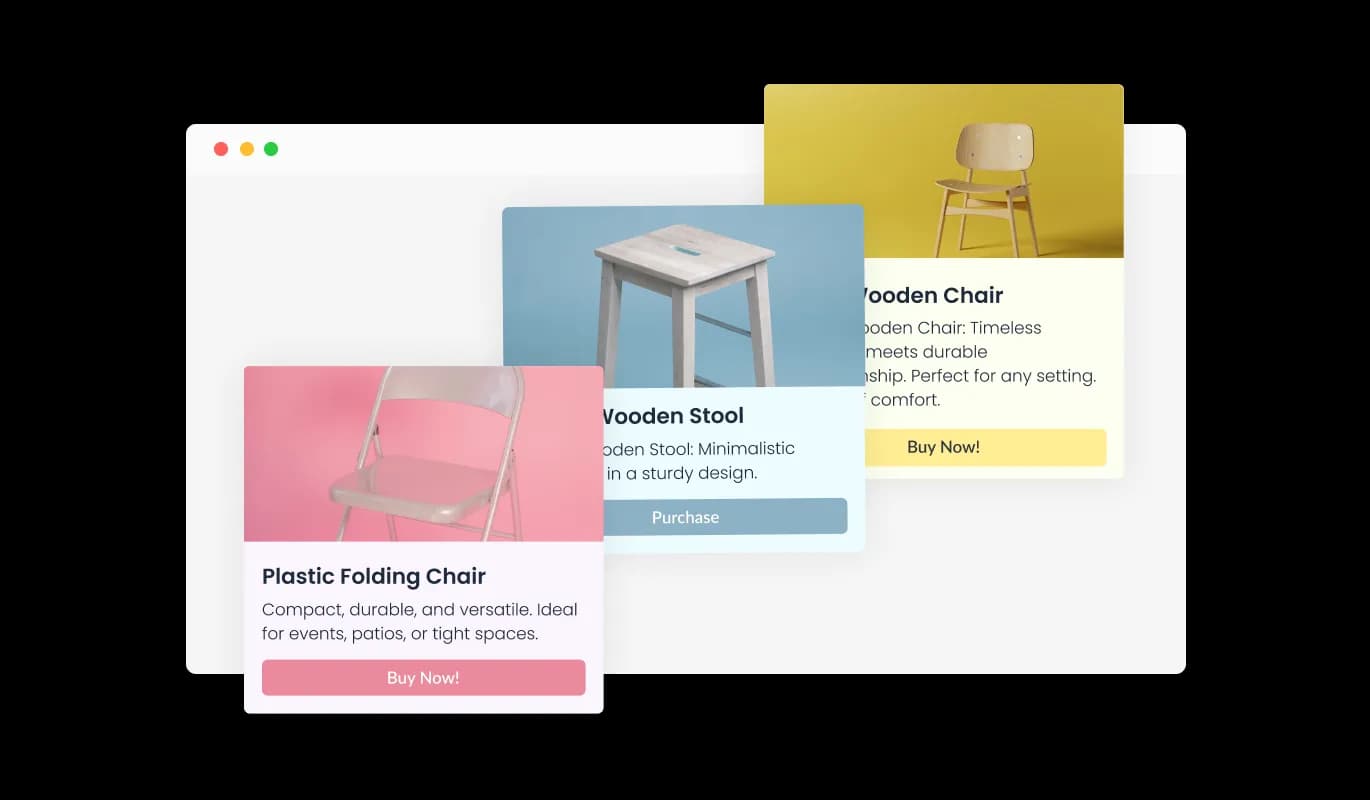
Create and customize product catalogs with a catalog widget that organizes items clearly, improves browsing, and helps visitors explore your offerings easily.

Create a Catalog

loved by 500K+ businesses

Cloudflare Pages
plugineditor

Why Should You Use the Catalog Widget+?

Organized Display of Items with Catalog widget for Cloudflare Pages

You can showcase products, services, or any other listings in a structured manner.

Enhance your Cloudflare Pages website Professionalism

By utilizing the Cloudflare Pages Catalog widget, your Cloudflare Pages website gains an edge in professionalism. A well-structured catalog signifies attention to detail and dedication to user experience. As a result, your Cloudflare Pages website 's credibility is enhanced, potentially attracting more visitors.

Streamlined Updates

Updating your catalog becomes a breeze with the Catalog widget. You can make real-time changes, ensuring that visitors always access the most recent and relevant information. The widget eliminates the need for manual adjustments or overhauls, saving you time.

Catalog Categories

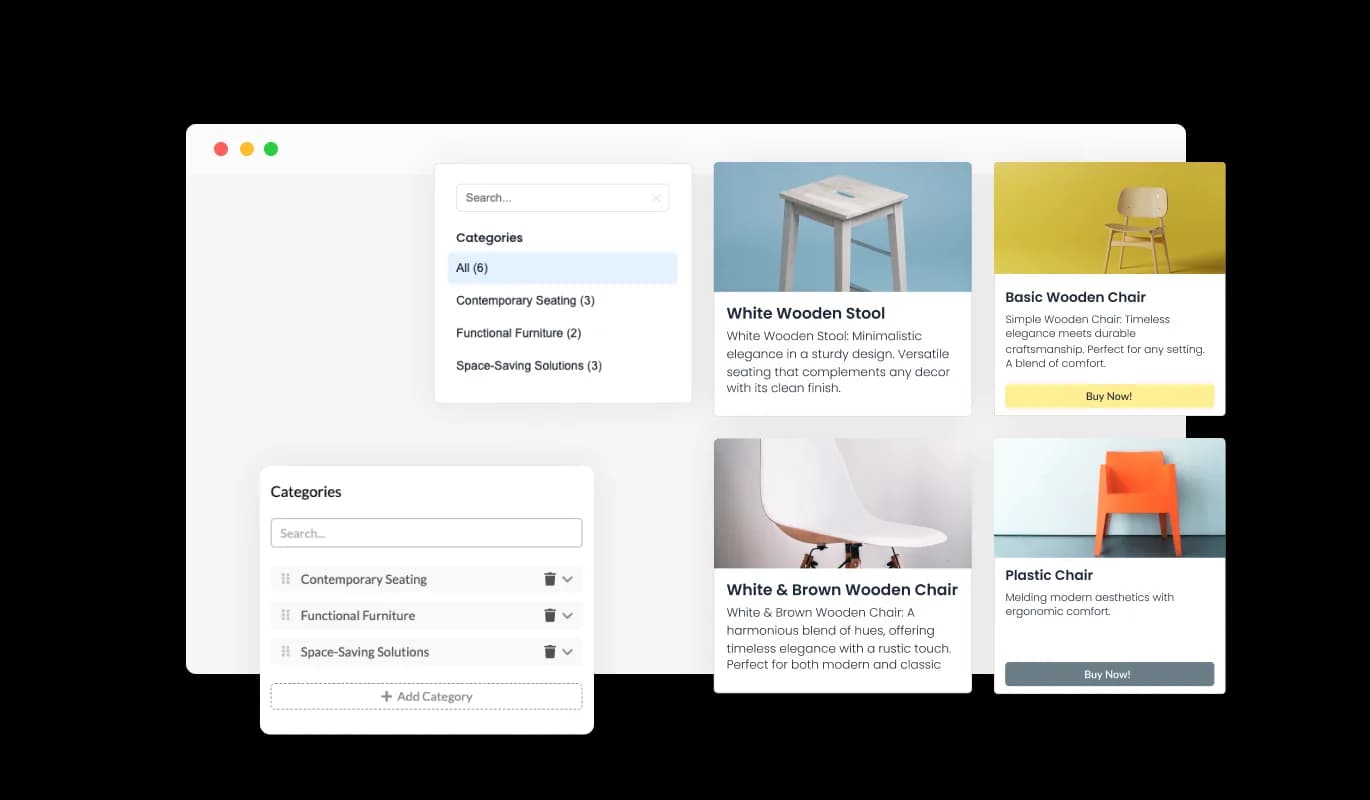
Utilize the Cloudflare Pages Catalog widget to sort products into organized categories. An intuitive navigation panel lets visitors swiftly filter by these categories. This enhances the browsing experience, guiding users directly to their desired products.
Catalog - Catalog Categories

Comprehensive Item Details

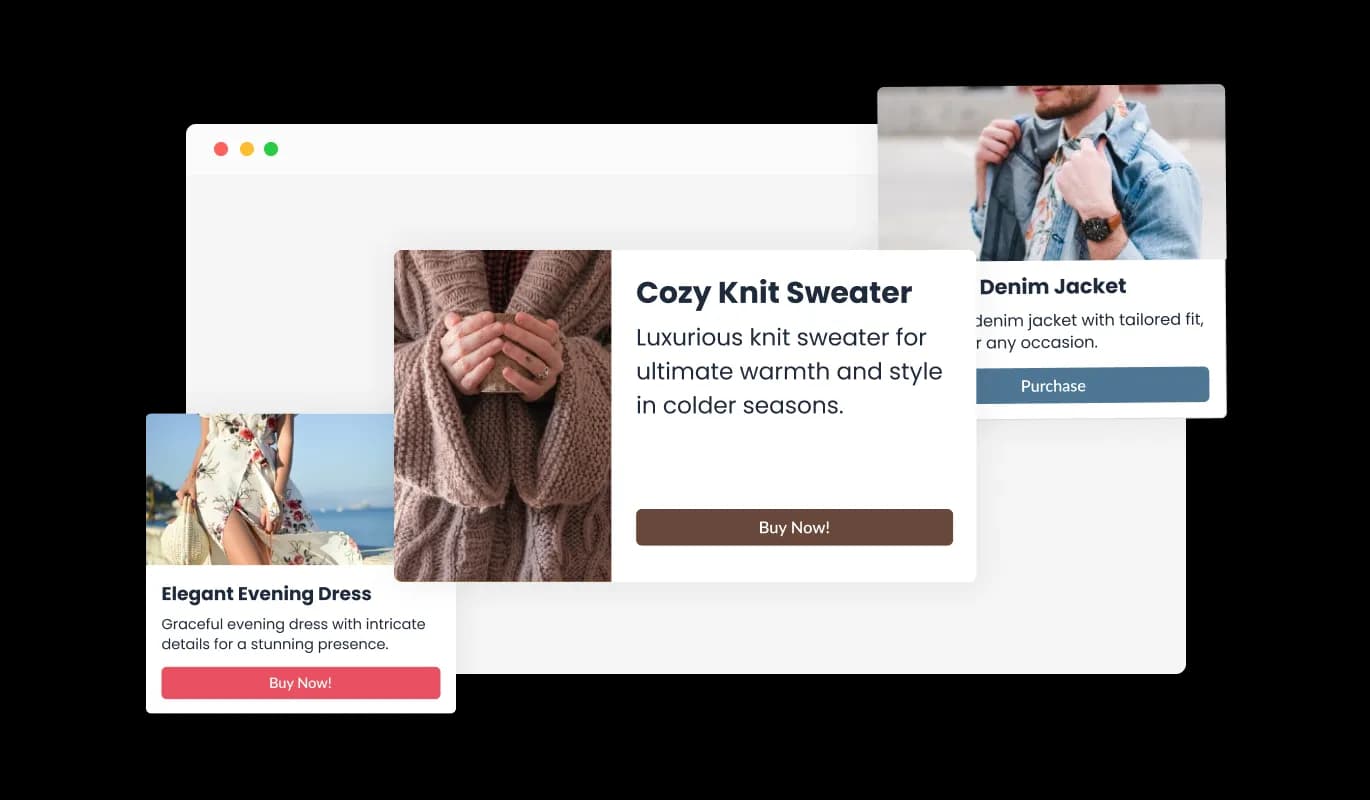
Using the Catalog widget for Cloudflare Pages, showcase a complete profile for each item with a title, description, and image. This holistic presentation ensures your Cloudflare Pages website's visitors receive a clear and concise overview of every offering, enhancing their browsing experience.

Catalog - Comprehensive Item Details

Diverse Aesthetic Cloudflare Pages Catalog Skins

The Catalog widget for Cloudflare Pages offers a range of beautiful skins to choose from. Customize the appearance to match your Cloudflare Pages website's style and vibe, ensuring not only functionality but also a visually appealing and cohesive user experience.

Catalog - Diverse Aesthetic Cloudflare Pages Catalog Skins

Seamless Catlog Integrations

With the Catalog for Cloudflare Pages, easily integrate via CSV or API to auto-populate your catalog. This ensures your products and items are showcased effortlessly and accurately, minimizing manual input and enhancing the efficiency of your Cloudflare Pages website's content management.

Catalog - Seamless Catlog Integrations
Catalog - CTA button

CTA button

Incorporate a "Call to Action" (CTA) button with the Catalog widget for Cloudflare Pages, directly linking to each item. This clickable element streamlines user navigation, leading them effortlessly to more detailed information or purchase pages. Enhance user engagement and potentially increase conversions on your Cloudflare Pages website with this intuitive feature.

Catalog - Instant Product Lookup

Instant Product Lookup

Integrate a search bar with the Cloudflare Pages Catalog widget to empower your website's visitors. This feature allows for immediate and accurate product searches, streamlining user navigation and helping them effortlessly find what they're looking for.

Catalog - Tailored Visual Presentation

Tailored Visual Presentation

With the Cloudflare Pages Catalog widget, choose between two distinct item layouts. This flexibility allows you to select the visual representation that best suits your content and aligns with your Cloudflare Pages website's design, ensuring a cohesive and appealing user experience.

Catalog - Easy to Use Cloudflare Pages Catalog widget

Easy to Use Cloudflare Pages Catalog widget

The Catalog for Cloudflare Pages is designed with ease of use in mind and doesn't require any coding expertise. Its intuitive dashboard, paired with a drag-and-drop interface, empowers you to tailor the widget to your preferences effortlessly. Customize and curate your Cloudflare Pages catalog with just a few simple clicks.

Fully Customizable Cloudflare Pages Catalog widget

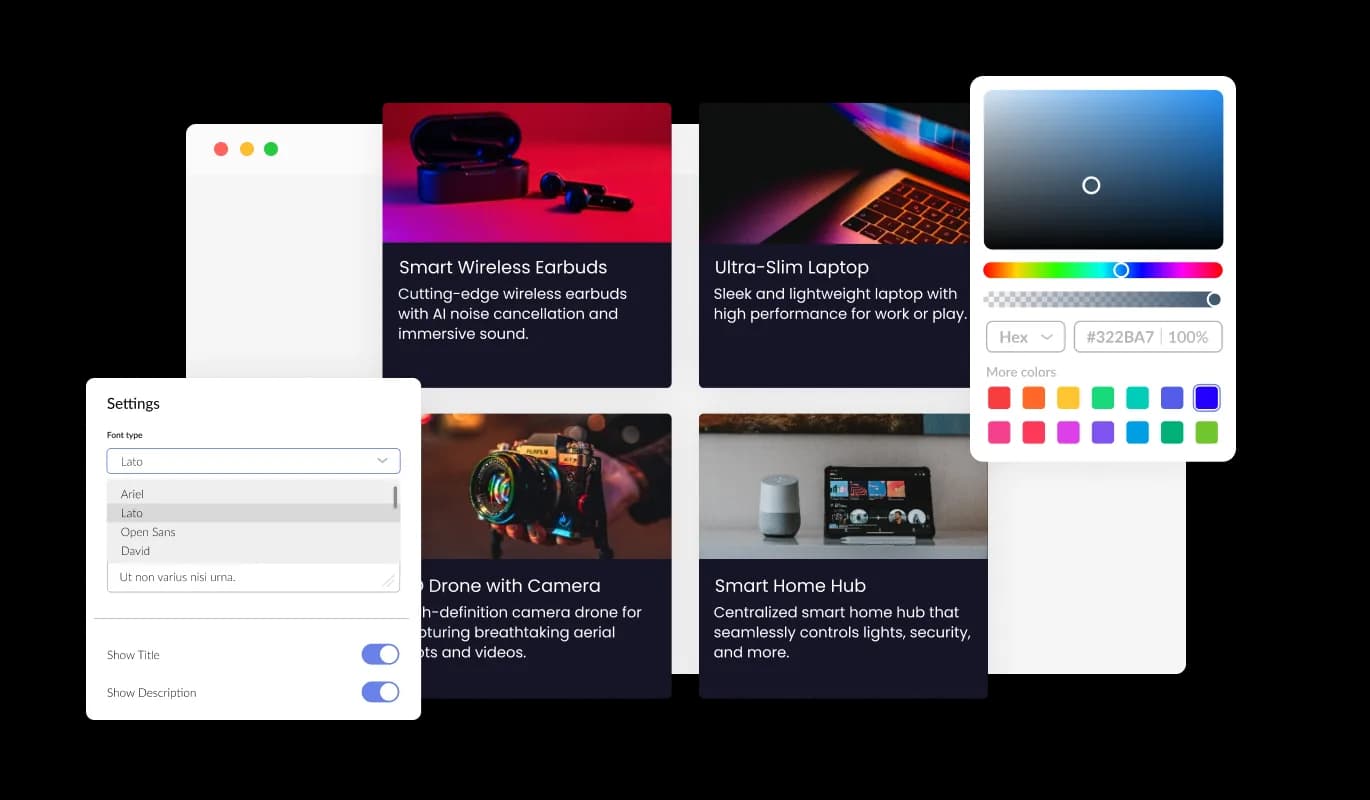
With the Catalog widget for Cloudflare Pages, you're in the driver's seat when it comes to design. Adjust various elements, from colors and fonts to spacings, ensuring it complements your brand or personal aesthetic. Whether you're aiming for a contemporary feel or a classic touch, the Cloudflare Pages Catalog widget offers a plethora of customization choices, allowing you to achieve the ideal design for your Cloudflare Pages website.

Catalog - Fully Customizable Cloudflare Pages Catalog widget

Perfectly Responsive Cloudflare Pages Catalog widget

The Cloudflare Pages Catalog widget is more than just a visual asset; it's an essential tool for modern website. It boasts a fully responsive design, ensuring it adapts gracefully to any device's screen size. In today's mobile-driven world, a site optimized for mobile viewing isn't just a luxury—it's a necessity. And with the Catalog widget, your Cloudflare Pages website will shine on any platform, providing you with a competitive advantage.

Catalog - Perfectly Responsive Cloudflare Pages Catalog widget

Custom CSS for Cloudflare Pages Catalog

Dive deep into the design with the Cloudflare Pages Catalog widget's advanced editor, granting you unparalleled control over its aesthetics. Tailor everything, from colors and fonts to layout nuances, suiting your unique taste. For those seeking a more intricate touch, direct CSS editing is at your disposal. Whether aiming for modest tweaks or extensive customizations, our advanced editor ensures your vision comes to life.

Catalog - Custom CSS for Cloudflare Pages Catalog

Easy to Embed Catalog on Cloudflare Pages websites

Embedding the Catalog widget on a Cloudflare Pages website is as simple as copying and pasting a given code snippet into your webpage's HTML. What's more, the widget's design prioritizes ease-of-use and adaptability. Any modifications made in the Catalog Editor automatically reflect on your Cloudflare Pages website, eliminating the hassle of manual updates and ensuring real-time synchronization.

Catalog - Easy to Embed Catalog on Cloudflare Pages websites

Compatible With All Site Builders, E-Commerce Platforms and Websites

View all supported platforms

FAQ

The Catalog Widget allows you to create and display a catalog of items on your website seamlessly. It offers organized presentations, customizable designs, and responsive layouts suitable for various devices.

No, you don't. The Catalog Widget is designed to be user-friendly with drag-and-drop features. There's no need for any prior coding knowledge to use and customize it.

Absolutely! The Catalog Widget is fully customizable, allowing you to adjust colors, fonts, and spacings, and even go into advanced customizations with direct CSS editing.

It's easy. Simply copy and paste the provided code snippet into the HTML of your webpage, and the widget will appear seamlessly.

Yes, the Catalog Widget is designed to be fully responsive, ensuring that it looks and functions optimally on any device, from desktops to smartphones.

Indeed, you can. The widget allows for product arrangement into distinct categories, making navigation and filtering easier for your visitors.

Any changes you make within the Catalog Editor will be automatically updated and reflected in the widget on your website, making management effortless.

Yes, the Catalog Widget supports integration via CSV or API, allowing for automatic product and item displays.

The Catalog Widget is designed with security in mind, ensuring that your data and user interactions are protected.

The advanced editor within the Catalog Widget provides an option for direct CSS editing, allowing for intricate design customizations.

Yes, for each item in your catalog, you can display a title, description, and image.

The Catalog Widget is optimized for performance, ensuring minimal impact on website load times.

Yes, we consistently work on improving the widget and regularly roll out updates to enhance functionality and user experience

Certainly! Our support team is always ready to assist with any challenges or questions you might have regarding the widget.